MiniMax H3 Video Generator

MiniMax H3 renders 2K 24fps video with native stereo audio and 21:9 widescreen, ready to post the moment it lands. Try MiniMax H3 on Ricebowl AI for free.

Estimated — credits

MiniMax H3 · Hailuo 3.0 · Native Stereo Audio

Key features of MiniMax H3, each proved by the clip beside it.

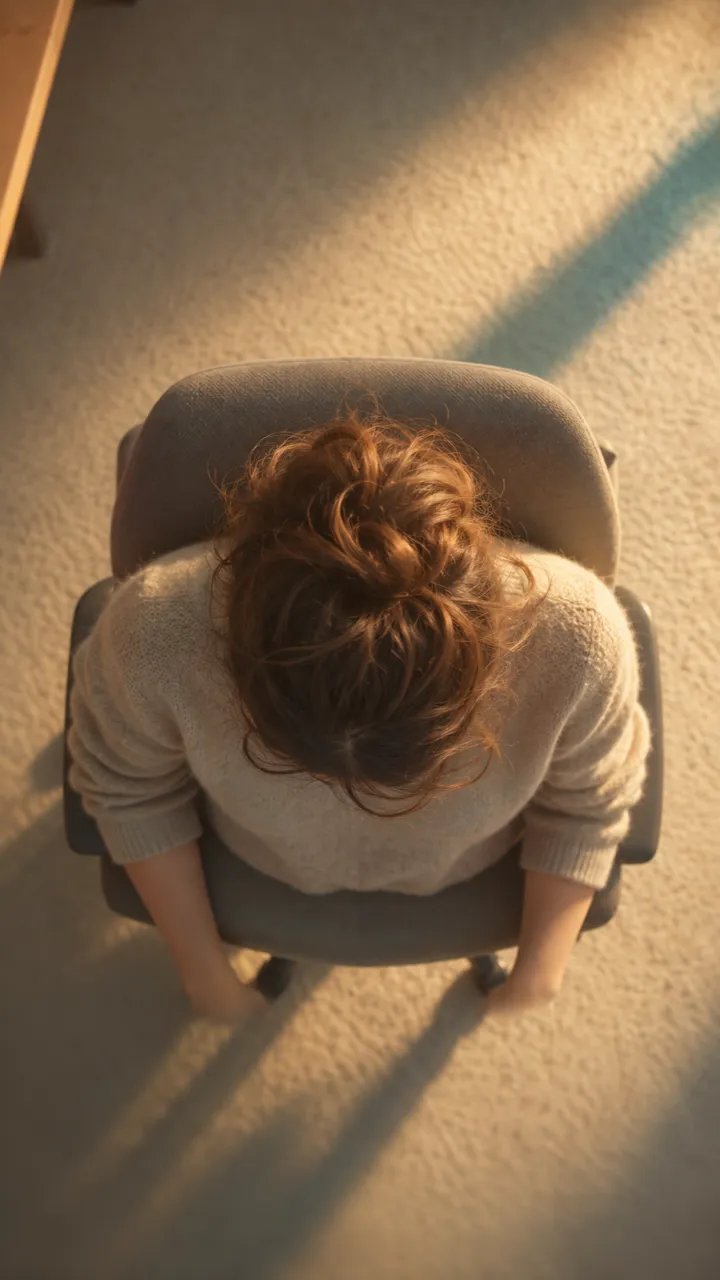
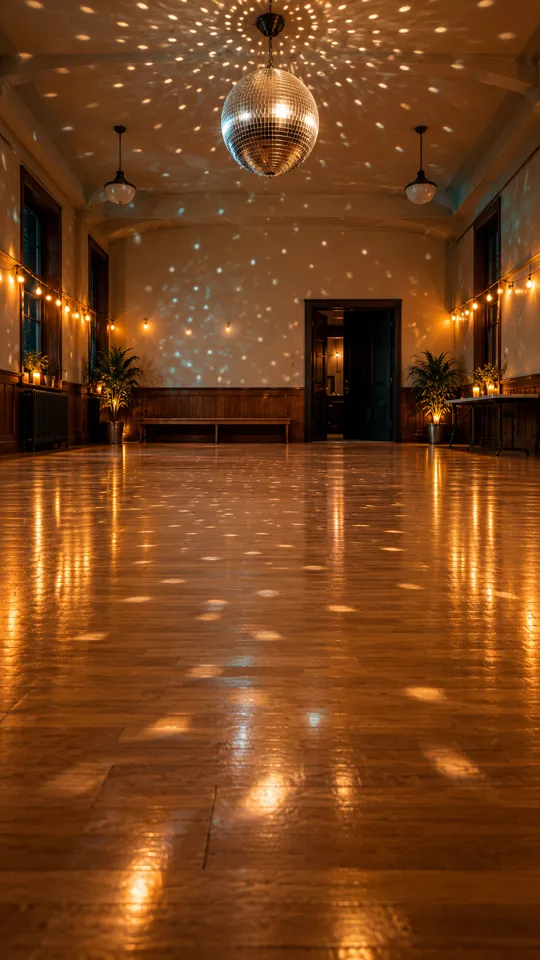
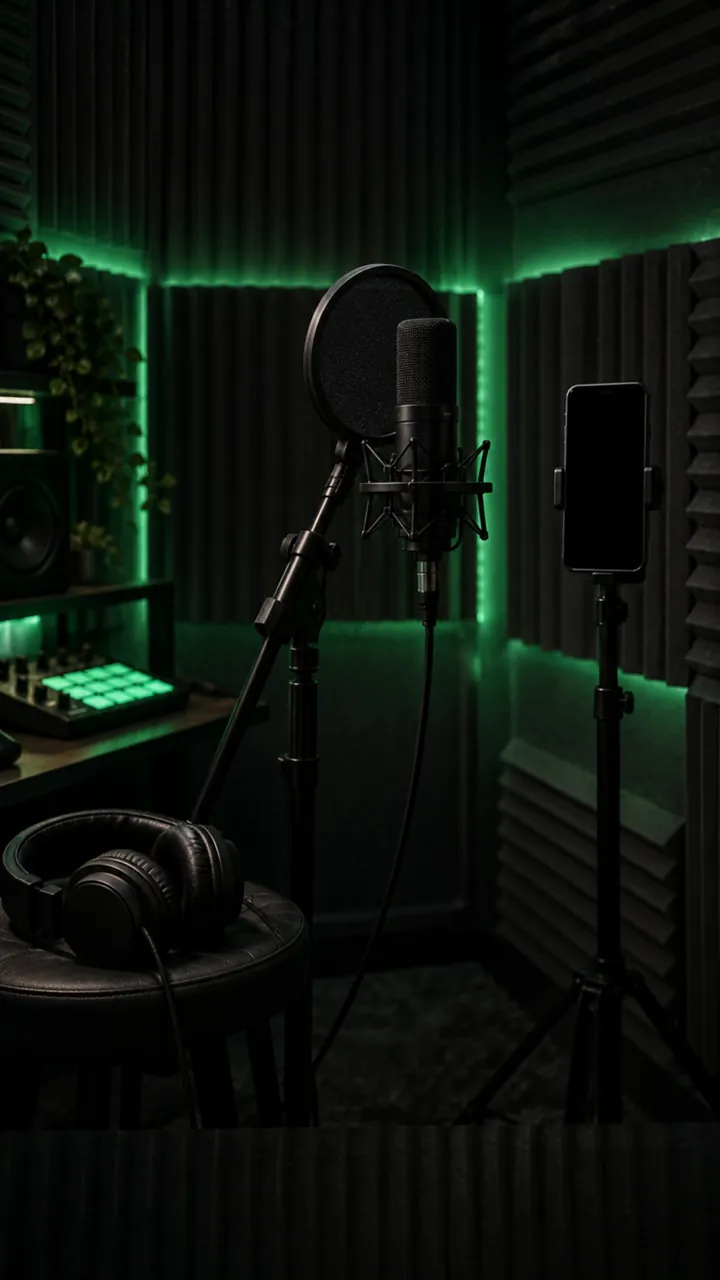
Every clip below was rendered by MiniMax H3 through this generator, sound included. Each feature takes one step out of the old workflow: the sound session, the crop, the re-shoot for a face that drifted, the frame you had to fake in an editor.

Scene 01

Native Audio GenerationStereo Sound In The Same Render

MiniMax H3 removes the separate audio pass. Every clip lands as an MP4 with 32 kHz stereo already on it: tires on wet pavement, a room tone, a character speaking a line, all generated with the frames and steered by the same prompt. Upload a voice take or a music bed and the lip shapes, gestures, and cuts land on your track instead of drifting off it.

  • Dialogue, ambience, and effects synced to the action
  • Optional reference audio locks lips and cuts to your track
  • Write "no dialogue, ambient sound only" for a quieter cut

Scene 02

Production-Ready 2K At 24fpsResolution

MiniMax H3 skips the upscaler. Draft at 768p while you find the shot, then render the keeper at 2560x1440 from the same prompt and download an MP4 with no watermark. Macro metal, fabric weave, and small product type stay readable at 2K, which is where most video models turn to mush.

  • 768p for drafts, 2K for the take you ship
  • 2560x1440 MP4, 24fps, no watermark
  • Same prompt, same references, one click higher

Scene 03

Character Consistency From Nine ReferencesOmni Reference

MiniMax H3 solves the character morphing problem. Feed it up to nine stills of the same face, product, or set and it holds the exact likeness across cuts, lighting changes, and a whole batch of clips. That is the difference between a presenter who survives a six-shot edit and one who quietly becomes somebody else halfway through. The first five references are included in the price; six through nine add three credits each.

  • Nine reference images per job
  • Faces, products, and set dressing all hold
  • Same references can drive a whole campaign

Scene 04

21:9 Widescreen Without CroppingCinematic Framing

MiniMax H3 renders a true 21:9 frame, so a trailer or a wide display ad comes back already shaped the way you need it, with no letterbox pass and no picture lost to a crop. Six aspect ratios in total cover the cinema screen, the feed, and the phone.

  • 21:9 is native, not a post-production crop
  • Six aspect ratios, from 21:9 to 9:16 vertical
  • Up to 15 seconds in a single MiniMax H3 render

Scene 05

Keyframe Control With First And Last FrameFrame Control

Hand MiniMax H3 a start image and an end image and it fills the motion between them, sound included. This is the shortcut for logo stings, product reveals, and any shot where the client has already approved both ends and only the middle is up for discussion.

  • First frame only, or first and last together
  • Ideal for transitions between two approved stills
  • Combine with 21:9 for a widescreen opener

WHAT MAKES MINIMAX H3 STAND OUT

Why creators pick MiniMax H3and how to set up the shot so the first render lands

Where MiniMax H3 stands out

  • Sound and picture in one pass: MiniMax H3 generates dual-channel stereo audio, dialogue, ambience, and effects, in the same render as the frames, so a clip is ready to publish without a sound session.
  • A camera you direct in plain language: Write the move, a slow push-in, a crane sweep, a handheld follow, and the model executes it instead of guessing, so the shot serves the story you had in mind.
  • Multi-shot sequences from one prompt: Describe the cut and MiniMax H3 changes angle inside a single render, returning an edited sequence rather than one long static take.
  • Top of the independent rankings: On the Artificial Analysis video arena MiniMax H3 ranks first in video editing and top three in text-to-video and image-to-video, and reviewers keep praising how closely it follows the prompt.
  • Production-ready output: 2K at 24fps, up to 15 seconds per clip, six aspect ratios including 21:9, and nine reference images. Here a 768p six-second clip is 20 credits, exactly what a new account starts with.

Know before you render

  • Start from stills, not footage: On this page MiniMax H3 takes text, images, and reference audio. Bring product shots, character sheets, or a first and last frame; an existing video clip is not an input here.
  • Say what you want to hear: The model writes sound by default. Ask for a spoken line and it lands; write "no dialogue, ambient sound only" or "real-time speed" when you want a quiet, natural-pace cut.
  • Plan long stories as clips: A single render runs 6, 10, or 15 seconds. For a longer piece, render each scene with the same references and cut them together.
  • Frame faces medium or close: Faces stay sharpest when they fill a good part of the frame. Save the wide shot with a distant subject for landscapes and crowds.

WHO USES MINIMAX H3

MiniMax H3 use cases, from vertical ads to pre-visualization

01

Marketing and advertising teams

Generate 9:16 vertical ads with music, effects, and a spoken line already in the file, then re-render the winning script at 2K for the placements that pay. MiniMax H3 turns a product still and a paragraph into a finished spot in minutes.

02

E-commerce stores

Turn static product photography into a rotating showcase with atmospheric light and background audio. Nine references keep the label, the stitching, and the color exactly right through the whole turn.

03

Social media creators

Keep one digital persona consistent across a month of videos with the same reference set, and fit a whole hook into a single 15-second clip instead of stitching two together.

04

Filmmakers and directors

Write the camera move in plain language and get an animatic with the right tracking shot, the right crane, and a 21:9 frame before anyone books a set. Multi-shot prompts return a cut sequence, not a single take.

05

Game developers

Prototype a character combat beat or a CG trailer with multi-angle cuts and synchronized environmental audio, using the same character sheet as reference so the hero looks the same in every shot.

06

Musicians and podcasters

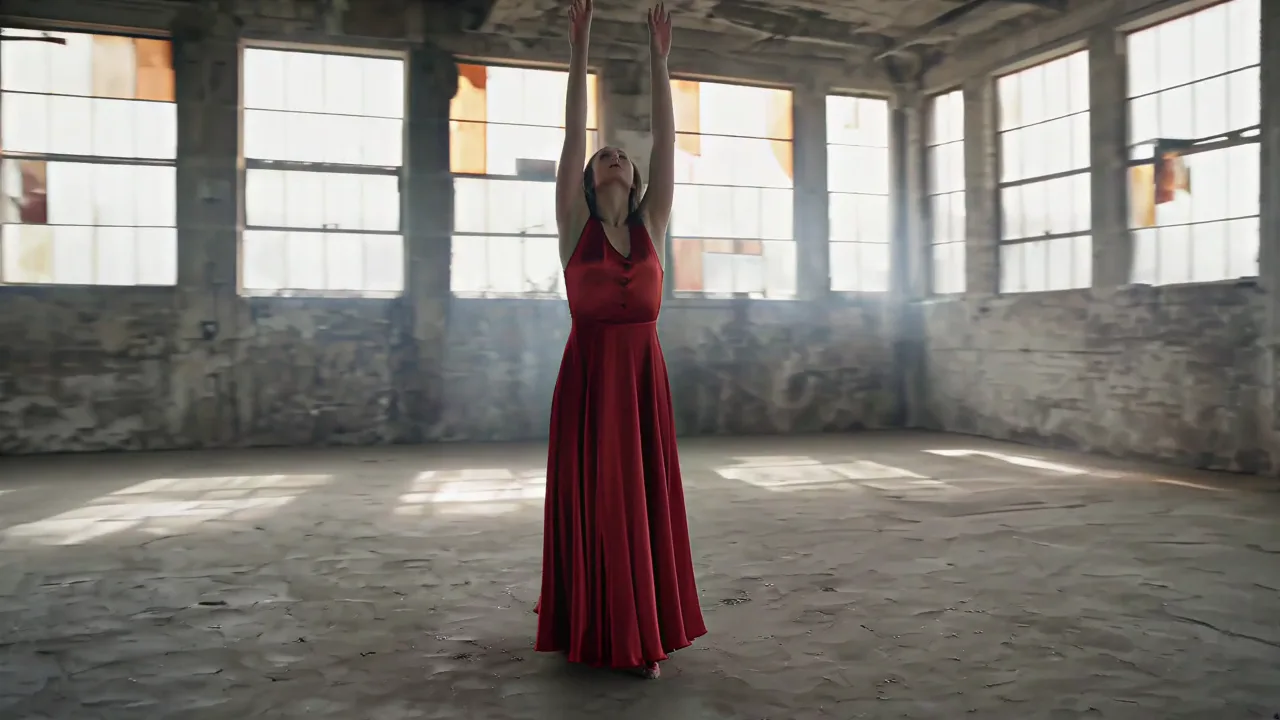
Upload the track as reference audio and MiniMax H3 lands the cuts, the gestures, and the lip shapes on it, turning a single or an episode clip into a visualizer without a timeline session.

COMPARISON

MiniMax H3 vs Seedance 2.0 vs Kling 3 Omni

FeatureMiniMax H3Seedance 2.0Kling 3 Omni
Audio GenerationNative dual-channel stereo on every render, plus optional reference audioNative audio, on by defaultNative audio, billed as a separate SKU
Resolution768p and 2K (2560x1440) at 24fps480p, 720p, 1080p1080p and 4K
Longest Single Clip15 seconds15 seconds10 seconds
Aspect RatiosSix, including 21:9 widescreenLandscape and portraitLandscape and portrait
Reference Images992
Input OptionsText, image, and reference audioText, image, video, and audioText and image
Best ForSound-on clips, widescreen, and 2K finishesRestyling or extending an existing videoTalking characters and lip-sync
Best Choice WhenYou want a finished, sound-on clip in one render, in 21:9 or 2KYou have a video or audio file that should steer the resultYou need a character who talks and stays on model

Veo 3.1 also runs on this site and is the other model people weigh MiniMax H3 against. Veo caps a single shot near 8 seconds where MiniMax H3 reaches 15, and MiniMax H3 costs around a third as much per second. Veo has the edge on 4K cinematic texture, so when one 4K hero shot is the whole deliverable, switch to Veo 3.1 in the model picker. For sound-on clips, length, widescreen, or volume, MiniMax H3 is the pick.

HOW IT WORKS

How to Use MiniMax H3 on Ricebowl AI for Free

Try MiniMax H3 for Free

01

Choose the MiniMax H3 model

The generator at the top of this page already has MiniMax H3 selected. A new account arrives with enough credits for a first 768p render, so there is nothing to install and nothing to buy before you start.

02

Write the shot, the camera, and the sound

MiniMax H3 rewards a prompt with four parts: the subject and what it does, the camera move, the lighting, and one line about sound ("soft rain, no dialogue" or "she says: we open Friday"). Add up to nine reference images to lock a face or a product, or upload an audio track if the performance has to land on it.

03

Generate, then download the MP4

Pick 21:9 for widescreen, set 6, 10, or 15 seconds, choose 768p or 2K, and press generate. The finished clip, stereo audio included, appears in the feed below and downloads straight from the card.

AI Video Generator Pricing

One balance, every model. Credits work across all 18 video models — no watermark, no tier-locked models, commercial use on every paid plan.

Save 30% billed annually

Flexible monthly subscription.

Starter Monthly

Enough credits to try every model and finish a few clips each month.

$29.9/mo

Renews monthly, cancel anytime.

1,000 credits

≈ 3–50 videos, depending on the model

≈ 71–333 images, depending on the model

2.99¢ / credit

2 parallel tasks

  • 1080p · No watermark · Commercial use
  • Credits reset every billing month
  • Access to all models
  • Watermark-free outputs
  • Buy an add-on credit pack
  • Standard support

Standard Monthly

Popular

Steady output for solo creators going pro — every model, a comfortable budget.

$49.9/mo

Renews monthly, cancel anytime.

2,000 credits

≈ 6–100 videos, depending on the model

≈ 142–666 images, depending on the model

2.50¢ / credit

3 parallel tasks

  • 1080p · No watermark · Commercial use
  • Credits reset every billing month
  • Access to all models
  • Watermark-free outputs
  • Buy an add-on credit pack
  • Priority support

Advanced Monthly

High-volume production for prolific creators and small teams.

$89.9/mo

Renews monthly, cancel anytime.

5,000 credits

≈ 15–250 videos, depending on the model

≈ 357–1666 images, depending on the model

1.80¢ / credit

5 parallel tasks

  • 1080p · No watermark · Commercial use
  • Credits reset every billing month
  • Access to all models
  • Watermark-free outputs
  • Buy an add-on credit pack
  • Priority support

MiniMax H3 Questions

What the model is, what it can make, and how to get the first render right.

What is MiniMax H3?

MiniMax H3, also called Hailuo 3.0, is a 33 billion parameter omni-modal video model from MiniMax. It reads text, images, and audio and renders 24fps video with synchronized dual-channel stereo audio in a single pass. On this page it generates clips of 6, 10, or 15 seconds at 768p or 2K (2560x1440), in six aspect ratios including 21:9, with up to nine reference images.

Can I use MiniMax H3 for free?

Yes. Ricebowl AI gives new users limited free credits, enough for a first MiniMax H3 render at 768p without entering a card. Sign up and the generator at the top of this page is ready to go. For continued access, 2K output, 15-second clips, and commercial use, a paid plan is required.

Does MiniMax H3 generate audio, and can I turn it off?

Yes. MiniMax H3 generates 32 kHz stereo audio, dialogue, ambience, and effects, in the same pass as the picture, so every clip you render here downloads with sound already on it, and no extra credits are charged for it. You can also upload a voice take or a music bed as reference audio, and lip shapes, gestures, and cuts will follow your track. For a quiet clip, write "no dialogue, ambient sound only" in the prompt, or mute the track in your editor; the picture is unaffected.

How do I write a MiniMax H3 prompt for cuts, camera moves, and dialogue?

Write it like a shot list. Name the subject and the action, then the camera move in plain words ("slow push-in", "handheld follow", "crane up to reveal the skyline"), then the light, then the sound. For a scene change, write the cut into the prompt: "cut to a wide shot of the harbor at dusk". For a spoken line, put it in quotes after the speaker: "she says: we open Friday". If a clip comes back in slow motion, add "real-time speed". You do not need prompt engineering skills: start with one sentence, watch the first render, and add one instruction at a time.

How long can a MiniMax H3 video be, and what sizes does it support?

A single MiniMax H3 render runs 6, 10, or 15 seconds at 24fps. Two resolutions are available, 768p and 2K at 2560x1440, and six aspect ratios: 16:9, 9:16, 4:3, 3:4, 1:1, and 21:9. For a longer piece, render each scene as its own clip with the same reference images and cut them together; the references keep the character and the look consistent across the sequence.

What is the difference between MiniMax H3 and MiniMax H3 Max?

MiniMax H3 Max is the fast variant. It returns in seconds rather than minutes, but it caps at 768p, does not offer 2K, and does not take reference images or audio; it works from a text prompt plus a first or last frame. MiniMax H3, the model on this page, is the one to use when a shot needs reference material, audio direction, or a 2K finish.

How is MiniMax H3 different from Veo 3.1, Kling 3, and Seedance 2?

MiniMax H3 is the long, wide, sound-on option: 15 seconds in a single clip, a native 21:9 frame, stereo audio on every render, and roughly a third of Veo 3.1's per-second price. Veo 3.1 caps a shot near 8 seconds but has the stronger 4K cinematic look, so it wins when one hero shot is the whole job. Kling 3 Omni is the pick when a character has to speak and lip-sync has to hold, though it takes two reference images and stops at 10 seconds. Seedance 2.0 accepts a video as input, so it is the one to use when you need to restyle or extend an existing clip. All four run on this site, so you can switch in the model picker.

Can I use MiniMax H3 videos commercially?

Yes. Clips you render here on a paid plan are yours to use commercially, including client work and paid advertising, and they carry no watermark. Keep the usual rules in mind: use reference images of people and brands you have the rights to, and check the ad policies of the platform where the clip will run.

Create cinematic video with stereo audiousing MiniMax H3

One prompt, 21:9 if you want it, 2K if you need it, stereo audio either way, and an MP4 in the feed a couple of minutes later.

Try MiniMax H3 for Free

CREDITS INCLUDED WITH A NEW ACCOUNT · 2K MP4 · STEREO AUDIO · NO WATERMARK