E-commerce sellers
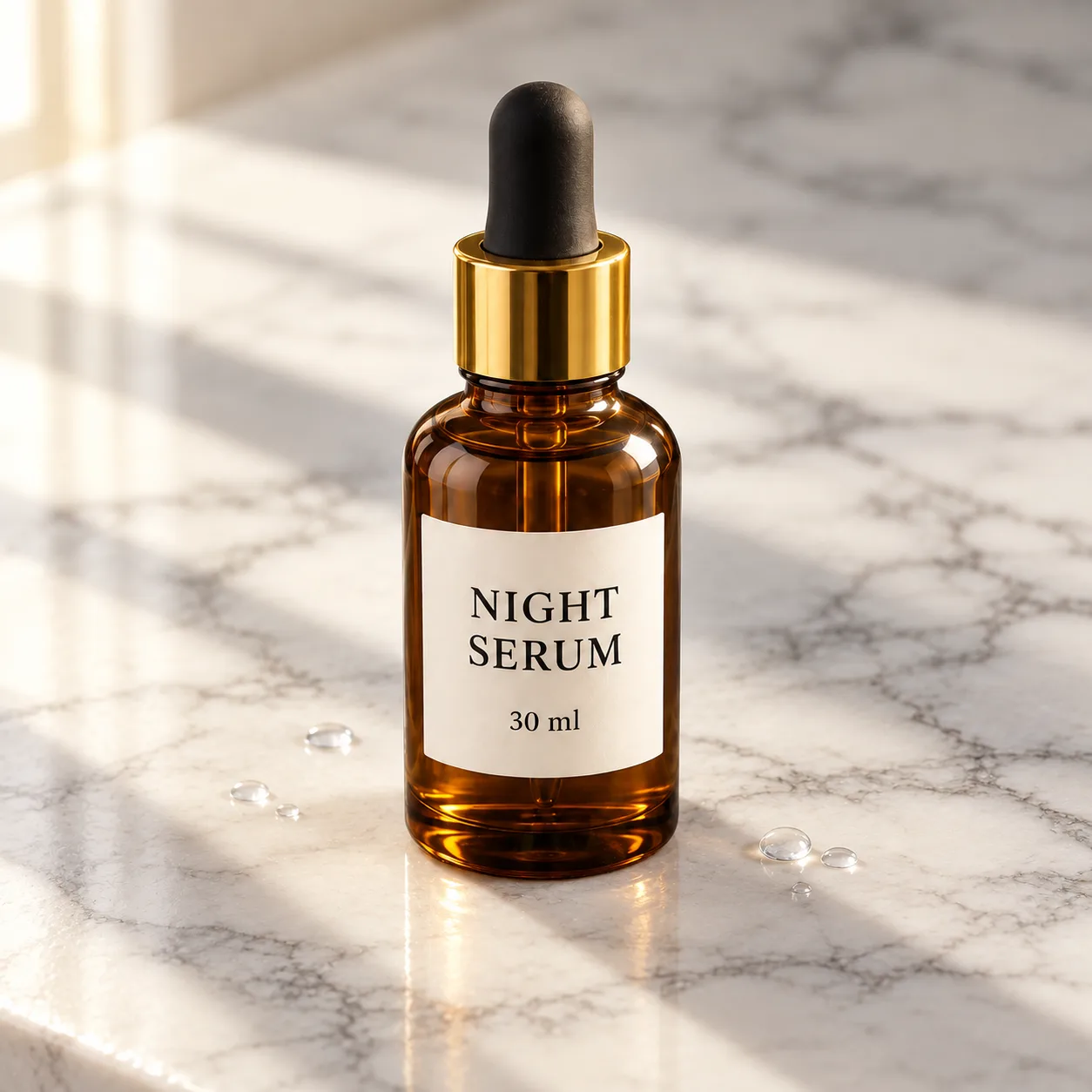
Shoot the product once, then place it on marble, linen, a kitchen counter or a beach. High-fidelity reference handling keeps the label and the shape intact across every variation.
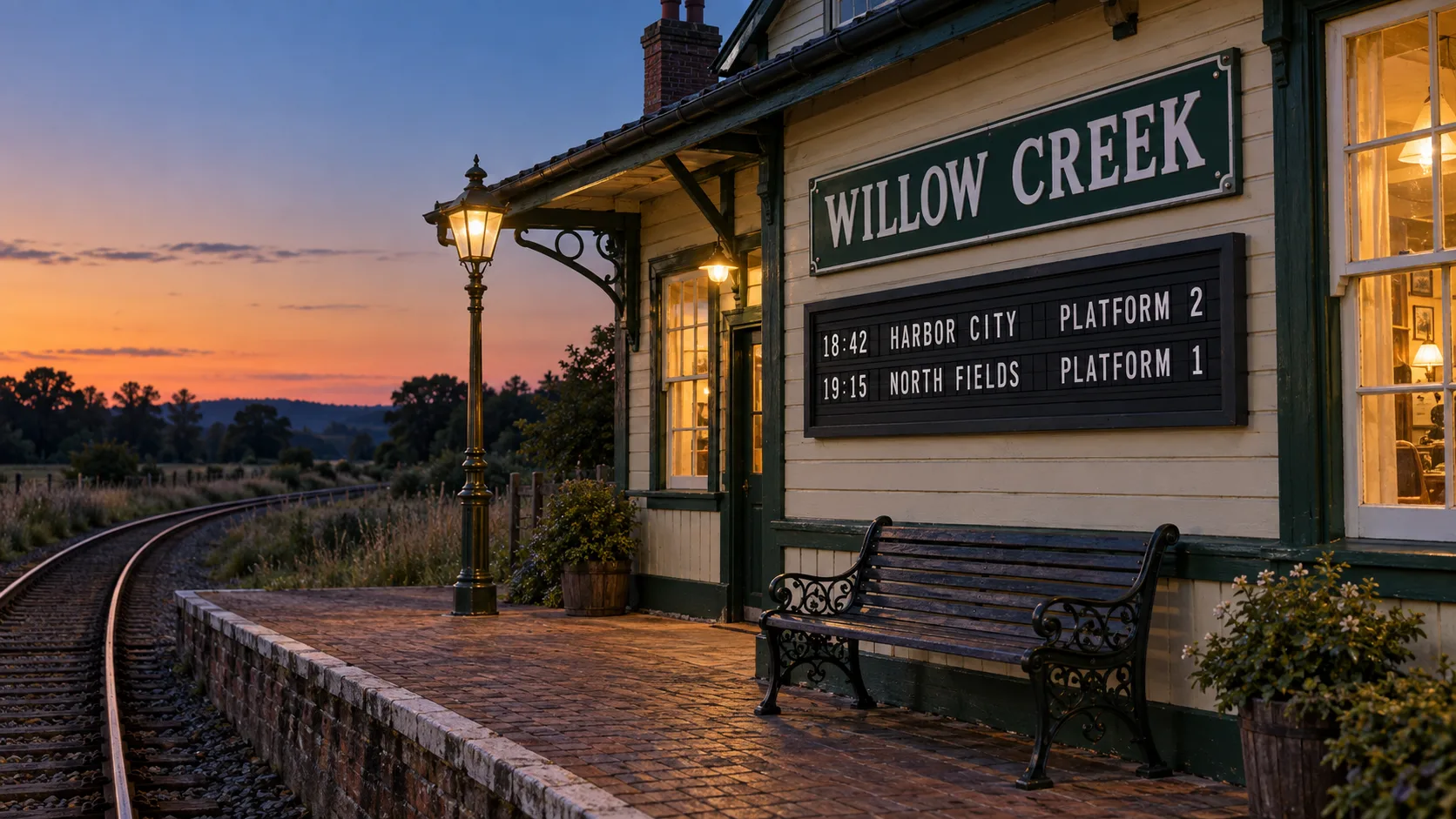
GPT Image 2 is OpenAI's image model for generation and editing, locked to the gpt-image-2-2026-04-21 snapshot. It reads every reference image at high fidelity and renders up to 4K. Pick a size below and your sign-up credits cover the first image.


GALLERY
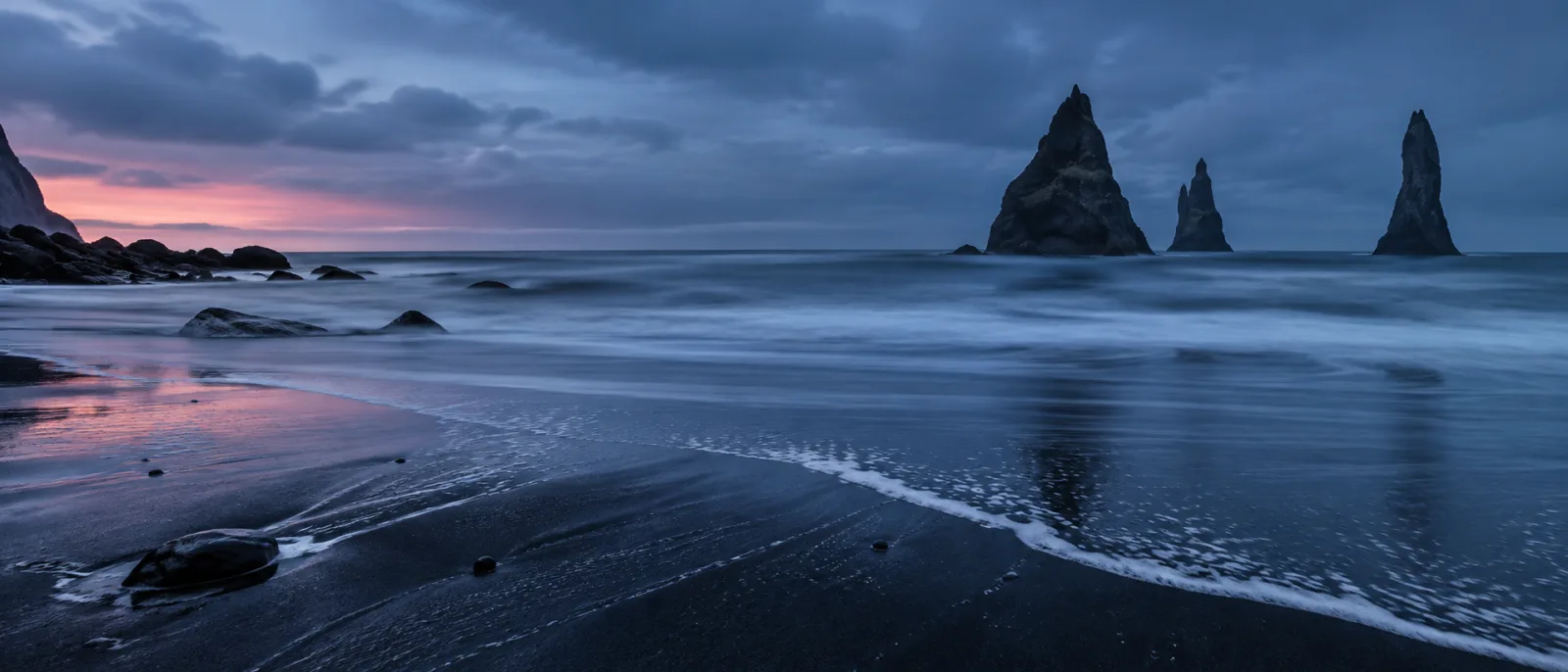
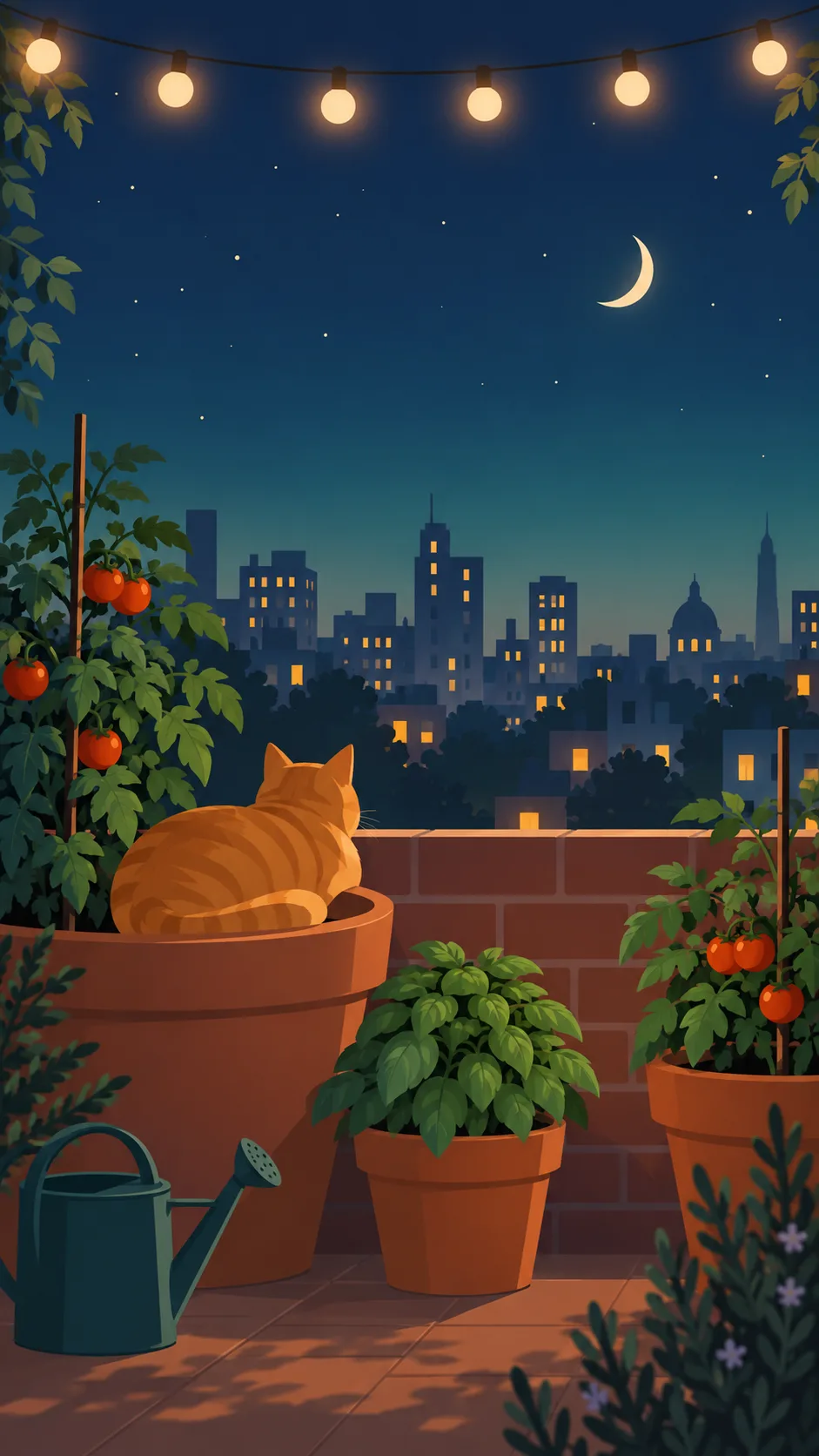
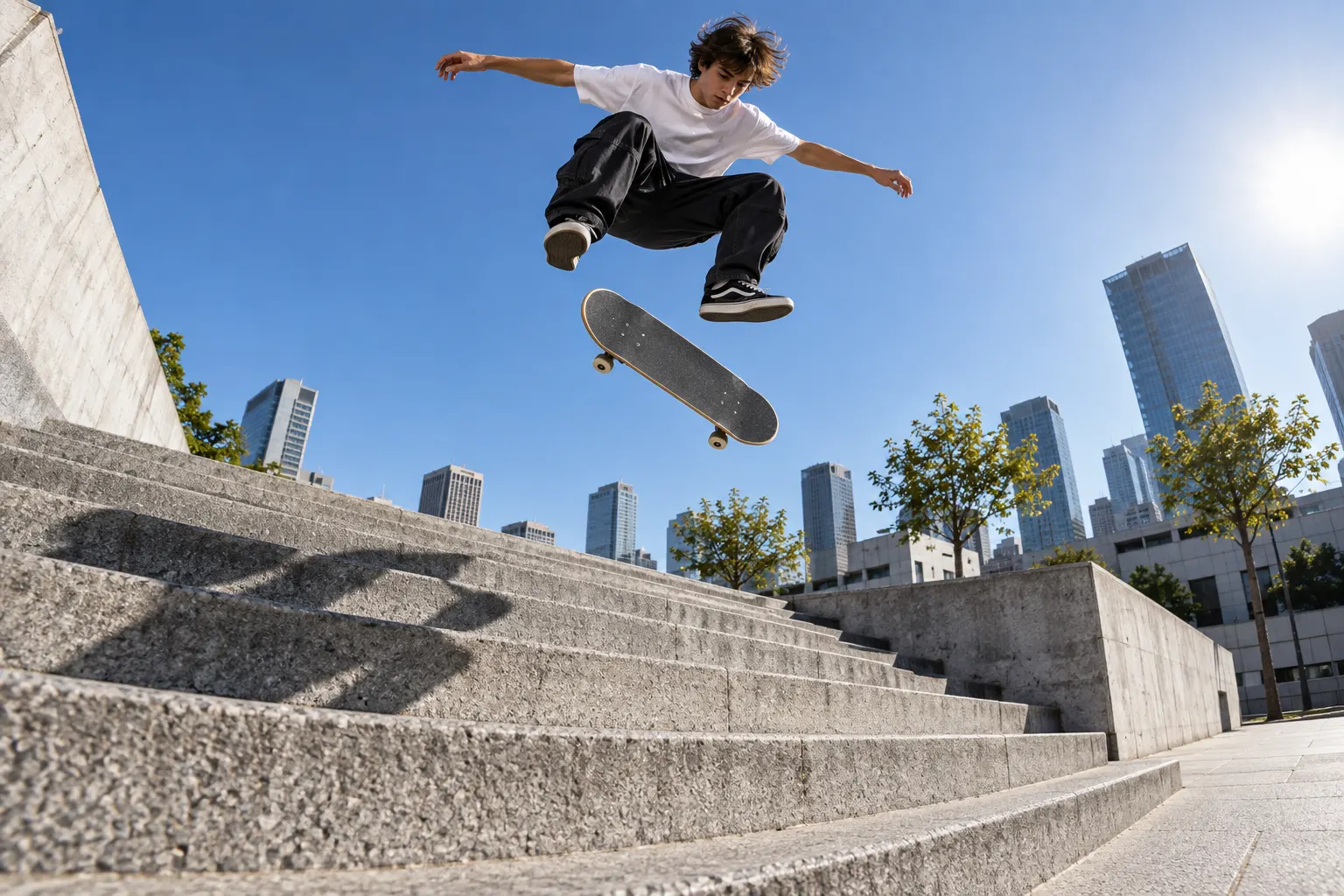
CAPABILITIES
Feature 01
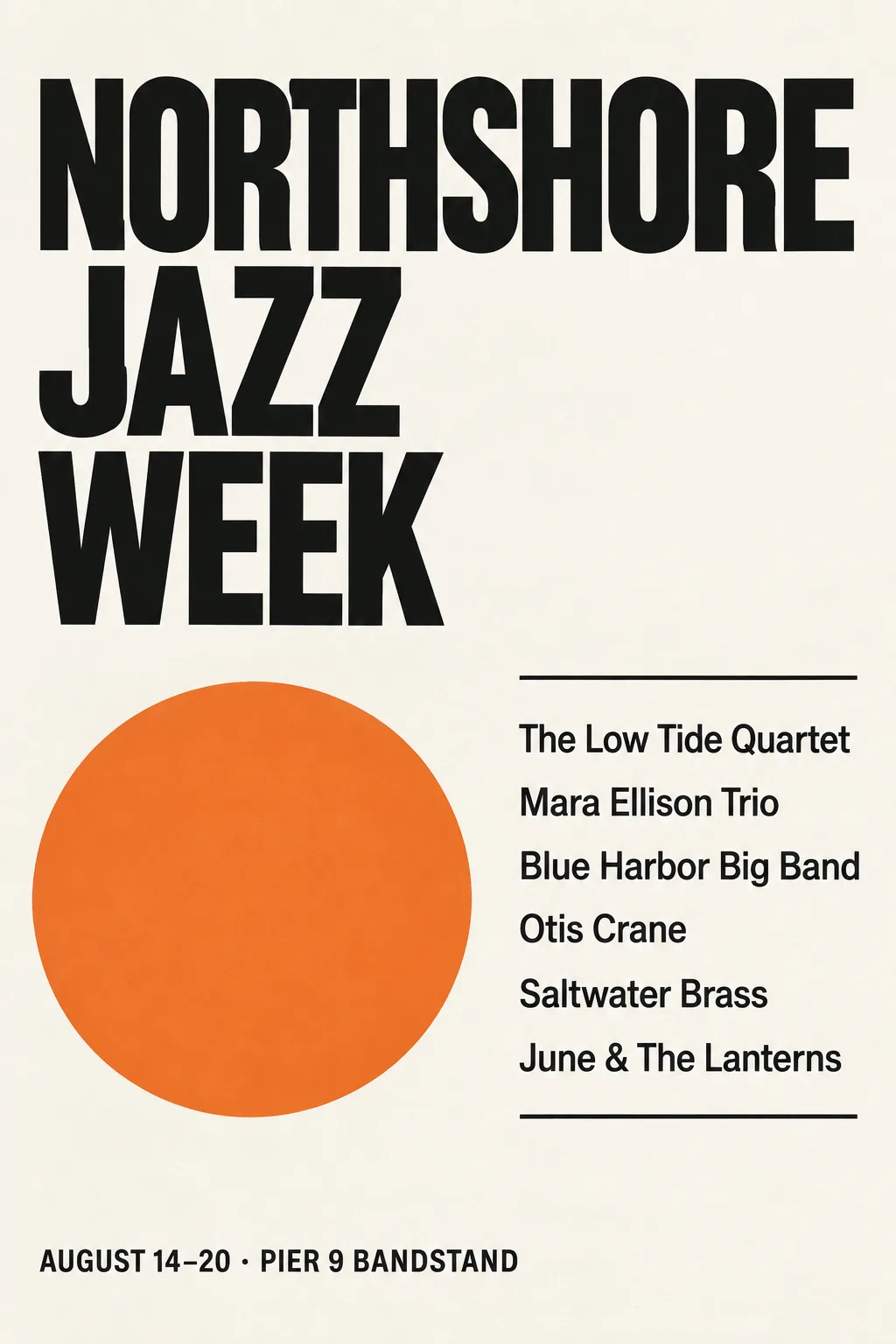
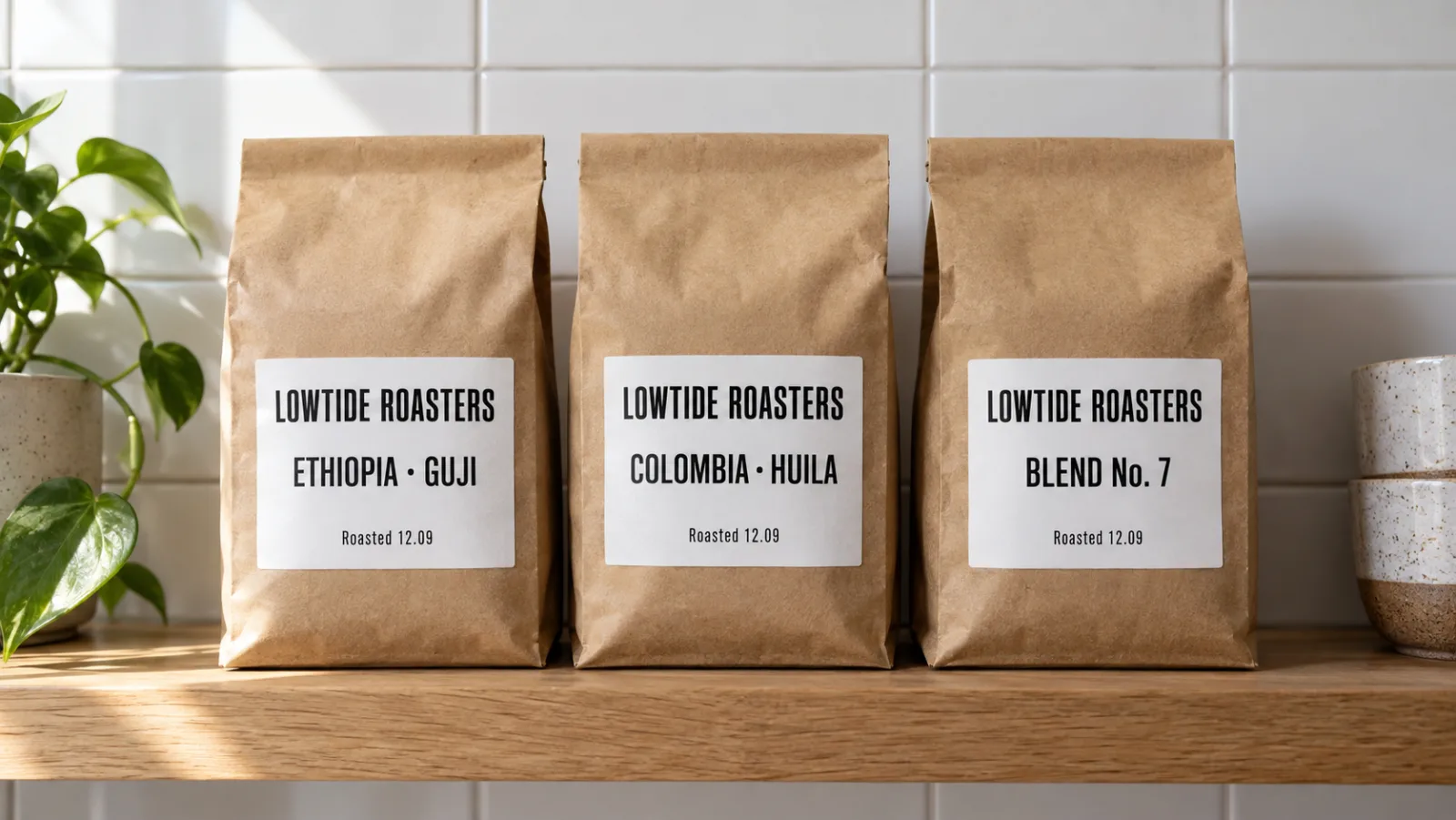
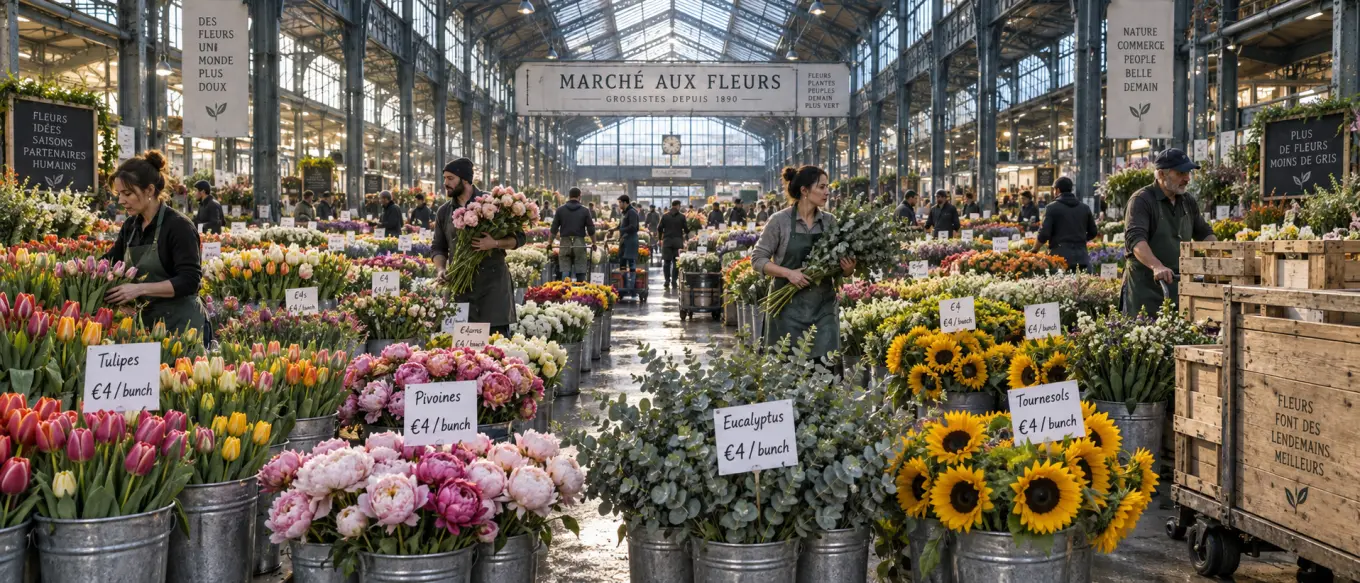
Words inside an image were the classic giveaway of AI art. GPT Image 2 gets headlines, product labels, shop signs and short captions right far more often than the generation before it, which is why ad and packaging mockups are its most common job. OpenAI is candid that the model can still slip on precise placement, so put the exact words in quotes, say where they go, and keep a single block of copy per image when the layout matters.
Feature 02
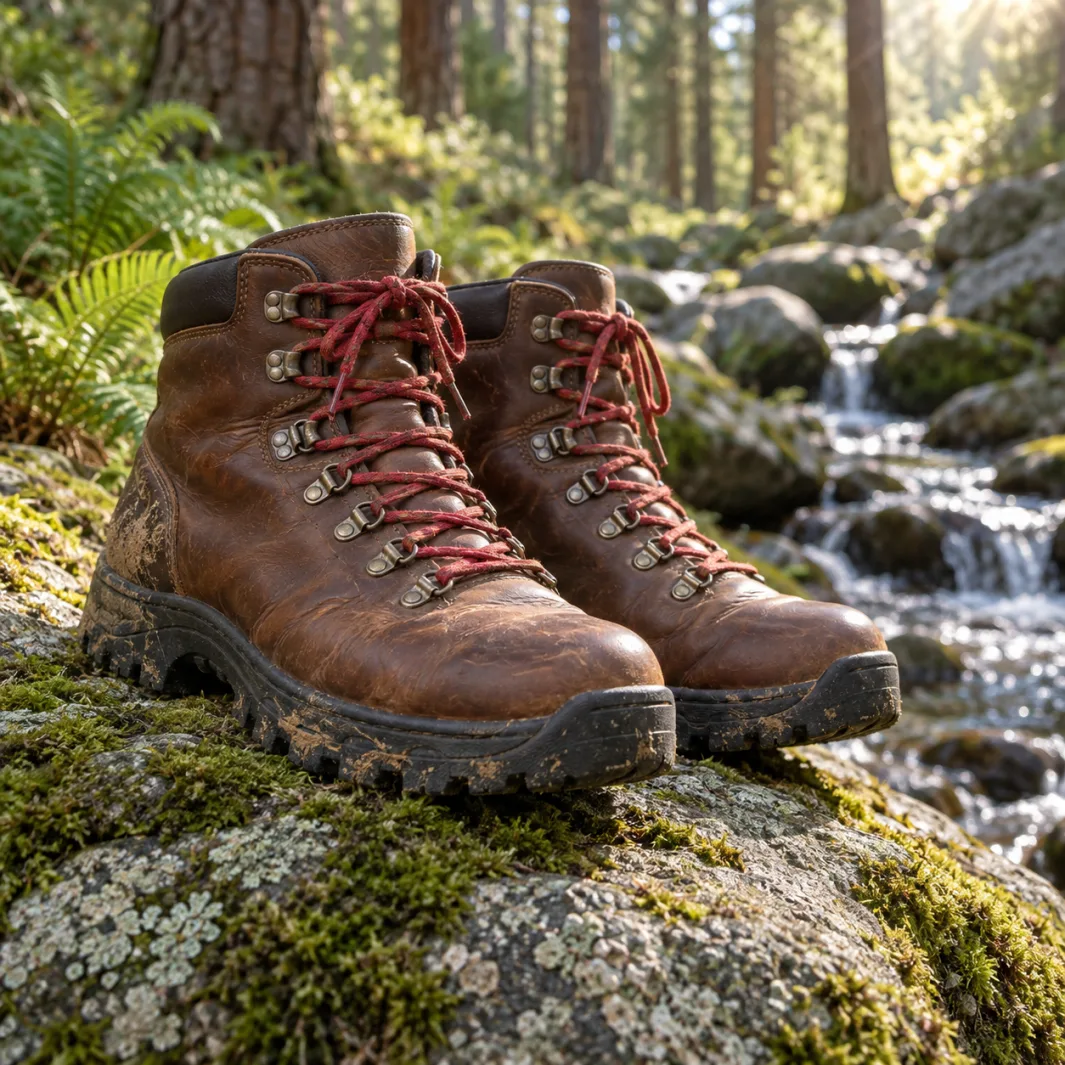
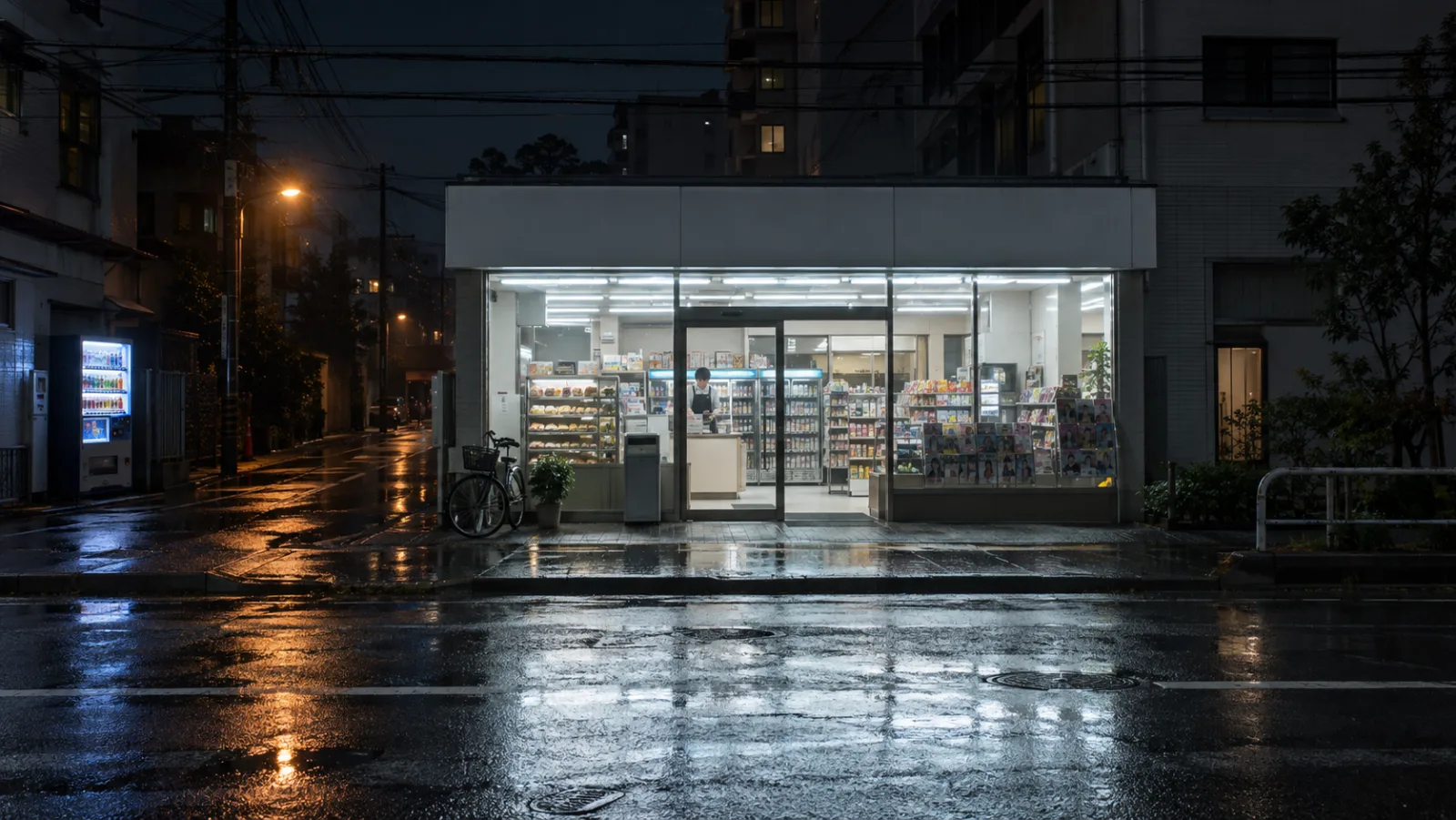
Ask for a Tokyo convenience store at 2 a.m., a 1970s kitchen or a ceramic mug with a drip glaze and the model fills in the details that make it believable: the signage style, the light temperature, the way glaze pools at the base. The same understanding helps with product photography, where materials such as brushed metal, frosted glass and linen need to read correctly at a glance.
Feature 03
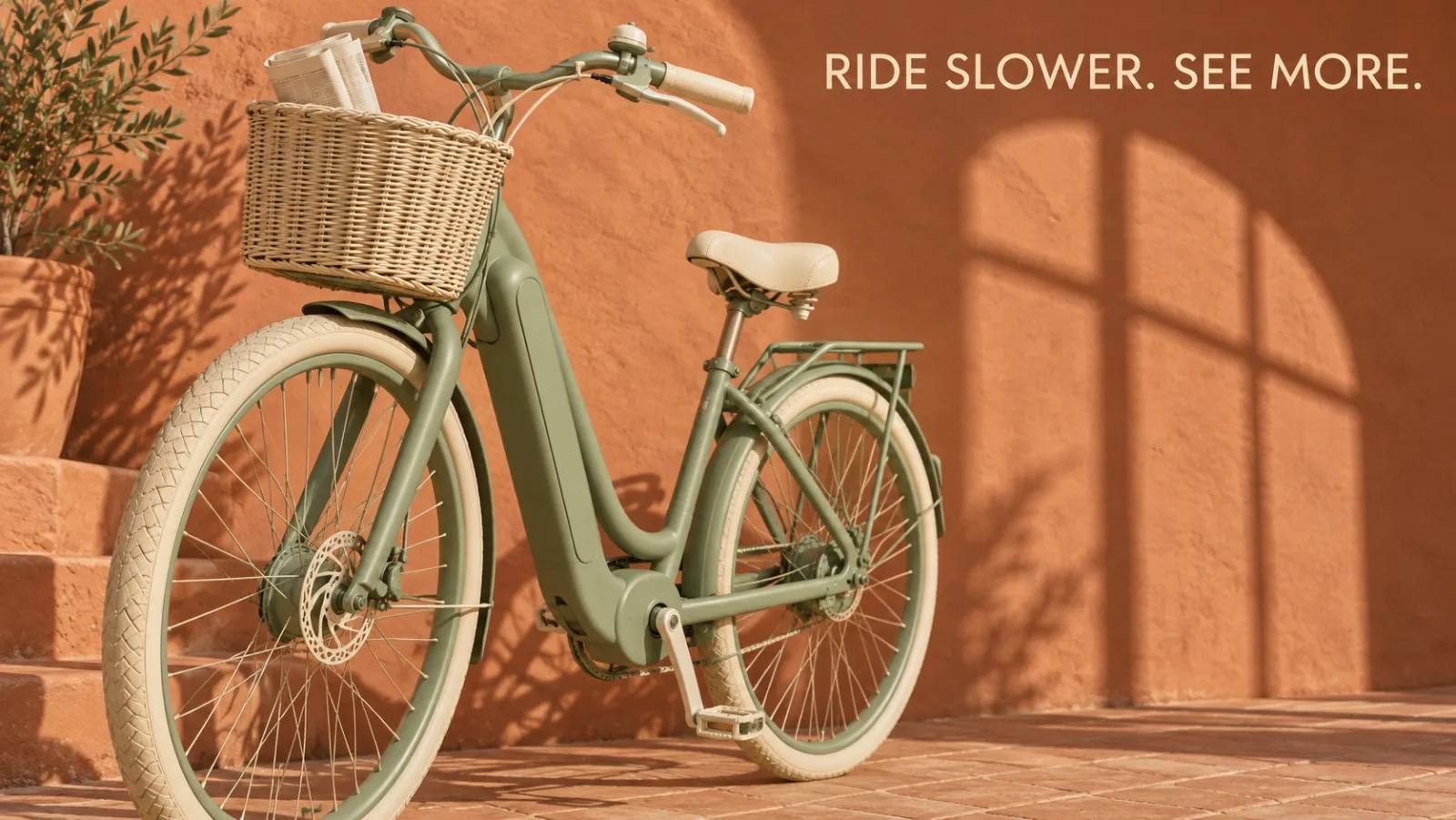
OpenAI's model accepts almost any size: edges up to 3840 pixels, multiples of 16, and a ratio up to 3:1, which covers 4K landscape and portrait. On Ricebowl you choose 1K, 2K or 4K and one of eleven aspect ratios from 21:9 to 9:21. One honest note from OpenAI's own guide: sizes above 2560x1440 are still labelled experimental, so render at 2K first and move to 4K once the composition is right.
Feature 04
Give it a brief with a subject, a background, a camera angle, a colour palette and a line of copy, and the image keeps all five. That matters most for commercial work, where a missing logo or the wrong colour makes an image useless. Write prompts like a creative brief, one clause per requirement, and the output tracks it clause by clause.
Feature 05
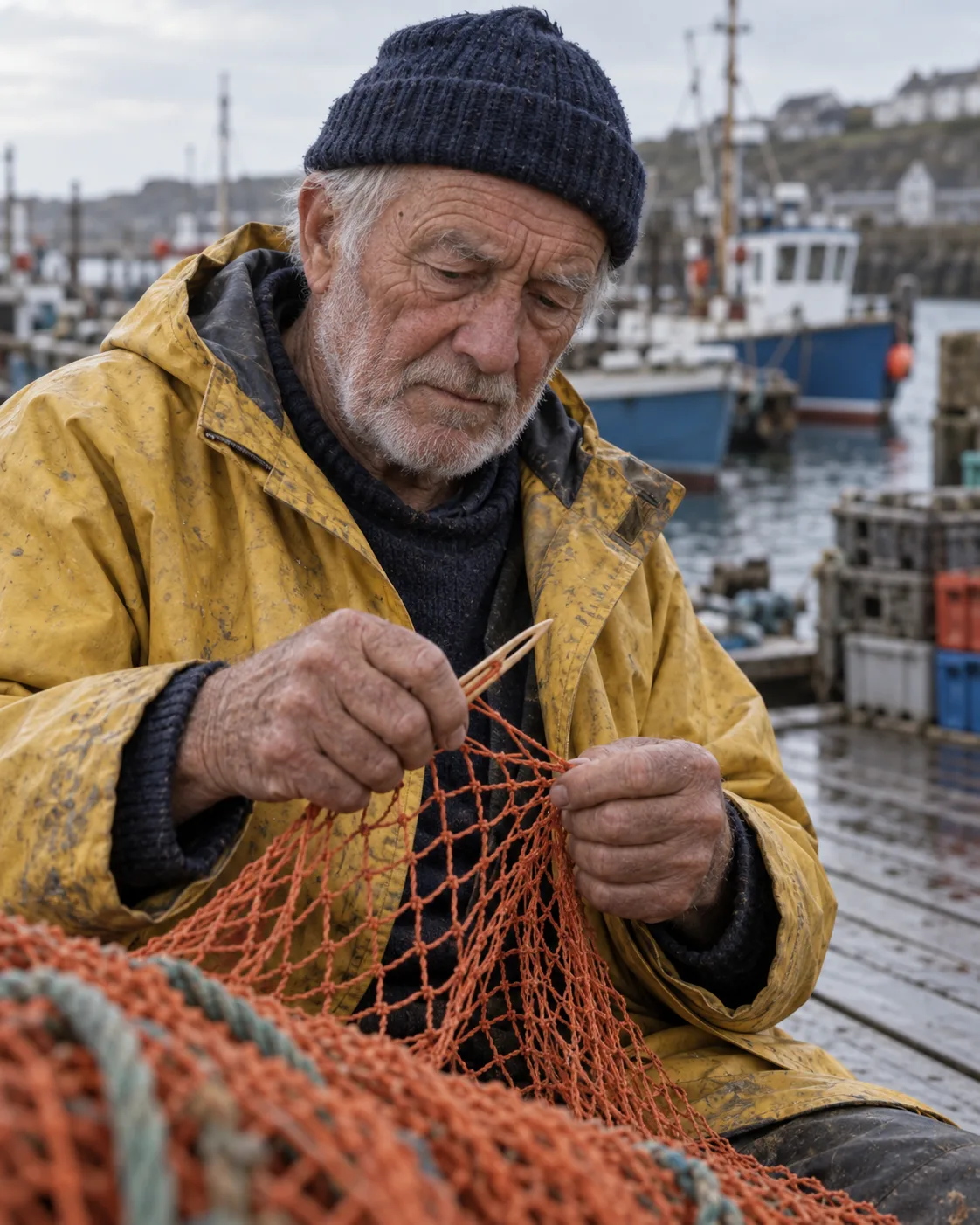
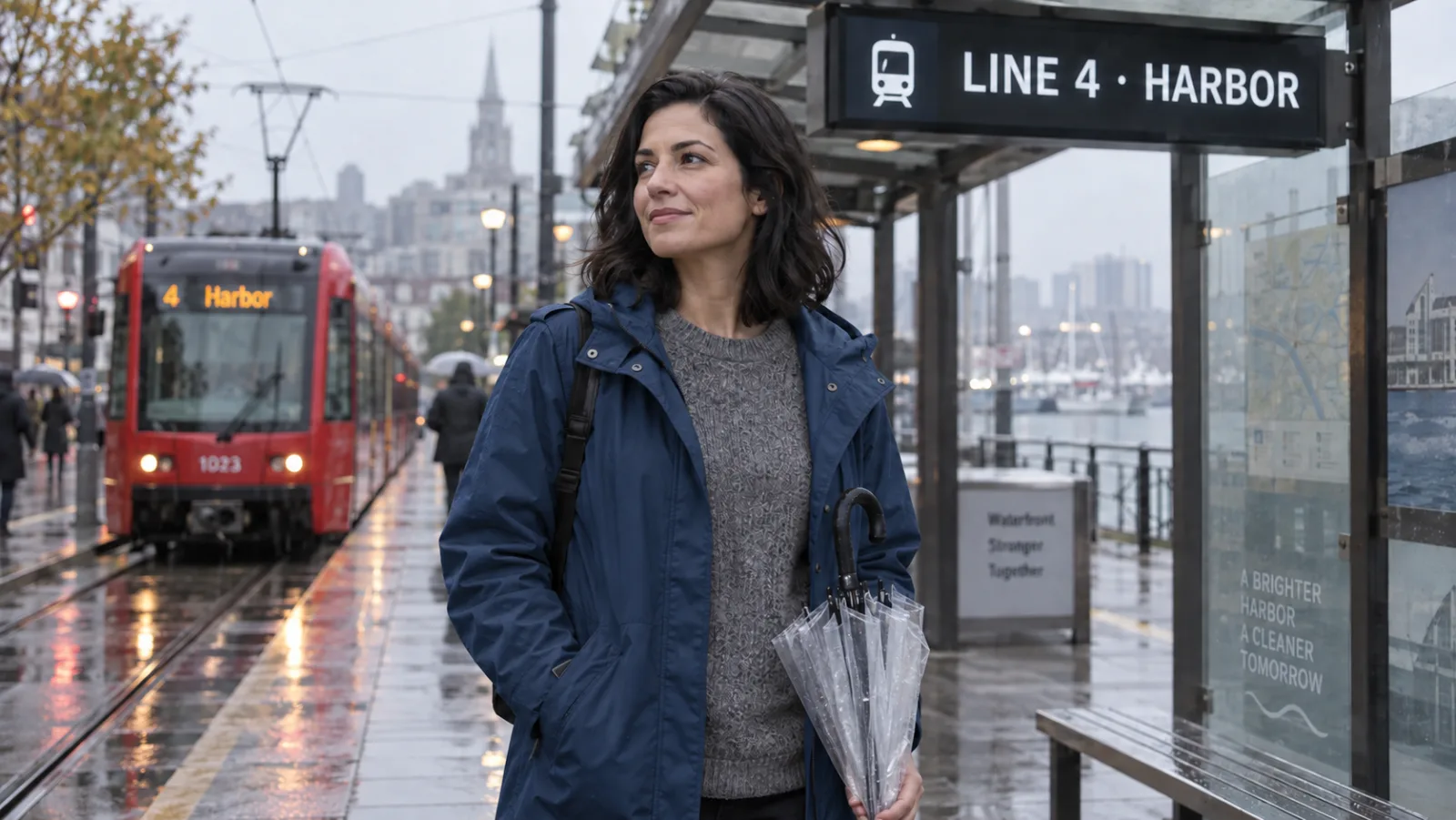
OpenAI built this model to read every input image at high fidelity, and developers cannot even turn that setting down. The practical effect is that faces, logos and product details in your reference survive the edit. Upload a photo, describe the one change you want, such as a new background or a different jacket colour, and the rest of the frame stays put. The API also takes a mask, which OpenAI describes as guidance the model follows rather than a hard boundary.
PROMPT EXAMPLES
Prompt
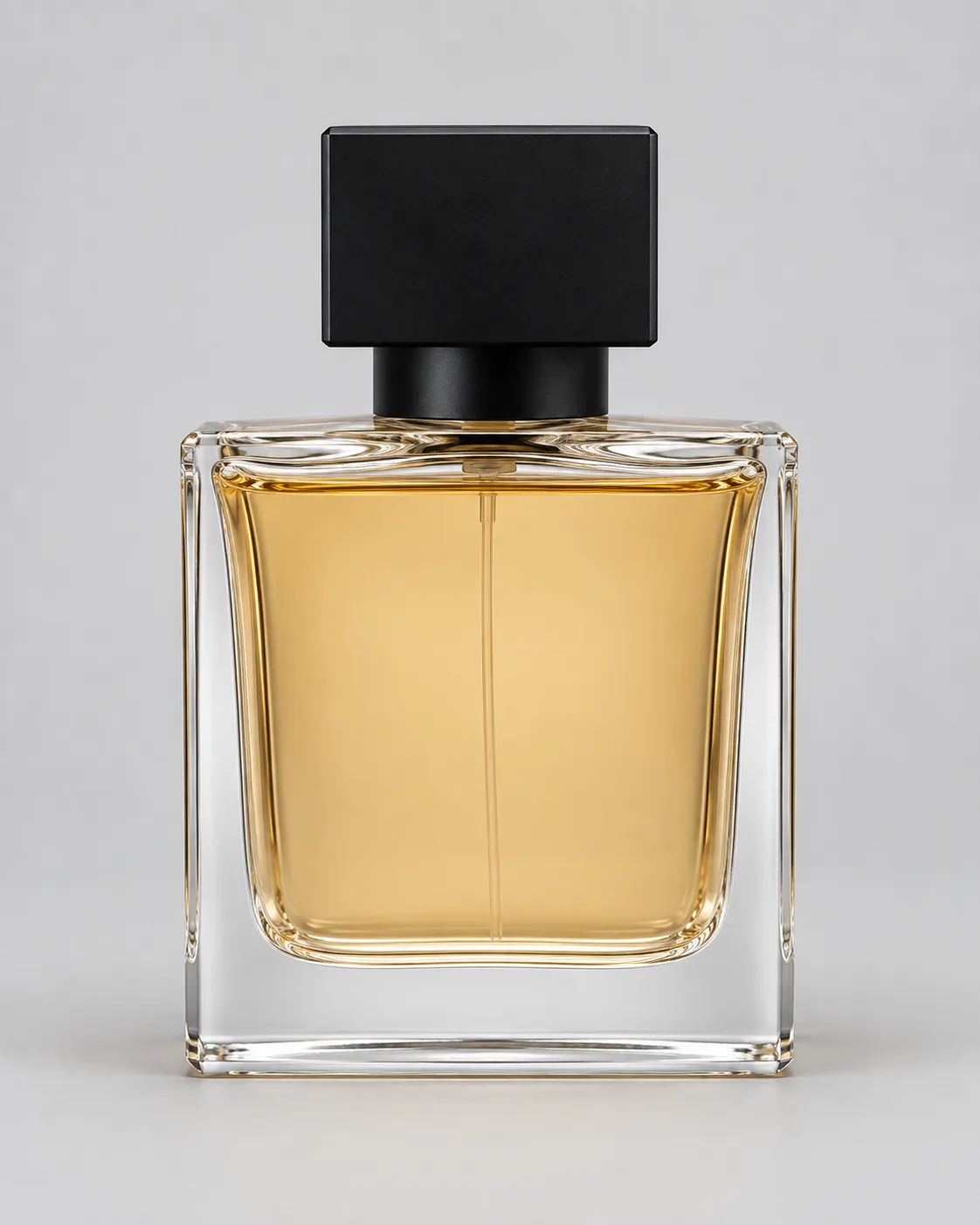
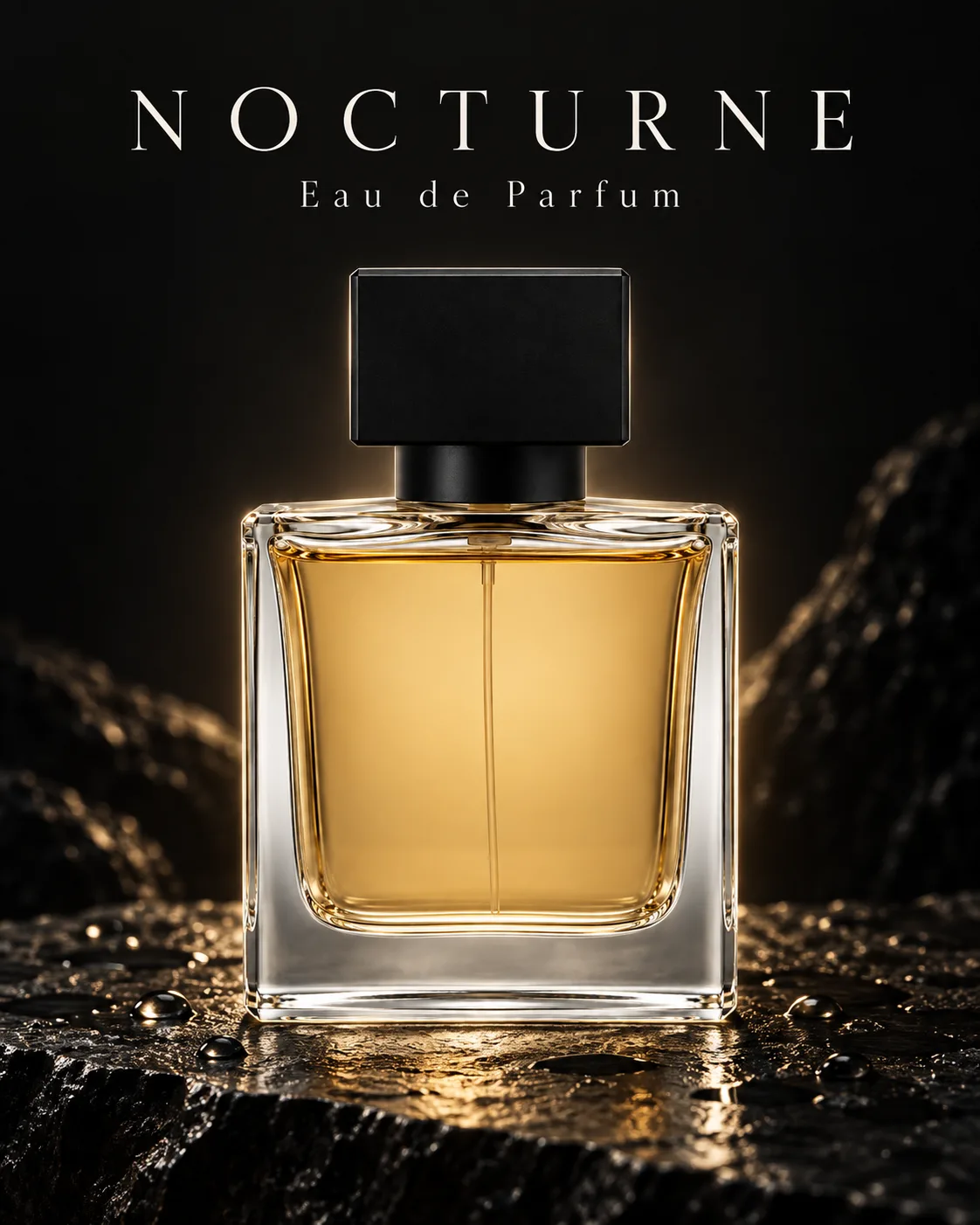
Use the product in the reference. Magazine-style fragrance poster, bottle centred on wet black stone, soft rim light, headline "NOCTURNE" in thin serif at the top, small line "Eau de Parfum" below, 4:5.
Reference
Result
Prompt
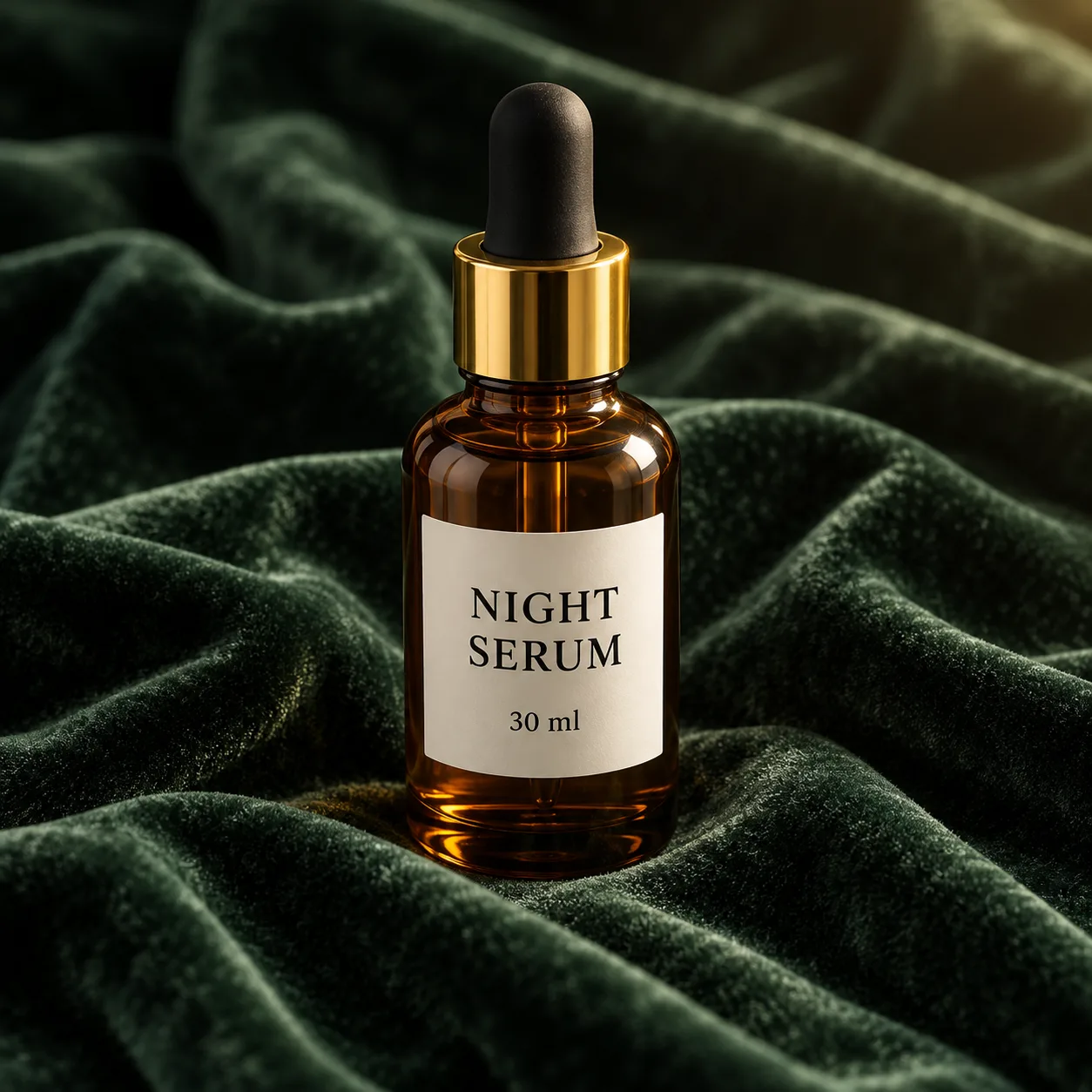
Keep the product exactly as in the reference. Replace the velvet with a white marble slab, morning window light from the left, a few drops of water on the surface, shallow depth of field, 1:1.
Reference
Result
USE CASES
Shoot the product once, then place it on marble, linen, a kitchen counter or a beach. High-fidelity reference handling keeps the label and the shape intact across every variation.
Produce ten ad variants with different headlines and backgrounds in one sitting, then test them. Eleven aspect ratios cover feed, story and banner placements.
Mock up a label, a box or a shopping bag with the real brand name on it before anything goes to print. Short copy reads cleanly; long copy needs a proofread.
Thumbnails, cover images and blog headers with a clear title in the frame. Render at 1K for 6 credits and move to 2K only for the ones you publish.
Try prompts on the same model you would call through OpenAI's API, without setting up a key or billing. Once the prompt works, the same text goes into your integration.
WHAT USERS SAY
01
The most repeated praise is that a product or a face in the reference comes through the edit intact, which is exactly what OpenAI's always-on high-fidelity input handling is for.
02
OpenAI says complex prompts can take up to two minutes. Users who iterate fast drop to a 1K draft first and only render the keeper at 2K or 4K.
03
Short headlines usually land. Dense layouts with several blocks of copy still come back with the odd misplaced word, matching OpenAI's own limitation note.
04
On Ricebowl the credit price depends only on size, not on quality, so high quality costs the same as low. People budgeting a batch like knowing the number up front.
VERSIONS
Pick GPT Image 2 whenever you want high quality: its flat 6 / 10 / 16 credits at 1K / 2K / 4K undercut 2.5 at high quality (9 / 12 / 21). Pick 2.5 Flare for low and medium drafts, where it costs 3 credits at 1K, and 2.5 Sunburst for precise edits.
Locked to gpt-image-2-2026-04-21, so a prompt that works today gives the same kind of result next month. On Ricebowl its price ignores the quality setting: high quality is 6 credits at 1K, the same as low.
OpenAI tunes Flare for fast everyday work. At low and medium quality it is the cheapest OpenAI option here, 3 credits at 1K; at high quality it rises to 9.
OpenAI now points new integrations to the 2.5 pair and recommends Sunburst when an edit has to be precise. Use it for the final pass on a reference edit.
WHAT SETS IT APART
01
You do not need a ChatGPT subscription or an OpenAI API key. Ricebowl calls the gpt-image-2 model for you, you pay per image in credits, and new accounts get sign-up credits that cover the first 1K image.
02
Earlier GPT Image models let developers choose how closely to follow an input image. This model always reads inputs at high fidelity, so product shots and portraits keep their details without extra settings.
OUR TAKE
No. For a single headline or a label it is reliable. For a poster with several blocks of copy, use Nano Banana Pro: Google positions it as its best model for legible text up to a full paragraph, OpenAI still lists text placement as a limitation, and Pro is cheaper here at 2K (8 vs 10 credits). When every word has to sit at an exact position, Ideogram 4 and its bounding-box prompts are built for that; it is not on Ricebowl yet.
Only one: more than 8 references. On Ricebowl, GPT Image 1.5 accepts up to 16 reference images; GPT Image 2 takes 8. Otherwise skip it. Its high quality costs 22 credits against 6, it offers four aspect ratios instead of eleven, and OpenAI files it under earlier models.
COMPARISON
| Feature | GPT Image 2 | Nano Banana Pro | Midjourney v7 |
|---|---|---|---|
| Developer | OpenAI | Google DeepMind | Midjourney |
| Released | Snapshot dated April 21, 2026 | November 20, 2025 | April 4, 2025 (alpha) |
| Largest output | 4K (edge up to 3840px) | Native 4K | — |
| Text in images | Much improved; placement can still slip | Google's best for legible text | — |
| Editing | Reference edits at high fidelity, mask as guidance | Localized editing, relighting, re-framing | Editing fell back to V6 at alpha launch |
| Reference images | Up to 8 on Ricebowl | 14 at model level, 8 on Ricebowl | Image prompts, moodboards and SREF |
| Speed options | Low / medium / high quality | Thinking pass on every request | Draft mode: half cost, 10x speed |
| Ricebowl credits (1K / 2K / 4K) | 6 / 10 / 16 | 8 / 8 / 14 | Not on Ricebowl |
| Official API price, 1024x1024 | $0.006 low, $0.053 medium, $0.211 high | $0.134 (1K/2K), $0.24 (4K) | — |
Midjourney is not available on Ricebowl and has since shipped V8 (March 2026); v7 is listed because it is the version most often compared. Cells marked — have no official figure. The first two models run in the generator above.
Try GPT Image 2 Free01
The generator at the top of this page already runs GPT Image 2. Create a free account and the 20 sign-up credits cover your first 1K image, which costs 6 credits, with no card required.
02
Describe the subject, setting, light and any text in quotes. Add up to 8 reference images; the first is included, each extra one adds 1 credit.
03
Pick 1K, 2K or 4K and an aspect ratio, press generate, and download the result from the card when it lands in your feed.
REVIEWS
Notes from people who use OpenAI's image model for product and ad work.
 Lena Hoffmann
I shot my candles once. Now every seasonal banner is a prompt and the label never warps.
Shopify store owner
 Marcus Bell
Ten headline variants in one afternoon, all in the right ratio for feed and stories.
Paid social manager
 Aiko Tanaka
Short brand names come out clean. For a full ingredients panel I still proofread, but the mockup is there.
Packaging designer
 Diego Alvarez
I tested my prompts here before wiring up the API. Saved me a day of billing setup.
Backend developer
 Priya Nair
Thumbnails with the title baked in, at 1K for a few credits. I only upscale the winners.
YouTube creator
One balance, every model. Credits work across all 20 video models — no watermark, no tier-locked models, commercial use on every paid plan.
Save 30% billed annually
Flexible monthly subscription.
The lowest price to get started. Every model, a monthly budget to try things out.
$7.99/mo
Renews monthly, cancel anytime.
200 credits
≈ 0–10 videos, depending on the model
≈ 14–66 images, depending on the model
4.00¢ / credit
The cheapest way to start. Every model, a small monthly budget.
$12.99/mo
Renews monthly, cancel anytime.
400 credits
≈ 1–20 videos, depending on the model
≈ 28–133 images, depending on the model
3.25¢ / credit
Enough credits to try every model and finish a few clips each month.
$29.9/mo
Renews monthly, cancel anytime.
1,000 credits
≈ 3–50 videos, depending on the model
≈ 71–333 images, depending on the model
2.99¢ / credit
2 parallel tasks
Steady output for solo creators going pro — every model, a comfortable budget.
$49.9/mo
Renews monthly, cancel anytime.
2,000 credits
≈ 6–100 videos, depending on the model
≈ 142–666 images, depending on the model
2.50¢ / credit
3 parallel tasks
High-volume production for prolific creators and small teams.
$89.9/mo
Renews monthly, cancel anytime.
5,000 credits
≈ 15–250 videos, depending on the model
≈ 357–1666 images, depending on the model
1.80¢ / credit
5 parallel tasks
Pay yearly and save more.
Enough credits to try every model and finish a few clips each month.
$19.9/mo$29.9
Billed yearly at $238.8. Renews yearly, cancel anytime.
Save $120/yr vs monthly
12,000 credits
≈ 38–600 videos, depending on the model
≈ 857–4000 images, depending on the model
1.99¢ / credit
2 parallel tasks
Steady output for solo creators going pro — every model, a comfortable budget.
$34.9/mo$49.9
Billed yearly at $418.8. Renews yearly, cancel anytime.
Save $180/yr vs monthly
24,000 credits
≈ 76–1200 videos, depending on the model
≈ 1714–8000 images, depending on the model
1.75¢ / credit
3 parallel tasks
High-volume production for prolific creators and small teams.
$62.9/mo$89.9
Billed yearly at $754.8. Renews yearly, cancel anytime.
Save $324/yr vs monthly
60,000 credits
≈ 190–3000 videos, depending on the model
≈ 4285–20000 images, depending on the model
1.26¢ / credit
5 parallel tasks
Top up credits valid for 12 months.
One-time top-up — perfect for occasional needs.
$49.9
One-time purchase, valid 12 months.
1,000 credits
≈ 3–50 videos, depending on the model
≈ 71–333 images, depending on the model
4.99¢ / credit
Larger top-up with 20% bonus — best per-credit value for one-time buyers.
$198
One-time purchase, valid 12 months.
4,800 credits
≈ 15–240 videos, depending on the model
≈ 342–1600 images, depending on the model
4.13¢ / credit
5 parallel tasks
What it is, what it costs on Ricebowl, and when a sibling model is the better pick.
Try GPT Image 2 FreeYes, to start. New Ricebowl accounts get 20 sign-up credits, and a 1K image costs 6 credits, so the first one needs no card. After that you pay per image with credits from a plan or a top-up. You do not need ChatGPT Plus or an OpenAI API key.
It is OpenAI's image generation and editing model, served as gpt-image-2 with the default snapshot gpt-image-2-2026-04-21. It takes text and images as input, returns images, supports edits and inpainting, and renders sizes up to 4K. OpenAI has since released the GPT Image 2.5 pair, Sunburst and Flare.
Choose it for reference-based product and portrait edits, because it always reads input images at high fidelity, and for high-quality renders, because on Ricebowl its price does not rise with quality. It is also a fixed snapshot, so results stay consistent over time.
Product photos and packshots, ad creatives with headlines, packaging and label mockups, thumbnails, posters, interiors, portraits and illustrated scenes. Any of the eleven aspect ratios from 21:9 to 9:21 works on Ricebowl.
No. Write what you want the way you would brief a designer: subject, setting, light, style and any text in quotes. Plain sentences work better than keyword lists. If a detail is missing, add one clause and regenerate.
Short text, yes, in most attempts. Quote the exact words and say where they sit. OpenAI still lists precise text placement as a limitation, so dense layouts need a proofread. For posters with several blocks of copy, Nano Banana Pro is the stronger pick, and for text that must sit at exact positions, Ideogram 4 with its bounding-box prompts (not on Ricebowl yet).
Sign up on Ricebowl, stay on this page, write a prompt and generate at 1K. The sign-up credits cover it. Keep drafts at 1K to stretch the credits, then render the one you keep at 2K or 4K.
Yes. OpenAI offers it on the Image generation and Image edit endpoints and on Batch. It is priced per token; OpenAI's guide puts a 1024x1024 image at about $0.006 low, $0.053 medium and $0.211 high quality. If you only need images, not an integration, Ricebowl is simpler.
2.5 is the newer pair: Sunburst is tuned for editing precision and Flare for fast everyday generation, with extra quality levels. The 2.0 model is a fixed snapshot with low, medium and high quality. On Ricebowl, 2.5 is cheaper at low and medium quality; the older model is cheaper at high.
Not on Ricebowl. A new account gets 20 free credits and a 1K image costs 6, so the free credits cover three 1K images. After that you pay a flat per-image price with credits from a plan or a top-up.
Right here on Ricebowl. The generator at the top of this page runs GPT Image 2, the first image is covered by sign-up credits, and the same workspace also runs GPT Image 2.5, Nano Banana Pro and more than 25 other image and video models, so you can compare them without switching sites.
RELATED
MORE MODELS
High-fidelity reference edits, up to 4K, and one flat price per size.
Try GPT Image 2 FreeFREE CREDITS ON SIGN-UP · 1K / 2K / 4K · 11 ASPECT RATIOS · NO CHATGPT PLUS
Create Realistic Visuals with GPT Image 2
Try GPT Image 2 Free