Version for Couples and Husband-Wife
Select the Partner option to create a romantic video. Upload a photo of your partner as Photo 1 and your own photo as Photo 2. The final scene transitions into a warm memory on a sunny beach.
Join the viral zombie ai trend in just a few minutes. Upload one or two photos to create a touching short video today.
Only upload photos of people who agree to it.

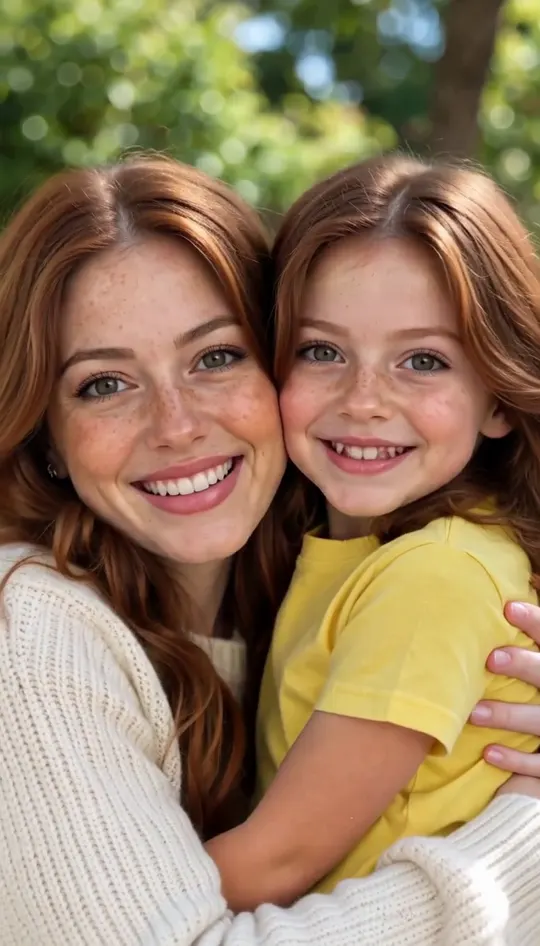
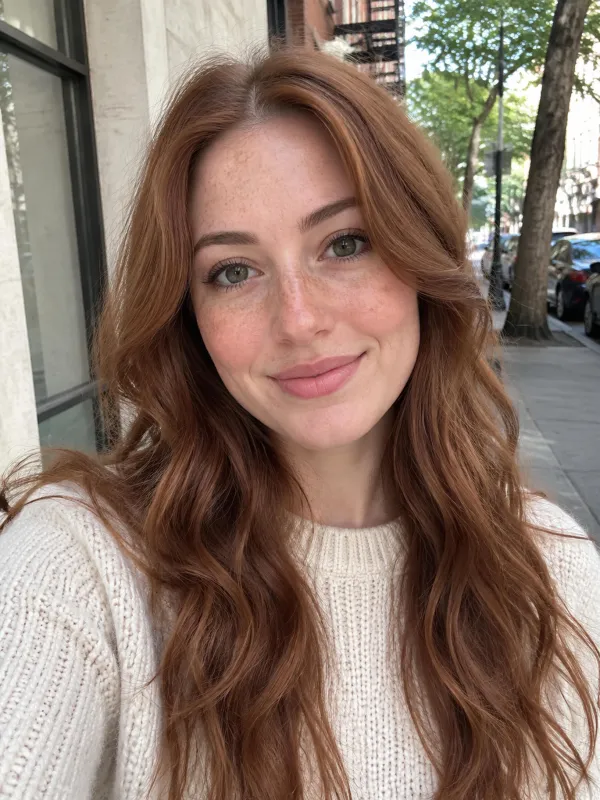 Your video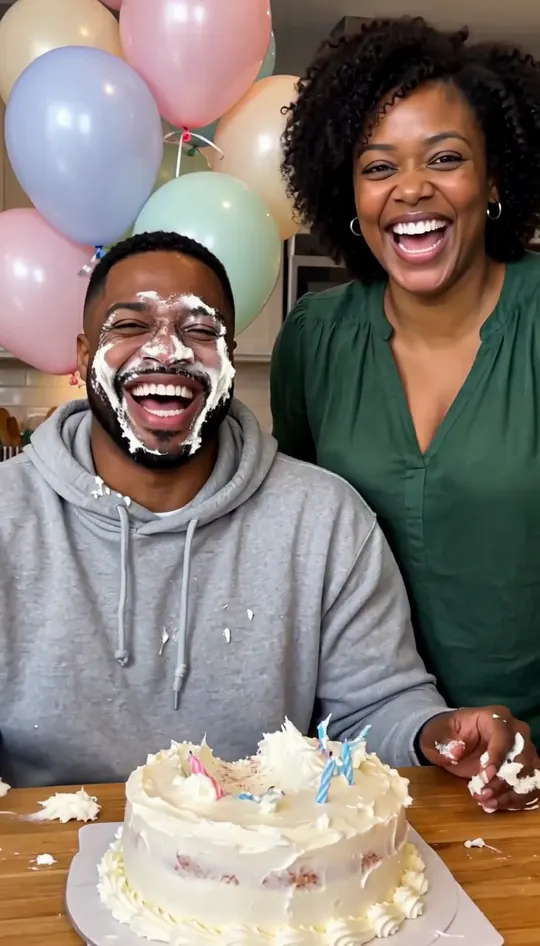
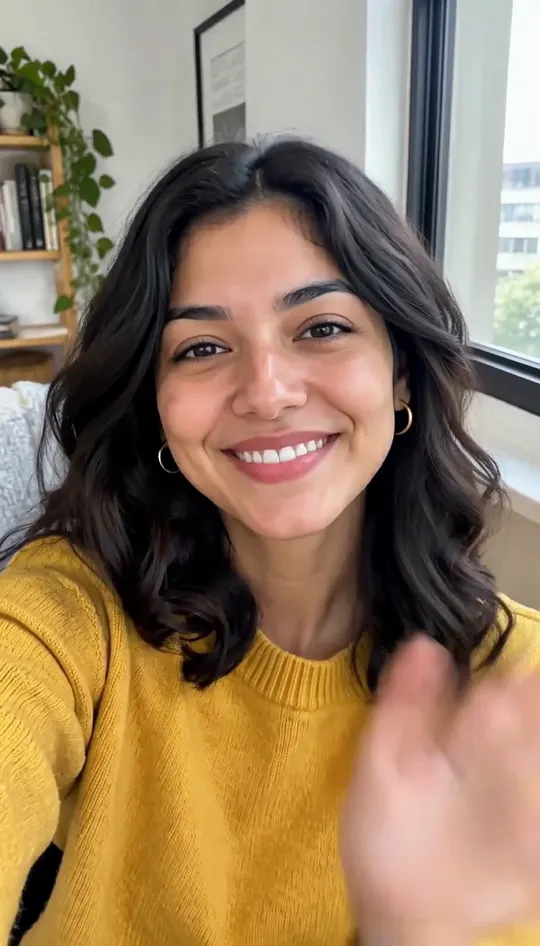

Browse all
Zombie AI Trend Explained
The zombie ai trend is an emotional story shared widely online. In these short clips, someone you love deeply turns into a zombie. You raise a weapon to protect yourself, but you cannot bring yourself to pull the trigger. Instead of attacking you, the zombie recognizes you, leading to a touching zombie hug. The video then hard-cuts into a warm, golden memory of happy times together in slow motion. This sweet ai zombie love story touches viewers because it shows how deep personal bonds survive dark moments. Every example below was made on this page from AI-generated portraits of people and pets who do not exist, with no editing afterward.
Start Your Zombie AI Trend VideoMade on This Page 01
Two photos in: she becomes the zombie and he holds the gun. He cannot fire, lowers it, and she stumbles into his arms. At about 8.5 seconds the same hug cuts to the two of them laughing on a sunny beach. This is the 15-second length, which subscribers can choose.
Made on This Page 02
Only one photo was uploaded, so the clip is filmed through your eyes. Your hands shake on the pistol, lower it and open wide as your friend, now a zombie, walks right up to the lens. Then it cuts to her laughing in a sunny park.
Made on This Page 03
A golden retriever photo plus the owner's photo. She aims, hesitates, and the zombie dog jumps up into her arms. The cut lands on the same jump in a green backyard, with the dog healthy again.
Made on This Page 04
One photo of an orange tabby and no owner photo. The cat walks out of the dark with cloudy eyes, you put the gun down, and it reaches for your hands. In the memory it runs across a lawn and jumps into the same hands.
Made on This Page 05
The son becomes the zombie and his mother holds the gun. She lowers it and he hugs her. The cut drops into a birthday in a bright kitchen, cake on the table, with the same hug.
Made on This Page 06
The friend in photo 2 holds the gun while his buddy, now a zombie, staggers toward him. He cannot shoot, they hug, and the memory is the same hug in a park on a summer afternoon.
Story Options
Select the Partner option to create a romantic video. Upload a photo of your partner as Photo 1 and your own photo as Photo 2. The final scene transitions into a warm memory on a sunny beach.
Choose the Family option to create a heartwarming video for a parent or sibling. Upload your family member as Photo 1 and yourself as Photo 2. The story cuts to a bright kitchen birthday memory.
Pick the Best friend option for an emotional clip with your close friend. Upload your friend as Photo 1 and your own photo as Photo 2. The scene resolves into a sunny city park memory.
Select the Pet option to make a unique clip featuring your dog. Upload a clear full-face photo of your dog as Photo 1 and yourself as Photo 2. The memory scene cuts to a sunny backyard lawn.
Choose the Pet option to create a cat clip. Upload a clear full-face photo of your cat as Photo 1, and skip Photo 2 for a first-person version where only your hands appear. The memory scene switches to a sunny backyard lawn.
If you do not have a second photo, you can still make your video. Upload one person or pet as Photo 1 and leave Photo 2 blank to create a first-person clip where only your hands appear.
You can use a photo of someone who passed away to make a memory clip. However, keep in mind that the fixed story includes a gun scene, so think carefully about whether this feels right for you and your family before generating.
Photo Guidelines
Trend Explained
01
People call this viral concept by several different names across TikTok and Instagram. You will often see it called the zombie love story, the zombie hug, or the zombie girlfriend and zombie wife trend. Many users simply search for the 'in every lifetime' zombie clip.
02
The video moves viewers because an expected zombie attack suddenly turns into a hug. The survivor lowers the gun and chooses the person instead of shooting. The hard cut then switches to a warm golden memory of that same hug.
03
The phrase means that true devotion lasts across every reality, even during an apocalypse. In this storyline, the sudden transition from a dark standoff to a sunny memory makes the two moments feel like two separate lives. It shows you would still choose and hold the same person in any world.
04
According to Google Trends data, interest in the zombie ai trend began rising in late September 2026. The search volume quickly reached its peak in early October 2026 as videos spread across social platforms.
05
No, this is completely different from a standard photo filter or makeup look. A filter only changes your face, whereas this tool generates a full narrative video with a dramatic standoff, a hug, and a warm memory.
06
No, this video story is completely separate from Zombie Rush. Furthermore, the zombie makeup videos from early September 2026 are a different thing that focuses on a cosmetic look. Unlike makeup videos, this is a short story with a hug and a warm memory.
Story Structure
Every video created for the zombie ai trend follows six emotional steps that make viewers stop scrolling.
The video opens in a dark, quiet place where danger feels very close.
You raise your weapon in fear as the shadowy figure steps closer to you.
You suddenly realize this creature is actually someone you love dearly.
You lower your guard completely as the creature leans in for a gentle embrace.
The gloomy screen snaps to a bright, golden frame of the past.
A beautiful slow-motion scene plays out, showing your true bond together.
Tool Features
01
Choose a 10-second video for 40 credits, or a 15-second clip for 60 credits if you are a subscriber.
02
Get a vertical 9:16 video in 768p quality as a quick MP4 download.
03
Our ai zombie video generator works without typing complex text prompts or setting up scenes.
04
Soft piano background music is built into each zombie ai video and cannot be turned off, but you can swap the sound in TikTok or Instagram after you download.
Creation Options
You can make your clip using our automatic tool or by using do-it-yourself video generation tools. Both options have distinct trade-offs depending on how much time and control you want.
This page gives you a fast way to join the trend without writing prompts or editing clips. The fixed storyline includes the gun scene, 768p resolution, built-in wordless piano music, and options for 10 or 15 seconds. You cannot remove the gun or change the background memory.
You can make a custom video by combining external tools like Dreamina, CapCut, Seedance, Kling, or Google Flow. This route gives you total creative freedom to skip the gun scene or pick a new background, but you must write prompts, generate two separate clips, and hand-cut at the hug. Facial consistency between the two clips can be hard to match.
Pick this page if you want an instant clip from two photos without manual editing. Pick the DIY route if you want to write custom prompts, remove the weapon, or design your own memory scene.
Quick Facts
| What you want to know | Answer |
|---|---|
| Is this the zombie love story / zombie hug trend? | Yes. A loved one turns into a zombie, you cannot shoot, they hug you, and the clip cuts to a warm memory. |
| Photos you upload | 1 or 2. Photo 2 is optional; skip it and the clip is filmed first-person. |
| Who can turn into the zombie | Partner, family member, best friend, or a pet (dog or cat). |
| Prompt or editing needed | No. The whole story is built in and comes out as one clip, no CapCut needed. |
| Video length | 10 seconds, or 15 seconds for subscribers. |
| Shape and quality | Vertical 9:16, 768p MP4. |
| Sound | Soft piano music built in. Swap it for a trending sound in TikTok or Instagram. |
| Price | 40 credits for 10 seconds, 60 credits for 15 seconds. About $1.30 per 10-second clip on the $12.99 plan with 400 credits. |
| Free trial | New accounts get 20 credits, which is not enough for one video. |
| Wait time | A few minutes. Keep the page open. |
| AI model | MiniMax H3. |
| Watermark | There is no watermark on the downloaded video. |
| Failed generation | If a generation fails due to a system error, your credits are refunded automatically. If you generate a new clip because you want a different look, that new run will cost credits again. |
| Does it include the gun scene | Yes, the storyline is fixed and always includes the gun scene. There is no gun-free option on this page. |
Many creators make their video through manual DIY routes using tools like Dreamina, CapCut templates, Seedance, Kling, Google Flow, Higgsfield, or PixVerse. Those tools require you to write custom prompts, generate multiple clips, and manually assemble the final video. This page offers a ready-made generator powered by MiniMax H3 that handles the entire sequence automatically.
Start Your Zombie AI Trend Video01
Choose a clear photo of the person or pet who turns into the main character.
02
Add your photo for a two-person story, or skip it for a direct first-person view.
03
Pick who turns and your clip length (10 seconds, or 15 seconds for subscribers), then press generate and keep the page open for a few minutes.
04
Save your MP4 file. If you want a trending audio track, swap the sound inside TikTok or Instagram.
One balance, every model. Credits work across all 20 video models — no watermark, no tier-locked models, commercial use on every paid plan.
Save 30% billed annually
Flexible monthly subscription.
The lowest price to get started. Every model, a monthly budget to try things out.
$7.99/mo
Renews monthly, cancel anytime.
200 credits
≈ 0–10 videos, depending on the model
≈ 14–66 images, depending on the model
4.00¢ / credit
The cheapest way to start. Every model, a small monthly budget.
$12.99/mo
Renews monthly, cancel anytime.
400 credits
≈ 1–20 videos, depending on the model
≈ 28–133 images, depending on the model
3.25¢ / credit
Enough credits to try every model and finish a few clips each month.
$29.9/mo
Renews monthly, cancel anytime.
1,000 credits
≈ 3–50 videos, depending on the model
≈ 71–333 images, depending on the model
2.99¢ / credit
2 parallel tasks
Steady output for solo creators going pro — every model, a comfortable budget.
$49.9/mo
Renews monthly, cancel anytime.
2,000 credits
≈ 6–100 videos, depending on the model
≈ 142–666 images, depending on the model
2.50¢ / credit
3 parallel tasks
High-volume production for prolific creators and small teams.
$89.9/mo
Renews monthly, cancel anytime.
5,000 credits
≈ 15–250 videos, depending on the model
≈ 357–1666 images, depending on the model
1.80¢ / credit
5 parallel tasks
Pay yearly and save more.
Enough credits to try every model and finish a few clips each month.
$19.9/mo$29.9
Billed yearly at $238.8. Renews yearly, cancel anytime.
Save $120/yr vs monthly
12,000 credits
≈ 38–600 videos, depending on the model
≈ 857–4000 images, depending on the model
1.99¢ / credit
2 parallel tasks
Steady output for solo creators going pro — every model, a comfortable budget.
$34.9/mo$49.9
Billed yearly at $418.8. Renews yearly, cancel anytime.
Save $180/yr vs monthly
24,000 credits
≈ 76–1200 videos, depending on the model
≈ 1714–8000 images, depending on the model
1.75¢ / credit
3 parallel tasks
High-volume production for prolific creators and small teams.
$62.9/mo$89.9
Billed yearly at $754.8. Renews yearly, cancel anytime.
Save $324/yr vs monthly
60,000 credits
≈ 190–3000 videos, depending on the model
≈ 4285–20000 images, depending on the model
1.26¢ / credit
5 parallel tasks
Top up credits valid for 12 months.
One-time top-up — perfect for occasional needs.
$49.9
One-time purchase, valid 12 months.
1,000 credits
≈ 3–50 videos, depending on the model
≈ 71–333 images, depending on the model
4.99¢ / credit
Larger top-up with 20% bonus — best per-credit value for one-time buyers.
$198
One-time purchase, valid 12 months.
4,800 credits
≈ 15–240 videos, depending on the model
≈ 342–1600 images, depending on the model
4.13¢ / credit
5 parallel tasks
Everything you need to know about joining the zombie ai trend today.
Start Your Zombie AI Trend VideoThe zombie ai trend is a short video format shared on TikTok and Instagram. It features a story where a loved one turns into a creature, leading to a gentle hug and a bright flashback memory.
You just upload your photos on this page, choose who turns, and select your clip length. Press generate, wait a few minutes, and download your finished vertical video ready for posting. Doing more than one of the formats going around right now? See our guide to all the current AI trends.
No, the sign-up credits do not cover one video. New accounts receive 20 credits, but a 10-second video costs 40 credits, while a 15-second video costs 60 credits and is for subscribers. Plans start at $7.99 a month for 200 credits.
No, uploading a second photo is entirely optional. If you choose to skip the second photo, your video will be generated from a first-person perspective as if you are holding the camera.
Yes, you can create an ai zombie couple video by uploading photos of both partners. Select the partner option to set a romantic memory scene like a warm date by the sea.
Yes, you can select Pet when generating your video. Ensure the whole face is clearly visible in your photo, though results can vary a bit from photo to photo.
You do not need any external video editing app to join the zombie ai trend. This single web page handles the entire video generation process automatically without complex tools.
There is no official song tied to this trend online. Our tool builds in soft piano music, but you can swap the audio track inside TikTok or Instagram after downloading your video.
You must only use photos of people who have given you explicit agreement. Do not use pictures of random strangers, celebrities, or other people's children without permission.
Generating your video takes a few minutes to process completely. Please keep this web page open in your browser until your download link appears on screen.
This popular format is widely known as the zombie love story, the zombie hug, or the zombie girlfriend trend. Many creators also refer to it as the 'in every lifetime' story.
No, the zombie ai trend is a full AI-generated narrative video, not a facial photo filter. It creates a motion clip that transitions from a dark standoff to a hug and a warm memory.
Nobody can point to one verified original creator for the zombie ai trend. Search interest began rising in late September 2026 and hit its peak in early October 2026.
The phrase expresses endless love and devotion across any reality or hardship. A popular caption to post is 'In every lifetime, I'd still choose you.' Use these exact hashtags: #ZombieAITrend #ZombieLoveStory #ZombieHug #InEveryLifetime #AIvideo.
Yes, you can make a DIY version using tools like CapCut, Seedance, Kling, or Veo. In those tools, you must write prompts for a recognizable zombie loved one, a survivor holding a gun who lowers it to hug, and a hard cut to a golden slow-motion memory in 9:16 format. This page automates that entire process in one step.
Yes, you choose who turns by uploading their picture as Photo 1. Photo 2 represents the survivor holding the camera or weapon.
No, each photo must contain only one person or one pet. If you have a photo of two people, crop them into two separate image files first.
No, you cannot remove the gun scene on this page because the storyline is fixed. If you want a version without a gun, you will need to use DIY video creation tools instead.
Yes, you can upload a photo of a deceased loved one to make a clip. Because the story includes a dramatic gun scene, consider whether this narrative feels comfortable for you and your family first.
The clip is entirely AI-generated. You should label your post as AI content using the built-in labels on TikTok or Instagram when you publish it.
For the best results, upload a clear, well-lit, front-facing photograph. Visual output varies from photo to photo. If a generation fails due to a system error, credits are refunded automatically, but running a new attempt with a different photo costs credits again.
No, there is no watermark on the downloaded video clip.
Explore More
Create your own emotional video in a few minutes and share your story online today.
Make Your Zombie AI Trend VideoFROM 40 CREDITS - NO PROMPT NEEDED
Join the Viral
Start Your Zombie AI Trend Video