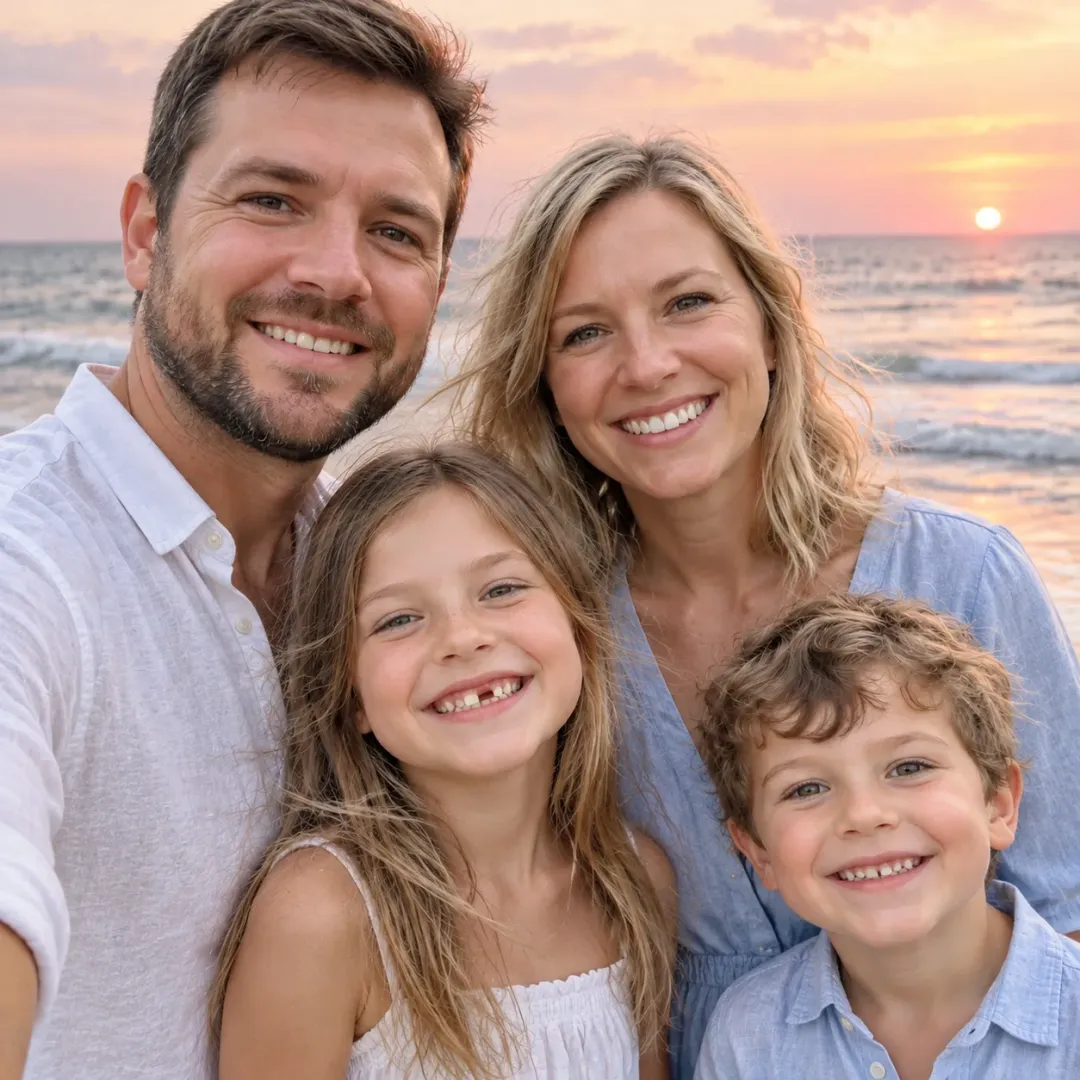
AI Family Photo Generator

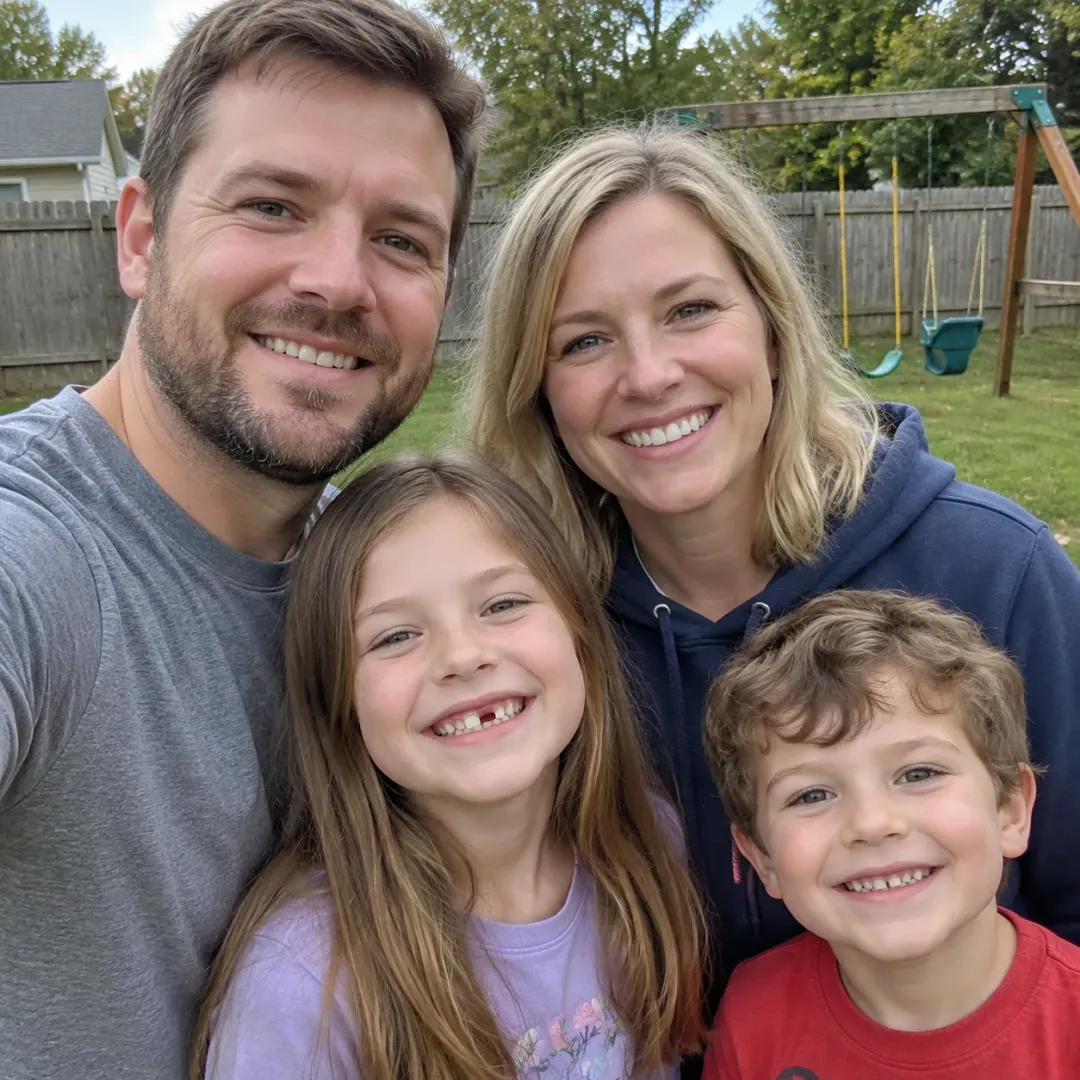
Upload the family snapshot you already have, pick a photoshoot and get a new family photo. Every face stays yours, and nobody is added or removed.

Pick a Family Photoshoot
Select Image Size
Example of the look. Your result depends on your original photo and the photoshoot you pick.

Copy and Paste Family Photoshoot PromptsOpen Prompts for Every Photoshoot

Read the exact prompt behind each photoshoot on this page.

Photoshoot Looks

One Snapshot, Three Seasons of Family Photos

These pictures show what each look is going for: the light, the outfits and the place. Your own result depends on your photo, and every run comes out a little different.

Make Our Family Photo

Christmas

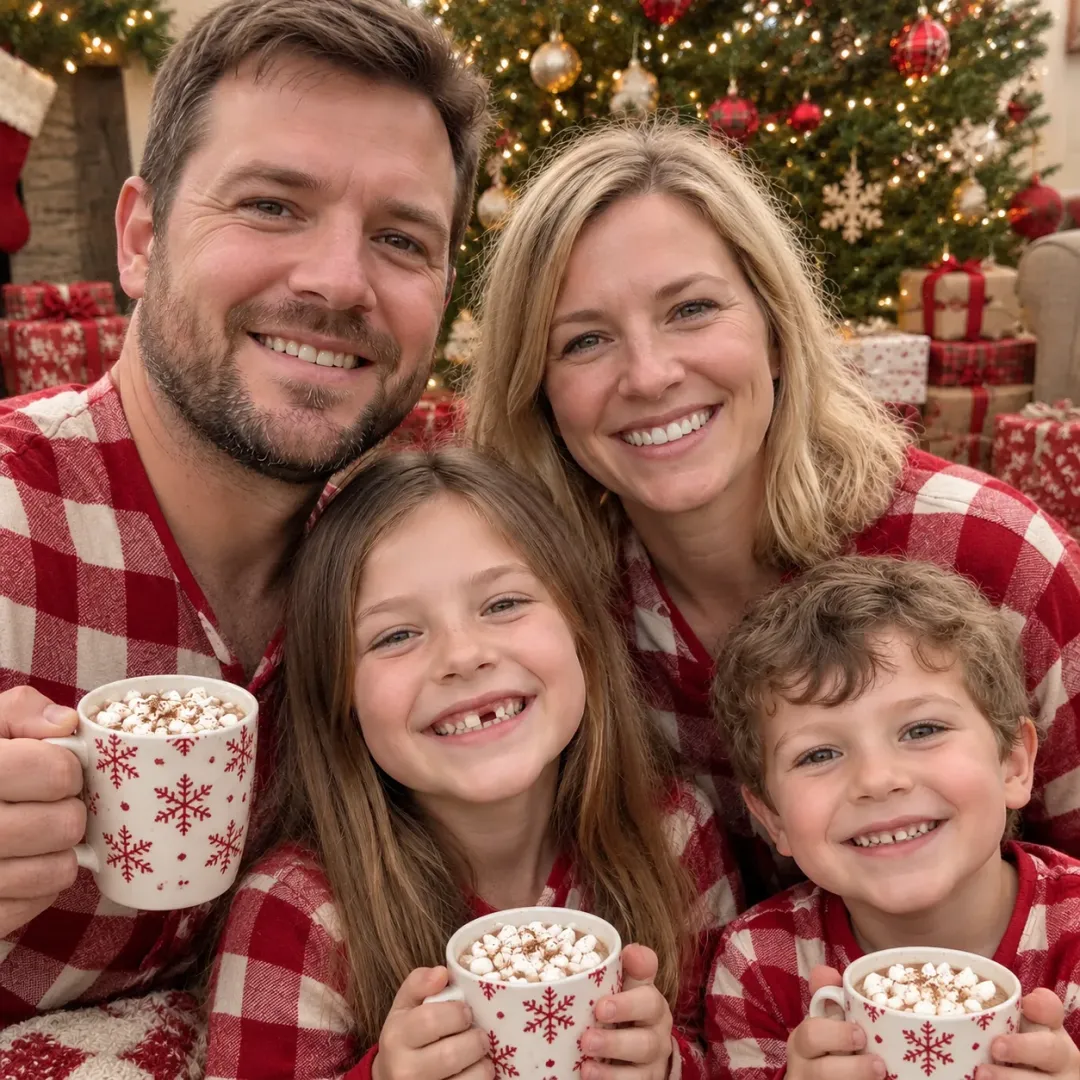
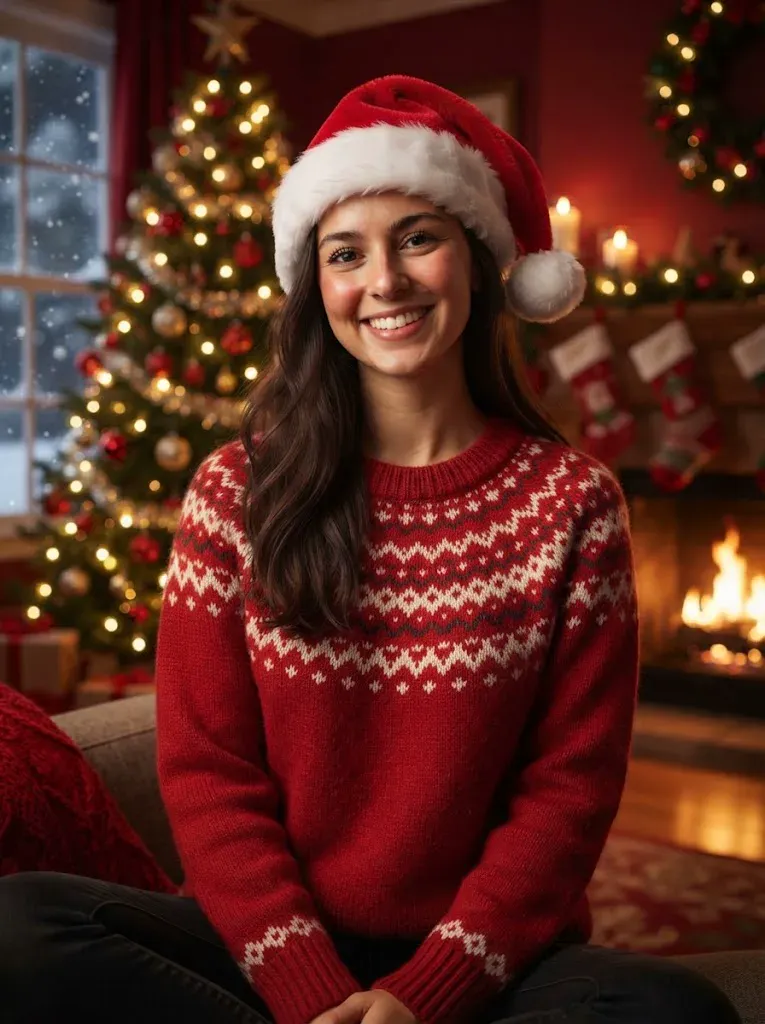
Christmas Morning Pajamas for the Holiday Card

Matching pajamas, a lit tree and cocoa, without anyone sitting still.

This AI family photo generator redraws the outfits and the room around you. The Christmas photoshoot asks for buffalo-check pajamas, string lights and wrapped presents, while the prompt keeps your faces, ages and hairstyles. Pick the square size and the result fits a card or a frame. Download the image when it finishes and send it straight to family, no editing app needed.

  • Matching pajamas for everyone
  • Faces and head count kept
  • Square size for cards
Family by a Christmas fireplace

Beach

A Beach Family Photo for the Year You Missed One

Linen outfits, bare feet and a pink sunset sky.

Use the beach photoshoot when you want a vacation picture and never got a good one. The AI family photo generator keeps each person's face, then swaps the clothes and the place. Pick the 16:9 size for an album page or a screen. Each run takes about a minute, so you can try the beach next to the other looks.

  • New place, same people
  • Light linen outfits
  • Wide size for albums
Family walking barefoot on a beach

Ideas

What to Make With Your AI Family Photo Generator

The Holiday Card

Send a Christmas pajama or pumpkin patch photo from a picture that already exists. The AI family photo generator skips the booking, the matching outfits and the toddler bribes. Pick the square size, download the image and drop it into your card template. If the first result is close but not right, run it again for another version.
A Gift for the Parents

A framed studio portrait of the whole family makes an easy anniversary or birthday gift. Start from the best snapshot on your phone, choose the studio photoshoot and let the AI family photo generator handle the backdrop and the light. Everyone keeps their own face, so the portrait still looks like your family.

The Family Group Chat

The 1980s look from the AI family photo generator gets passed around the group chat for days. Feathered hair, pastel plaid and a mottled blue backdrop turn an ordinary snapshot into something funny. Send it to the cousins and wait for the replies. Because every look keeps your faces, the jokes stay about the outfits and never about a stranger in the picture.

Best Results

Which Photos Work Best in an AI Family Photo Generator

Recommended Photos

  • Everyone facing the camera
  • Clear faces in decent light
  • Selfies where nobody hides behind someone
  • Sharp group snapshots

Photos to Avoid

  • Sunglasses over the eyes
  • Faces cut off by the frame
  • Blurry or very dark shots
  • Very low resolution images
Make Our Family Photo

Comparison

AI Family Photo Generator vs. Family Video vs. a Photographer

These three options solve different problems. This AI family photo generator makes one still family photo from a snapshot you already have, in about a minute, so you can compare looks before you spend time or money on anything else. It does not replace a day with a real photographer when you want a large print, and it does not make a moving clip.

AI Family Photo Generator (This Page)

Turns one snapshot into a new still photo with new outfits and a new place. The faces, ages and head count stay as photographed.

AI Family Video

Our AI family video page turns family photos into a short moving clip. Use it after this page if you want your new photo to move.

A Family Photographer

A real session gives you new pictures and large prints, but it needs a booking, outfits and a lot of patience.

Your Faces

How the AI Family Photo Generator Keeps Your Family Recognisable

01

A Face Lock in Every Prompt

Each photoshoot attaches a line asking for the same faces, skin tones, hairstyles, ages and body sizes.

02

Nobody Added or Removed

The prompt also asks for the same head count, so an extra cousin should not appear.

03

AI Family Photo Prompts You Can Read

Every photoshoot prompt is public on this page. Nothing is hidden behind a button.

04

Honest About Variation

No AI family photo generator promises a perfect result every time. If one comes out off, regenerate for 8 credits.

Technology

Which AI Model Does This Page Use?

Family photo
ModelNano Banana 2
What you upload1 family photo
What you get1 still family photo
Credits8 credits per photo
Sizes1:1, 16:9 or 9:16

Every photoshoot runs on the same model, so you can compare looks fairly.

Make Our Family Photo

Simple Steps

How to Use the AI Family Photo Generator

Make Our Family Photo

01

Upload One Family Photo

Sign in, then upload one photo with everyone in it. Faces should be clear and in decent light.

02

Pick a Photoshoot

Choose one of six photoshoots and an image size: 1:1, 16:9 or 9:16.

03

Download Your Photo

Generate, wait about a minute and save the family photo for your card or group chat.

More to try with your photo

More AI photo tools

AI Family Photo Generator: Frequently Asked Questions

Answers about making a family photo from one snapshot.

Make Our Family Photo
Can I make an AI family photo from a picture I already have?

Yes. Upload one photo with everyone in it, pick a photoshoot such as the fall pumpkin patch or Christmas pajamas, and the AI family photo generator redraws the outfits and the scene. The prompt asks it to keep every face, age and hairstyle. It works best when every face in the upload is clear and in decent light.

Is this AI family photo generator free?

New accounts get 8 welcome credits once, with one gift per device and network. That covers one family photo at 8 credits. After that you can buy a plan or credits on the pricing page.

Will AI change our faces?

Every prompt asks for the same faces, ages, hairstyles and head count, with nobody added or removed. Results still vary a little on each run, so start from a photo where everyone is clearly visible and regenerate for 8 credits if one is off. Photos with sunglasses or cut-off faces give the model less to keep, so use a clear one.

Can I write my own AI family photo prompt?

Not on this page. You pick one of six photoshoots and the prompt is already written, and you can read every one on the page. The face and head count lines are part of each prompt.

Can I add someone who is missing from the photo?

No. The AI family photo generator keeps the head count of your upload and does not add people. If someone is missing, upload a photo that already includes them.

Can I turn my family photo into a video?

Yes. Download the photo, then open the AI family video page to turn family photos into a short clip with music. It is a separate step with its own credit price.

What image sizes can I choose?

You can pick 1:1 for cards, frames and posts, 16:9 for albums and screens, or 9:16 for Stories and Reels. Each family photo costs 8 credits at every size.

How do I do the AI family photo trend?

Upload one snapshot, pick a look and download the result. For a step-by-step guide to AI photo trends, read how to use an AI family photo generator and other AI trends.

Explore More

Explore Related Tools

Make Your Family Photo Now

One Snapshot, New Photoshoot

Upload your picture and get a new family photo in about a minute.

Make Our Family Photo

Each family photo uses 8 credits. New accounts get 8 credits once.

Make Your Family Photo Now

Make Our Family Photo