Smooth Bald
Removes all hair on top for a fully bare scalp look.
Wondering what would I look like bald? Upload one clear front-facing photo and tap a look to transform your style in your web browser.
 Bald photo, animated
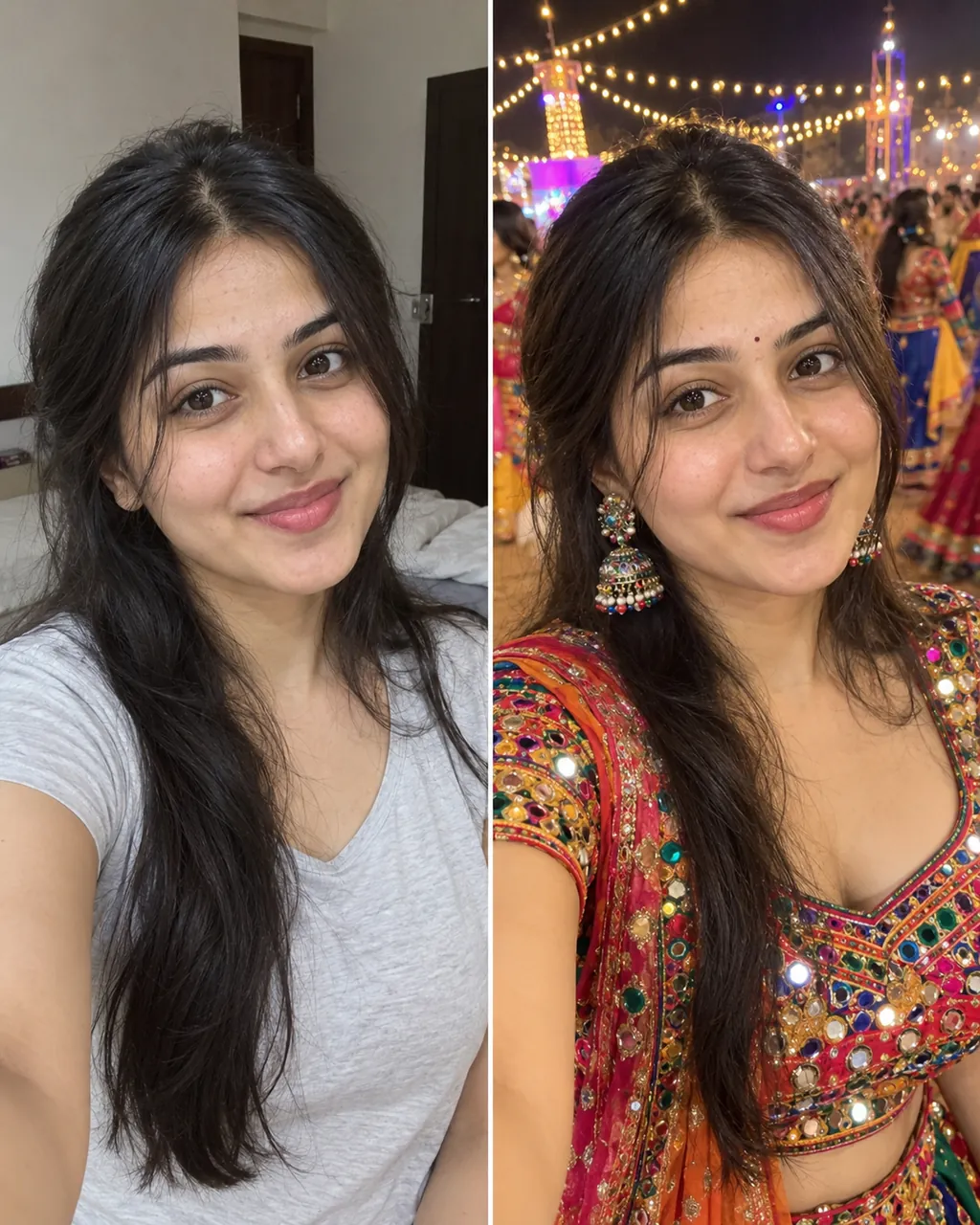
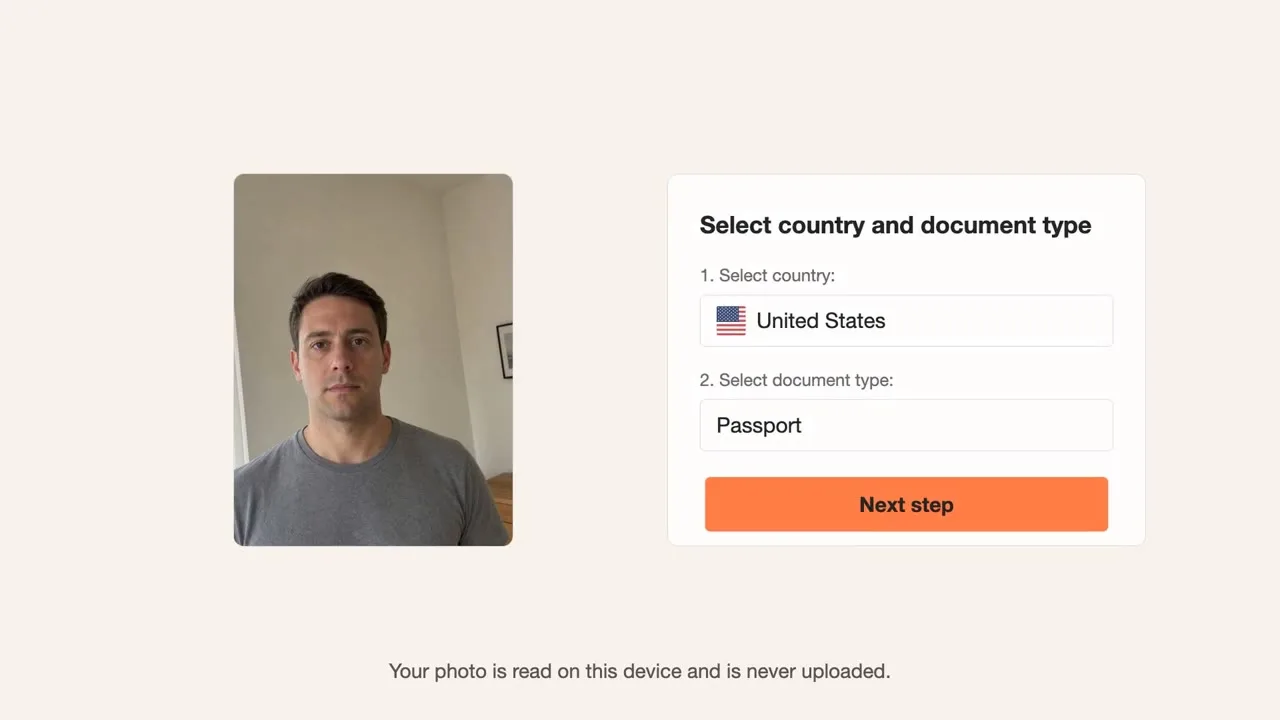
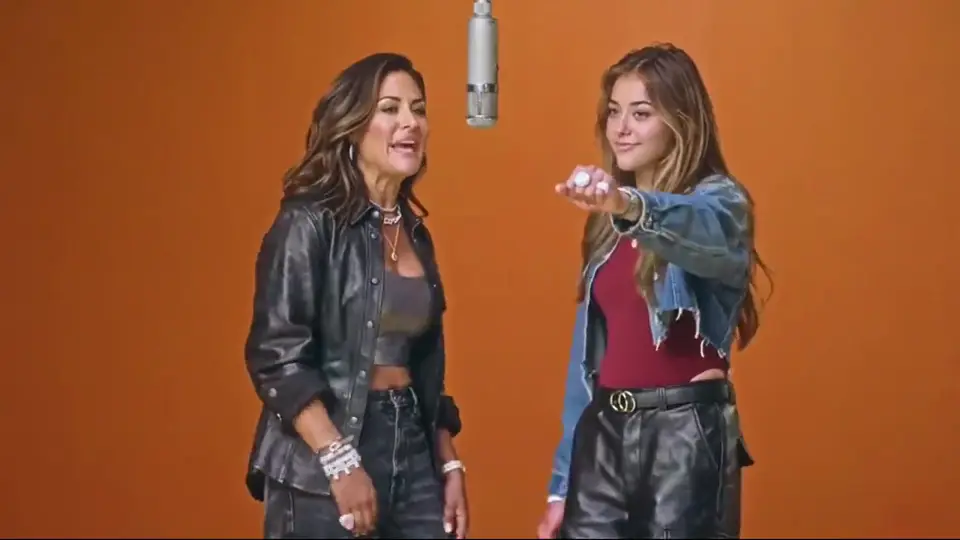


Tap any example card below to inspect the hair transformation up close.
Smart Photo Conversion
An AI bald filter is an online photo tool that edits your hairstyle directly inside your web browser without installing an app. The tool is designed to change only the hair on your head while keeping your face, eyebrows, beard, and glasses intact. You simply upload a single photo, select your style, and receive your new image.
Try the bald head filterLong Hair Transformation
Having long hair or thick curls often raises one key question: how would I look bald? This bald simulator works for women and long-haired individuals using a single clear front-facing photo. Upload a picture where your face and hair are clearly visible to see your bald preview, usually under a minute.
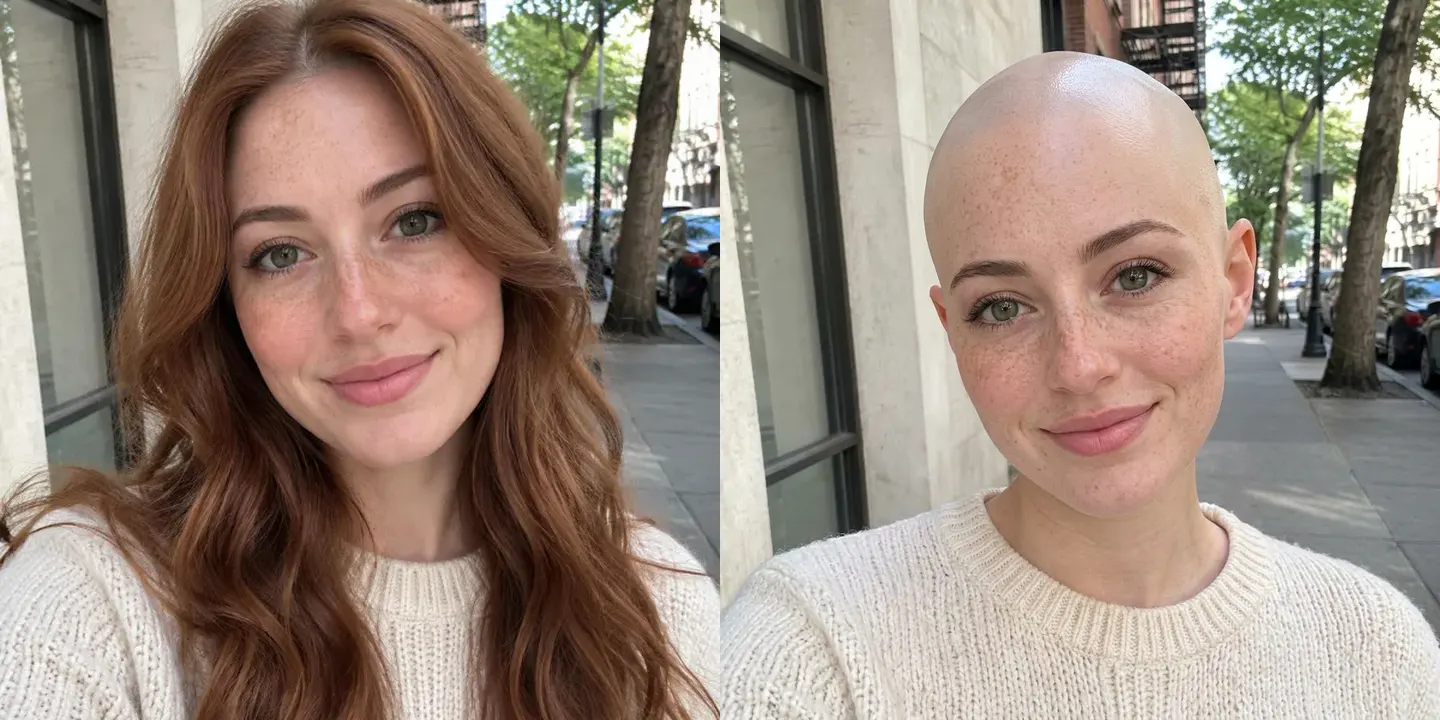


Preserved Features
Worrying about losing your beard, eyebrows, or prescription glasses during an image edit is normal. This generator focuses specifically on the hair on top of your head. Our design goal is to keep your beard, glasses, expression, and skin tone unchanged, though final results depend on your photo quality.


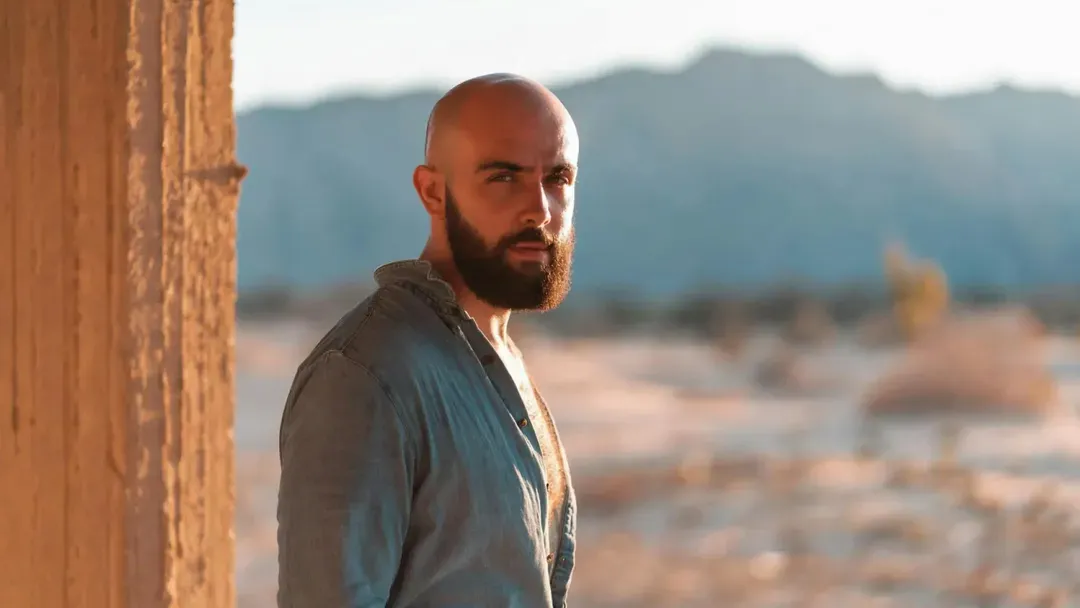
Photo Pranks
Want to pull a quick make me bald prank on a friend, boyfriend, or coworker? Upload their clear headshot to create a bald picture directly in your browser. It is not a live Snapchat-style camera filter, so you save the image and send it. Always get their permission first.
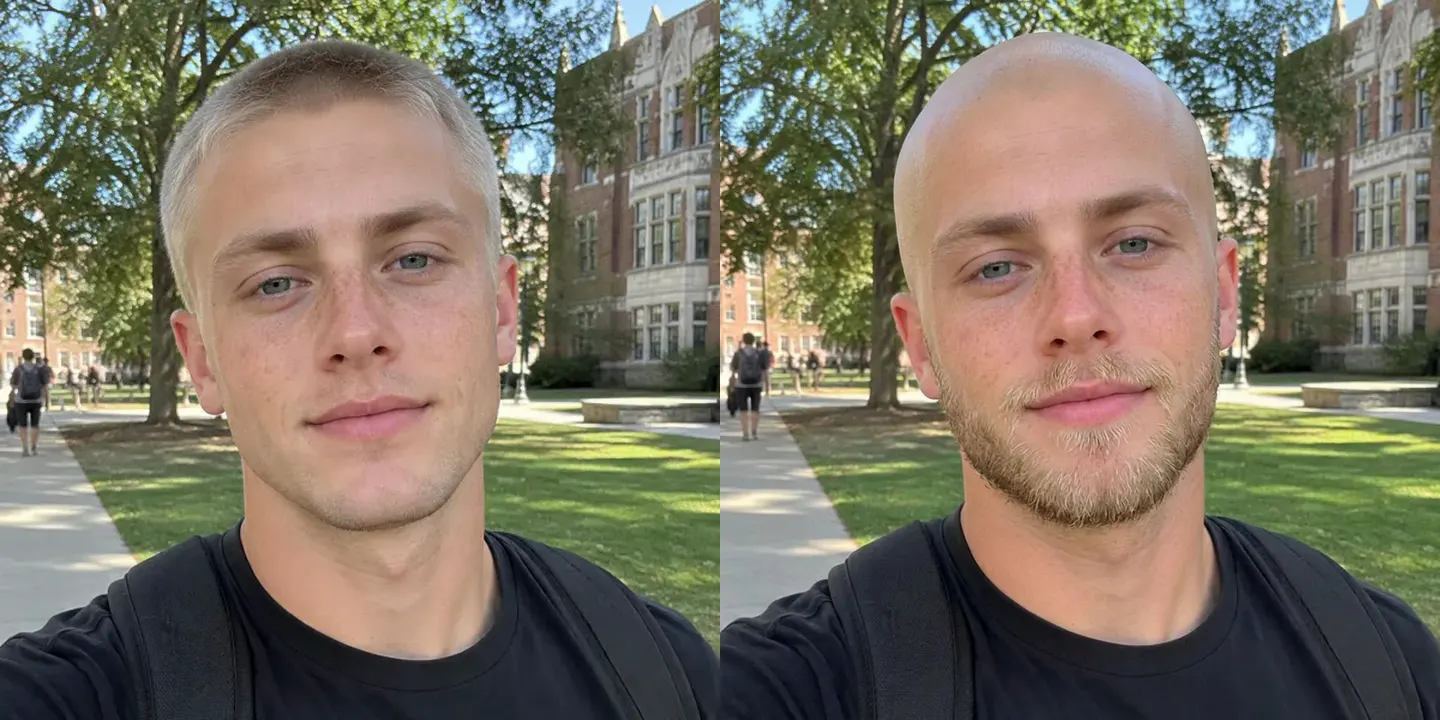


Motion Clips
Take your new bald image further by turning it into a short clip. Download the bald photo, follow the Make it move link to our MiniMax H3 video page and upload it there. For 20 credits, H3 makes a 6-second 768p video with its own background sound. The sample here is a 5-second MiniMax H3 clip made from a fictional bald photo: he blinks, turns his head to the side and back, and smiles, and his head stays bald from the first frame to the last. It plays muted on this page.
Photo Guidelines
Hairstyle Choices
Pick the haircut style that matches your curiosity before trying a real haircut with our shaved head filter.
Removes all hair on top for a fully bare scalp look.
Leaves a stubble buzz cut using your natural hair shade.
Pairs a smooth head with full, trimmed facial hair.
Feature Breakdown
| This AI bald filter | |
|---|---|
| Installation | Runs in browser |
| Device Support | Phones and computers |
| Input Method | One clear headshot photo |
| Processing Time | Usually under a minute |
| Output | One downloadable image |
| Cost Model | 8 credits per image |
Enjoy an easy browser tool without downloading extra software on your device.
Try the bald head filter01
Select a well-lit, front-facing portrait photo of yourself from your phone or computer.
02
Pick your bald style and select either 9:16 portrait or 1:1 square ratio.
03
Tap generate, wait usually under a minute, then save your new image.
Answers to common questions about using our web generator tool.
Try the bald head filterEach bald image costs 8 credits, and a new account receives 20 starter credits once per device and network, which is enough for 2 bald images. The video step on MiniMax H3 costs 20 credits for a 6-second 768p clip, meaning your starter balance covers either 2 images or 1 video. After your initial credits, the cheapest monthly plan is $7.99 per month for 200 credits.
No app download is necessary to use this tool. It runs directly in your phone or computer web browser.
Yes, one clear front-facing headshot is all you need to upload. The generator processes your single photo and produces your new look without extra uploads.
Changing only the hair on your head while keeping your face, eyebrows, beard, and glasses is a design goal, not a guarantee. Final results depend on your original photo quality.
Yes, women and people with long hair can use this tool easily. Just upload a clear front-facing photo where your head and facial features are clearly visible.
A bald head filter completely removes hair to show a smooth scalp. A shaved head filter creates a short 1-3 mm buzz cut along your original hairline.
You cannot generate an image without uploading a photo first. The tool requires a clear, front-facing image of one person to create the hairstyle change.
You may only upload photos of yourself or someone who has given you clear agreement. Please respect privacy when generating photos.
Snapchat uses a live camera lens, whereas our tool takes one photo in and outputs one static image. You can also send your photo to MiniMax H3 for 20 credits to create a 6-second 768p video clip. Explore our collection of today's other AI photo and video trends to discover new styles or keep asking what would I look like bald with a fresh photo.
Related Tools
Upload one headshot photo to test smooth and shaved styles in your web browser.
Try AI Bald Filter8 CREDITS PER PHOTO
Ready to test a new haircut?
Try the bald head filter