AI Christmas Card Generator: Your Photo, a Card to Send Tonight

Upload one photo, pick a festive style, and get a Christmas card picture with your faces in it. Skip the studio and the matching outfits.

Pick Your AI Christmas Card Generator Style
Select Card Shape
Example result. Your card depends on your original photo and the style you pick.

Copy and Paste Christmas Card PromptsOpen Prompts for Every Style

Read the exact prompt behind every card style on this page, then reuse it anywhere.

Real Examples

Examples: One Photo In, One Christmas Card Out

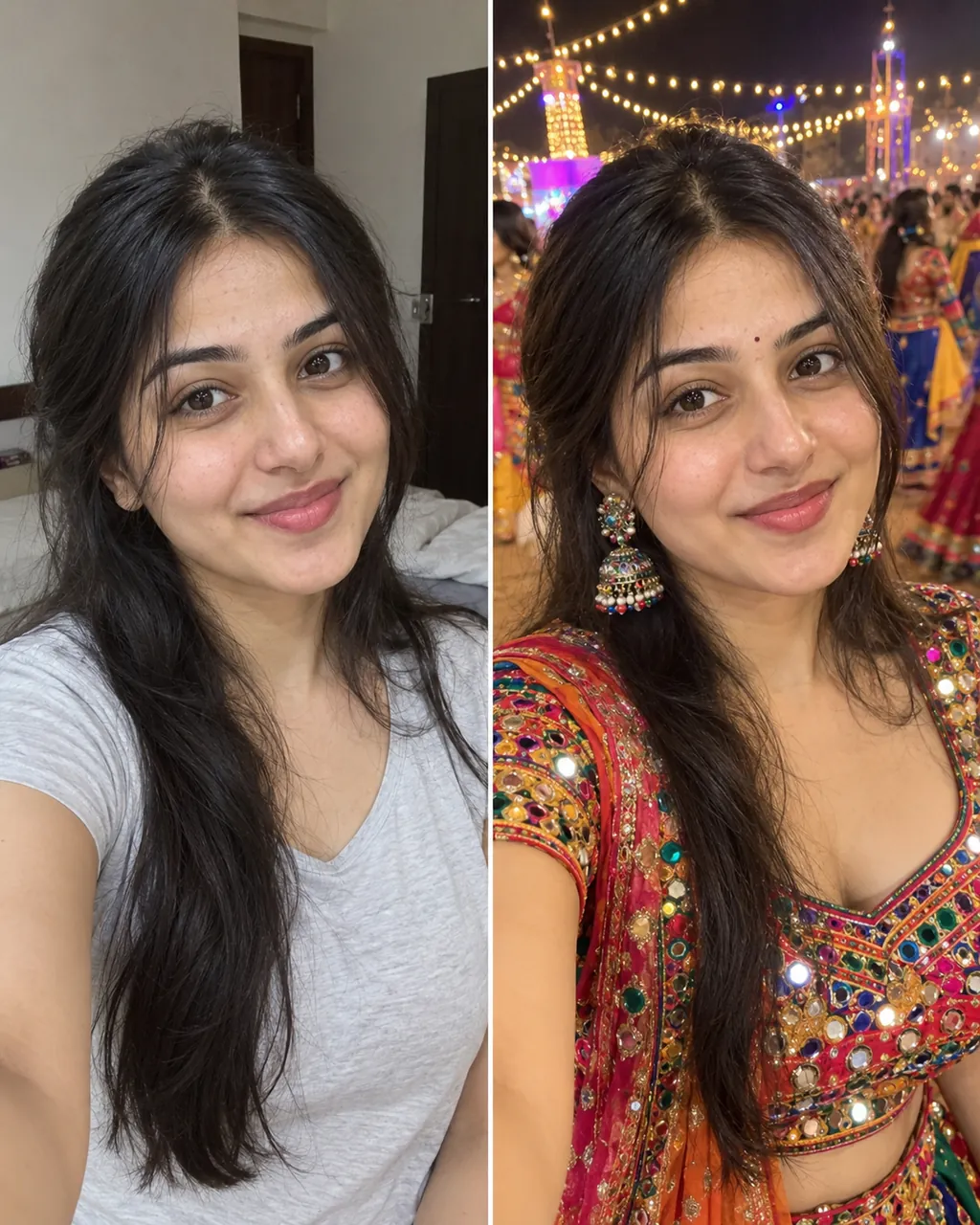
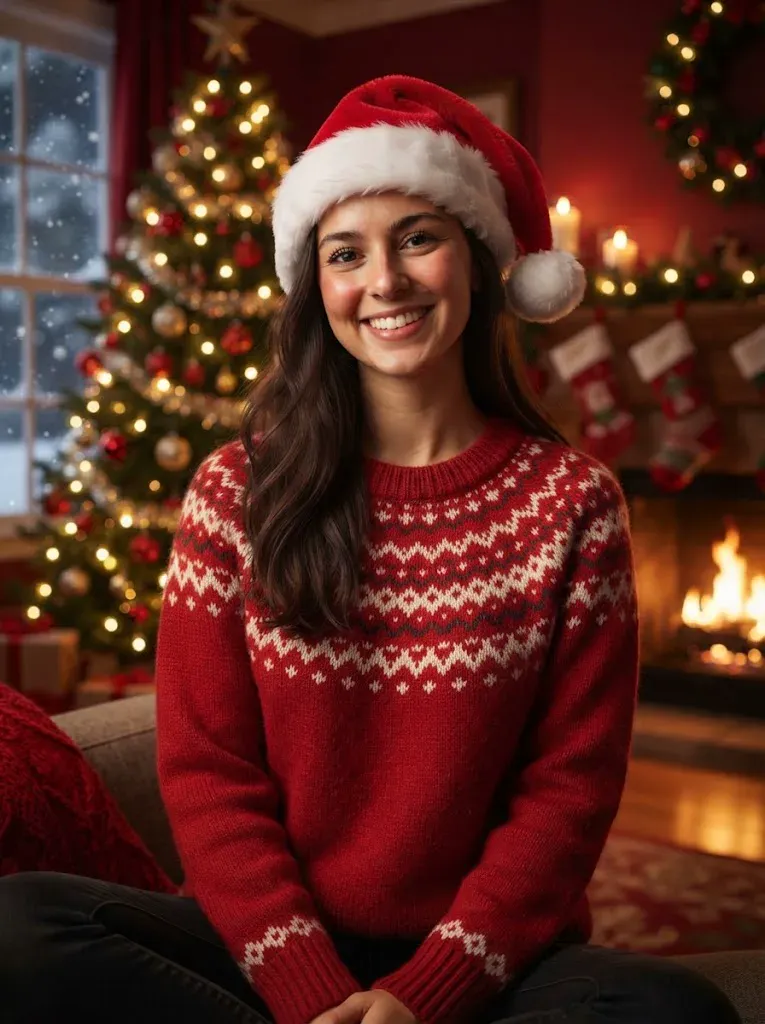
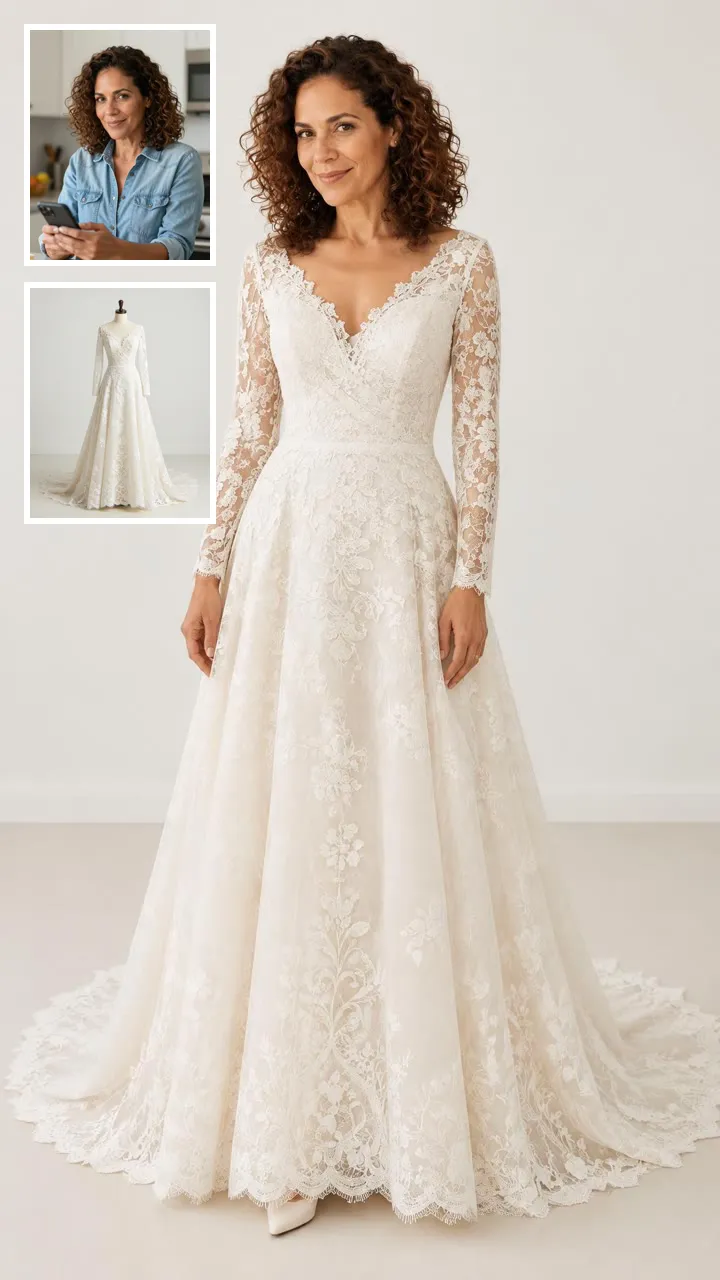
These are real outputs from this page, each made from one ordinary photo. The people in the input pictures are fictional, AI-generated people. They show how the page swaps clothes, props and background while your faces carry over. Every run is a little different, so your own card will vary with your lighting, your pose and the photo you upload. Treat the first result as a draft and run another style if you want a second look.

Make My Christmas Card

Couple Photo

A Couple Photo Becomes a Christmas Card

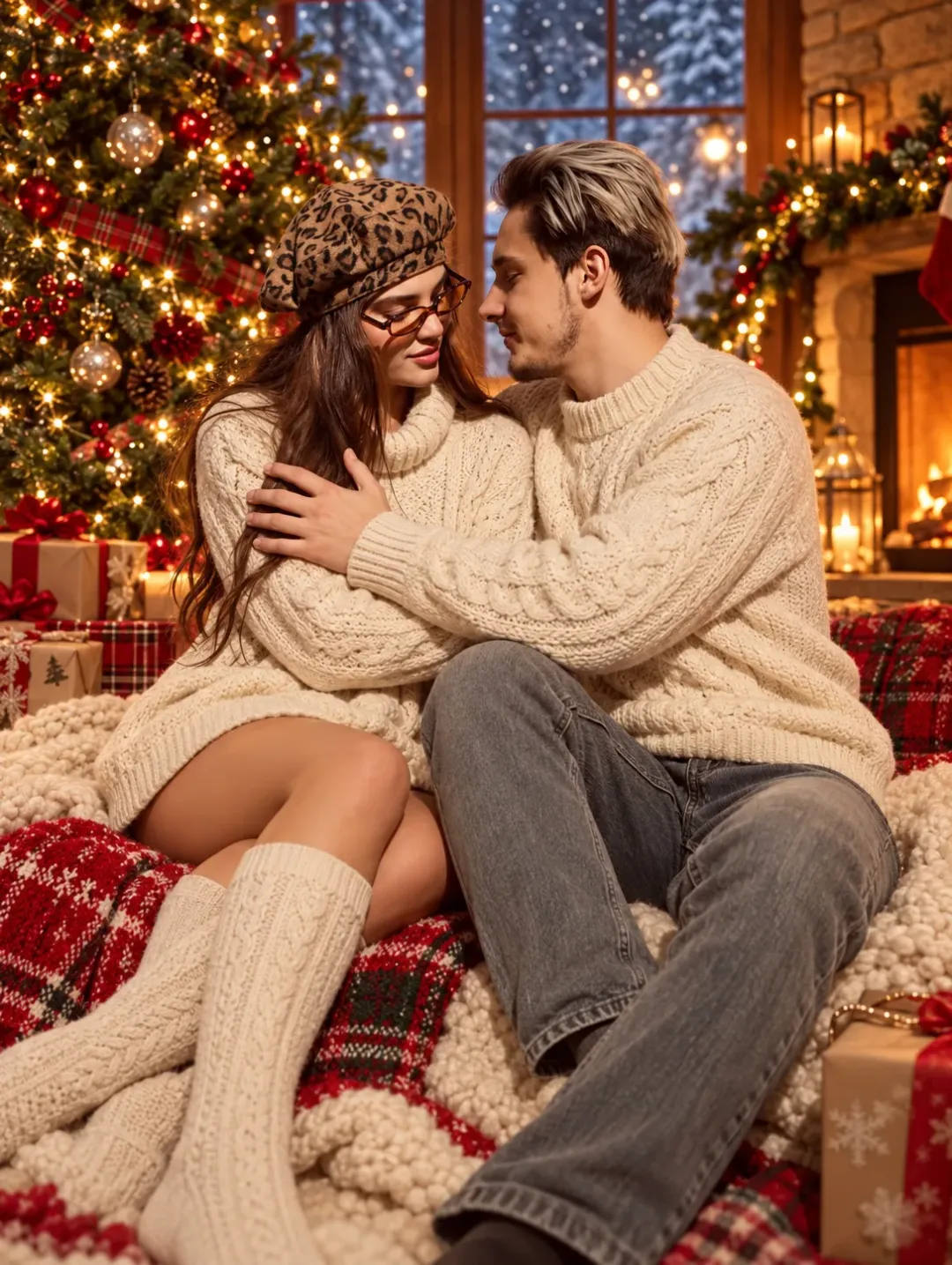
Two people, matching sweaters, one lit tree.

You do not need a studio or a booked photographer. Upload one picture of two people and the AI Christmas card generator dresses both of you in matching knits, sets you in front of a decorated tree and adds a fireplace glow. The built-in prompt line asks the model to keep both faces, hair and the way you sit close together. It is a quick way to get a card picture for the relatives who like a couple shot.

  • Dresses both people together
  • Keeps faces, hair and closeness
  • Adds tree, gifts and fireplace glow
Couple turned into a matching-sweater Christmas card

Illustrated Card

Turn Your Photo Into an Illustrated Winter Card

Pick a drawn look instead of a photo look.

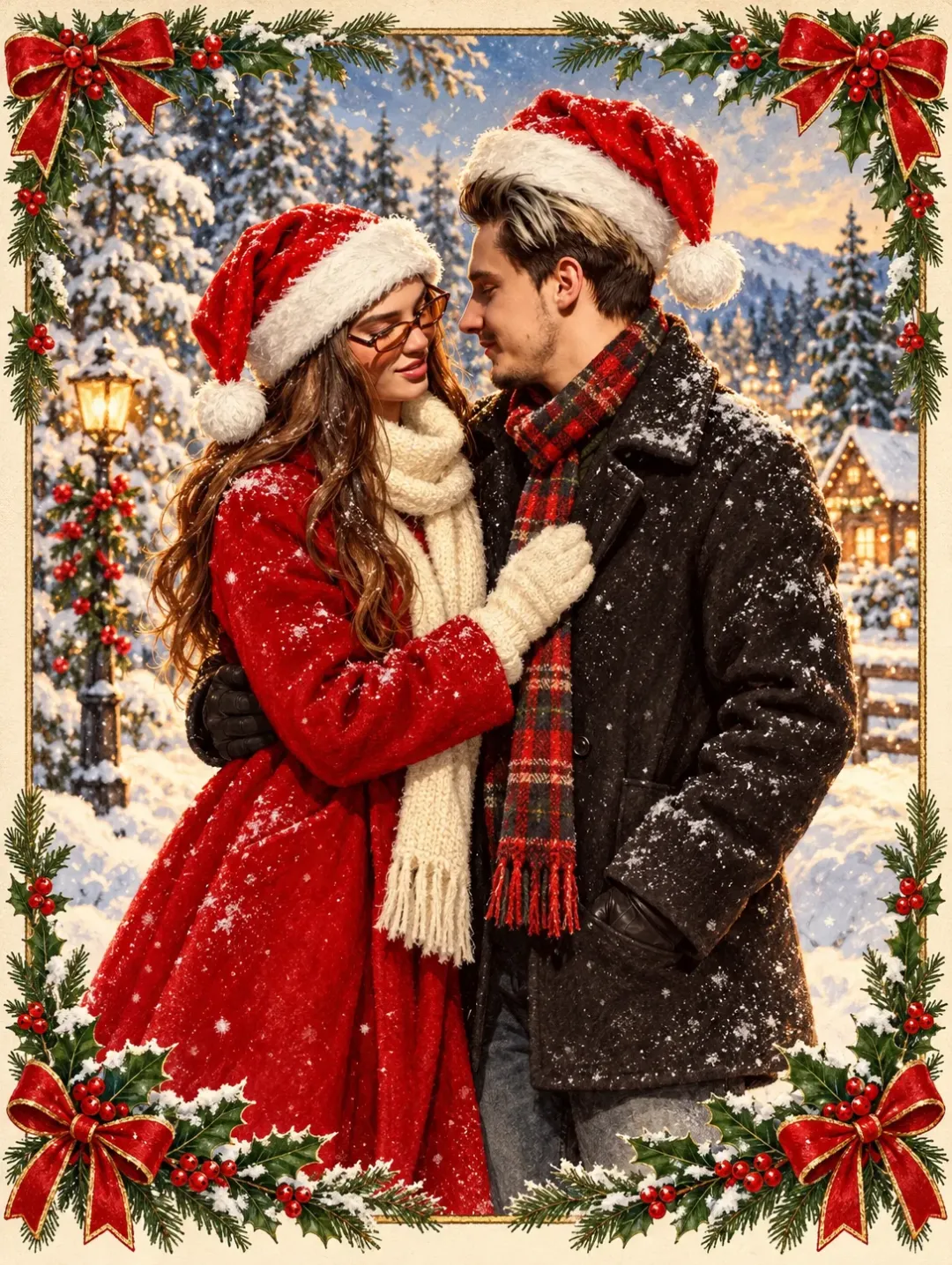
Not every card has to look like a photograph. Choose the illustrated winter or the vintage postcard style and the AI Christmas card generator redraws you as part of a classic painted scene, with frosted pines, a holly border or a snowy village street. Faces stay recognisable, the colors stay soft and warm, and the picture has no text on it, so you can add your own greeting and names in any editor or messaging app.

  • Drawn look from a real photo
  • Faces stay recognisable
  • No text, so you add your greeting
Photo redrawn as an illustrated winter card

Card Ideas

AI Christmas Card Ideas for Your Photo

Families Sending Cards

Getting everyone into matching outfits and in front of a tree on the same afternoon is hard. With an AI Christmas card generator you upload the picture you already have and the outfits, the tree and the glow are added for you. Pick the cream sweaters for a classic look or the red and gold studio for a formal one, then send the result to the group chat or the printer.
Couples and Friends

A card from two people works well with one shared photo. Upload a couple or friends picture and the AI Christmas card generator dresses everyone in the frame at once, so nobody is left in a coat while the others wear knits. This suits an annual card, an engagement-year greeting or a funny note to the friends you will not meet before the holidays.

Pets and Last-Minute Cards

If it is already December and every studio is booked, the AI Christmas card generator is the fastest route to a card from one photo. A dog or cat can join the picture with a bandana or a blanket, and a failed run is refunded. Start from a sharp, well-lit photo, pick the fireside stockings or the snowy doorstep, and have a card to send within minutes.

Best Results

Best Photos for Your Christmas Card

Recommended Photos

  • Sharp, front-facing photos with even light
  • Everyone you want on the card in one frame
  • Clear pet photos with the face visible
  • Faces not cropped at the edge

Photos to Avoid

  • Blurry or dark room shots
  • Heavy sunglasses or masks over faces
  • Very low resolution images
  • People hidden behind each other
Make My Christmas Card

Comparison

AI Christmas Card Generator vs Card Maker vs Photo Filter

These tools sound alike and do different jobs. An AI Christmas card generator, like this page, rebuilds the whole picture from your photo: outfits, set and light. A card maker places your untouched photo inside a template with text and borders. A photo filter lays a 2D effect such as snow or a hat on top. Pick the one that matches what you need to send, and note that this AI Christmas card generator makes the picture only and does not print or mail cards.

AI Christmas Card Generator (This Page)

It reads your photo and creates a new festive picture with themed outfits, a new background and warm light, while keeping your faces. You get one still image, with no text, to send, post or use inside a card layout.

Card Maker or Template Tool

A card maker puts your original photo into a ready layout with a greeting, fonts and a border. It is the right tool for text and print layout, but it does not change what you are wearing or where you are standing.

Photo Filter

A filter adds a quick overlay such as falling snow or a Santa hat to a camera feed or picture. It is fast, but it does not rebuild the scene or the outfits.

Your Faces

How the AI Christmas Card Generator Keeps Your Face

01

Built-In Prompt Guardrails

Every style attaches instructions that ask the model to keep faces, skin tone, hair, fur and the number of people and pets.

02

No Prompt Writing

You do not write a prompt. Pick a style button and generate. The full prompt of each style is open on the page if you want to copy it.

03

Expect Some Variation

Each run differs a little. If a face is off, run it again for 8 credits or try another style.

04

No Text on the Card

The picture has no lettering, so there is nothing to misspell. Add your greeting and names in any editor you like.

Technology

Which AI Model Does This Page Use?

Christmas card pictureShort video
ModelNano Banana 2MiniMax H3
What you upload1 uploaded photoYour finished card picture
What you get1 still card pictureShort video with sound
Credits8 credits per picture20 credits (6s) / 40 (10s) / 60 (15s)
WhereThis pageMiniMax H3 page

Make your card picture here first, then animate it on the MiniMax H3 page if you want a moving greeting.

Make My Christmas Card

Simple Steps

How to Use the AI Christmas Card Generator

Make My Christmas Card

01

Upload One Photo

Sign in, then upload one clear, evenly lit photo of yourself, a couple, a family, a group or a pet. Faces should be visible.

02

Pick a Card Style

Choose one of 6 styles and a shape: square, 9:16 or 16:9. The credit cost shows before you generate.

03

Generate and Download

Click generate. Your card usually takes about a minute. Download it, then add your greeting in any editor or send it as is.

More to try with your photo

More AI photo tools

AI Christmas Card Generator FAQ

Everything you need to know before you make your card.

Make My Christmas Card
Is the AI Christmas card generator free?

New accounts get 8 welcome credits once (one time per device and network). One card picture costs 8 credits, so that covers your first card. You sign in to generate, and after that you buy a plan or credits on the pricing page. You see the credit cost before you generate.

How do I turn a family photo into a Christmas card?

Upload one photo with everyone in it, pick a style such as cream sweaters or fireside stockings, choose a shape and click generate. The AI Christmas card generator dresses everyone in the frame and builds the festive set around you. Your card usually takes about a minute.

Can the AI Christmas card generator use a photo of me and my partner?

Yes. Upload one picture of the two of you. The generator applies the outfits and the scene to both people at once and asks the model to keep both faces and the way you stand together.

Can I put my dog or cat on my AI Christmas card?

Yes. Upload a clear pet photo, or a photo of you with your pet. The generator adds small festive touches such as a bandana or a tartan blanket, keeps the same fur and face, and does not add animals that were not in your picture.

Can the AI Christmas card generator add my greeting and names?

No. The picture has no text on it, so nothing is misspelled. Download the card and add your greeting and names in any editor, a messaging app or a card layout tool.

Can I print what the AI Christmas card generator makes?

Pictures are made at 1K size, which suits sharing and small prints. For a big print, check the size with your printer first, and look at every face before you order a batch of cards.

Will the AI Christmas card generator keep my face?

Every style asks the model to keep faces, skin tone, hair, fur and the number of people. AI results vary slightly each time, so check the faces. If one is off, run it again for 8 credits or try another style.

What does the AI Christmas card generator do with my photo?

Your photo is used to make your card and your results are not posted on any public page. Use a photo you have the right to use, and keep photos of other people to those who are fine with it.

Can I turn my AI Christmas card generator picture into a video?

Yes. Download your card picture and upload it on the MiniMax H3 page. A 6-second clip costs 20 credits, 10 seconds costs 40 and 15 seconds costs 60, with generated sound. That is a separate step from this page.

What is the difference between an AI Christmas card generator and a card maker?

A card maker puts your original photo into a template with text. An AI Christmas card generator rebuilds the picture itself, with new outfits, a new set and warm light. For more trend ideas, see how to do the AI trend pages.

Can I use the AI Christmas card generator on my phone?

Yes. Open this page in your mobile browser, upload a picture from your camera roll, pick a style, choose a square, 9:16 or 16:9 shape and generate.

Explore More

Explore Related Tools and Trends

Make Your Christmas Card Picture Now

Cozy, Festive, Ready to Send

Upload your photo and get a card picture in about a minute.

Make My Christmas Card

Each card picture uses 8 credits. New accounts get 8 credits once.

Make Your Christmas Card Picture Now

Make My Christmas Card