Two People Sharing One Mic
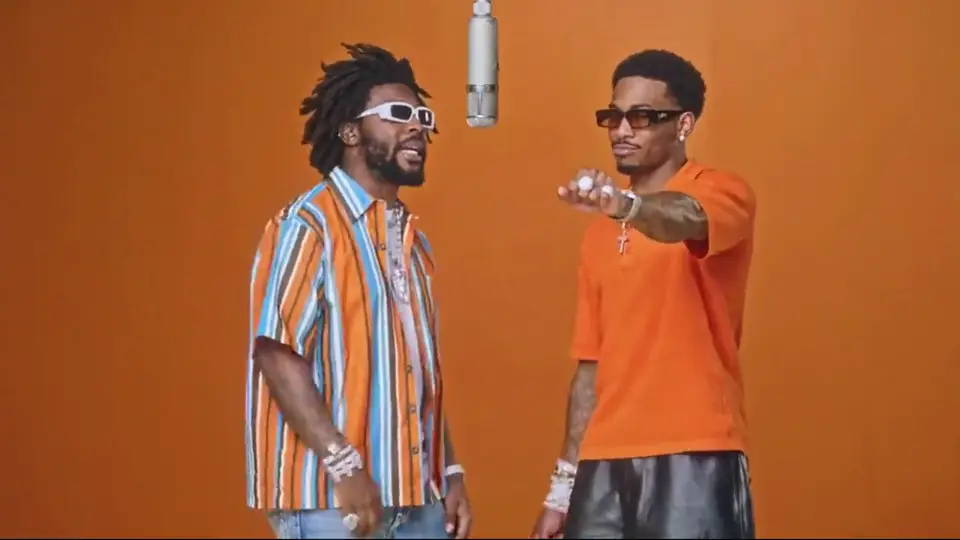
You and a partner trade bars side by side in a studio booth without writing a single line.
Turn two solo photos of you and a friend, partner or family member into an AI rap duo video right in your phone browser. No app install needed.
Only upload photos of yourself or people who agreed.
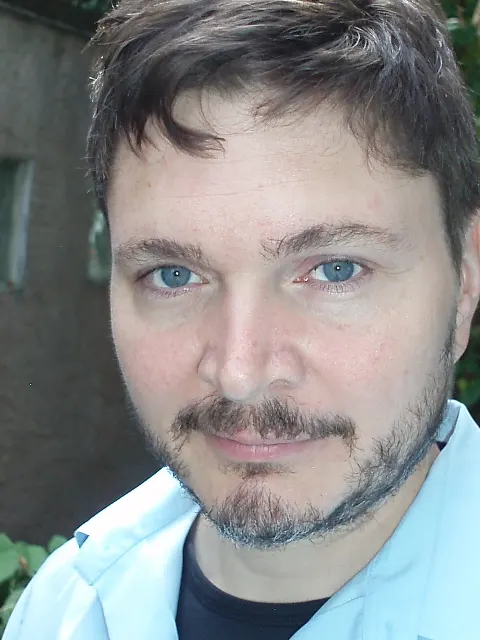
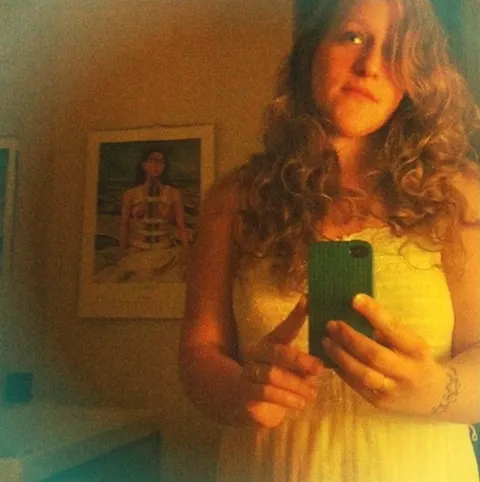 Your video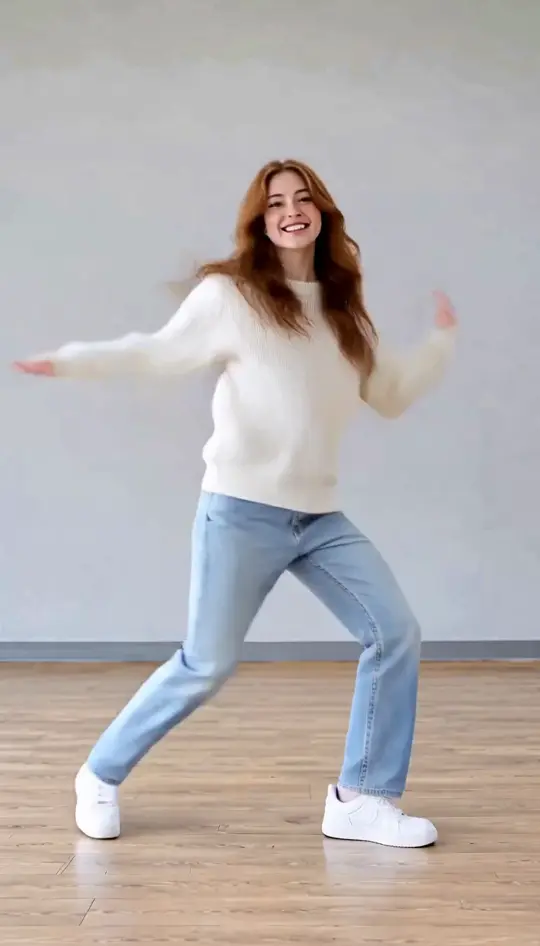

Browse all
Video Ideas
Send a short two-person clip to celebrate a friend or share an inside joke. You can make an AI rap video from two separate photos without being together.
Make Our AI Rap Duo VideoBirthday Surprise
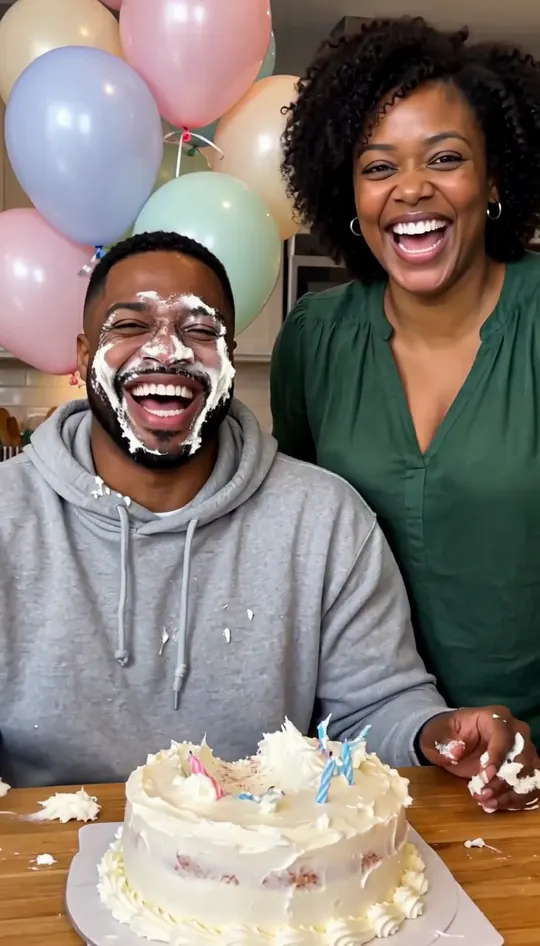
Send an AI rap duo video to your best friend or partner as a fun birthday surprise. It is a quick alternative to another standard text message.
Couples Milestone
Celebrate your anniversary by pairing two solo portraits into a shared duo rap video. It makes a playful keepsake to share privately or post together for friends.
Distant Friends
Make an AI rap duo video even when you and your friend live in different cities across the world. You each send one solo selfie and end up standing side by side in the same frame.
Group Chat
Drop an unexpected clip into your daily thread as an inside joke for the group chat. It gives your friends something quick to laugh about and reply to.
Pet Friends
Pair up your cat and dog photos to create an amusing two-pet rap video clip. Pet faces are less steady than human portraits, so retry first before picking a new picture.
Photo Guidelines
Trend Background
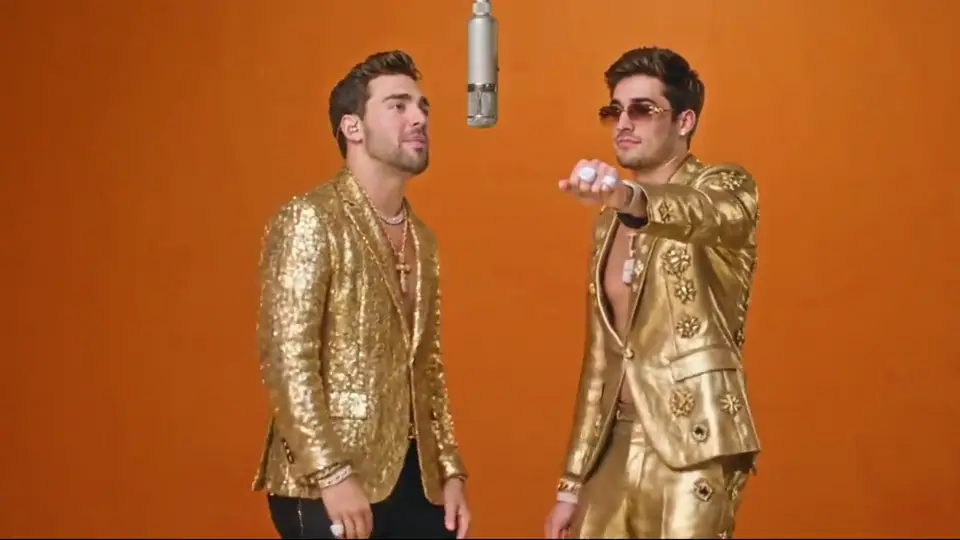
Online creators also call this the rap duo trend, the AI rap duo trend, and the hotel lobby rap duo trend. It is a two-person AI rap trend where two people trade bars on one hanging mic in a plain orange studio. The visual style comes from a 2022 COLORS performance of a song called "Hotel Lobby". AI versions began spreading on TikTok from late September 2026. A Ricebowl AI rap duo video puts your own two photos into that style. Ricebowl is not affiliated with the artists, Migos or COLORS.
You and a partner trade bars side by side in a studio booth without writing a single line.
You do not need to be in the same room. Any two solo photos work, taken anywhere, any day.
Why Make One
01
You and your friend can live far apart. Just gather one solo selfie from each person to make your AI rap duo together.
02
An AI rap duo video takes about 2 to 3 minutes to make and downloads straight to your phone for an easy birthday or holiday surprise.
03
It defaults to 9:16, downloads have no watermark, and there is no app to install. You can share your AI rap video directly.
Specs & Boundaries
| Feature | How It Works |
|---|---|
| Photos | Requires two separate solo photos, one per person. The slot where you upload each picture determines which side that person occupies; group photos are not supported. |
| Lyrics and topic | You cannot write lyrics or choose what the rap discusses. No text prompt is needed because the performance template is built in. |
| Language | The spoken language cannot be selected or changed by the user. |
| Stage | The visual setting is locked to a single plain orange recording booth with one hanging microphone. No other environments exist. |
| Sizes | Six ratios: 16:9, 9:16, 1:1, 4:3, 3:4 and 21:9. Default is 9:16. |
| Length | 5, 10 or 15 seconds. The 15-second option is for subscribers only. |
| Quality | Output resolutions include 480p or 720p. High-definition 1080p rendering is not supported on this generator. |
| Sound | Sound is on by default. When sound is enabled, the template uses its preset reference audio as part of the generated clip. Ricebowl does not clone an artist's voice, and the AI rap duo generator does not write a new song. |
| Time | Processing takes about 2 to 3 minutes. Please keep your active browser tab open until the file finishes rendering. |
| Phone | Works in a mobile web browser. No software to install and no app store download. |
| Watermark | Downloads have no watermark. |
| Failed videos | If a generation encounters an unexpected system error, your account credits are refunded automatically back to your balance. |
The main generate button always shows the exact credit price required for your selected settings before rendering starts.
Make Our AI Rap Duo Video01
Pick one individual photo of yourself and one from your friend, even if taken months apart in different cities.
02
Drop each portrait into the left or right space. Your placement sets which side of the studio frame each person takes.
03
Select your aspect ratio, choose between 5, 10 or 15 seconds, pick 480p or 720p, and toggle sound.
04
Tap to start rendering your AI rap video, keep this page open for about 2 to 3 minutes, then download your AI rap duo clip.
One balance, every model. Credits work across all 20 video models — no watermark, no tier-locked models, commercial use on every paid plan.
Save 30% billed annually
Flexible monthly subscription.
The lowest price to get started. Every model, a monthly budget to try things out.
$7.99/mo
Renews monthly, cancel anytime.
200 credits
≈ 0–10 videos, depending on the model
≈ 14–66 images, depending on the model
4.00¢ / credit
The cheapest way to start. Every model, a small monthly budget.
$12.99/mo
Renews monthly, cancel anytime.
400 credits
≈ 1–20 videos, depending on the model
≈ 28–133 images, depending on the model
3.25¢ / credit
Enough credits to try every model and finish a few clips each month.
$29.9/mo
Renews monthly, cancel anytime.
1,000 credits
≈ 3–50 videos, depending on the model
≈ 71–333 images, depending on the model
2.99¢ / credit
2 parallel tasks
Steady output for solo creators going pro — every model, a comfortable budget.
$49.9/mo
Renews monthly, cancel anytime.
2,000 credits
≈ 6–100 videos, depending on the model
≈ 142–666 images, depending on the model
2.50¢ / credit
3 parallel tasks
High-volume production for prolific creators and small teams.
$89.9/mo
Renews monthly, cancel anytime.
5,000 credits
≈ 15–250 videos, depending on the model
≈ 357–1666 images, depending on the model
1.80¢ / credit
5 parallel tasks
Pay yearly and save more.
Enough credits to try every model and finish a few clips each month.
$19.9/mo$29.9
Billed yearly at $238.8. Renews yearly, cancel anytime.
Save $120/yr vs monthly
12,000 credits
≈ 38–600 videos, depending on the model
≈ 857–4000 images, depending on the model
1.99¢ / credit
2 parallel tasks
Steady output for solo creators going pro — every model, a comfortable budget.
$34.9/mo$49.9
Billed yearly at $418.8. Renews yearly, cancel anytime.
Save $180/yr vs monthly
24,000 credits
≈ 76–1200 videos, depending on the model
≈ 1714–8000 images, depending on the model
1.75¢ / credit
3 parallel tasks
High-volume production for prolific creators and small teams.
$62.9/mo$89.9
Billed yearly at $754.8. Renews yearly, cancel anytime.
Save $324/yr vs monthly
60,000 credits
≈ 190–3000 videos, depending on the model
≈ 4285–20000 images, depending on the model
1.26¢ / credit
5 parallel tasks
Top up credits valid for 12 months.
One-time top-up — perfect for occasional needs.
$49.9
One-time purchase, valid 12 months.
1,000 credits
≈ 3–50 videos, depending on the model
≈ 71–333 images, depending on the model
4.99¢ / credit
Larger top-up with 20% bonus — best per-credit value for one-time buyers.
$198
One-time purchase, valid 12 months.
4,800 credits
≈ 15–240 videos, depending on the model
≈ 342–1600 images, depending on the model
4.13¢ / credit
5 parallel tasks
Find straight answers about pricing, generation limits, audio settings, and photo privacy.
Make Our AI Rap Duo VideoIt is an online video trend where two people's photos become two people trading bars on one mic in an orange booth. The two faces appear side by side in a studio setting.
Upload two individual solo photos into the left and right slots on the page. Choose your preferred aspect ratio, clip duration, and video resolution, then press generate. Keep the page open for about 2 to 3 minutes until download is ready.
No. New accounts get 20 credits, which is not enough for one video. Videos cost 50 credits for 5 seconds at 480p, 90 credits at 720p, and plans start at $7.99 a month for 200 credits.
Yes, they are the same trend under different names. Ricebowl has pages for hotel lobby AI and Migos AI, and the same two-photo tool sits behind both.
No. The platform provides a fixed performance template, meaning you cannot submit lyrics or request specific song topics. You also cannot choose the spoken language used during the video clip.
Sound is on by default. When sound is enabled, the template uses its preset reference audio as part of the generated clip. Ricebowl does not clone an artist's voice, and the AI rap duo generator does not write a new song.
You can download the finished clip straight to your phone. The default 9:16 fills a TikTok or Reels screen completely. Check each platform's rules regarding AI labels and background audio before you post.
No. The tool takes one person per photo, so you need two separate solo photos. Group photos with both people together are not supported.
Generation takes about 2 to 3 minutes, during which your browser tab must remain open. Finished video files run for 5, 10, or 15 seconds, with the 15-second option reserved for subscribers.
Yes, distance is not an issue. You do not need to take photos together or on the same date. Each person simply provides their own separate portrait from wherever they are located.
Any time a render fails due to an error, your spent credits are refunded automatically back to your balance. You can retry immediately or choose a different photo.
Only upload photos of yourself or people who agreed, so leave out anyone who has not agreed, celebrities included. Photos are used only to make your video. Videos from free accounts may appear in Ricebowl's public gallery, and paid subscribers can set theirs to private.
You can try animal pictures. Results are less steady than with human faces, so retry first, then change the photo if needed.
No. The generator exclusively uses the signature orange recording booth setting with the hanging overhead microphone. There are no other stages or background scenes available.
Related
Turn two separate selfies into a shared studio clip in about 2 to 3 minutes.
Make Our AI Rap Duo VideoFROM 50 CREDITS • NO APP NEEDED
Surprise Your Favorite Person With an
Make Our AI Rap Duo Video