Seedance 2 Video Generator

Generate controllable Seedance 2 videos with prompt, references, pricing, and production-ready case studies.

Estimated — credits

Production Cases

Five Cases That Show Seedance 2 In Real Workflows

Case narratives and media are migrated from seedance2.vip and all media links are switched to media.ricebowl.ai.

Try Seedance 2 free

Case 01

Core EvolutionFundamentals

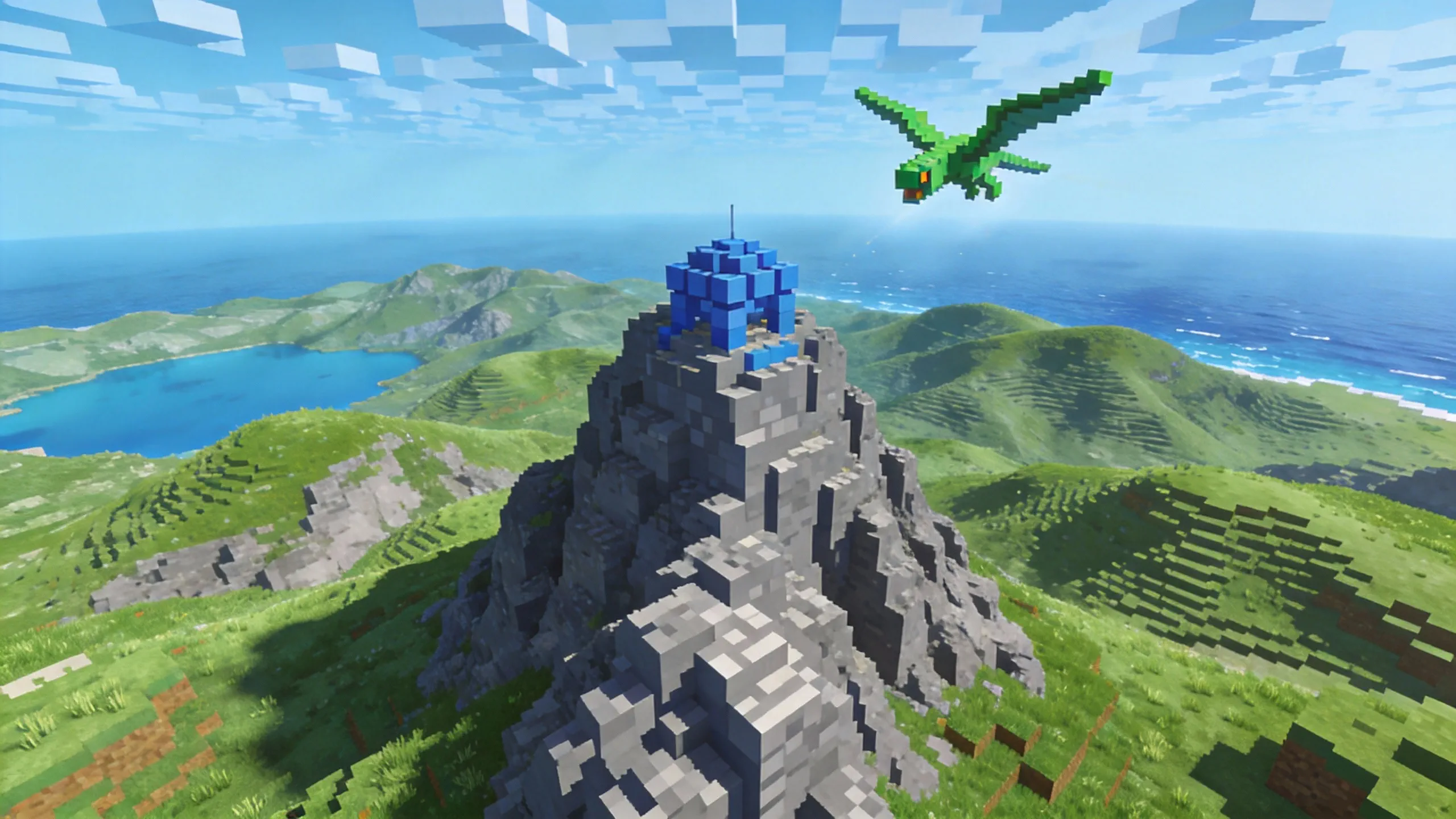
Seedance 2 improves physical plausibility, motion smoothness, and prompt understanding in one generation pipeline.

  • Stable motion
  • Better realism
  • Lower retry
Image 01

Case 02

Identity ConsistencyConsistency

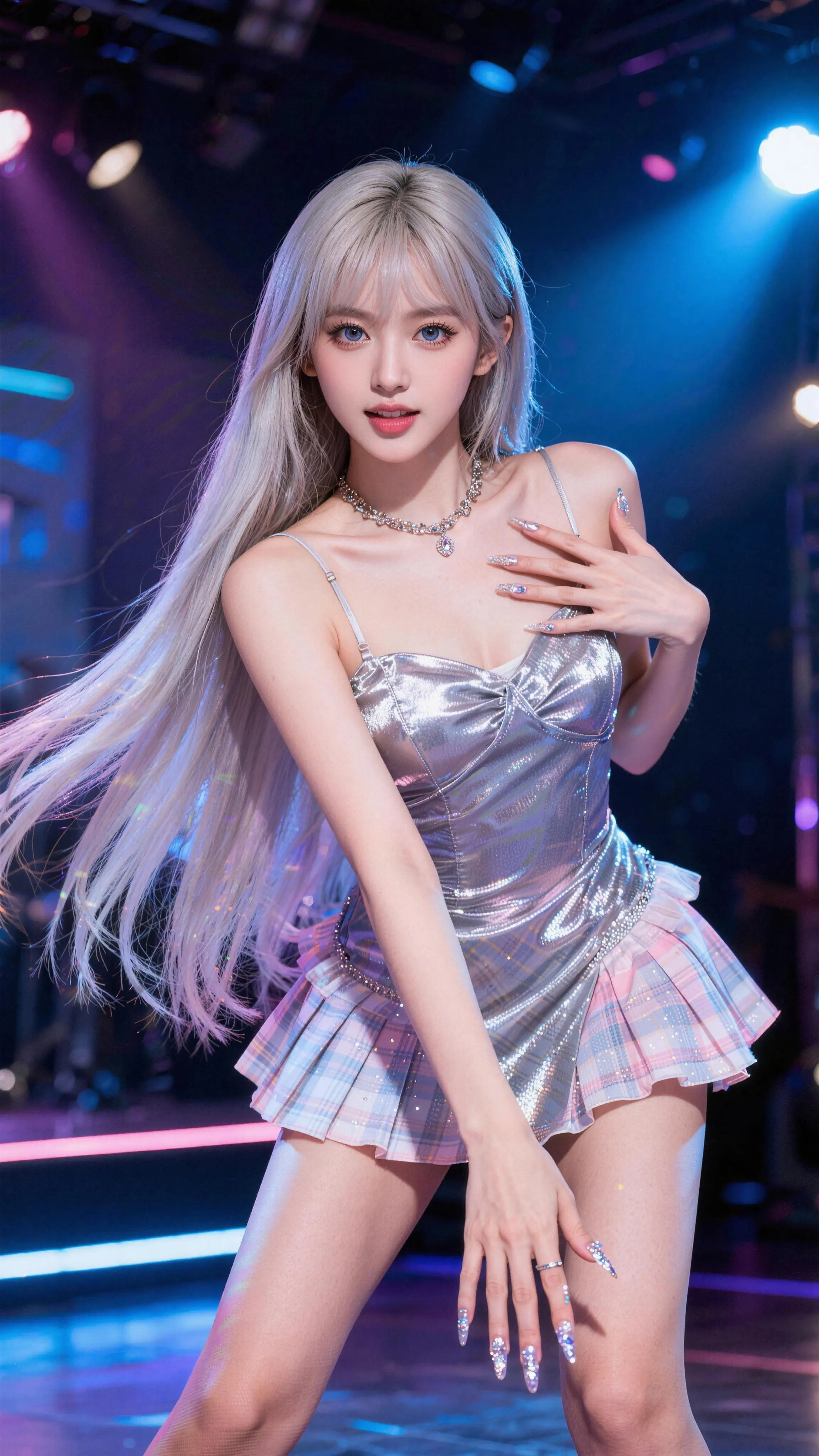
Faces, costumes, text details, and scene continuity remain aligned across multiple shots and transitions.

  • Identity lock
  • Detail retention
  • Cross-shot continuity
Image 01

Case 03

Creative ReplicationTemplate Recreation

Reference media can be reinterpreted into new stories while preserving cinematic rhythm, camera grammar, and transitions.

  • Template remix
  • Effect recreation
  • Fast variant output
Image 01
Image 02

Case 04

Temporal ExtensionVideo Extend

Existing short clips can be naturally extended with coherent story logic, motion continuity, and lighting consistency.

  • Natural extension
  • Story continuity
  • No full restart

Case 05

Precision Camera ControlHigh Difficulty

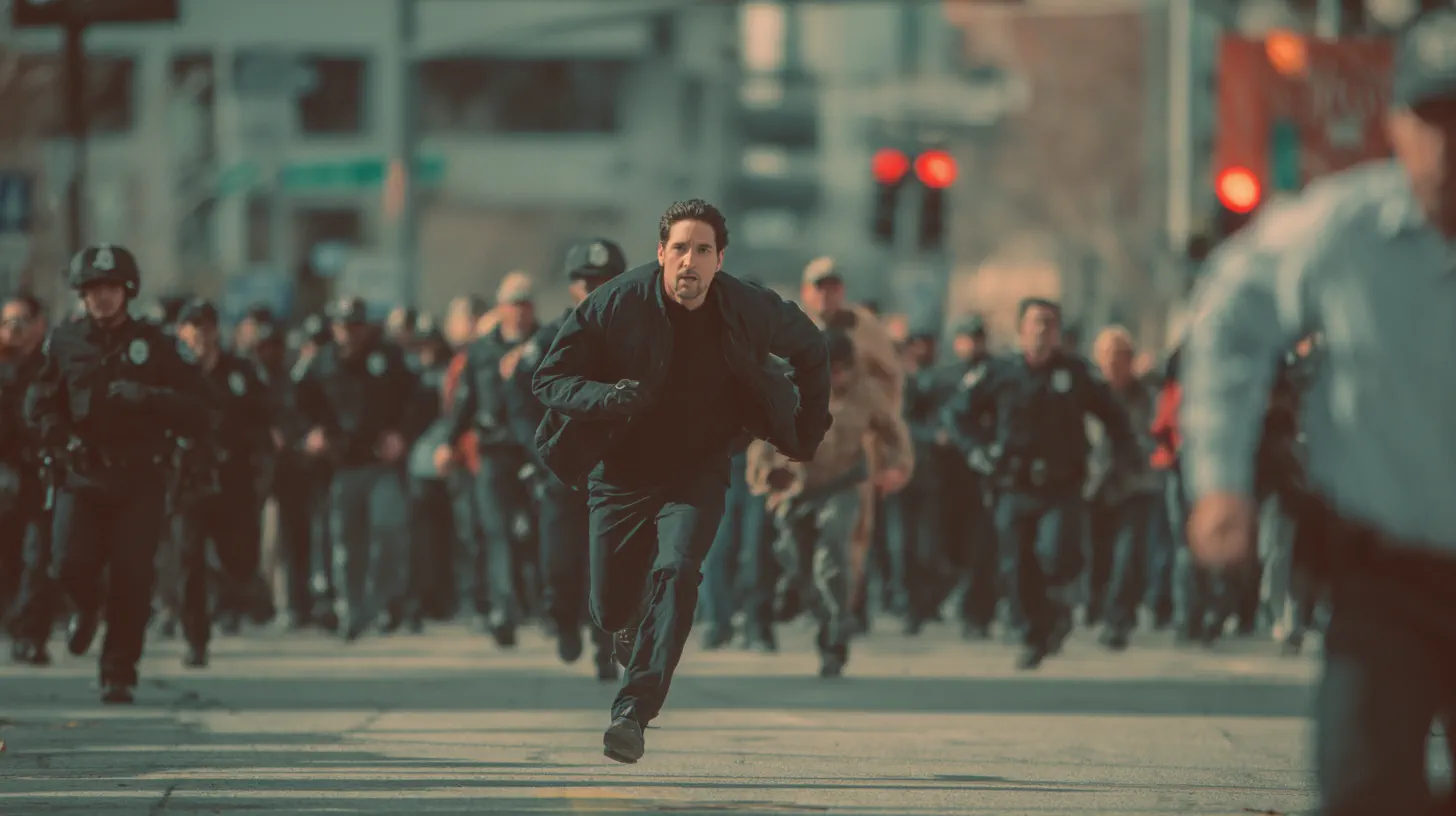
High difficulty motion and camera tracks can be replicated with tighter control suitable for cinematic style shots.

  • Camera trajectory
  • Action timing
  • Advanced control
Image 01

PROMPT EXAMPLES

Seedance 2 Prompts

Prompt

Follow the storyboard in @Image 1 for shot sizes and camera moves. The character is from @Image 2 and the café is from @Image 3. Make a 15-second quiet morning short: she unlocks the door, wipes the counter, and turns the sign to OPEN. Soft piano, street ambience.

Prompt

Use the camera movement and cut rhythm of @Video 1. Replace the sneaker in it with the running shoe in @Image 1, keep the same background, and end on a close-up of the sole. Cut on the beat of @Audio 1.

Prompt

Extend @Video 1 by 5 seconds: the skateboarder lands the trick, rolls toward camera, and brakes. Keep the same lens, light, and grain.

Prompt

Two figure skaters in black costumes perform a side-by-side jump, spin in the air, and land on the same beat. Tracking shot at ice level, arena echo, blades cutting the ice.

Prompt

In @Video 1, change only the man's jacket from grey to red. Keep every movement, cut, and camera move unchanged.

WHO IT IS FOR

Who Is Seedance 2.0 Built For

Ad teams remaking a winning spot

Upload the ad that already converts as a video reference and Seedance 2 rebuilds its pacing, camera moves, and transitions around your product. The model reads composition, motion, and effects from input clips, so you brief it with footage instead of adjectives.

Try this use case →

Brand and e-commerce studios

Nine reference images keep the same product, packaging, and model across every angle of a campaign. Seedance 2.0 reads them together, so the label in shot four matches shot one.

Try this use case →

Music video and dance creators

Add the track as an audio reference and the movement follows its rhythm. The clip comes back with two-channel stereo generated with the picture, not laid under it afterwards.

Short-film and storyboard directors

Seedance 2 can read a storyboard image, with its shot sizes, camera moves, and on-screen copy, and turn it into a multi-shot clip of up to 15 seconds. Then extend the take you like instead of starting over.

Editors fixing a single shot

Seedance 2.0 changes a specific clip, character, or action inside an existing video and leaves the rest alone. That saves a reshoot when only the last two seconds are wrong.

WHY SEEDANCE 2 FEELS DIFFERENT

What Seedance 2 gets rightand where it still asks something of you

Where Seedance 2 is strong

  • References do the directing: Seedance 2 takes image, audio, and video references as instructions, so you can show the performance you want instead of describing it.
  • Identity survives the cut: Faces, costumes, and on-screen text stay aligned across shots and transitions, which is what makes multi-shot edits usable.
  • Existing clips can be extended: A short take can be continued with matching motion, lighting, and story logic rather than restarted from an empty prompt.
  • Hard camera moves land: Tracking shots and high-difficulty motion can be replicated closely enough for cinematic-style work.

What to watch out for

  • Reference quality sets the ceiling: A soft or badly lit reference gives Seedance 2 a soft result. Clean up the input before you blame the model.
  • Template remixes need framing: Reinterpreting a reference works best when the prompt also states the new story. Without it you get a copy, not a variant.
  • More references means more credits: Every extra reference and every extension pass spends again, so plan the shot list before you start rendering.
Try Seedance 2 free

WHAT CREATORS KEEP SAYING

What people keep pointing out about Seedance 2

01

Control is the reason people switch

The most repeated point is that Seedance 2 listens to references. Creators who fought prompt-only tools describe this as finally being able to direct.

02

Consistency across shots holds up

Multi-shot edits keep the same face, wardrobe, and set dressing, so a sequence can be assembled without hiding the joins behind cuts.

03

Physics and motion read as believable

Weight, contact, and follow-through come back closer to real footage, which is the difference between a usable shot and an obvious render.

04

Extending a clip saves the most time

Instead of rerolling a whole generation for four more seconds, people extend the take they already liked and keep the part that worked.

Try Seedance 2 free

WHAT SETS IT APART

Built for More Than One-Shot Clips: What Seedance 2 Adds

01

Up to 15 reference files in one request

ByteDance's limit is 9 images, 3 video clips, and 3 audio clips plus a text instruction in a single request. Each file can steer something different: the face from one, the camera from another, the rhythm from a track. This generator takes up to 9 images plus video and audio references.

02

Physics that survives fast contact

Multi-person sports and contact scenes are where older models fell apart. ByteDance's launch demos show pair skaters taking off, spinning, and landing in sync. In practice, hands, feet, and fabric stay attached to the right body through fast action.

03

Camera planning from the prompt

Leave the camera out and Seedance 2.0 plans shot sizes and moves on its own; write them in and it follows them. Either way you get a sequence with cuts, not one static take.

04

Sound designed with the picture

Background music, ambient effects, and character voice are generated as parallel tracks aligned to the motion, down to small foley like bubble wrap popping. On this site audio is included in the Seedance 2 price, not billed as an extra.

OUR TAKE

Seedance 2.0 vs 2.5, 2.0 Fast, Mini, and 1.5 Pro: Which One to Run

Seedance 2.5: switch only when the take runs past 15 seconds

Seedance 2.0 stops at 15 seconds. Seedance 2.5 runs 5 to 30 seconds and takes up to 30 reference images, but on this site it tops out at 720p and costs more: 315 credits for 5 seconds at 720p against 205 on 2.0. For a 1080p finish under 15 seconds, stay on 2.0.

Seedance 2.0 Fast: the draft model

Same inputs as 2.0 at 480p or 720p, for 60 credits per 5 seconds at 480p against 95. Lock framing and motion on Fast, then re-render the keeper on Seedance 2.0 at 1080p.

Seedance 2.0 Mini: the cheapest way to test a reference

30 credits for 5 seconds at 480p, under a third of the full model, with the same image, video, and audio inputs. Good enough to check that your reference is read correctly; not the model for a final cut.

Seedance 1.5 Pro: only for cheap 1080p without references

1.5 Pro reaches 1080p from 40 credits for 5 silent seconds, with audio as an extra. It accepts text and up to two images, no video or audio, and stops at 12 seconds. Use it for simple 1080p shots on a budget; for anything reference-led, use Seedance 2.0.

COMPARISON

Seedance 2 vs Kling 3 vs Veo 3

FeatureSeedance 2Kling 3Veo 3
Best ForReference-led videos with tight director controlSpeaking characters, action shots, and product demosCinematic short clips that need built-in sound
Input OptionsText, image, audio, and video referencesText, image, and multimodal Omni referencesText prompts, plus image-to-video in supported workflows
Creative ControlPerformance, lighting, shadow, and camera movement from referencesShot order, character consistency, and multi-shot flowPrompt, camera, scene, and audio direction
Visual StrengthMotion stability, physical plausibility, and reference fidelityStable characters, clean objects, commercial-style renderingRealistic physics, lighting, and cinematic mood
AudioAudio and video generated jointlyNative audio with character-level lip-syncNative dialogue, ambience, music, and sound effects
Best Choice WhenYou want to steer the result with images, video, or audioYou need people who talk, move, and stay on modelYou want a realistic clip that already has sound
Try Seedance 2 free

HOW IT WORKS

How to use Seedance 2 free in three steps

Try Seedance 2 free

01

Pick the Seedance 2 model

Open the generator at the top of this page and leave Seedance 2 selected. A new account comes with free credits, so there is nothing to buy before your first render.

02

Add your references

Upload the image, clip, or audio that defines the look you are after, then write a prompt that says what the new scene should do with it.

03

Render, extend, download

Press generate and watch the task feed below. Extend the take you like for a longer cut, then download the finished MP4 from the feed.

1,200+ creators this month4.8 average rating

REVIEWS

Creators are already shipping Seedance 2 work

Short notes from people who put Seedance 2 into real client, channel, and store work.

Ana Belmonte

I feed Seedance 2 a lighting reference from the client deck and get back a shot that matches it. That conversation used to take a week.

Creative director, boutique studio

Jonas Fricke

Extending a clip is the feature I did not know I needed. Four more seconds on a take I already approved, instead of another twenty rerolls.

Video editor, sports media

Ifeoma Chukwu

Our product shots keep the UI text legible through the move. Every other tool turned the screen into smeared nonsense.

Head of content, fintech app

Callum Doyle

Camera tracks are the reason I stayed. I hand Seedance 2 a dolly move and it replicates it closely enough to show a director.

Freelance previz artist

Sofia Marchetti

Same model, same jacket, six shots. The wardrobe did not change colour between cuts, which sounds small until you have seen it go wrong.

Founder, sustainable fashion label

Devon Pryce

Reference quality is everything. Once we started giving Seedance 2 clean plates instead of phone screenshots the hit rate doubled.

Agency producer

Nina Halvorsen

I rebuild trending formats with my own footage as the reference. It keeps the rhythm of the original without copying the actual clip.

Course creator
AI Video Generator Pricing

One balance, every model. Credits work across all 20 video models — no watermark, no tier-locked models, commercial use on every paid plan.

Save 30% billed annually

Flexible monthly subscription.

Mini Monthly

The lowest price to get started. Every model, a monthly budget to try things out.

$7.99/mo

Renews monthly, cancel anytime.

200 credits

≈ 0–10 videos, depending on the model

≈ 14–66 images, depending on the model

4.00¢ / credit

  • 1080p · No watermark · Commercial use
  • Credits reset every billing month
  • Access to all models
  • Watermark-free outputs
  • Buy an add-on credit pack
  • Standard support

Lite Monthly

The cheapest way to start. Every model, a small monthly budget.

$12.99/mo

Renews monthly, cancel anytime.

400 credits

≈ 1–20 videos, depending on the model

≈ 28–133 images, depending on the model

3.25¢ / credit

  • 1080p · No watermark · Commercial use
  • Credits reset every billing month
  • Access to all models
  • Watermark-free outputs
  • Buy an add-on credit pack
  • Standard support

Starter Monthly

Enough credits to try every model and finish a few clips each month.

$29.9/mo

Renews monthly, cancel anytime.

1,000 credits

≈ 3–50 videos, depending on the model

≈ 71–333 images, depending on the model

2.99¢ / credit

2 parallel tasks

  • 1080p · No watermark · Commercial use
  • Credits reset every billing month
  • Access to all models
  • Watermark-free outputs
  • Buy an add-on credit pack
  • Standard support

Standard Monthly

Popular

Steady output for solo creators going pro — every model, a comfortable budget.

$49.9/mo

Renews monthly, cancel anytime.

2,000 credits

≈ 6–100 videos, depending on the model

≈ 142–666 images, depending on the model

2.50¢ / credit

3 parallel tasks

  • 1080p · No watermark · Commercial use
  • Credits reset every billing month
  • Access to all models
  • Watermark-free outputs
  • Buy an add-on credit pack
  • Priority support

Advanced Monthly

High-volume production for prolific creators and small teams.

$89.9/mo

Renews monthly, cancel anytime.

5,000 credits

≈ 15–250 videos, depending on the model

≈ 357–1666 images, depending on the model

1.80¢ / credit

5 parallel tasks

  • 1080p · No watermark · Commercial use
  • Credits reset every billing month
  • Access to all models
  • Watermark-free outputs
  • Buy an add-on credit pack
  • Priority support

Frequently Asked Questions

Seedance 2 usage and generation workflow.

Try Seedance 2 free
Which endpoint is used for Seedance 2 generation?

This page uses the Plato video endpoint and tracks jobs by task_id.

Which model is used by default?

The generator defaults to the Seedance profile and sends mode=pro unless you switch mode.

Do I need reference media?

No. Prompt-only generation works. You can also upload an image to guide identity and style.

How are results fetched?

Task status is synced by task_id polling and completed videos appear in the task feed.

Can I use this for production workflows?

Yes. The case section shows real production-style references for consistency, template recreation, and camera control.

Why do I still see credits on generation?

This page runs inside the existing Ricebowl AI account and billing system, so generation still follows your account credits policy.

Can I use Seedance 2 for free?

You can sign up free and get 20 credits, but a Seedance 2 render costs more than that. The cheapest option, Seedance 2.0 Mini, is 30 credits for 5 seconds at 480p, and the full Seedance 2.0 starts at 95. The free credits cover one MiniMax H3 test clip so you can try the workflow; for Seedance 2, pick a small credit pack from the pricing section.

What makes Seedance 2.0 different from other models?

It takes four kinds of input at once, text, images, video, and audio, and treats them as instructions: composition from one file, camera from another, rhythm from a track. Most video models accept text and one or two images. That is why Seedance 2.0 is the pick for remakes, edits, and extensions of footage you already have.

How does Seedance 2 handle character consistency?

Give it several images of the same person or product and name them in the prompt (@Image 1, @Image 2). It keeps face, costume, and on-screen text aligned across shots and cuts; the more angles you supply, the less it guesses. Real people need to consent to being used as a reference.

Can I use Seedance 2.0 for commercial advertising?

Yes. ByteDance lists commercial advertising and explainer videos among its target uses, and on Ricebowl commercial use comes with a paid plan. Make sure you hold the rights to any footage, music, or faces you upload as references.

Does Seedance 2 support video-to-video editing?

Yes. Upload a clip and describe the change: swap a character, alter an action, restyle the scene, or extend it. Seedance 2.0 edits the part you name and keeps the rest.

Seedance 2.0 or Seedance 2.5: which should I use?

Use Seedance 2.0 for clips up to 15 seconds and whenever you need 1080p. Use Seedance 2.5 when one continuous take has to run 20 to 30 seconds or you need more than nine reference images; on this site it renders 480p and 720p only.

How does Seedance 2.0 achieve more realistic physics than other models?

ByteDance trained it on a joint audio-video architecture and tested it on the scenes older models failed: multi-person sports and contact. In its launch demos, pair figure skaters take off, spin, and land in sync while obeying real-world physics, and close-ups keep light refraction and the weight of moving fabric believable. Write the action step by step and Seedance 2 keeps each body on its own path.

What is the benefit of video extension in Seedance 2?

You keep the take you like instead of regenerating it. Seedance 2.0 continues a clip from your prompt with the same motion, light, and story logic; ByteDance calls it continuing the shoot. Extend from the end of a take to lengthen a scene, or generate a matching lead-in shot and cut the two together.

Can I use a video clip to guide the motion of a static image?

Yes. Upload the still as @Image 1 and the motion clip as @Video 1, then write that the character in @Image 1 performs the movement of @Video 1. Seedance 2 takes the camera move, action, and rhythm from the clip and the look from the image. If you need a specific gesture, film it yourself on a phone and use that.

How does Seedance 2 handle complex professional storyboards?

Upload the storyboard as an image. Seedance 2.0 reads shot sizes, camera moves, visuals, and copy from the board and builds a multi-shot clip of up to 15 seconds, with the character, set, and props taken from separate reference images. For a longer board, split it into 15-second sections and extend each one.

Why use Seedance 2 on Ricebowl?

No Chinese phone number and no Dreamina or CapCut account needed. One credit balance covers Seedance 2.0, 2.0 Fast, Mini, 1.5 Pro, and 2.5, plus Kling 3 and MiniMax H3, so you can run the same references through two models and keep the better take. Leave Seedance 2 selected above and render your first shot.

Make your first Seedance 2 videoin the next five minutes

Drop in a reference, write one prompt, and let Seedance 2 hand back a shot you can actually cut with.

Try Seedance 2 for free

FREE CREDITS WITH A NEW ACCOUNT · MP4 DOWNLOAD

Make your first Seedance 2 video

Try Seedance 2 free