Passing anniversaries
Marking an anniversary with an ai hug deceased loved one clip creates a quiet tribute to remember a parent or partner.
Make an ai hug deceased loved one video from your everyday photos. Upload your photos, choose one of four quiet scenes, and receive a 5- or 10-second video with soft music in about a minute. Every clip is an imagined scene.
Upload only photos you have the right to use. Every result is an imagined AI scene, not real footage.
 The video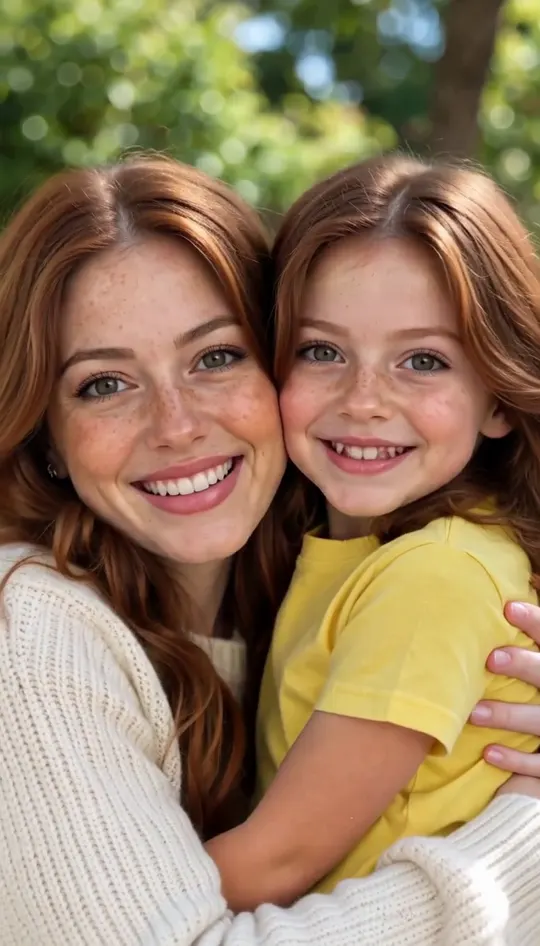


Browse all
Sample videos
The first six sample clips were generated on this page from photos of fictional people who do not exist, with no cuts and no retouching. The final example was created with an external tool to show how other platforms generate an ai hug deceased loved one clip.
Make your videoMade on This Page 01
This ai hug deceased loved one video placed the older woman in a blooming flower garden among roses and lavender. The young woman entered from the side to hug her cheek to cheek. Both faces finished side by side facing forward while soft acoustic guitar music played in the background.
Made on This Page 02
Made from a single aged snapshot, this ai hug deceased loved one video preserved both original people on their initial sides. The AI brought both figures into full color at an outdoor reception with string lights. They joined cheek to cheek and looked toward the camera accompanied by soft romantic strings.
Made on This Page 03
This landscape ai hug deceased loved one video shows the older man waiting near a lit indoor holiday tree. The young man walks in to rest an arm across his shoulders, finishing cheek to cheek with smiles. Landscape format fits wide screens, living room displays, and memorial slideshow presentations.
Made on This Page 04
Selecting ten seconds gives the hug more time. The older man stood in the rose garden in full color for about three seconds before the younger man walked into view. They held their cheek-to-cheek embrace while this ai hug deceased loved one video played gentle acoustic guitar music.
Made on This Page 05
Using one shared photo, the young man stood beside a lit holiday tree as the grandmother walked in from the left. Both individuals kept their original facial details, hair, clothing, and positions. They ended the scene cheek to cheek in front of the warm lights with soft piano music.
Made on This Page 06
The older woman stood in soft morning daylight at a kitchen counter with a kettle and potted herbs. The young woman entered the frame to share a gentle embrace. The clip concluded with both women cheek to cheek, smiling at the camera over soft piano music.
Made by Other AI Tools
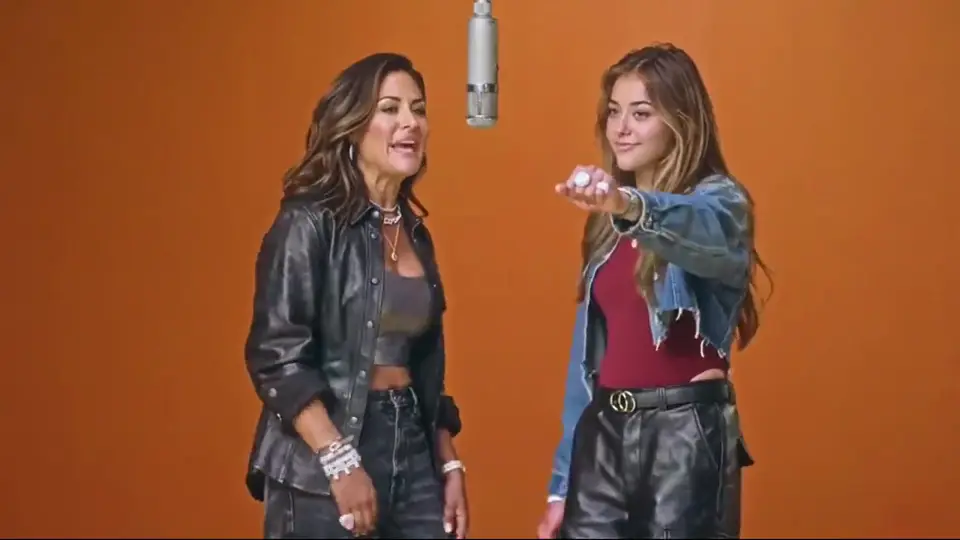
In this sample from an alternative AI tool, two women stand face to face on a flat gray background, hug, and turn toward the viewer without background sound. Our tool instead places both individuals side by side within an everyday environment of your choice, complete with soft instrumental music.
When to make
Marking an anniversary with an ai hug deceased loved one clip creates a quiet tribute to remember a parent or partner.
Celebrate a birthday quietly at home or share a gentle commemorative moment with immediate family members.
Select the holiday lights setting to honor someone special during seasonal gatherings when an empty chair is felt.
Choose the wedding day setting to craft a golden-hour tribute for a marriage celebration they could not attend.
Export a landscape 16:9 MP4 video to display on broad venue screens or within commemorative slideshows.
Introduce young family members to grandparents they never met through a gentle everyday video portrait.
Photo guide
Careful sharing
01
Every ai hug deceased loved one clip is computer-generated rather than real footage. Facial traits derive from photos, while the surrounding environment and movement are created by AI.
02
Upload only photos you hold the explicit right to use. When working with pictures of departed relatives, checking with your family first is thoughtful.
03
Discuss the clip with relatives before posting publicly. Family members share the loss and may feel sensitive about seeing a departed loved one in motion.
04
Mark the video as AI-generated whenever you share it online. Clear labels prevent confusion and ensure viewers understand the nature of the tribute.
About the tool
People create a short ai hug deceased loved one clip to view one more gentle embrace with someone they miss. It needs just your photos and one tap. Every clip remains an imagined scene, not real footage.
Creating an ai hug deceased loved one clip requires zero prompt writing. The everyday scene, motion, and soft background music are built in automatically.
The generator produces an MP4 video rather than a still image. Pause the downloaded video at any point to capture a still screenshot.
Each clip features exactly two individuals. To bring multiple relatives together in one motion sequence, visit our dedicated family video tool.
Key features
01
Each ai hug deceased loved one scene includes dedicated soft music. You never need to write prompts or configure background parameters manually.
02
Provide two separate portrait files or upload one existing snapshot showing the two of you together.
03
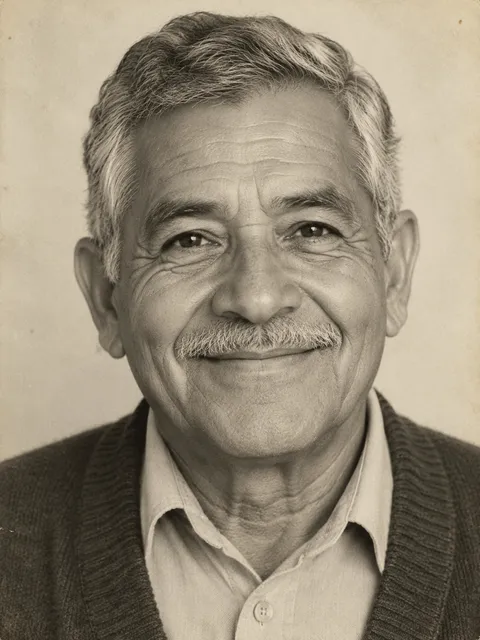
In our tests, black-and-white portraits and faded prints came out in full color, keeping original facial features, gray hair, and clothing styles.
04
Download your 5-second or 10-second clip without watermarks in portrait 9:16 or landscape 16:9 formats.
Photo choices
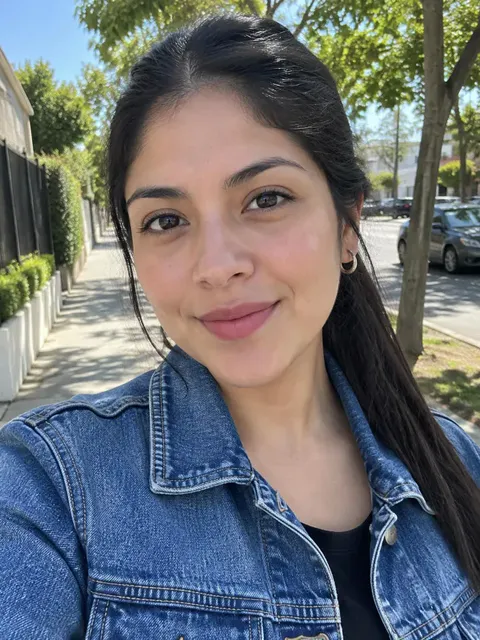
Decide how to prepare your ai hug deceased loved one clip. You can upload two individual pictures or a single snapshot that already captures both of you together.
Upload yourself as Photo 1 and your loved one as Photo 2. This works best when you lack a shared photo, letting you step into the scene beside them.
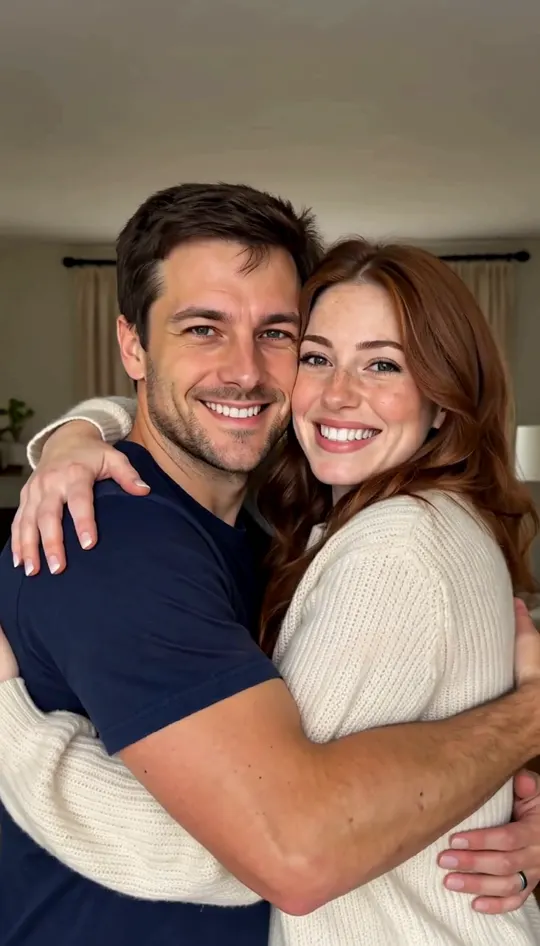
Upload one picture showing both faces side by side while leaving Photo 2 empty. The person on the right stands first, and both stay on their original sides.
The tool expects two people in that photo, so uploading one person alone will likely come out wrong while still using credits. Crop group photos with more than two people, or upload two separate portraits instead.
Quick summary
| What you want to know | Answer |
|---|---|
| What does the tool make? | It makes a short ai hug deceased loved one video set in an imagined everyday scene with gentle background music. |
| Which photos should I upload? | Upload a photo of yourself in Photo 1 and a photo of your loved one in Photo 2. |
| Can I use only one photo? | Yes, upload one snapshot showing both of you side by side, and leave Photo 2 empty. |
| Do old black-and-white photos work? | In our tests, black-and-white and faded prints came out in full color with faces kept. |
| What scenes can I choose? | Choose from a home kitchen, flower garden, holiday lights, or an outdoor wedding reception setting. |
| How long is the video? | You can choose a 5-second or 10-second clip length. Ten seconds gives the hug more time. |
| What video shapes are available? | Pick portrait 9:16 for smartphones and social apps, or landscape 16:9 for widescreen TVs and slideshows. |
| What file do I download? | You download an unwatermarked 768p MP4 video file directly to your phone or computer. |
| Does the video include sound? | Every video includes soft instrumental background music matched to the scene, with no spoken dialogue. |
| How long does it take? | In our tests, clips completed generation in under a minute. Keep the page open while processing. |
| How many credits does it cost? | A 5-second video costs 20 credits, while a 10-second video costs 40 credits. |
| Do new accounts get credits? | New accounts receive 20 credits once per device and network, enough for one 5-second video. |
01
Upload your portrait to Photo 1 and your relative to Photo 2, or use one shared snapshot to begin an ai hug deceased loved one clip.
02
Select one of four everyday scenes, pick 5 or 10 seconds, and choose portrait 9:16 or landscape 16:9 format.
03
Start generation, keep your browser tab open for about a minute, and download your 768p MP4 memorial clip.
One balance, every model. Credits work across all 20 video models — no watermark, no tier-locked models, commercial use on every paid plan.
Save 30% billed annually
Flexible monthly subscription.
The lowest price to get started. Every model, a monthly budget to try things out.
$7.99/mo
Renews monthly, cancel anytime.
200 credits
≈ 0–10 videos, depending on the model
≈ 14–66 images, depending on the model
4.00¢ / credit
The cheapest way to start. Every model, a small monthly budget.
$12.99/mo
Renews monthly, cancel anytime.
400 credits
≈ 1–20 videos, depending on the model
≈ 28–133 images, depending on the model
3.25¢ / credit
Enough credits to try every model and finish a few clips each month.
$29.9/mo
Renews monthly, cancel anytime.
1,000 credits
≈ 3–50 videos, depending on the model
≈ 71–333 images, depending on the model
2.99¢ / credit
2 parallel tasks
Steady output for solo creators going pro — every model, a comfortable budget.
$49.9/mo
Renews monthly, cancel anytime.
2,000 credits
≈ 6–100 videos, depending on the model
≈ 142–666 images, depending on the model
2.50¢ / credit
3 parallel tasks
High-volume production for prolific creators and small teams.
$89.9/mo
Renews monthly, cancel anytime.
5,000 credits
≈ 15–250 videos, depending on the model
≈ 357–1666 images, depending on the model
1.80¢ / credit
5 parallel tasks
Pay yearly and save more.
Enough credits to try every model and finish a few clips each month.
$19.9/mo$29.9
Billed yearly at $238.8. Renews yearly, cancel anytime.
Save $120/yr vs monthly
12,000 credits
≈ 38–600 videos, depending on the model
≈ 857–4000 images, depending on the model
1.99¢ / credit
2 parallel tasks
Steady output for solo creators going pro — every model, a comfortable budget.
$34.9/mo$49.9
Billed yearly at $418.8. Renews yearly, cancel anytime.
Save $180/yr vs monthly
24,000 credits
≈ 76–1200 videos, depending on the model
≈ 1714–8000 images, depending on the model
1.75¢ / credit
3 parallel tasks
High-volume production for prolific creators and small teams.
$62.9/mo$89.9
Billed yearly at $754.8. Renews yearly, cancel anytime.
Save $324/yr vs monthly
60,000 credits
≈ 190–3000 videos, depending on the model
≈ 4285–20000 images, depending on the model
1.26¢ / credit
5 parallel tasks
Top up credits valid for 12 months.
One-time top-up — perfect for occasional needs.
$49.9
One-time purchase, valid 12 months.
1,000 credits
≈ 3–50 videos, depending on the model
≈ 71–333 images, depending on the model
4.99¢ / credit
Larger top-up with 20% bonus — best per-credit value for one-time buyers.
$198
One-time purchase, valid 12 months.
4,800 credits
≈ 15–240 videos, depending on the model
≈ 342–1600 images, depending on the model
4.13¢ / credit
5 parallel tasks
Find clear answers about creating an ai hug deceased loved one video with your photos.
Make your videoA 5-second video costs 20 credits, and a 10-second video costs 40 credits. New accounts receive 20 credits once per device and network, enough for one 5-second clip. You must be logged in to generate, and paid plans start at $7.99 per month for 200 credits.
Upload your portrait to Photo 1 and your relative to Photo 2, or upload one shared photo. Select a scene, duration, and format, then tap generate. Keep the page open for about a minute to download your finished MP4 file.
Photo 1 is for you, the person stepping into the hug. Photo 2 is for your loved one, who stands waiting in the setting. Use photos with one person each and clear, unobstructed faces.
Leave Photo 2 empty and upload that single photo. The person on the right stands first, and the person on the left steps in. Do not upload a single person alone here, as that will likely fail while still using credits.
Yes, tested black-and-white and faded prints rendered in full color while preserving facial features. The tool does not fix damaged images, so you can restore old photos with our separate tool first if your print is torn or blurry.
No, it creates an imagined AI scene where faces, hair, and clothes reflect your photos. In our tests, facial traits stayed close without swapping, though results vary with photo quality. System failures are refunded automatically, but re-generating costs credits again.
Upload only your own photos or images you hold the legal right to use, as you are responsible for uploads. When handling pictures of deceased relatives, asking other close family members beforehand is always thoughtful.
Yes, speaking with immediate family first is recommended because they share the loss and may react differently. Show them the video first, and label the clip as AI-generated if you decide to post it.
People use different phrases, but this tool sets the hug in a normal, everyday place like a kitchen, garden, living room, or wedding. Both people stand on solid ground without clouds, glowing light, or fantasy effects.
Clips run 5 or 10 seconds in 9:16 portrait or 16:9 landscape format, downloaded as unwatermarked 768p MP4 files. Generation completed in under a minute in our tests. Keep your browser window open until it finishes.
Every clip comes with soft instrumental music suited to the scene, and it cannot be disabled. There is no talking, voiceover, or lip-sync. You can replace the audio using third-party video editors or social apps after downloading.
You can share the downloaded MP4, which has no watermark. Always check with family first and tag the upload as AI-generated. Our guide to the ai hug deceased loved one trend and other AI trends has posting tips.
Yes, our general ai hug generator works for two living friends or relatives. If you want to embrace a childhood photo of yourself, try our separate hug your younger self page.
This tool is built exclusively for a short hug between two individuals. To create a multi-photo retrospective, use our ai tribute video tool, or try our ai family video generator for group scenes.
If you prefer subtle facial motion and natural blinking without adding another person or a hug sequence, use our tool to animate old photos instead.
Explore more
Upload your photos to make an imagined ai hug deceased loved one video in an everyday scene, ready in under a minute in our tests.
Create your videoFROM 20 CREDITS - NO PROMPT NEEDED
Make Your Own
Make your video