Solo Portraits
Turn your favorite casual selfie or autumn portrait into a glowing Halloween visual featuring a candlelit jack-o'-lantern head. Your outfit, posture, body, and background stay the same as in your original photo.
Join the viral Halloween pumpkin head trend tonight using a normal picture you already have. Skip the messy carving and get your pumpkin head photo online in about a minute.
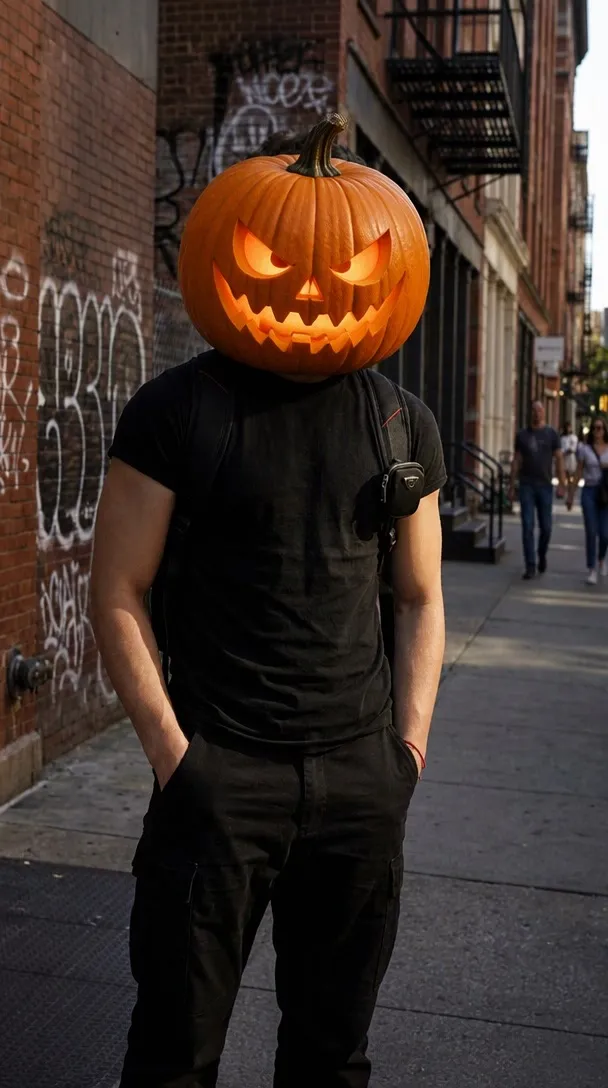
See the exact text prompts used by Nano Banana 2 behind each Halloween pumpkin head trend style example.
Photo Examples
Explore these examples for your next pumpkin head photoshoot using single portraits, couples, or groups of friends joining the Halloween pumpkin head trend. These are popular pumpkin head photos shared online, so you can see how different poses and group sizes look. Keep in mind that your individual results vary with your photo.
Try it free nowSolo Selfie Example
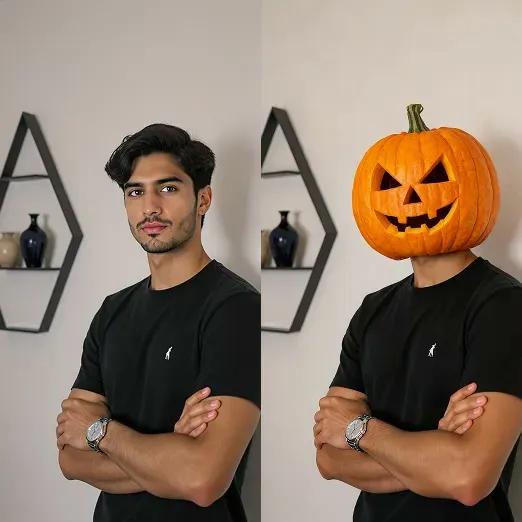
This example shows the Halloween pumpkin head trend as a before-and-after. A man with crossed arms appears with his own face on the left and a carved jack-o'-lantern head on the right, with the same pose and clothes.
Couple Photo Example
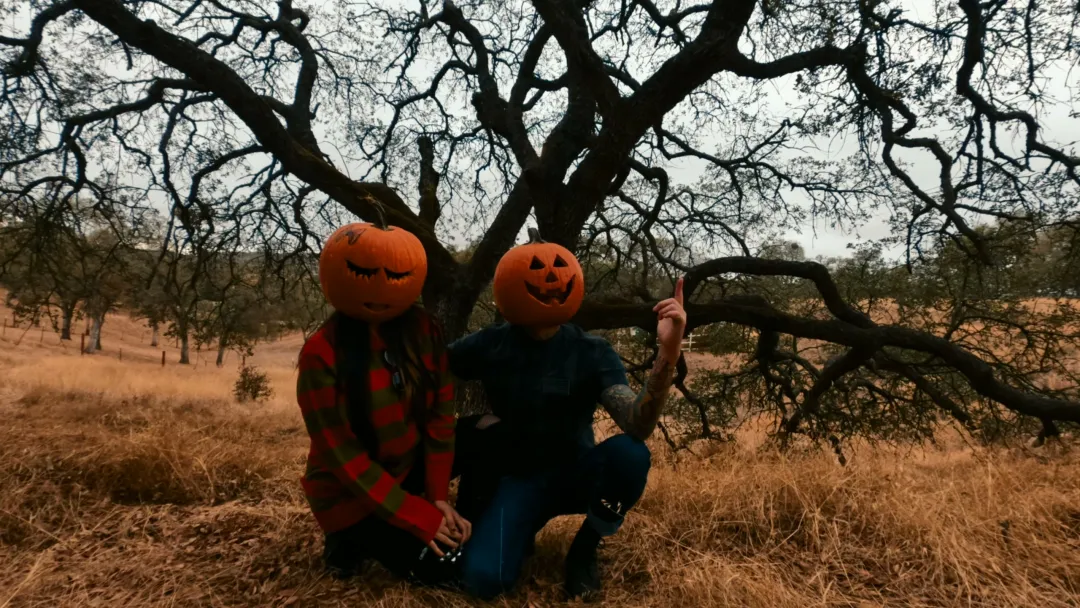
A pumpkin head couple photoshoot without carving real gourds. In this example, a couple kneels in dry golden grass under an old oak tree, and both wear carved pumpkin heads.
Group Photo Example
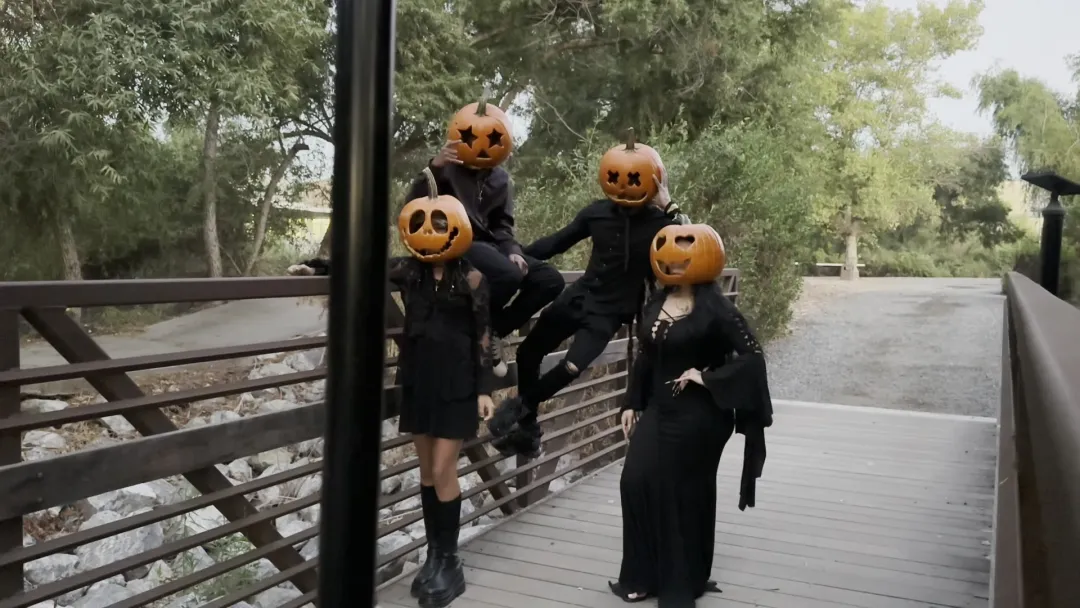
Follow the Halloween pumpkin head trend with a single group shot. In this example, four people dressed in black pose together on a wooden footbridge, and all four heads are carved jack-o'-lanterns.
Family Photo Example
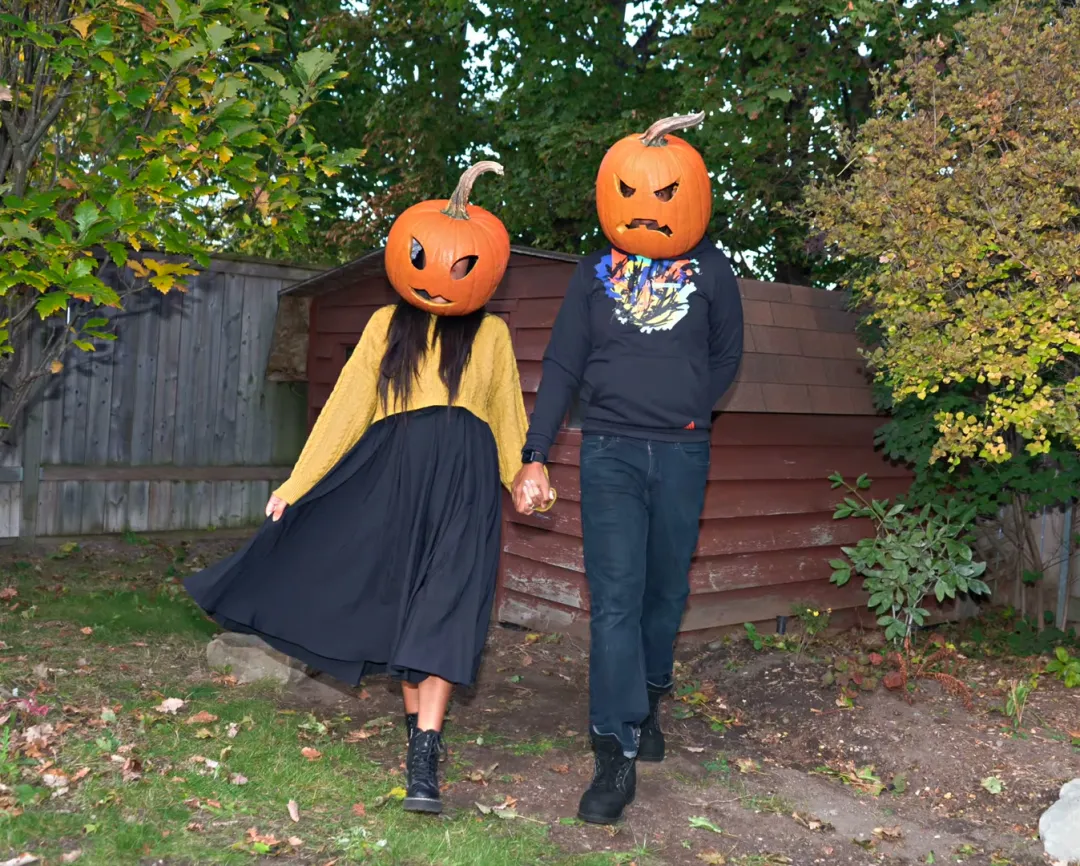
Pumpkin head photos also work as a walking shot. In this example, a couple walks hand in hand through an autumn backyard, both with angry-faced carved pumpkin heads.
Who Can Try It
Turn your favorite casual selfie or autumn portrait into a glowing Halloween visual featuring a candlelit jack-o'-lantern head. Your outfit, posture, body, and background stay the same as in your original photo.
Turn your favorite date snapshot into a memorable pumpkin head couple photoshoot without buying props. Both partners receive matching pumpkin heads while your original outfits, warm embrace, and place stay the same as in your photo.
Plan a memorable pumpkin head photoshoot with friends using any weekend hangout picture. Every single friend in the frame gets a glowing carved pumpkin head while your bodies, pose, and clothes stay the same as in your photo.
Create pumpkin head family photos together without carving or lifting heavy gourds. Set up a cheerful pumpkin head photoshoot for kids using our cute painted style to give little ones smiling faces in warm daytime light.
Image Guidelines
Comparison
Now you can skip the real pumpkin head photoshoot and create viral pictures directly from your camera roll.
A physical pumpkin head photoshoot requires purchasing giant gourds, scooping sticky seeds, carving eyeholes, and balancing heavy wet vegetables on your shoulders. Our tool gives you that seasonal aesthetic using your existing camera roll without any cleanup or messy clothes.
A regular pumpkin head filter merely pastes a flat cartoon face or transparent graphic over your eyes and nose. Our generator redraws the whole head from the neck up with pumpkin skin texture, carved hollow depth, and warm ambient glow.
Our sister tool AI Halloween Costume alters your clothing into holiday outfits while keeping your real face visible. In contrast, this page leaves your original clothing alone and replaces your head with a seasonal pumpkin to match the viral online trend.
Key Advantages
01
This tool creates a true pumpkin head transformation of your own photo rather than placing a digital sticker over your nose. The pumpkin sits naturally on your neck with matching light and shadows.
02
Everything below your neck stays: your jacket, accessories, posture, and the place stay the same as in your photo. You get the fun seasonal look without changing into heavy gear or losing your personal style.
03
Every person in your uploaded picture receives a pumpkin head automatically without needing a custom prompt. You simply pick one of three curated styles and let the model handle the complex rendering.
01
Sign in to your account and upload one photo to create your pumpkin head photo online for the Halloween pumpkin head trend.
02
Pick one of three pumpkin styles and select your aspect ratio to join the Halloween pumpkin head trend smoothly.
03
Press generate to finish your Halloween pumpkin head trend image in about a minute, costing 8 credits per photo.

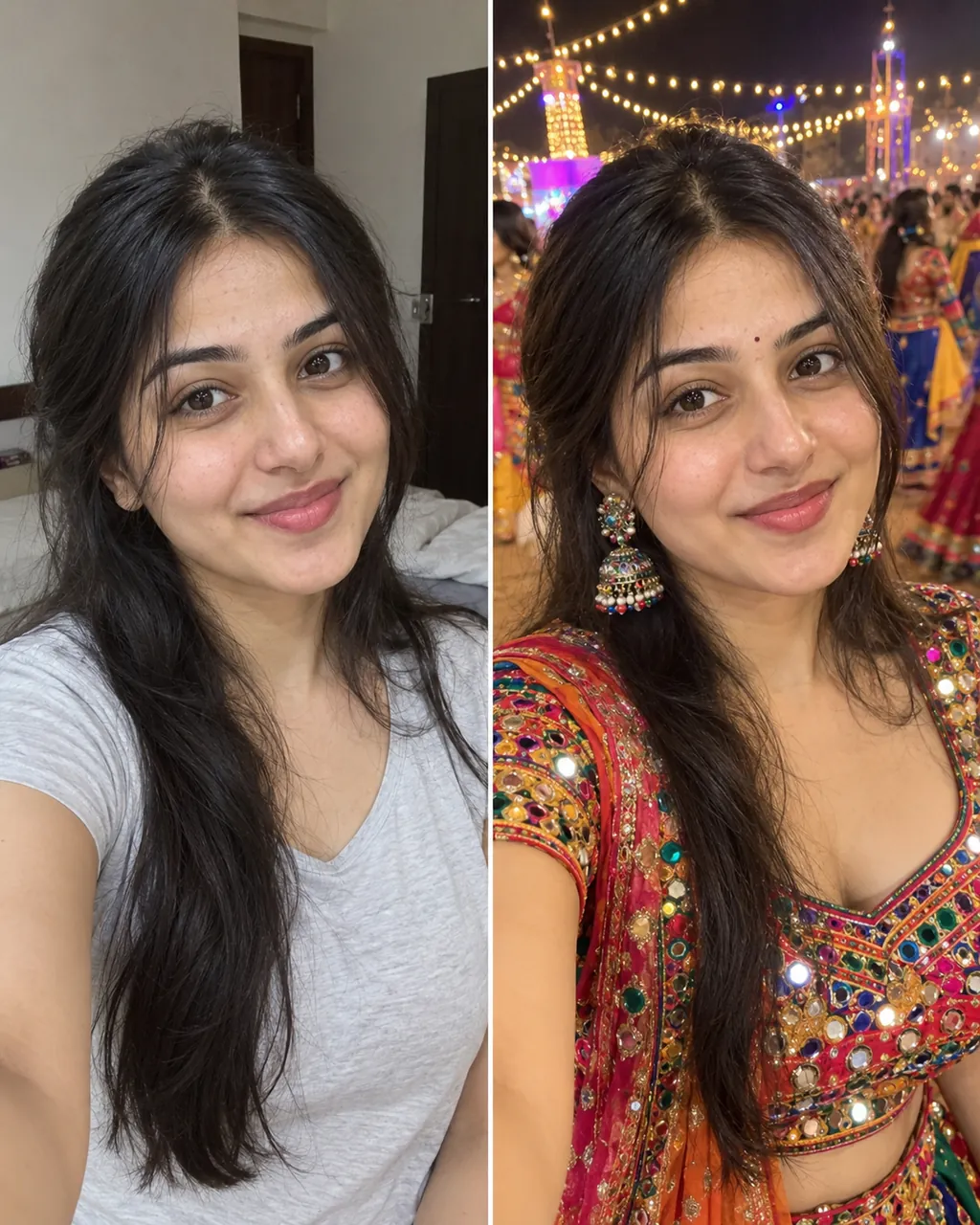
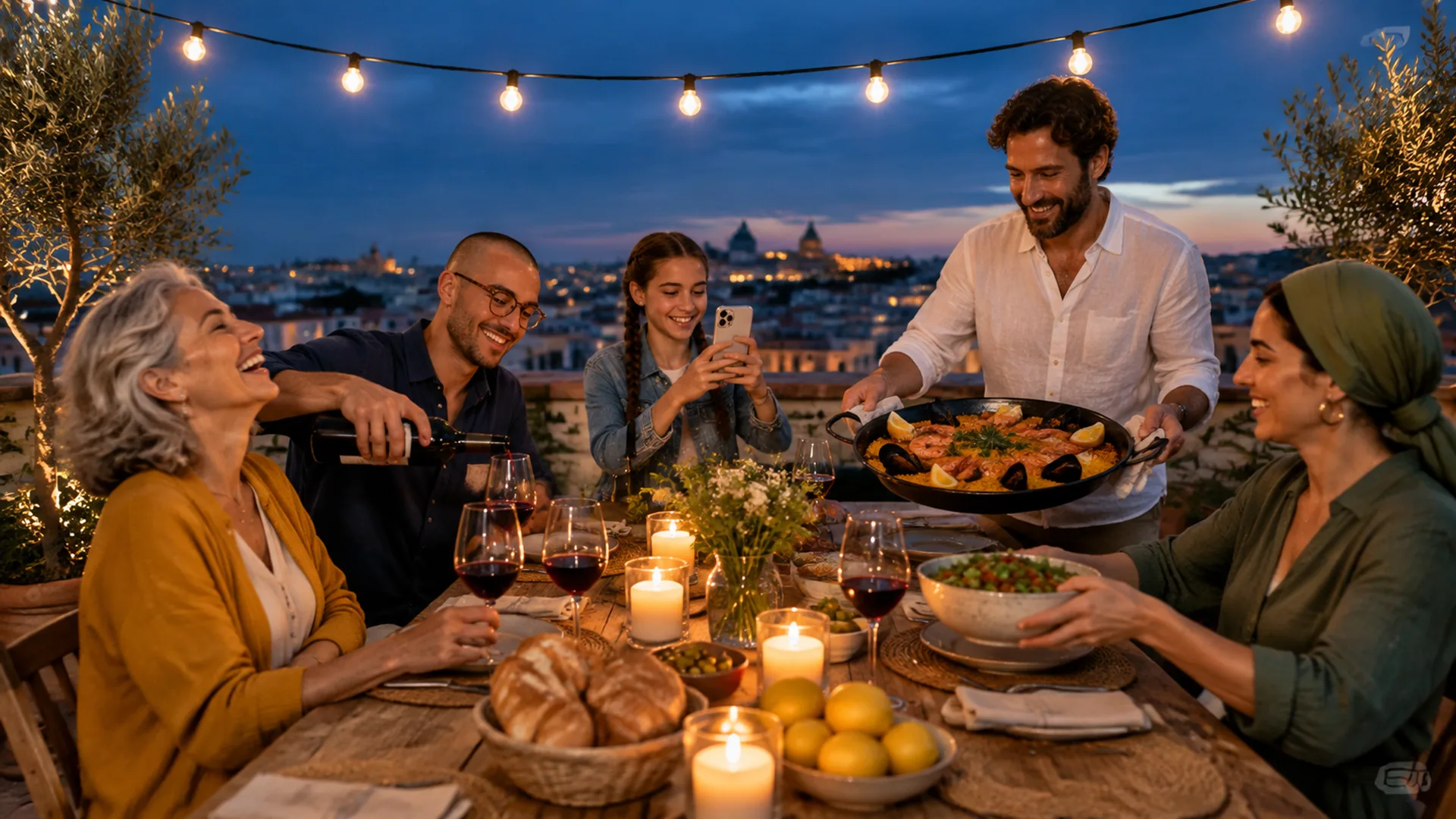


Two parent photos into one imagined baby photo
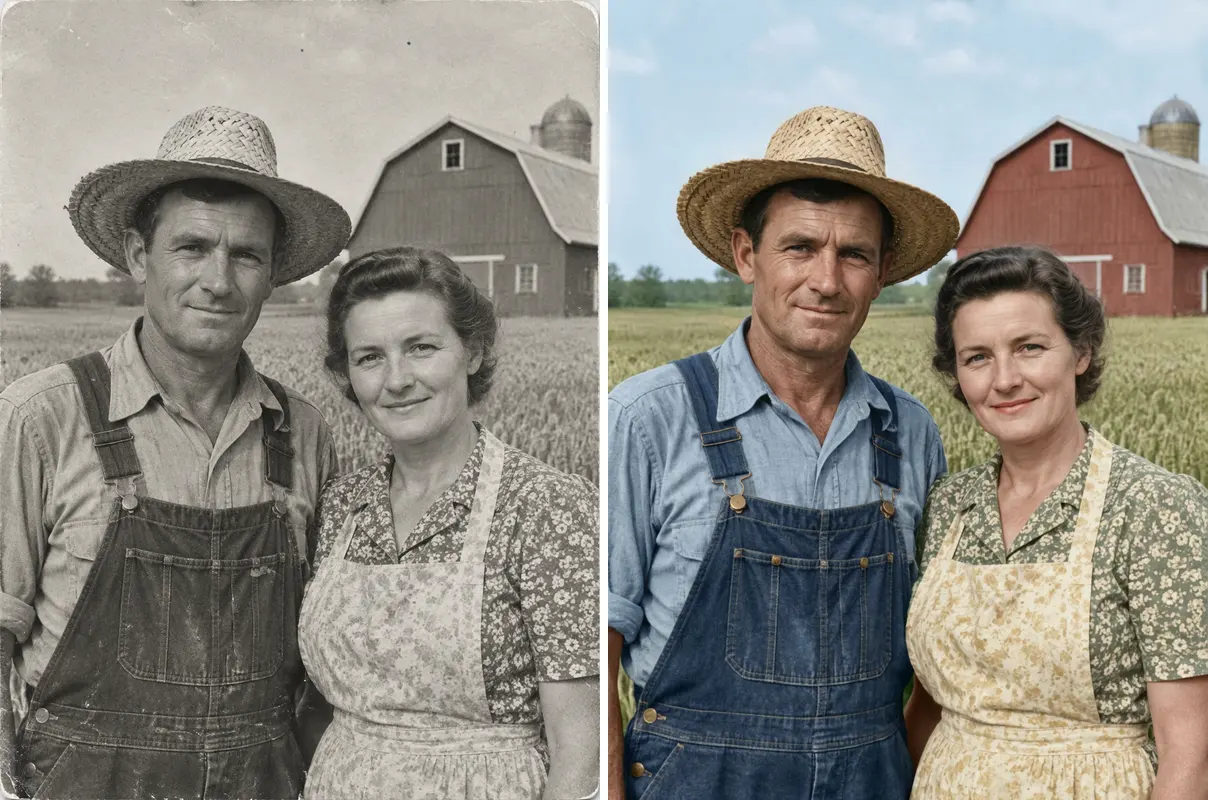
One old photo repaired, sharpened or colorized
Check a photo against official ID rules
Find clear answers about image credits, styling options, and upload requirements.
Try it free nowThe trend features people posing with carved or painted pumpkins placed directly over their shoulders where their heads normally belong. Our tool recreates this look using photos you already captured with friends or family. See how to do the Halloween pumpkin head trend and other AI trends.
You simply upload any existing portrait from your phone, choose one of our three distinct pumpkin styles, and select your preferred dimensions. Then tap generate to receive your finished picture in about a minute without touching real messy gourds.
Choose a clear photo where every person has their entire head and neck clearly inside the frame under decent natural lighting. Avoid wearing bulky hats or raising hands in front of faces so the AI cleanly detects where your head ends. Group shots work nicely, and any pets present will keep their own normal heads.
You can try short playful lines like squash goals, glowing through the night, or basic pumpkin energy. Another fun option is cuter on the inside. These punchy seasonal phrases pair nicely with any solo or couple autumn picture.
This tool handles the head-swap version of the Halloween AI picture trend by putting glowing carved pumpkins on your shoulders. If you prefer to change your outfit while keeping your real human face visible, use our AI Halloween Costume tool instead. Both options make seasonal photo creation simple.
Yes, if you upload a photo with two people, both will get pumpkin heads while keeping their poses and outfits. The tool works for multiple people at once, and pets stay just as they are.
New accounts get 20 welcome credits once (one time per device and network). That is enough for 2 pumpkin head photos at 8 credits each. You sign in to generate, and after that you buy a plan or credits on the pricing page.
Your body, clothes, pose, number of people, and the place stay the same as in your photo. Only the heads change. Note that classic leaves the lighting alone, while spooky and cute also change the light of the whole picture to night or sunny autumn day.
The picture is generated by AI so the carved pumpkin sits on your neck where your head used to be. Because AI results vary from run to run, you can pick another style or regenerate for another 8 credits if you want a different look.
Yes, you can easily animate your downloaded image by clicking the Make it move link. Download your generated still picture, open our MiniMax H3 page, and upload it there to create short animated clips with background music for 20, 40, or 60 credits.
Explore More
Join the Halloween pumpkin head trend with any existing picture in about a minute without the mess of real carving.
Create pumpkin photo freeEach photo costs 8 credits. New accounts receive 20 welcome credits once per device and network.
Join the Viral Halloween Pumpkin Head Trend
Try it free now