Bullet Bike AI Video Generator: Your Photo in the Sit-to-Recline Reel

Upload one clear photo and this bullet bike AI video generator follows a night reference clip beat by beat: a sideways sit on a parked black retro motorcycle, a brief dark cut, then a relaxed recline across the seat under warm fairy lights. The result is a 15-second vertical clip at 480p with an instrumental track and no lyrics. Your face, hair and skin tone come from the photo. The outfit, the bike and the street stay as they are in the reference clip, so the reel keeps the look people already know from the trend. Start with a sharp photo of one adult, then press one button in this bullet bike AI video generator.
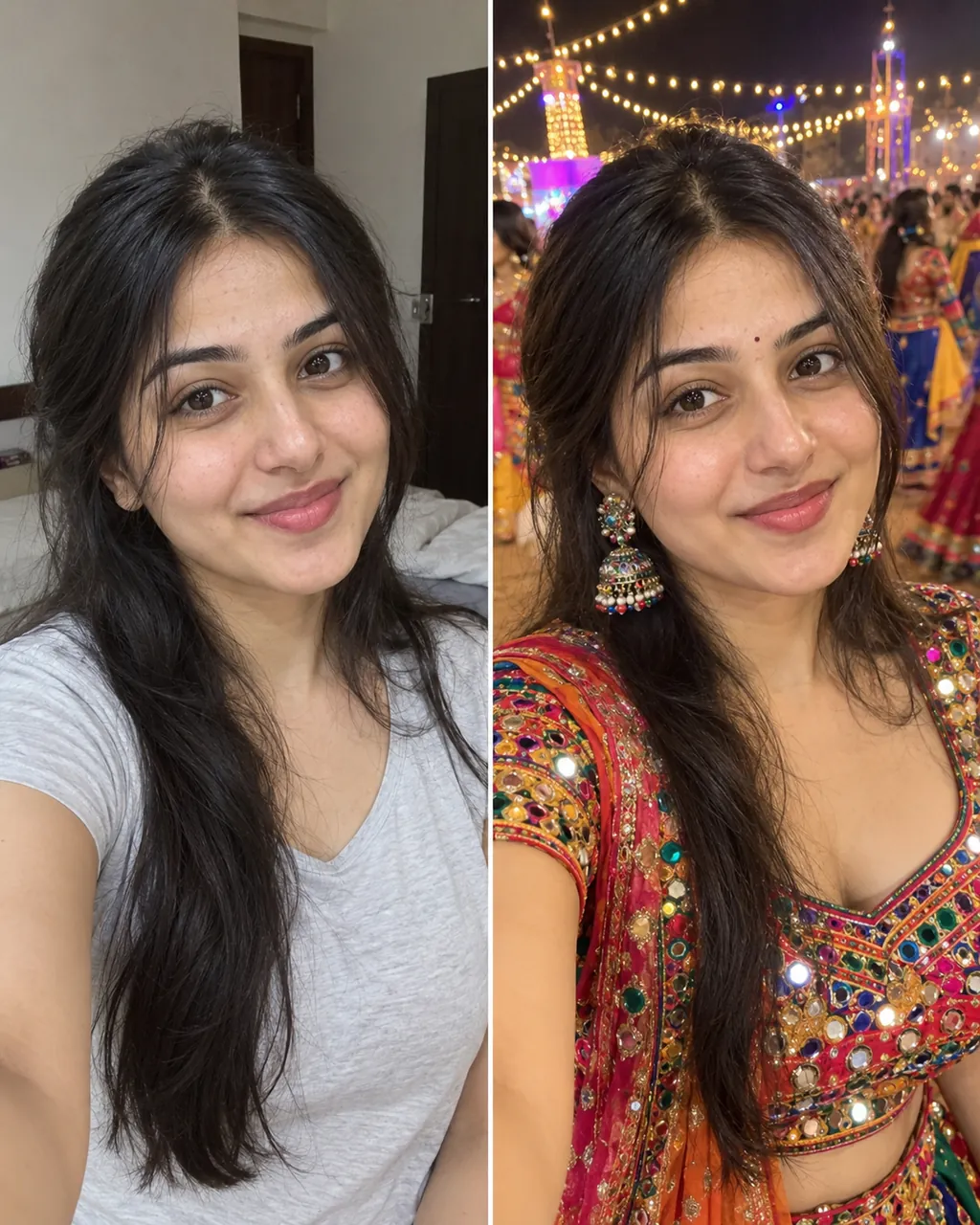

1Add your photo

Who Is in the Reel

2Quality & length480p · 15s · 9:16120 credits

No subscription · Ready in about 3 minutes · Not charged if it fails

Only upload photos of yourself or adults who said yes to being in the clip.

Sit to Recline AI Video: What the Reel Looks Like

The reel people post follows one short shape. A night street glows with warm lights, a black retro motorcycle stands on its stand, and the performer sits sideways on the seat. A quick dark cut hides the change of pose, then the performer lies back across the bike with the outfit draped over the seat. The camera drops lower for the last shot, and the bike stays still. Your photo takes the performer's place, so the reel keeps the rhythm of the trend while the face and hair are yours. Because the shape is so clear, a 15-second clip reads well on a phone screen, even with the sound off.

Make My Bullet Bike Video

Three Steps

How to Make a Bullet Bike AI Video: Three Steps

  1. 1

    Check the Photo Rules

    Use one adult in the photo, face toward the camera, with no one else in the frame. The clip already sets the bike, the street and the recline, so the photo is the only input to check. This bullet bike AI video generator works best when the face is clear and the light is even.

  2. 2

    Add One Photo

    Upload one clear photo to this bullet bike AI video generator with the face toward the camera and the shoulders visible. Use even light and a plain background. Crop out other people before you upload, since the model builds the reel around the one face in the picture. A clean photo gives the clip the best chance of holding the face through the cut.

  3. 3

    Download and Post

    Press the button in this bullet bike AI video generator and wait a few minutes for your 15-second vertical clip. Keep the file as it comes out, because re-encoding can soften the face. Turn on the AI label when you post, and add your own sound in the app so the cut lines up with the beat.

Straight Answers

What You Get From a Bullet Bike AI Video Generator

This bullet bike AI video generator page turns one photo into the full sit-to-recline reel. You see the steps, the length, the price and the limits before you press the button, then you download one vertical file to post. The reference clip sets the pose, the bike and the street, so the result looks like the trend you already know.

What You Get

  • A new 9:16 vertical video from the bullet bike AI video generator at 480p, where your face, hair and skin tone come from your photo. The reference clip supplies the timing, so the sit, the dark cut and the recline land where they do in the original. You keep the file and can post it the same day.
  • The same framing as the trend: a warm night street, a parked black retro motorcycle and a low camera for the final shot. You do not need to find a reference clip, build a street or open an editor. One photo is the whole input.
  • This bullet bike AI video generator keeps a fixed 15-second length that fits the feed. Each render takes about the same time, so you can make a second version with a different photo in minutes and post them as a short series.
  • The price shows on the button before you press it. Credits come back automatically if the system fails. A result you dislike is not refunded, so check the photo before you press the button.

Known Limits

  • One photo, one performer. The outfit, the bike and the street come from the reference clip, so on this bullet bike AI video generator page you cannot pick a new outfit or a different bike. For a different look, make that version in an editor and post it separately.
  • The clip keeps the reference pose, so a photo with a very different angle or crop can make the body look stiff. Use a photo with the face and shoulders clear and the head level. Check the first result before you pay for a second render.
  • The built-in track is an instrumental with no lyrics. The song from the reference clip is not included, so add a track you have the right to use in your app before you post.
  • The video is generated, not filmed. Check the hands, the wheels and the outfit before you post, and keep the AI label on.
Make My Bullet Bike Video

The Trend Explained

Bullet Bike AI Video Generator: How the Sit, Cut and Recline Reel Works

The bullet bike trend is a short night reel that spread across video feeds: a performer sits sideways on a black retro motorcycle, a quick dark cut hides the change of pose, and then the performer lies back across the seat under warm fairy lights. This bullet bike AI video generator copies that timing from a reference clip and keeps the face of the person in your photo in every frame. A sit to recline AI video keeps spreading because it is short, easy to recognise and easy to post. People who saw the reel want their own version, not a file they have to cut and colour grade. This page answers that need in one step: you bring the photo, the model brings the reference timing, and the clip comes back ready to post.

One Photo, the Whole Reel

Send one clear picture of yourself or an adult who agreed. The bullet bike AI video generator keeps the face, hair and skin tone from your photo and runs the sit, the cut and the recline in one take. You do not film anything or set up a street, and the clip arrives as one vertical file for your feed.

The Recline Carries the Joke

The beat that makes this bullet bike AI video generator work is the change of pose. The camera stays low and steady, the dark cut hides the move, and the recline lands on the same second as the original. Each render follows the reference timing, so the pause before the recline reads the same way every time you post.

Instrumental Sound Built In

Every clip comes with an instrumental track and no lyrics, so the audio stays clear of lyric and song rights problems on this page. Add the sound you want from your app's library when you post, and line it up with the dark cut. The picture carries the reveal, and the audio adds rhythm to the moment the recline lands.

Quick Facts

Bullet Bike AI Video Generator at a Glance Specs, Price and Limits

QuestionAnswer
What goes into the tool?One clear photo of one adult. No second photo, no video upload and no prompt to write.
What comes out?One vertical 9:16 MP4 at 480p from this bullet bike AI video generator, 15 seconds long, with an instrumental track and no lyrics.
What does the clip follow?A night reference clip: a sit on a parked retro motorcycle, a brief dark cut, then a recline across the seat.
Can I change the outfit?No. The outfit, the bike and the street follow the reference clip. Only the person changes.
What does it cost?Each 15-second video costs 120 credits and up, and the price shows before you pay.
Whose photo can I use?Yours, or an adult who agreed to appear in the clip.
Make My Bullet Bike Video

More to try with your photo

More AI video tools

Bullet Bike AI Video Generator FAQ

Quick answers about the photo, the clip, the sound, the price and what happens to your picture.

Make My Bullet Bike Video
Can one photo become a bullet bike AI video?

Yes. Upload one clear photo, press the button and the generator returns a 15-second vertical clip with the sit, the dark cut and the recline. Keep the photo simple: one face, good light, no sunglasses and no heavy filters.

Is there a free bullet bike AI video generator?

No. Every video is paid. Each 15-second clip costs 120 credits and up, and the price shows on the button before you pay. If a render fails for a system reason, the credits come back to your account automatically.

How long does a bullet bike AI video take to make?

A render usually finishes in a few minutes. The page shows a progress state while it runs, and the file is ready to download when it ends. If the render fails for a system reason, the credits come back automatically.

Does the video come with the trending sound?

No. Each clip has an instrumental track with no lyrics. The song from the reference clip is not included. Add a track you have the right to use from your app's sound library when you post.

Can I change the outfit or the bike?

Not in this bullet bike AI video generator. The outfit, the motorcycle and the street follow the reference clip, and only the person changes. For a different look, use a separate tool or an editor for that version.

What photo works best for the bullet bike AI video generator?

One adult, face clearly visible and facing the camera, in even light. A waist-up or head-and-shoulders crop works well. Skip group photos, hats with brims, sunglasses and beauty filters that change the shape of the face.

How long is the video?

Every video from the bullet bike AI video generator is 15 seconds, vertical 9:16, at 480p. The clip runs the whole reel from the sit to the recline, so it fits short video feeds without a trim.

Is the clip real footage?

No. The street, the motorcycle and the lights are generated by an AI model, using your photo and the reference timing. Keep the AI label on when you post, and do not present the clip as real footage of a real place.

Can I use the video for a business post?

Check the terms of use before commercial posting. Keep the AI label on, and never use anyone's photo without permission.

What happens to my photo after I upload it?

Your photo is used to build your video in this bullet bike AI video generator. Do not upload a photo of anyone who did not say yes, or of a child. Only upload photos you have the right to use. For posting tips, read the guide to current AI video trends.

Explore More

More Trend Videos From One Photo

Put Your Photo in the

Bullet Bike Reel

One photo, one parked bike under warm lights, and a 15-second vertical clip that ends in the recline. Make your version with the bullet bike AI video generator and post it while the trend is still on your feed.

Make My Bullet Bike Video

9:16 vertical MP4 - FROM 120 CREDITS

Put Your Photo in the

Make My Bullet Bike Video








