E-commerce product teams
Generate consistent product shots across an entire catalog without a studio. The model holds the brand palette, the label text, and the lighting across a batch, so a 50-SKU shoot takes an afternoon instead of a week.
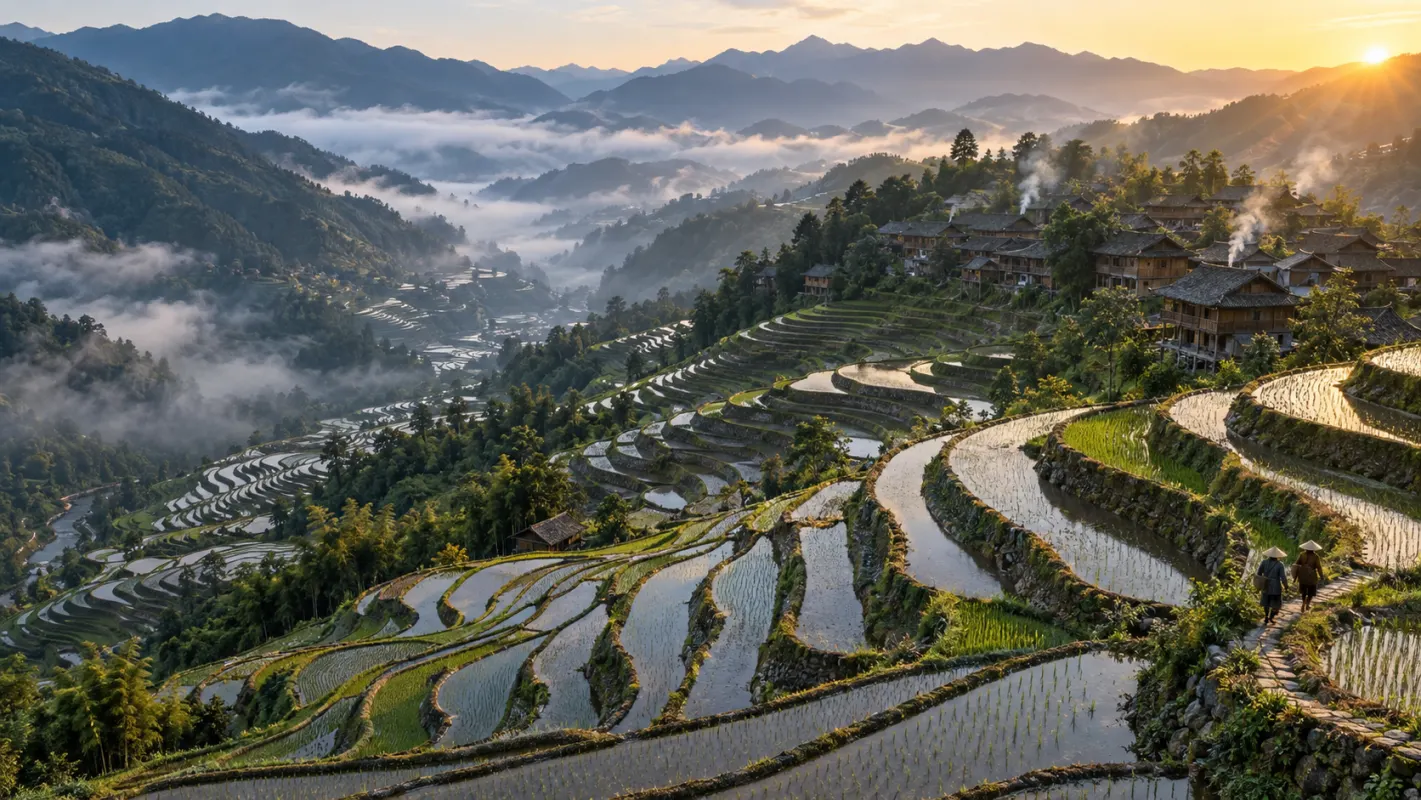
Google's newest Flash image model renders 4K images with chain-of-thought reasoning, reference-guided editing, and multilingual typography. New accounts get 20 free credits, and a 1K image costs 8.
GALLERY
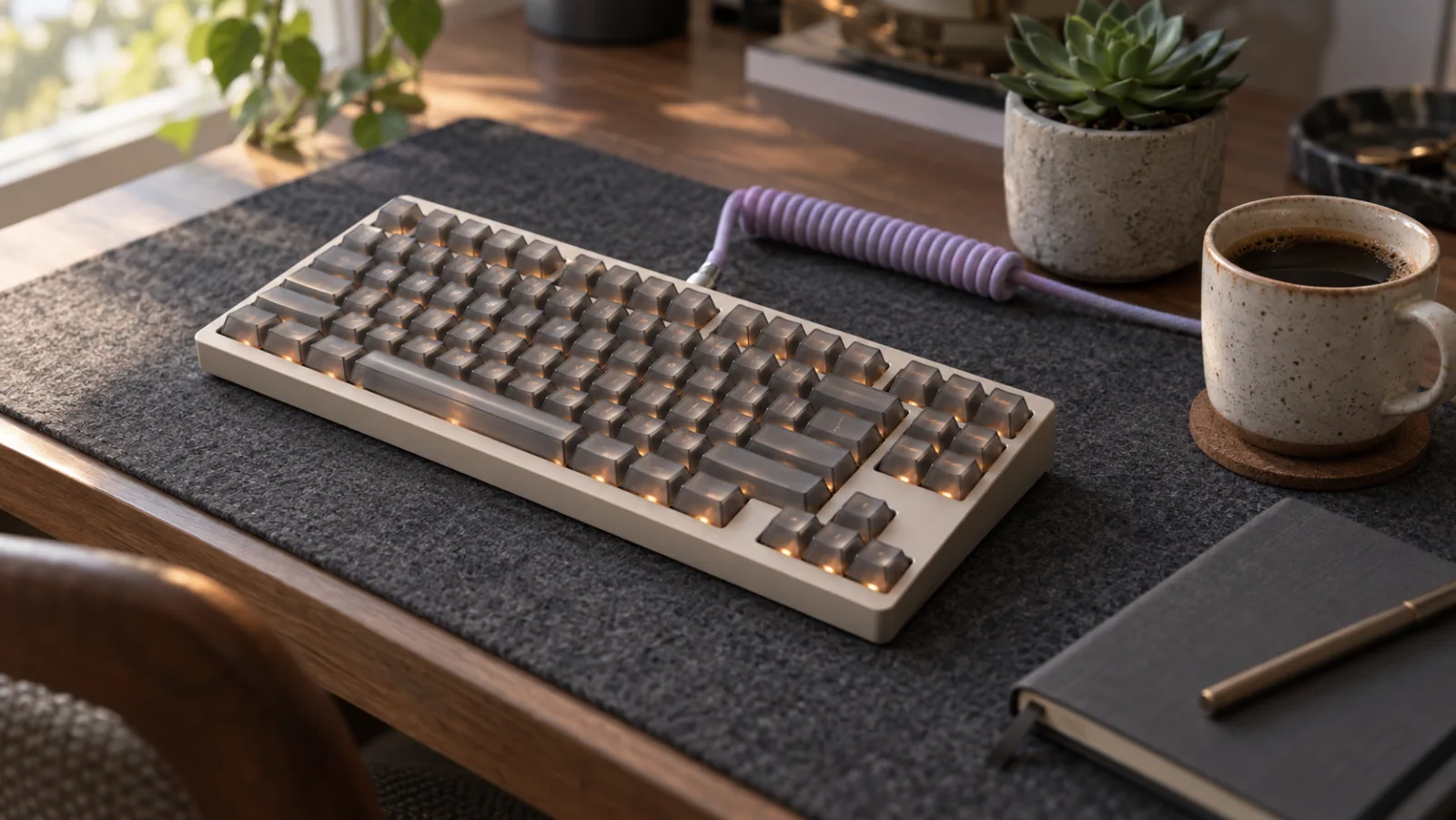
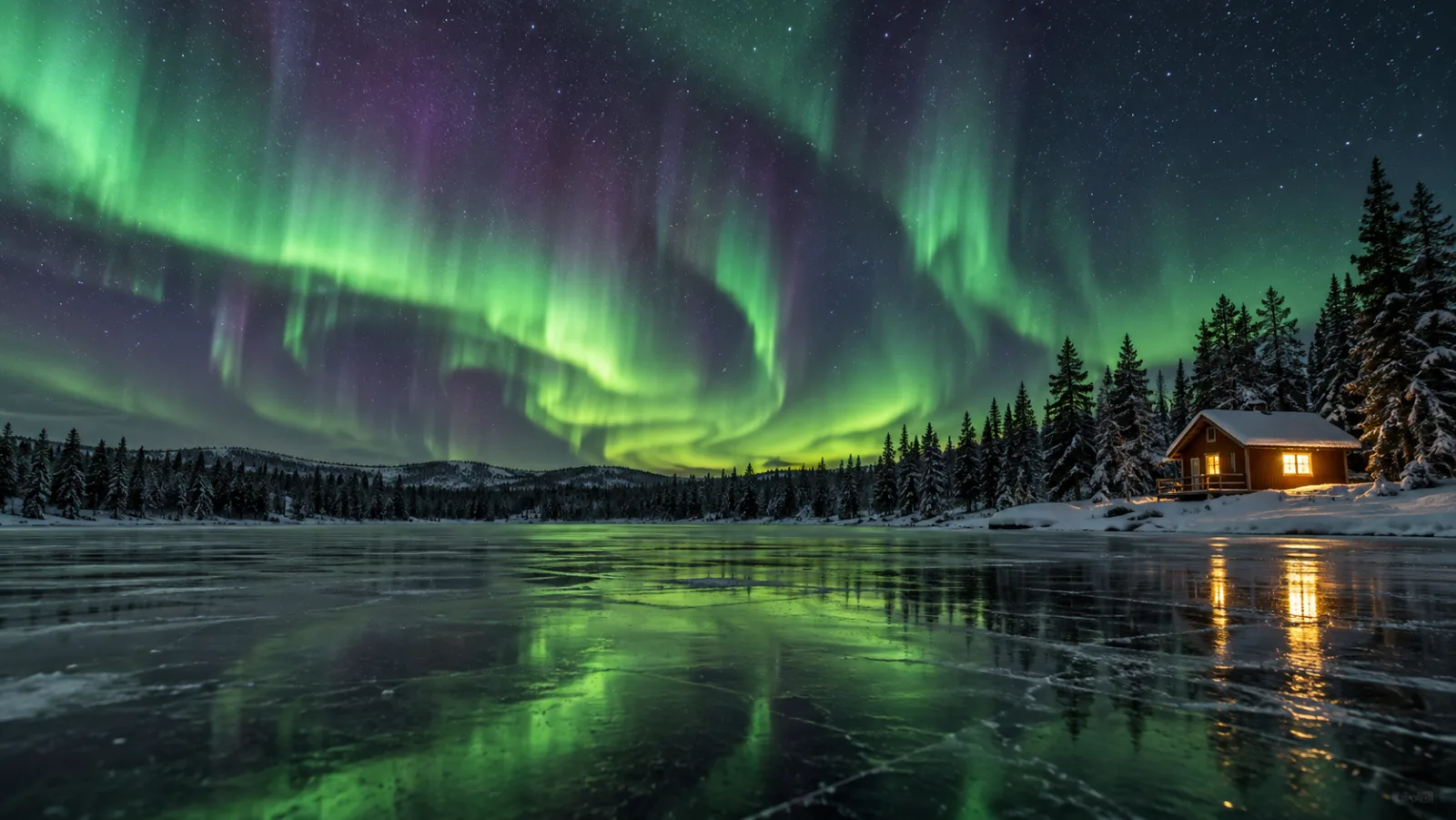
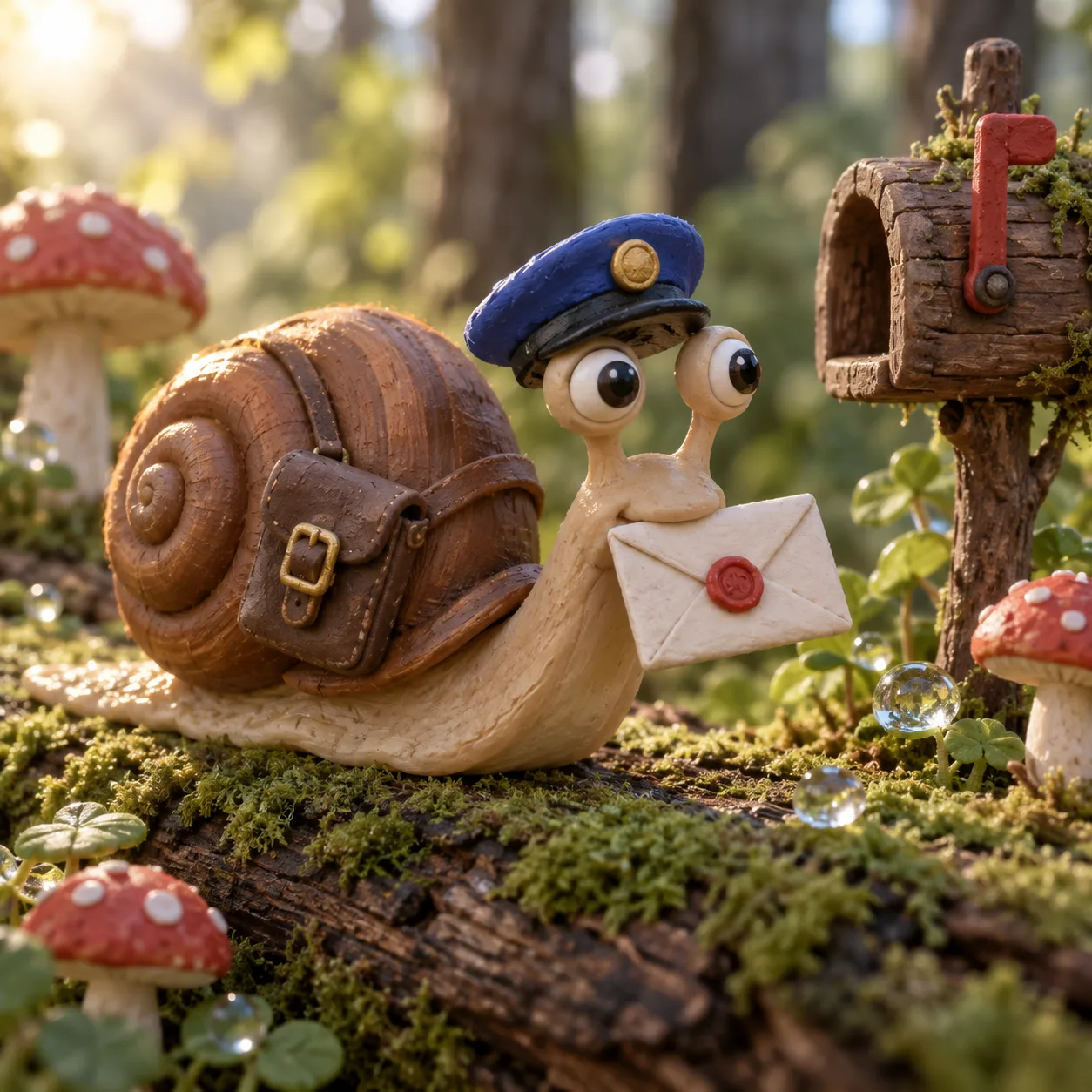
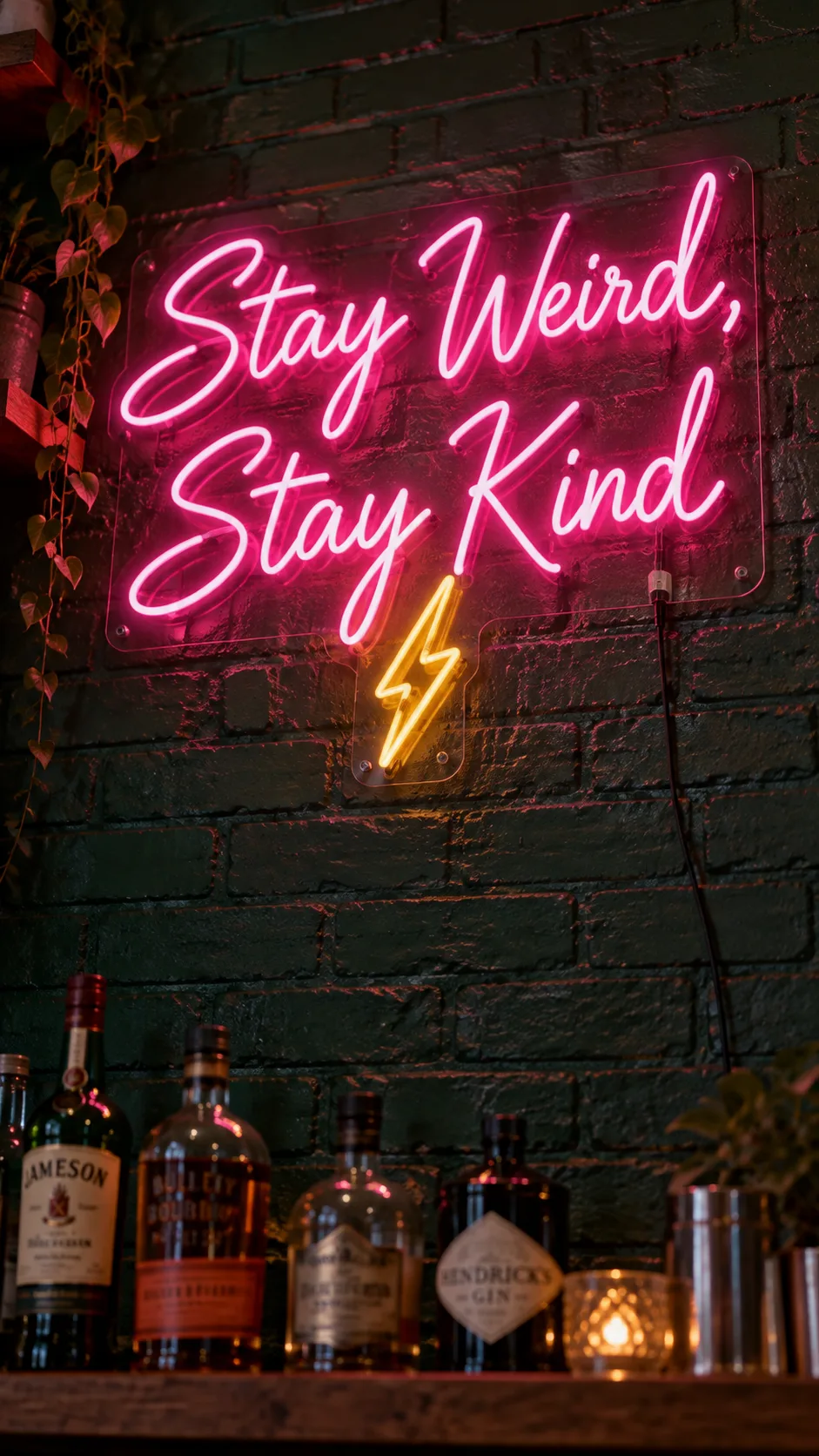
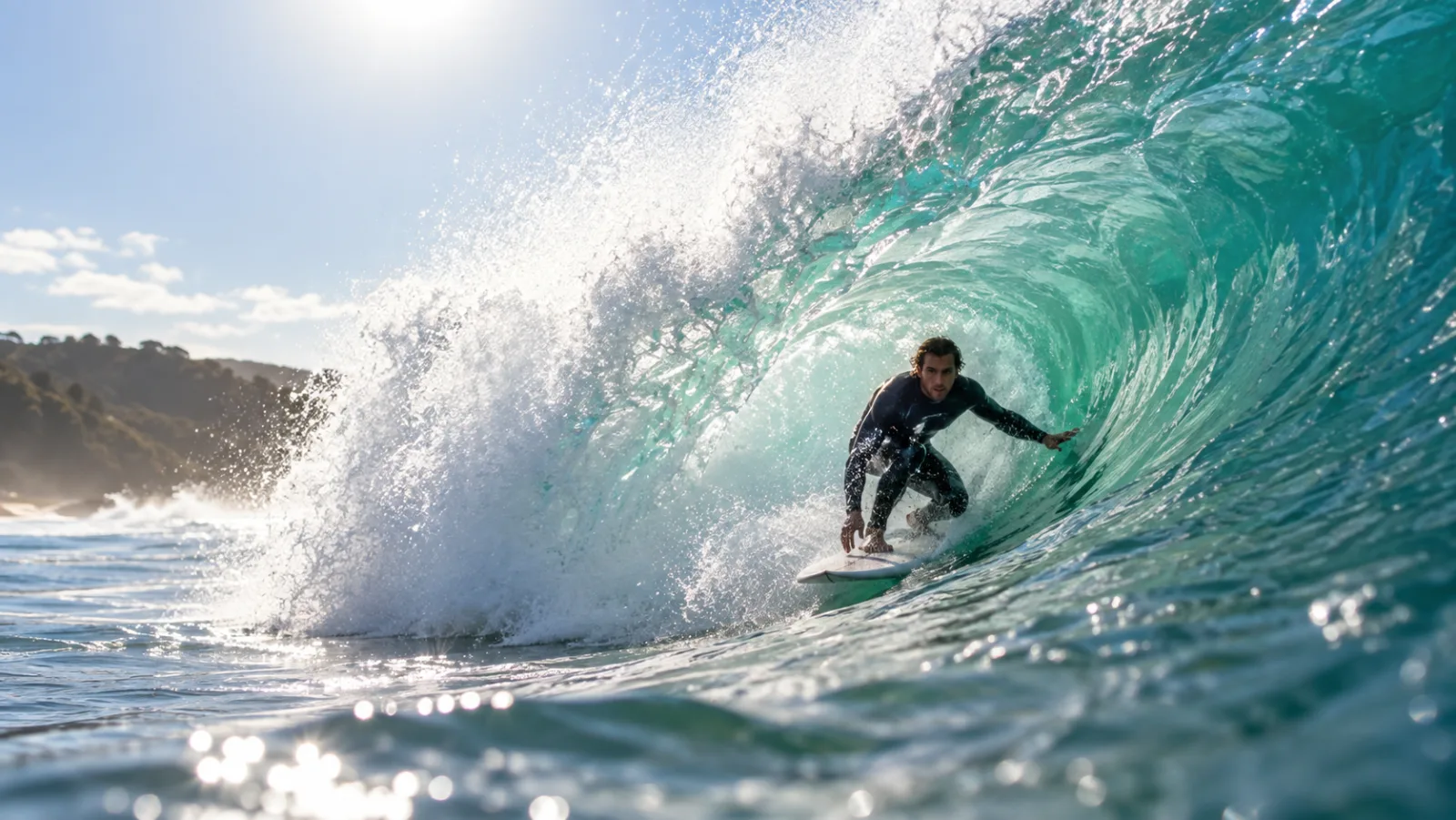
Feature 01
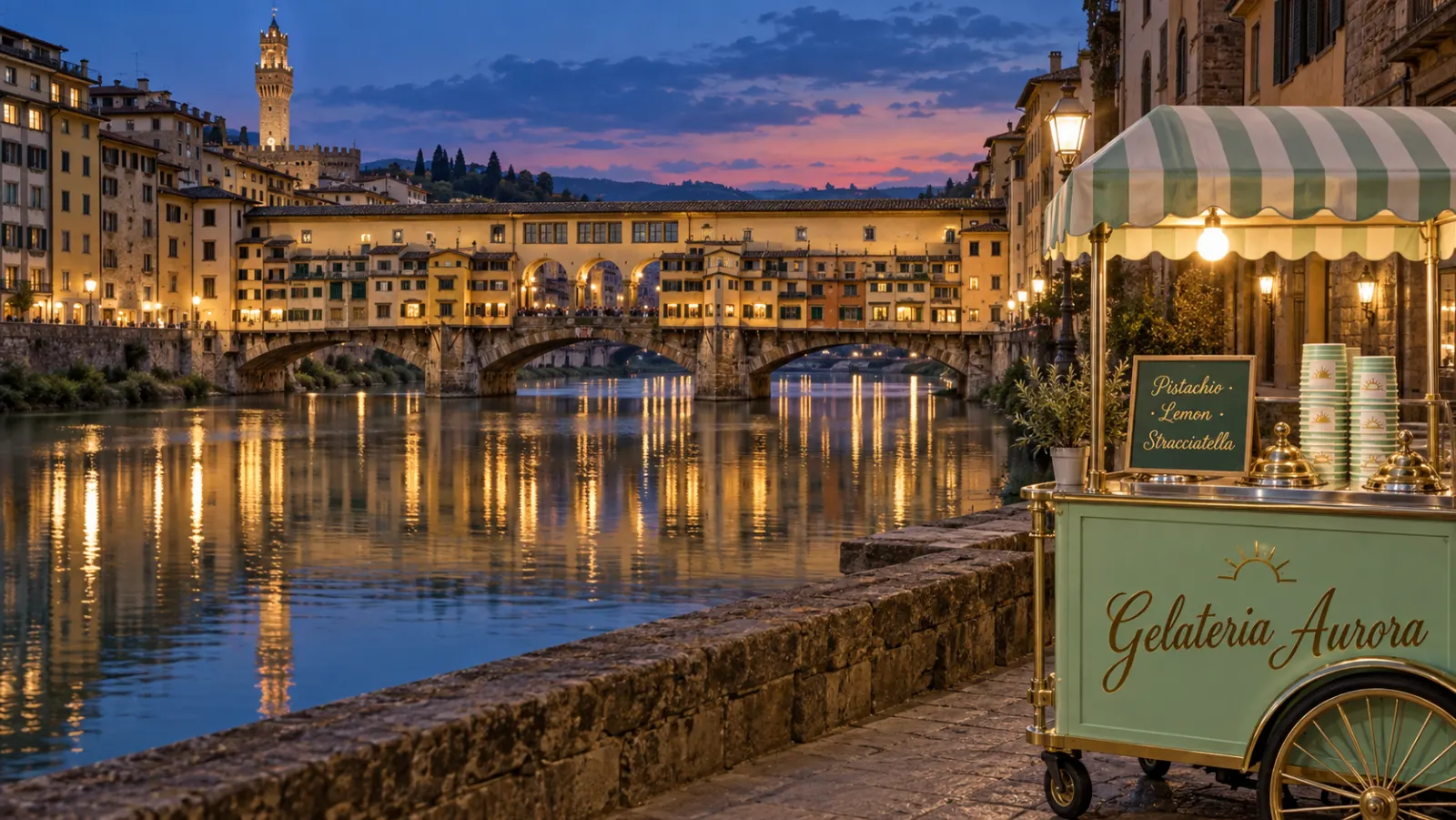
Nano Banana 2 draws on a continuously updated knowledge base. Ask for a specific landmark, a recent product, or a cultural reference and the model renders it with accurate proportions, textures, and context instead of hallucinating a generic shape. This grounding is what separates it from older image models that treat every proper noun as an unknown word.
Feature 02
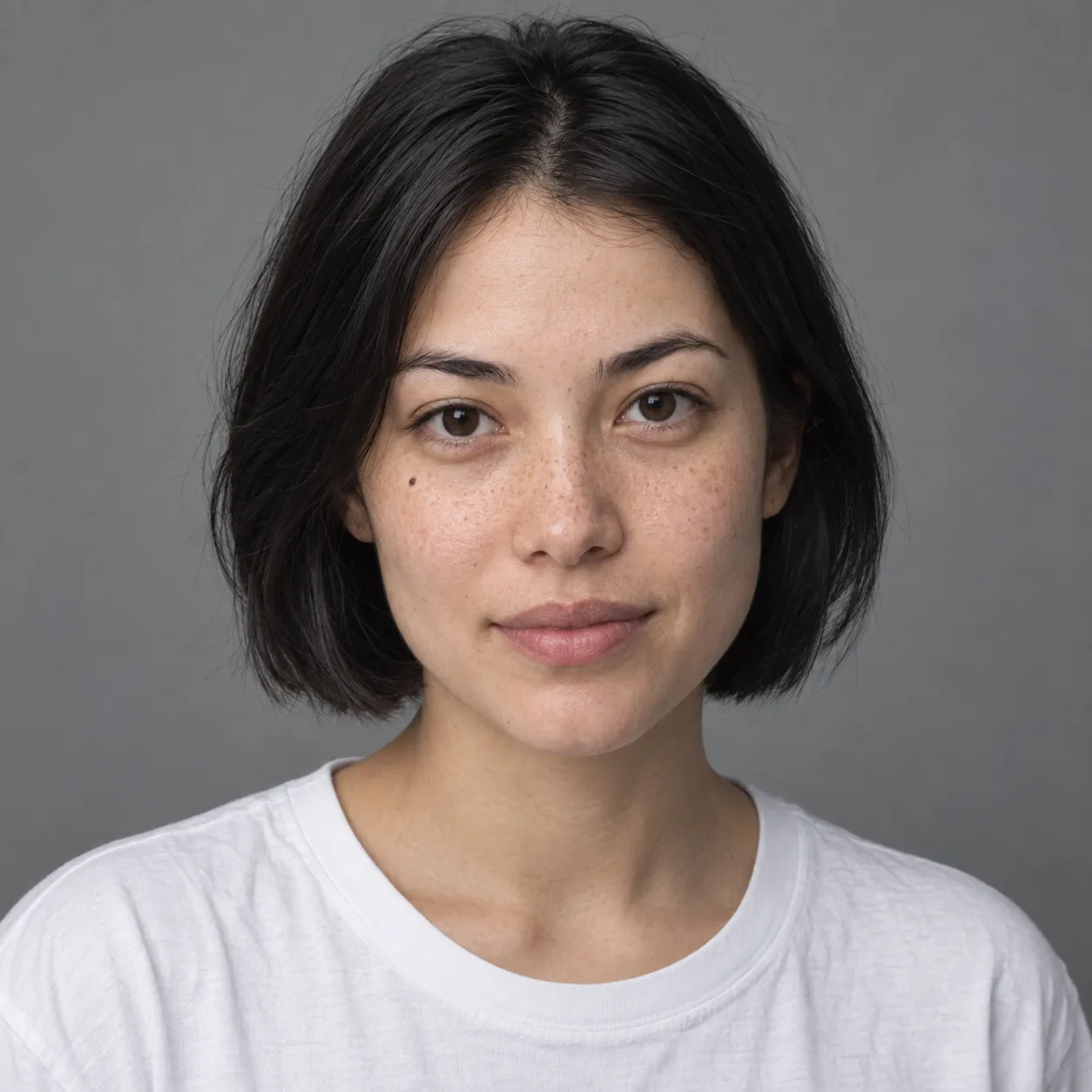
The model holds character identity across a batch of images. Feed it a reference photo and generate the same person in different poses, outfits, and lighting conditions without the face drifting into someone else. For brand work this means a campaign character that survives a ten-image carousel, and for comic creators it means panels that look like the same artist drew them all.

Feature 03
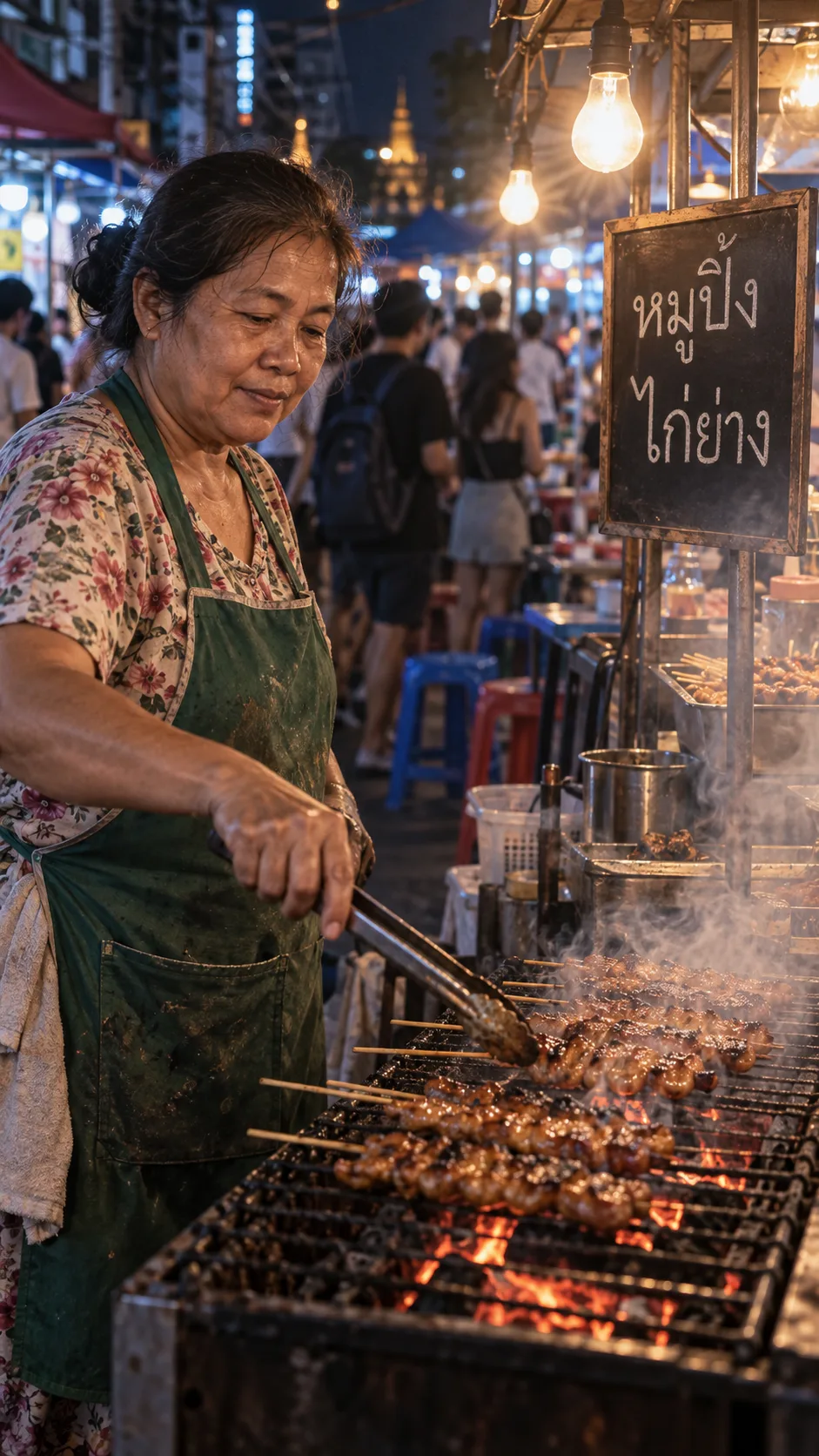
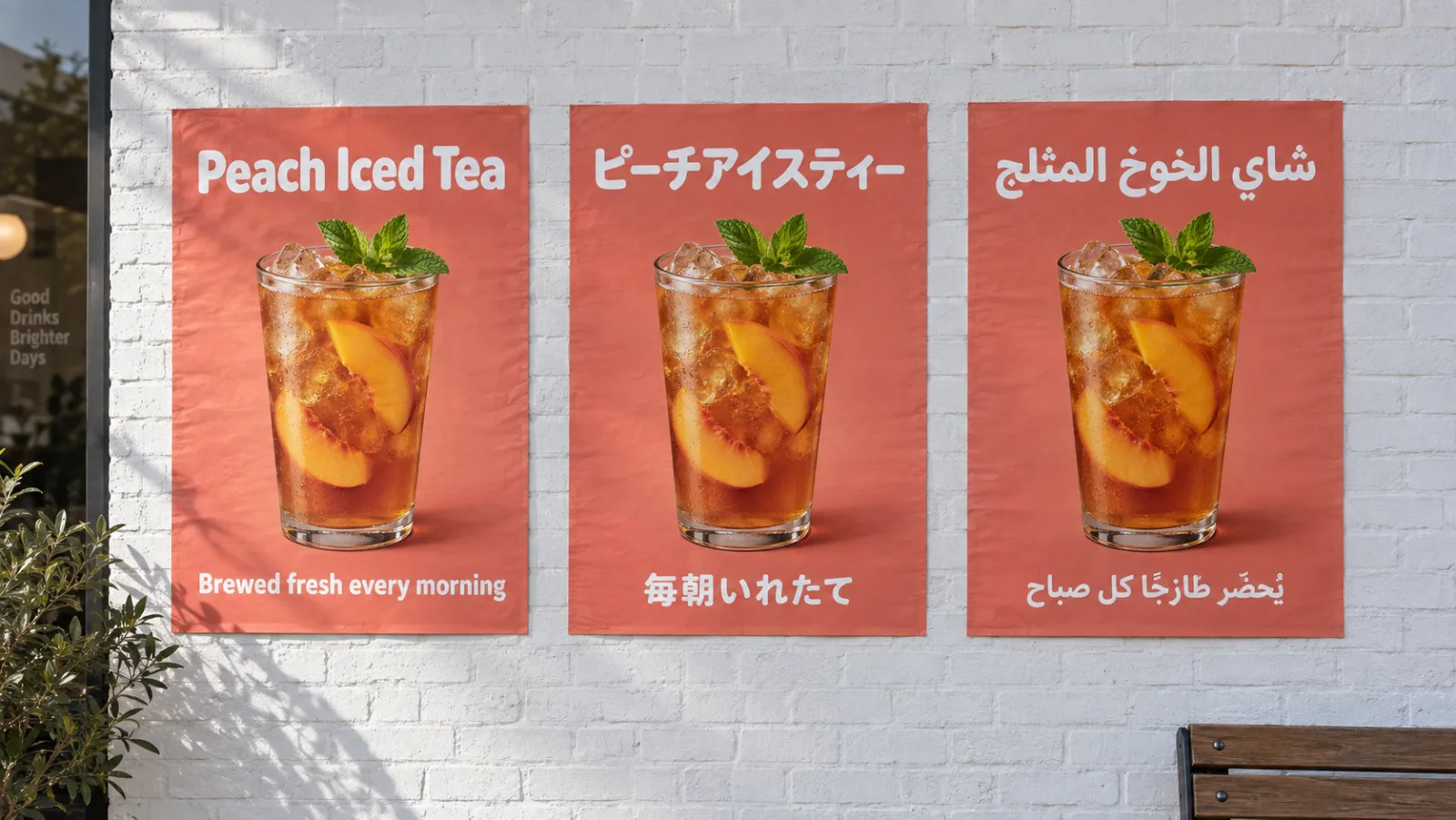
Nano Banana 2 renders text inside images with correct spelling, kerning, and line breaks. Request a poster in Japanese, a product label in Arabic, or a meme caption in English and the letters come out legible at print resolution. Non-Latin scripts are where many image models fall apart; this one treats typography as a first-class output.
Feature 04
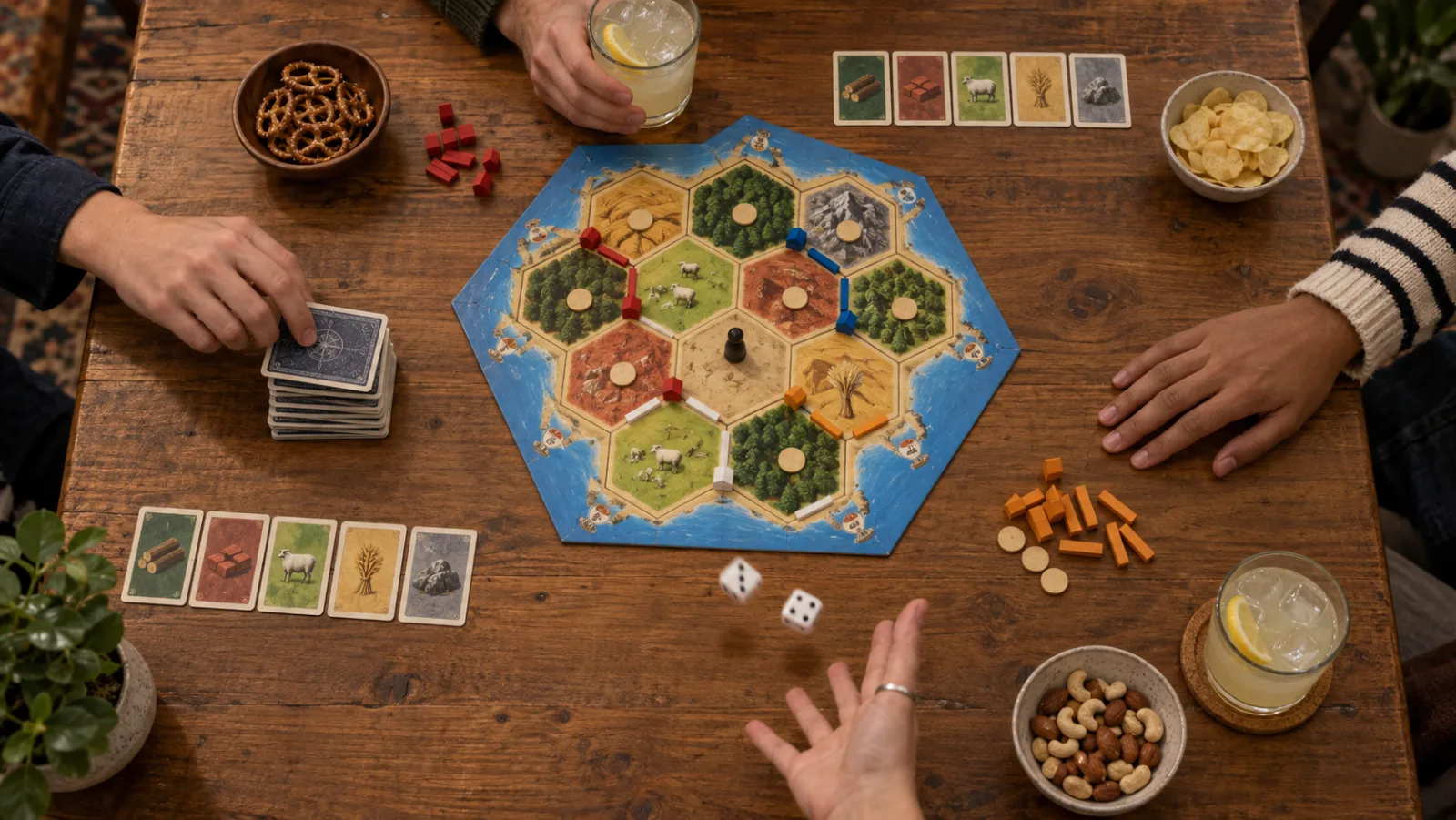
The model reasons about the prompt before it renders. It breaks your request into spatial relationships, lighting cues, and compositional rules before generating a single pixel. The result is fewer hands with six fingers, fewer objects floating in mid-air, and fewer prompts that need a reroll to land. Google's API exposes this as a thinking level; the Ricebowl generator runs the model at its default setting, so you get the reasoning without a dial.
Feature 05
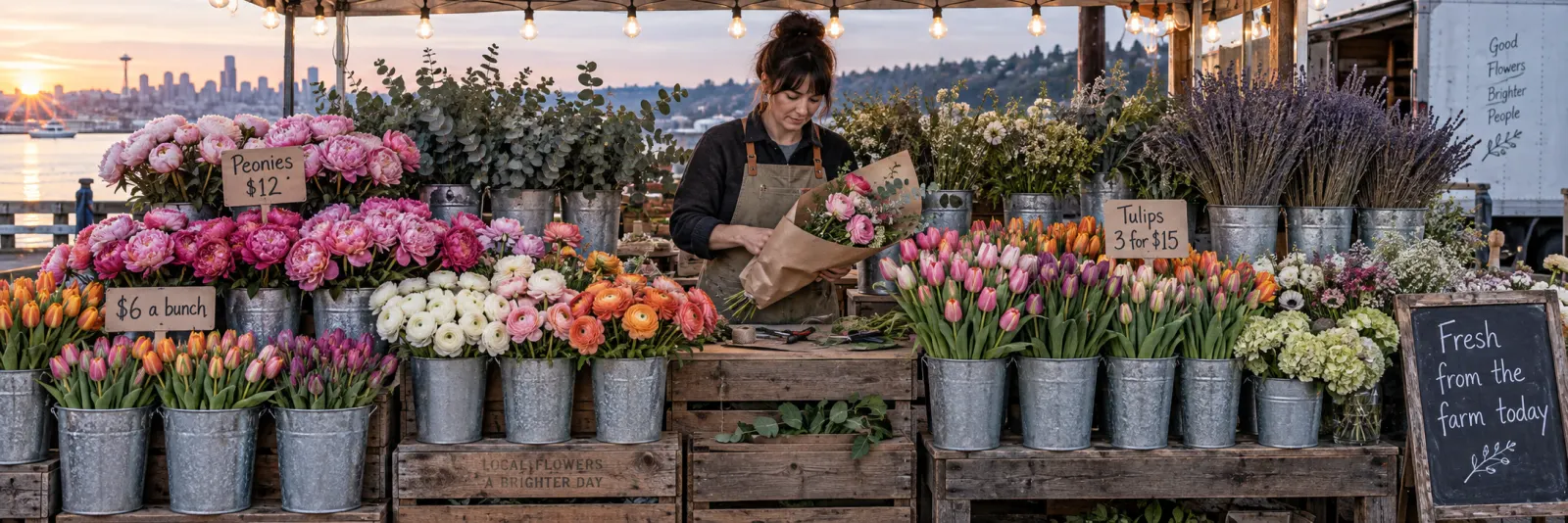
It outputs at 1K, 2K, or 4K. A 4K render is sharp enough for a poster print or a retina hero banner without an upscaling pass. Four ratios on Ricebowl: auto, 1:1, 16:9 and 9:16, covering a landscape header, a square post and a 9:16 story card, and you choose the ratio before generation so the composition is native, not a crop. Nano Banana 2 at 4K costs 18 credits; 1K costs 8.
PROMPT EXAMPLES
Prompt
A ceramic mug on a wooden table in morning light, steam rising, shallow depth of field, warm tones, editorial photography style
Reference
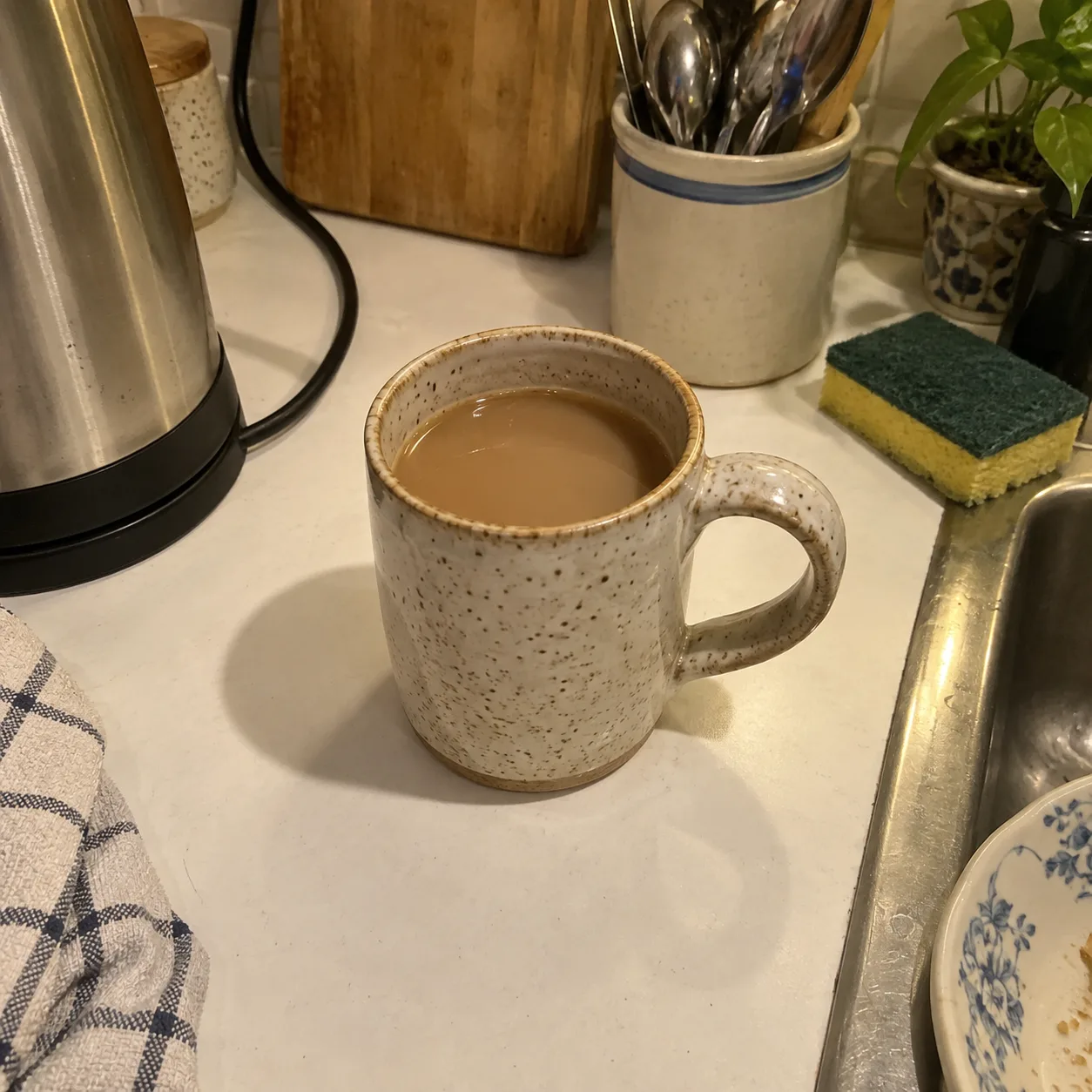
Result

Prompt
A minimalist product flatlay of skincare bottles on a marble surface, soft shadows, clean white background, commercial photography
Reference
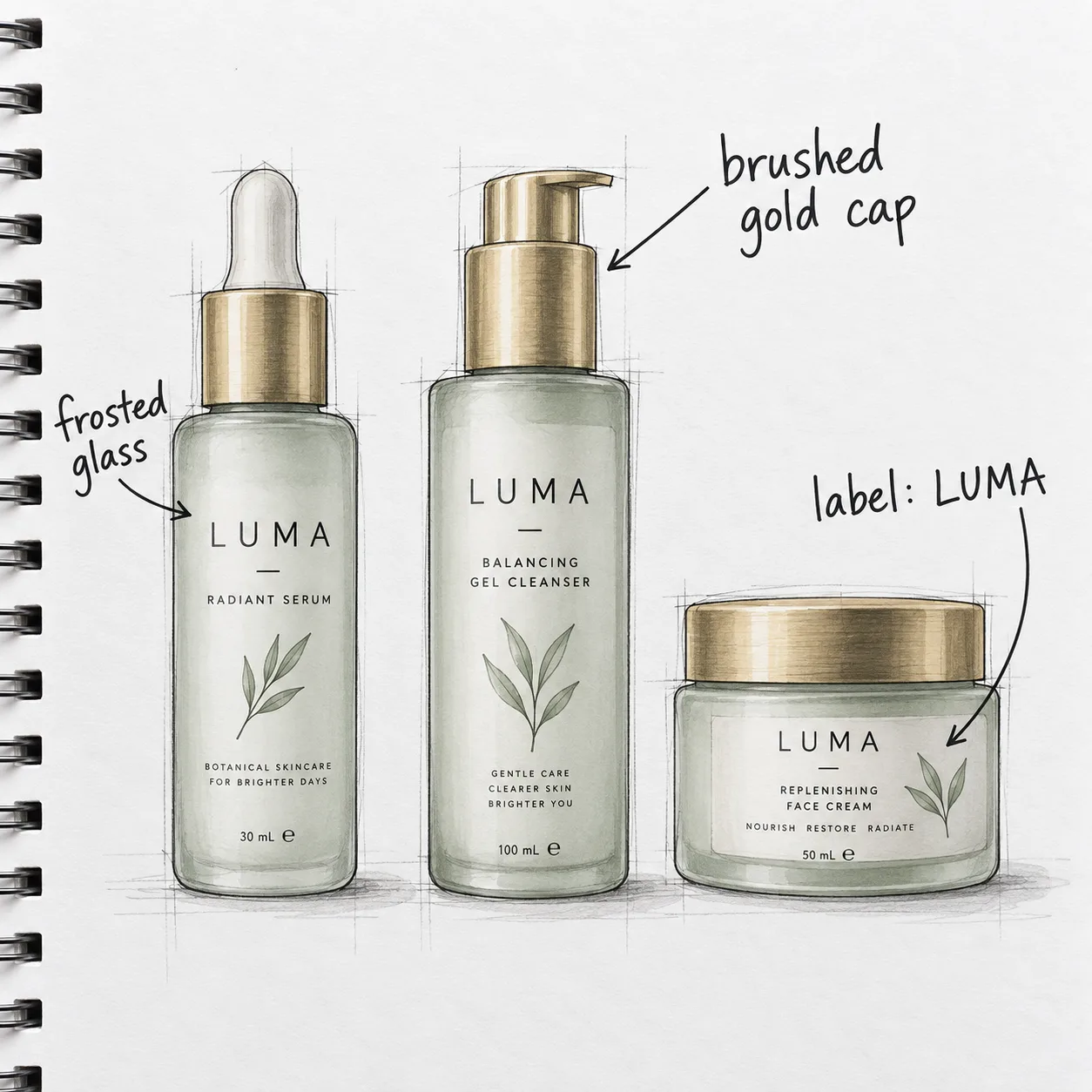
Result
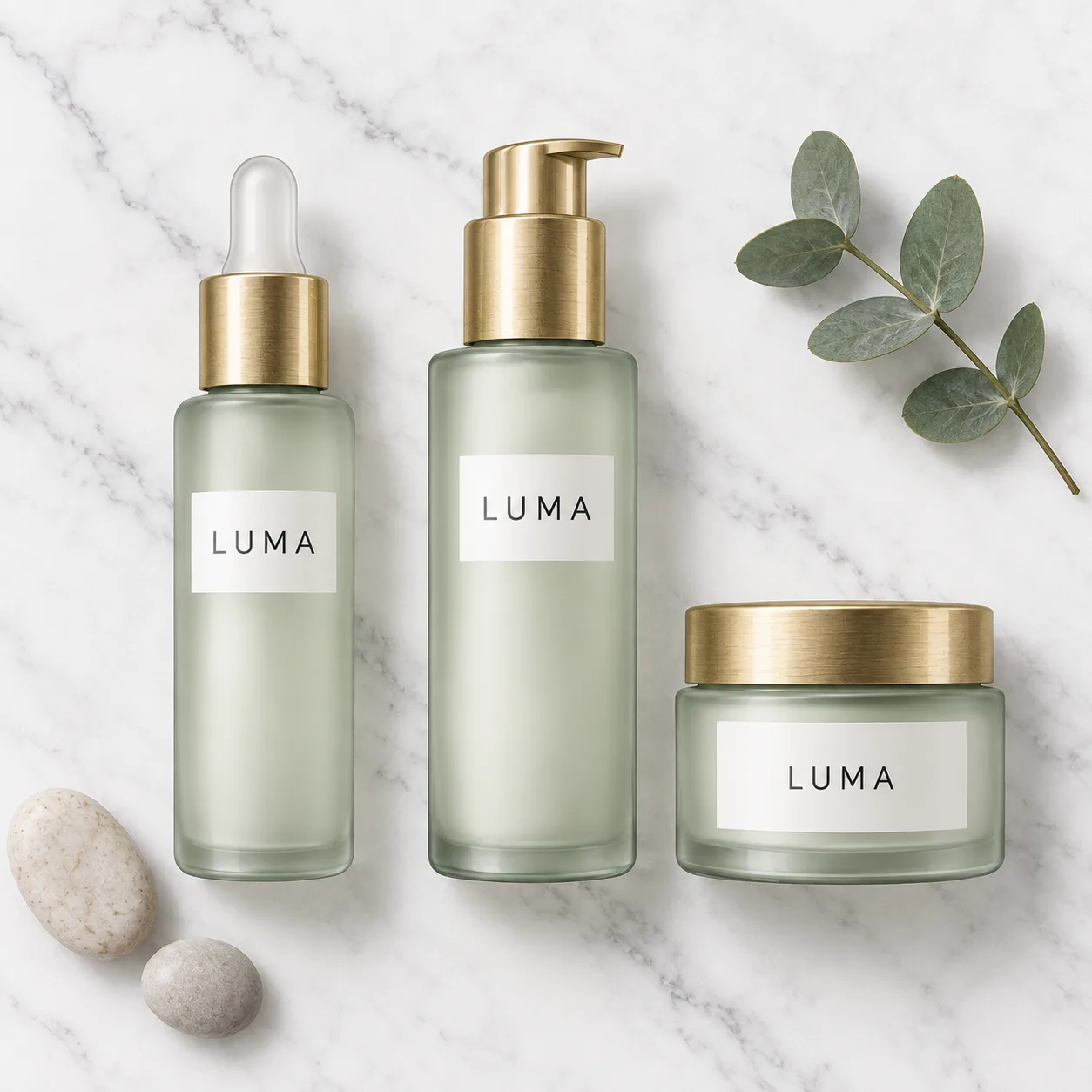
USE CASES
Generate consistent product shots across an entire catalog without a studio. The model holds the brand palette, the label text, and the lighting across a batch, so a 50-SKU shoot takes an afternoon instead of a week.
Produce scroll-stopping visuals in any aspect ratio. It renders a 9:16 story, a 1:1 feed post, and a 16:9 cover from the same prompt in minutes, with text overlays that spell correctly in any language.
Use it as a brainstorming engine. Feed it a mood board as reference images and get back explorations that preserve the style while varying the composition. 4K output goes straight into a layout without upscaling.
Try this use case →Illustrate articles, newsletters, and slide decks with on-brand imagery. The model understands real-world references, so asking for a specific landmark or product returns something recognizable, not a generic blob.
Prototype characters, environments, and props at 4K. Chain-of-thought reasoning keeps anatomy and perspective consistent even in complex multi-subject scenes, cutting the number of rerolls before a usable concept lands.
STRENGTHS AND LIMITS
WHAT USERS SAY
01
Designers who need text on images keep coming back to this model because the letters survive. A poster with a Japanese headline that actually reads correctly still takes rerolls on many image models.
02
Users who write complex multi-character scenes report fewer wasted generations, because the model works out who stands where before it draws. Fewer rerolls on multi-subject scenes more than pays for the extra seconds.
03
Photographers and art directors appreciate that a 4K render needs no upscaling pass. The detail holds at 300 DPI, so the file goes from the generator to the layout without a detour.
04
Brand teams use the same reference set across a batch and get back images that share a palette, a lighting style, and a character face. The model turns a one-off generation into a repeatable production line.
WHICH ONE
Nano Banana 2 Lite costs 5 credits and outputs at 1K only. The full model starts at 8 credits for 1K and goes up to 4K at 18. Use Lite for bulk drafts where resolution does not matter, and switch to the full version for any image that will be seen at full size.
1K, 2K and 4K output at 8, 12 and 18 credits, up to 8 reference images, and Flash speed with search grounding. Pick it for any image that will be seen at full size.
1K only at 5 credits per image. Best for bulk drafts, thumbnails and early concept rounds where resolution does not matter.
WHAT SETS IT APART
01
Most image generators treat the prompt as a bag of words. This one parses spatial relationships and physical constraints before it starts drawing, which is why a prompt like 'a cat sitting on top of a transparent glass table' actually puts the cat on top.
02
The model generates text inside the image as part of the diffusion process. The letters are not stamped on afterward, so they follow the surface curvature, the lighting, and the perspective of the scene.
OUR TAKE
On Ricebowl Pro is cheaper at 2K and 4K (8 and 14 credits against 12 and 18); pick 2 for Flash speed and search grounding. Both start at 8 credits for 1K, so the choice comes down to speed versus the finish Pro gives multi-paragraph text and final renders.
The Lite version runs at 5 credits and outputs 1K only. You lose 2K and 4K. For social media thumbnails and quick concept sketches the trade is worth it. For anything a client will see at full size, spend the extra 3 credits on the full model at 1K.
The Flash model follows editing instructions more literally because of its chain-of-thought reasoning layer. GPT Image 1.5 tends to reinterpret the prompt creatively, which is an advantage for open-ended exploration but a liability when the brief is precise. For structured edits with reference images, pick it over GPT Image 1.5.
COMPARISON
| Feature | Nano Banana 2 | GPT Image 1.5 | Nano Banana Pro |
|---|---|---|---|
| Max Resolution | 4K native | 1K | 4K native |
| Reasoning | Built-in reasoning | None | Built-in reasoning |
| Reference Images | Up to 8 | Up to 16 | Up to 8 |
| Typography Quality | High, multilingual | Moderate, English-centric | High, multilingual |
| Aspect Ratios | 4 (auto, 1:1, 16:9, 9:16) | 4 (auto, 1:1, 2:3, 3:2) | 4 (auto, 1:1, 16:9, 9:16) |
| Credits (1K) | 8 | 5 (medium) / 22 (high) | 8 |
| Credits (4K) | 18 | N/A | 14 |
| Best For | Everyday production work with text-heavy images and 4K output | Quick explorations and creative reinterpretation | Large-format print and maximum detail |
All three models run on Ricebowl AI. Switch between the three in the model picker above without leaving the page.
Try Nano Banana 2 for Free01
The generator at the top of this page already has the model selected. A new account arrives with 20 free credits and a 1K image costs 8, so there is nothing to install and nothing to buy before you start.
02
Describe what you want: the subject, the style, the lighting, and any text that should appear in the image. Upload up to 8 reference images to lock a character face, a brand palette, or a product shape. For complex scenes, spell out the spatial relationships; the model reasons through them before it renders.
03
Pick an aspect ratio, choose 1K, 2K, or 4K, and press generate. Your image appears in the feed below and downloads as a PNG straight from the card.
REVIEWS
Feedback from people who use it for real work.
 Mia Chen
I switched because it actually spells the headline right, including my Japanese taglines.
Brand designer, agency
 David Ortega
Fifty product shots in one afternoon, all on-brand. The model holds the lighting and the label across the whole batch.
E-commerce manager
 Priya Sharma
I ask for a real product or a real street and it looks like the real thing. That grounding saves me from sourcing stock photos for blog headers.
Content lead, SaaS
 Lucas Andersen
4K output straight to the print file. No upscaler, no artifacts. It is the first AI model I trust at 300 DPI.
Freelance illustrator
 Yuki Tanaka
One prompt, three shapes. I get the 9:16 story card, the square feed post, and the 16:9 cover from the same brief.
Social media strategist
One balance, every model. Credits work across all 19 video models — no watermark, no tier-locked models, commercial use on every paid plan.
Save 30% billed annually
Pay yearly and save more.
Enough credits to try every model and finish a few clips each month.
$19.9/mo$29.9
Billed yearly at $238.8. Renews yearly, cancel anytime.
Save $120/yr vs monthly
12,000 credits
≈ 38–600 videos, depending on the model
≈ 857–4000 images, depending on the model
1.99¢ / credit
2 parallel tasks
Steady output for solo creators going pro — every model, a comfortable budget.
$34.9/mo$49.9
Billed yearly at $418.8. Renews yearly, cancel anytime.
Save $180/yr vs monthly
24,000 credits
≈ 76–1200 videos, depending on the model
≈ 1714–8000 images, depending on the model
1.75¢ / credit
3 parallel tasks
High-volume production for prolific creators and small teams.
$62.9/mo$89.9
Billed yearly at $754.8. Renews yearly, cancel anytime.
Save $324/yr vs monthly
60,000 credits
≈ 190–3000 videos, depending on the model
≈ 4285–20000 images, depending on the model
1.26¢ / credit
5 parallel tasks
Flexible monthly subscription.
Enough credits to try every model and finish a few clips each month.
$29.9/mo
Renews monthly, cancel anytime.
1,000 credits
≈ 3–50 videos, depending on the model
≈ 71–333 images, depending on the model
2.99¢ / credit
2 parallel tasks
Steady output for solo creators going pro — every model, a comfortable budget.
$49.9/mo
Renews monthly, cancel anytime.
2,000 credits
≈ 6–100 videos, depending on the model
≈ 142–666 images, depending on the model
2.50¢ / credit
3 parallel tasks
High-volume production for prolific creators and small teams.
$89.9/mo
Renews monthly, cancel anytime.
5,000 credits
≈ 15–250 videos, depending on the model
≈ 357–1666 images, depending on the model
1.80¢ / credit
5 parallel tasks
Top up credits valid for 12 months.
One-time top-up — perfect for occasional needs.
$49.9
One-time purchase, valid 12 months.
1,000 credits
≈ 3–50 videos, depending on the model
≈ 71–333 images, depending on the model
4.99¢ / credit
Larger top-up with 20% bonus — best per-credit value for one-time buyers.
$198
One-time purchase, valid 12 months.
4,800 credits
≈ 15–240 videos, depending on the model
≈ 342–1600 images, depending on the model
4.13¢ / credit
5 parallel tasks
What the model is, what it costs, and how to get your first image right.
Try Nano Banana 2 for FreeYes, you can try Nano Banana 2 for free. Ricebowl AI gives new users 20 free credits on sign-up, no payment card needed. A 1K image costs 8 credits, so the gift covers two 1K images. For continued access, higher resolutions, and commercial use, a paid plan is required.
It is Google's latest advanced AI image model. It generates and edits images at up to 4K resolution using chain-of-thought reasoning, which means the model plans the spatial layout, lighting, and text placement before rendering a single pixel. It supports multilingual typography, up to 8 reference images, and four aspect ratios on Ricebowl. On Ricebowl AI you can use it alongside the Lite version and Nano Banana Pro.
The two share the same core architecture, including built-in reasoning and multilingual text. On Ricebowl, Pro costs 8 credits at 1K/2K and 14 at 4K, versus 8/12/18 for Nano Banana 2, so Pro is actually the cheaper pick at 2K and 4K. Choose Nano Banana 2 when you want Flash speed and search grounding; choose Nano Banana Pro for dense text layouts and final deliverables.
The Lite version is the budget variant of the Flash model. It costs 5 credits per image and outputs at 1K resolution only. It drops the 2K and 4K options. Use the Lite version for bulk drafts, social media thumbnails, and early concept exploration where resolution is not critical.
Google's API exposes a thinking level; on Ricebowl the model runs at its default setting, so you get the reasoning without a dial. The reasoning step is what decomposes a scene into spatial relationships, physical constraints and text placement before rendering, which reduces anatomical errors and misplaced objects.
You can upload up to 8 reference images per generation. References guide the style, face identity, product appearance, or color palette of the output without overriding the text prompt. Use one reference for a style lock, two for a character and a setting, and several when you need tight control over an entire brand kit.
Four ratios on Ricebowl: auto, 1:1 (square), 16:9 (landscape) and 9:16 (portrait). Choose the ratio before generating so the model composes the scene for that shape natively, rather than cropping a square after the fact. Auto lets the model pick the shape that fits the prompt or the reference image.
Yes. It outputs at native 4K with accurate typography in multiple scripts, which makes it suitable for print layouts, retina web banners, and packaging design. The chain-of-thought reasoning layer reduces the number of rerolls on complex compositions, and reference images keep a campaign visually coherent across a batch.
Yes. Images you generate on Ricebowl AI with a paid plan are yours to use commercially, including client work, advertising, and product packaging. Ensure you have the rights to any reference images you upload, and check the content policies of the platform where the image will appear.
You can use Nano Banana 2 right here on Ricebowl AI. The generator at the top of this page is already set to this model. Sign up for a free account, and your sign-up credits let you generate your first image without a card. Ricebowl also runs the Lite version, Nano Banana Pro, GPT Image 2, and 30+ other AI models in the same workspace, so you can compare outputs side by side.
RELATED
MORE MODELS
One prompt, up to 4K, chain-of-thought reasoning, multilingual text, and a PNG in the feed seconds later.
Try Nano Banana 2 for FreeFREE CREDITS ON SIGN-UP · 4K PNG · MULTILINGUAL TEXT · REFERENCE IMAGES
Start Using Nano Banana 2 AI Image Model
Try Nano Banana 2 for Free