Before a haircut
A bad cut takes months to grow out. Preview a fresh cut on your own face first, and if you like it, save the image for your barber or stylist.
Upload one selfie and get an AI glow up that changes one thing at a time: a new haircut, glasses, a top color, a beard or makeup. Your face stays yours.
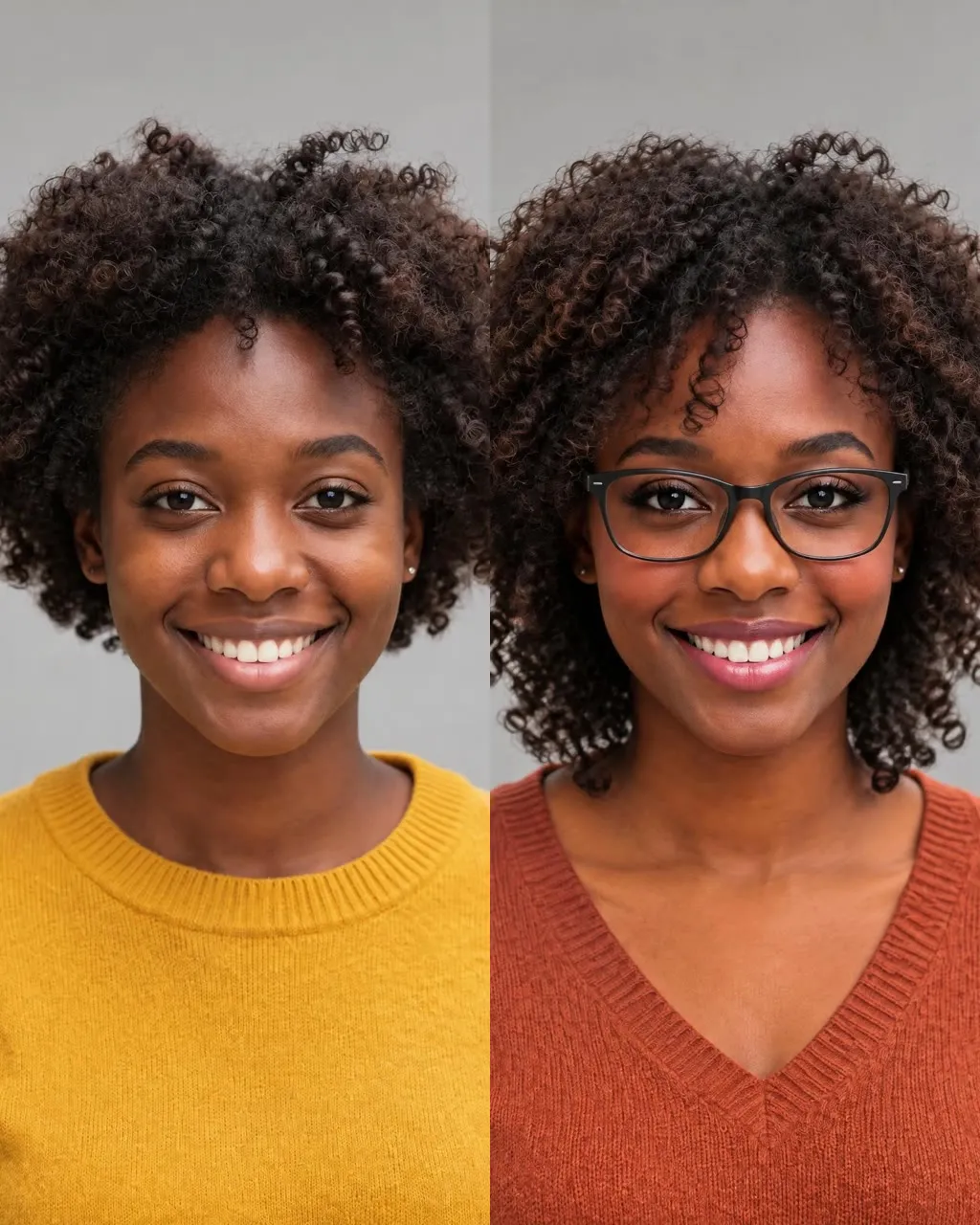
Each card shows an example look shared online next to the exact prompt this page sends to Nano Banana 2 for that change. Every prompt ends with the same instruction to keep your face.
Look Examples
These are example looks shared online, grouped by the changes you can pick on this page. Each set keeps the same face and changes one thing, which is exactly what a good AI glow up should do.
Start your AI glow upSame Face, Three Looks
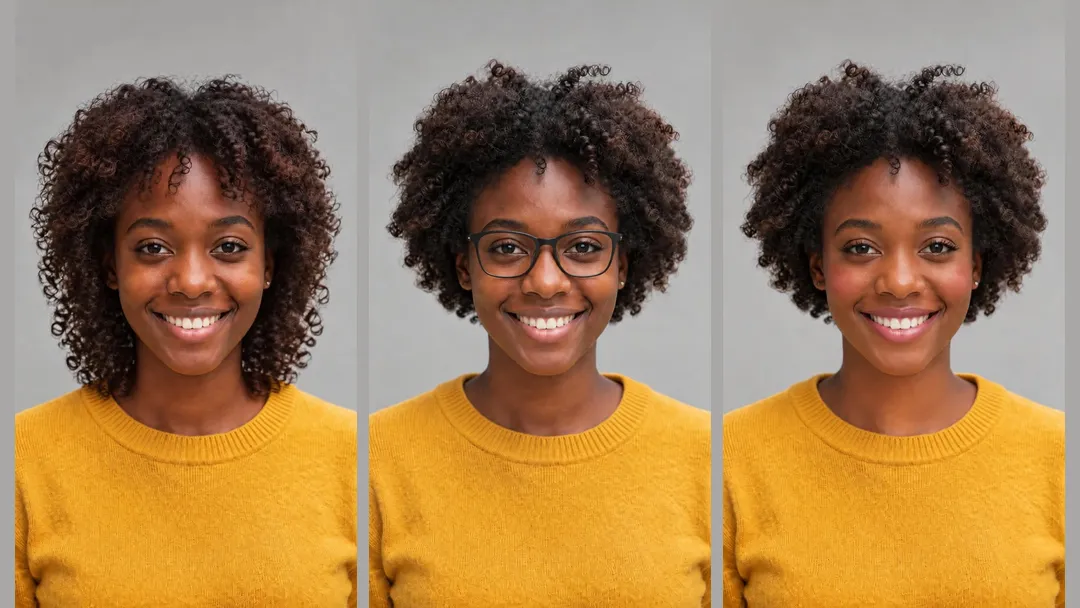
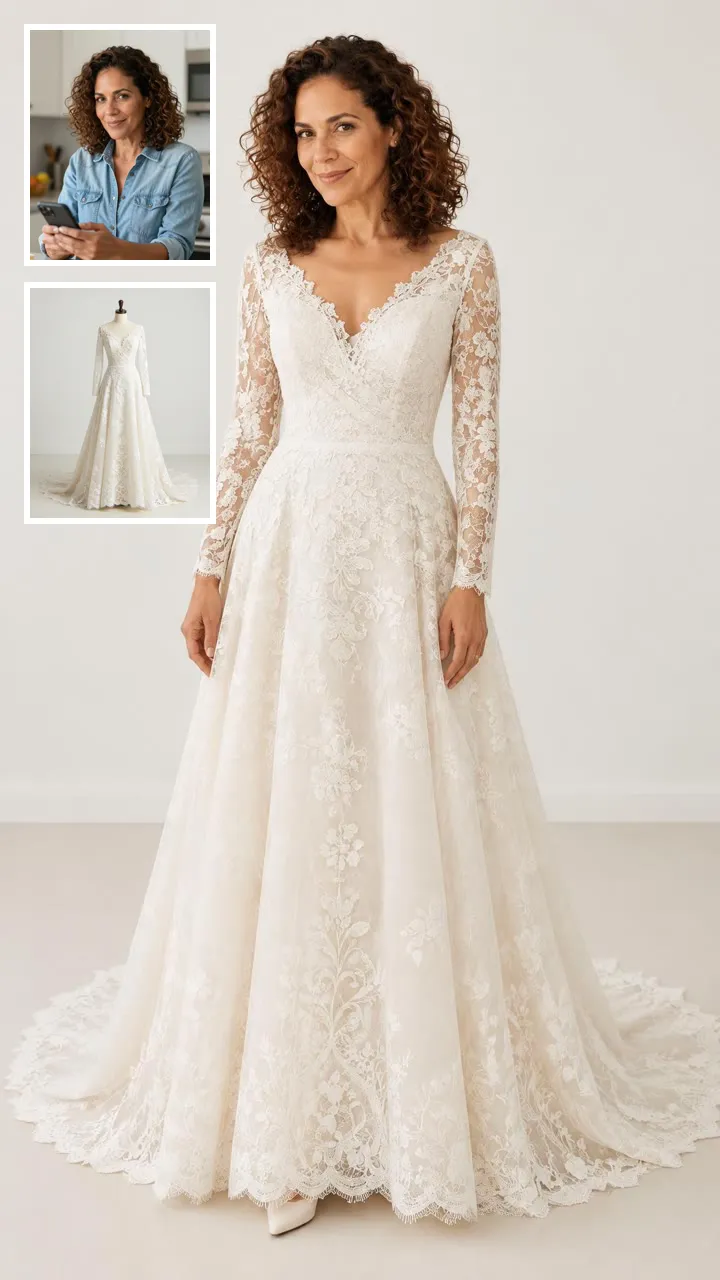
In this example set shared online, the same woman appears three times: with longer curls, with black frames, and with soft makeup. Her face, smile and yellow sweater stay the same in all three, and that is the bar to hold any AI glow up to.
New Haircut
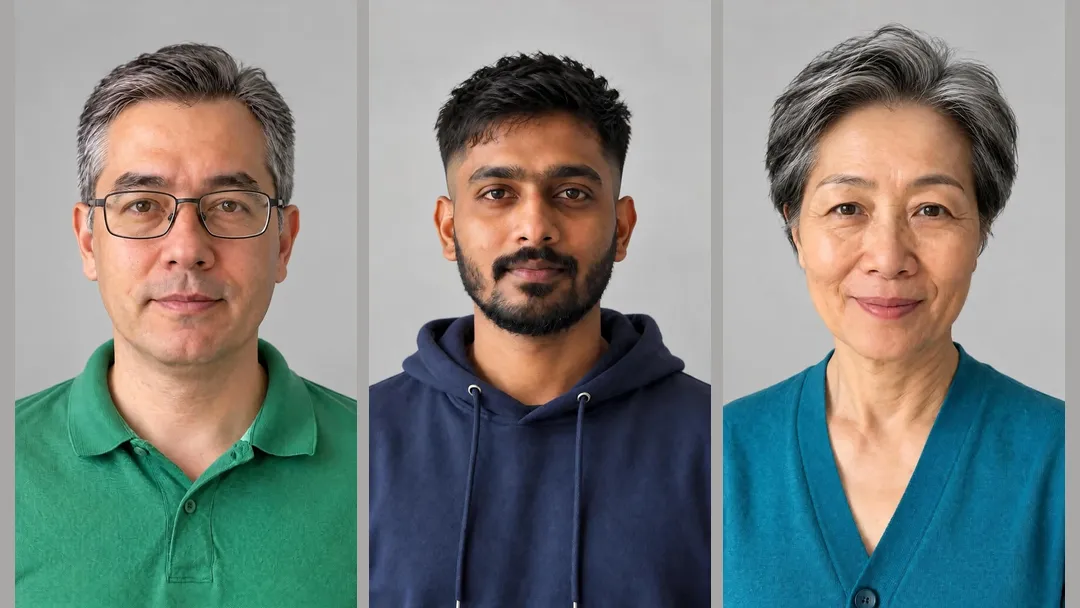
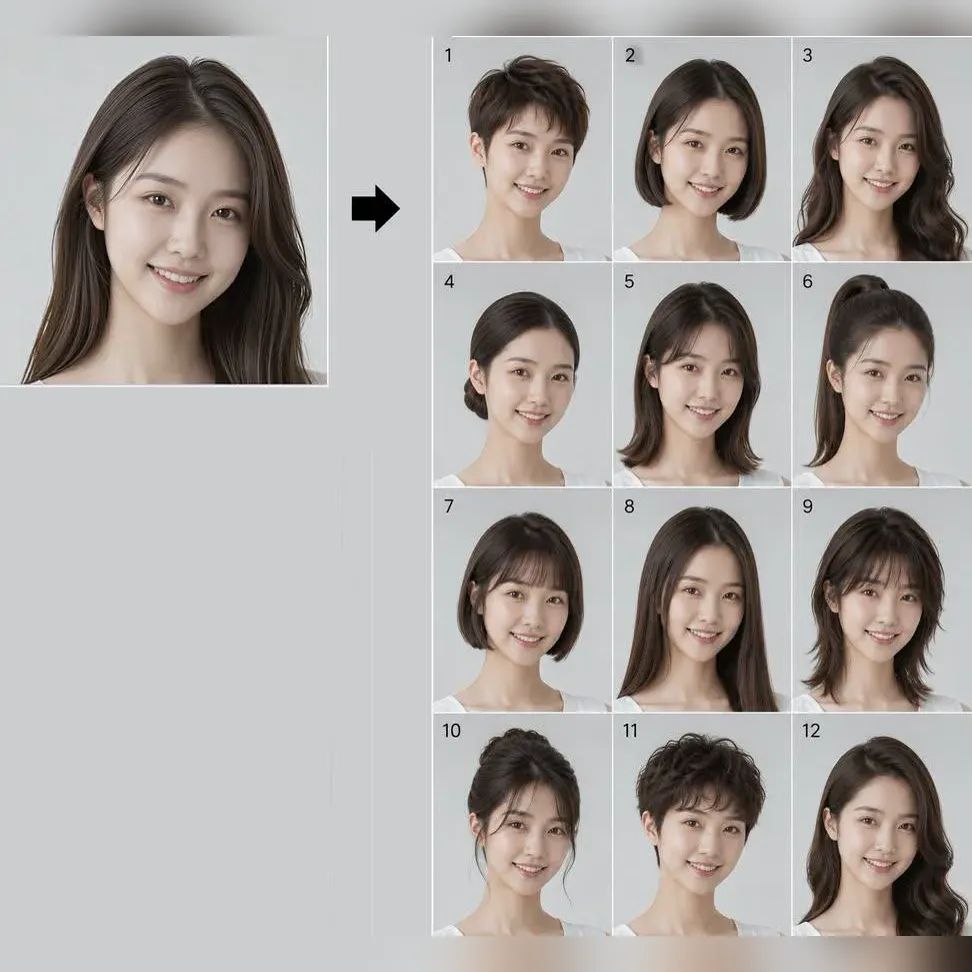
These examples shared online show three people with a fresh cut each: a man with grey-flecked hair and glasses, a young man with a short dark cut, and a woman with a short silver cut. Pick New Haircut to see a cut on your own face first, then show the image to your barber.
Glasses and Colors
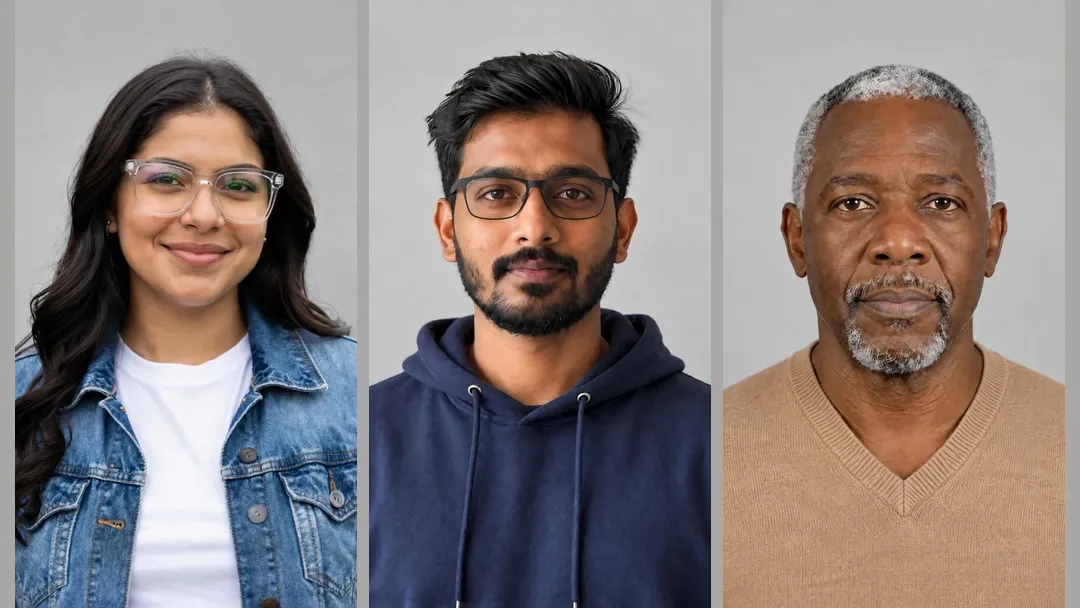
Glasses are hard to judge in a shop mirror. In these examples shared online, a woman tries clear frames, a young man tries black frames, and an older man wears a camel V-neck. The Glasses and Colors chips change only that one item on your photo.
Beard and Makeup
Grooming is the quickest change to judge. These examples shared online show a smiling man with a moustache, a man with glasses and a short beard, and a young woman with soft everyday makeup. Skin tone stays the same in each one.

Why People Try It
A bad cut takes months to grow out. Preview a fresh cut on your own face first, and if you like it, save the image for your barber or stylist.
Frames look different on your face than on the shelf. Use this preview to see a pair that fits your face shape before you visit a store.
Try a few looks in a row, from a new top color to a groomed beard or soft makeup, and pick the one you want for the day.
Put your original selfie next to your AI glow up and share the glow up transformation, or turn the new photo into a short video.
Photo Tips
What This Tool Is
This page makes one new image of you. It does not give you a score, judge your face, or tell you which look you should choose.
Rating apps measure your face and hand back a number. Here you choose the change and see it on your photo, so you can make your own call.
Most virtual makeover tools change many things at once. Here you pick a single change, so you can tell exactly what made the difference, or pick All Together to see the full look.
Every look runs with the same instruction to keep your face shape, features, skin tone, expression and background. Keeping you recognizable is a design goal for each AI glow up, not a promise.
At a Glance
| What you want to know | This AI glow up generator |
|---|---|
| What you upload | One selfie of one adult |
| What changes | One thing per image, or all together |
| What stays | Face, skin tone, expression, background and light |
| Scoring | None, no face rating |
| Time | Usually a minute or two |
| Output | One 9:16 or 1:1 image to download |
| Cost | 8 credits per image |
Runs in your phone or computer browser, with nothing to install.
Start your AI glow up01
Sign in and upload a clear, front-facing photo of yourself.
02
Choose New Haircut, Glasses, Colors, Beard, Makeup or All Together, then 9:16 or 1:1.
03
Your new look is usually ready in a minute or two for 8 credits. Download it, or try another look.


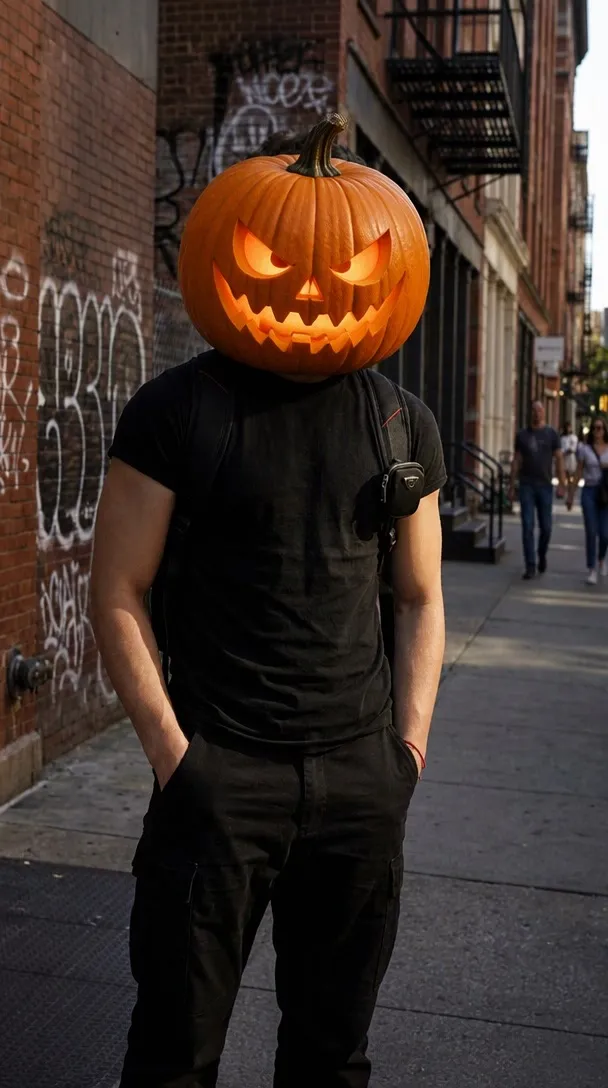
Turn photo heads into pumpkins

Two parent photos into one imagined baby photo
One photo into a bald, buzz-cut or bald-with-beard look
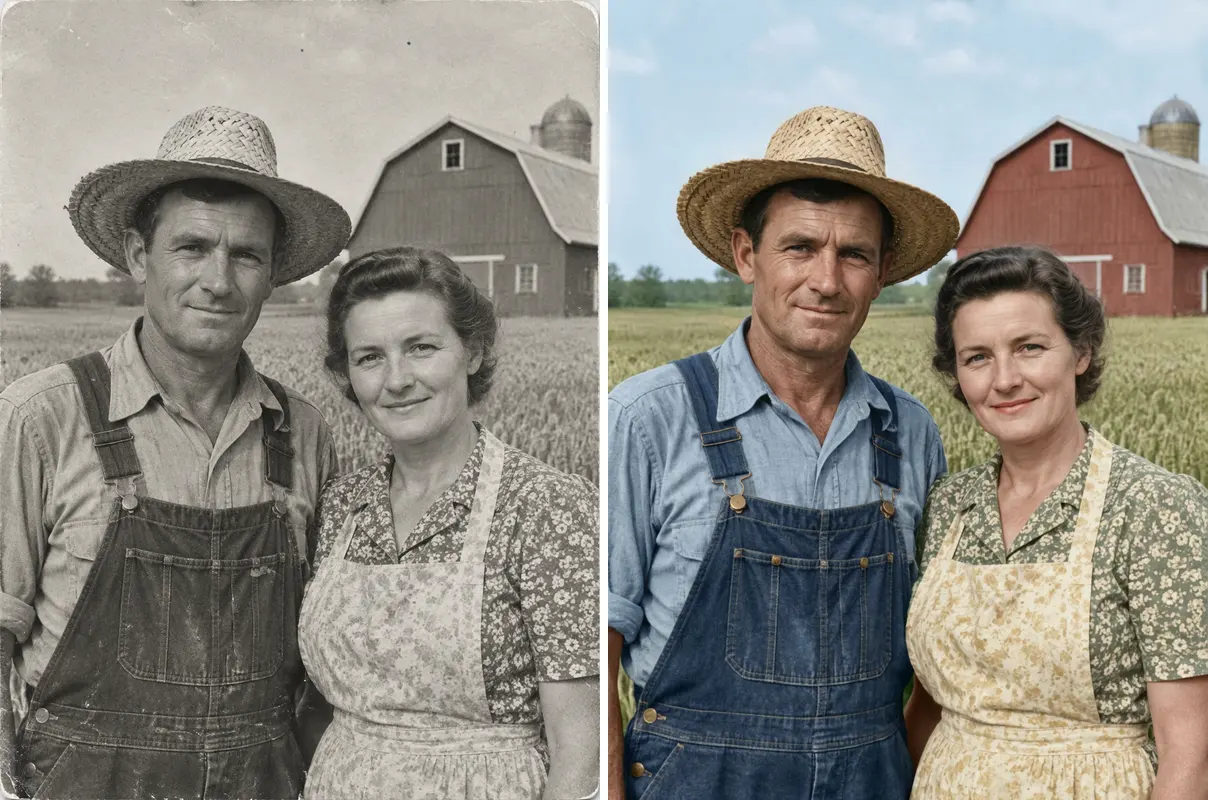
One old photo repaired, sharpened or colorized
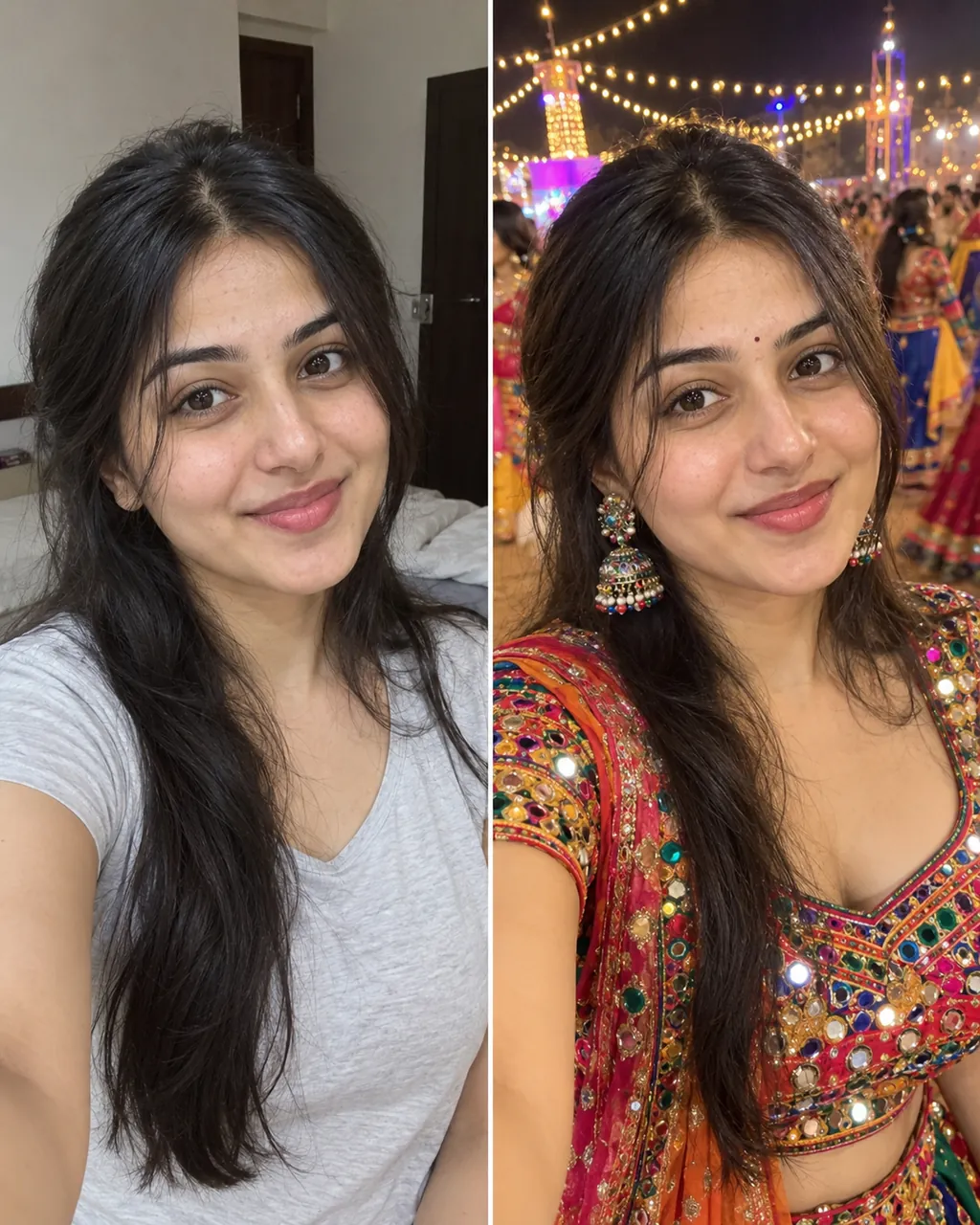
One selfie into a trending Instagram photo edit
Check a photo against official ID rules
Straight answers about faces, credits and what this tool can and cannot do.
Start your AI glow upYes. This AI glow up generator takes one selfie and shows you with a new haircut, glasses, a top color, a beard or makeup. It makes a preview image of you; it does not score or rate your face.
Upload one clear, front-facing photo, pick the change you want, and press generate. Your AI glow up comes back as a new image of the same face, usually in a minute or two.
Every look ends with the same instruction to keep your face shape, features, skin tone and expression. That is a design goal, not a guarantee, and the image is a preview, not a promise that a real cut or real frames will turn out the same.
Each image costs 8 credits, including All Together, while five single looks made one by one cost 40. New accounts get 20 credits once per device and network, enough for 2 images. There is no glow up app to download; it runs in your browser.
A ChatGPT glow up prompt usually means uploading a selfie and typing something like "give me a glow up with a new haircut and glasses", then rewording until you like it. On this page the prompt for each look is already written, always ends with the same instruction to keep your face, and is shown on every card above.
No. This tool does not rate your face, read your face shape or pick a winner for you. You choose the change, see it on your own photo, and decide for yourself.
Not at the moment. The tool takes only your selfie, and the looks are the six fixed options on this page.
Yes. Switch between the options to compare one change at a time, or pick All Together for a full glow up transformation in a single image: a new cut, glasses, a top color and neat grooming.
Yes. Both options work on any photo you upload, and whichever you pick is added. All Together tidies existing facial hair into a short beard, or adds soft makeup if there is no facial hair.
Upload only photos of adults who are 18 or older: yourself, or someone who gave you permission. Do not upload photos of children, celebrities or other people without their agreement.
Yes. Try a few looks in a row, from a new top color to a groomed beard, and keep the one you like. Glow up AI shows you a likely result; your real haircut or frames may still differ.
Yes. Press Make it move under your result to open MiniMax H3, where a 6-second 768p clip costs 20 credits, which works well for a before-and-after post on TikTok. For more ideas, see how to do an AI glow up and other AI trends.
Related Tools
Upload one selfie and preview a new haircut, glasses, colors, a beard or makeup with this AI glow up generator.
Start my AI glow up8 CREDITS PER IMAGE
Ready to see a new you?
Start your AI glow up