Funeral or Memorial Service
Display a 16:9 horizontal ai tribute video clip on a TV screen or hall projector during a service or reception. It provides a peaceful visual accent during a funeral slideshow or background presentation.
Create a gentle ai tribute video from your photos. Choose a scene and generate a short video clip in your browser usually in under a minute.
Only upload photos you have the right to use.

 Living Room Hug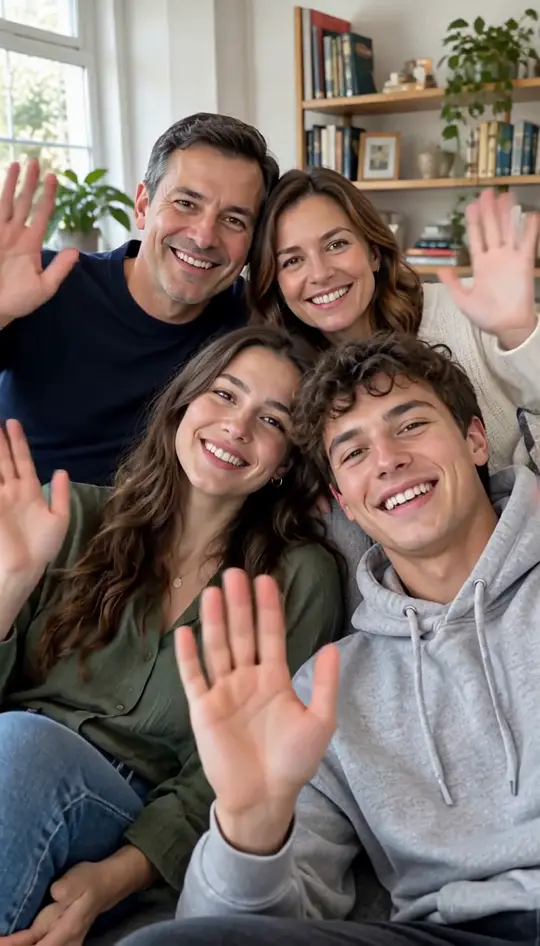

Browse all
Examples
An ai tribute video is a short clip showing an imagined, gentle moment created from your uploaded photos. It uses AI to generate movement and is not real footage. Every sample below was made directly on this page using photos of fictional people who do not exist. No additional editing or external software was used after generating the MP4 file.
Start GeneratingMade on This Page 01
This ai tribute video uses two photos. An older man in a beige cardigan stands by a living room window. A younger woman steps in from the side. They hug cheek to cheek and both smile at the camera. The video holds this gentle moment calmly until the end.
Made on This Page 02
Made from a single photo, this ai tribute video places the camera in your position. The older man stands near a window, turns toward you, smiles, and walks forward with open arms to hug the camera. You do not appear on screen in this first-person view.
Made on This Page 03
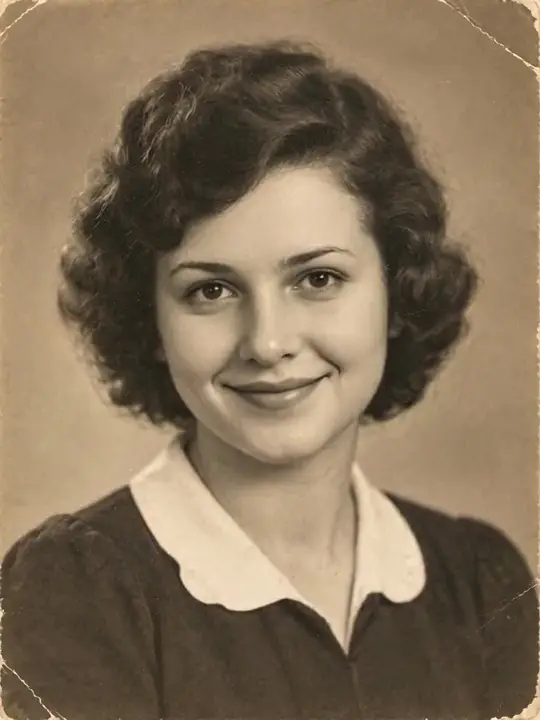
This ai tribute video keeps the original sepia look of a 1940s-style photo without colorizing it. The young woman sits in a quiet room by a window, gives a gentle smile, and offers a slight nod. It creates a new imagined scene where small facial details may differ slightly.
Made on This Page 04
Designed for wide screens, this ai tribute video shows two women sitting side by side on a sofa. The older woman with grey curly hair smiles and nods, while the younger woman leans in closer. This horizontal format works well for a memorial video or slideshow presentation.
Made on This Page 05
An older man and a younger woman walk slowly arm in arm toward the camera along a sunlit garden path. He pats her arm lightly while both smile. This horizontal ai tribute video works well for screen presentations and family gatherings.
Made on This Page 06
Made from one photo for an ai tribute video, an older woman with a grey bob and glasses walks slowly down a garden path toward the camera. She smiles calmly and reaches one hand out toward the camera at the end of the short clip.
Made on This Page 07
An older woman with grey curly hair stands on a quiet beach during golden hour. She stays in place while looking at the camera, smiling, and waving with one hand. This ai tribute video offers a peaceful gesture captured in a short vertical format.
Made on This Page 08
A young man in a black T-shirt and a young woman in a denim jacket stand together on the sand at sunset in this ai tribute video. Both smile and wave toward the camera. This scene works well for remembering a sibling, partner, or close friend from an earlier photo.
Ways to Use
Display a 16:9 horizontal ai tribute video clip on a TV screen or hall projector during a service or reception. It provides a peaceful visual accent during a funeral slideshow or background presentation.
Incorporate short video clips into a celebration of life video shown to family and friends. The subtle movements help add a calm moment to your overall presentation.
Share a vertical 9:16 ai tribute video on social media or in family messaging groups on significant dates. It offers a gentle way to mark an anniversary of a passing or their birthday.
Honor a living relative on their 80th birthday, retirement party, or 50th wedding anniversary. Creating a clip with two photos lets family members appear together in a quiet scene.
Generate a personalized ai tribute video clip from older family photos to show at a family reunion or to gift to relatives. It allows family members across generations to view a gentle shared moment together.
Photo Guidelines
Sensitive Sharing
01
An ai tribute video generates an imagined moment using AI technology rather than restoring historic recordings or displaying real footage. While facial details remain close to your uploaded photo, small features may differ from the original photograph.
02
Before displaying an ai tribute video at a service or sharing it online, discuss it with immediate family members. People process grief in different ways, so ensuring everyone feels comfortable with the video is an important step.
03
Only upload photographs that you have the explicit permission or legal right to use. Respecting individual privacy and copyright ensures that your tribute remains a thoughtful gesture for everyone involved.
04
Clearly label your video as AI generated whenever you post or present it publicly. This transparency helps set appropriate expectations for viewers, including young children and relatives who are grieving.
Video Planning
Each generated ai tribute video creates a single 5 or 10 second moment. You can generate several distinct clips and combine them in any standard video editing app for a longer presentation.
Begin your ai tribute video sequence with an older picture using the Quiet Room Smile scene to introduce your loved one calmly.
Follow with the Garden Path Walk scene to show a gentle stroll outdoors.
Insert a Living Room Hug clip generated from one photo to create a personal first-person moment with the viewer.
Transition to the Calm Beach Wave scene to show a peaceful gesture in warm evening light.
Use two photos in an ai tribute video to show both of you side by side in the Living Room Hug or Quiet Room Smile scene.
End the tribute sequence with a quiet single-photo portrait clip to close the video calmly.
Key Capabilities
01
Choose from four pre-designed scenes for an ai tribute video without writing complex text prompts. The tool handles movements naturally based on your selected template.
02
Select either a 5-second or 10-second duration for your ai tribute video clip depending on your presentation needs.
03
Download a clean 768p MP4 video file in 9:16 vertical or 16:9 horizontal format with no added watermark.
04
Every clip includes soft background piano music with no vocal lyrics, which can be swapped in a mobile editor after downloading.
Choosing Your Photos
You can create an ai tribute video using either a single picture of your loved one or two separate photos to bring you both together.
Uploading one photo for an ai tribute video focuses entirely on your loved one. Depending on the scene, they will sit quietly, walk, wave, or hug toward the camera from a first-person view.
Uploading two separate photos for an ai tribute video allows both individuals to appear in the same frame. The tool combines them naturally so you can share a gentle hug, walk side by side, or sit together.
Choose one photo when creating a standalone tribute or first-person moment for a funeral slideshow. Select two photos if you want to capture a shared memory or symbolic moment between two people.
Technical Overview
| What you want to know | Answer |
|---|---|
| Output type | A short video clip of an imagined moment in 768p MP4 format with no watermark. |
| Photos needed | Photo 1 is required showing one person clearly; Photo 2 is optional. |
| People appearing | One person appears with Photo 1; two people appear together when Photo 2 is uploaded. |
| Scene choices | Four preset choices: Living Room Hug, Quiet Room Smile, Garden Path Walk, and Calm Beach Wave. |
| Video length | Choice of 5 seconds or 10 seconds. |
| Video shape | Choice of vertical 9:16 for phone screens or horizontal 16:9 for TV screens and projectors. |
| Audio features | Includes soft instrumental piano music without lyrics or dialogue that cannot be turned off on the page. |
| Voice and speech | No voice, no speech, no spoken message, and no lip sync included in the clip. |
| Generation cost | A 5-second clip costs 20 credits, while a 10-second clip costs 40 credits. |
| Starter credits | New accounts receive 20 credits once per device and network. |
| Processing time | In our tests most clips finish in under a minute; peak times may require a few minutes. |
| Failed processing | Credits return to the user account automatically if a generation fails. |
You make clips on this web page from a phone or computer, with no app to install.
Start Generating01
Select one photo of your loved one for an ai tribute video, or add a second photo of yourself to feature both people in the clip.
02
Choose one of the four scene templates, pick a length of 5 or 10 seconds, and select a vertical or horizontal layout.
03
Click generate to create your ai tribute video clip, usually in under a minute, then save the MP4 file with no watermark directly to your device.
One balance, every model. Credits work across all 20 video models — no watermark, no tier-locked models, commercial use on every paid plan.
Save 30% billed annually
Flexible monthly subscription.
The lowest price to get started. Every model, a monthly budget to try things out.
$7.99/mo
Renews monthly, cancel anytime.
200 credits
≈ 0–10 videos, depending on the model
≈ 14–66 images, depending on the model
4.00¢ / credit
The cheapest way to start. Every model, a small monthly budget.
$12.99/mo
Renews monthly, cancel anytime.
400 credits
≈ 1–20 videos, depending on the model
≈ 28–133 images, depending on the model
3.25¢ / credit
Enough credits to try every model and finish a few clips each month.
$29.9/mo
Renews monthly, cancel anytime.
1,000 credits
≈ 3–50 videos, depending on the model
≈ 71–333 images, depending on the model
2.99¢ / credit
2 parallel tasks
Steady output for solo creators going pro — every model, a comfortable budget.
$49.9/mo
Renews monthly, cancel anytime.
2,000 credits
≈ 6–100 videos, depending on the model
≈ 142–666 images, depending on the model
2.50¢ / credit
3 parallel tasks
High-volume production for prolific creators and small teams.
$89.9/mo
Renews monthly, cancel anytime.
5,000 credits
≈ 15–250 videos, depending on the model
≈ 357–1666 images, depending on the model
1.80¢ / credit
5 parallel tasks
Pay yearly and save more.
Enough credits to try every model and finish a few clips each month.
$19.9/mo$29.9
Billed yearly at $238.8. Renews yearly, cancel anytime.
Save $120/yr vs monthly
12,000 credits
≈ 38–600 videos, depending on the model
≈ 857–4000 images, depending on the model
1.99¢ / credit
2 parallel tasks
Steady output for solo creators going pro — every model, a comfortable budget.
$34.9/mo$49.9
Billed yearly at $418.8. Renews yearly, cancel anytime.
Save $180/yr vs monthly
24,000 credits
≈ 76–1200 videos, depending on the model
≈ 1714–8000 images, depending on the model
1.75¢ / credit
3 parallel tasks
High-volume production for prolific creators and small teams.
$62.9/mo$89.9
Billed yearly at $754.8. Renews yearly, cancel anytime.
Save $324/yr vs monthly
60,000 credits
≈ 190–3000 videos, depending on the model
≈ 4285–20000 images, depending on the model
1.26¢ / credit
5 parallel tasks
Top up credits valid for 12 months.
One-time top-up — perfect for occasional needs.
$49.9
One-time purchase, valid 12 months.
1,000 credits
≈ 3–50 videos, depending on the model
≈ 71–333 images, depending on the model
4.99¢ / credit
Larger top-up with 20% bonus — best per-credit value for one-time buyers.
$198
One-time purchase, valid 12 months.
4,800 credits
≈ 15–240 videos, depending on the model
≈ 342–1600 images, depending on the model
4.13¢ / credit
5 parallel tasks
Common questions about creating an ai tribute video clip from your photos.
Start GeneratingAn ai tribute video is a short, animated video clip generated from one or two uploaded photos using artificial intelligence. It places your selected people into a gentle, pre-designed scene such as a living room, garden path, or sunset beach. The resulting MP4 clip allows you to view a calm, imagined moment with soft instrumental piano background music.
You start by uploading a clear photo of the person you wish to honor, along with an optional photo of yourself if you want both individuals to appear together. Next, choose one of four scene templates, select a duration of 5 or 10 seconds, and pick a vertical or horizontal layout. If you want to try more than an AI tribute video, our guide walks through other photo trends step by step.
Generating a 5-second clip costs 20 credits, while a 10-second clip costs 40 credits. New accounts receive 20 credits upon signup, which is available once per device and network and allows you to generate one 5-second clip. Paid plans begin at $7.99 per month for 200 credits, and credits return to your account automatically if a generation fails.
No, the video is an imagined scene generated by an AI model and is not authentic historical recording or footage. While facial expressions remain close to the uploaded pictures, minor facial details and textures may vary slightly. You should never expect the generated video to look completely identical to real-life recordings.
Yes, you can generate a respectful memory clip to honor a relative or friend who has passed away. You should only upload photos that you have the legal right to use, and check with immediate family before sharing the final clip publicly. It is also good practice to label the video as AI generated when posting it online.
No, uploading a second photo of yourself is entirely optional for an ai tribute video. When you upload only one photo, the clip focuses exclusively on your loved one in the chosen scene. If you select the Living Room Hug scene with a single photo, the camera acts as your eyes so the person walks forward to hug the camera in a first-person view.
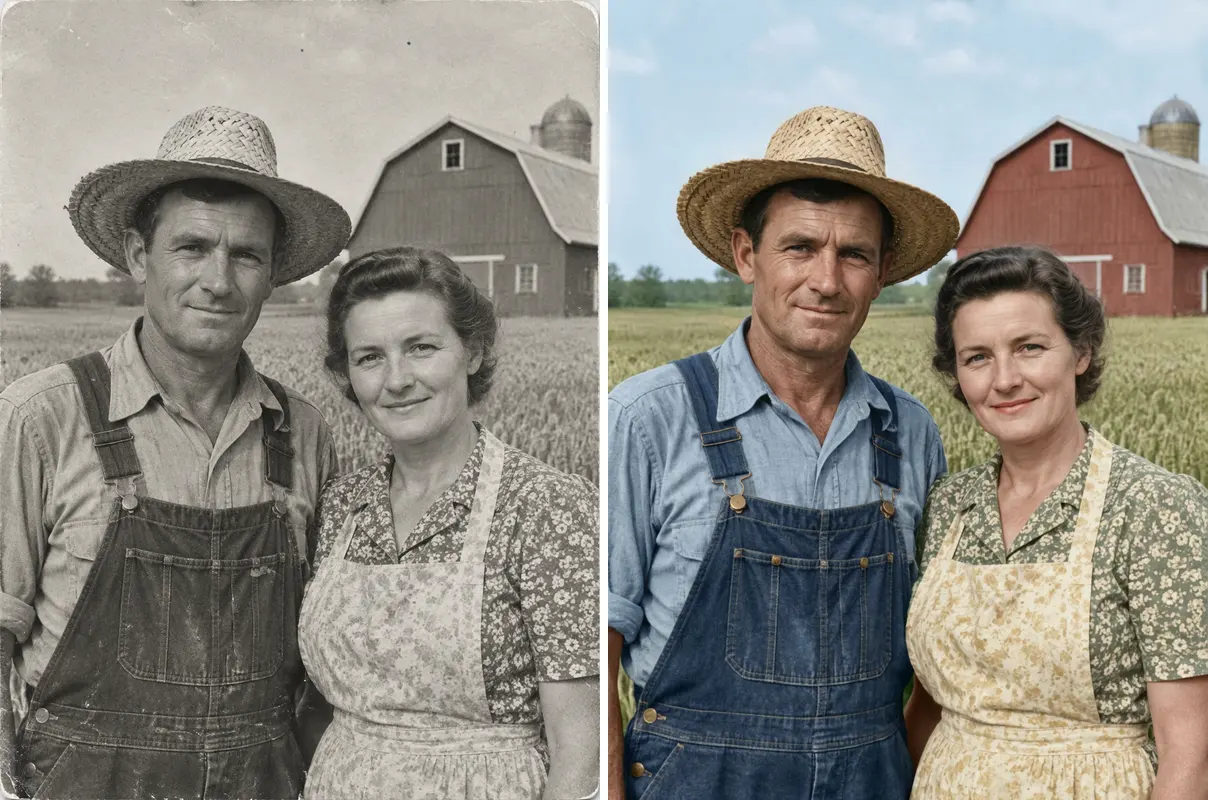
Yes, old photos can be uploaded as long as the face is clearly visible and uncovered. The tool does not restore, repair, or colorize old images; in our test, a sepia portrait kept its sepia look while placing the subject into a new scene. While the facial features remain recognizable, small details might differ from the original print.
Every generated video includes soft piano music with no lyrics or spoken words, which cannot be turned off on the webpage. The clip contains no talking, voice audio, or lip synchronization whatsoever. If you prefer a custom family song, you can easily swap the background audio in any standard mobile video editor after downloading the MP4.
Video clips can be generated at either 5 seconds or 10 seconds in duration. If you need a longer memorial video presentation, you can generate multiple short clips separately. You can then import those individual MP4 files into a video editing app to combine them into a single timeline.
Yes, you can download the final ai tribute video output as a standard 768p MP4 file with no watermark applied. Selecting the 16:9 horizontal shape ensures the clip fits full-screen displays on venue projectors, smart TVs, and slideshow presentations. You can easily transfer the downloaded video file to a USB flash drive or laptop for local playback.
In our tests, most ai tribute video clips finished and were ready for download in under one minute. During peak usage periods, the generation process may take up to a few minutes to finish processing. You should keep the browser page open while the AI processes your image uploads.
Photos must feature only one person per image with a clearly visible face, so group pictures should be cropped to a single individual prior to upload. Additionally, the preset scene templates are designed exclusively for human subjects, so pets may not appear as expected in an ai tribute video.
Related Tools and Info
Select your photos and generate a gentle 5-second or 10-second memorial video clip usually in under a minute directly in your browser.
Generate AI Tribute Video Now20 CREDITS FOR A 5-SECOND CLIP
Create Your
Start Generating