Before you check out
Run the AI virtual try on on a top or jacket in your cart to see the color next to your skin and hair.
Upload your photo and one clothing photo to try on clothes virtually. This AI virtual try on puts the item on you, from tops and dresses to suits, glasses, shoes, hats and jewelry, so a virtual try on clothes check takes a minute.
Each card shows a try-on example shared online, plus the prompt this AI virtual try on sends to Nano Banana 2 for that category.
Examples Shared Online
These try-on examples were shared online. Each one starts from a fictional person's photo and one item photo, and shows what an AI virtual try on result looks like for that kind of item.
Try on clothes freeTops & Outfits
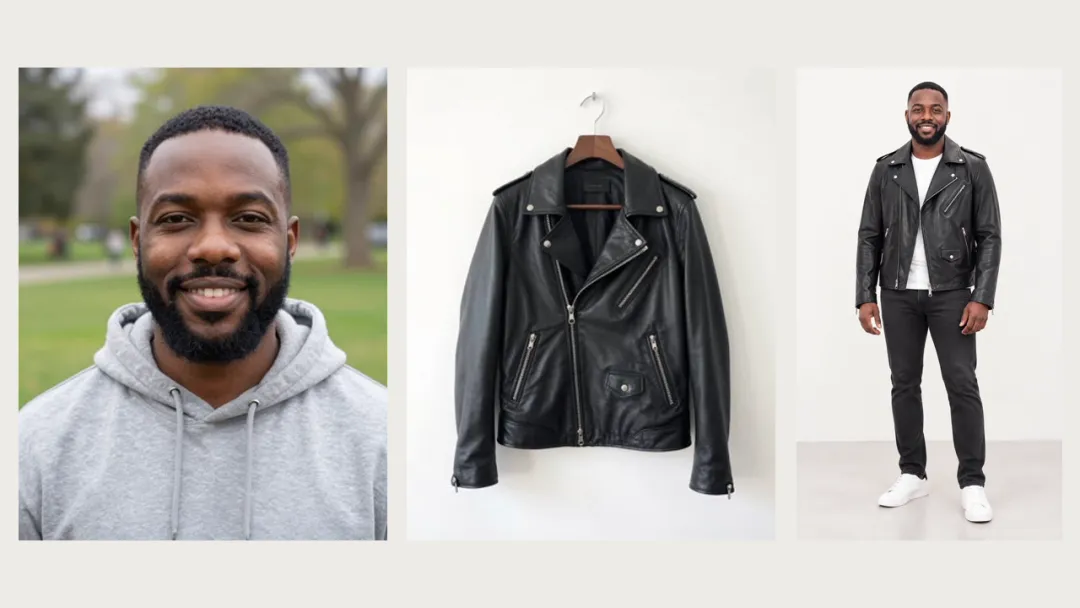
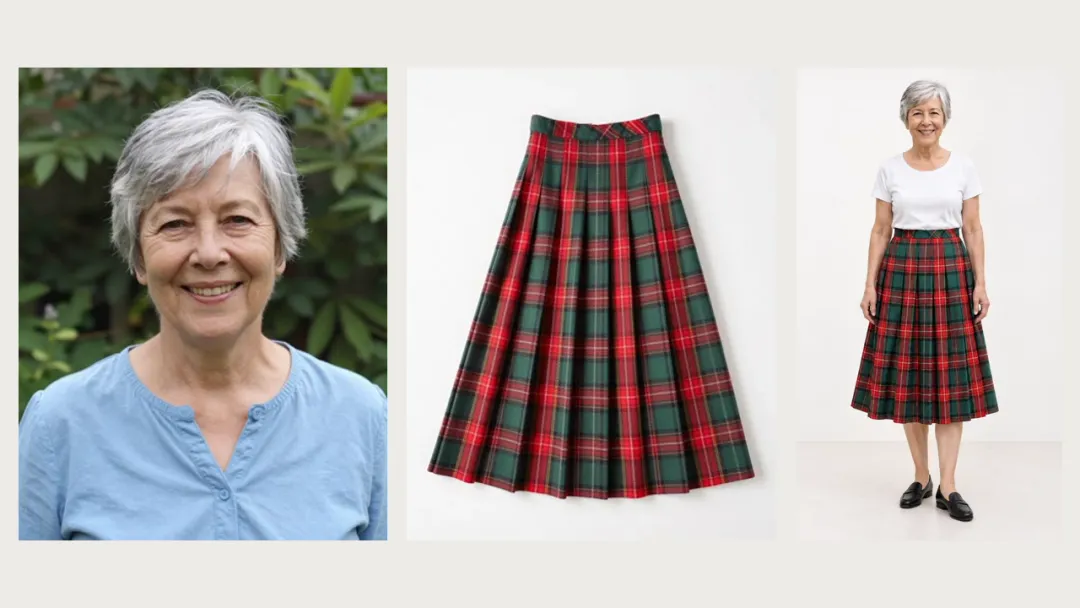
Both people started from a photo that stops at the shoulders. In this AI virtual try on example, the jacket and the skirt came from hanger and flat-lay shots, and the rest of each outfit was filled in with simple pieces.
Dresses
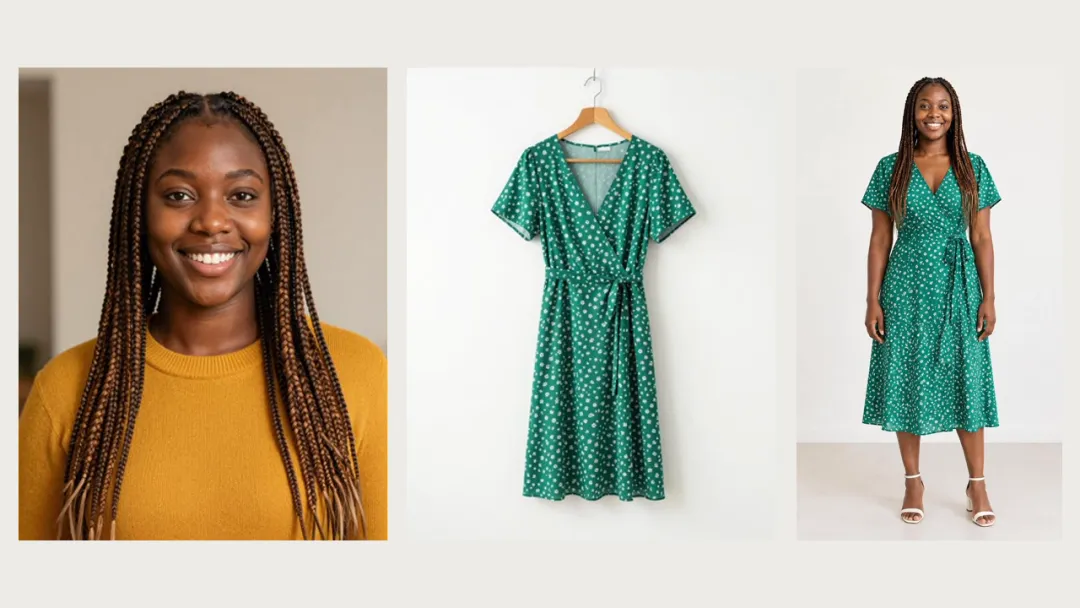
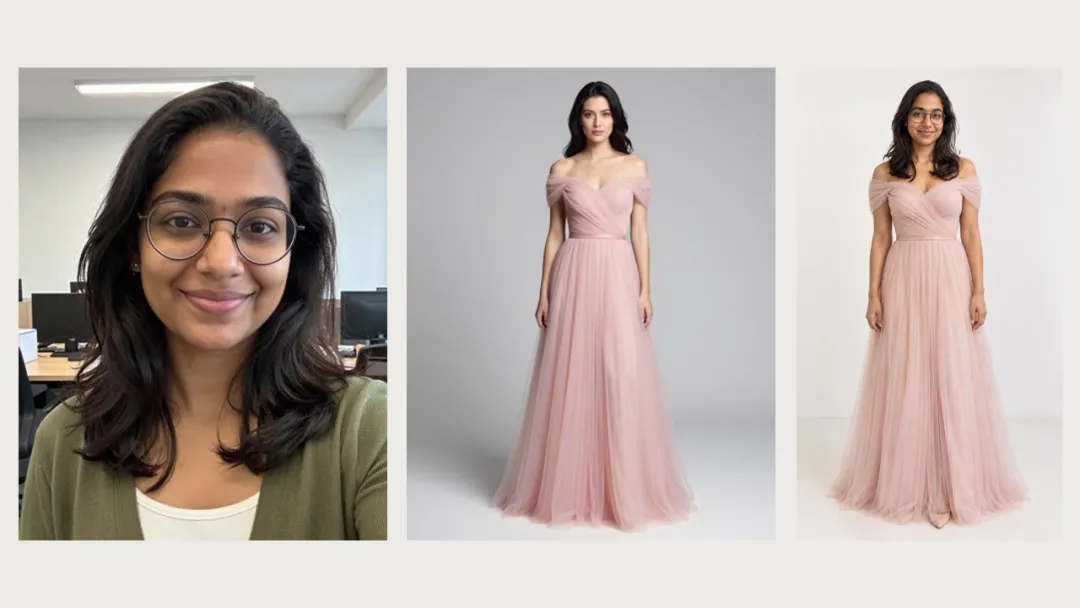
The green wrap dress came from a hanger photo. The pink gown came from a photo of another woman wearing it, and only the gown was kept, not her.
Suits
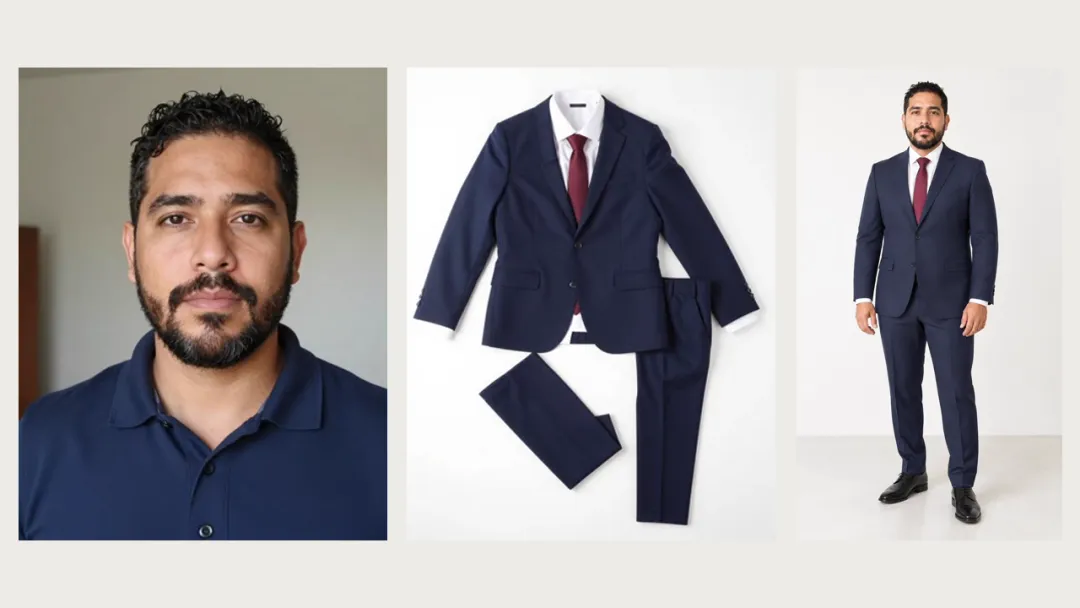
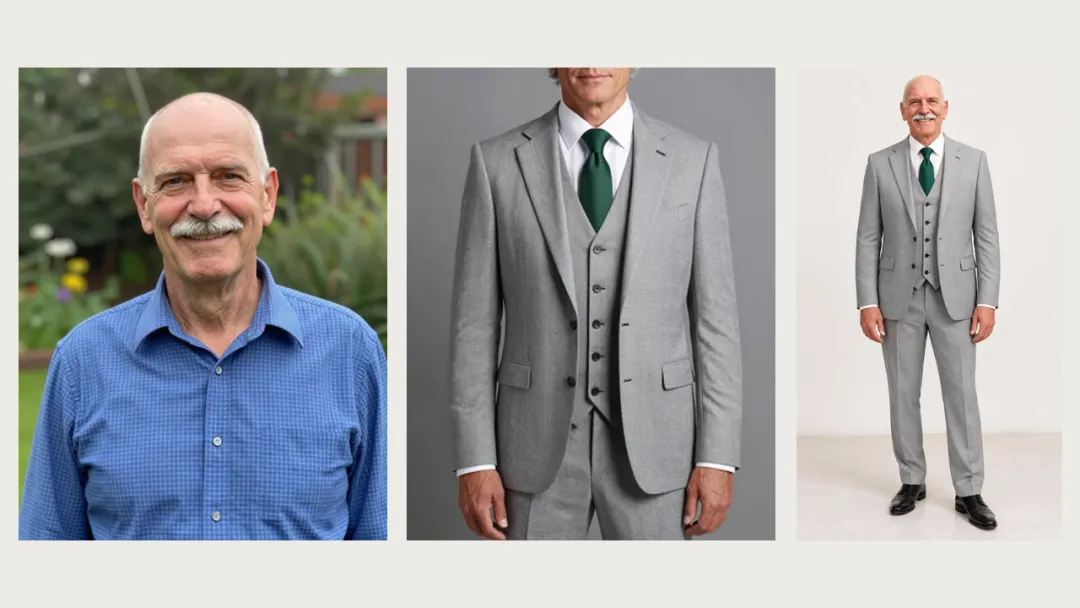
The navy suit came from a flat-lay photo and the gray suit from a cropped model photo. Each man keeps his own face and beard, and the tie color stays the same.
Glasses
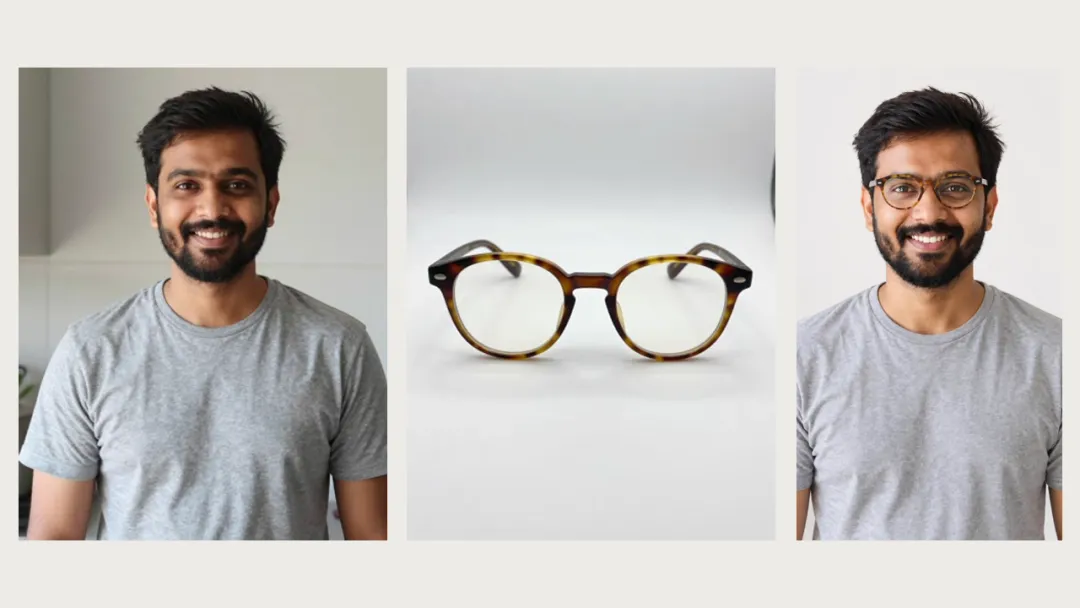
A product shot of round frames was put on a man's half-body photo. His T-shirt and smile stay the same, and his eyes show through clear lenses.
Use cases
Run the AI virtual try on on a top or jacket in your cart to see the color next to your skin and hair.
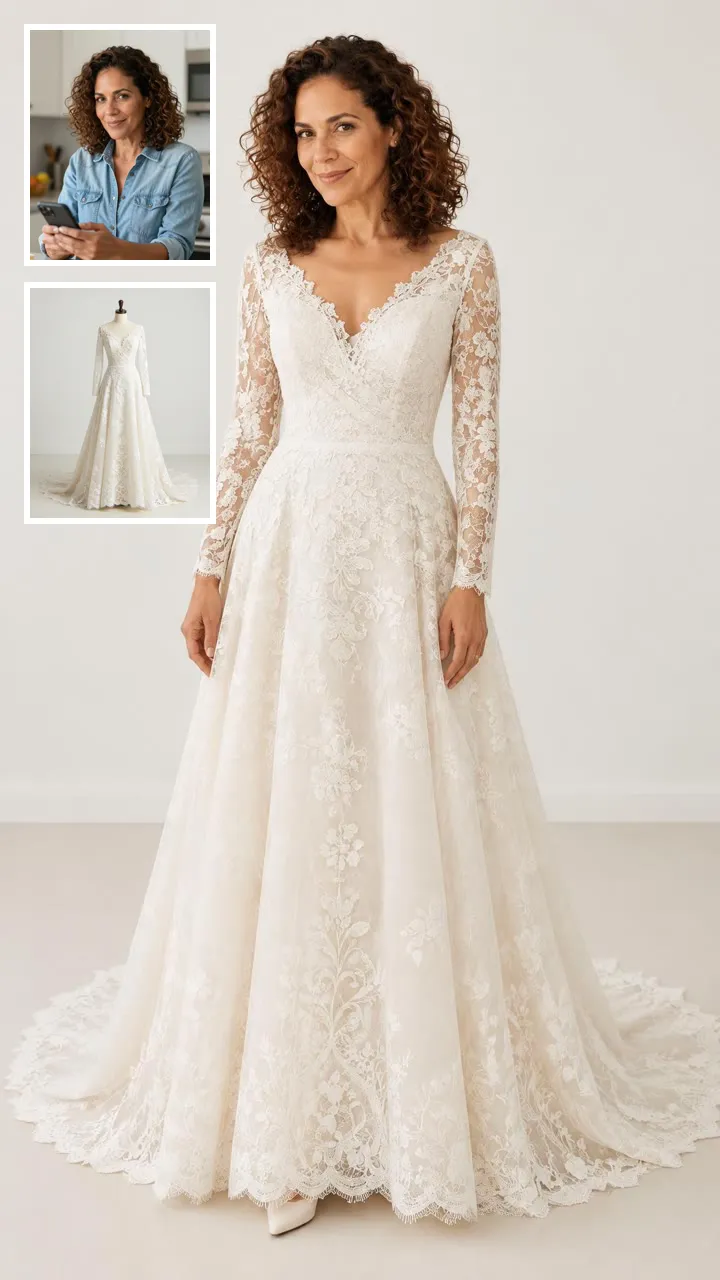
Try three wedding dresses from different shops on the same photo of yourself and compare them side by side.
Check how a long gown looks full length before you order one.
Use the AI try-on to see frames on your face, or a suit on your build, before you visit a store.
Photo tips
How it compares
Shopping apps let you try on what they sell. This AI virtual try on works with a photo of any item.
A store's try-on button only works on that store's catalog. Here you upload the item photo yourself, so it can come from any shop or your closet.
A virtual dressing room saves the trip and lets you compare more pieces. It cannot tell you how the fabric feels or which size fits.
A text prompt makes up a new piece of clothing. This page copies the color, print and cut of the item in your photo.
Why this page
01
Upload a clothing photo from any website, a catalog or your own closet.
02
Clothes, dresses, wedding dresses, suits, glasses, shoes, hats and jewelry, each with its own framing.
03
There is no virtual try on app to install. The AI virtual try on runs in your browser at 8 credits per photo.
01
Add one clear photo of yourself. A full-body shot works best for the AI virtual try on.
02
For a virtual clothes try on, use any product photo you saved while you try on clothes online, or a snap of something in your closet.
03
Choose the category and size, tick the adult consent box, and tap Try It On. Each photo costs 8 credits.


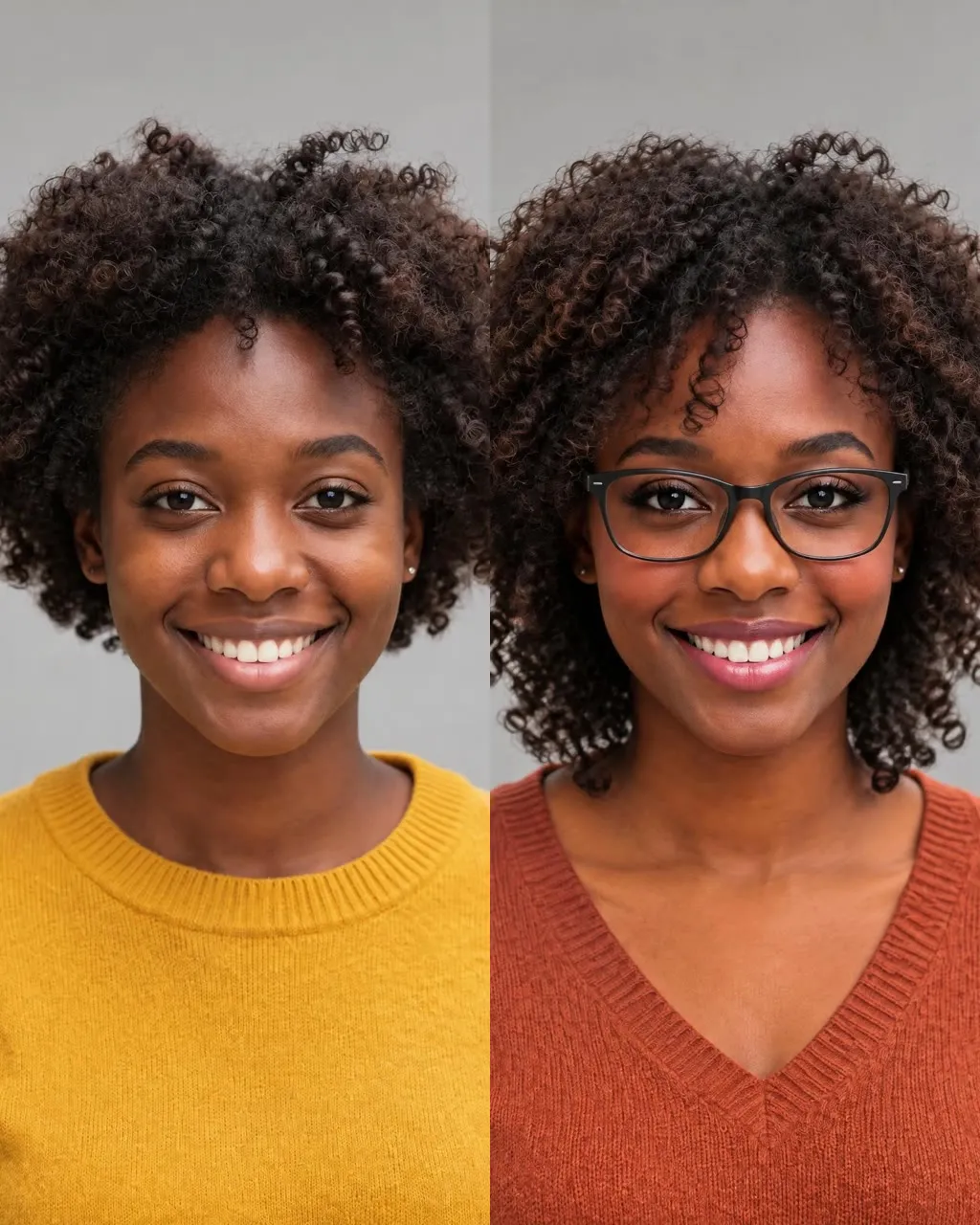
One selfie into a new haircut, glasses, colors, beard or makeup
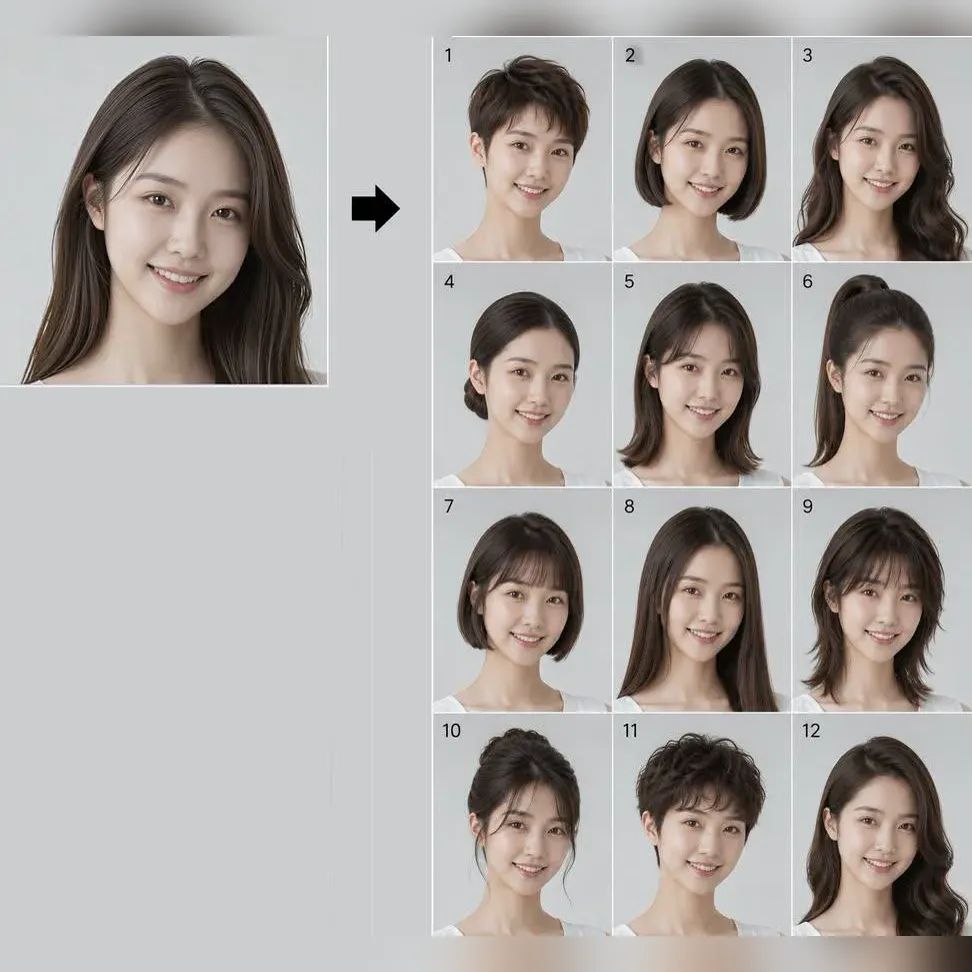
Try 34 haircuts and hair colors on your own photo

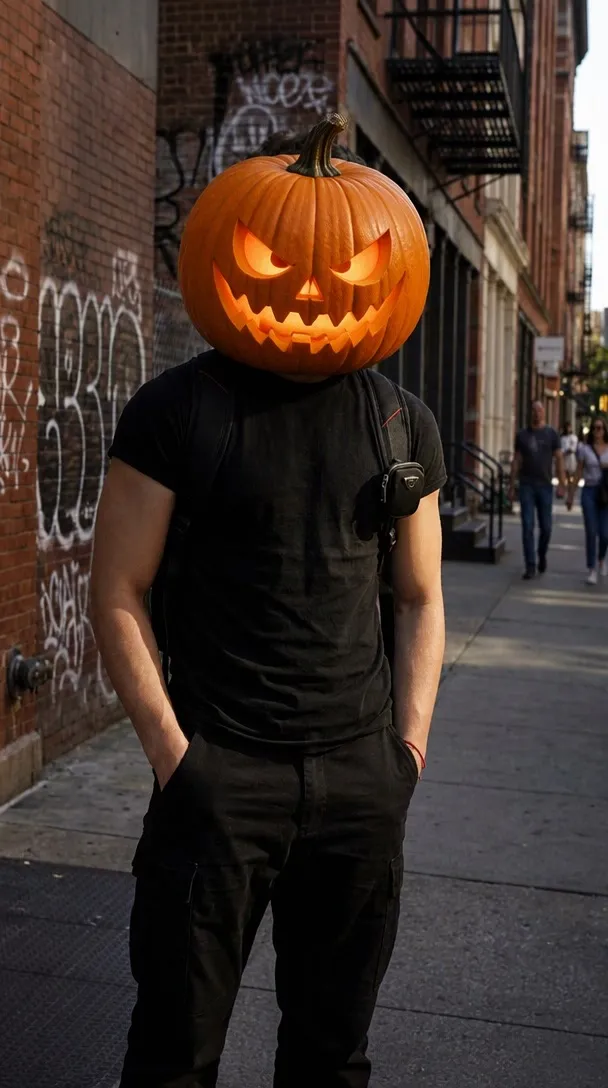
One photo into a Halloween costume photo

Two parent photos into one imagined baby photo
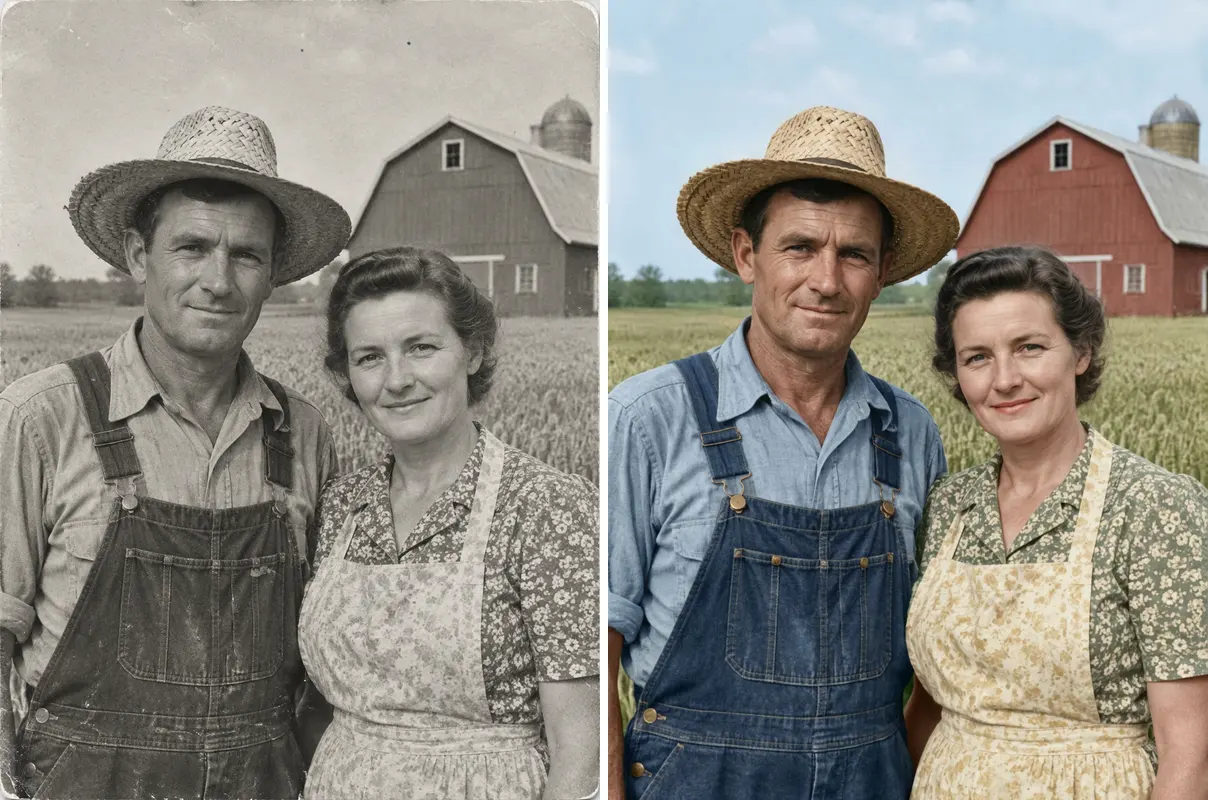
One old photo repaired, sharpened or colorized
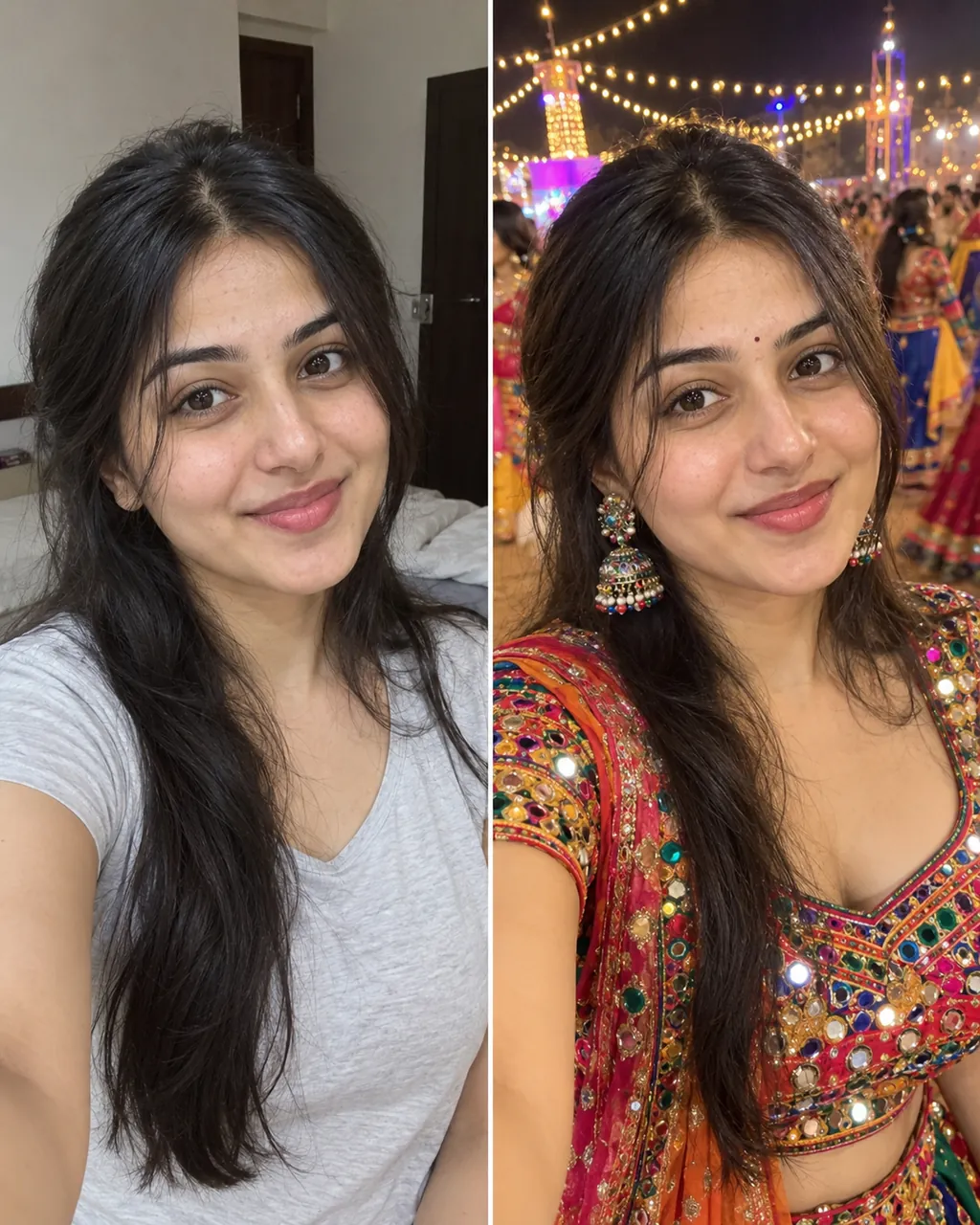
One selfie into a trending Instagram photo edit
Short answers about photos, credits and what you can try on.
Try on clothes freeUpload a photo of yourself, upload a photo of the item, then pick the category and generate. For more AI photo trends like this AI virtual try on, see our step-by-step guide.
Each photo costs 8 credits. New accounts receive 20 welcome credits once per device and network, which covers two try-ons. More credits are on the pricing page.
It shows style and color on your own photo. It does not show size or fit, and small details like text prints, logos or buttons can change.
Tops and outfits, dresses, wedding dresses, prom and evening dresses, suits, glasses, shoes, hats and jewelry. Each run swaps one item and keeps the rest of your clothes where it can.
Yes. Upload your photo and a photo of the clothes to the AI virtual try on, and you get one picture of you wearing them.
Yes, and the new piece is the one in your clothing photo, not one made up from a text description.
You do not need an app. This page works in your browser, and new accounts get 20 welcome credits to start.
Yes. The AI virtual try on puts the item on the body in your own photo. Treat it as a check on style and color, not on size.
A product shot, flat lay, hanger photo or someone wearing it all work. Use one item per photo with the whole piece in view.
A front-facing full-body photo works best. A selfie also works; the rest of the body is filled in to match your build, so that part is a guess.
Yes. Keep the same photo of yourself, change the second photo and generate again. Each run costs 8 credits.
Swimwear, underwear and see-through clothes are not supported. Only upload photos of adults: yourself or someone who agreed. No children and no celebrities. You confirm this with a checkbox before each run.
Try-on photos are not posted to the public Explore page. Download the ones you want to keep.
Keep going
Upload your photo and one item photo, and the AI virtual try on shows it on you in about a minute.
Try on clothes freeEach photo costs 8 credits. New accounts receive 20 welcome credits once per device and network.
See It on You First
Try on clothes free