Authentic night lens style
This tool turns ordinary rooms into eerie night vision with glowing recording markers.
Try our FNAF jumpscare AI generator to convert a clear photo into a 10-second jumpscare clip. You watch your face turn into a worn animatronic on surveillance footage before lunging straight forward.
1Add your photo
2Quality & length768p · 10s · 9:1640 credits
No subscription · Ready in about 3 minutes · Not charged if it fails
Only upload a photo of yourself, or of an adult who said yes. You must be 18 or older.
Community Trend
This is how people post the trend across feeds. The FNAF jumpscare AI generator makes the same kind of clip from your selfie without manual editing.
Start your generationSimple Workflow
Add one portrait to the FNAF jumpscare AI generator with your face clear, well lit, and facing the camera directly.
Select among eight settings and pick 9:16 or 16:9 aspect ratios.
The FNAF jumpscare AI generator completes processing in a few minutes without watermarks.
Feed Highlights
Discover how this visual format appears across trending feeds.
This is how people post the trend online. One clip features a creator in a ghost-printed cap and headphones whose headgear remains on as his face becomes a cracked animatronic casing. Another viral video shows a subject with curly hair and oversized glasses standing down a dark corridor before turning into a creepy robot and lunging into the security camera lens.
Product Breakdown
Here is what you can expect when turning a portrait into an animatronic video.
Behind The Screen
Social feeds love the jump between everyday life and mechanical dread. The FNAF jumpscare AI generator builds suspense using noisy night vision, mechanical clicks, and sudden lunges. Your everyday selfie shifts into a cracked animatronic casing right before the final lunge.
This tool turns ordinary rooms into eerie night vision with glowing recording markers.
Your facial profile morphs into cracked plastic, exposed rivets, and a creepy robot jawbone.
Every FNAF jumpscare AI video ends with a harsh mechanical screech and static burst.
Format Comparison
Know the difference between camera overlay filters and generated video files.
A standard animatronic AI filter sticks a basic 3D mask over your live camera feed inside mobile apps.
Our FNAF jumpscare AI generator renders a standalone cinematic clip featuring night vision and animated mechanical lunges.
Use live filters for casual chats, or use our video tool for realistic horror pranks.
Everything you should know about turning your selfie into an animatronic video.
Start your generationNew accounts can try it free. A 10-second FNAF jumpscare AI video costs 40 credits. Or pay once, no subscription: 1 video for $9.99, 3 videos for $19.99, or 5 videos for $29.99.
Yes, our FNAF jumpscare AI generator maps mechanical textures over your photo while keeping your face shape, nose, mouth, hair and clothes. Friends will still recognize that it is you underneath the animatronic plating.
Upload a clear portrait to the FNAF jumpscare AI generator and choose your scene. The engine converts your picture into an animatronic with peeling plates and exposed wiring before lunging forward. The entire process finishes within a few minutes.
Yes, a single photo is all the tool requires. Make sure your face is visible, looking directly at the camera from the chest up. Group photos and pet pictures are not supported.
The system isolates your facial features and introduces cracked plating across your skin over ten seconds. With every flicker, your face morphs toward an animatronic shell showing metal wiring. The FNAF jumpscare AI generator finishes the scene with a quick mechanical jump toward the lens.
A filter simply overlays digital makeup over your live phone camera while recording. In contrast, our FNAF jumpscare AI generator produces a new video complete with custom security camera static, motion, and sudden lunges. It is a full render rather than a live camera face mask.
Just upload a photo, select an environment, and pick your aspect ratio. Our FNAF AI video generator transforms that single picture into a moving 10-second scene automatically. The FNAF jumpscare AI generator handles everything with no filming or manual editing needed.
Every clip generated by the tool is strictly 10 seconds long. You can download your MP4 in 9:16 vertical for TikTok and Reels, or 16:9 horizontal for YouTube. There are no 5-second or 15-second options.
Audio is always enabled and cannot be turned off. It features electrical humming, servo clicks, and a harsh mechanical screech during the final lunge. Always turn the volume down first before playing the video for someone who startles easily.
Yes, pick the Keep Glasses & Cap option in the scene selector. This preserves your spectacles, hats, headphones, or headsets across the transformation. Other scenes might replace or conceal your accessories during the morph.
Only upload a photo of yourself, or of an adult who said yes. You must be 18 or older to use this service. The tool should never be used without explicit consent.
The AI is told to leave out animal ears and bear features, but it occasionally adds them anyway. Every character rendered by the FNAF jumpscare AI generator remains an original mask and metal endoskeleton design.
Classic jump scare horror lore centers on watching animatronics roam through late-night security monitors. The FNAF jumpscare AI generator reproduces that green night-vision lens and red tally light to make the sudden lunge feel authentic.
This setting places your animatronic inside a closed family restaurant after hours. The generator renders checkered floors, party hats, and an empty stage through a high corner surveillance camera while your mechanical self creeps forward.
Yes, videos can be visible depending on your account status. Videos made without a subscription can appear in the public Explore feed on Ricebowl AI. If a generation fails because of a system error, the credits are returned automatically.
Ricebowl AI is not affiliated with Scott Cawthon, Steel Wool Studios or the FNAF games. The animatronic is generated from your own photo and is not a character from the games. You can explore our fnaf jumpscare ai generator guide to learn how this style works across social media.
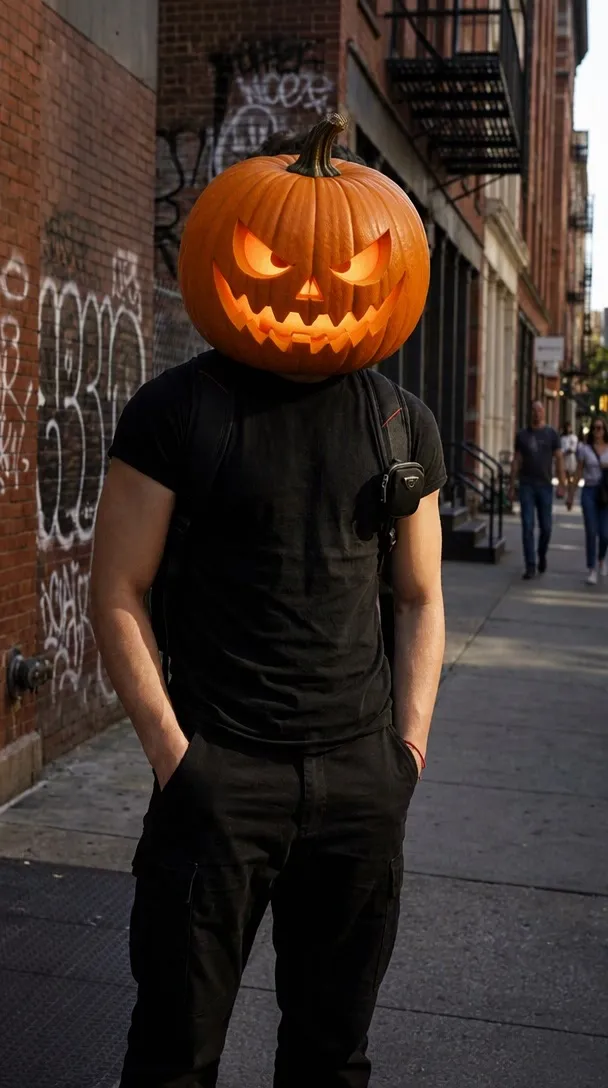
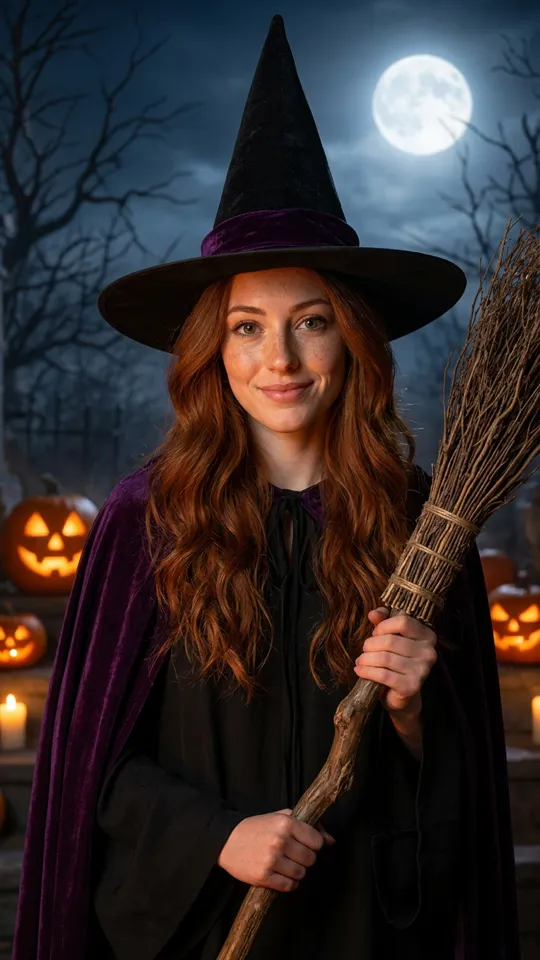
Yes, the same selfie also works for a zombie video, a pumpkin head photo or a Halloween costume photo using our other creative tools.
Explore More
FNAF Jumpscare AI Generator
Turn your portrait into a terrifying animatronic on security monitors. Upload a selfie to our FNAF jumpscare AI generator and download your 10-second jumpscare clip today.
Generate your clip nowNo watermark • 9:16 or 16:9 MP4 • 10 seconds
Create Your Video With Our
Start your generation