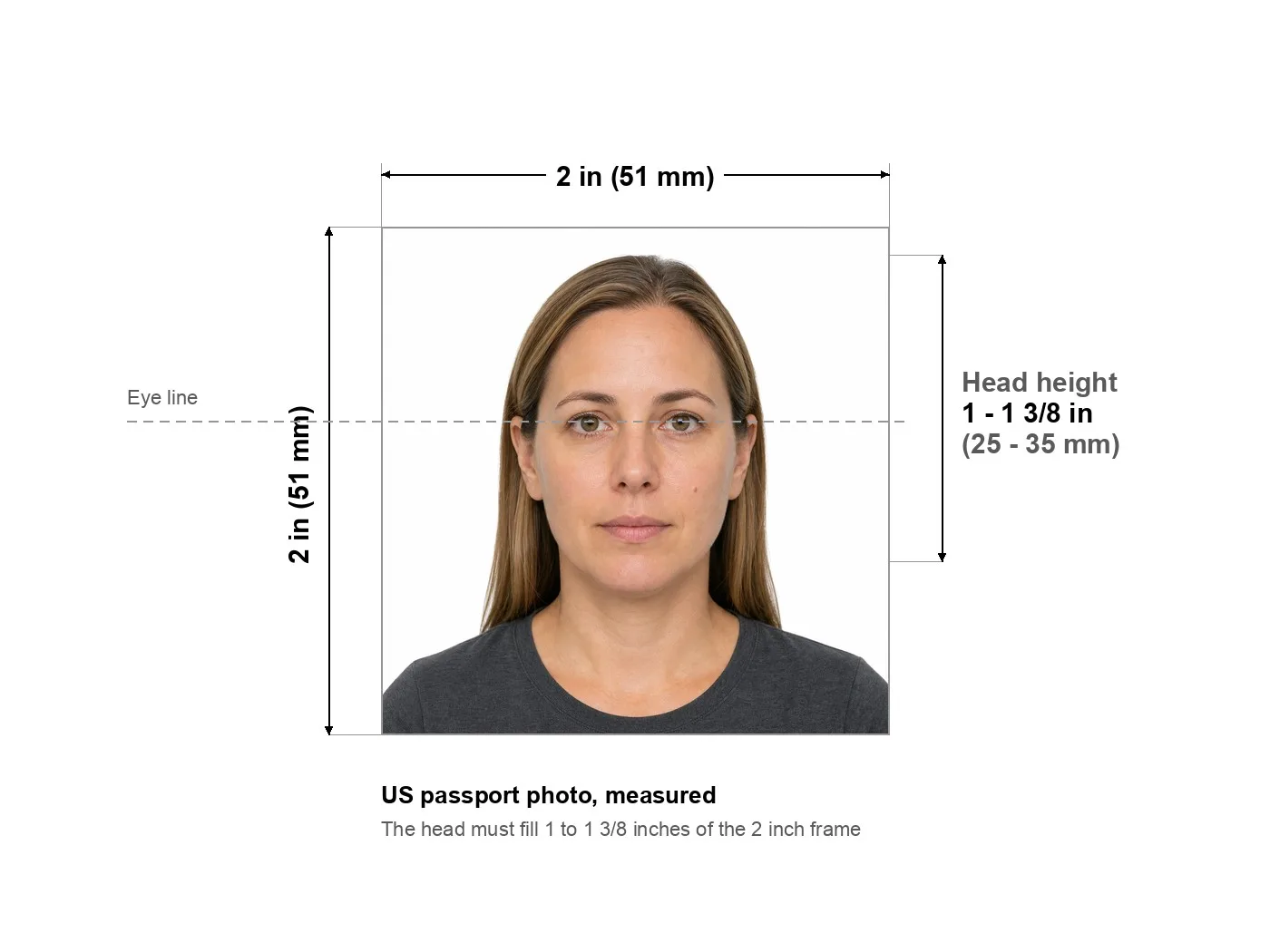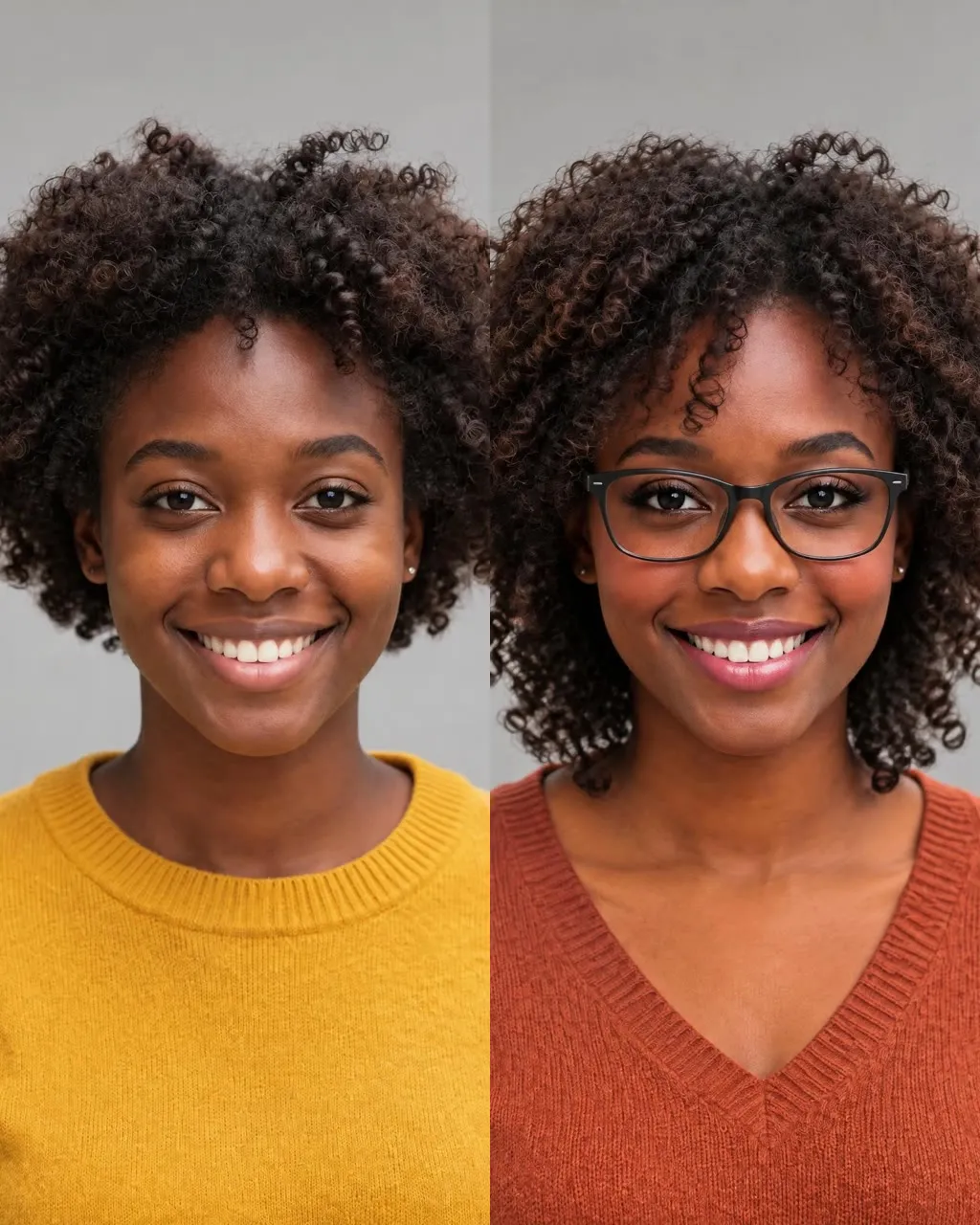
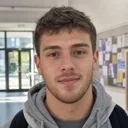
I knew about the 2×2 inch crop but not that head height is measured in millimetres. Mine came back at 31 mm against a 25 to 35 mm range, so the retake was obvious rather than a guess.
First-time applicant, United States
Passport photo maker
Pick your document, upload one photo, and read every check before you pay anything. If your photo would be turned away at the counter, this passport photo maker says so and stops there. We would rather lose the sale than sell you a photo that gets rejected.
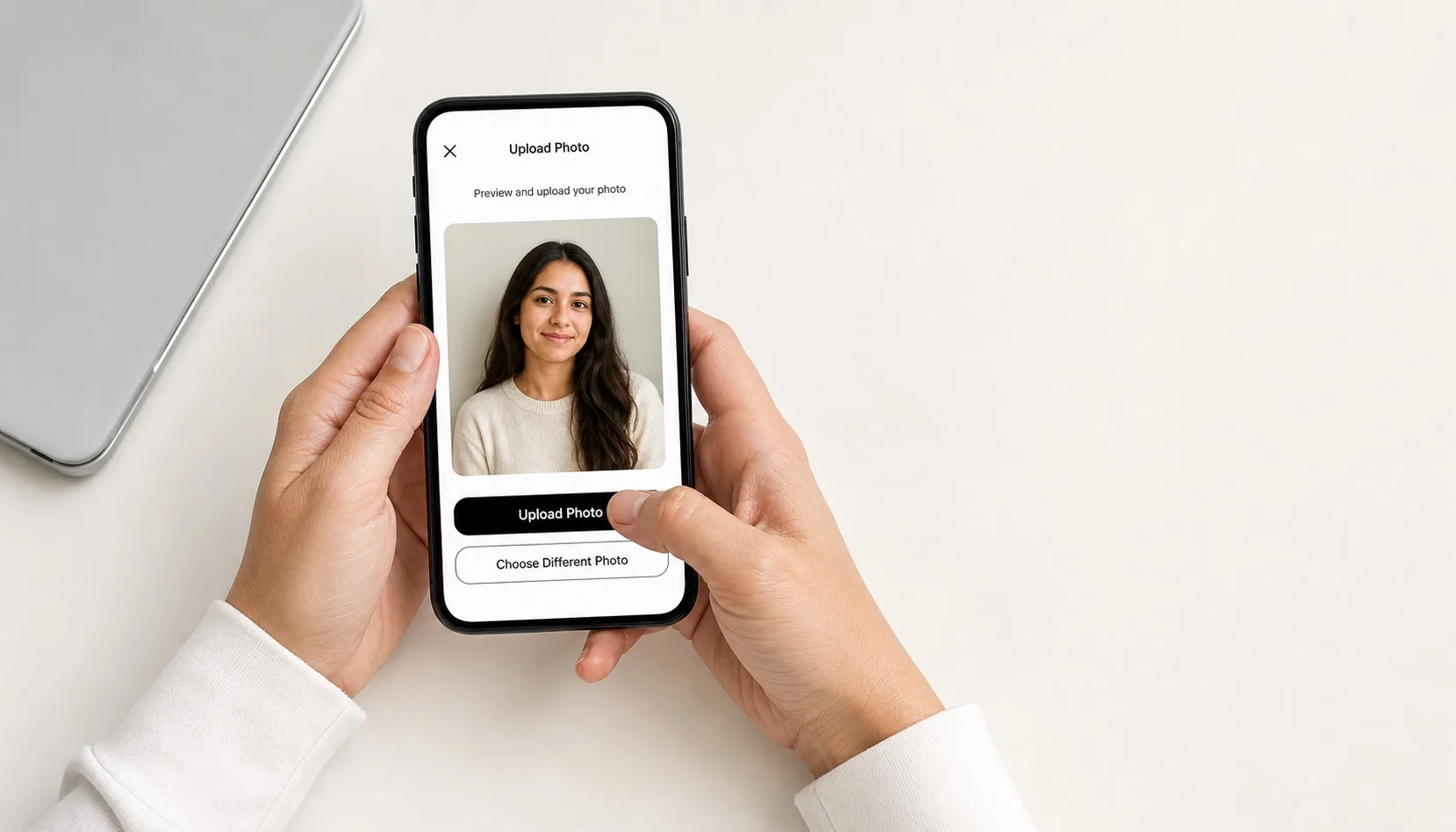
Upload a selfie → read the checks → get a photo cut to the official size
Check my photo freeThe full check is free. Your photo never leaves this device.
BeforeAfterEvery number on this page comes from a published government page
Specifications read from
Three steps, two of them just a choice from a list. Tell the passport photo maker which country and which document you are applying for, upload a photo from your phone or laptop, and read the result of every check before you decide anything.


Measured against the published specification for this document
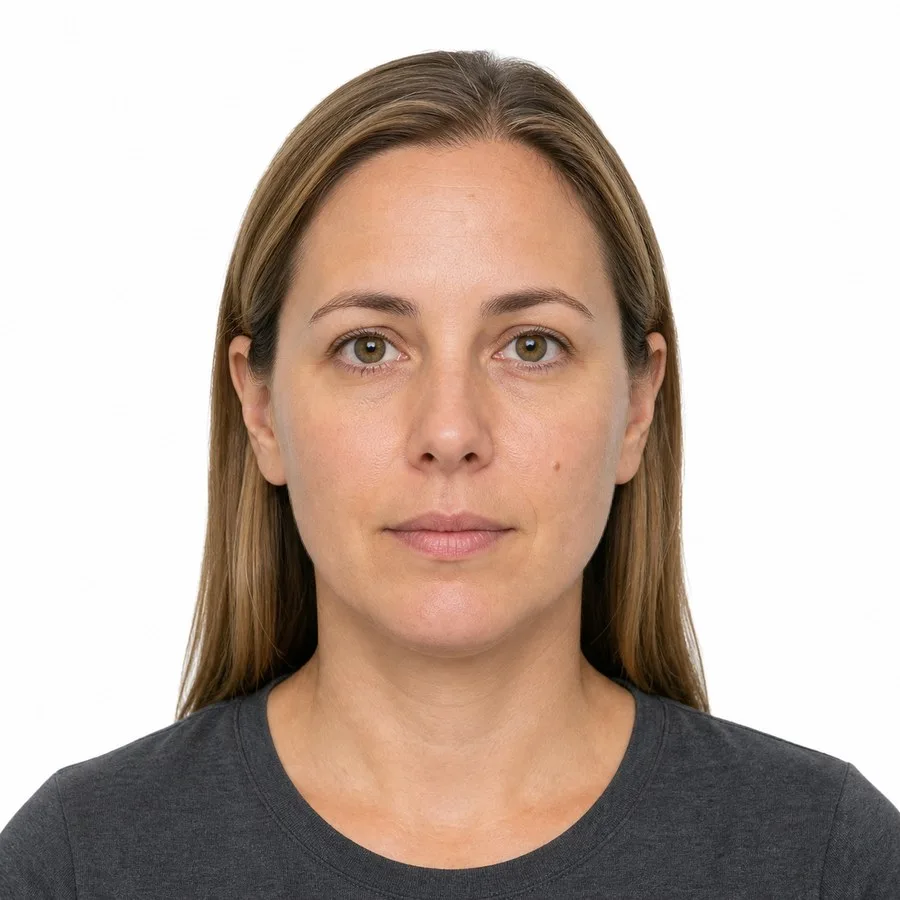
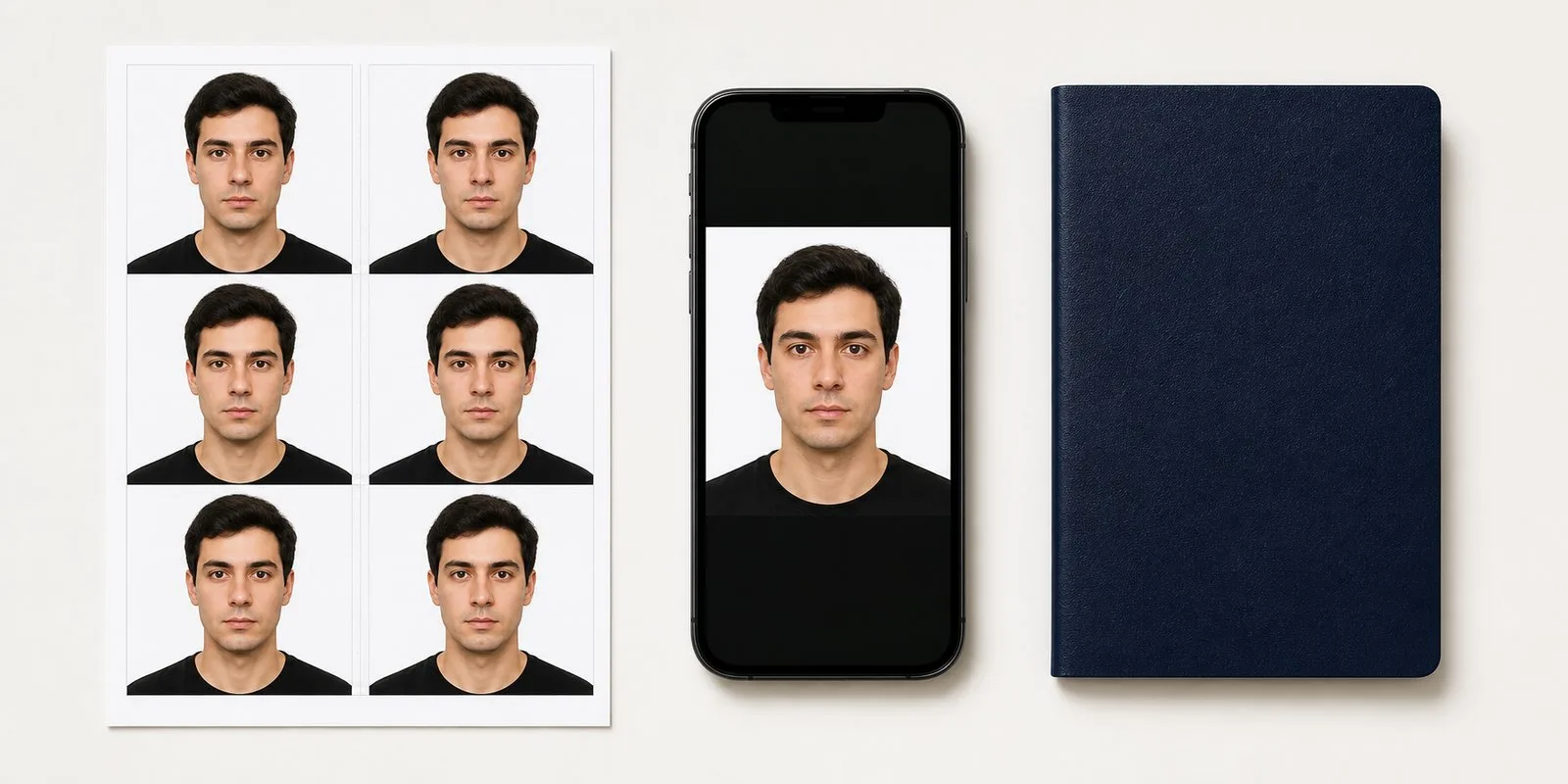
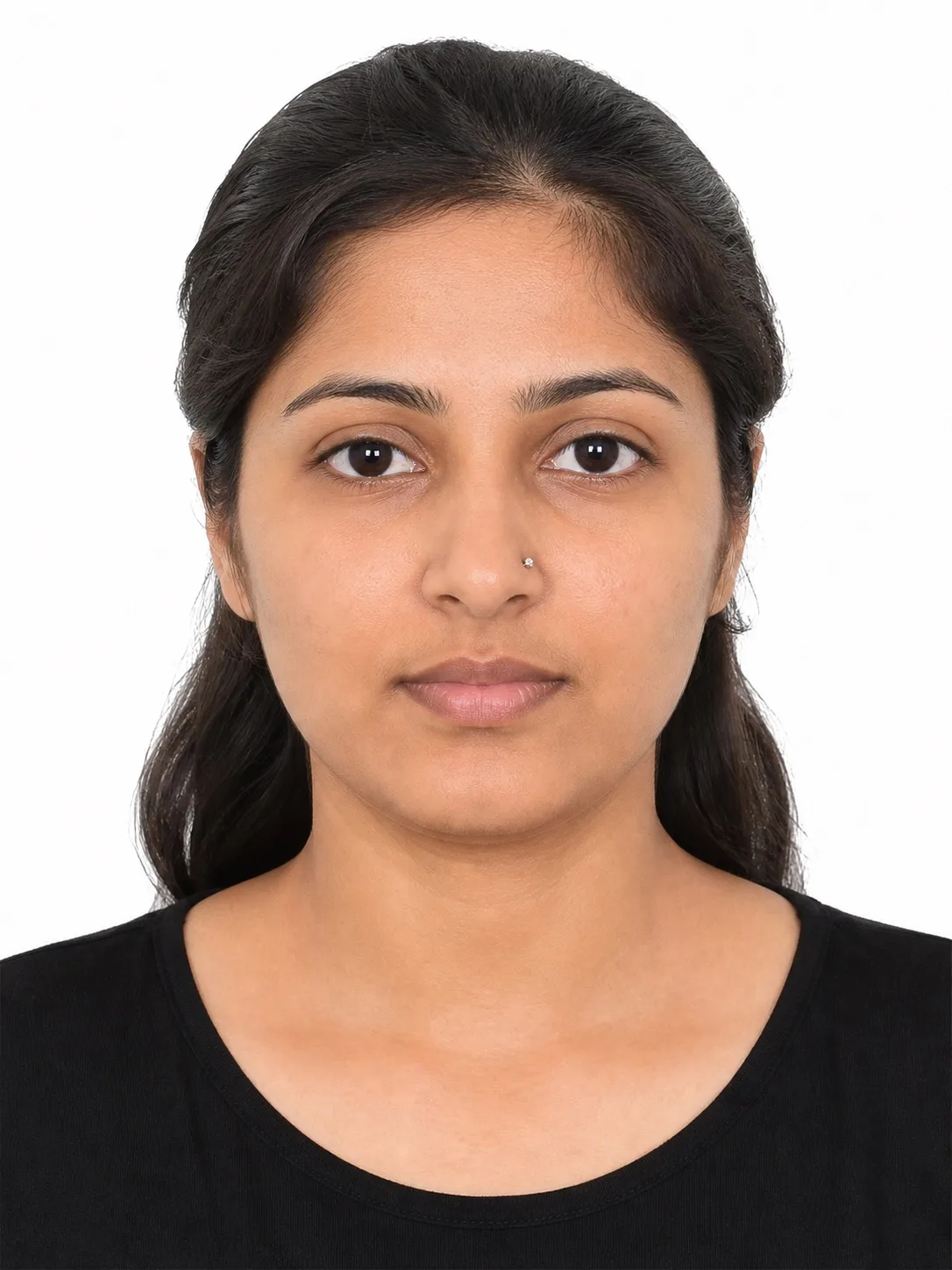
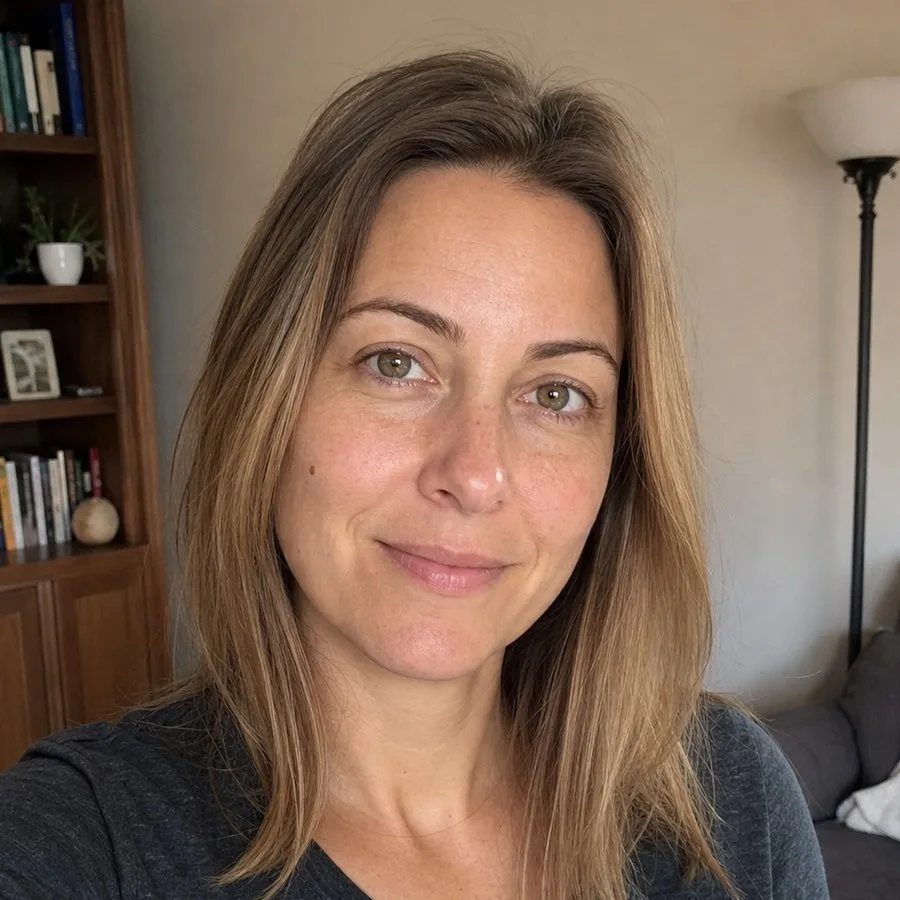
Sample portrait. This is what the checks measure.
We are not a government agency. This passport photo maker formats photos to rules other people publish, and the office that receives your application always has the final word, so confirm the requirement with the authority issuing your passport or visa.
Any tool can crop a square. The part that decides whether your application moves forward is the checking, and this passport photo maker reads 894 published document specifications to do it. Your portrait does not have to be perfect: it gets reframed to the official measurements, and anything still wrong is named out loud.
1. Photo upload
Take a selfie and drop it in. A phone photo in daylight is enough.

2. Measuring
Head height, eye line, head angle, background and exposure are all measured by the passport photo maker on this device.

Processing…
3. Review
Read every pass, warning and fix before any download or payment step appears.
BeforeAfter4. Download
Take the digital file, or lay it out as a 4×6 print sheet at 300 DPI.

For users in the United States: the U.S. Department of State prohibits digital alteration of identity photographs. This passport photo maker provides sizing, cropping and background preparation only. It does not reshape, smooth or enhance your face.
Two sets of rules apply at once. The first is biometric and shared by most countries, set by the International Civil Aviation Organization: neutral face, open eyes, plain background, nothing hiding the features. The second is the size and framing each authority writes for itself, and those numbers disagree with each other far more than people expect. The passport photo maker runs the biometric checks on every photo and reads the local numbers from the document you selected. International Civil Aviation Organization (ICAO)
14 checks run on every photo, free
Check my photo
Every check in this passport photo maker is free and runs on your own device. You pay once, only after everything passes, and there is no account and no subscription.

Built against the standards passport offices actually cite
Measured against your document's own numbers
Two sets of numbers decide whether a photo is accepted: the biometric rules almost every country shares, and the size, head height and background your own authority published. This passport photo maker reads both for the document you picked, so a US photo is not a European one cropped smaller.

Every number links to the authority that published it
Where we have the official page, the parameter links straight to it and you can read the rule yourself. Where we could not confirm one, the card says so instead of showing a link we cannot back up. An acceptance-rate percentage is not something you can check; a government URL is.
You see the whole verdict before you pay
Every pass, warning and fix appears before any payment step, and if something is failing, the payment step does not open at all. You never pay to find out whether your photo works. You pay to keep it once you already know.

Passports, visas, ID cards and licences in one place
Residence permits and driving licences sit in this passport photo maker alongside passports and visas, each with the size, head height and background its own authority published, so a second document does not mean a second website.


894 document specifications
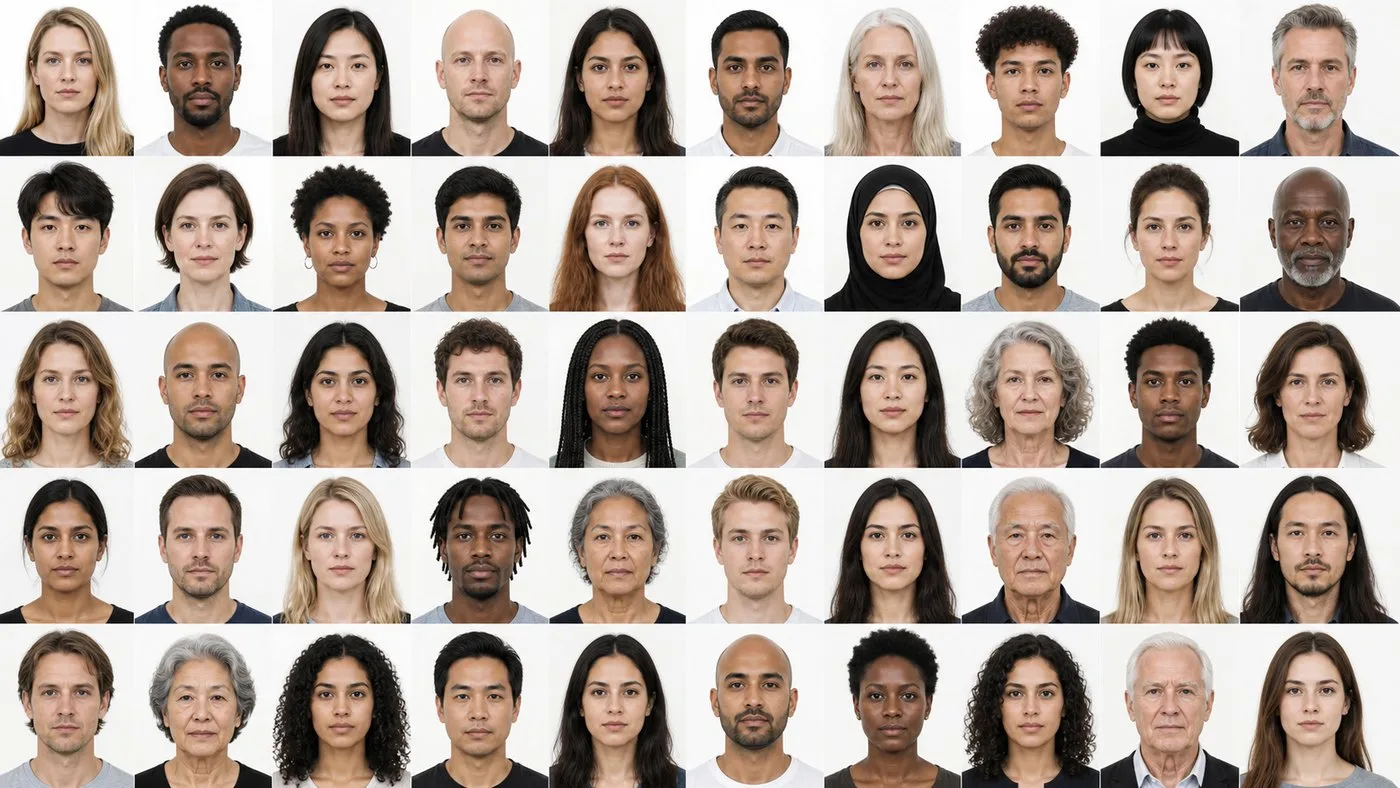
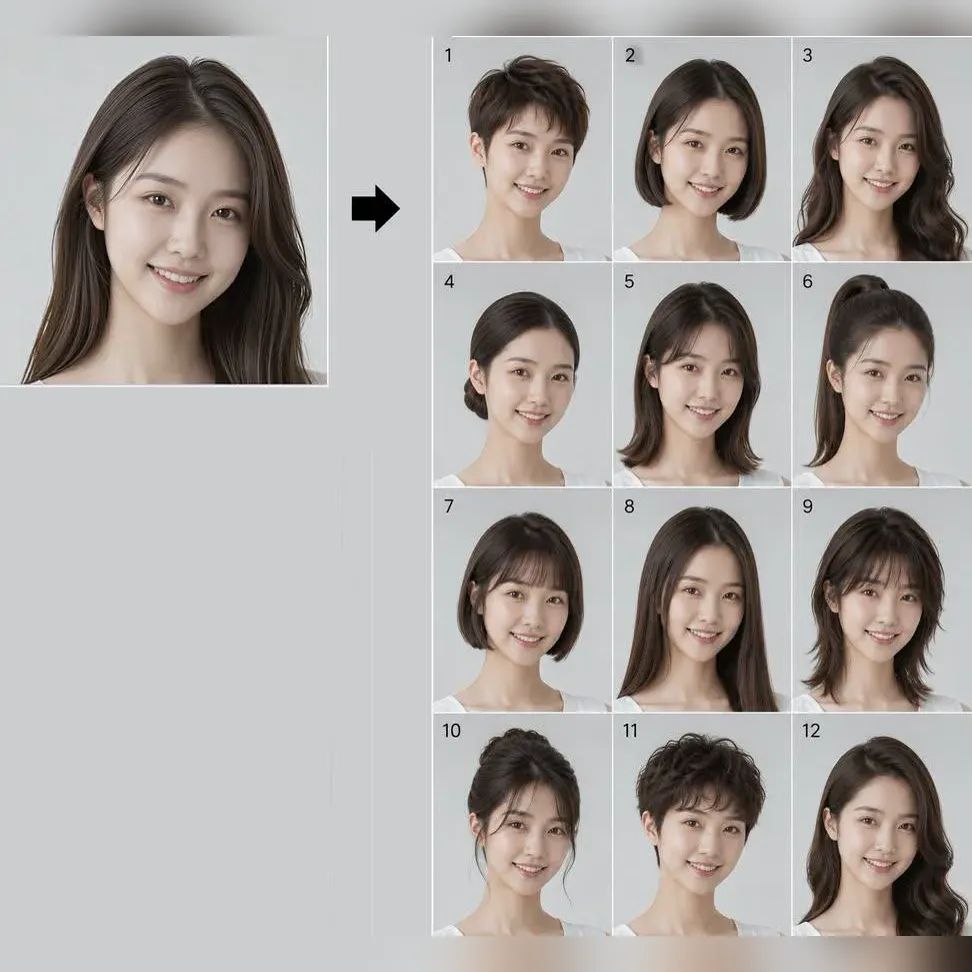
Pick a document, click one of the sample faces, and watch the same portrait get cut to that country's numbers. Nothing of yours is involved, so you can see what the passport photo maker does before you decide to try it.
Choose a document:
Click on any face:
These are published specifications, not a measurement of your face. Your own photo is measured on this device by the passport photo maker after you upload it.
Final photo:

These are published specifications, not a measurement of your face. Your own photo is measured on this device by the passport photo maker after you upload it.
A phone is enough. What decides whether the photo passes is where the light comes from, what is behind you, and what you have on. Here is the short version of all three, and the passport photo maker checks each of them afterwards.
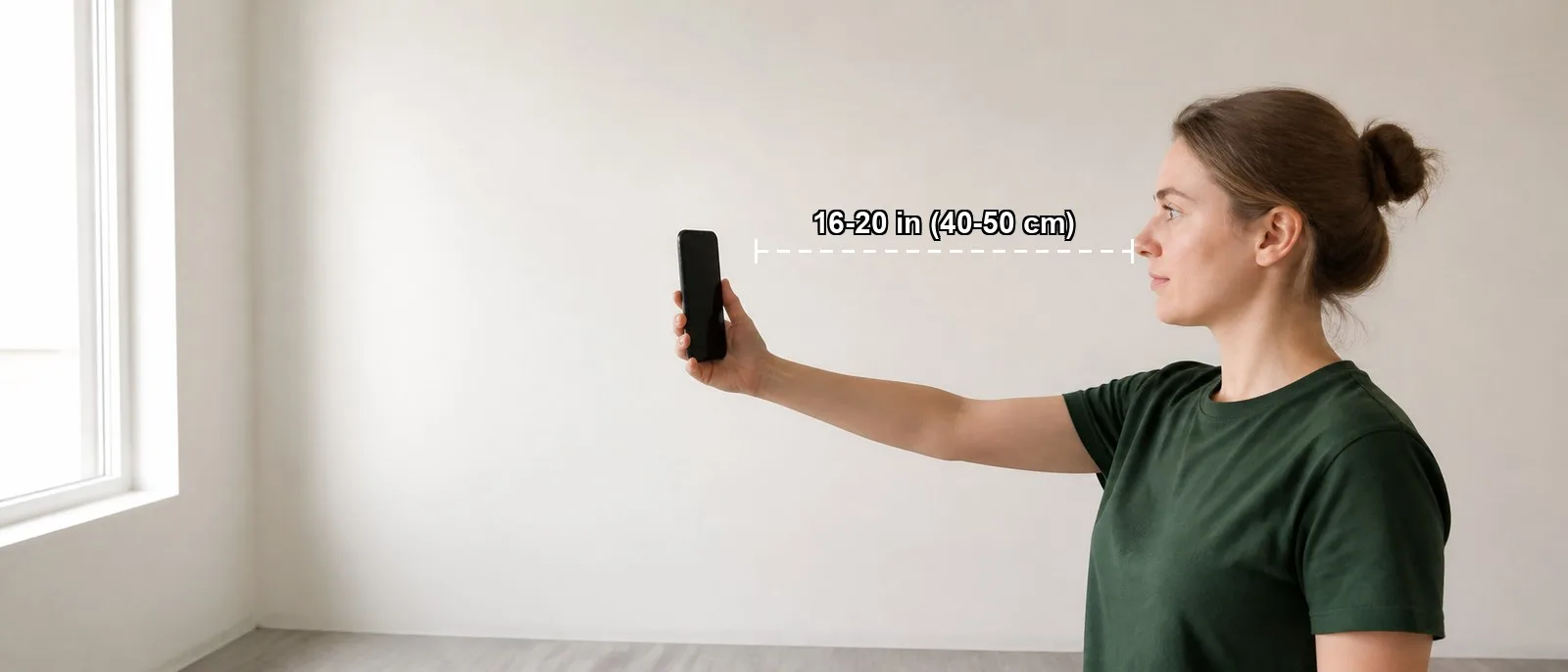
Stand facing a window, with a plain wall behind you
Daylight on your face and on the wall at the same time. Hold the phone at arm's length, roughly 16 to 20 inches away, at eye height.

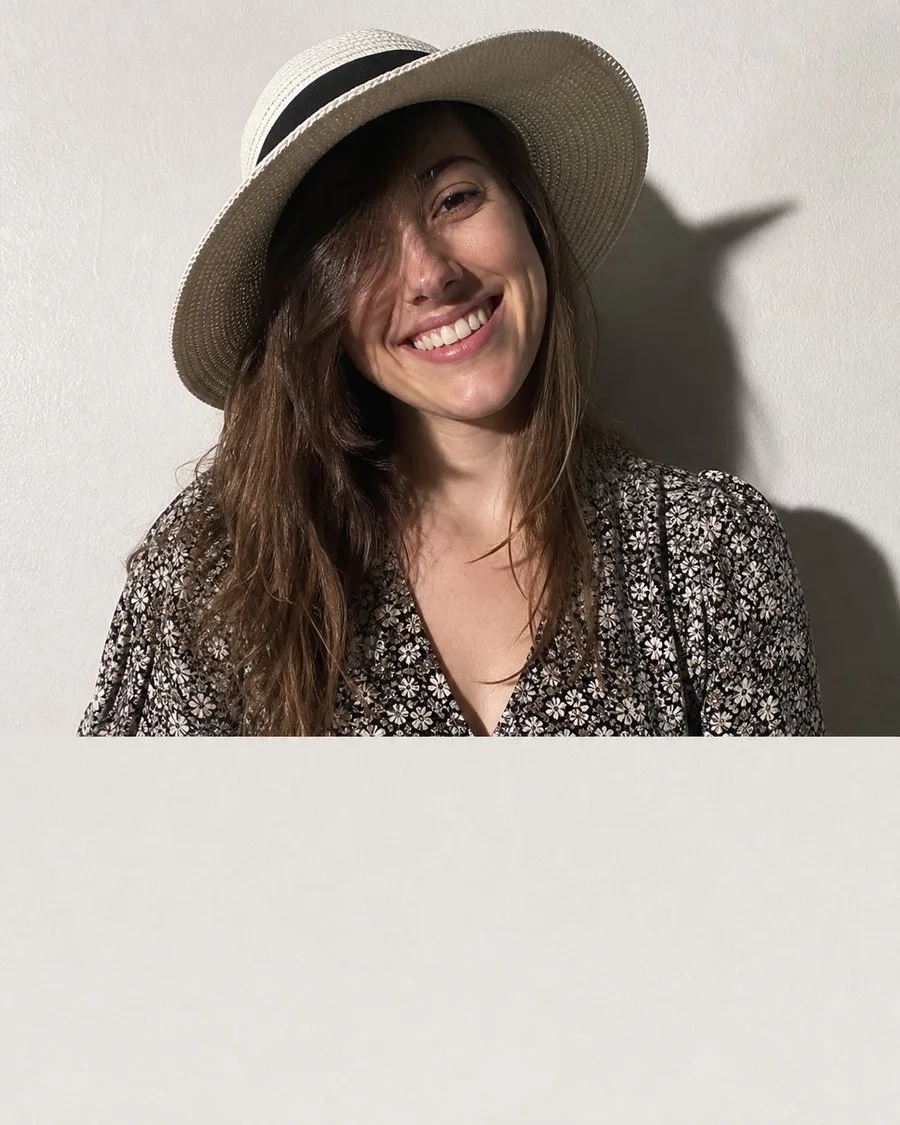
Avoid
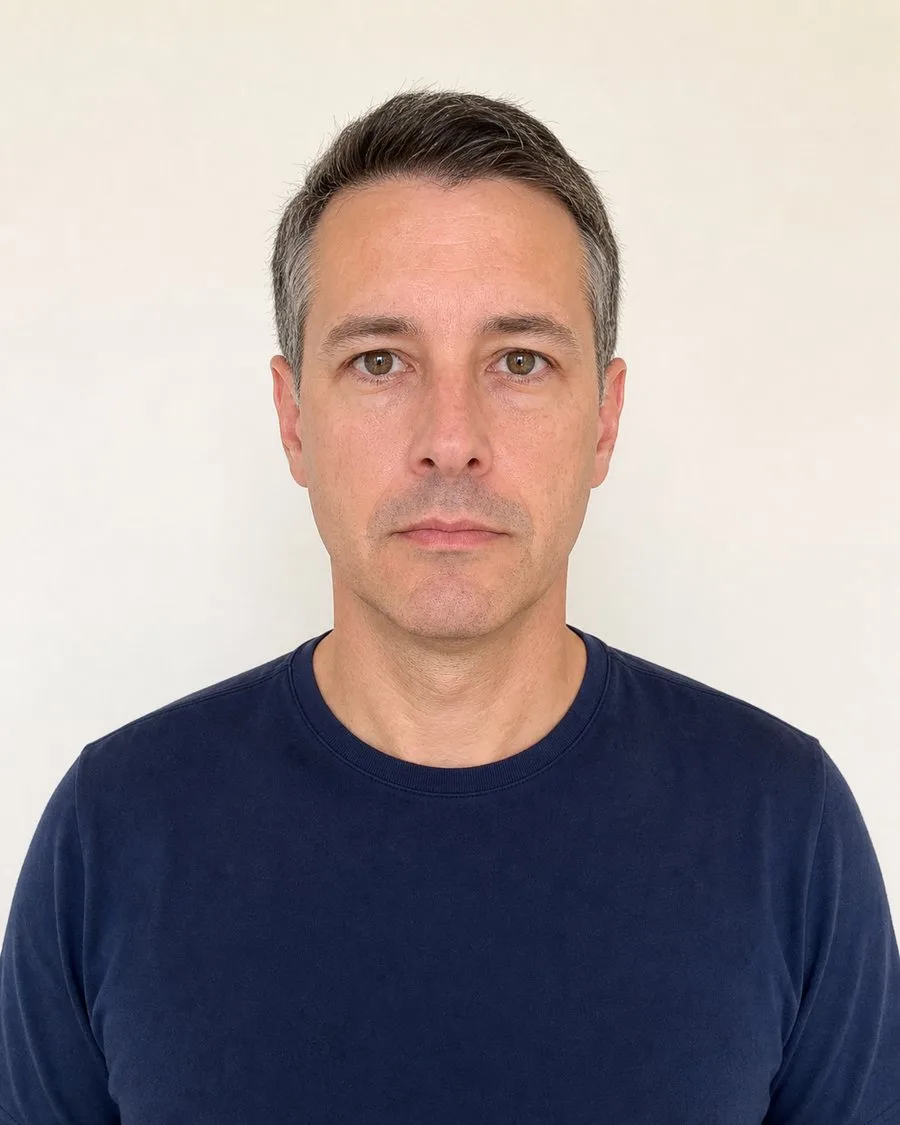
Wear plain everyday clothes in a colour that is not the wall
A white top against a white background merges into it. Skip uniforms, logos, busy patterns, and anything covering the chin or neck.

Do

Don't
Upload it and read the checks
The result comes back item by item, so a retake is a specific fix rather than a guess.

US passport photo (example)
Photo size: 51 × 51 mm
Head size: 25–35 mm
Format: JPEG / JPG (602 × 602 px)
Background: Plain white or off-white, free of shadows, texture and objects
Quality: no shadow, blur or noise
Clothing: plain, neutral colour

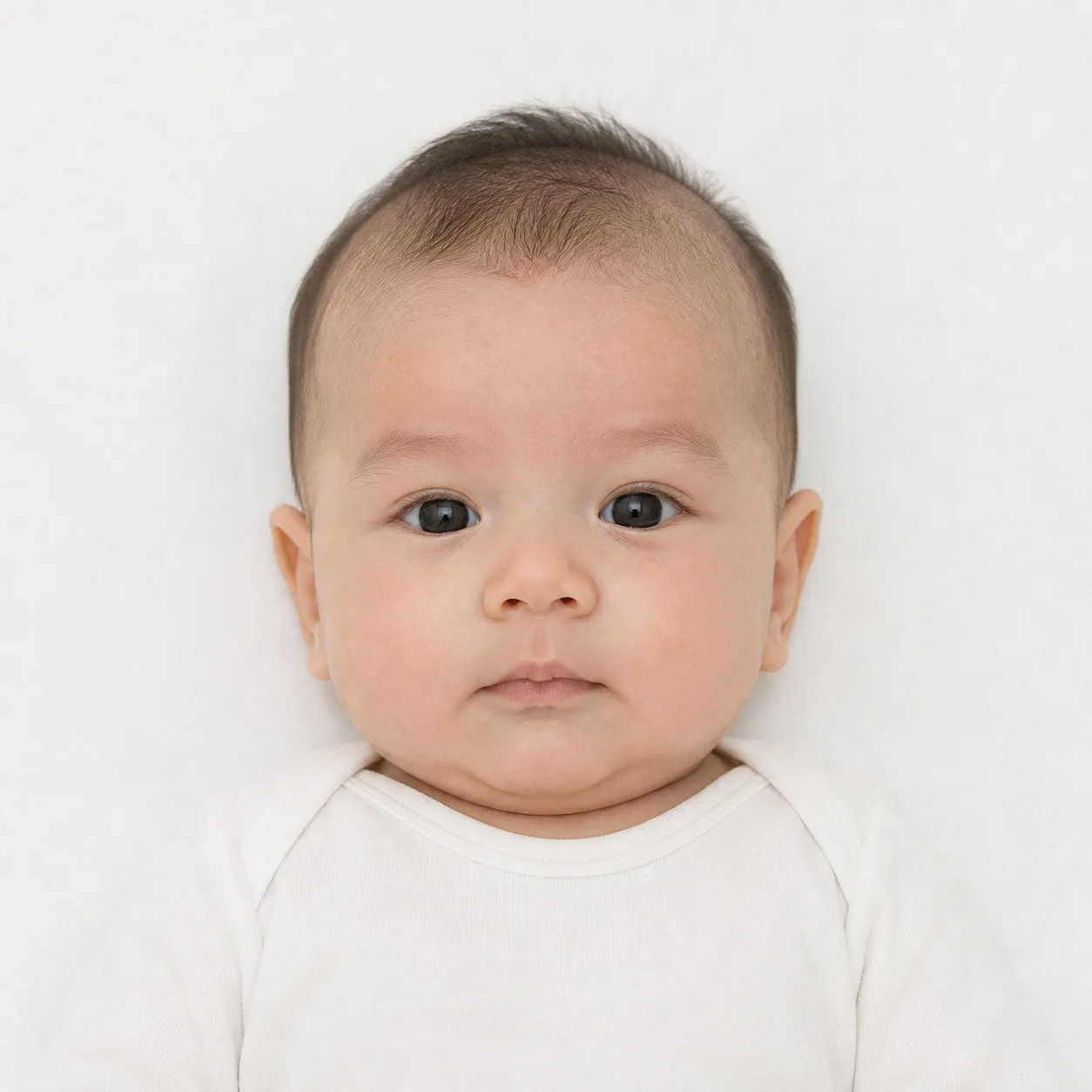
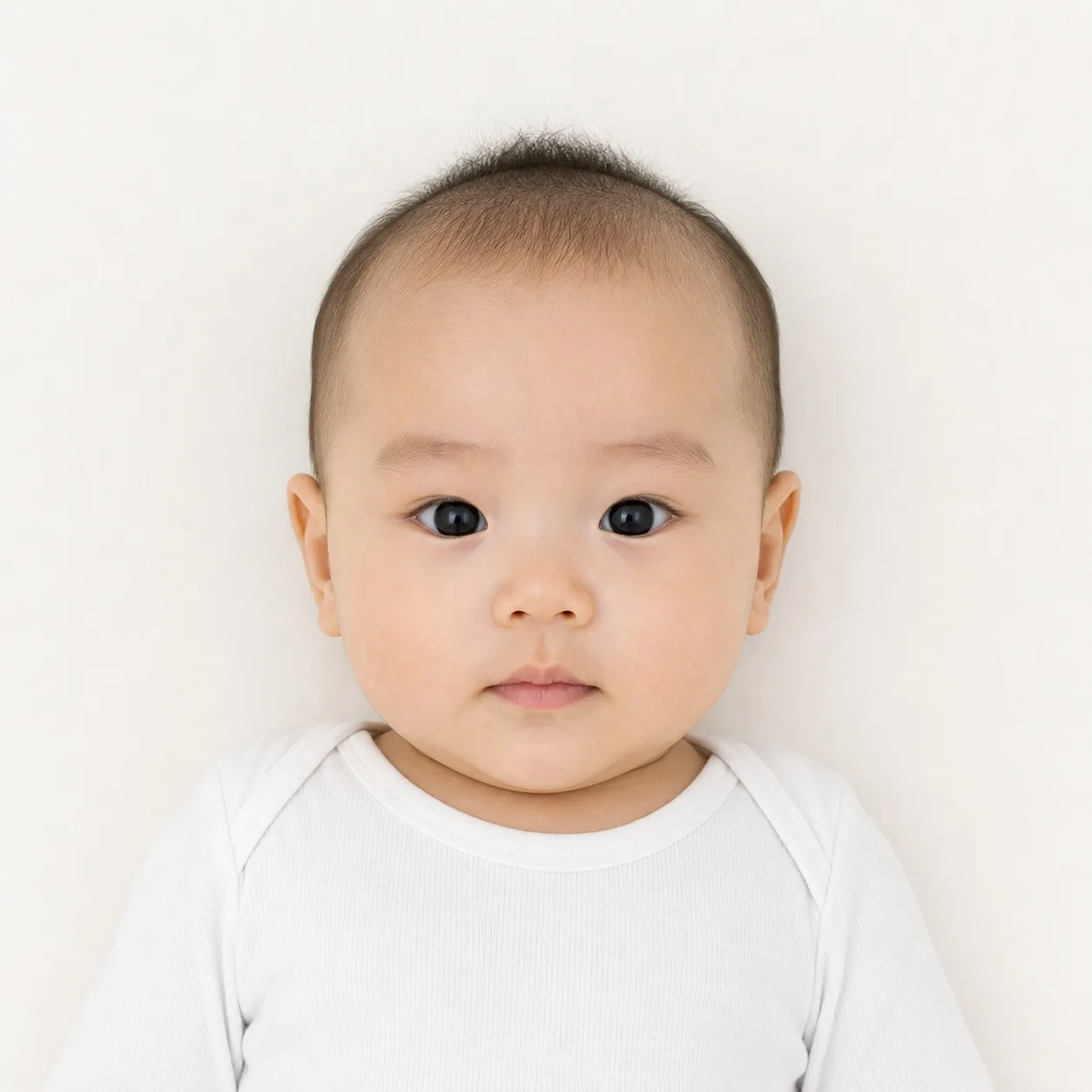
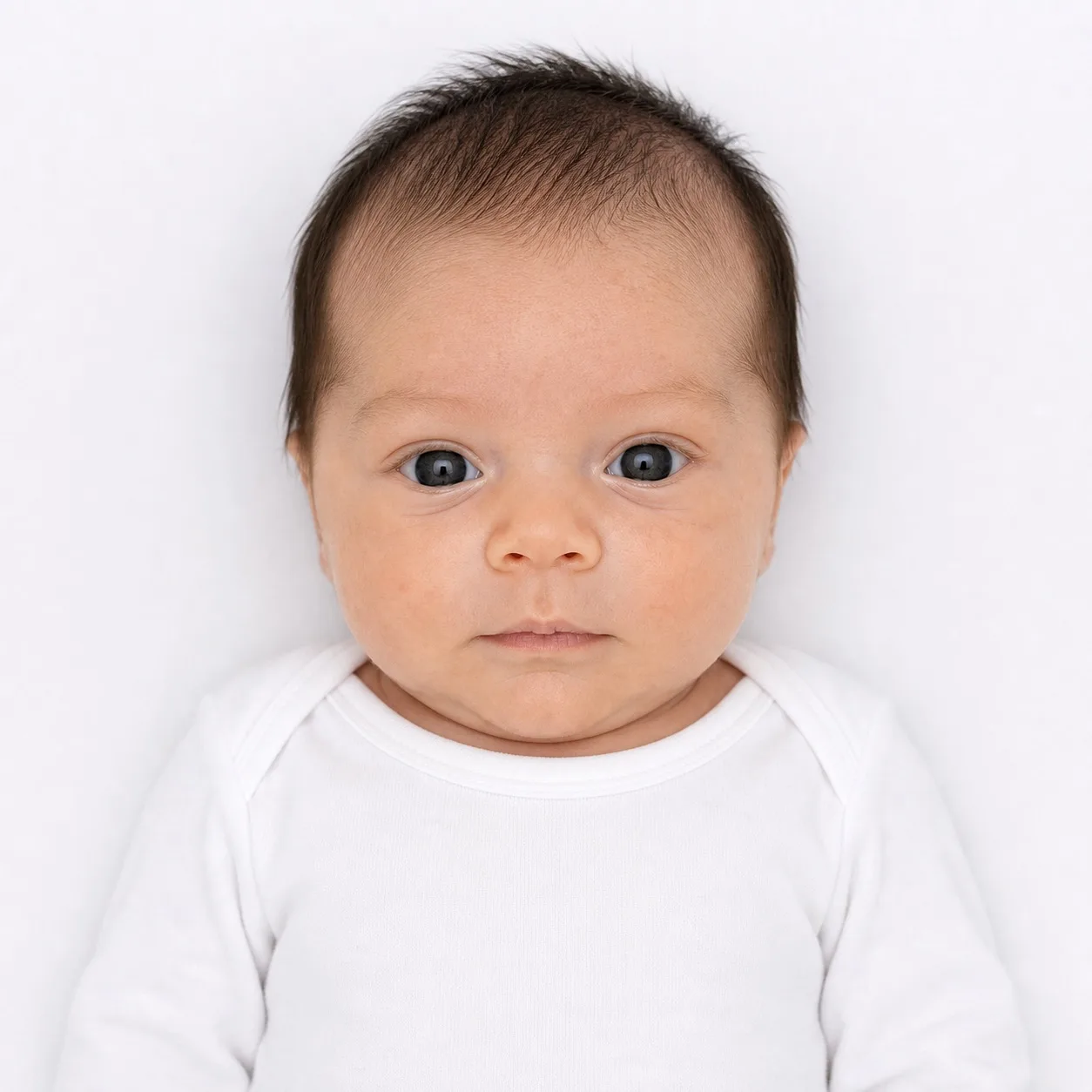
Baby photos are rejected more often than any other kind, and most of the rejections are the same three mistakes. A studio is not the answer; a bedsheet and an overhead shot usually is. The passport photo maker applies the same rules to a baby photo as to any other, so here is the difference between one that passes and one that comes back.
Photos that will be accepted

Lying down, shot from directly aboveFace centred, eyes open where you can manage it, mouth closed. Waiting a minute for a calm moment beats a dozen quick tries.

Plain, light backgroundA smooth sheet pulled tight, evenly lit, with no folds and no shadow across it.

Sharp, high-resolution imageEnough detail to survive the crop, in a printable JPG or PDF.
Photos that will not be accepted

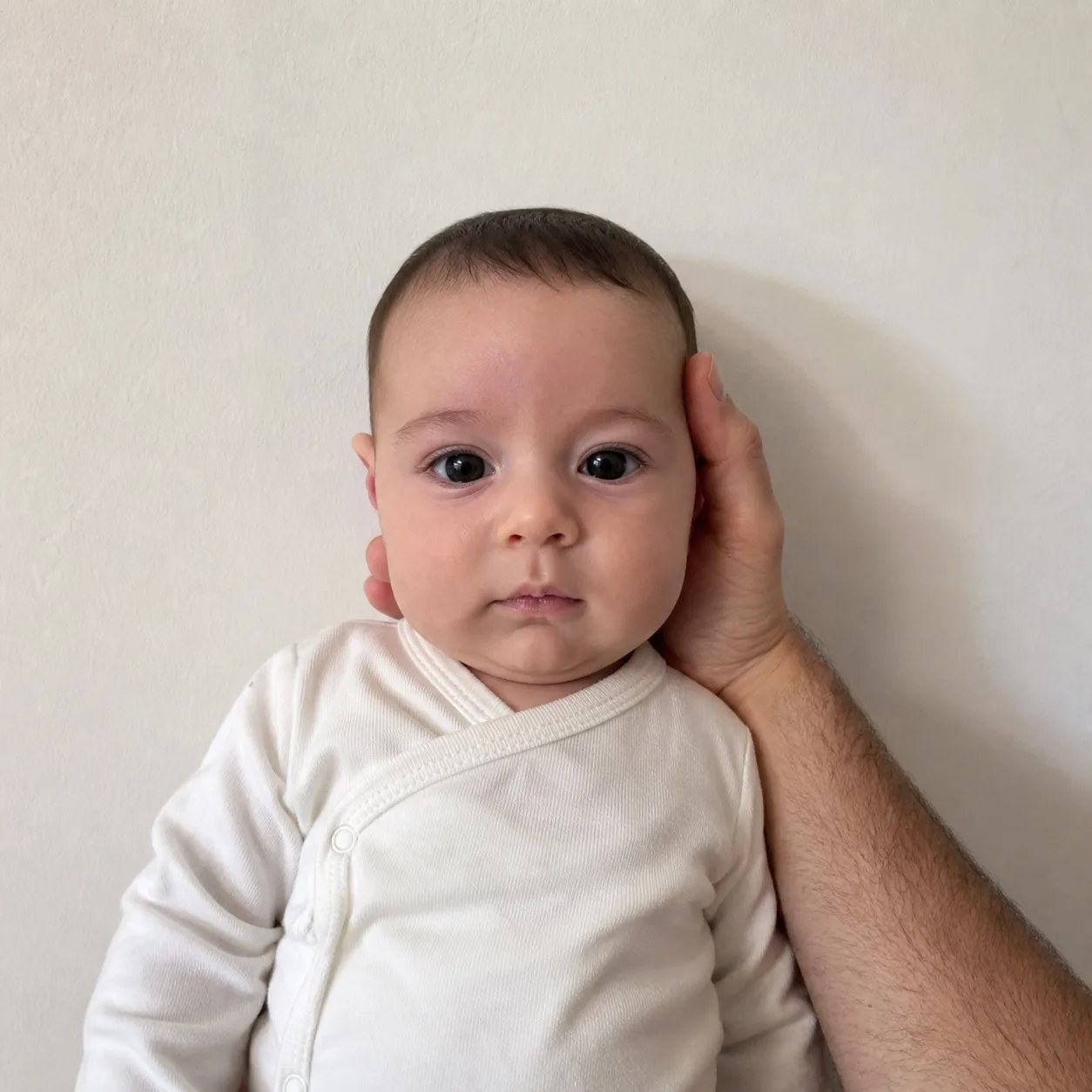
A supporting hand or arm in the frameThe most common baby rejection of all. One person in the photo means one person, including the hand under the head.

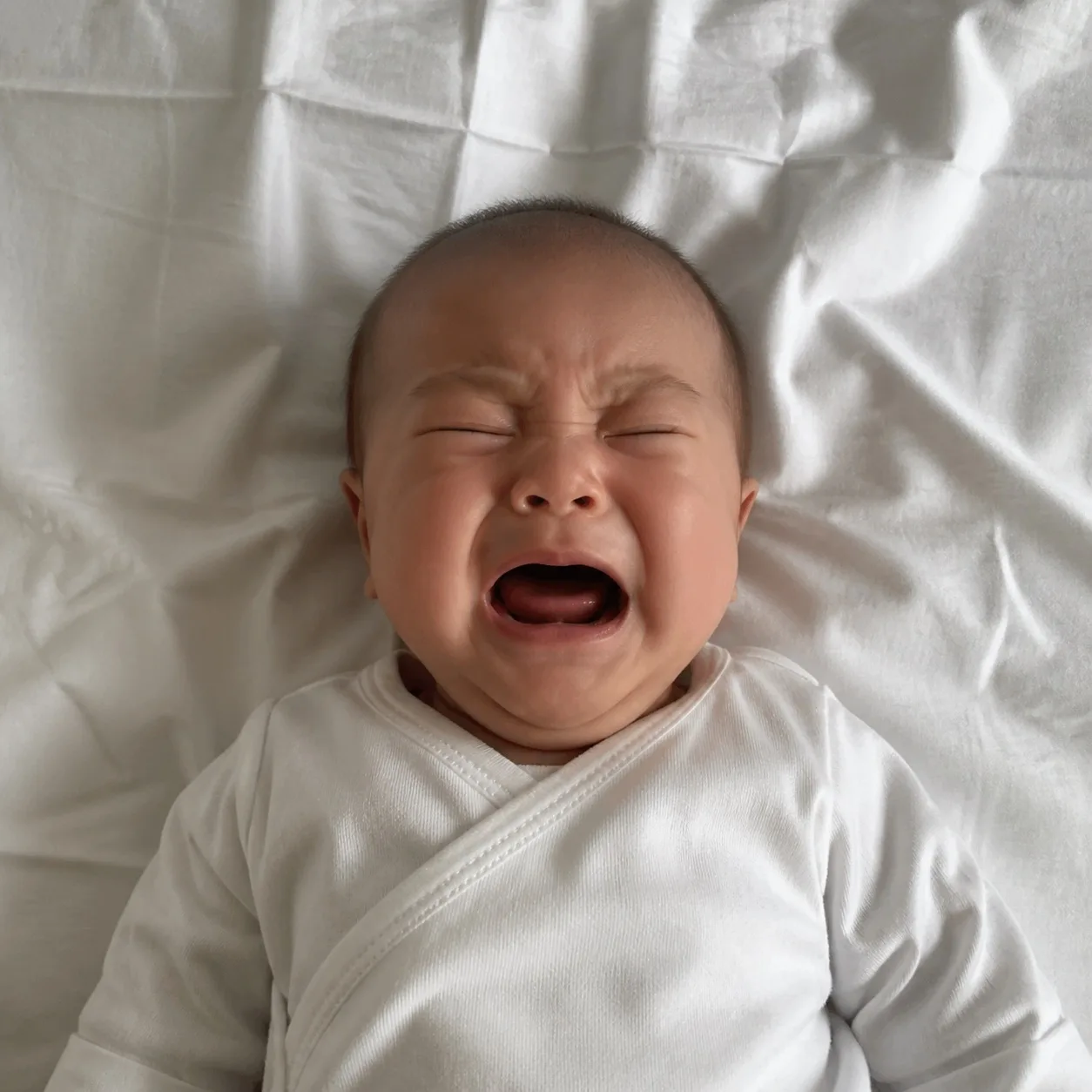
Eyes shut or mouth open mid-cryDeep folds in the sheet count too, because the shadows they cast read as a patterned background.

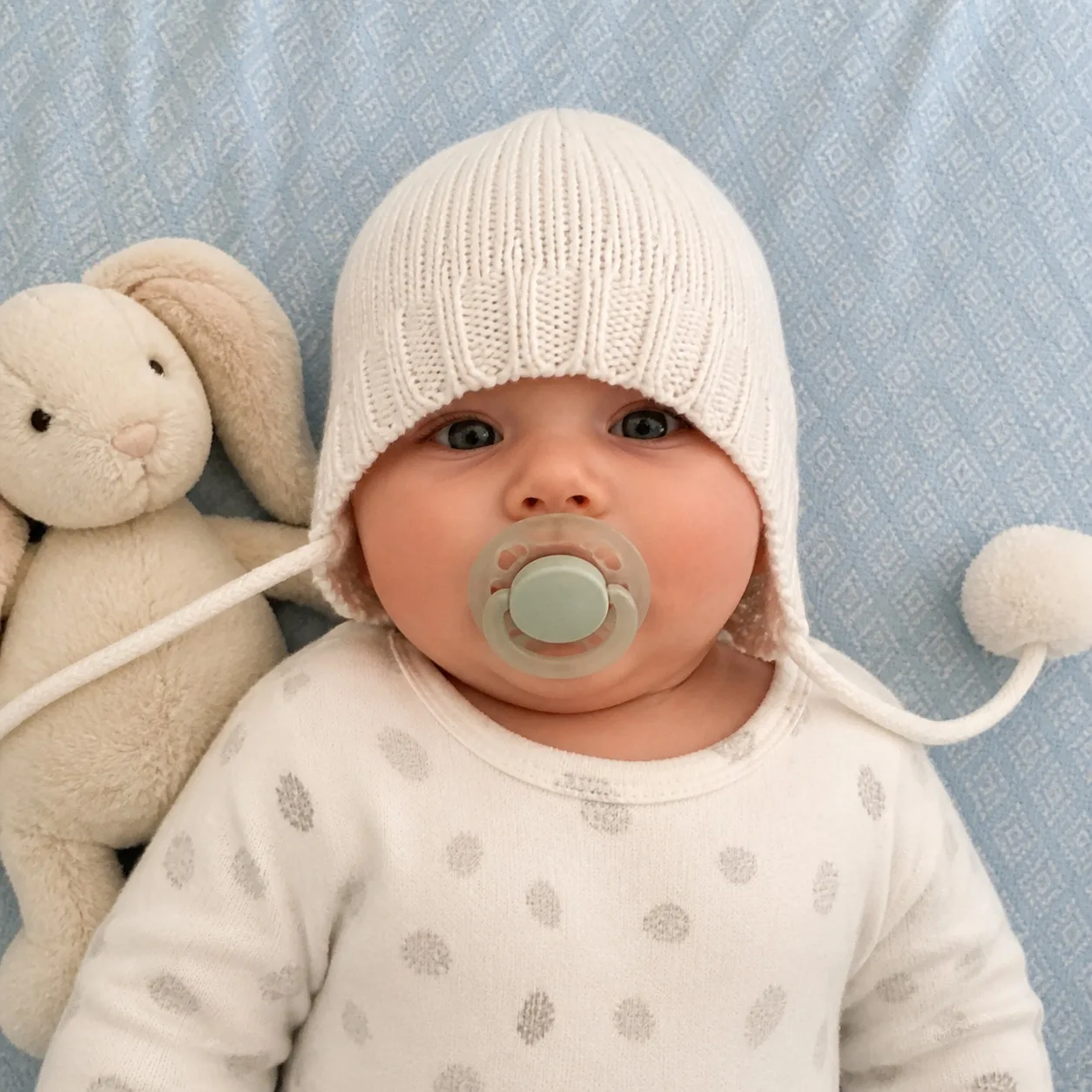
Objects in the framePacifiers, toys, hats and blankets cover the outline the authority needs to measure.
The photo you feed this passport photo maker is read on your own machine and stays there. Scoring it takes a short list of measurements — head angles, sizes, pixel counts — which we use to answer and then discard: no account, no image, no copy of your face stored anywhere. If a paid step ever needs the image itself on a server, the retention window and the deletion behaviour will be stated before you upload anything.
The passport photo maker measures your face, reads the background and builds the finished crop where the photo already is. Closing the tab is all it takes to be rid of it.
There is no sign-up before the check, and there is nothing on our side to delete afterwards because nothing arrived.
Your photo cannot become training data for us, because it never reaches us in the first place.
You see millimetres, pixels, eye line and DPI, and a link to the page the numbers came from, instead of a claim that the result is high quality.
Photos made with this passport photo maker are formatted to the size, background and head-position rules published by the U.S. Department of State, HM Passport Office and their equivalents elsewhere. Ricebowl is an independent private service, not affiliated with any government, embassy or consulate, and no tool can decide an application on their behalf. What we can do is show you the published rule, measure your photo against it, and link you to the page so you can check it yourself.
Scenario first: which document, which rule caught them out, and what they changed.
I knew about the 2×2 inch crop but not that head height is measured in millimetres. Mine came back at 31 mm against a 25 to 35 mm range, so the retake was obvious rather than a guess.
First-time applicant, United States
The background warning caught a shadow on my wall that I genuinely could not see on my phone screen. Moved half a metre forward, ran it again, passed.
Student visa applicant, United Kingdom
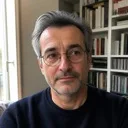
I did not know the French background is light grey rather than white. It set that for me instead of letting me send a white one and find out in six weeks.
Renewal, France
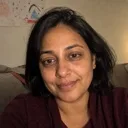
Same photo, two documents, two different crops. Watching the numbers change was what finally explained why the old one could not be reused.
Family application, Canada

33 by 48 mm and the pixel output were both on screen, so I knew exactly what to send to the online system.
Renewal, China
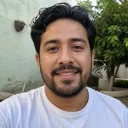
There was a note that the photo has to be from the last 30 days. I was about to reuse one from last year.
Visa applicant, Mexico

The baby section described the exact mistake I was about to make, with my hand under her head holding her up.
Parent, Schengen visa
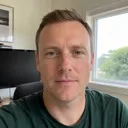
It opened with a check, not a form asking for my email. That is the only reason I stayed long enough to finish.
Remote worker, Australia
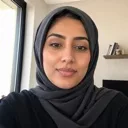
The chin-level warning was the one I would never have spotted myself. Two degrees of tilt, and it told me which way to move.
First-time applicant, United Arab Emirates
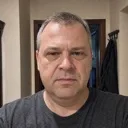
It said what to change instead of just turning an item red. I fixed the light and it passed on the second try.
Renewal, Poland
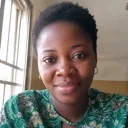
It told me plainly that it had not confirmed my country's rule against an official page. I would rather be told than be guessed at.
Passport application, Nigeria
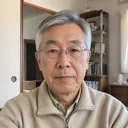
The print sheet meant I walked into a shop with one file instead of paying a booth for four photos I had not seen yet.
Renewal, Japan
Answer first, then the detail. Confirm the final requirement with the authority that will receive your application.
No. A neutral expression with the mouth closed is what the biometric standard asks for, because a smile moves the distances between your features and those distances are what the photo exists to record. A slight, closed-mouth expression is tolerated in some countries and refused in others, so the safe version is a relaxed jaw and no smile. The passport photo maker fails the photo on a raised mouth corner or an open mouth and tells you to take it again.
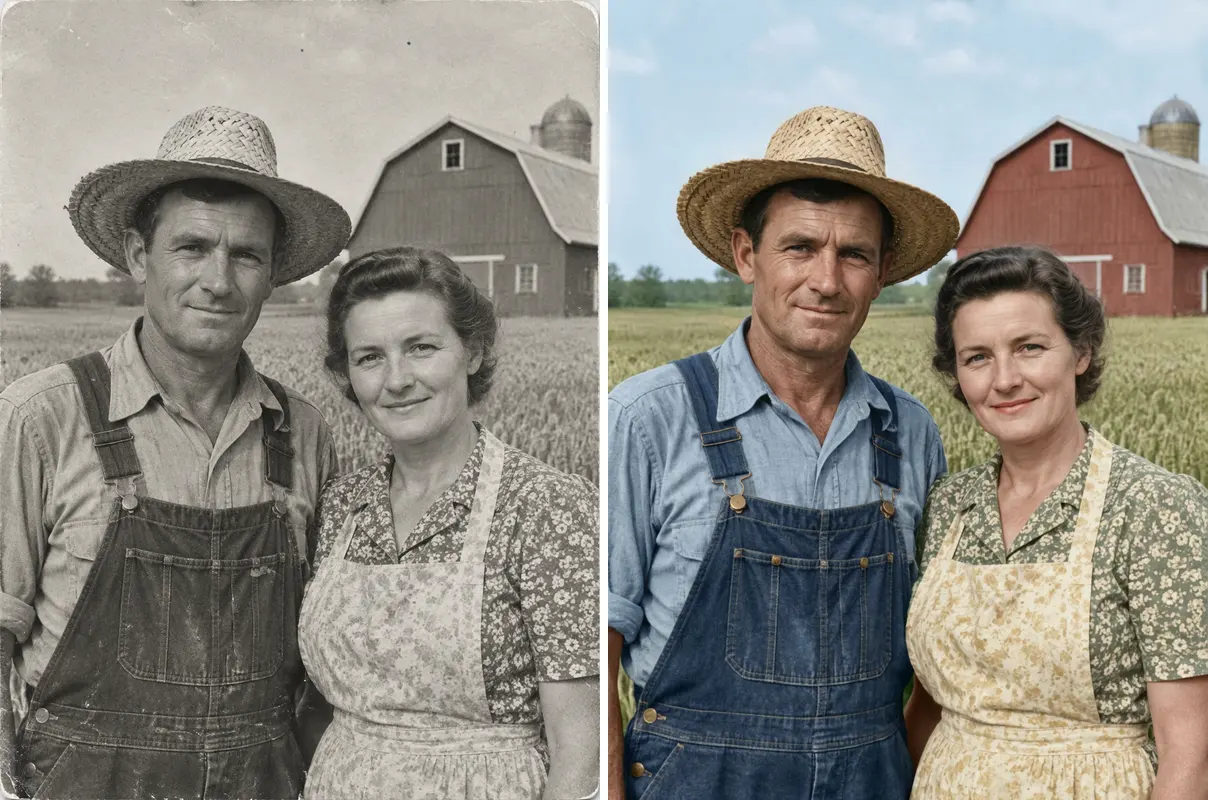
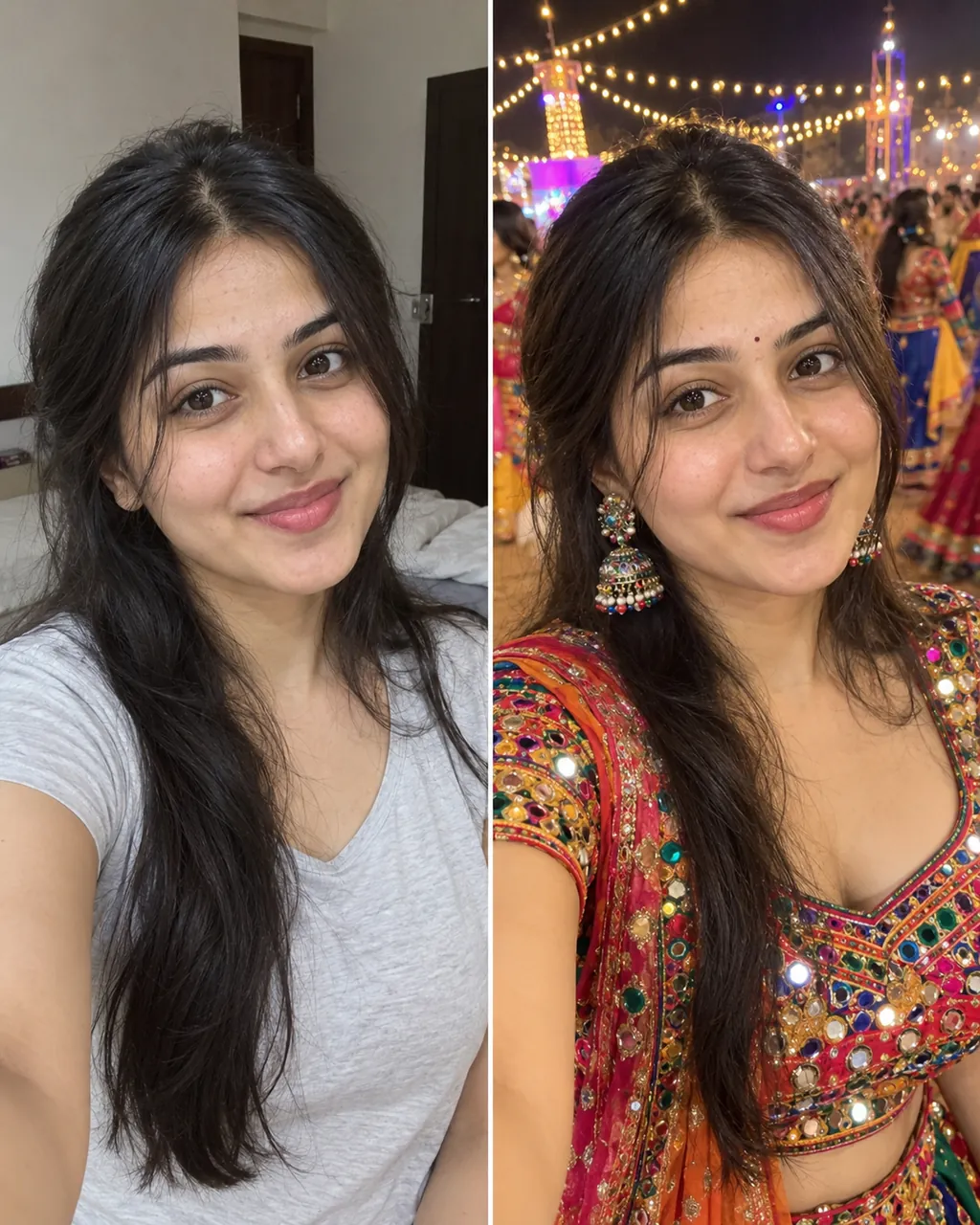
Plain everyday clothes in a colour that is not the same as your background. A white shirt against a white wall merges into it and the outline of your shoulders disappears, which is a real rejection reason. Avoid uniforms, large logos, busy patterns and high collars that cover the chin. Religious head coverings are fine as long as the face stays visible from chin to hairline.
In most countries, no. The United States, the United Kingdom and many others now ask you to remove them entirely, and some allow a documented medical exception. A few authorities still permit clear lenses with no glare and no frame across the eyes. Select your document first and this passport photo maker shows the published rule for it, with a link to the page that says so.
Yes, as long as they do not cover your eyes or cast a shadow over them. Fringes, long hair and hair pushed forward are all acceptable while the eyes, eyebrows and the outline of the face stay visible. If a shadow falls across the eyes, the eye check flags it and a retake with the hair pinned back fixes it.
No. A shadow on your face or on the wall behind you is one of the most common reasons a photo comes back, because it changes the shape the authority is trying to measure. Face a window in daylight so the light hits your face and the wall at once, and stand about half a metre away from the wall so your own shadow falls behind you rather than onto it.
Stand facing a window with a plain wall behind you, hold the phone at eye height about 16 to 20 inches away, keep a neutral face, and take several. No studio and no special camera. Then upload one here and read the checks: the passport photo maker reports each rule separately, so if something is wrong you know which one instead of guessing.
It depends on the authority, not just the country. The United States uses 2×2 inches (51×51 mm), the United Kingdom, Germany, France and most of the European Union use 35×45 mm, Canada uses 50×70 mm, China uses 33×48 mm and Spain uses 26×32 mm. Head height has its own separate range for each of them. Select your document above and the passport photo maker shows the exact published numbers next to the preview.
The check is free, every item of it, with no account. You get the complete rule-by-rule result and a preview of the finished photo with a watermark across it. Payment removes the watermark and gives you the file at the exact pixel size your document needs, with the print sheet and the extra sizes as the more complete option. If any check is failing, the payment step does not open at all: we tell you the photo would be rejected instead of taking your money for it.
No, and nothing that says otherwise is telling you the truth. The issuing authority makes the final decision and can refuse a photo for reasons no software can see. What this tool can do is show you every published rule we could verify, tell you which ones your photo fails, and link you to the official page so you can check the rule yourself.
Usually yes. Counter rejections are almost always one of a short list: a smile, glasses, a shadow, an uneven background, or a head that is the wrong size in the frame. Upload the same photo into the passport photo maker and every rule is scored separately, so you get the specific reason rather than a shrug, and you can fix that one thing instead of starting over.
No. It is read where it already is, and the finished crop is built there too. There is no upload, no account and no copy on our servers. Scoring the result sends a short list of measurements — angles, sizes and pixel counts — which is used to answer and then dropped.
Use the 4×6 inch sheet at 300 DPI. It lays out copies of your photo at the exact size with cut lines between them, so any print shop or home photo printer can produce them and you cut them apart. Check what paper and finish your authority asks for before you print, since a few still specify matte.
Sometimes, but do not assume it. The same source photo can be tested against several specifications here and re-cropped for each, but size, head height, eye line and background colour differ by authority, so a photo that passes for one document can fail for another on the background colour alone.
Notice for users in the US: the U.S. Department of State prohibits digital alteration of identity photographs. This passport photo maker performs sizing, cropping and background preparation only.
Every page here is served over an encrypted connection, and the free check in the passport photo maker runs entirely on your own device, so the photo itself is never transmitted, stored or used to train anything.