





Try Nano Banana 2.1 in Your Browser

Google released Nano Banana 2.1 on October 6, 2026, built on Gemini 3.6 Flash to bring text and reference images together in one model. New accounts get 20 free credits on sign-up, no card required.

Estimated — credits

Make something with Nano Banana 2.1

GALLERY

What Nano Banana 2.1 Can Generate

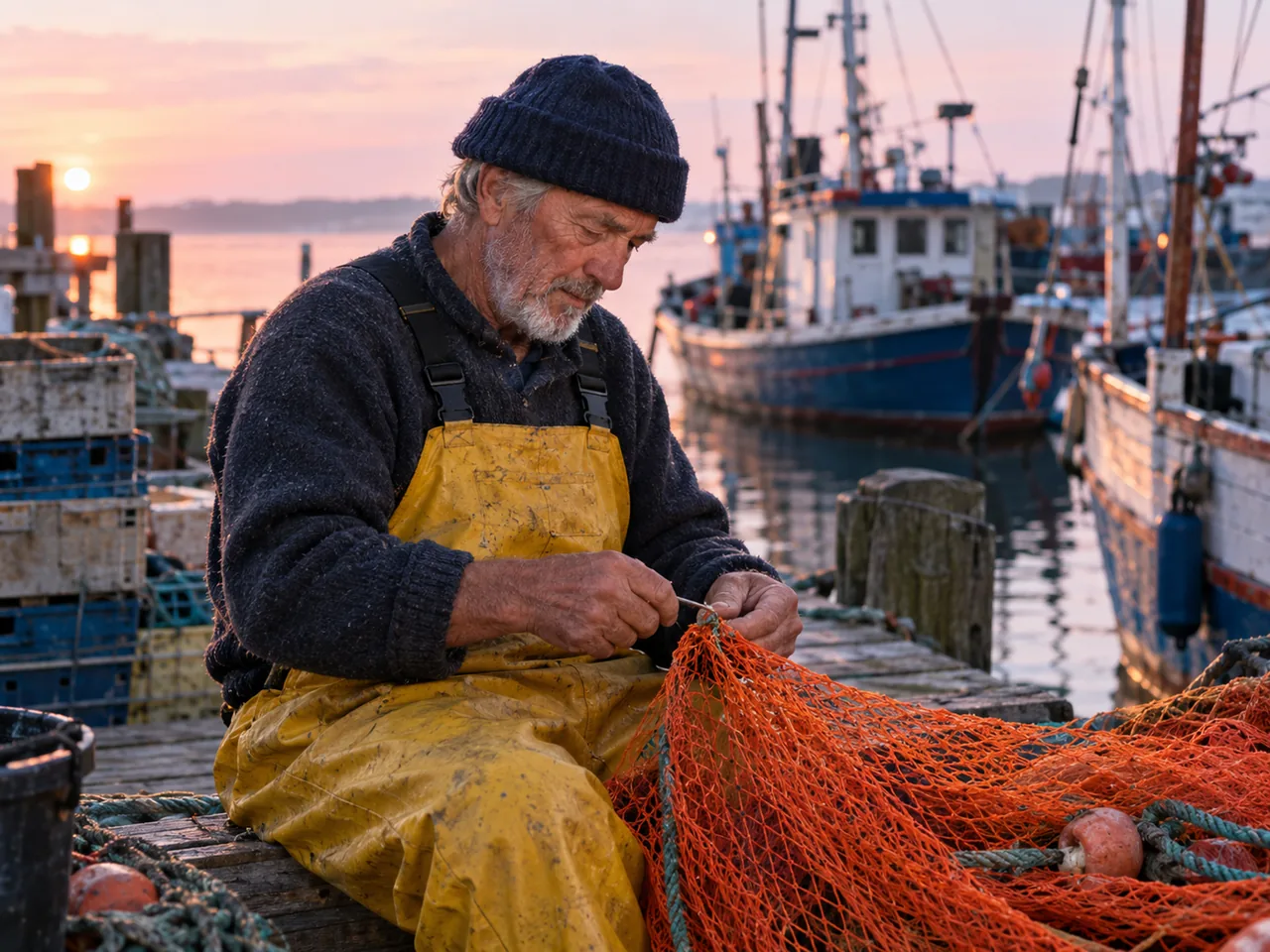
Elderly fisherman in a navy wool cap and yellow overalls mending an orange net on a dock at dawn
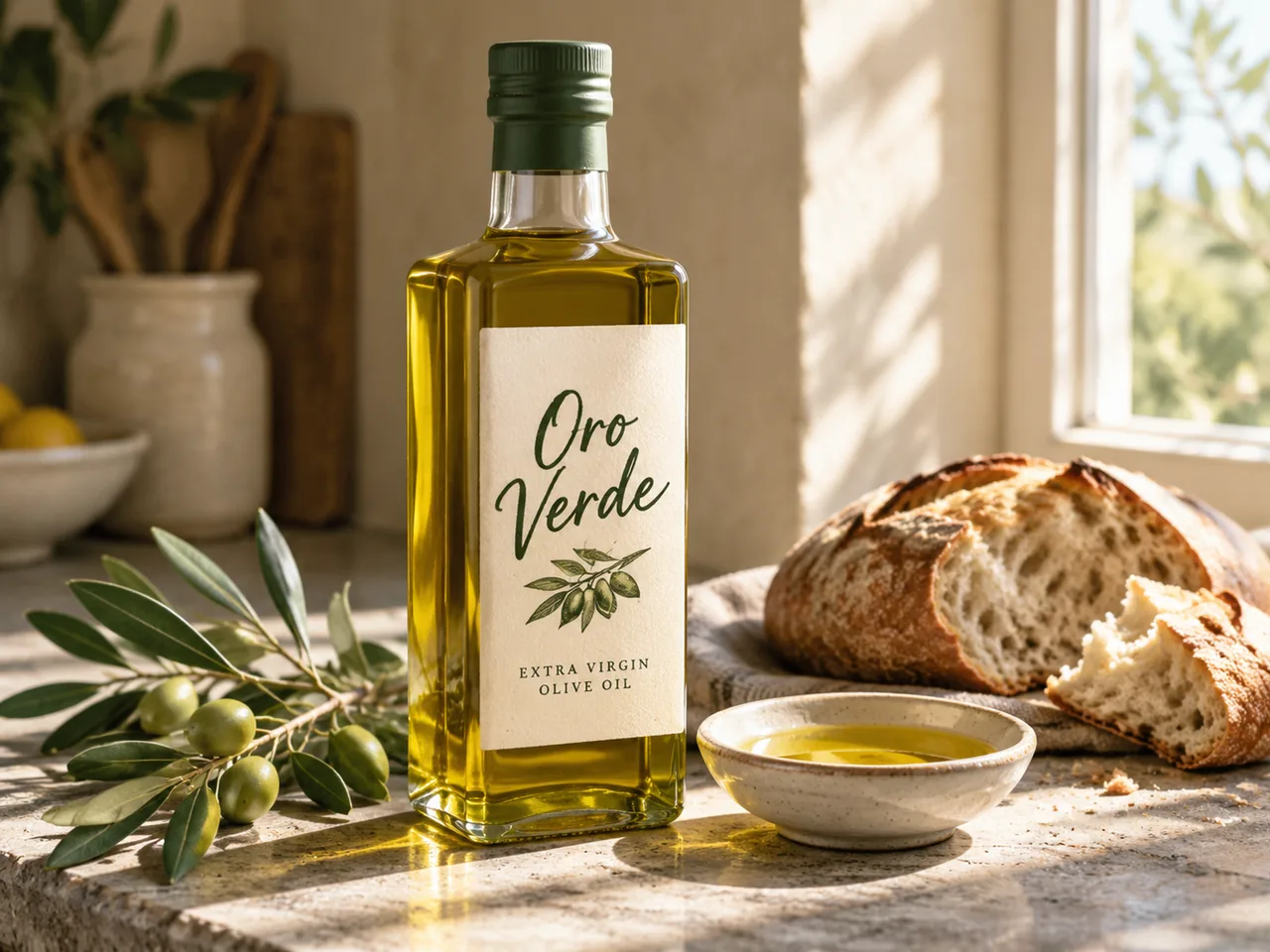
Glass bottle of Oro Verde extra virgin olive oil on a stone counter with an olive branch and bread
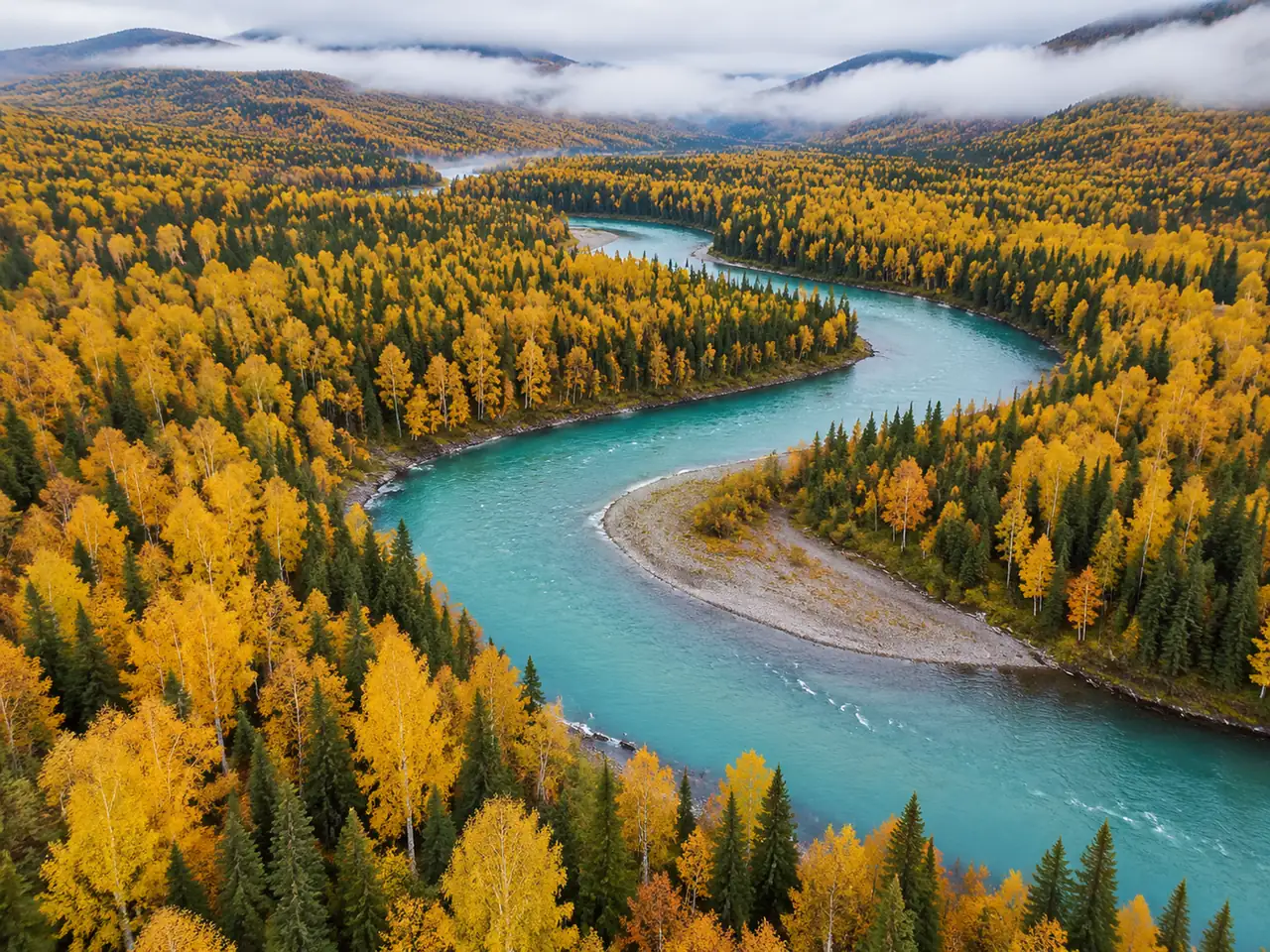
Aerial view of a turquoise river winding through a golden birch and spruce forest
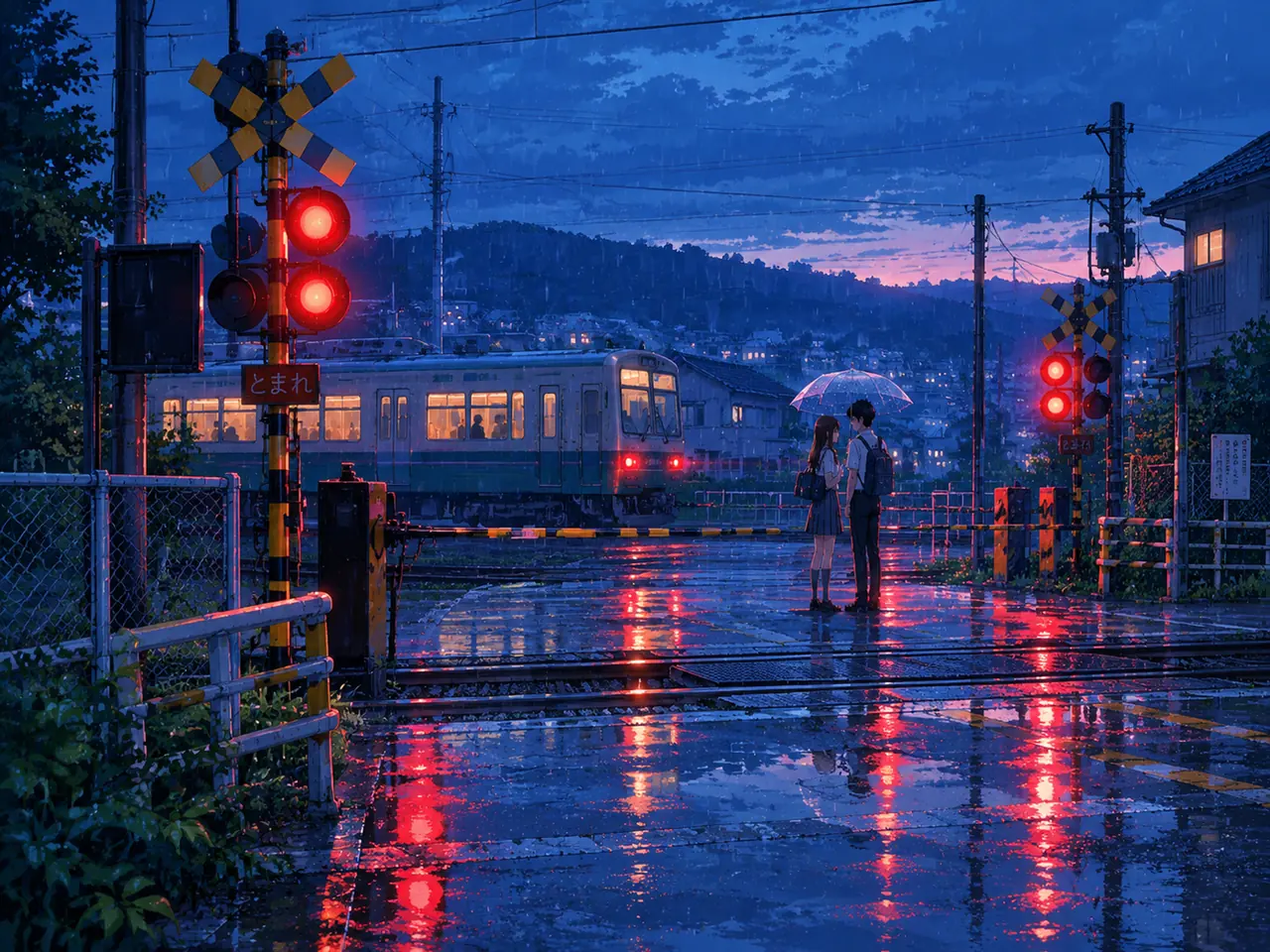
Anime-style students sharing a clear umbrella at a rainy railway crossing at dusk
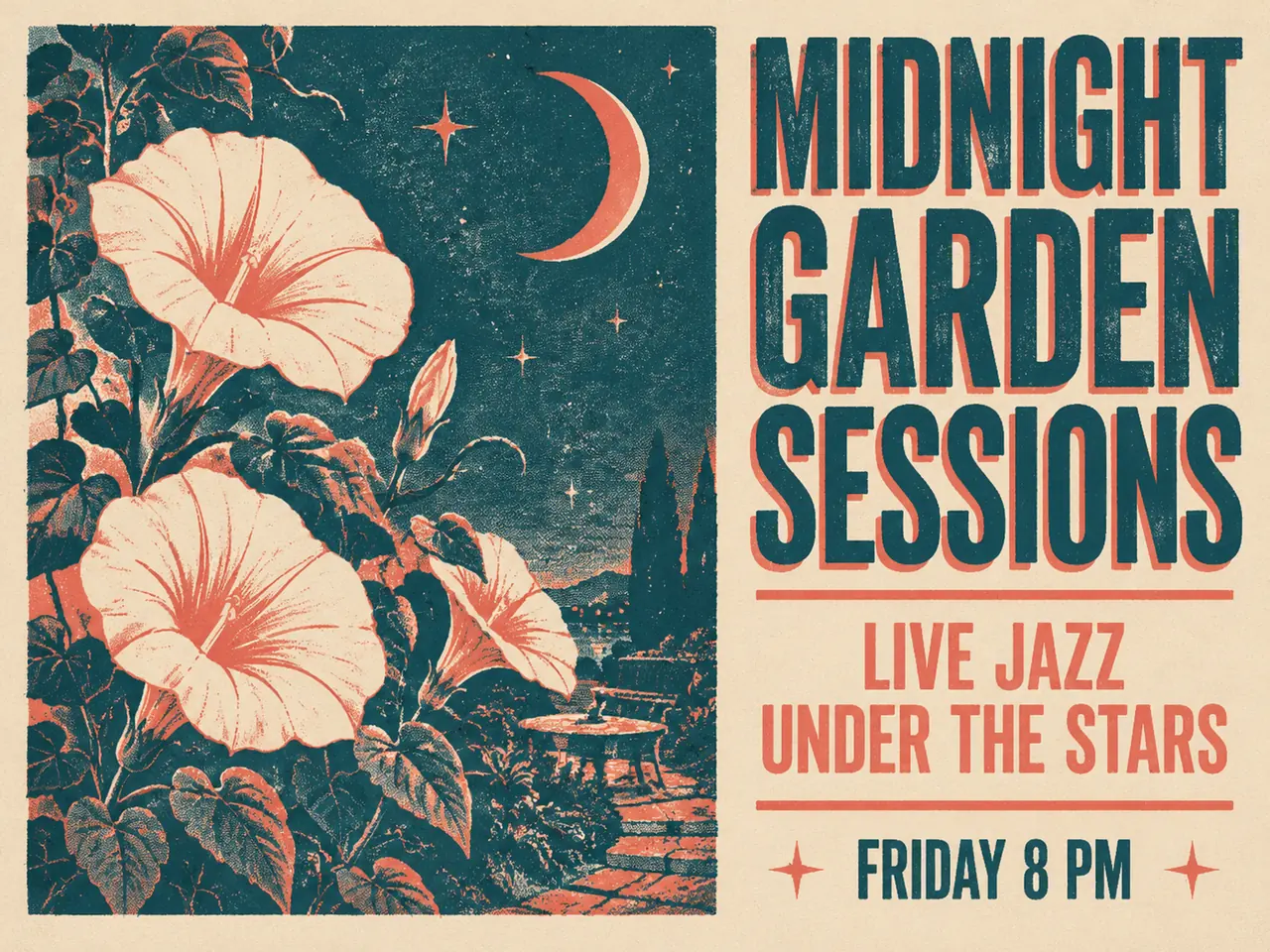
Teal and coral screen-printed poster for Midnight Garden Sessions, live jazz on Friday at 8 PM
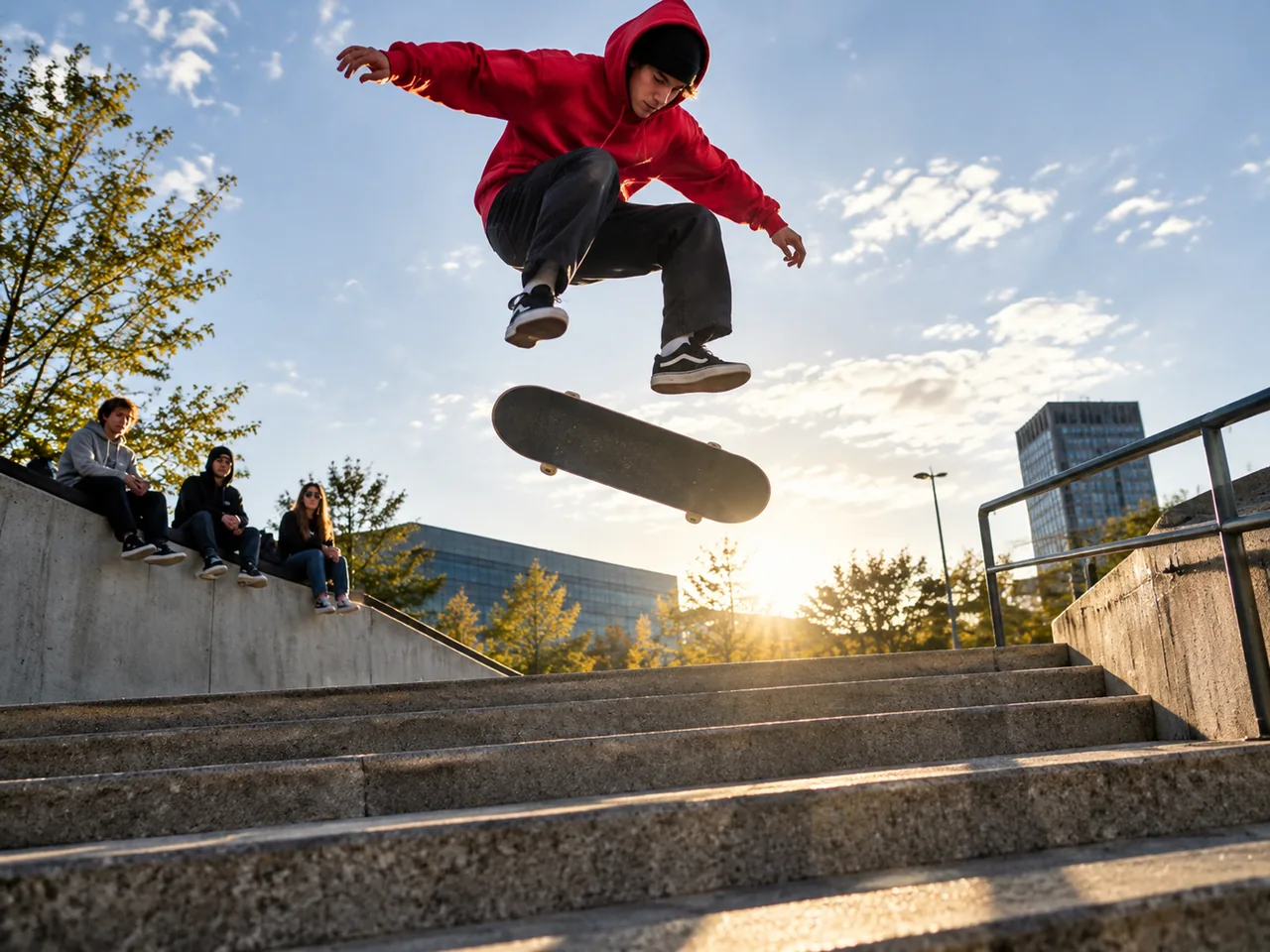
Skateboarder in a red hoodie doing a kickflip over a concrete stair set in a city plaza

Feature 01

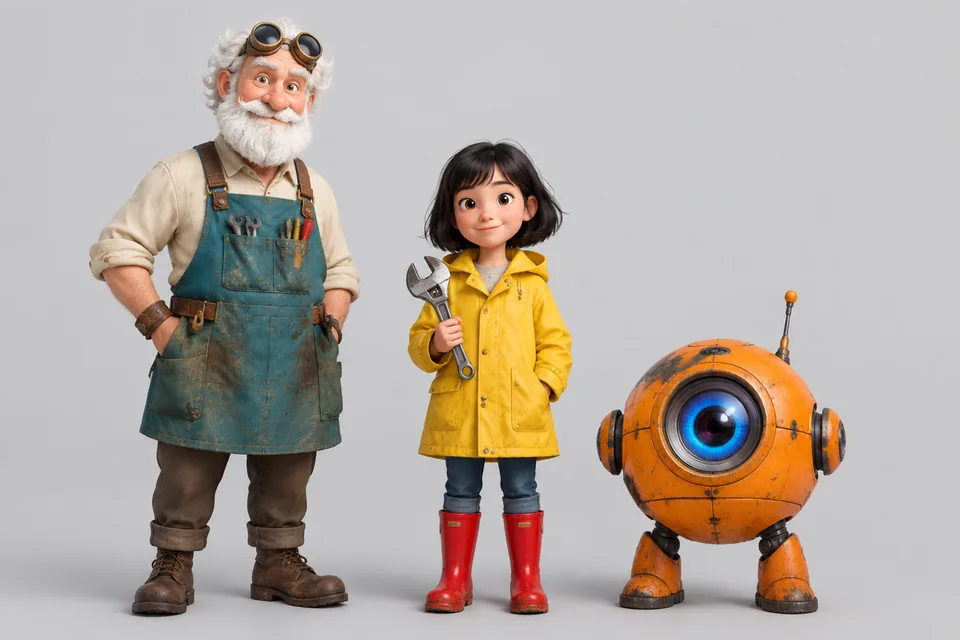
Multi-Character Consistency across Scenes

Nano Banana 2.1 keeps distinct subjects recognizable when you place multiple people or assets into a new environment. In Google's tests, it scored 1106 in multi-character consistency compared to 978 for Nano Banana 2 and 1011 for Nano Banana Pro. You can upload reference pictures to hold character traits steady across images. While character consistency between the input image and output is not always perfect, it handles multi-character setups better than previous generations.

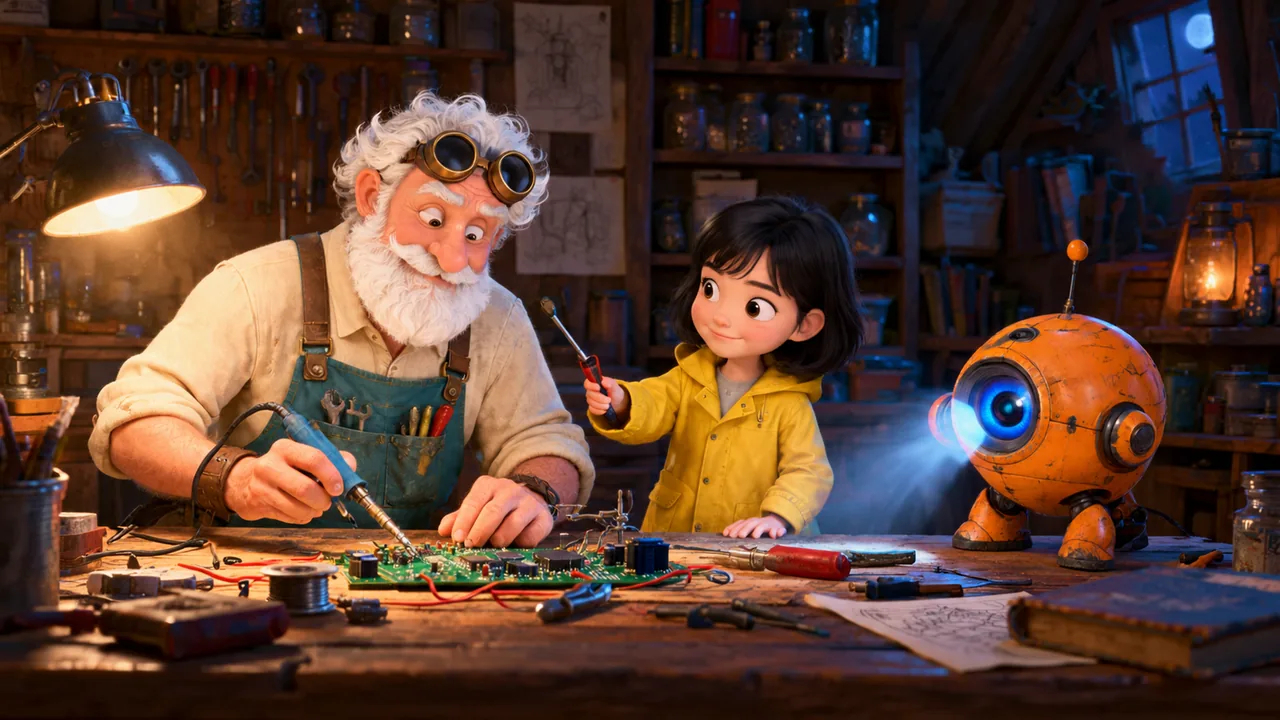
Three characters from a character sheet placed into a new attic workshop scene
Character sheet with an inventor, a girl in a raincoat and an orange robot

Feature 02

Multi-Reference Image Editing with Nano Banana 2.1

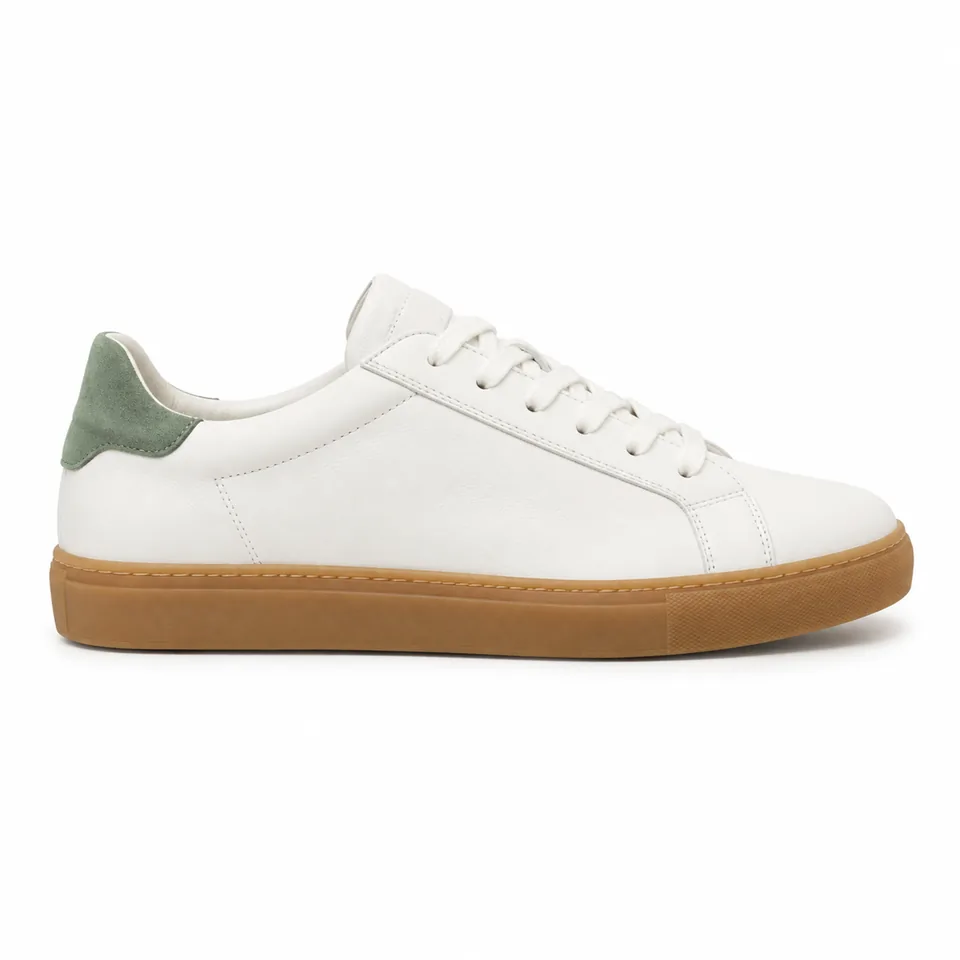
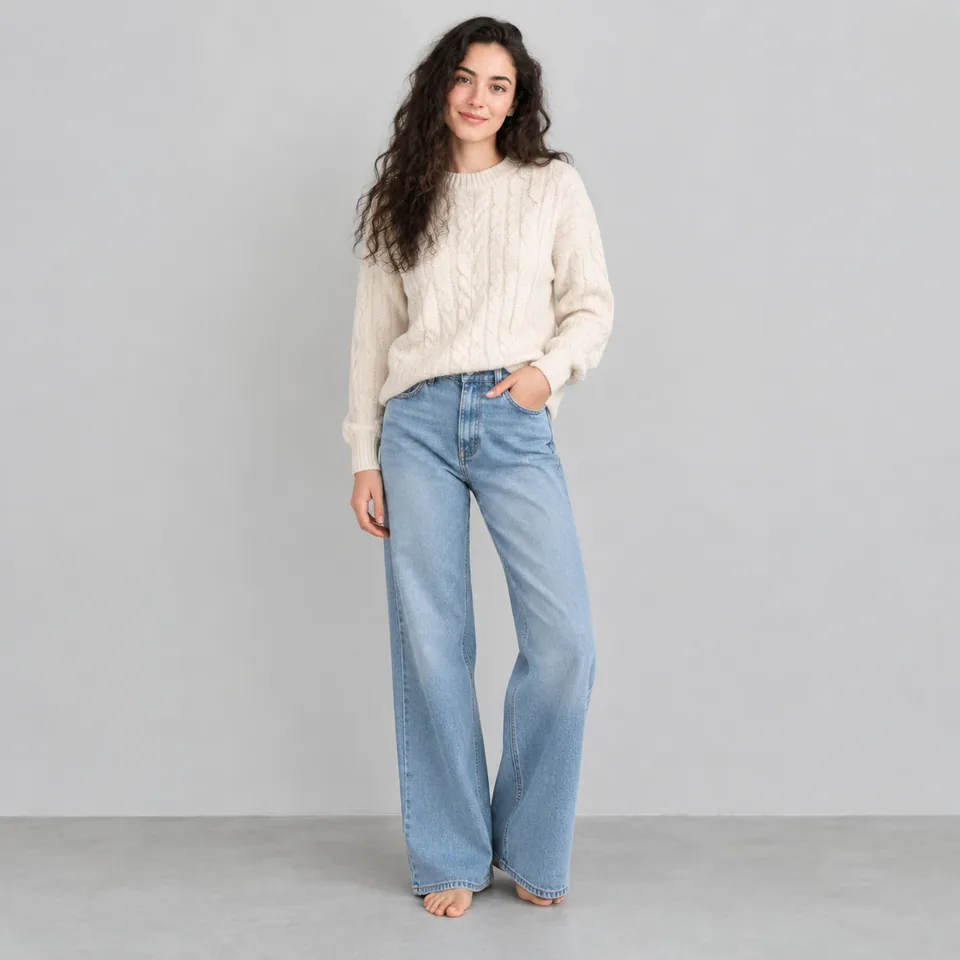
Combine style, subject, and background elements from different source photos into a single coherent image. In Google's tests, Nano Banana 2.1 scored 1066 for multi-reference editing compared to 988 for Nano Banana 2 and 989 for Nano Banana Pro. You can upload up to 8 reference images on RiceBowl to guide the model's subject placement and overall scene layout. It gives you a practical way to merge separate photos without starting your prompt from scratch.

A shoe photo, a person photo, and a street photo combined into one fashion shot
Reference 1: the shoe
Reference 2: the person
Reference 3: the street

Feature 03

Better Infographic Design and Factual Accuracy

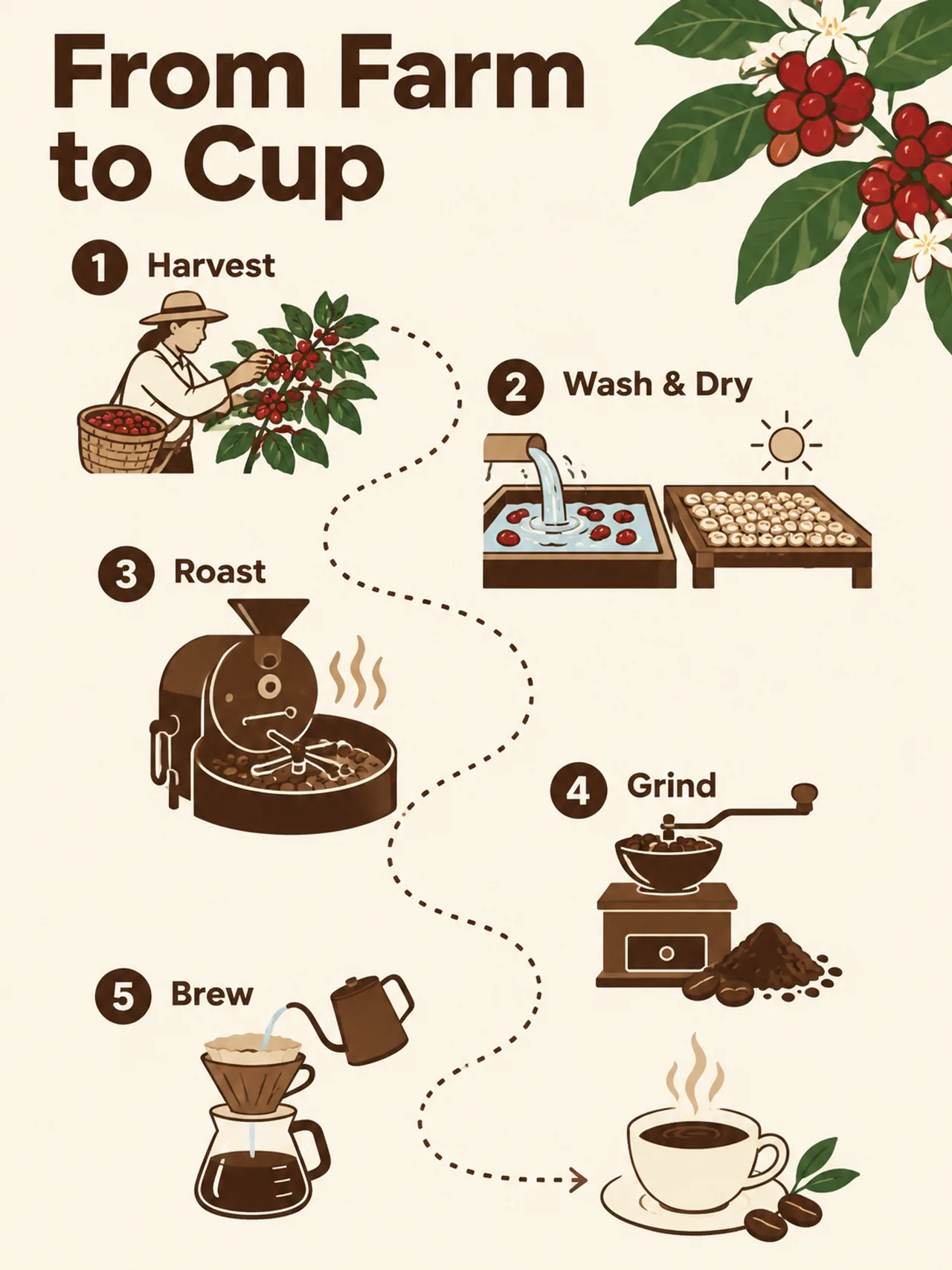
Nano Banana 2.1 lays out infographics more cleanly and gets the facts in them right more often than older models. In Google's tests, the model reached an infographic factuality accuracy score of 0.521 compared to 0.179 for Nano Banana 2 and 0.265 for Nano Banana Pro. It also scored 1048 for infographic design, higher than Nano Banana 2 at 961 and Nano Banana Pro at 912. Google notes that small text can come out blurry, especially at 1K resolution, and long paragraphs remain a weak point.

A five-step From Farm to Cup coffee infographic

Feature 04

Stylization and Art Direction

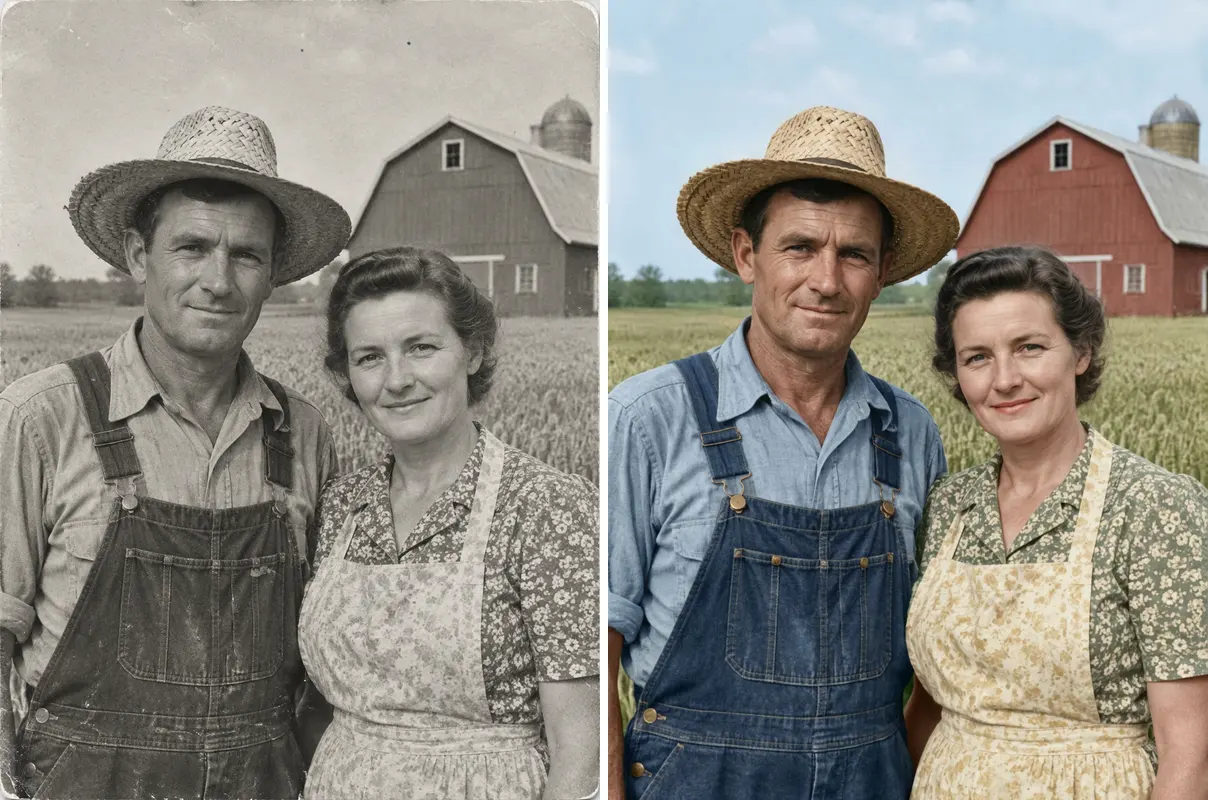
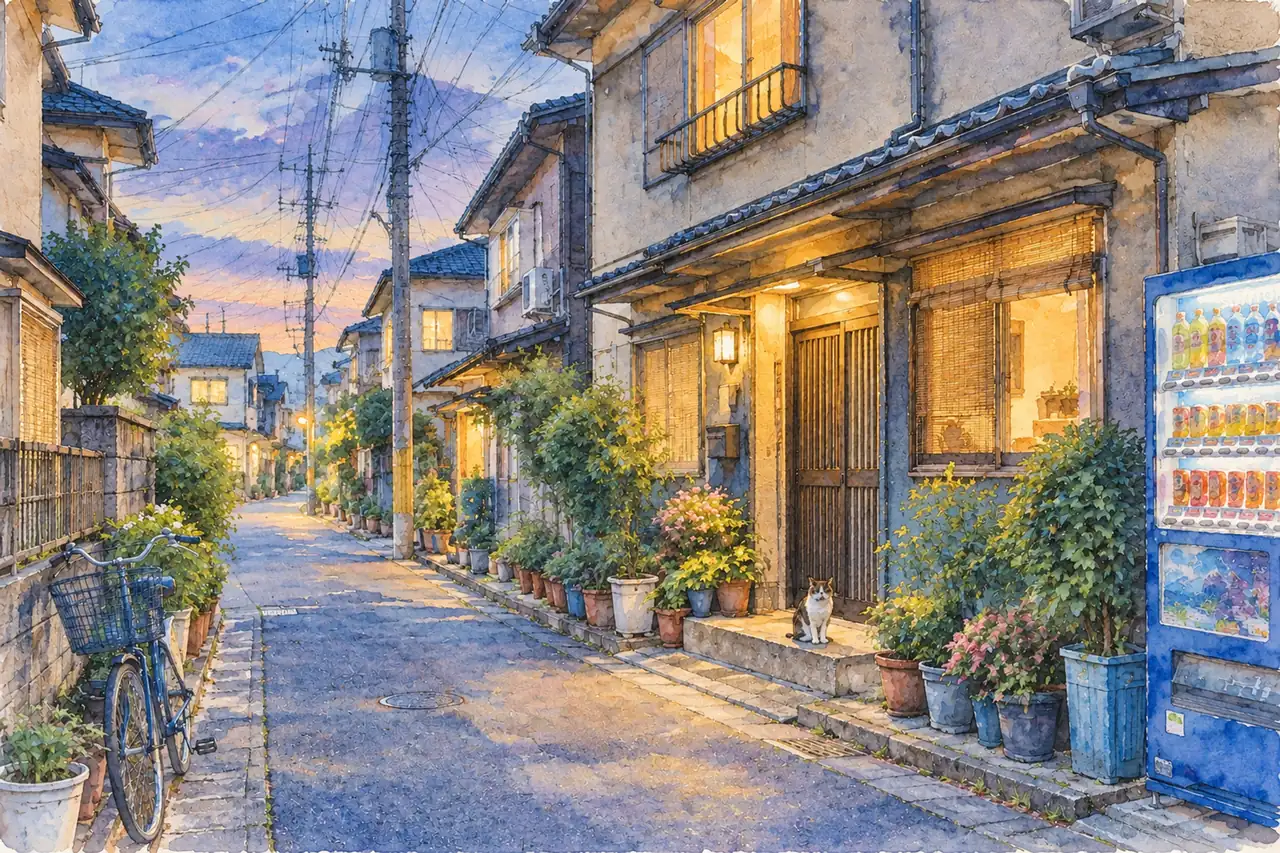
Transform real photos into distinct artistic styles like watercolors, sketches, or oil paintings while maintaining basic composition. In Google's tests, it achieved a 1062 stylization score, outperforming Nano Banana 2 at 991 and Nano Banana Pro at 990. You can apply stylistic changes using plain text prompts or style reference images in the RiceBowl generator. The model adapts lighting, textures, and brushwork to match your target visual aesthetic.

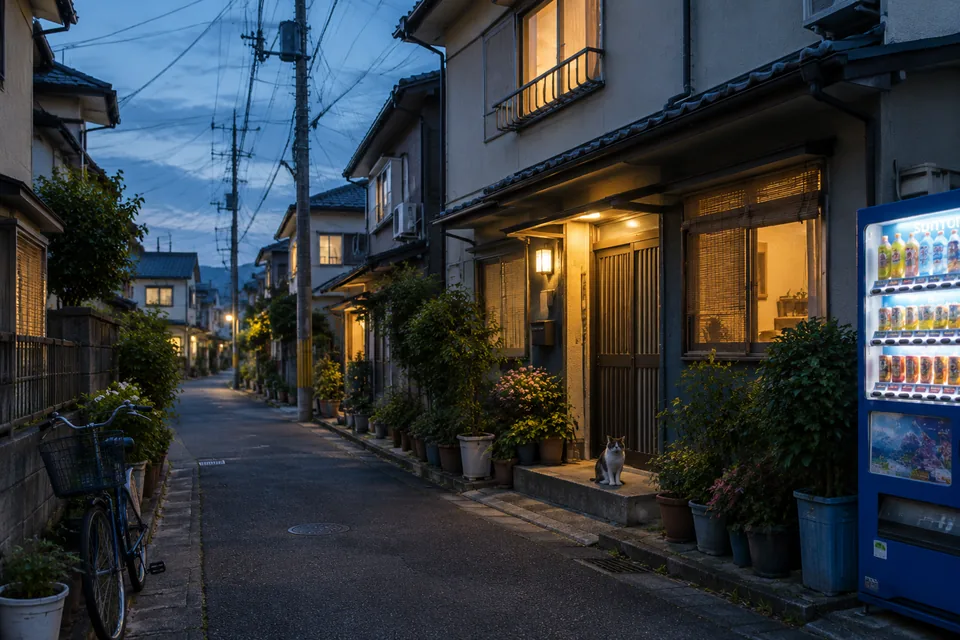
A dusk alley photo turned into a watercolor painting
The original dusk alley photo

PROMPT GUIDE

How to Write Prompts for Nano Banana 2.1

Prompt

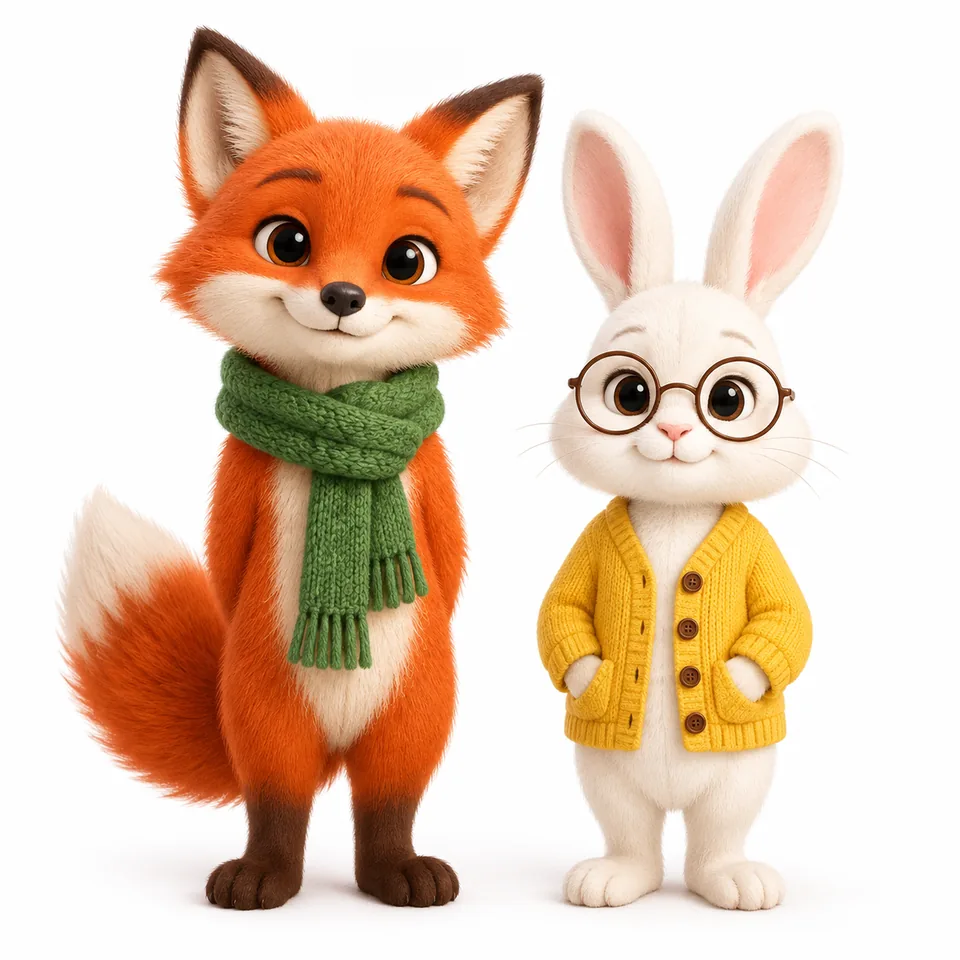
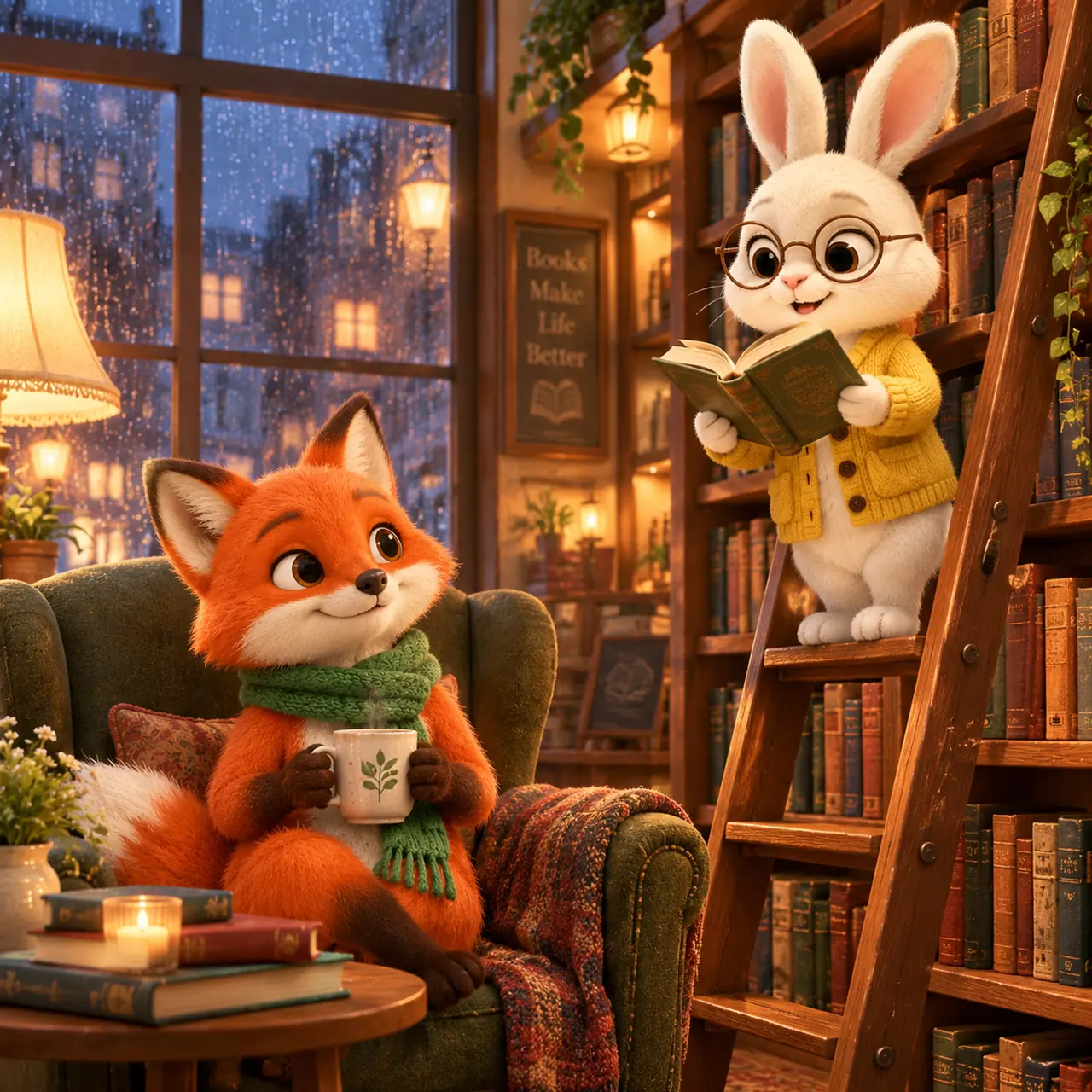
Put the fox and the rabbit from the reference image in a cozy bookstore on a rainy evening: the rabbit reads a book aloud from a rolling ladder, the fox listens from an armchair holding a mug. Keep both characters' faces, colors and outfits the same as the reference. 3D animated style, warm lamp light, rain on the window behind them.

Input

Input

Output

Output

Prompt

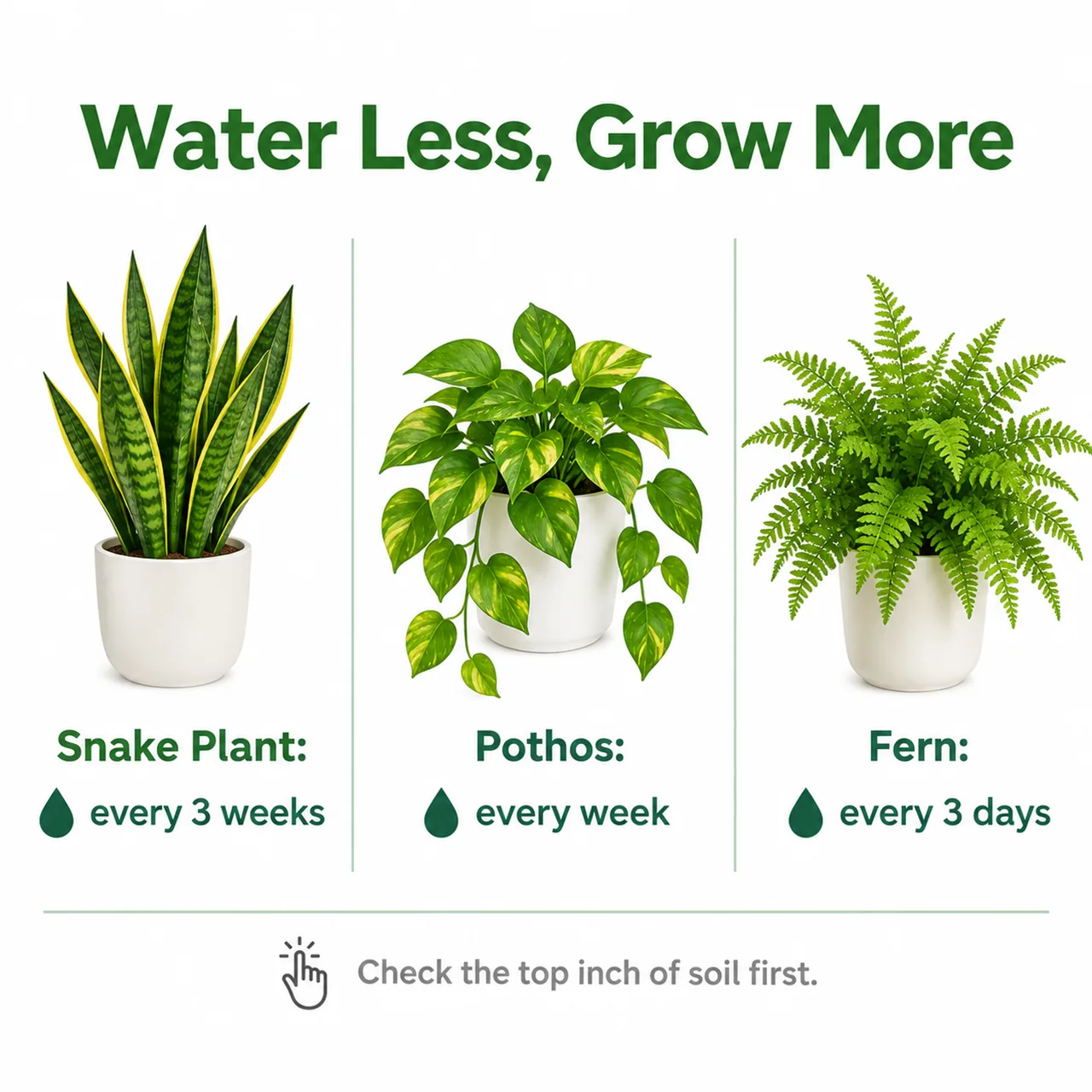
Clean flat infographic about houseplant watering on a white background. Title at the top in bold green sans-serif: "Water Less, Grow More". Three columns below, each with a simple plant icon and a short label: "Snake Plant: every 3 weeks", "Pothos: every week", "Fern: every 3 days". A thin divider line and a footer note in grey: "Check the top inch of soil first".

Output

Output

Prompt

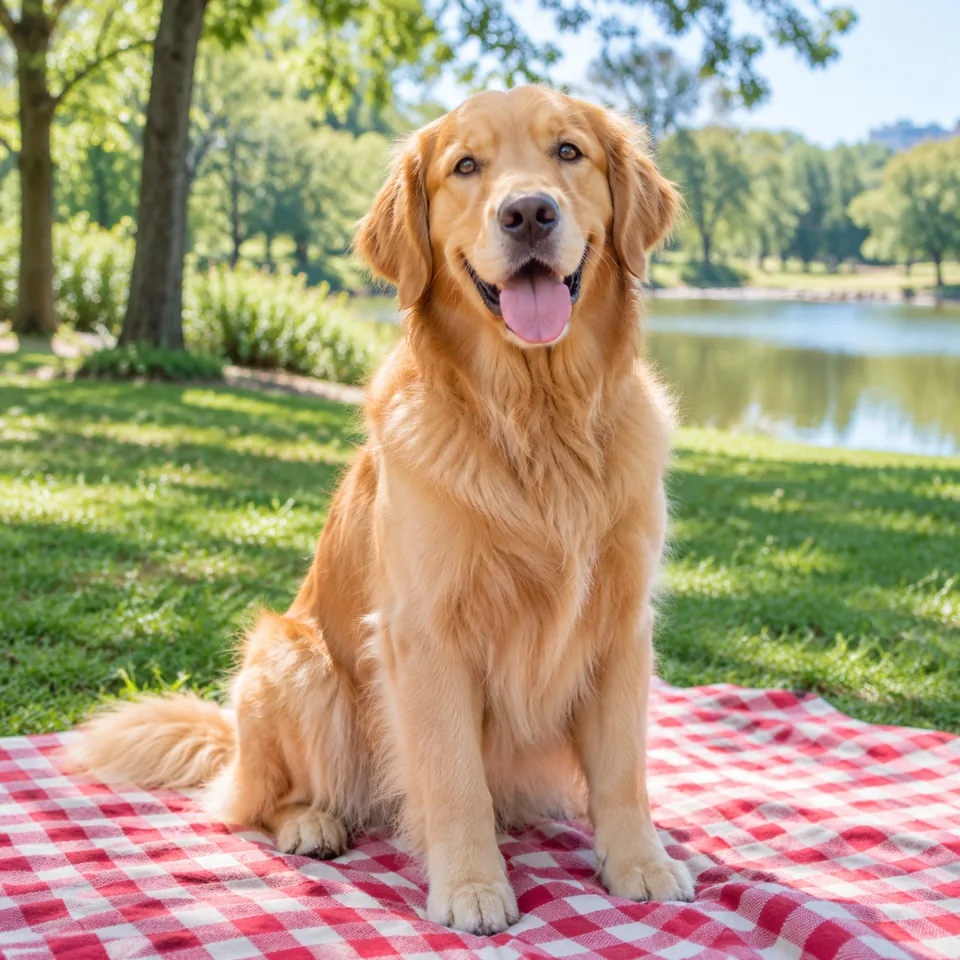
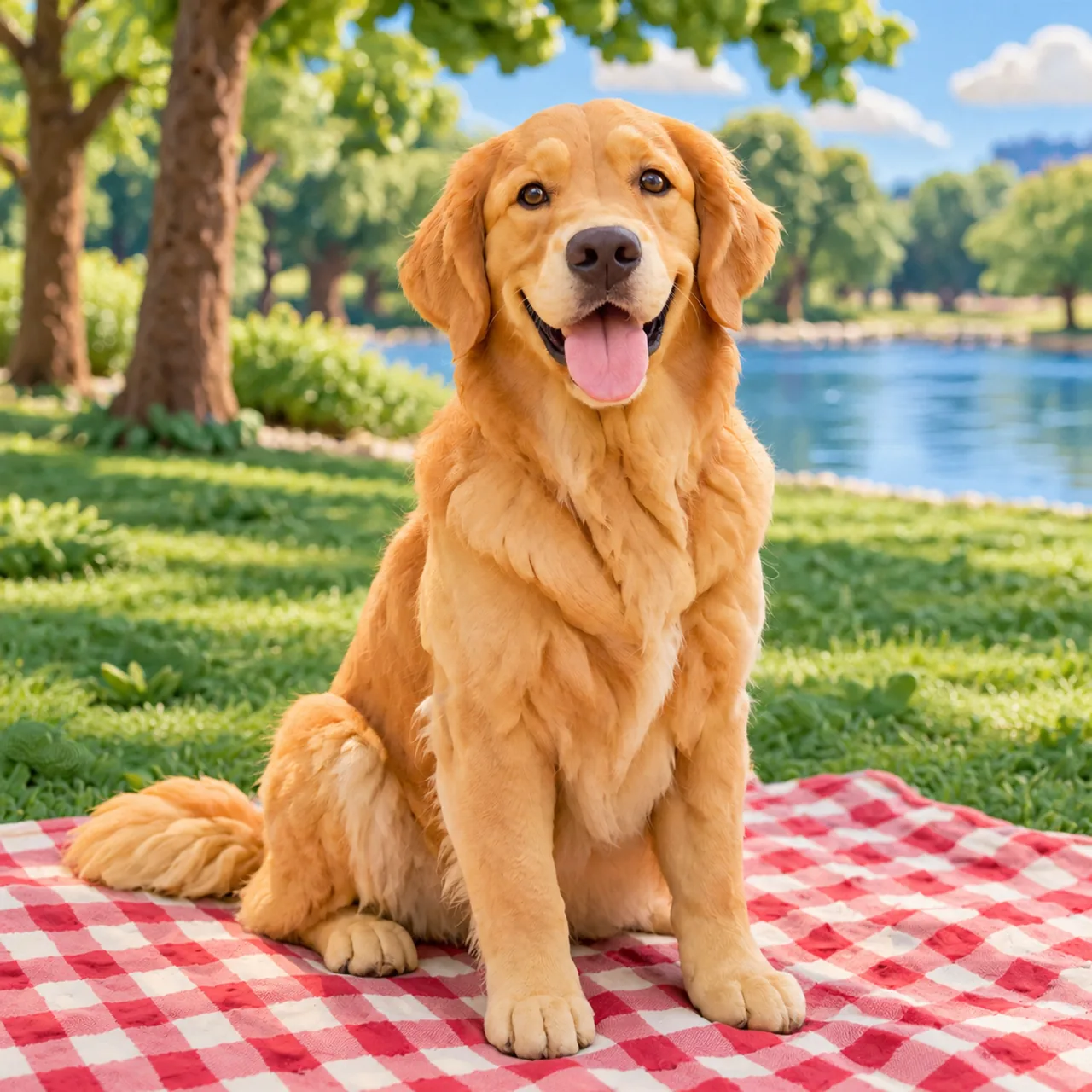
Turn this photo into a claymation scene with soft modeling-clay textures and visible fingerprints. Keep the dog's pose, the blanket and the park background in the same places.

Input

Input

Output

Output

USE CASES

What You Can Build with Nano Banana 2.1

E-Commerce Product Images

Place products into clean studio setups or lifestyle backgrounds using text prompts and reference photos. In Google's tests, the model scored 1024 for product consistency compared to 955 for Nano Banana 2. You can upload product shots to preserve item details across different lighting conditions and staging environments.

Social Media Visuals

Generate banners, promotional posts, and eye-catching artwork tailored to specific aspect ratios. The model handles varied artistic styles and prompt instructions directly in your browser. Pick an aspect ratio such as 1:1 or 9:16 on RiceBowl to fit feed posts or stories.

Comic Panels and Storyboards

Maintain character traits across sequential frames to plan comics or video scenes. The model scored 1106 in multi-character consistency in Google's tests, beating older models when placing recurring figures into new settings. Reference uploads help keep character features recognisable from frame to frame.

Infographics and Posters

Combine concise text, clear diagrams, and custom graphics for educational or marketing materials. The model scored 1048 for infographic design and 0.521 for factuality accuracy in Google's tests. It helps build structured poster layouts directly from text prompts and design references.

BALANCED REVIEW

Strengths and Limits of Nano Banana 2.1and what Google says it still gets wrong

Where It Performs Best

  • Higher Preference Scores: It scored 1050 in overall preference tests by Google, outperforming both Nano Banana 2 and Nano Banana Pro.
  • Improved Character Consistency: It scored 1106 in multi-character consistency tests by Google, making it easier to keep multiple subjects recognizable in new scenes.
  • Better Infographic Accuracy: Google's tests show the model achieved an infographic factuality score of 0.521, far higher than older models.
  • Stronger Image Editing: It scored 1066 for multi-reference editing in Google's tests, allowing clear combinations of style, subject, and background photos.
  • Browser Accessibility: On RiceBowl, Nano Banana 2.1 runs directly in your browser with prompt options and up to 8 reference image uploads.

Known Limitations

  • Blurry Small Text: Google lists small text as coming out blurry, particularly at 1K resolution. Tip: Generate your images at 2K or 4K resolution on RiceBowl and keep text labels brief.
  • Weak Long Paragraphs: Long paragraphs and full-page text remain weak. Tip: Limit in-image text to short headlines or brief captions.
  • Imperfection in Consistency: Character consistency between input reference images and the generated output is not always perfect. Tip: Upload clear, well-lit reference images to help the model retain core features.
  • Partial Mask Editing: Doodle and mask edits only partly follow user instructions in some image editing tasks. Tip: Use detailed text prompts alongside reference images instead of relying on mask edits alone.
  • Spatial Mix-Ups: The model occasionally mixes up left and right placement or keeps the original pose during editing. Tip: State spatial positions explicitly in your text prompt when setting up scenes.
Try It Free

MODEL FEATURES

Inside Nano Banana 2.1

01

Built on Gemini 3.6 Flash

The model is built on Google's Gemini 3.6 Flash architecture, part of the Gemini 3 family. It processes text and images together through a context window of up to 1M tokens to produce generated images and accompanying text outputs.

02

Thinking and No Thinking Modes

Google evaluates two modes, Thinking and No Thinking; Thinking scores higher on overall preference, character consistency, and infographic design.

03

Reference Image Workflows

RiceBowl lets you run Nano Banana 2.1 in your browser without installing software or managing API keys. Upload up to 8 reference images, pick 1K, 2K, or 4K resolution, and generate new visuals in a single workspace.

BUYER'S GUIDE

Is Nano Banana 2.1 Right for Your Workflow?

Nano Banana 2.1 or Nano Banana Pro?

Choose Nano Banana 2.1. In Google's tests, it outperforms Nano Banana Pro across overall preference (1050 vs 935), multi-character consistency (1106 vs 1011), and infographic accuracy (0.521 vs 0.265). It represents a clear upgrade over Pro for editing, stylization, and layout tasks.

Is Nano Banana 2.1 worth switching from Nano Banana 2?

Yes, the new model offers measurable improvements over Nano Banana 2. Google's test scores show gains in multi-reference editing (1066 vs 988), infographic design (1048 vs 961), and general editing (1026 vs 938). If you build complex graphics or edit multi-source visuals, the newer model delivers better results.

When should you not use Nano Banana 2.1?

Avoid it if your project depends heavily on rendering long paragraphs of text or flawless spatial precision. Google notes that long text blocks remain weak and the model can mix up left and right orientations. For dense typographic documents or exact positional edits, dedicated graphic design software is a safer choice.

BENCHMARKS

Nano Banana 2.1 vs Nano Banana 2 vs Nano Banana Pro

Google testNano Banana 2.1 (Thinking)Nano Banana 2Nano Banana Pro
Overall preference1050990935
Multi-character consistency11069781011
Multi-reference editing1066988989
Stylization1062991990
Infographic design1048961912
Infographic factuality0.5210.1790.265
General editing1026938939
Product consistency1024955965

Source: Google DeepMind Nano Banana 2.1 model card (Oct 6, 2026). Nano Banana 2.1 scores are Thinking mode; all rows are Elo except infographic factuality (accuracy).

Try It Free

GET STARTED

How to Use Nano Banana 2.1

Try It Free

01

Enter Your Prompt

Type a detailed description of the scene, subject, or image modifications you want to generate in the text box. Select your desired aspect ratio and choose output resolutions of 1K, 2K, or 4K.

02

Attach Reference Images

Optionally upload up to 8 reference images to guide character features, styles, or overall composition. The model processes your text and visual references together in a single prompt.

03

Generate and Download

Click Generate to run the model directly inside your web browser. Your generated output will appear in the feed below, ready for instant preview and download.

AI Image Generator Pricing

One balance, every model. Credits work across all 20 video models — no watermark, no tier-locked models, commercial use on every paid plan.

Save 30% billed annually

Flexible monthly subscription.

Mini Monthly

The lowest price to get started. Every model, a monthly budget to try things out.

$7.99/mo

Renews monthly, cancel anytime.

200 credits

≈ 0–10 videos, depending on the model

≈ 14–66 images, depending on the model

4.00¢ / credit

  • 1080p · No watermark · Commercial use
  • Credits reset every billing month
  • Access to all models
  • Watermark-free outputs
  • Buy an add-on credit pack
  • Standard support

Lite Monthly

The cheapest way to start. Every model, a small monthly budget.

$12.99/mo

Renews monthly, cancel anytime.

400 credits

≈ 1–20 videos, depending on the model

≈ 28–133 images, depending on the model

3.25¢ / credit

  • 1080p · No watermark · Commercial use
  • Credits reset every billing month
  • Access to all models
  • Watermark-free outputs
  • Buy an add-on credit pack
  • Standard support

Starter Monthly

Enough credits to try every model and finish a few clips each month.

$29.9/mo

Renews monthly, cancel anytime.

1,000 credits

≈ 3–50 videos, depending on the model

≈ 71–333 images, depending on the model

2.99¢ / credit

2 parallel tasks

  • 1080p · No watermark · Commercial use
  • Credits reset every billing month
  • Access to all models
  • Watermark-free outputs
  • Buy an add-on credit pack
  • Standard support

Standard Monthly

Popular

Steady output for solo creators going pro — every model, a comfortable budget.

$49.9/mo

Renews monthly, cancel anytime.

2,000 credits

≈ 6–100 videos, depending on the model

≈ 142–666 images, depending on the model

2.50¢ / credit

3 parallel tasks

  • 1080p · No watermark · Commercial use
  • Credits reset every billing month
  • Access to all models
  • Watermark-free outputs
  • Buy an add-on credit pack
  • Priority support

Advanced Monthly

High-volume production for prolific creators and small teams.

$89.9/mo

Renews monthly, cancel anytime.

5,000 credits

≈ 15–250 videos, depending on the model

≈ 357–1666 images, depending on the model

1.80¢ / credit

5 parallel tasks

  • 1080p · No watermark · Commercial use
  • Credits reset every billing month
  • Access to all models
  • Watermark-free outputs
  • Buy an add-on credit pack
  • Priority support

Frequently Asked Questions About Nano Banana 2.1

Try It Free
What is Nano Banana 2.1?

Nano Banana 2.1 is Google's new image generation and editing model released on October 6, 2026. Built on Gemini 3.6 Flash, it processes text and images together through a context window of up to 1M tokens to output images and text.

Is Nano Banana 2.1 free?

Yes, you can try it free on RiceBowl AI. New accounts get 20 free credits on sign-up, no card required. Each image you generate uses credits from your balance.

Nano Banana 2.1 vs Nano Banana Pro: what's different?

The new model outperforms Nano Banana Pro across Google's preference tests, scoring 1050 in overall preference compared to Pro's 935. It also shows marked improvements in multi-character consistency (1106 vs 1011) and infographic factuality (0.521 vs 0.265).

Is Nano Banana 2.1 better than Nano Banana 2?

Yes, in Google's tests the new model achieved higher Elo scores than Nano Banana 2 in overall preference (1050 vs 990), multi-reference editing (1066 vs 988), and general image editing (1026 vs 938). It also leads in multi-character consistency (1106 vs 978) and stylization (1062 vs 991).

How do I get access to Nano Banana 2.1?

Google offers Nano Banana 2.1 in the Gemini app, Google AI Studio, the Gemini API, AI Mode in Google Search, Google Ads, Google Flow, and Google Stitch. On RiceBowl, you can run it instantly in your browser without any setup.

Is there a Nano Banana 2.1 API?

Yes, Google offers access to the model through the Gemini API and Google AI Studio for developer integrations. On RiceBowl, you can generate images with it directly in your browser without needing an API key.

How many reference images can I upload?

On RiceBowl, you can upload up to 8 reference images per generation to guide the model. This allows you to combine styles, characters, and backgrounds into a single visual output.

What are Nano Banana 2.1's limitations?

Google lists several known limitations for the model, including blurry small text at 1K resolution and weak rendering of long paragraphs. Additionally, character consistency from input images is not always perfect, doodle or mask edits only partly follow instructions, spatial left/right mix-ups can occur, and world knowledge remains limited.

Can I use Nano Banana 2.1 images commercially?

Yes. Images you generate on RiceBowl can be used commercially for your projects or business materials. If you generate images in Google's own apps instead, Google's terms apply there.

RELATED

Explore Related Nano Banana Models and Tools

Start Generating with Nano Banana 2.1 Today

Experience Google's newest image model in your browser with no installation needed.

Generate with Nano Banana 2.1 Free

Start Generating with Nano Banana 2.1 Today

Try It Free