






Nano Banana Image Generator

Nano Banana is Google's family of Gemini image models: the original, Nano Banana Pro, Nano Banana 2 and Nano Banana 2 Lite. Each one generates and edits images from plain-English instructions. Pro, 2 and 2 Lite run in the generator below; Google's Gemini API retires the original on October 2, 2026. New accounts get 20 free credits, and a 1K image on 2 Lite costs 5.

Estimated — credits

GALLERY

Unlock Creative Possibilities with Nano Banana

Placeholder sample image, not a model output

Feature 01

State-of-the-Art Image GenerationText to Image and Image to Image in One Model

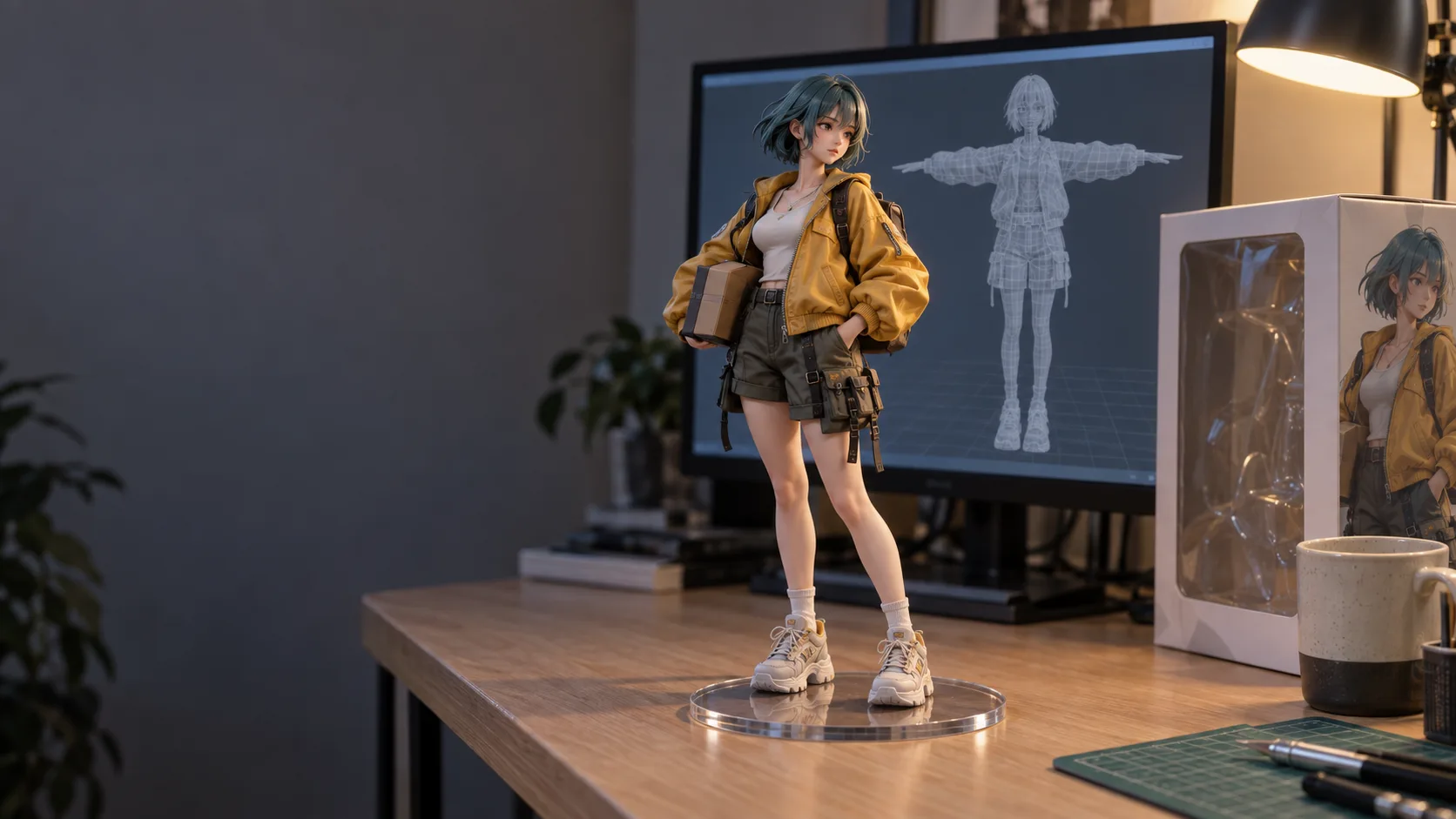
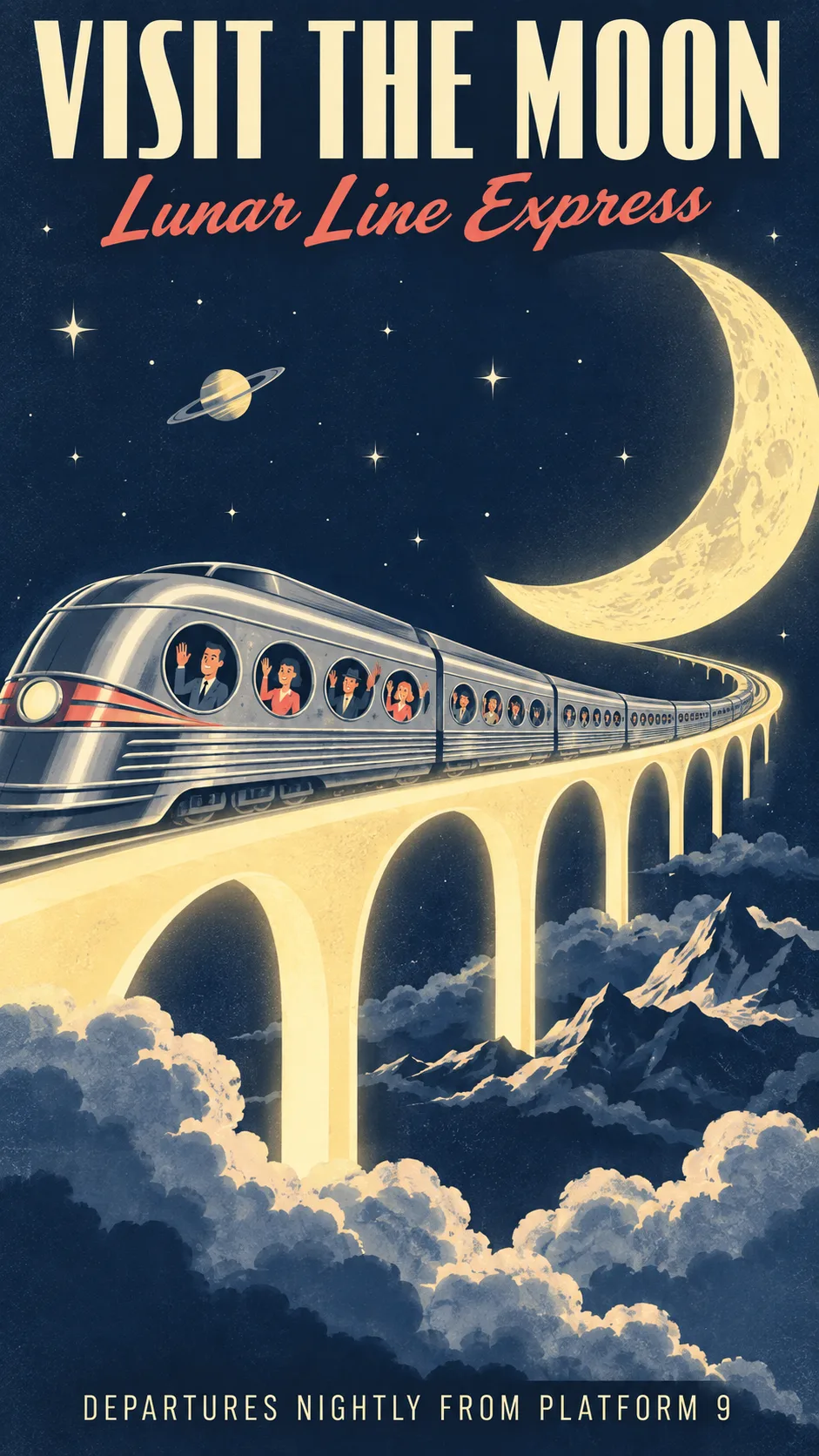
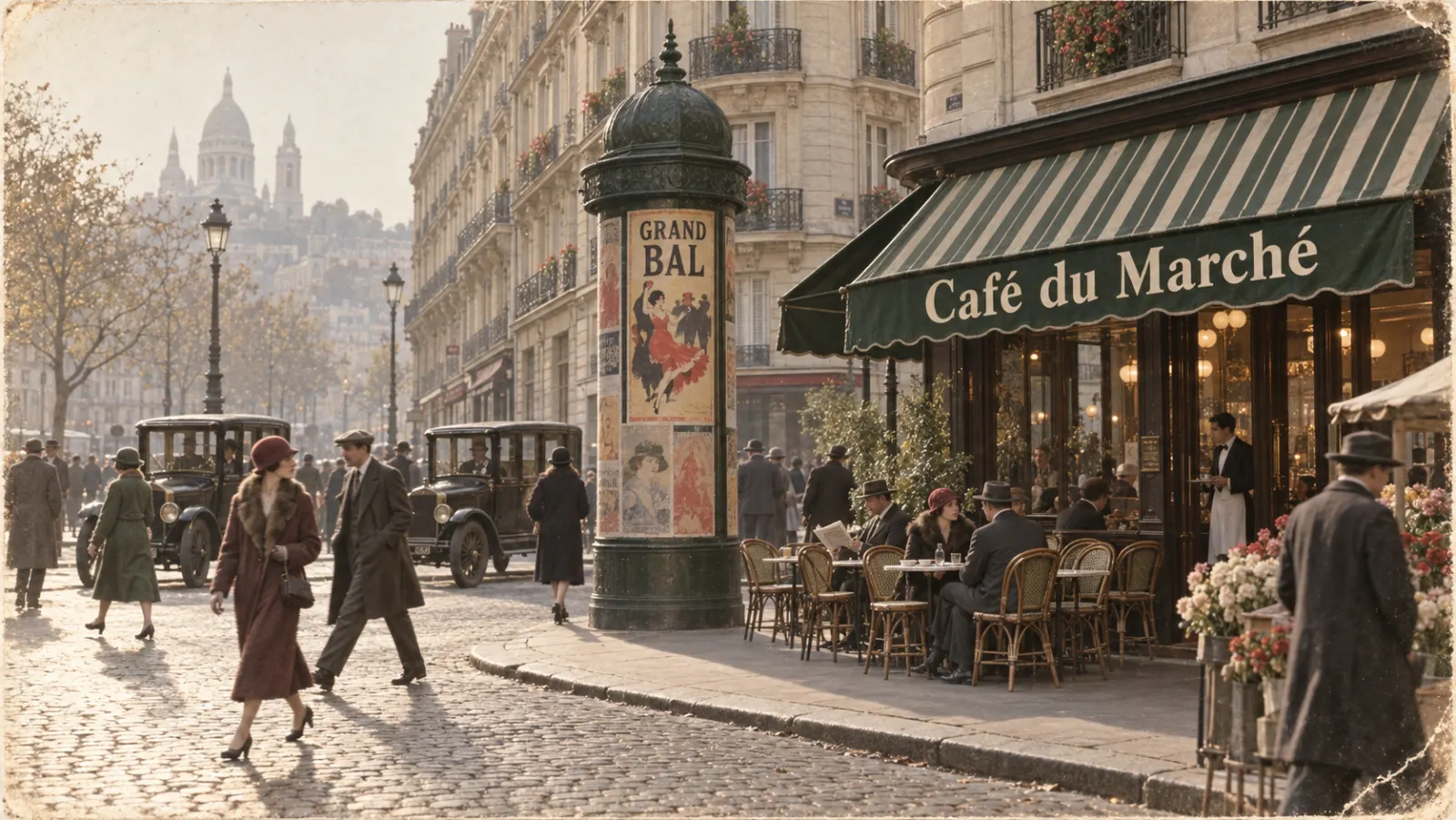
Google launched the first model, Gemini 2.5 Flash Image, on August 26, 2025, and its nickname stuck to the whole line. Every member takes a text prompt, one or more images, or both, and returns a finished picture. Because the models are built on Gemini, they bring its world knowledge along: ask for a botanical plate of a monstera or a street in 1920s Paris and the details come out plausible without a paragraph of explanation.

  • Text-to-image and image-to-image in the same model
  • Gemini world knowledge fills in believable detail
  • An invisible SynthID watermark on every output
Placeholder image, not a model output

Feature 02

Perfect Character ConsistencySame Face, New Scene

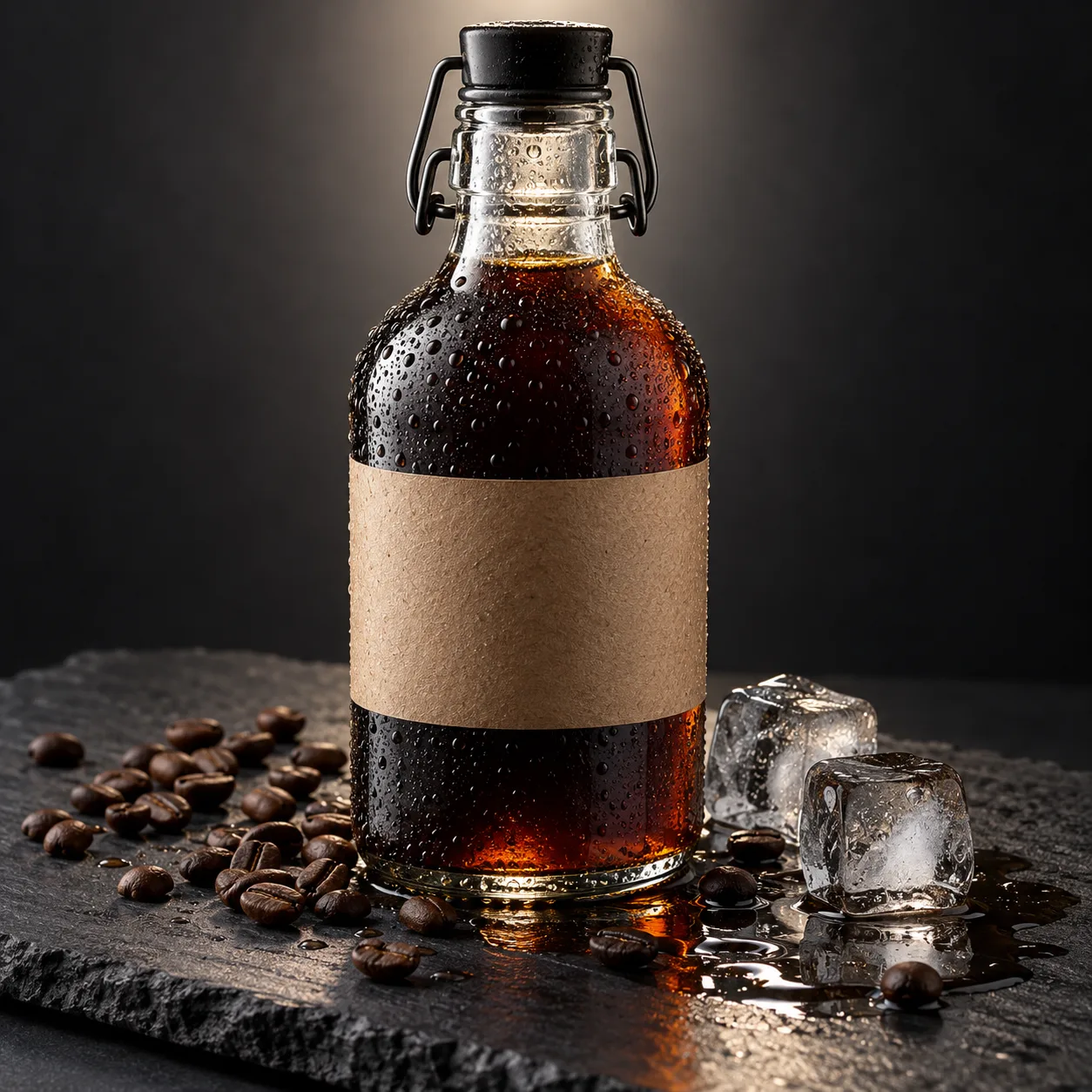
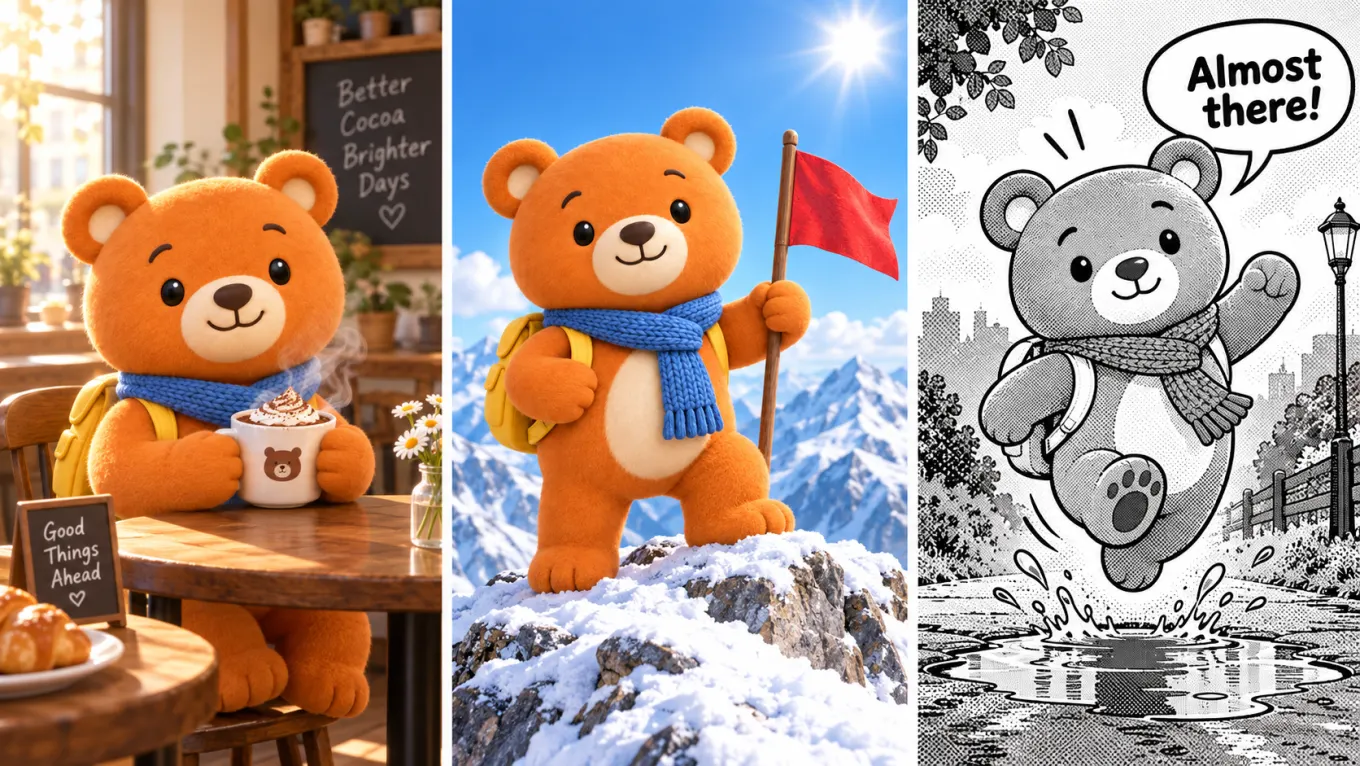
Keeping a person or a mascot recognisable across images was the headline feature at launch, and it is still the reason most people try these models. Put your character in a café, then on a mountain, then in a comic panel, and the face, hair and outfit carry over. Nano Banana Pro goes furthest: Google says it keeps the resemblance of up to five people in one composition.

  • Faces and outfits carry across scenes
  • Ideal for storyboards, comics and brand mascots
  • Pro keeps up to five people consistent in one frame
Placeholder image, not a model output
Perfect Character Consistency

Feature 03

Natural Language Image RefinementEdit a Photo by Describing the Change

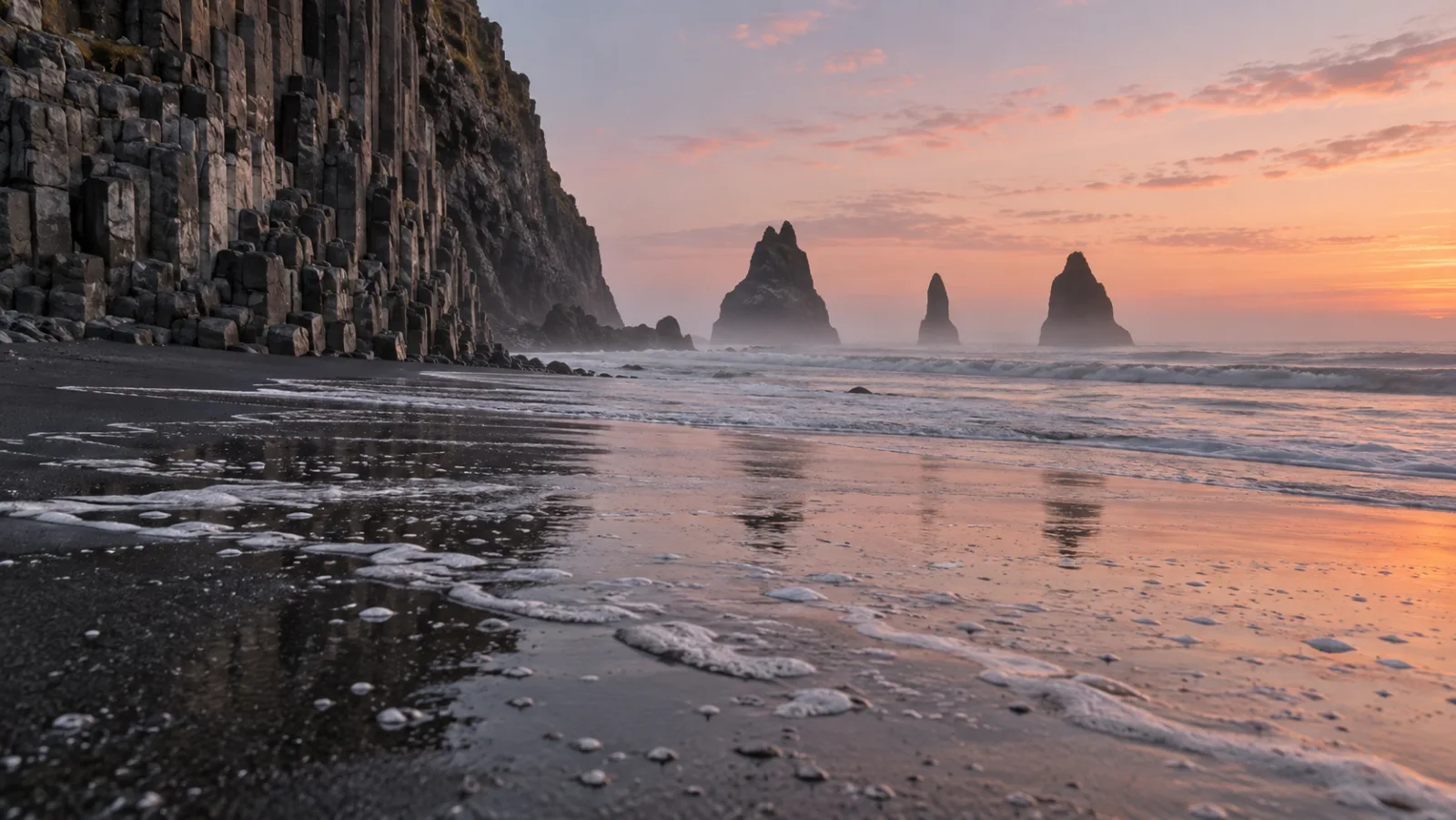
No masks, no layers. Type "blur the background", "remove the stain on the shirt" or "make it golden hour" and Nano Banana changes only that. You can keep going in the same thread: fix the lighting, then swap the jacket, then crop to 9:16. Prompts work in many languages, and the newer models can also translate the text already inside an image.

  • Targeted edits from a single sentence
  • Iterate step by step on the same image
  • Prompts in many languages; Pro and 2 translate in-image text
Placeholder image, not a model output
Natural Language Image Refinement

Feature 04

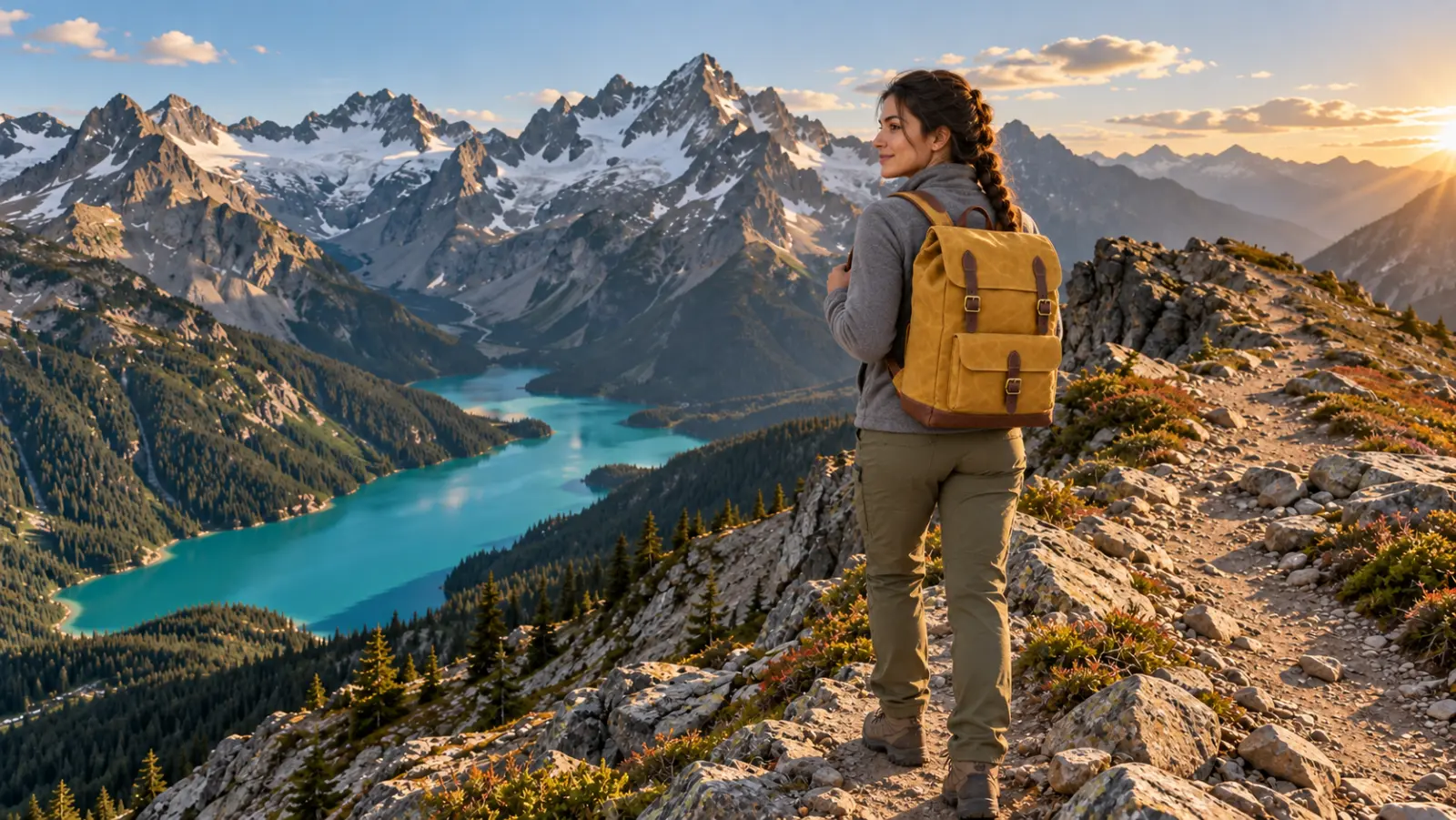
Seamless Multi-Image FusionBlend Several Pictures into One

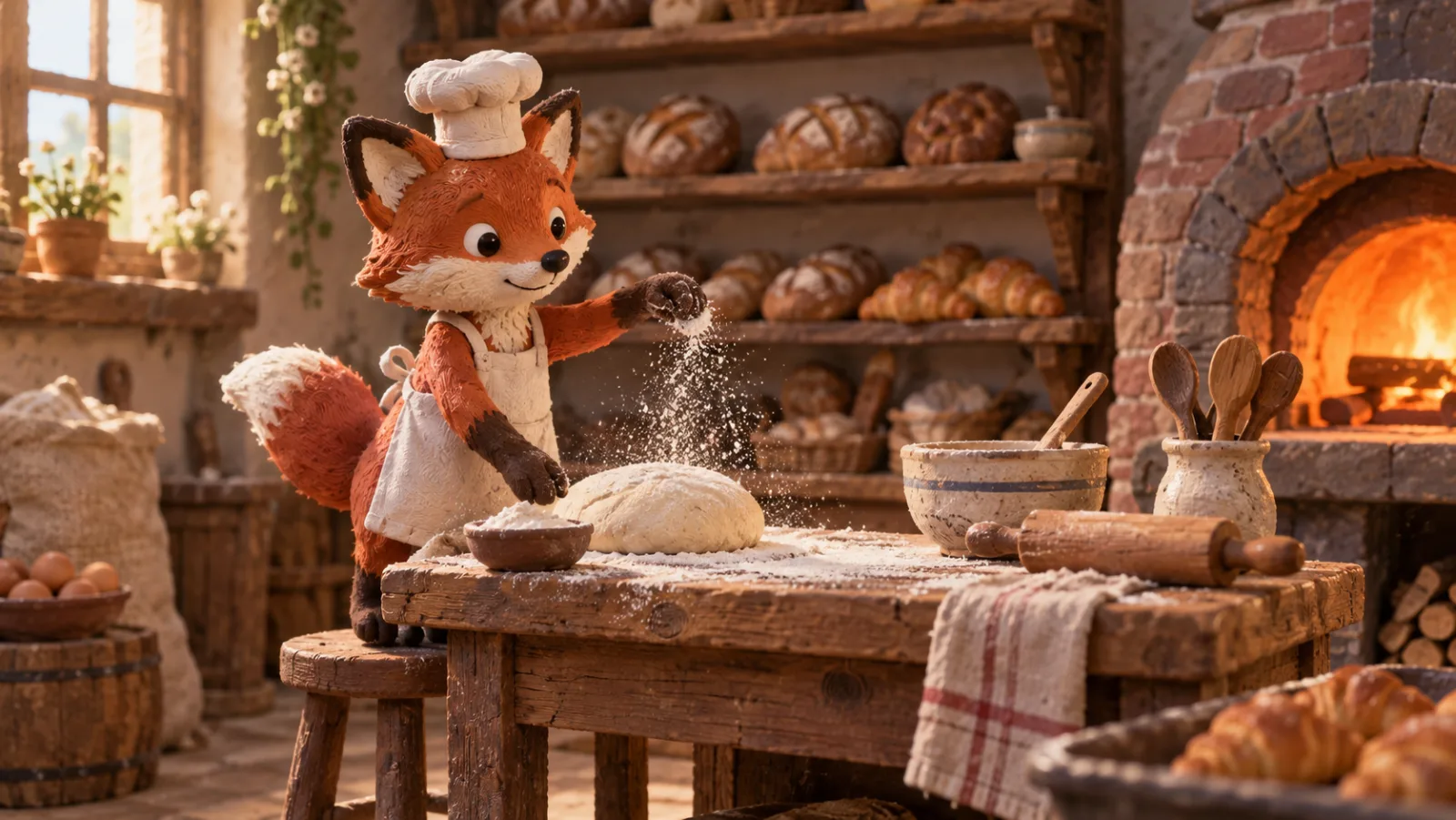
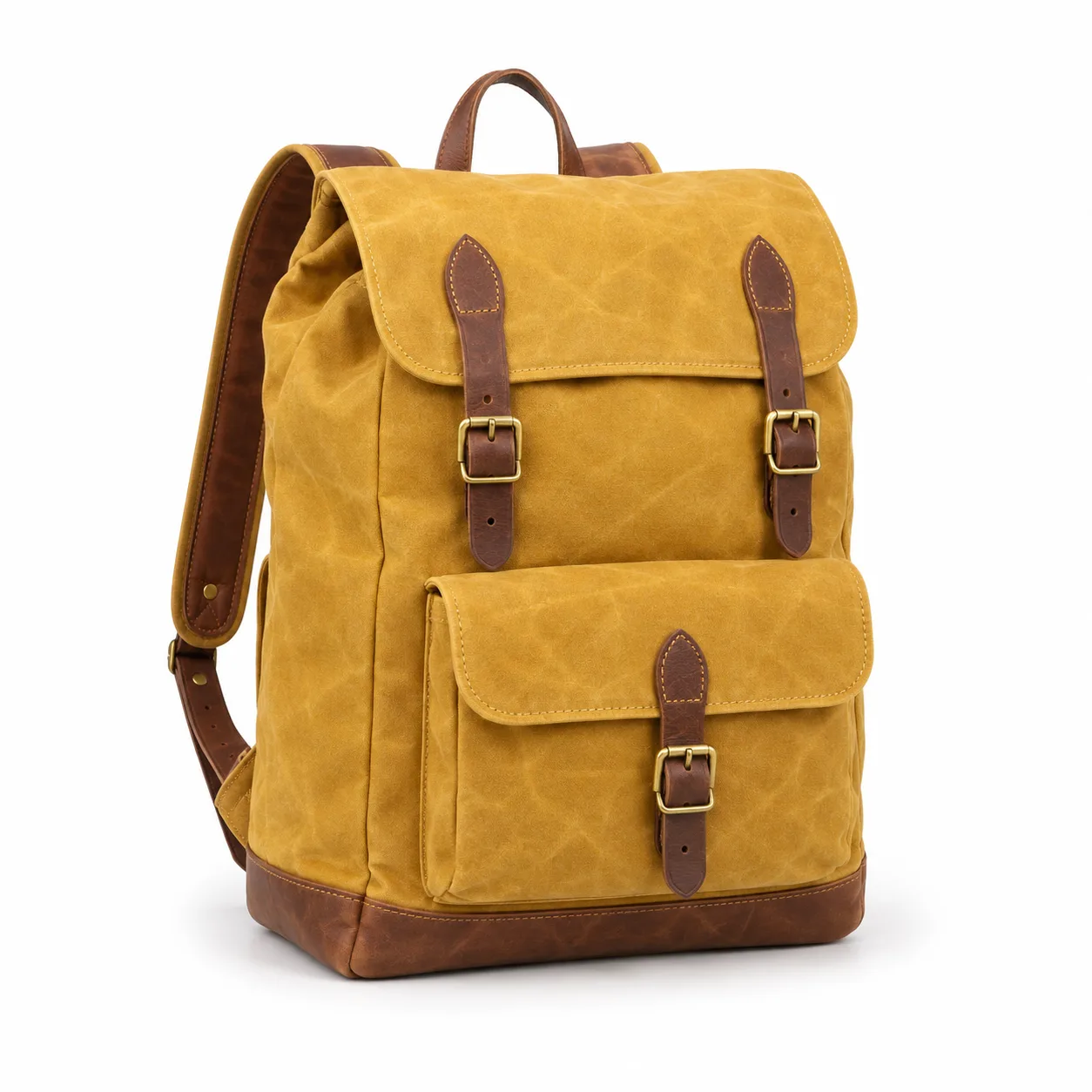
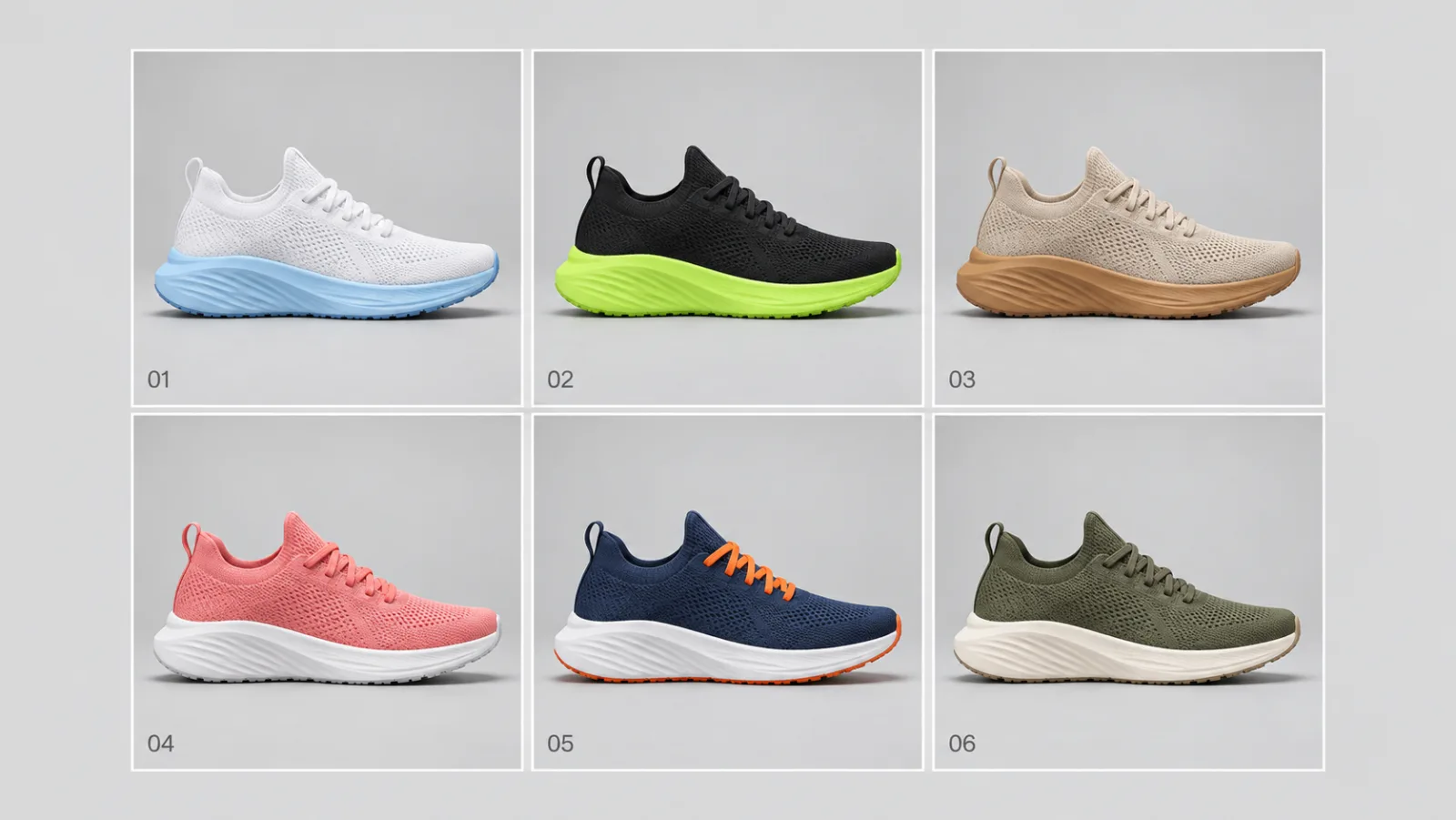
Upload a product, a model and a location and ask for one photo of all three together. The original Nano Banana accepts up to 5 references per request on Ricebowl; the newer three take up to 8 here. Google's API goes further for the Gemini 3 models, with up to 14 reference images, but the Ricebowl uploader is capped at 8 today.

  • Combine products, people and places in one shot
  • 5 references for the original, 8 for the newer three on Ricebowl
  • Up to 14 inputs at the model level for Gemini 3 image models
Placeholder image, not a model output
Seamless Multi-Image Fusion

Feature 05

Ultra-Fast Image ProcessingFlash Models Built for Iteration

Three of the four are Flash models, designed for low latency so you can try ten ideas in the time a heavier model takes for two. Nano Banana 2 Lite is Google's fastest and cheapest image model; one developer quoted on Google DeepMind's page measured it at about 2.7 times faster than 2 for 1K images. Pro is the exception: it runs a thinking pass on every request, which costs time and buys accuracy.

  • Flash models tuned for quick iteration
  • 2 Lite is Google's fastest image model
  • Pro trades speed for a reasoning pass
Placeholder image, not a model output

PROMPT EXAMPLES

Nano Banana Prompts

Prompt

Keep the person exactly as in the photo. Change the background to a sunlit Mediterranean terrace with white walls and bougainvillea, soft afternoon light, same pose and outfit, 9:16.

Reference

Reference input, placeholder

Result

Generated output, placeholder

Prompt

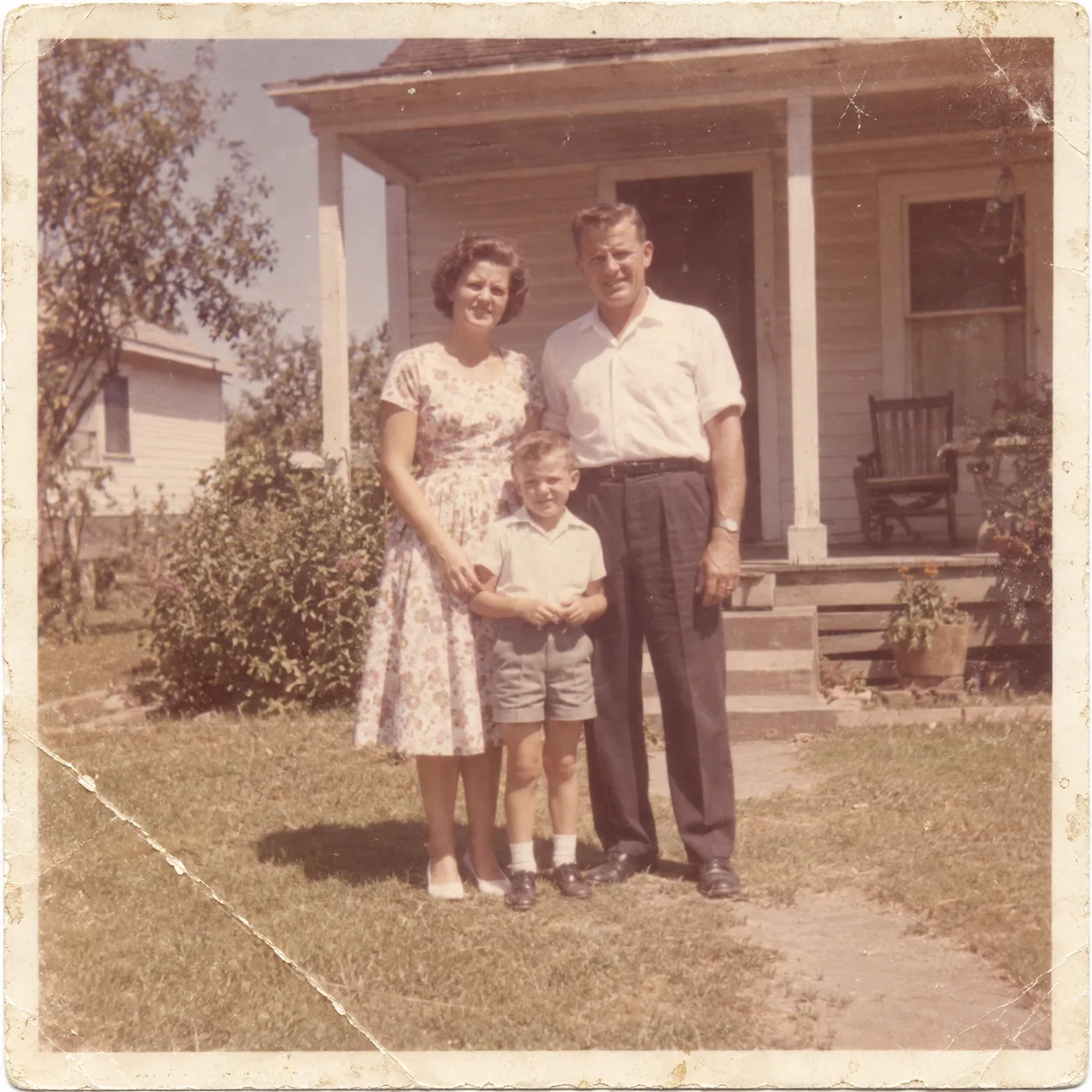
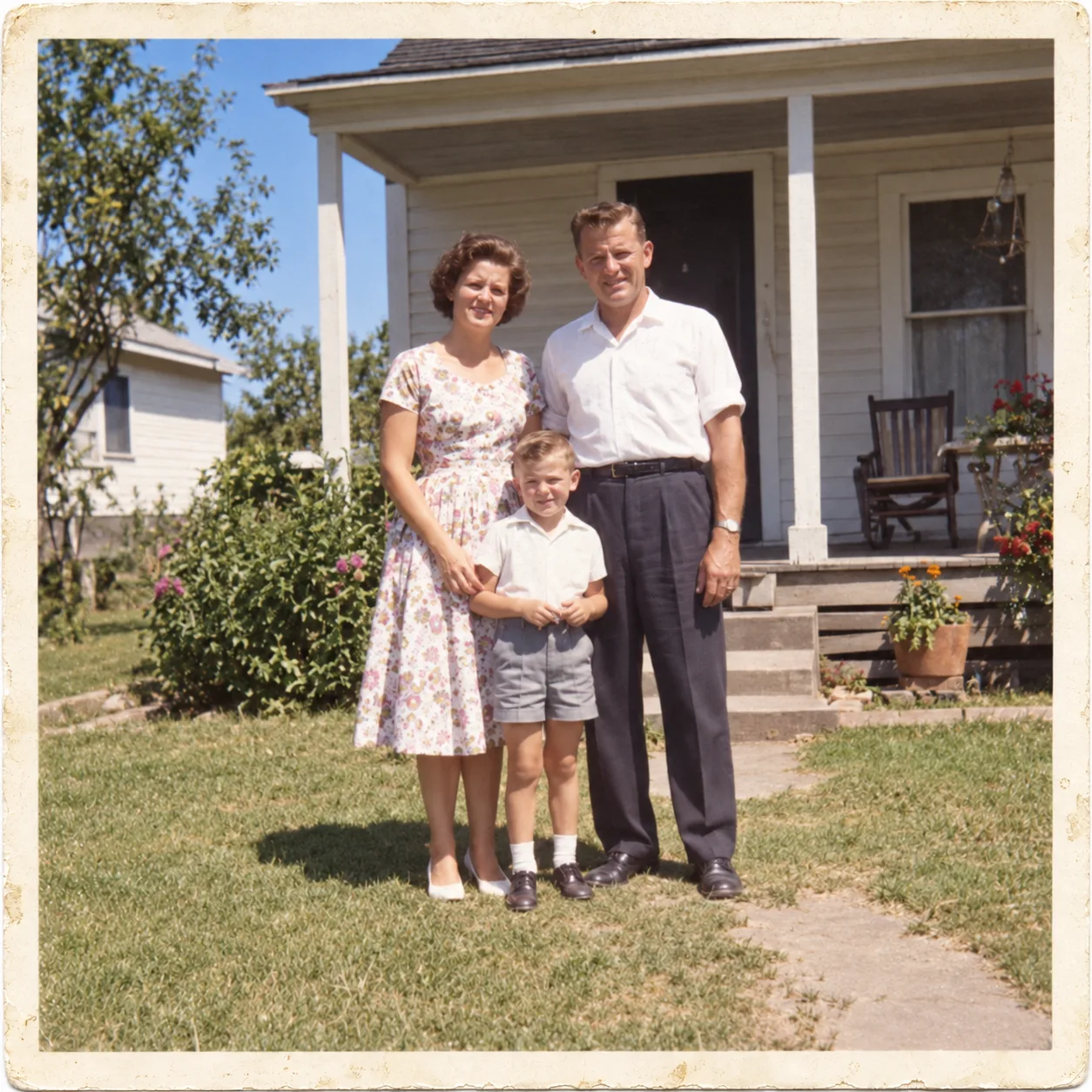
Restore this old photo: remove scratches and dust, fix the faded colours, sharpen the faces slightly, keep the original clothing and composition, 1:1.

Reference

Reference input, placeholder

Result

Generated output, placeholder

USE CASES

Who Uses Nano Banana

Online sellers swapping backgrounds

Drop a phone photo of the product, describe the new setting, and get a clean catalogue shot. Do the whole range at 1K with Nano Banana 2 Lite for 5 credits each, then redo the hero image at 2K with Nano Banana Pro.


People making profile pictures and headshots

Upload a selfie and ask for a studio headshot, a LinkedIn photo or a stylised avatar. Character consistency keeps it recognisably you.

Families restoring old photos

Remove scratches, repair faded colour and sharpen faces on scanned prints. Say what to keep, such as the clothing and the composition, and the model leaves it alone.

Storytellers and comic makers

Keep one character consistent across a dozen panels or storyboard frames, changing only the scene and the pose.

Designers localising visuals

Pro and 2 can render and translate text inside an image, so one poster becomes versions for several markets without rebuilding the layout.

WHAT USERS SAY

What Creators Keep Pointing Out

01

Plain-English editing is the hook

Most people arrive for the editing, not the generation: describe a change and it happens, with no selection tools. That is what made the first release go viral.

02

The names are confusing

Four models share one nickname and users regularly compare the wrong ones. The short version: Pro for quality, 2 for speed with search, 2 Lite for volume, and the original is on its way out.

03

Faces hold up across edits

Character consistency is the most praised capability, especially for headshots and storyboards.

04

Small text used to break

The original struggled with dense lettering. Pro fixed most of that, which is why text-heavy work moved there.

Try Nano Banana Free

WHICH ONE

Which Nano Banana Should You Use

Nano Banana Pro for any final image and anything with text: it is Google's premium model and on Ricebowl it costs 8 credits at 2K, less than 2 (12). Use 2 when you want Flash speed or Google Image Search grounding. Use 2 Lite for bulk 1K drafts at 5 credits. Skip the original: Google's Gemini API retires it on October 2, 2026.

Nano Banana Pro

Final images and anything with text. 8 credits at 1K or 2K and 14 at 4K on Ricebowl, cheaper than 2 at the larger sizes.

Nano Banana 2

Flash speed plus Google Search and Image Search grounding. 8, 12 or 18 credits for 1K, 2K or 4K.

Nano Banana 2 Lite

Bulk 1K drafts at 5 credits each. Google's recommended replacement for the original.

Nano Banana (original)

Retiring. Google's Gemini API shuts down Gemini 2.5 Flash Image on October 2, 2026; Vertex AI follows on March 15, 2027. Move existing prompts to 2 Lite.

WHAT SETS IT APART

What Makes Nano Banana Stand Out

01

Use Nano Banana Without the Gemini App

You do not need a Google account, a Gemini subscription or an API key. In the Gemini app the default is now Nano Banana 2, and only paid Google AI Pro and Ultra subscribers can reach Pro. On Ricebowl you pick Pro, 2 or 2 Lite from the model menu and pay per image in credits.

02

One workspace, the whole family, one price list

Switch models without re-uploading your references and compare results side by side. Credits are shown before you press generate, so the difference between a 5-credit draft and a 14-credit 4K render is always visible.

OUR TAKE

Our Verdict on Nano Banana

How to choose between the four

Default to Nano Banana Pro. On Ricebowl it costs the same 8 credits as 2 at 1K and less at 2K and 4K, and Google ranks it top for quality and text. Drop to 2 Lite only for bulk 1K drafts, and to 2 only when speed or image-search grounding matters more than the last bit of quality.

Is the original still worth using?

No. Google has deprecated Gemini 2.5 Flash Image, and the Gemini API shuts it down on October 2, 2026, telling developers to move to Nano Banana 2 Lite for better quality, faster generation and lower API pricing ($0.0336 vs $0.039 per image). On Ricebowl both cost 5 credits, so switch to 2 Lite in the model menu now.

Editing or generating from scratch: which saves credits?

Neither. On Ricebowl a Google image costs the same whether you start from a prompt or a photo, and reference images add nothing. The saving comes from the model and size: 5 credits for a 1K image on Nano Banana 2 Lite, 8 for a 2K image on Nano Banana Pro.

COMPARISON

Nano Banana vs GPT Image 2

FeatureNano Banana family (Pro / 2 / 2 Lite)GPT Image 2
DeveloperGoogle DeepMindOpenAI
Keeping a person consistentCore strength; Pro holds up to 5 peopleStrong on a single reference
Text inside imagesPro is Google's best for legible textMuch improved; OpenAI notes placement can slip
Editing stylePlain-English edits, relighting, translationHigh-fidelity reference edits, mask as guidance
Search groundingWeb search; 2 adds image searchNone
Largest output4K on Pro and 2; 1K on 2 Lite4K
Aspect ratios on RicebowlAuto, 1:1, 16:9, 9:1611 ratios from 21:9 to 9:21
Ricebowl credits, 1K / 2K / 4KPro 8 / 8 / 14; 2 8 / 12 / 18; 2 Lite 5 (1K)6 / 10 / 16
Pick it forPortraits, characters, text-heavy postersProduct shots from a reference, wide banners, single-line titles and labels

Both families run on Ricebowl; switch in the model menu. Credits are per image; GPT Image 2 adds 1 credit for each reference after the first, Google's models do not.

Try Nano Banana Free

HOW IT WORKS

How To Use Nano Banana on Ricebowl for Free

Try Nano Banana Free

01

Pick a model

Open the model menu in the generator above and choose Nano Banana Pro, Nano Banana 2 or Nano Banana 2 Lite. Create a free account: it comes with 20 credits and a 1K image on 2 Lite costs 5, with no card.

02

Upload and describe

Add a photo to edit, or several to blend, then write what should change or what to create. Keep instructions in plain sentences.

03

Generate and refine

Press generate, review the result, and send a follow-up instruction to adjust it. Download the final image from the card.

REVIEWS

Loved by Creators and Marketers Globally

Notes from people who use Google's image models for everyday edits.

Clara Jensen

I photograph my ceramics on the kitchen table and turn them into studio shots in one sentence each.

Etsy seller

Rahul Mehta

My comic character looks the same in every panel. That used to take me hours of redraws.

Freelance illustrator

Beatriz Souza

Drafts on Nano Banana 2 Lite, finals on Nano Banana Pro. The credit difference is right there before I press generate.

Social media manager

Tom Fischer

I restored forty scanned family photos in an evening. Faces stayed faces.

Hobby genealogist

Yuki Sato

Half my candidates now send headshots made from a selfie. I made mine here too.

Recruiter

AI Image Generator Pricing

One balance, every model. Credits work across all 19 video models — no watermark, no tier-locked models, commercial use on every paid plan.

Save 30% billed annually

Flexible monthly subscription.

Starter Monthly

Enough credits to try every model and finish a few clips each month.

$29.9/mo

Renews monthly, cancel anytime.

1,000 credits

≈ 3–50 videos, depending on the model

≈ 71–333 images, depending on the model

2.99¢ / credit

2 parallel tasks

  • 1080p · No watermark · Commercial use
  • Credits reset every billing month
  • Access to all models
  • Watermark-free outputs
  • Buy an add-on credit pack
  • Standard support

Standard Monthly

Popular

Steady output for solo creators going pro — every model, a comfortable budget.

$49.9/mo

Renews monthly, cancel anytime.

2,000 credits

≈ 6–100 videos, depending on the model

≈ 142–666 images, depending on the model

2.50¢ / credit

3 parallel tasks

  • 1080p · No watermark · Commercial use
  • Credits reset every billing month
  • Access to all models
  • Watermark-free outputs
  • Buy an add-on credit pack
  • Priority support

Advanced Monthly

High-volume production for prolific creators and small teams.

$89.9/mo

Renews monthly, cancel anytime.

5,000 credits

≈ 15–250 videos, depending on the model

≈ 357–1666 images, depending on the model

1.80¢ / credit

5 parallel tasks

  • 1080p · No watermark · Commercial use
  • Credits reset every billing month
  • Access to all models
  • Watermark-free outputs
  • Buy an add-on credit pack
  • Priority support

FAQs

What the four models are, what they cost on Ricebowl, and which one to pick.

Try Nano Banana Free
Can I use Google Nano Banana (Gemini 2.5 Flash Image) for free?

Yes, to start. New Ricebowl accounts get 20 free credits on sign-up, and a 1K image on 2 Lite costs 5 credits (the original is the same price until Google's Gemini API retires it on October 2, 2026), so your first images need no card. After that you pay per image with credits from a plan or a top-up.

What is Nano Banana?

It is the nickname for Google's Gemini image models. There are four: the original (Gemini 2.5 Flash Image, August 2025), Pro (Gemini 3 Pro Image, November 2025), 2 (Gemini 3.1 Flash Image, February 2026) and 2 Lite (Gemini 3.1 Flash Lite Image). All generate and edit images from text and image inputs.

Why use Nano Banana (Gemini 2.5 Flash Image)?

It made plain-English photo editing, character consistency and multi-image blending mainstream. Today there is little reason to pick the original Nano Banana itself: Google's Gemini API shuts it down on October 2, 2026 (Vertex AI keeps it until March 15, 2027) and Google recommends 2 Lite, which costs the same 5 credits on Ricebowl.

What projects is Gemini 2.5 Flash Image best-suited for?

Quick 1K edits: background swaps, object removal, simple restorations and avatar variations. For new projects, run the same jobs on 2 Lite, its designated replacement, or on Pro when quality and text matter.

What art styles does Google Nano Banana image generator support?

Photorealism, studio product shots, watercolour, oil painting, anime, comic, pixel art, 3D render, claymation and more. Name the style in the prompt, or upload a reference image and ask the model to match it.

Will Nano Banana 2 also be available on Ricebowl?

It already is. Nano Banana 2 runs in the same generator at 8, 12 or 18 credits for 1K, 2K or 4K. See the dedicated Nano Banana 2 page for its features and how it compares with Pro.

Can developers access Nano Banana through an API?

Yes, through Google's Gemini API and Vertex AI. Model IDs are gemini-3-pro-image, gemini-3.1-flash-image, gemini-3.1-flash-lite-image and gemini-2.5-flash-image. Google's per-image prices range from $0.0336 for 2 Lite at 1K to $0.24 for Pro at 4K.

Which Nano Banana model should I pick?

Nano Banana Pro for final images and anything with text; on Ricebowl it is also cheaper than 2 at 2K and 4K. Nano Banana 2 for fast iteration with search grounding. Nano Banana 2 Lite for large batches of 1K drafts. Not the original, which Google's Gemini API retires on October 2, 2026.

Can Nano Banana edit a photo of me?

Yes. Upload a clear photo and describe the change, such as a new background, outfit or lighting. Nano Banana keeps faces recognisable. Only upload photos of yourself or people who have agreed, and note that every output carries Google's invisible SynthID watermark.

What file types does Nano Banana accept?

Common image files work as references. On Ricebowl you can attach up to 5 references per request for the original Nano Banana and up to 8 for the other three.

Where can I use Google's Nano Banana models in one place?

Right here on Ricebowl. Pro, 2 and 2 Lite run in the generator at the top of this page; Google's Gemini API retires the original on October 2, 2026. Sign-up gives you 20 free credits, enough for four 1K images on 2 Lite, and the same workspace also runs GPT Image 2 and 30+ other image and video models.

Try Nano Banana on RicebowlNow!

Google's Nano Banana image models, plain-English editing, and the credit cost shown before you generate.

Try Nano Banana Free

FREE CREDITS ON SIGN-UP · PRO / 2 / 2 LITE · UP TO 8 REFERENCES · NO GEMINI APP

Try Nano Banana on Ricebowl

Try Nano Banana Free