Release
It was officially released on 2026-09-20 by the Qwen team working at Alibaba.
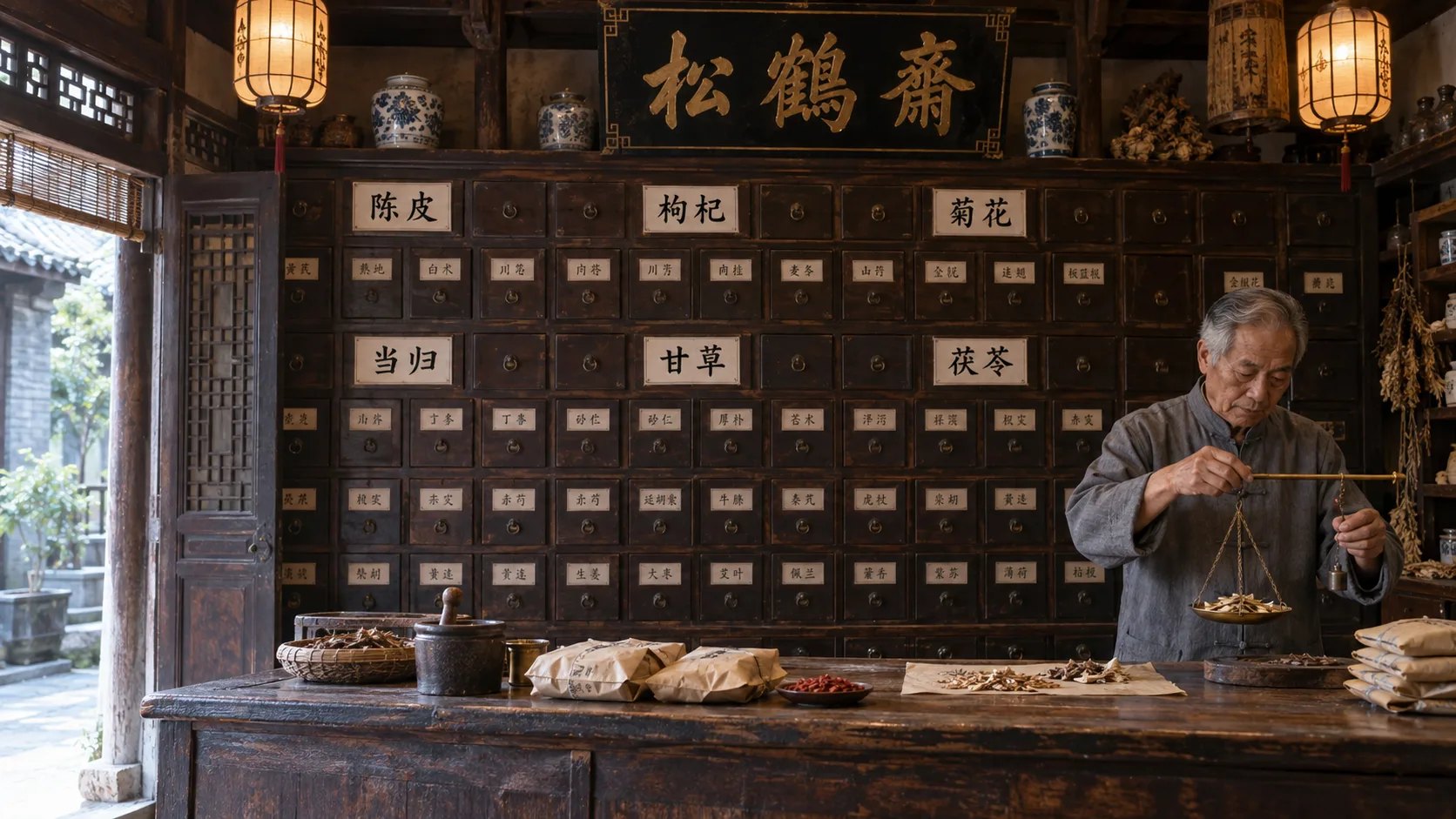
Qwen Image 2.1 is ready for you to try in your browser today. Type your prompt, upload reference photos, and download the output without installing software. New accounts get 20 free credits on sign-up, no card required.



Feature 01
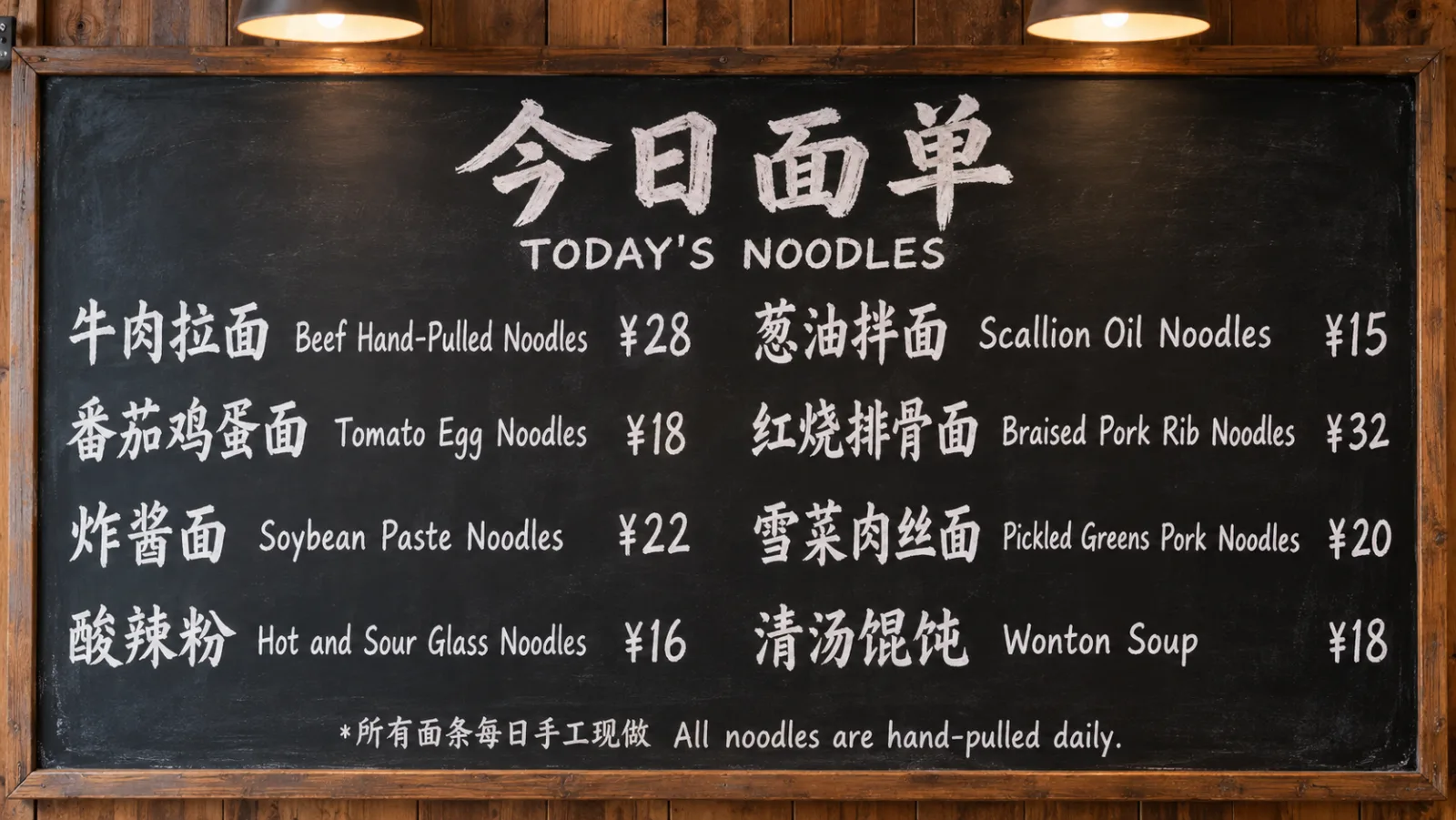
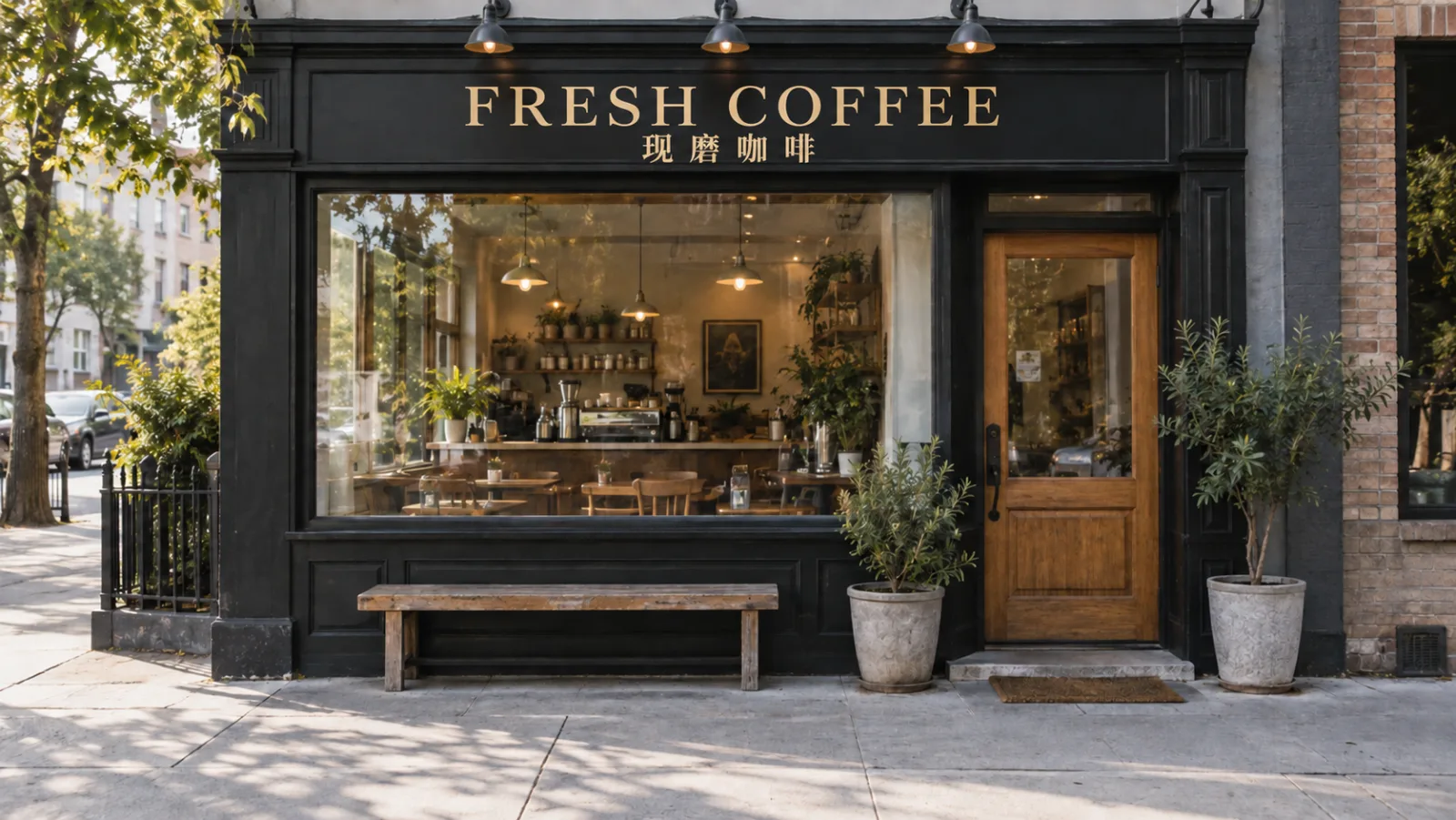
The Qwen Image family is known for putting readable text inside images. Write prompts in Chinese or English to generate signs or posters. Just put your desired text inside quotes in your prompt. This makes it straightforward to create visual content that includes clear writing.
Feature 02
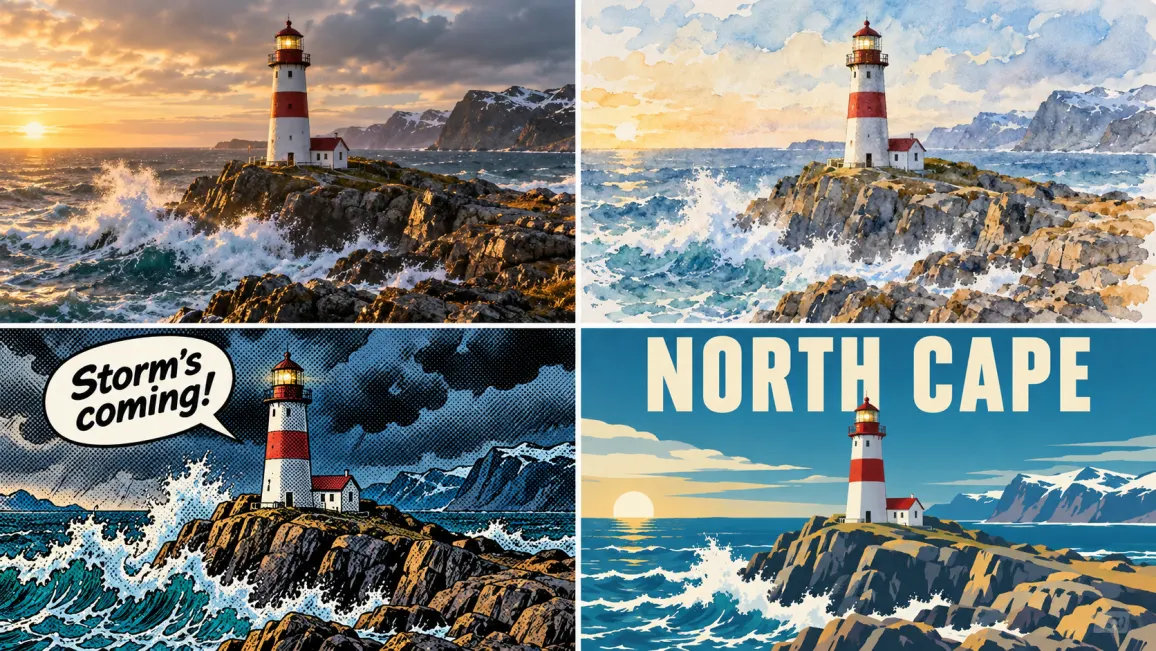
This model creates pictures from simple text descriptions. You describe a scene in plain words and choose how it should look. The Qwen Image line is used for photo-style pictures. You rely on everyday spoken language.
Feature 03
You can use natural language to change elements in your existing photos. The model can output images with a transparent background, edit transparent layers without flattening them, and cut a transparent subject out of an ordinary photo. This gives you more control over the final visual composition.


Feature 04
You can upload multiple reference images to guide the generation process. On RiceBowl, the uploader takes up to 8 reference images at once. You describe how to combine them in your prompt, and it blends elements from them into a single picture. This is useful for placing specific objects into new environments.
Here are the official facts about this model.
It was officially released on 2026-09-20 by the Qwen team working at Alibaba.
It is a generator built with 7B parameters. The BF16 version is about 14.2GB, and the INT8 version is about 7.26GB in size.
The model weights are currently hosted on Hugging Face for research use only.
According to Alibaba, it achieved a leaderboard score of 60.28, which ranks first among open-weight models.
01
Tell the model exactly what you want to see in the final picture using everyday language. Describe the subject and background in clear detail.
02
You can upload up to 8 reference images to guide the style or content, which is completely optional.
03
Click the generate button, view the newly created picture in your feed, and save it directly to your device.
One balance, every model. Credits work across all 20 video models — no watermark, no tier-locked models, commercial use on every paid plan.
Save 30% billed annually
Flexible monthly subscription.
The lowest price to get started. Every model, a monthly budget to try things out.
$7.99/mo
Renews monthly, cancel anytime.
200 credits
≈ 0–10 videos, depending on the model
≈ 14–66 images, depending on the model
4.00¢ / credit
The cheapest way to start. Every model, a small monthly budget.
$12.99/mo
Renews monthly, cancel anytime.
400 credits
≈ 1–20 videos, depending on the model
≈ 28–133 images, depending on the model
3.25¢ / credit
Enough credits to try every model and finish a few clips each month.
$29.9/mo
Renews monthly, cancel anytime.
1,000 credits
≈ 3–50 videos, depending on the model
≈ 71–333 images, depending on the model
2.99¢ / credit
2 parallel tasks
Steady output for solo creators going pro — every model, a comfortable budget.
$49.9/mo
Renews monthly, cancel anytime.
2,000 credits
≈ 6–100 videos, depending on the model
≈ 142–666 images, depending on the model
2.50¢ / credit
3 parallel tasks
High-volume production for prolific creators and small teams.
$89.9/mo
Renews monthly, cancel anytime.
5,000 credits
≈ 15–250 videos, depending on the model
≈ 357–1666 images, depending on the model
1.80¢ / credit
5 parallel tasks
Pay yearly and save more.
Enough credits to try every model and finish a few clips each month.
$19.9/mo$29.9
Billed yearly at $238.8. Renews yearly, cancel anytime.
Save $120/yr vs monthly
12,000 credits
≈ 38–600 videos, depending on the model
≈ 857–4000 images, depending on the model
1.99¢ / credit
2 parallel tasks
Steady output for solo creators going pro — every model, a comfortable budget.
$34.9/mo$49.9
Billed yearly at $418.8. Renews yearly, cancel anytime.
Save $180/yr vs monthly
24,000 credits
≈ 76–1200 videos, depending on the model
≈ 1714–8000 images, depending on the model
1.75¢ / credit
3 parallel tasks
High-volume production for prolific creators and small teams.
$62.9/mo$89.9
Billed yearly at $754.8. Renews yearly, cancel anytime.
Save $324/yr vs monthly
60,000 credits
≈ 190–3000 videos, depending on the model
≈ 4285–20000 images, depending on the model
1.26¢ / credit
5 parallel tasks
Top up credits valid for 12 months.
One-time top-up — perfect for occasional needs.
$49.9
One-time purchase, valid 12 months.
1,000 credits
≈ 3–50 videos, depending on the model
≈ 71–333 images, depending on the model
4.99¢ / credit
Larger top-up with 20% bonus — best per-credit value for one-time buyers.
$198
One-time purchase, valid 12 months.
4,800 credits
≈ 15–240 videos, depending on the model
≈ 342–1600 images, depending on the model
4.13¢ / credit
5 parallel tasks
It is a 7B parameter text-to-image generator released on 2026-09-20 by Alibaba's Qwen team. According to Alibaba, it achieved a score of 60.28 on their leaderboard, placing it first among open-weight models. It allows you to create and edit images simply by using everyday language.
The weights are for research use only, and commercial use of the weights falls outside the license, while images you generate on RiceBowl can be used commercially. The BF16 version needs about 14GB of GPU memory, and the INT8 version needs about 7GB or more. To run it locally, you need to install ComfyUI, download the weights, and set up a workflow.
You can start using it without paying upfront. New accounts get 20 free credits on sign-up, no card required. Each generation you create uses credits from your account balance.
Yes, any images you generate on RiceBowl can be used commercially for your projects or business materials. However, if you want to use the actual model weights for commercial purposes, you need a separate agreement with Alibaba.
The model was developed and released on 2026-09-20 by the Qwen team at Alibaba. They placed the weights on Hugging Face strictly for research purposes.
Using the model here is straightforward because everything runs directly in your web browser. You just type a descriptive prompt, optionally upload your reference images, and click the button to process your request. The final picture appears in your feed.
Yes, the Qwen Image family allows for natural-language editing of your visuals. You can upload an existing picture and type out exactly what you want to change in the scene. You describe the change and the model edits the picture.
On RiceBowl, the uploader takes up to 8 reference images to guide your output. Alibaba's own examples show the model merging up to 10 reference images, such as grouping 6 individual portraits into one photo or combining 5 reference images into one outfit.
Yes, putting readable text inside images is a widely known strength of the Qwen Image family. You can write your prompts in both Chinese and English to get specific words integrated into the output. Simply wrap your desired words in quotes within your prompt.
You can create many types of subjects, such as posters with text, edited photos, and pictures built from several references. By writing clear prompts and uploading relevant reference photos, you guide the visual style.
Type your prompt and get your picture directly in your browser without installing any heavy software packages.
Start Creating NowStart generating with Qwen Image 2.1 today
Create Your Picture