Release and Positioning
Ideogram 4.0 is open source. Ideogram 4.5 was released on September 30, 2026, and Ideogram calls it the most precise edit model.
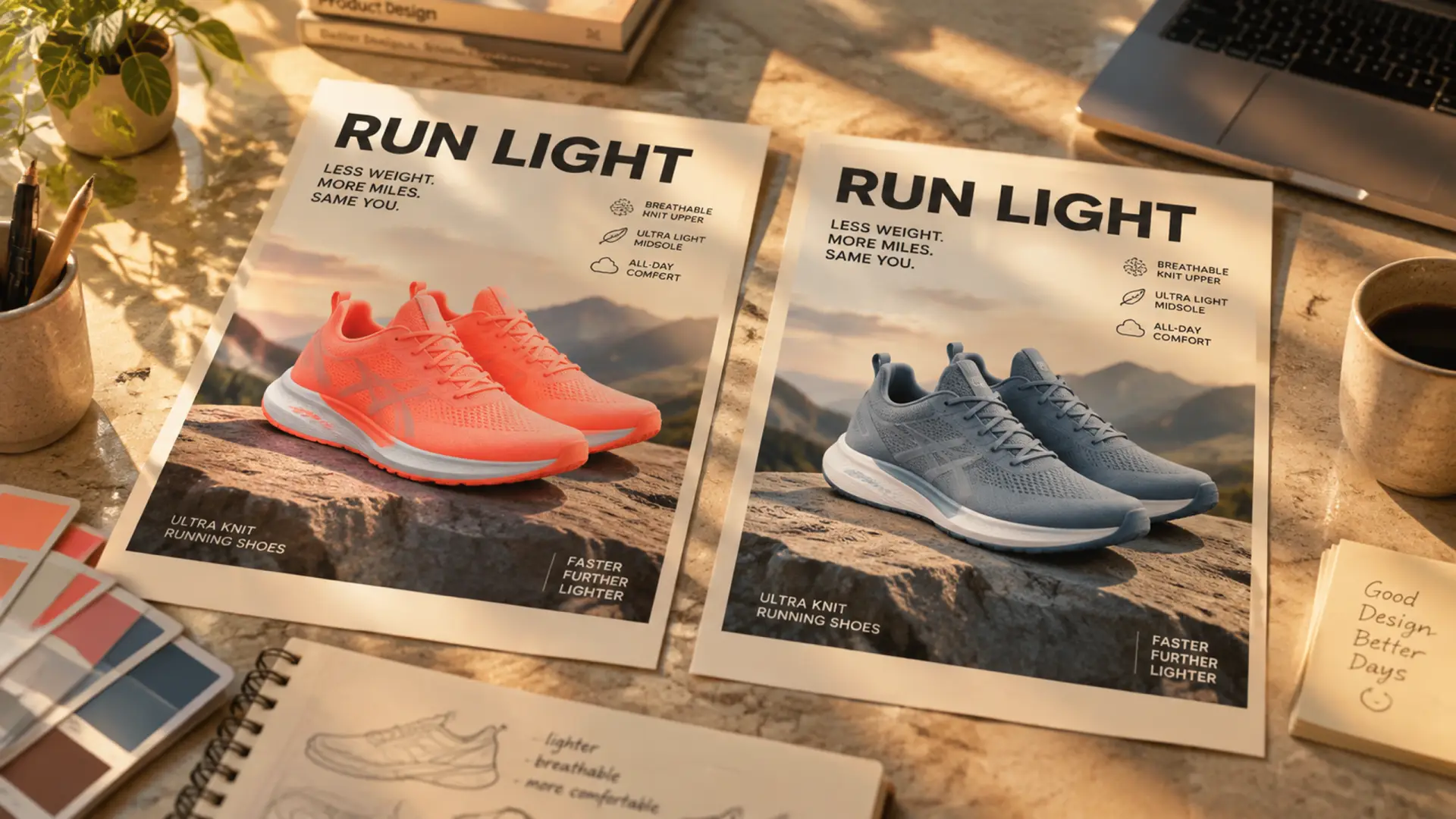
Ideogram calls Ideogram 4.5 the most precise edit model. Upload your picture, describe the one thing to change, and leave the rest alone. New accounts get 20 free credits on sign-up, no card required.


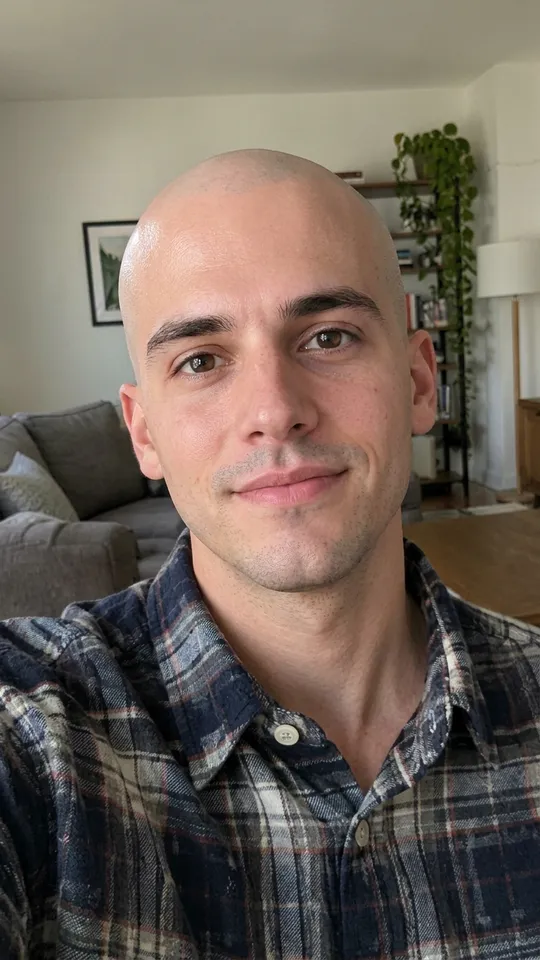
Feature 01
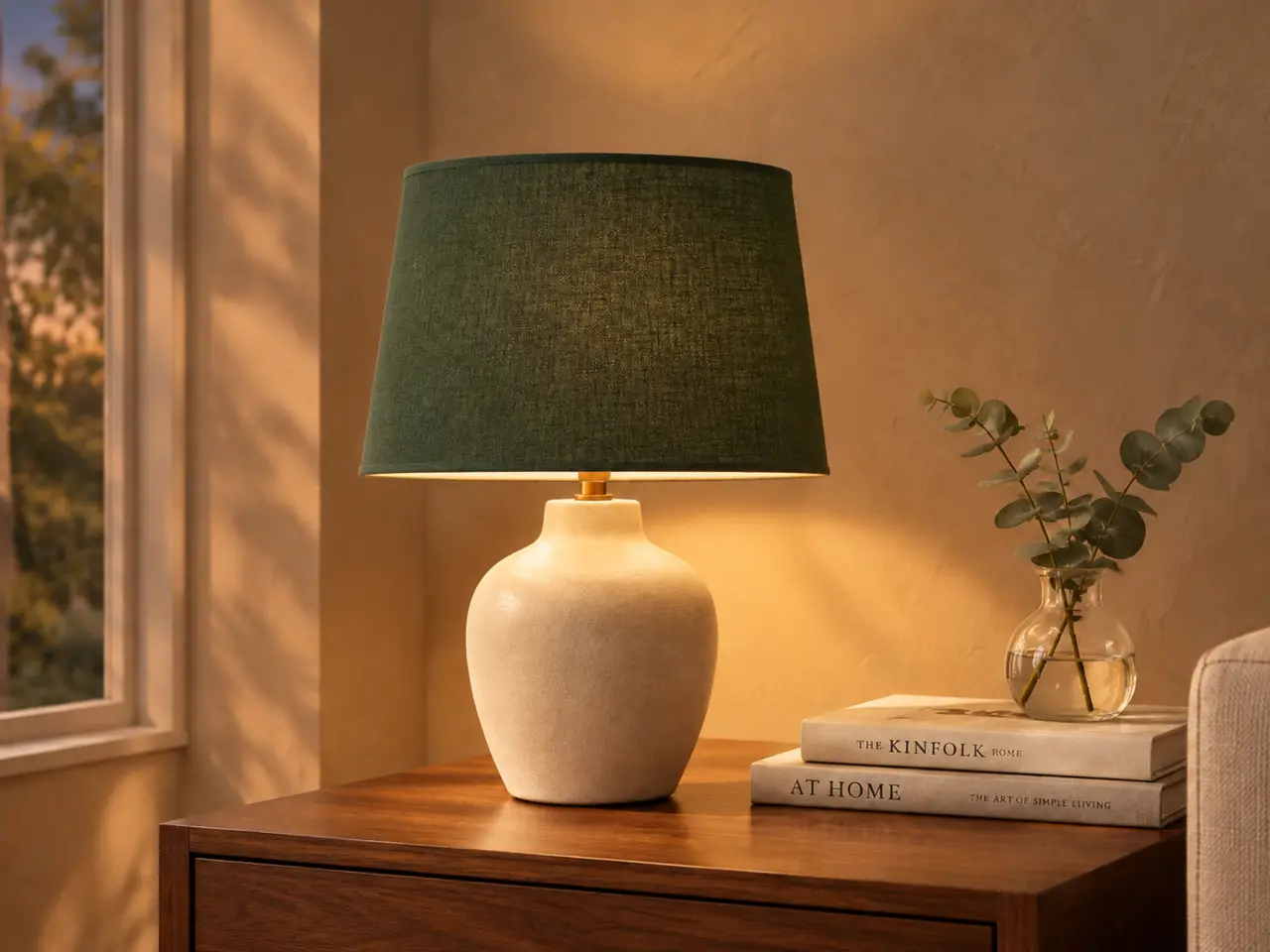
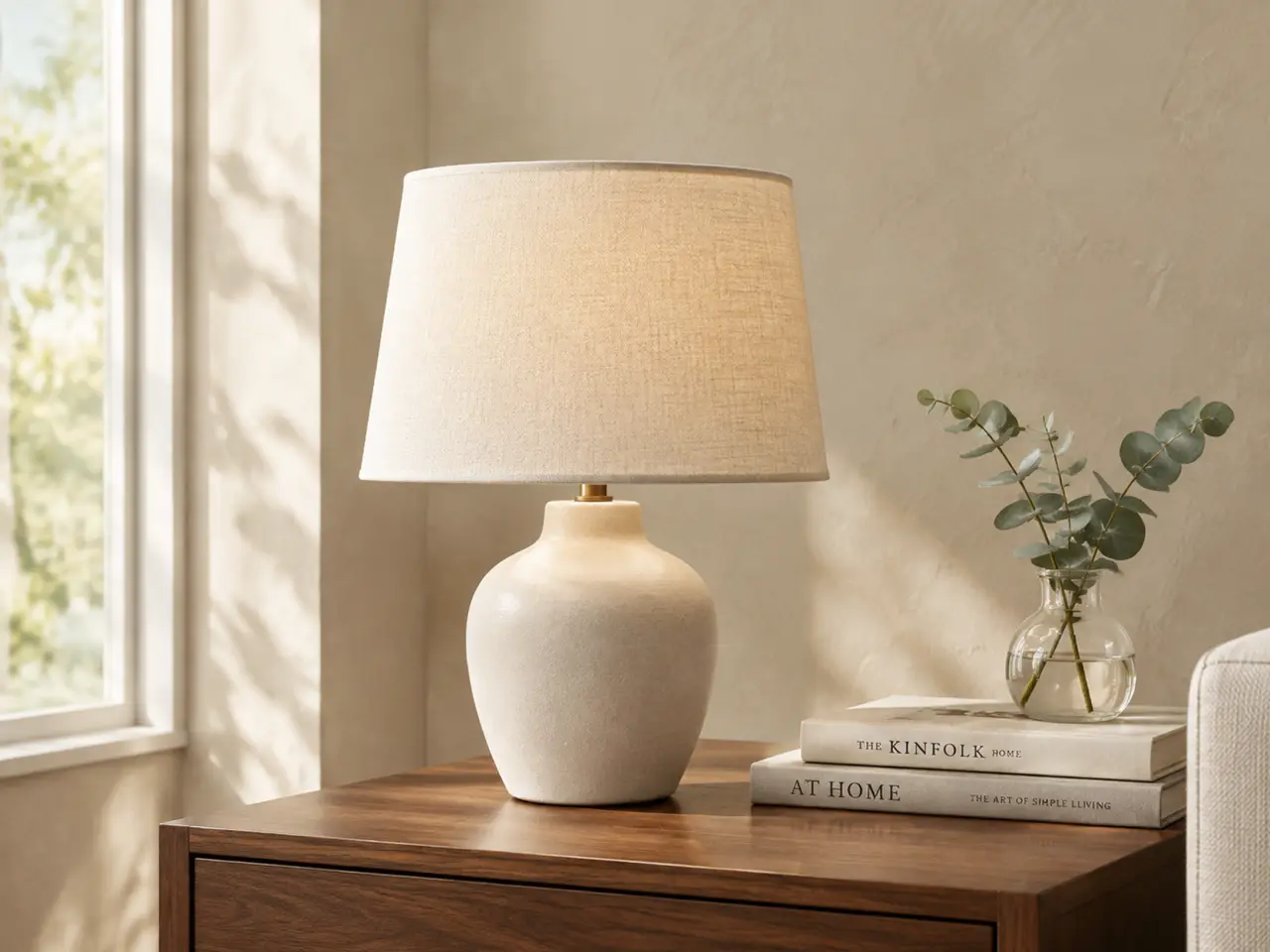
Make changes over and over on the same picture. You can change the lampshade color, swap the room lighting, and keep everything else unchanged. Ideogram says Ideogram 4.5 limits pixel shifts and texture flaws across multiple turns. According to fal, over ten consecutive edits, 94-99% of the parts you did not ask to change stay consistent. Just write what you want to modify using Ideogram 4.5.
Feature 02
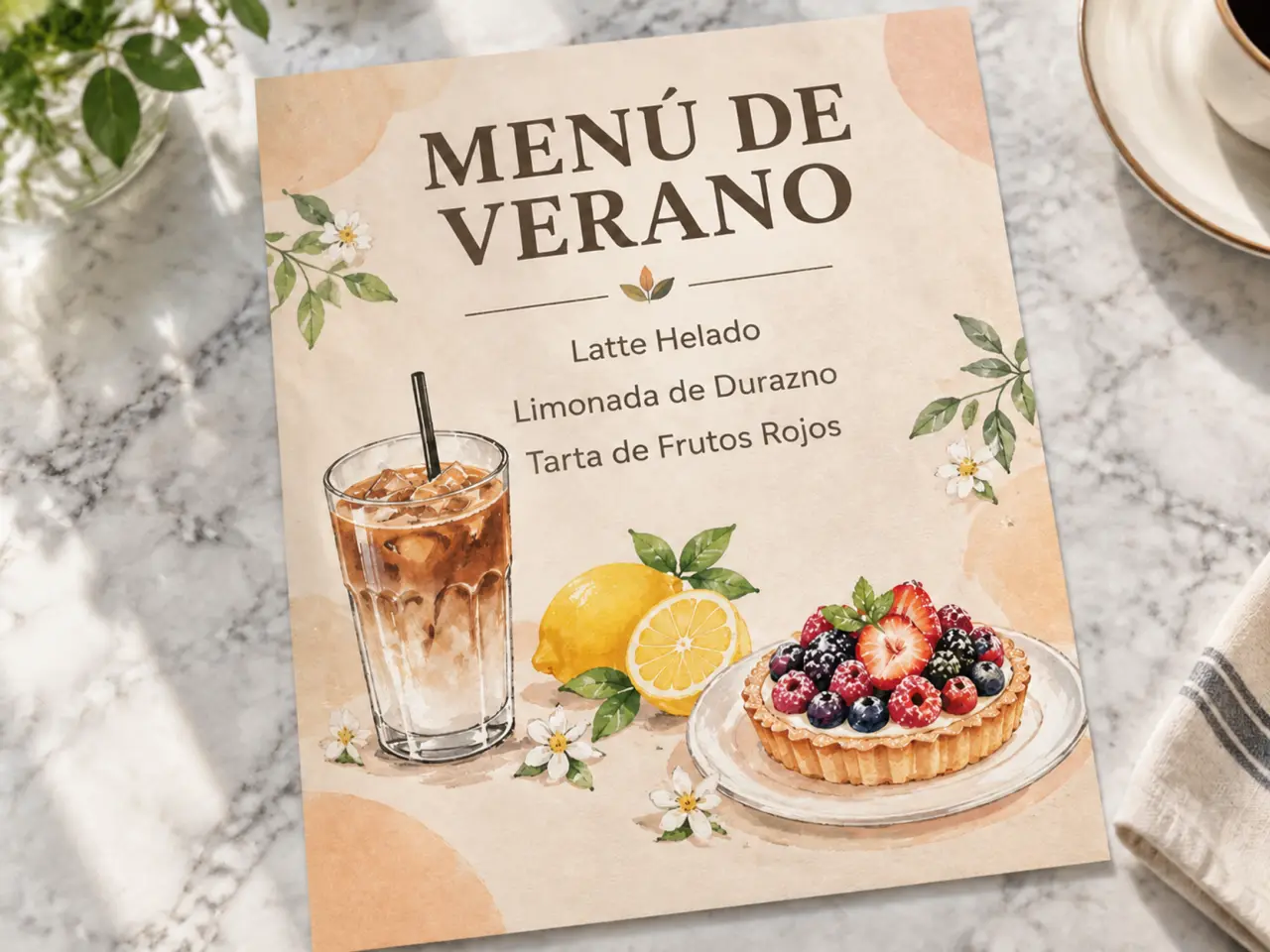
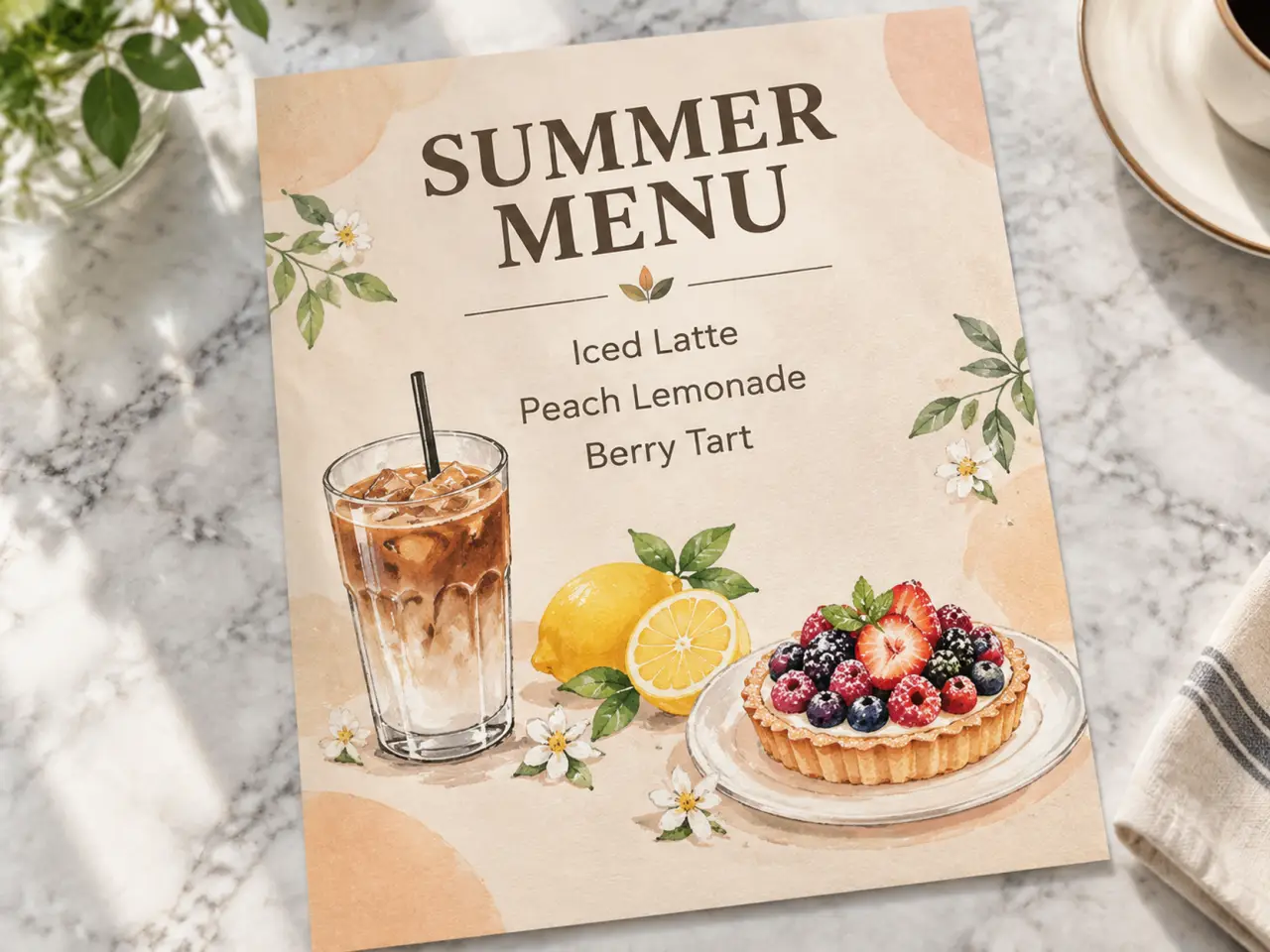
Update the words on any sign, document, or label directly in the image. You can take a coffee shop menu poster and translate it from English to Spanish. To do this, simply put the exact new text you want inside double quotes in your Ideogram 4.5 instruction. Per Ideogram's API docs, the pixels the edit does not touch are copied back from the original.
Feature 03
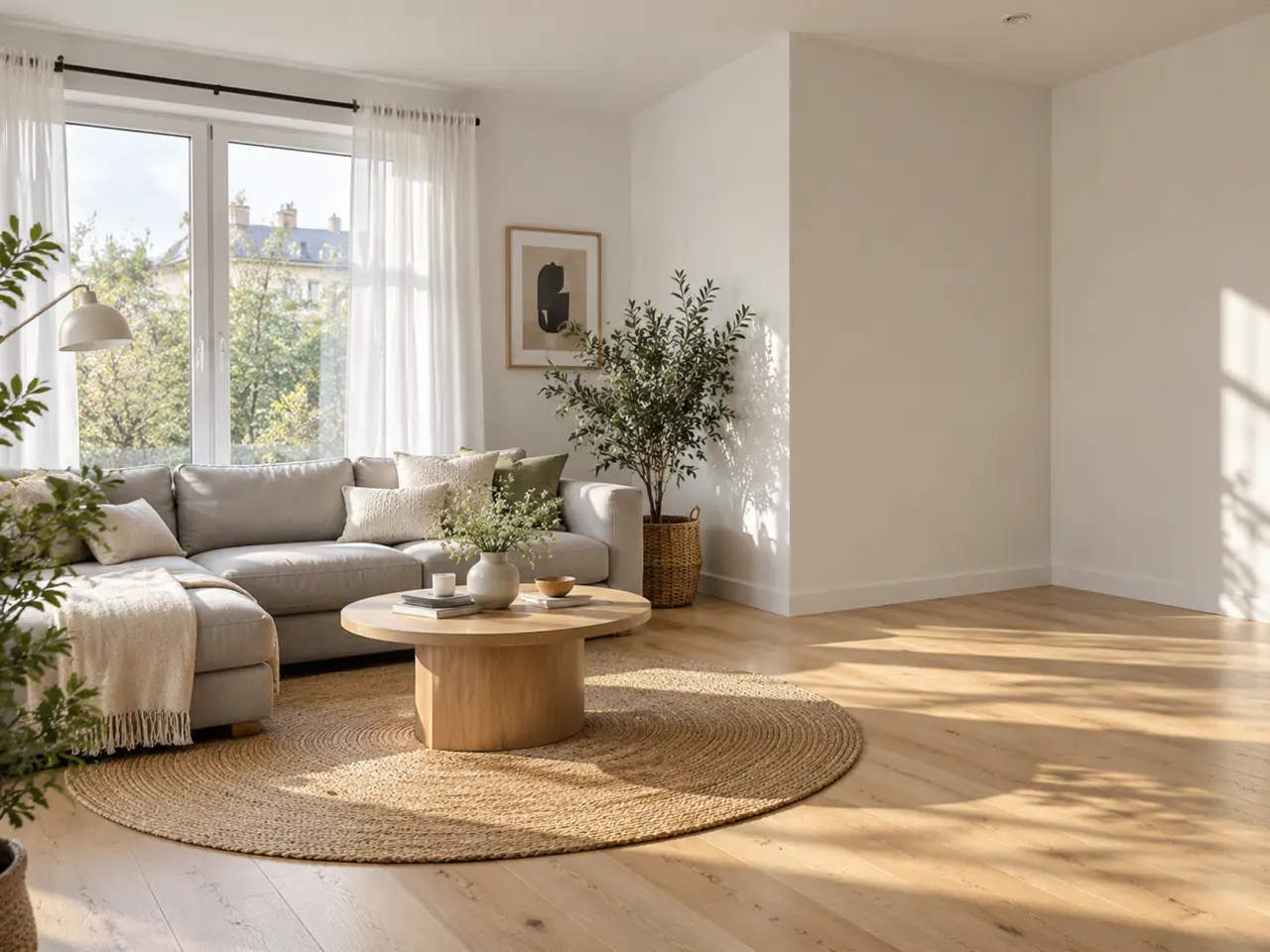
Add new items to your picture by showing the model exactly what they look like. You can add a specific armchair to an empty corner of a living room while leaving the rest of the room alone. The upload box on RiceBowl accepts up to 8 images at once. Remember that Ideogram's Precise Edit takes 1 source image plus up to 4 reference images. Number your images in the prompt, where image 1 is the room you want to edit with Ideogram 4.5.

Feature 04
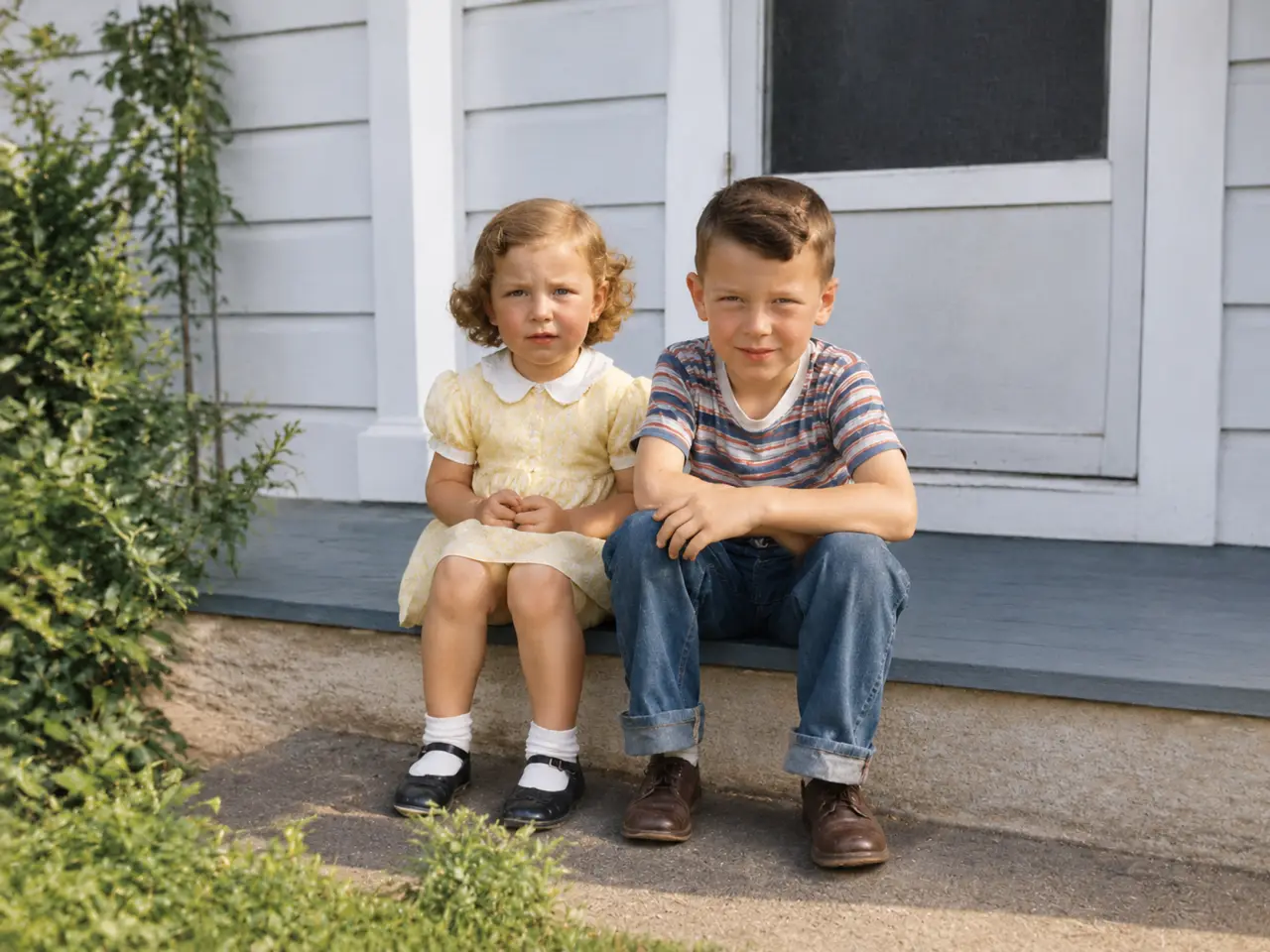
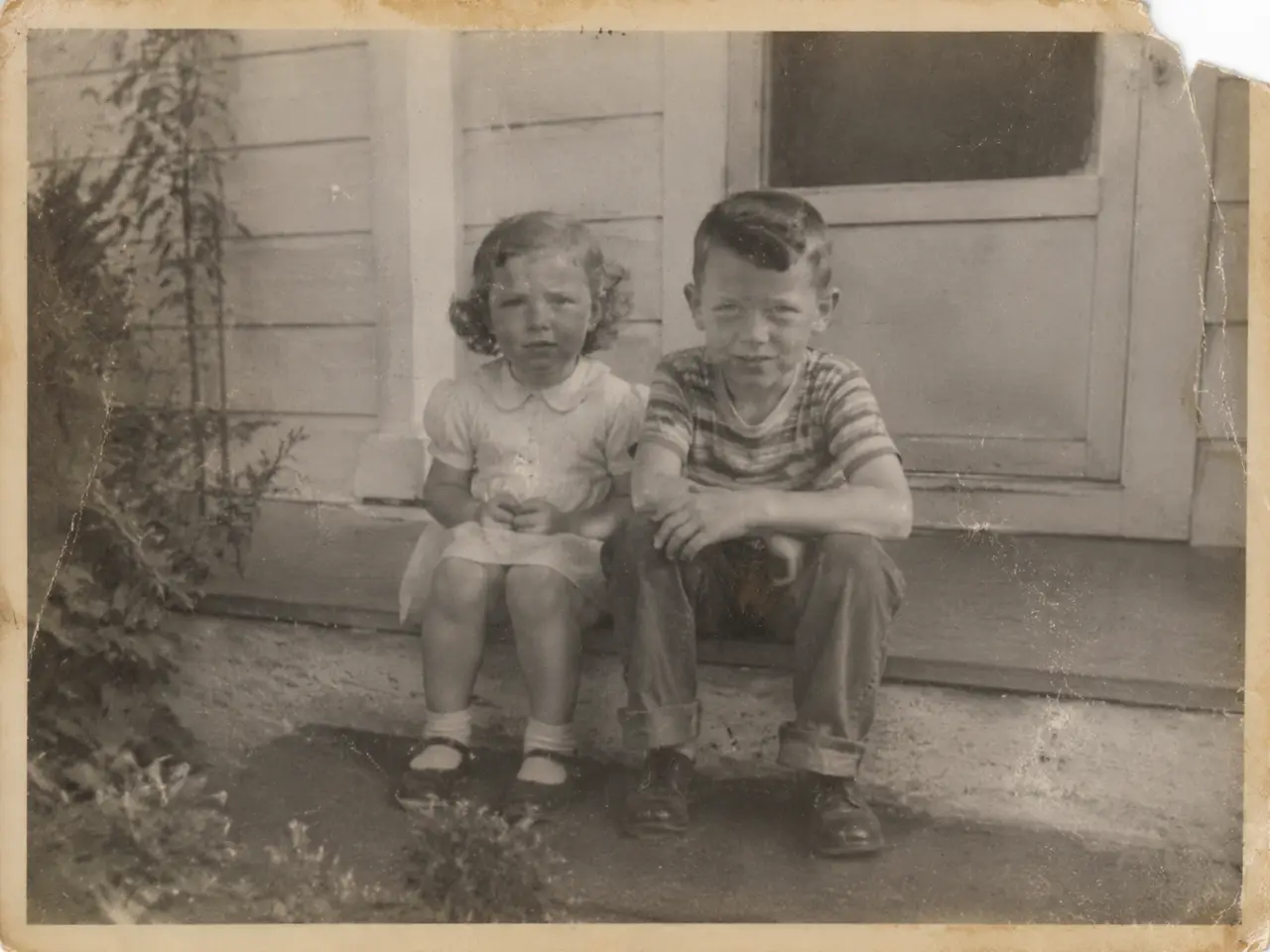
Ideogram lists old photo restoration among its example edits for Ideogram 4.5. You can take a faded, scratched black-and-white print and ask for a cleaned-up, colorized version. Per Ideogram's docs, the pixels the edit does not touch are copied back from the original, and the output width and height equal the original, so your restored photo keeps its proportions.
PROMPT EXAMPLES
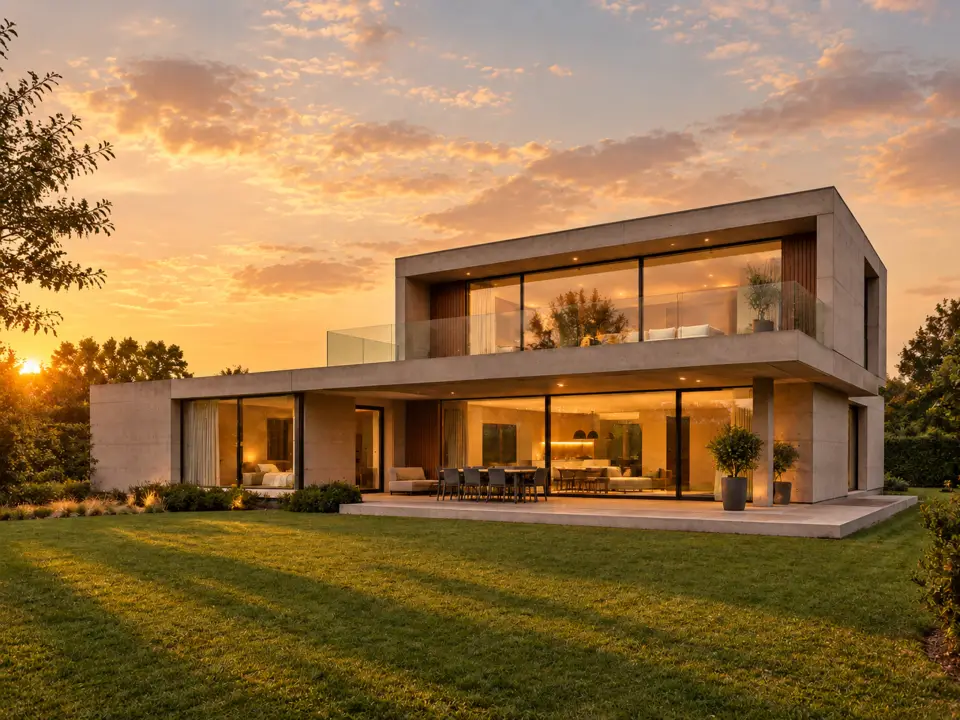
Prompt
Change the lighting to golden hour sunset with warm light glowing from inside the windows and long shadows across the lawn. Keep the house, lawn and camera angle exactly the same.
Original
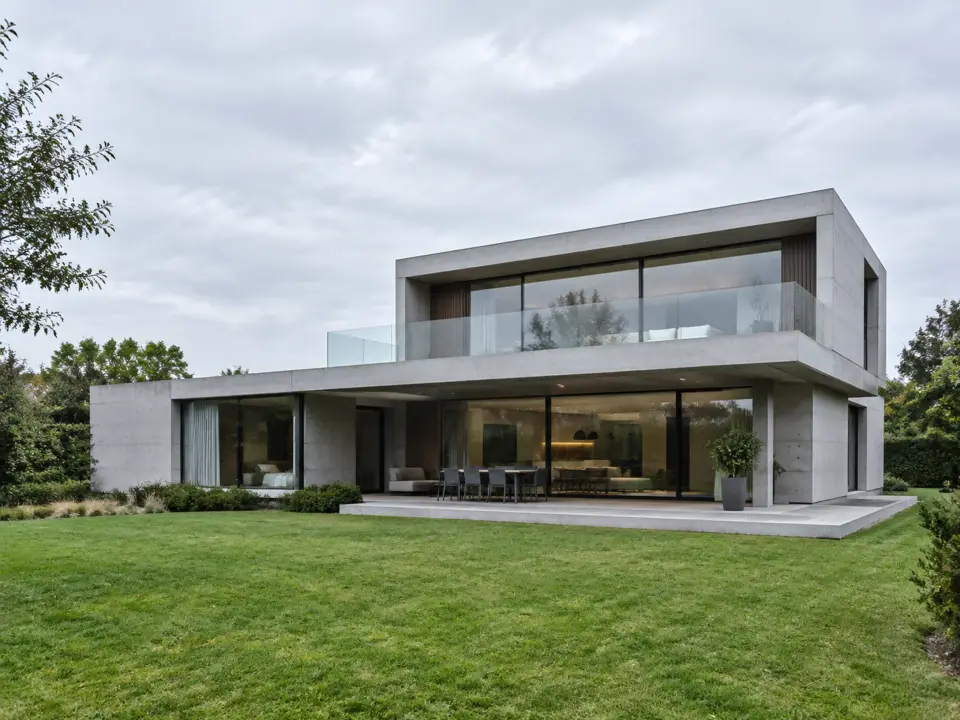
Edited
Prompt
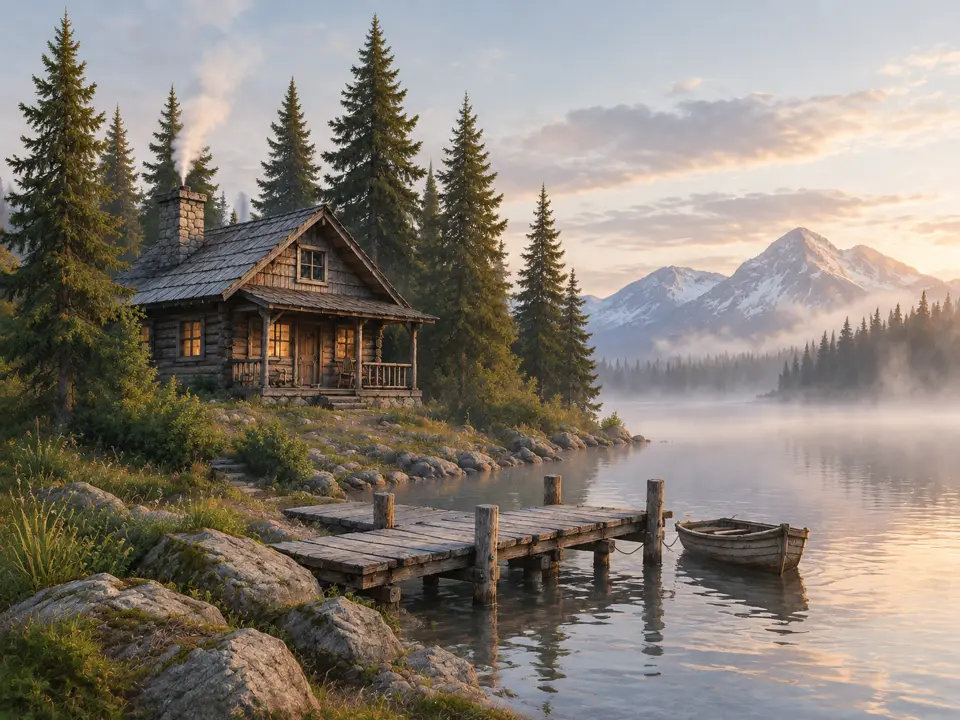
Turn this sketch into a photorealistic image of the same cabin, lake, pine trees and dock in early morning mist. Keep the composition and the position of every element exactly as drawn.
Original
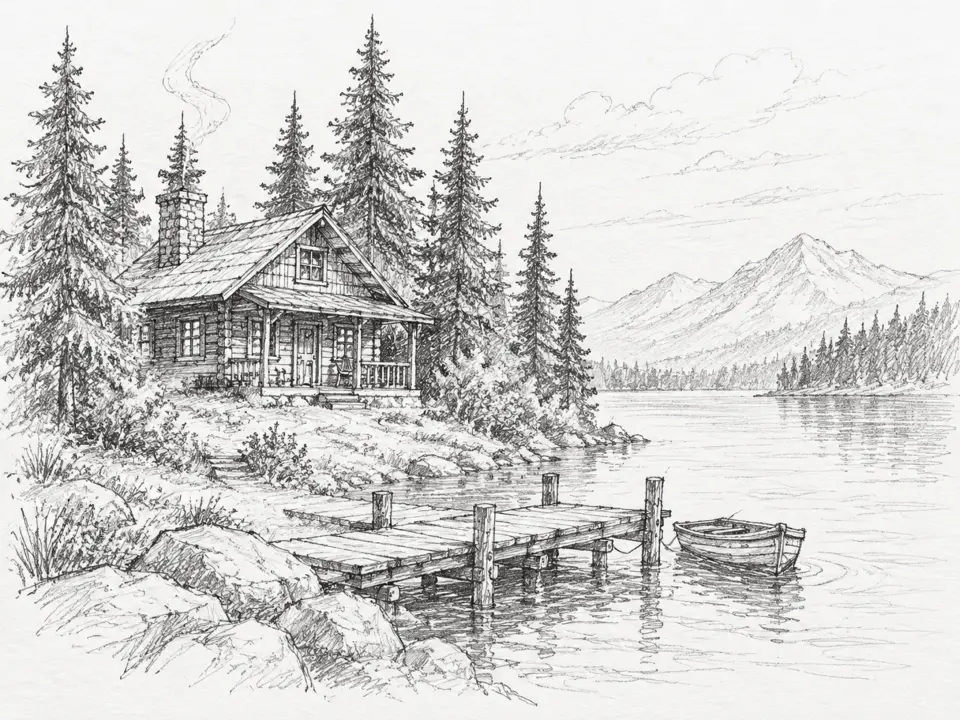
Edited
Prompt
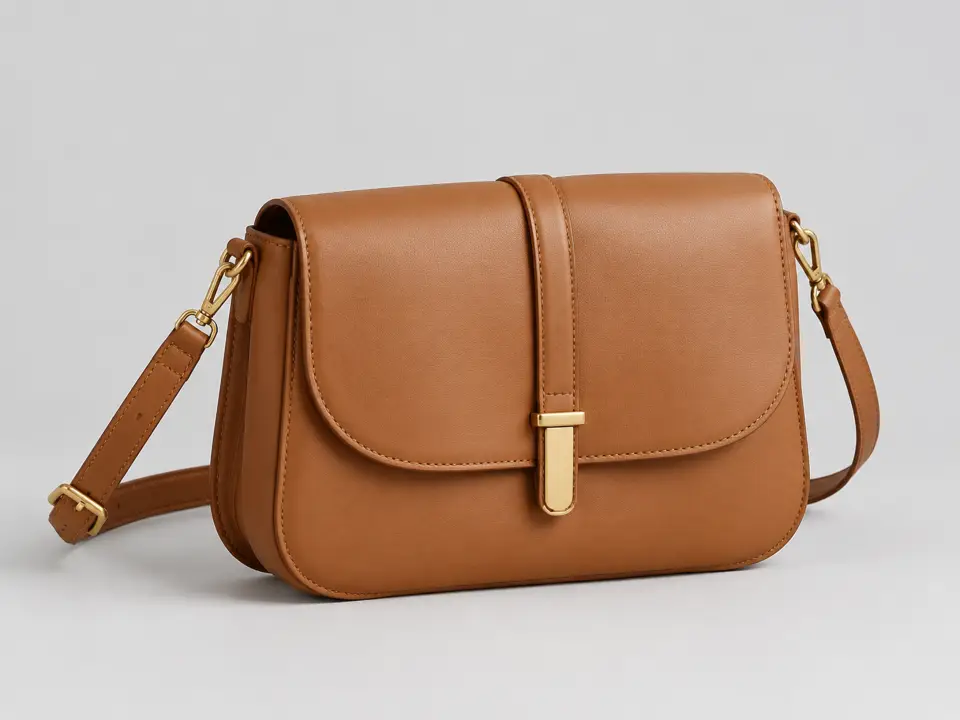
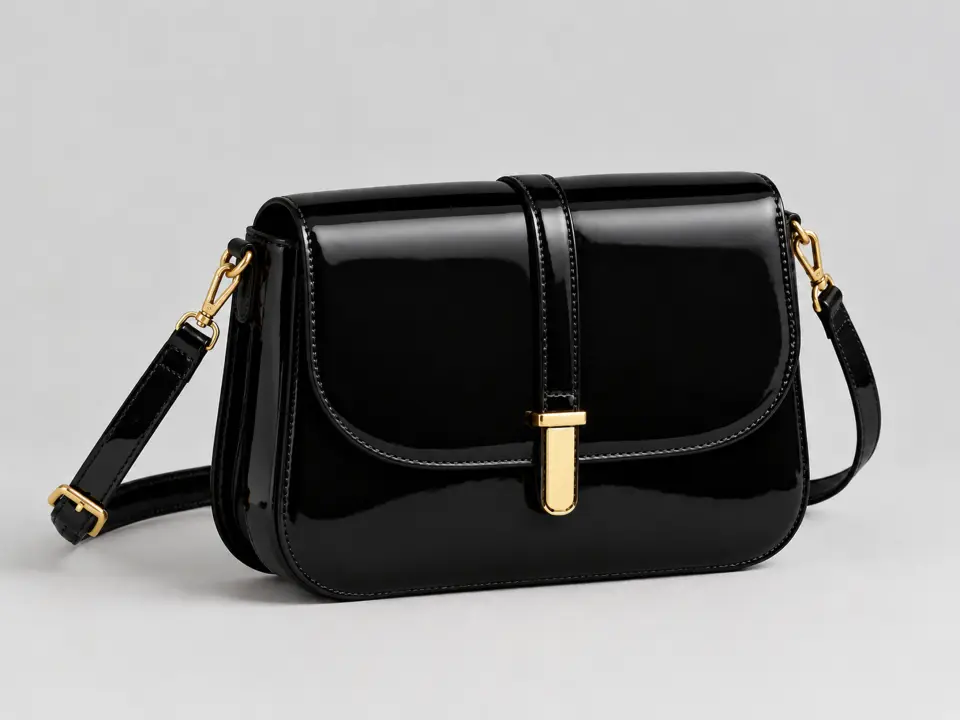
Change the bag material to glossy black patent leather and the hardware to gold. Keep the shape, strap, backdrop, lighting and shadow exactly the same.
Original
Edited
VERSIONS
Here is what changed between the open source version and the new precise edit version. Compare the facts before you decide which one to use.
Ideogram 4.0 is open source. Ideogram 4.5 was released on September 30, 2026, and Ideogram calls it the most precise edit model.
Version 4.0 edits go through a remix process without masks. Ideogram 4.5 lets you edit directly in generate or through a dedicated precise-edit endpoint, and it supports masks.
Version 4.0 has turbo, default, and quality rendering speeds. The new version offers four quality levels, and your output size can simply follow the source image.
Only version 4.0 and 3.0 can output images with a transparent background. Ideogram 4.5 does not support transparent backgrounds.
Version 4.0 has open weights available under the Ideogram 4 Non-Commercial license. Ideogram 4.5 weights are not yet released, though the launch post mentions open weights soon.
01
Type exactly what you want to change. Be specific about the subject and lighting.
02
Add the picture you want to change. You can optionally add reference images; the upload box takes up to 8.
03
Click generate and the result appears in the browser.
04
Take the new image and edit it again, one change at a time.
One balance, every model. Credits work across all 20 video models — no watermark, no tier-locked models, commercial use on every paid plan.
Save 30% billed annually
Flexible monthly subscription.
The lowest price to get started. Every model, a monthly budget to try things out.
$7.99/mo
Renews monthly, cancel anytime.
200 credits
≈ 0–10 videos, depending on the model
≈ 14–66 images, depending on the model
4.00¢ / credit
The cheapest way to start. Every model, a small monthly budget.
$12.99/mo
Renews monthly, cancel anytime.
400 credits
≈ 1–20 videos, depending on the model
≈ 28–133 images, depending on the model
3.25¢ / credit
Enough credits to try every model and finish a few clips each month.
$29.9/mo
Renews monthly, cancel anytime.
1,000 credits
≈ 3–50 videos, depending on the model
≈ 71–333 images, depending on the model
2.99¢ / credit
2 parallel tasks
Steady output for solo creators going pro — every model, a comfortable budget.
$49.9/mo
Renews monthly, cancel anytime.
2,000 credits
≈ 6–100 videos, depending on the model
≈ 142–666 images, depending on the model
2.50¢ / credit
3 parallel tasks
High-volume production for prolific creators and small teams.
$89.9/mo
Renews monthly, cancel anytime.
5,000 credits
≈ 15–250 videos, depending on the model
≈ 357–1666 images, depending on the model
1.80¢ / credit
5 parallel tasks
Pay yearly and save more.
Enough credits to try every model and finish a few clips each month.
$19.9/mo$29.9
Billed yearly at $238.8. Renews yearly, cancel anytime.
Save $120/yr vs monthly
12,000 credits
≈ 38–600 videos, depending on the model
≈ 857–4000 images, depending on the model
1.99¢ / credit
2 parallel tasks
Steady output for solo creators going pro — every model, a comfortable budget.
$34.9/mo$49.9
Billed yearly at $418.8. Renews yearly, cancel anytime.
Save $180/yr vs monthly
24,000 credits
≈ 76–1200 videos, depending on the model
≈ 1714–8000 images, depending on the model
1.75¢ / credit
3 parallel tasks
High-volume production for prolific creators and small teams.
$62.9/mo$89.9
Billed yearly at $754.8. Renews yearly, cancel anytime.
Save $324/yr vs monthly
60,000 credits
≈ 190–3000 videos, depending on the model
≈ 4285–20000 images, depending on the model
1.26¢ / credit
5 parallel tasks
Top up credits valid for 12 months.
One-time top-up — perfect for occasional needs.
$49.9
One-time purchase, valid 12 months.
1,000 credits
≈ 3–50 videos, depending on the model
≈ 71–333 images, depending on the model
4.99¢ / credit
Larger top-up with 20% bonus — best per-credit value for one-time buyers.
$198
One-time purchase, valid 12 months.
4,800 credits
≈ 15–240 videos, depending on the model
≈ 342–1600 images, depending on the model
4.13¢ / credit
5 parallel tasks
Ideogram 4.5 is a new image editing model released on September 30, 2026. Ideogram calls it the most precise edit model because it reduces the pixel shifts, color changes, and texture flaws that usually happen during image editing.
Ideogram v4 refers to Ideogram 4.0, which is an open-source model with 9.3B parameters. It is an older version that edits via remix without a mask. It is different from the newer precise edit model.
Yes, it can. Ideogram 4.0 edits via remix, but it does not use a mask. Ideogram 4.5 is the dedicated precise-edit model that lets you edit specific parts of an image while keeping the rest unchanged, which is what this page covers.
You can run version 4.0 locally because it has downloadable open weights under a non-commercial license. However, you cannot run Ideogram 4.5 locally right now. There are no released weights for it yet.
You can use Ideogram 4.5 right here in your browser without installing anything. New accounts get 20 free credits on sign-up, no card required.
Order your prompt by purpose, subject, scene, composition, lighting, and camera. If you are drafting, use the 1K preset at low quality, and turn off Magic Prompt for your final renders at 2K high quality. Number your images and put text changes in double quotes.
Authenticate with the Api-Key header and send requests to POST /v2/image/generate/ideogram-4-5 or POST /v2/image/precise-edit/ideogram-4-5. Precise Edit takes 1 source image plus up to 4 reference images and supports an optional mask. You can pick one of four quality levels: very_low (edit-only), low, medium, and high.
Images you generate on RiceBowl with this model can be used commercially.
No, there is no transparent-background output in this current model. If you need a transparent background, you must use version 4.0 or 3.0 instead.
Ideogram's own Precise Edit API takes one source image plus up to four reference images. However, the upload box on RiceBowl accepts up to eight images in total.
Edit one part of your picture in the browser and keep the rest.
Edit An ImageStart Using Ideogram 4.5 Today
Start Editing Now