A better profile picture
Turn a good everyday photo into a calm square portrait for a pet profile. The AI pet portrait generator keeps the animal and changes the visual setting.
Upload one clear photo, choose a new setting and keep the same animal. The AI pet portrait generator protects the breed, eyes, ears, fur pattern and body shape.
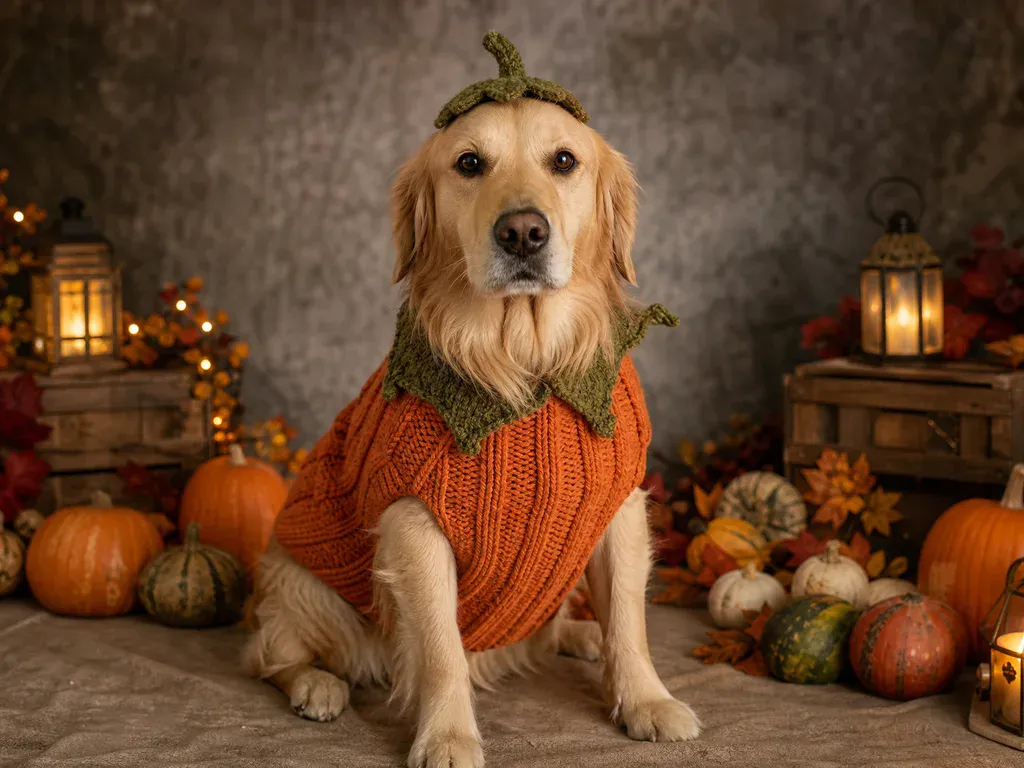
The AI pet portrait generator shows both scene instructions, including the breed and marking lock that keeps the animal recognizable.
One Pet, New Setting
Pet photos are personal, and a bad edit is obvious immediately. A calico should not become a tabby, a short-eared dog should not grow long ears, and a distinctive white chest patch should not disappear. This AI pet portrait generator uses the uploaded photo as the visual reference and writes the lock around the animal, not around the room. The prompt keeps the species and breed, face, eyes, ears, nose, fur color, markings, body shape, proportions, age and pose. It then builds the spring meadow or classic library around that animal. The meadow look uses wildflowers, green foliage and soft daylight. The library look uses dark wood, a green chair and warm window light. The tool can add a collar as part of the selected scene, but it should not add a second animal or turn the pet into a different breed. Every AI pet portrait generator run returns one 1K image for 8 credits. Fur is detailed and unpredictable, so check the outline, paws and face at full size before printing or posting.
Create My Pet PortraitTurn a good everyday photo into a calm square portrait for a pet profile. The AI pet portrait generator keeps the animal and changes the visual setting.
Use a favorite photo to create a warm portrait for a birthday or a housewarming. Ask the owner for permission before you upload a pet that is not yours.
Generate every pet in the same meadow or library setting so a group of portraits feels related. Each animal still comes from its own source photo.
Place the pet in spring flowers for a new-season post or use the library look for a quieter holiday card. The scene changes without changing the animal.
Download the portrait and use the photo-to-video tool for a gentle blink or slight head turn. Keep the motion calm and avoid dramatic effects around a sensitive memory.
A clear animal beats a dramatic camera angle.
A cartoon filter changes the style of the whole picture. This AI pet portrait generator is more specific: it keeps the animal photographic and rebuilds the environment. That means the result can look like a real portrait session rather than an illustration. It is not a perfect cutout tool, and fur is one of the hardest edges for any image model. The best results come from a source photo where the pet is large, sharp and evenly lit. The tool also works better when the chosen scene has a clear floor or furniture plane, because that gives the model somewhere believable to place the paws and body. Use the meadow for a soft outdoor portrait and the library for a richer indoor look. Review the eyes, ears, paws and markings after each run, and try a different source photo if the identity drifts.
Species, breed, face, eyes, ears, nose, fur color, markings, body shape, proportions, age and pose are all part of the AI pet portrait generator lock.
The meadow or library, the floor, the background objects, the framing and the direction of the light.
Fine fur strands, paw placement and tiny markings can move. Check the portrait at full size before using it as a print.
Try a sharper photo, crop closer to the pet or choose the other scene. A second AI pet portrait generator run costs another 8 credits.
01
The lock sentence names the species, breed, face, ears, nose and body shape before it describes the new setting.
02
Fur color, patches and patterns are part of the AI pet portrait generator instruction, so a distinctive chest or paw marking has a better chance of staying.
03
The scene prompt asks for one pet from the upload and tells the model not to add or remove animals, which keeps the portrait focused.
01
Use one animal with the eyes, ears and markings visible. A front-facing photo with soft light gives the AI pet portrait generator the most information.
02
Select the meadow or library, then choose a square, wide or vertical frame. Square works for a profile, while vertical is easier to share on a phone.
03
Compare the breed, eye color, ear shape and coat markings with the source. Each run costs 8 credits and returns one downloadable image.

Browse all
One photo into a natural new scene
One product snapshot into a clean studio shot
Two photos into one natural couple portrait
One photo into a professional headshot
Turn photo heads into pumpkins
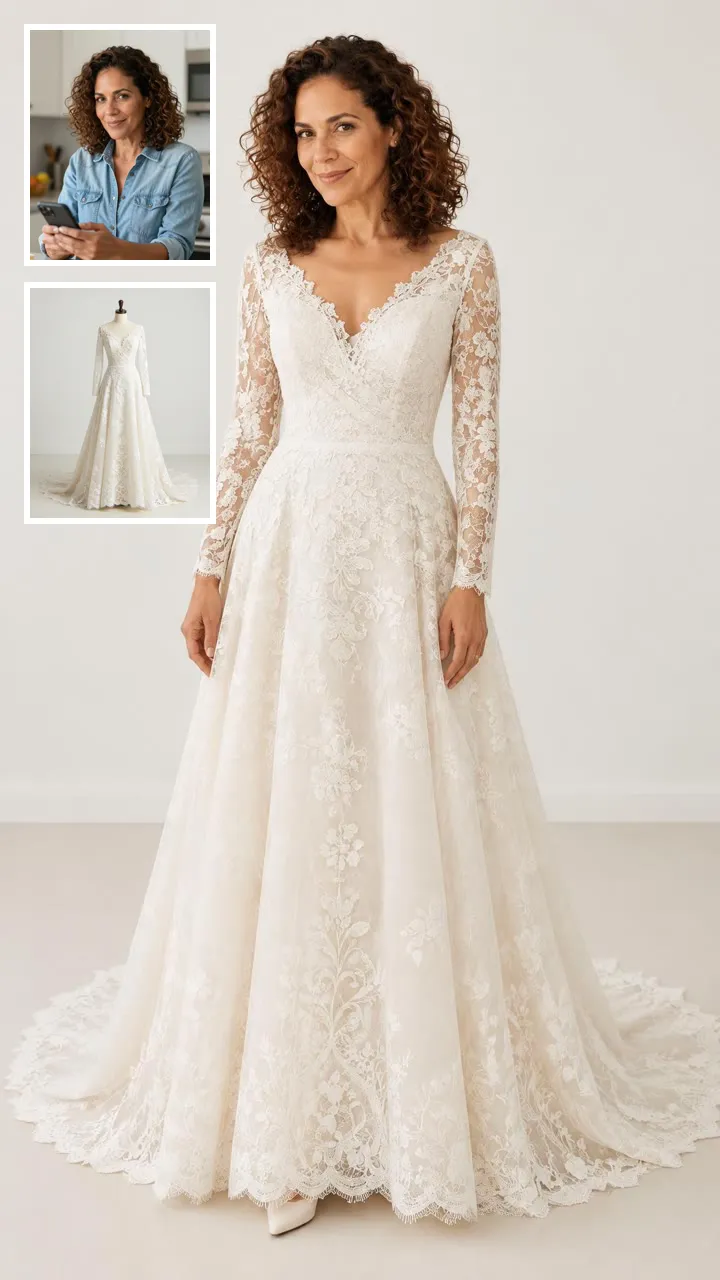
See clothes on your own photo
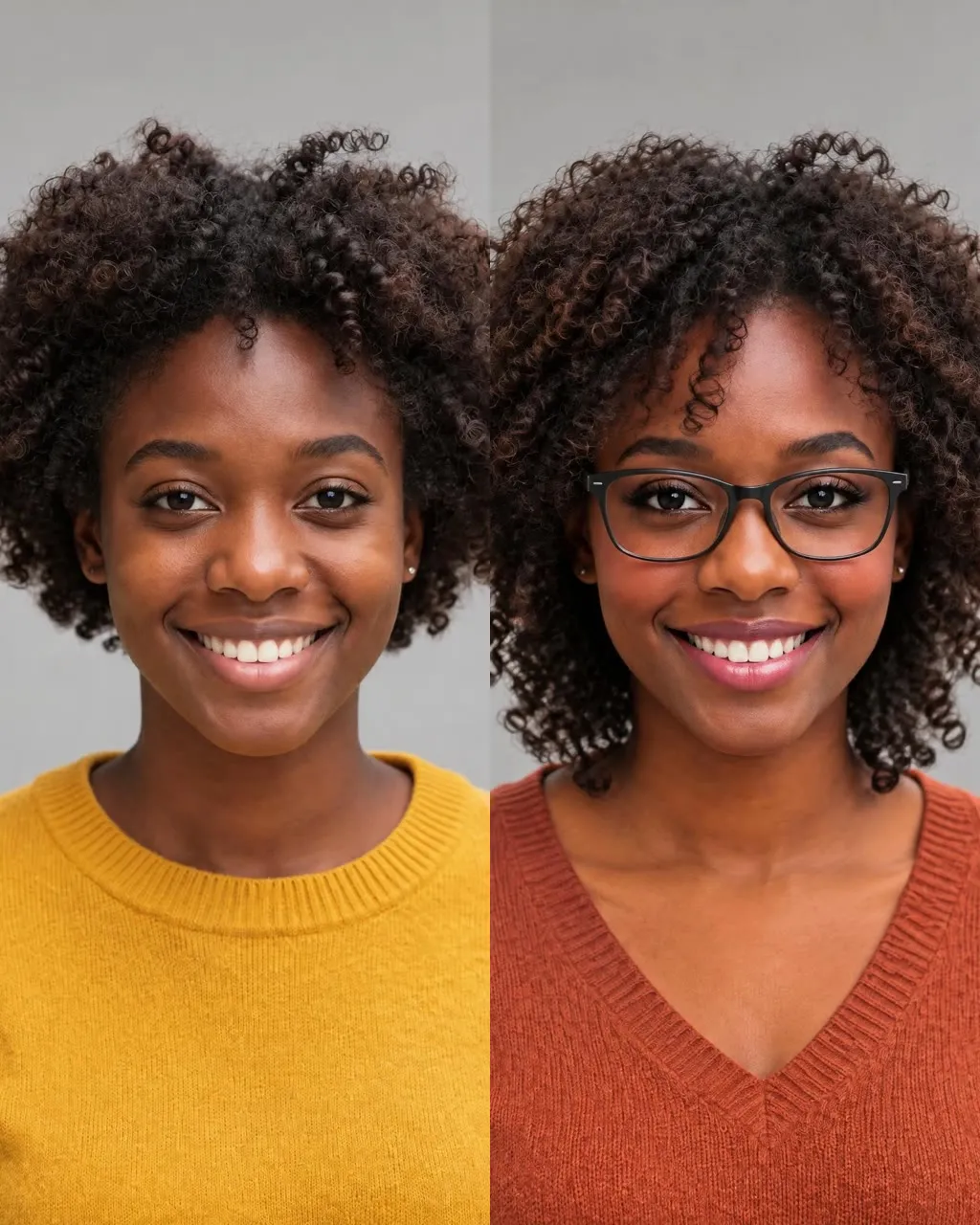
One selfie into a new haircut, glasses, colors, beard or makeup
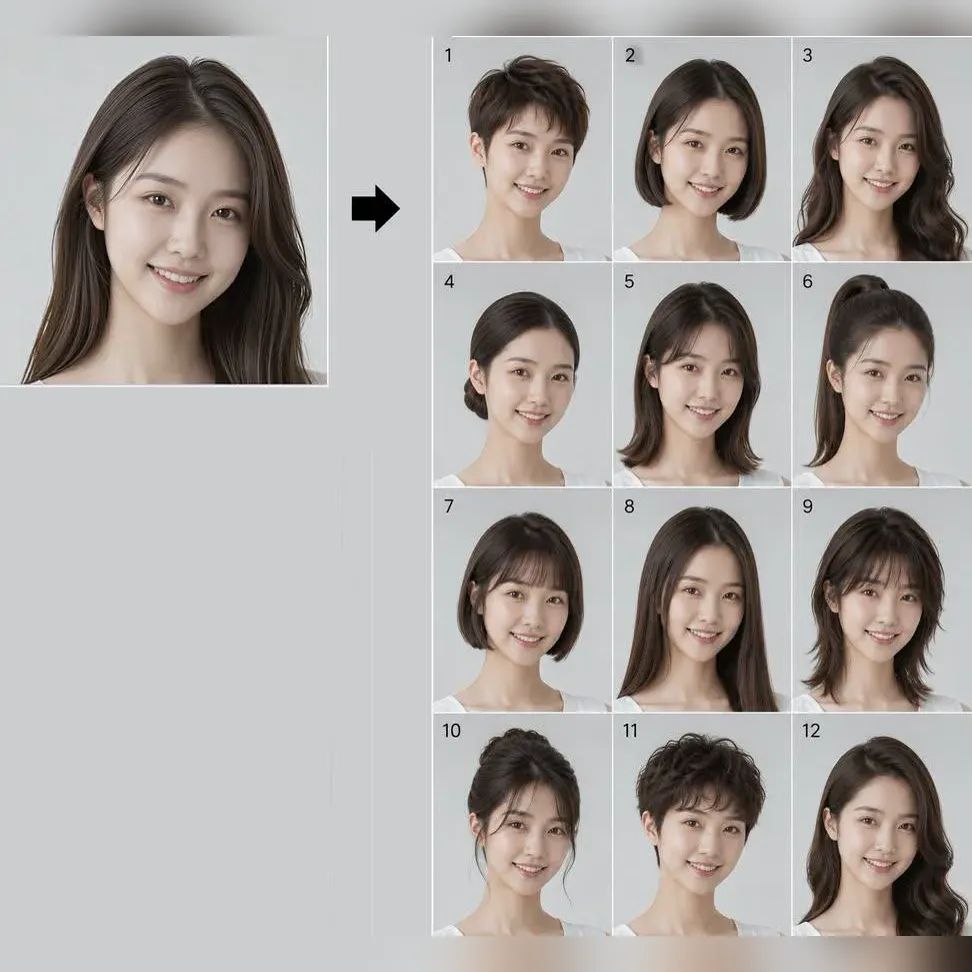
Try 34 haircuts and hair colors on your own photo

One photo into a Halloween costume photo

Two parent photos into one imagined baby photo
One photo into a bald, buzz-cut or bald-with-beard look
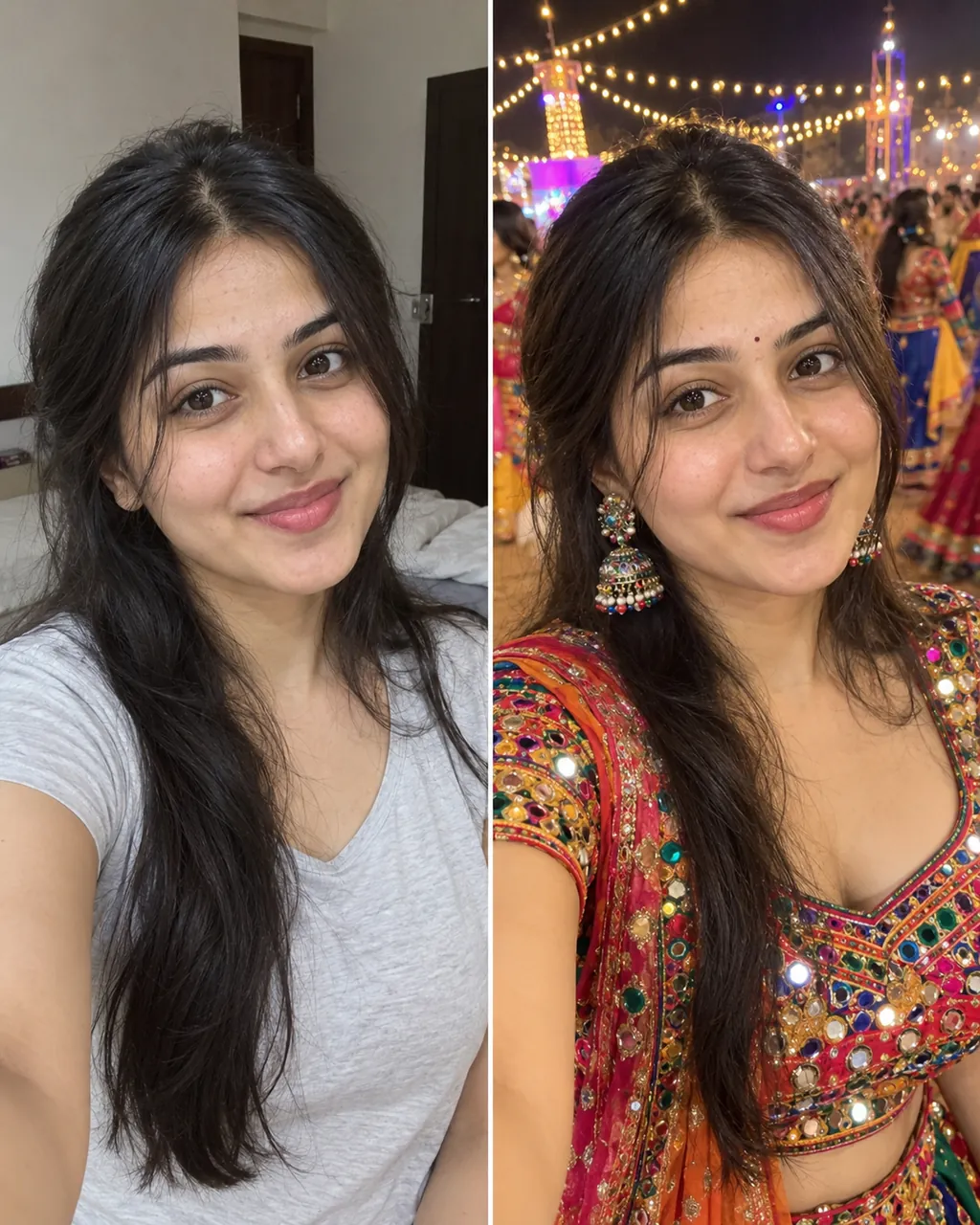
One selfie into a trending Instagram photo edit
Answers about breed, markings, photo quality and credits.
Create My Pet PortraitIt uses a photo of your pet as the reference and creates a new portrait setting around the animal. The tool keeps the pet recognizable and changes the meadow, library, light and framing. The meadow and library presets both keep the same animal while changing the furniture, floor and direction of light.
The prompt locks the species, breed, face, eyes, ears, fur color, markings and body shape. The result still needs a visual check, especially around small patches, paws and the outline of long fur. A front-facing photo with the full face and coat visible gives the model the clearest reference for those details.
Yes, the tool is designed for one pet photo and works for cats, dogs and other common companion animals. Use a clear photo where the face and coat pattern are visible, and upload only an animal you have permission to photograph. Cats and dogs both need a photo where the face is large enough to show the eyes, ears and coat pattern.
One AI pet portrait generator image costs 8 credits and is rendered at 1K with Nano Banana 2. New accounts receive 8 starter credits once per device and network, enough for one image. The price covers one generated image, not a retry; if the result misses, another run uses another 8 credits.
This page accepts one pet photo per run. For a two-pet image, use a source photo that already contains both animals and check that the markings on each one remain separate. If both animals are already in one photo, check that each face, coat pattern and body outline stays separate after generation, then compare the result with the source.
Choose a sharp, front-facing photo with the eyes, ears and markings clear. Avoid strong shadows across the face and avoid a photo where the pet is too small in the frame. A soft, even light and a clean background make it easier to keep the eyes, ears and fur pattern close to the original.
The library preset includes a simple velvet collar as part of the scene, while the meadow preset does not require one. Check the result if the collar is important to you, because small accessories can vary.
Yes. Download the image and use MiniMax H3 for a small blink, head turn or gentle light movement. Keep the motion restrained so the fur and facial markings stay consistent.
The AI trend guide explains source photos, motion and safe publishing in plain language. It also shows where this pet portrait guide fits beside the other photo tools.
Give the Photo a New Setting
Turn one clear pet photo into a polished portrait with this AI pet portrait generator.
Create My Pet Portrait8 credits | 1K image
Keep the Same Pet
Create My Pet Portrait