LinkedIn profile
Use a clean square crop with a simple background. The AI headshot generator can improve the setting without creating a more polished or younger identity.
Upload one clear photo and create a clean head-and-shoulders portrait. The AI headshot generator keeps your features, age and skin texture while changing the setting.
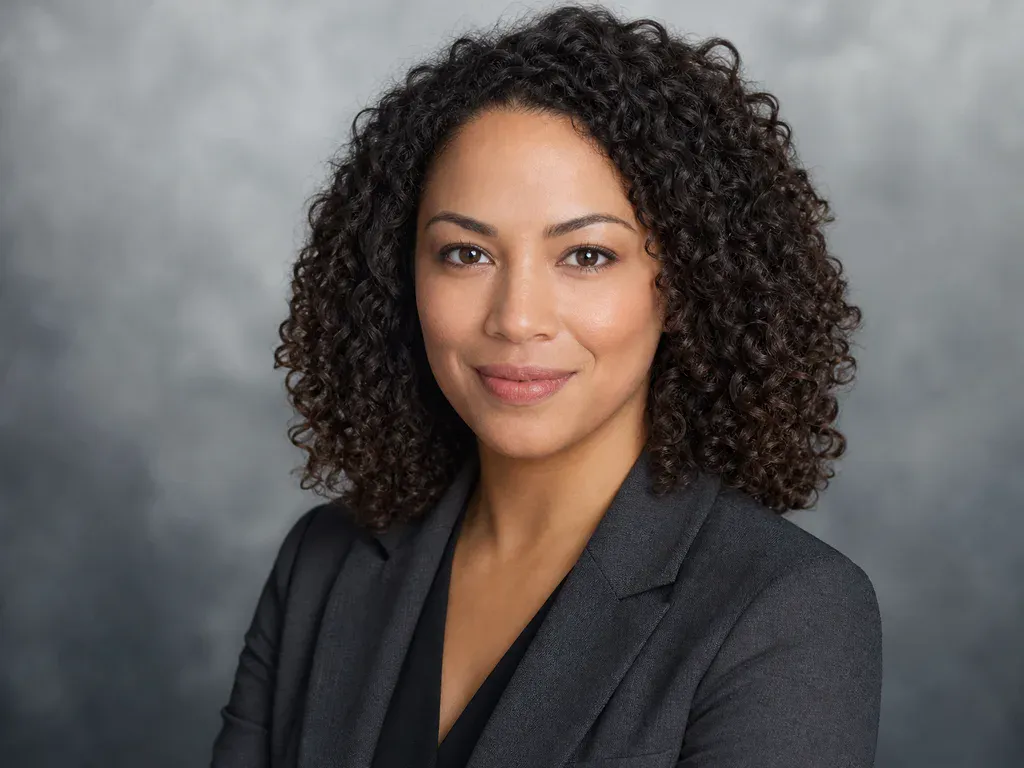
Open either card to read the exact AI headshot generator prompt, including the rule that the face, age and skin texture must stay the same.
A Professional Edit
A professional headshot should still look like the person who will walk into the interview, meeting or client call. That sounds obvious, yet many portrait tools smooth the skin, narrow the face, brighten the eyes and turn the subject into a generic polished version of themselves. This AI headshot generator takes a narrower approach. It may change the clothing, background, light and head-and-shoulders crop, but the face shape, features, skin tone, skin texture, age and natural expression are all protected. It also asks the model not to beautify, slim, smooth, lighten or make the person younger. The white studio look uses a clean wall and navy blazer. The modern office look uses charcoal, frosted glass and soft window light. Each AI headshot generator run returns one 1K image for 8 credits. Review the eyes, jawline, hairline and expression at full size, because a small change can make an otherwise useful portrait look like a different person.
Generate My HeadshotUse a clean square crop with a simple background. The AI headshot generator can improve the setting without creating a more polished or younger identity.
Give a small team a consistent studio look even when the source photos were taken at home. Check every face individually before publishing.
Create a vertical portrait with room for a name and title. The modern office background can feel warmer than a plain white studio.
A clean headshot can make a CV or portfolio feel more finished. Use only a photo of yourself and keep the natural expression from the original.
Download the headshot and add a restrained blink or head turn with MiniMax H3. Avoid large expressions or dramatic light changes if the face needs to stay exact.
The best source looks like you on a normal, well-lit day.
A beauty app usually changes the face itself. It may smooth skin, widen the eyes, narrow the jaw or change the apparent age. This AI headshot generator is designed for a different job: improve the presentation around the person, not redesign the person. The useful edits are clothing, background, light and crop. The face, age, skin texture and natural expression are supposed to stay as close to the upload as possible. That makes the tool a better fit for a work profile, a team page or a professional bio where recognition matters. It is still a generative image, so the result needs a real comparison rather than blind trust. Check the source and the output side by side. If the nose, jaw, hairline or age has moved, try another run or use a clearer source photo. The point of the AI headshot generator is a cleaner portrait of the same person, not a fictional twin.
Face shape, facial features, eyes, nose, lips, skin tone, skin texture, age, hair, natural expression and body proportions.
The outfit, the background, the light and the head-and-shoulders crop.
Beautifying, slimming, smoothing, lightening or making the person younger. These are explicit exclusions in the headshot prompt.
Eyes, jawline, hairline, skin texture and expression. A headshot is only useful if a colleague or client can still recognise the person.
01
The AI headshot generator locks face shape, eyes, nose, lips, skin tone, skin texture, age and hair before it describes the clothing or room.
02
The prompt explicitly rules out smoothing, slimming, lightening and age changes, because a professional photo should not imply a different person.
03
A clean white studio and a softer modern office cover most profiles, team pages and speaker bios without a full photo session.
01
Choose a front-facing photo with natural light and no heavy filter. The AI headshot generator needs a clear view of the face, hairline and expression.
02
Choose the white studio or modern office, then set a square crop for a profile or a vertical crop for a speaker page.
03
Check that the person in the result is still you, with the same age and skin texture. Each AI headshot generator run costs 8 credits.
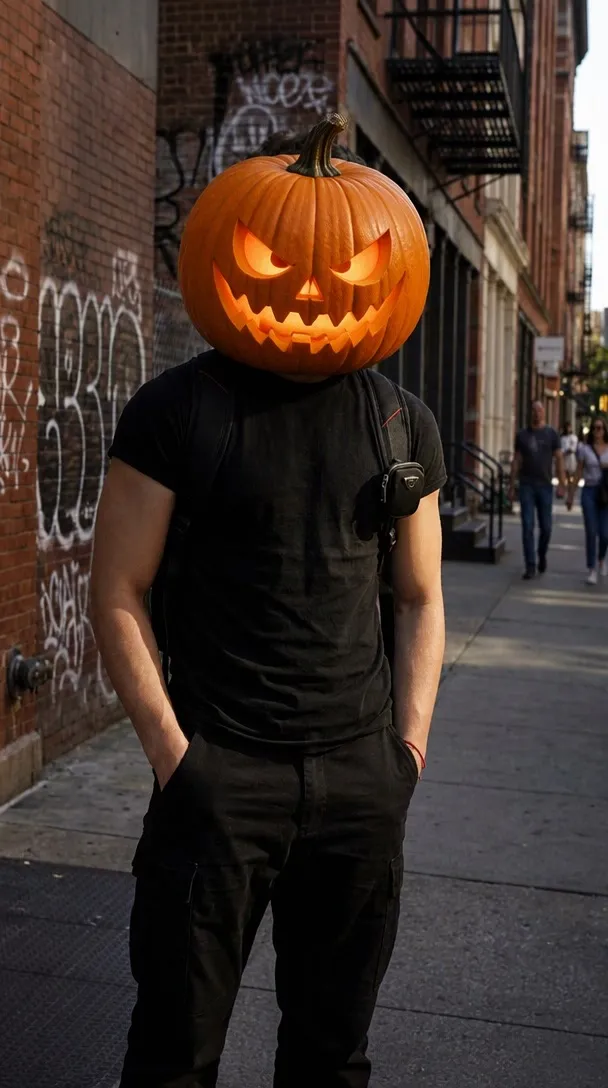
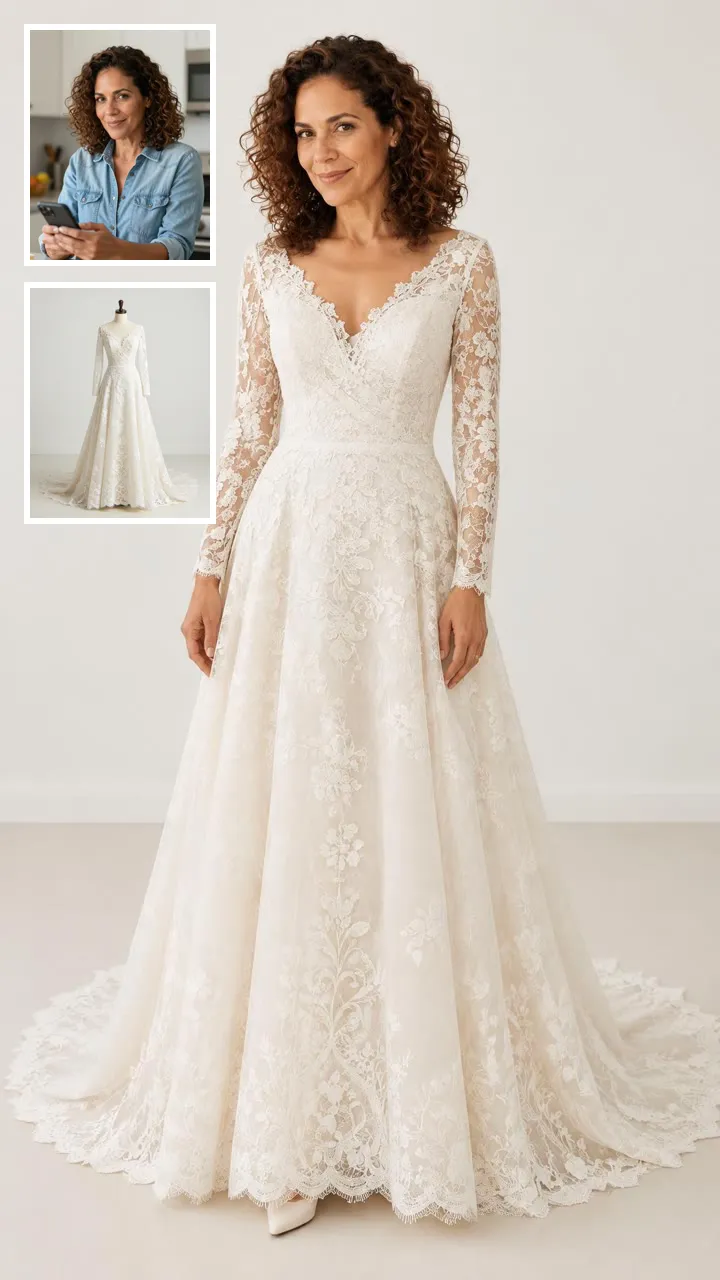
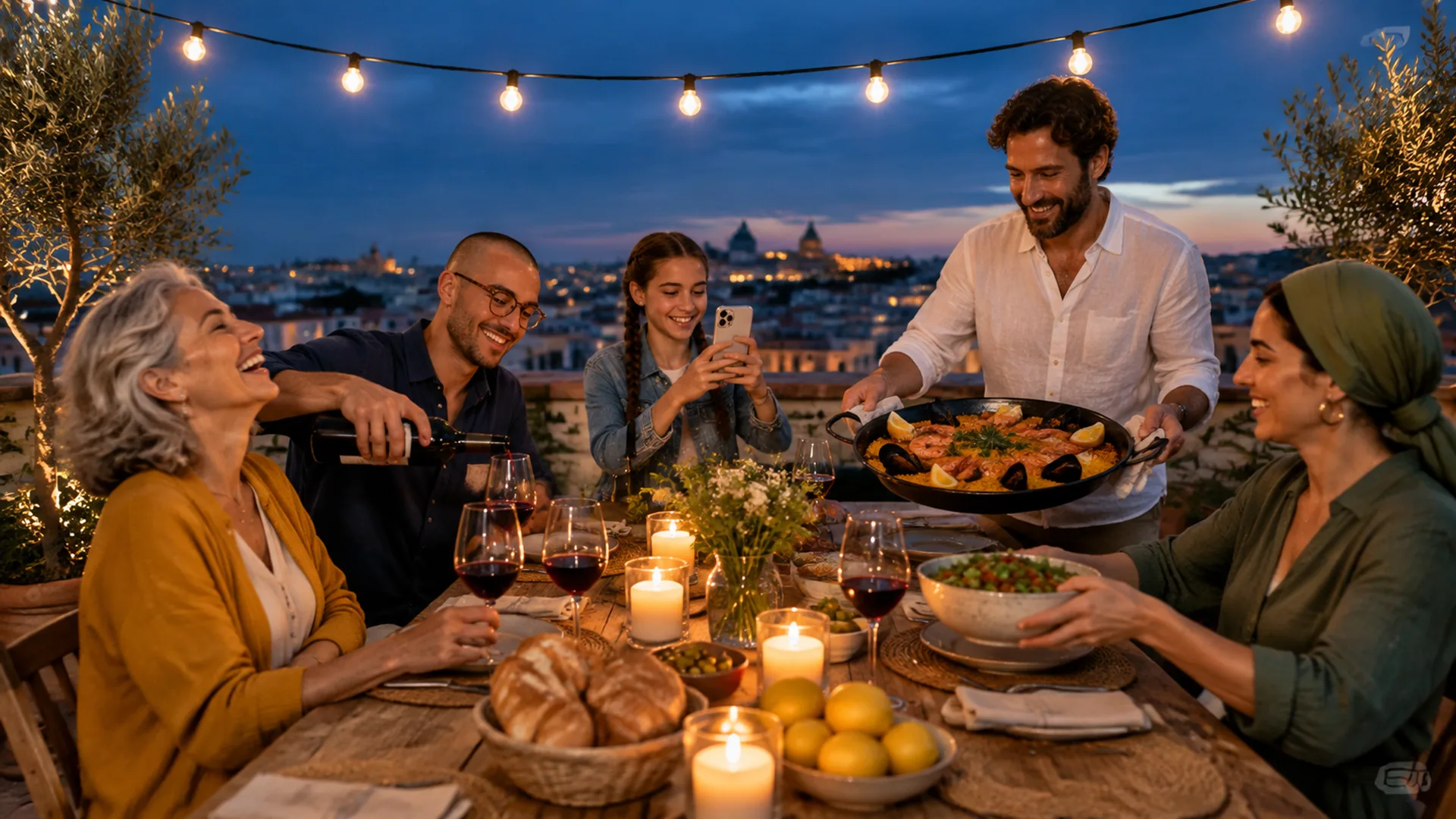

Browse all
One photo into a natural new scene
One product snapshot into a clean studio shot
One pet photo into a polished portrait
Two photos into one natural couple portrait
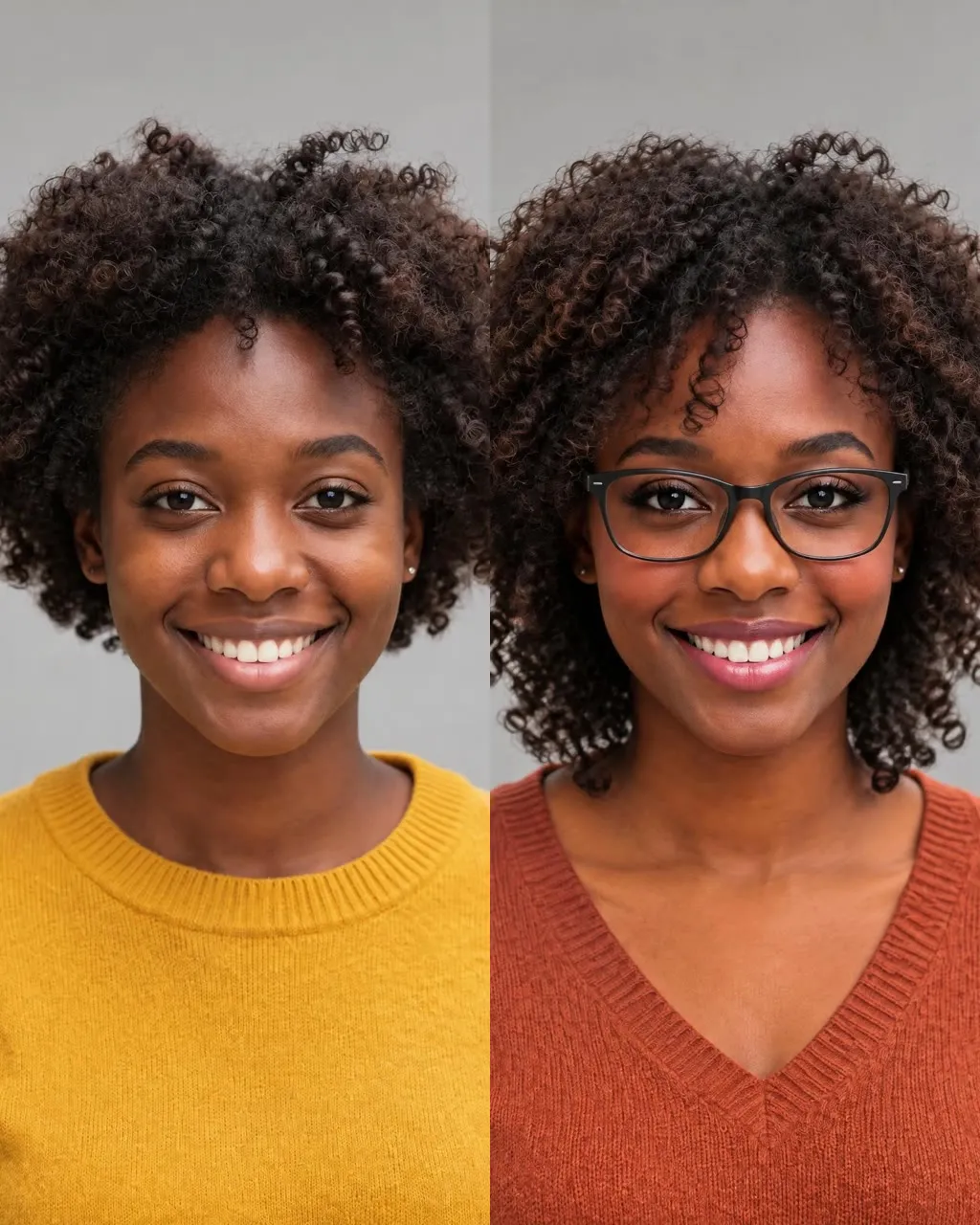
One selfie into a new haircut, glasses, colors, beard or makeup
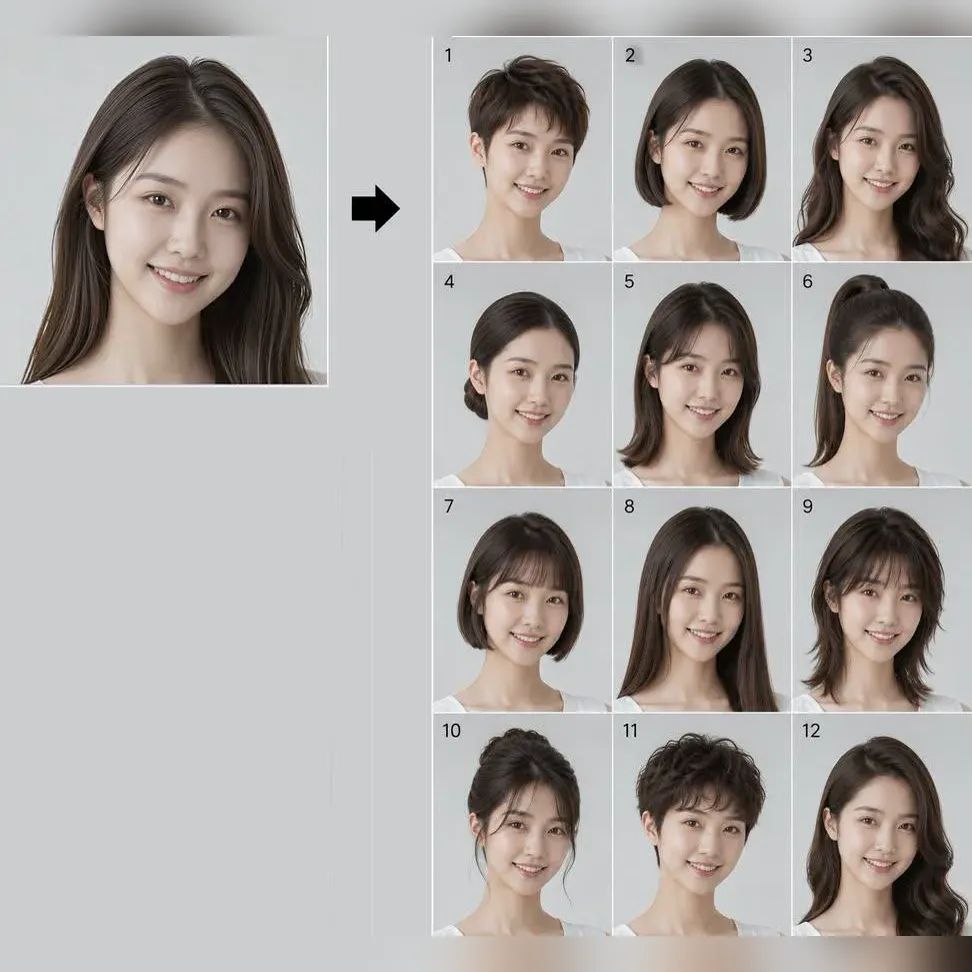
Try 34 haircuts and hair colors on your own photo

One photo into a Halloween costume photo

Two parent photos into one imagined baby photo
One photo into a bald, buzz-cut or bald-with-beard look
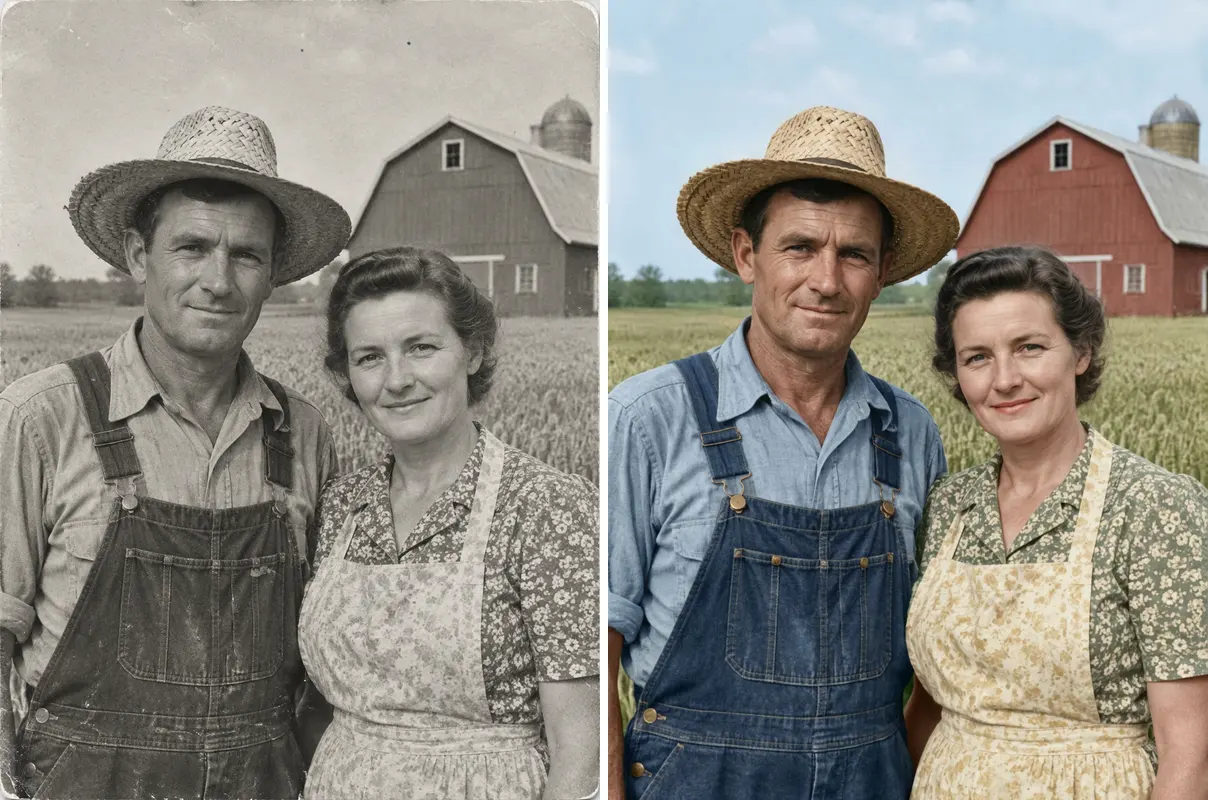
One old photo repaired, sharpened or colorized
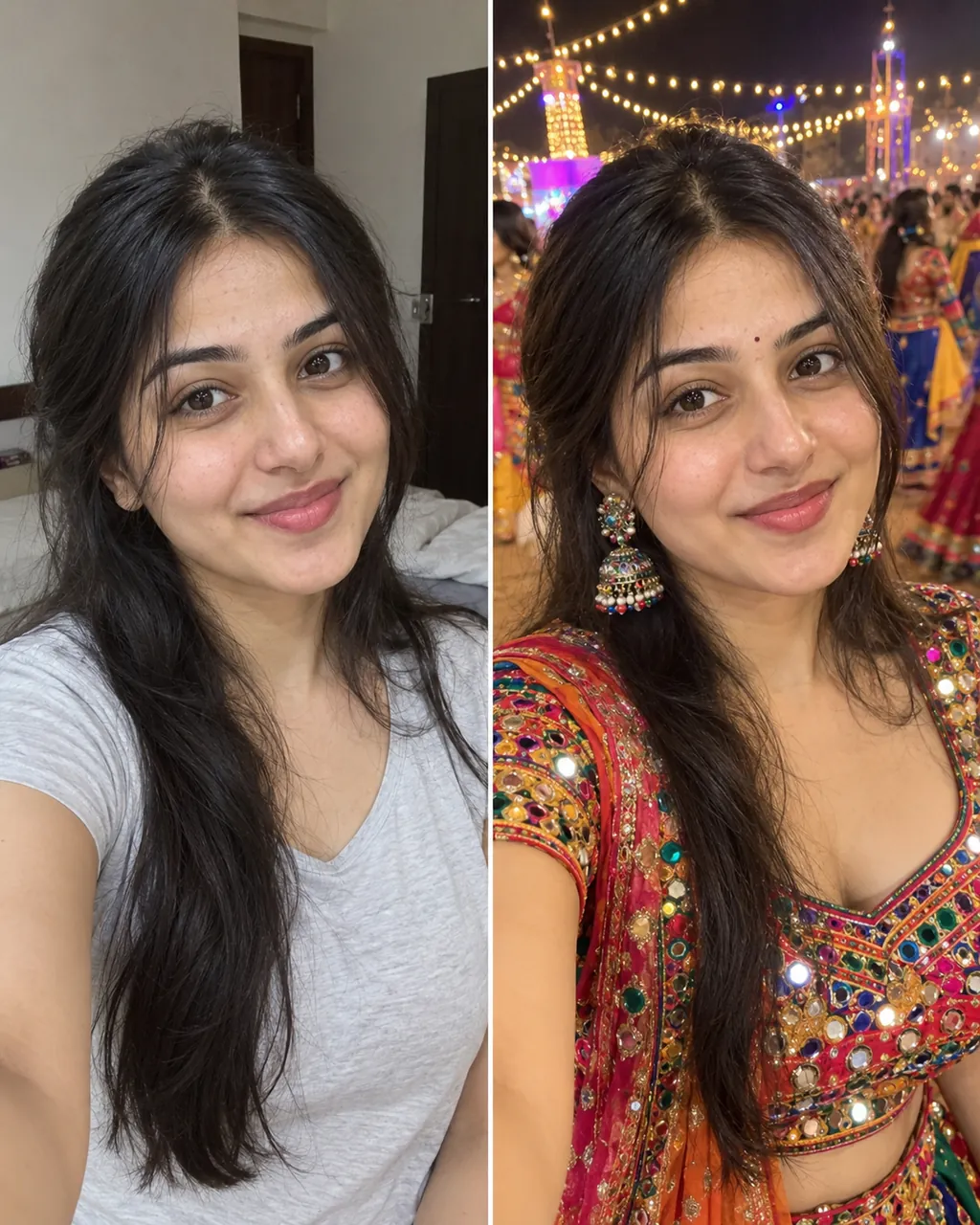
One selfie into a trending Instagram photo edit
Check a photo against official ID rules
Answers about identity, appearance, photo quality and credits.
Generate My HeadshotIt turns one clear portrait into a more polished head-and-shoulders image. This AI headshot generator changes the outfit, background, light and crop while trying to keep the face, age and natural expression unchanged. The studio and office presets change the background and light while the identity lock keeps the same face.
No, the prompt explicitly asks the model not to beautify, slim, smooth, lighten or make the person younger. The goal is a professional presentation of the same person, not a different appearance. A polished headshot should still look like the person in the source photo, not a different age or body shape.
Yes, a square headshot with a clean background fits a professional profile. Check the result against your original photo first, because a polished image should still be recognisable to people who know you. A square 1K image works for a profile photo, and you should compare the eyes, hairline and expression with the original.
Each AI headshot generator image costs 8 credits and is generated at 1K with Nano Banana 2. New accounts receive 8 starter credits once per device and network, enough for one image. The price covers one 1K image, and a second run uses another 8 credits if you want a different look.
Use one clear, front-facing photo with natural light and a neutral expression. Avoid filters, sunglasses, strong shadows and anything that hides the hairline or eyes. A photo with the whole head, shoulders and hairline visible gives the model the best chance to build a clean crop; keep the background simple and the light even.
The prompt keeps visible facial features, hair and accessories as closely as possible. Glasses reflection, thin frames and short beard details can still vary, so check them in the final image. Check thin frames, reflections and short beard details at full size, because those are the most likely to shift.
The white studio is cleaner and more formal, while the modern office adds frosted glass, plants and warmer window light. Both use a professional crop and the same identity lock.
Yes. Download the image and open it in MiniMax H3 for a small blink, soft smile or slight head turn. Keep the motion small so the face and age remain stable.
The AI trend guide covers source photos, natural motion and review habits in plain language. It also explains how an AI headshot generator fits beside background and photo-to-video tools.
Still the Same Face
Turn one clear portrait into a professional image with this AI headshot generator.
Generate My Headshot8 credits | 1K image
A Cleaner Headshot
Generate My Headshot