A photo you never took together
If you have good individual portraits but no strong photo as a pair, this AI couple photo generator can build one shared frame from the two references.
Upload one clear photo of each person and create a couple portrait without swapping, merging or averaging the two identities.
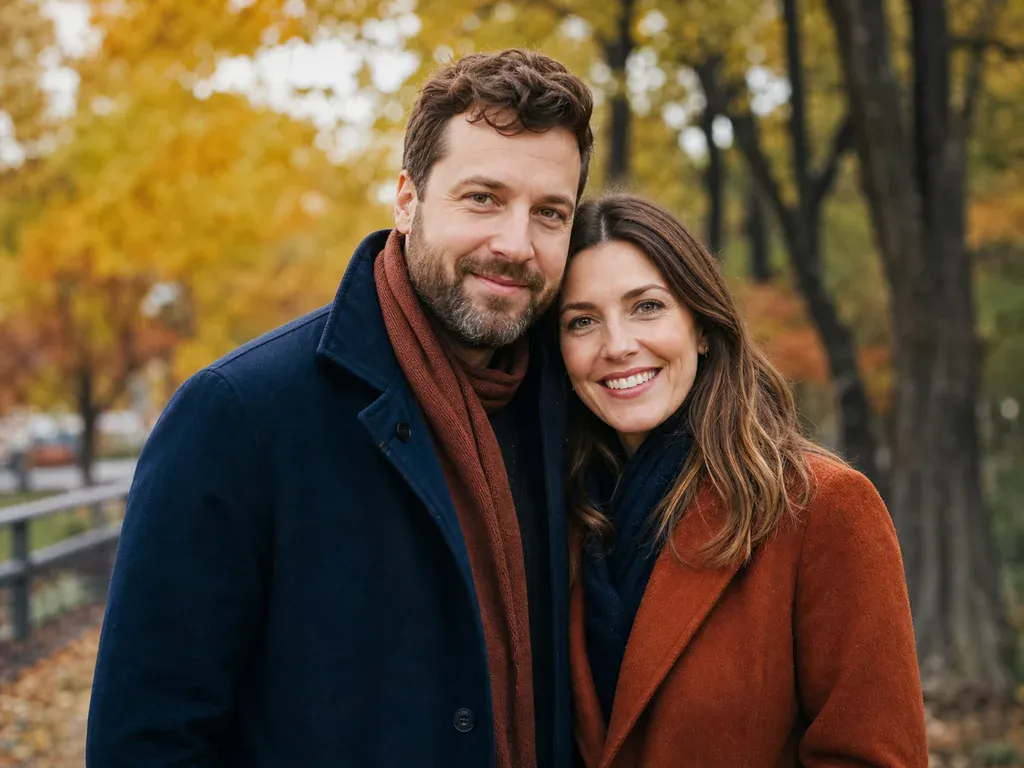
Open a card to read the exact AI couple photo generator prompt, including the rule that the two uploaded people must stay separate.
Two People, One Frame
The difficult part of a couple portrait is not the beach or the studio. It is keeping two people recognisable in one shared scene. This AI couple photo generator starts with one clear photo of each person and treats them as two separate identities. The prompt says there are exactly two people, keeps each face, age, skin tone, hair and body proportion from its own reference and tells the model never to swap, merge or average them. It then places both people in one scene with matched light and perspective. The beach option uses golden-hour light and coordinated coats. The formal studio uses a warm ivory backdrop and black evening outfits. The tool can add natural contact between the two people, but it should not create a third person or extra limbs. Every run returns one 1K image for 8 credits, even when two photos are uploaded. A strong source photo still matters: one person per upload, both faces visible and a similar line of sight make the final AI couple photo generator result much easier to trust.
Create Our Couple PortraitIf you have good individual portraits but no strong photo as a pair, this AI couple photo generator can build one shared frame from the two references.
Use the beach scene for a warm card or the formal studio for a quieter invitation. Keep the result private if either person does not want a public post.
Create a portrait from two photos taken in different places, then share it as a visual keepsake. Both people should agree before their photos are uploaded.
Use one clear photo per adult and the formal studio for a consistent frame. This AI couple photo generator focuses on two people; add children through a source photo that already includes them.
Download the portrait and use MiniMax H3 for a small blink, a head turn or moving fabric. Slow motion is easier to keep believable than a big pose change.
Use one person per upload and keep both references equally clear.
A collage places two separate pictures next to each other and leaves the cut obvious. This AI couple photo generator builds one shared scene with a common light direction, background and floor. The tradeoff is that the model must preserve two identities at once, which is harder than editing one person. A clear reference photo for each person gives the model more to work with. The prompt avoids the most common failure modes by naming exactly two people and forbidding identity swaps, merging and extra people. It cannot guarantee a perfect result, especially when the two source photos have very different light or camera angles. Use the tool as a considered portrait edit, not as proof that two people were in the same place. If the faces drift, try two photos with a similar head angle and a simpler background, then compare the result with both references before sharing.
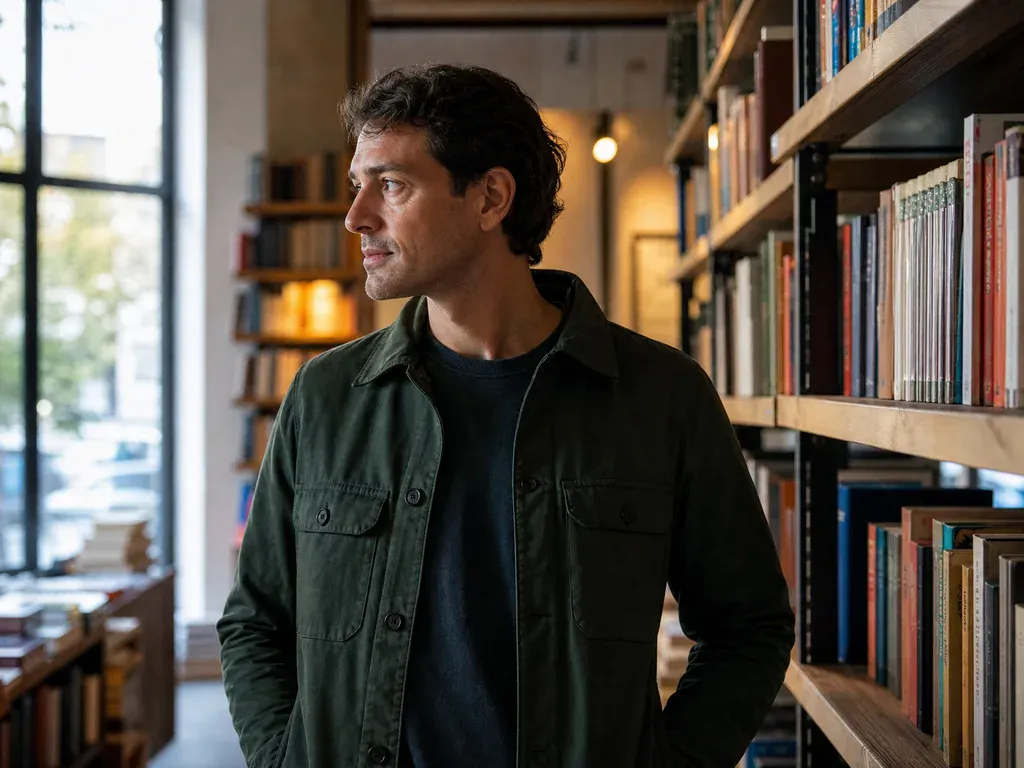
The face, facial features, age, skin tone, hair and proportions of the person uploaded in the first slot.
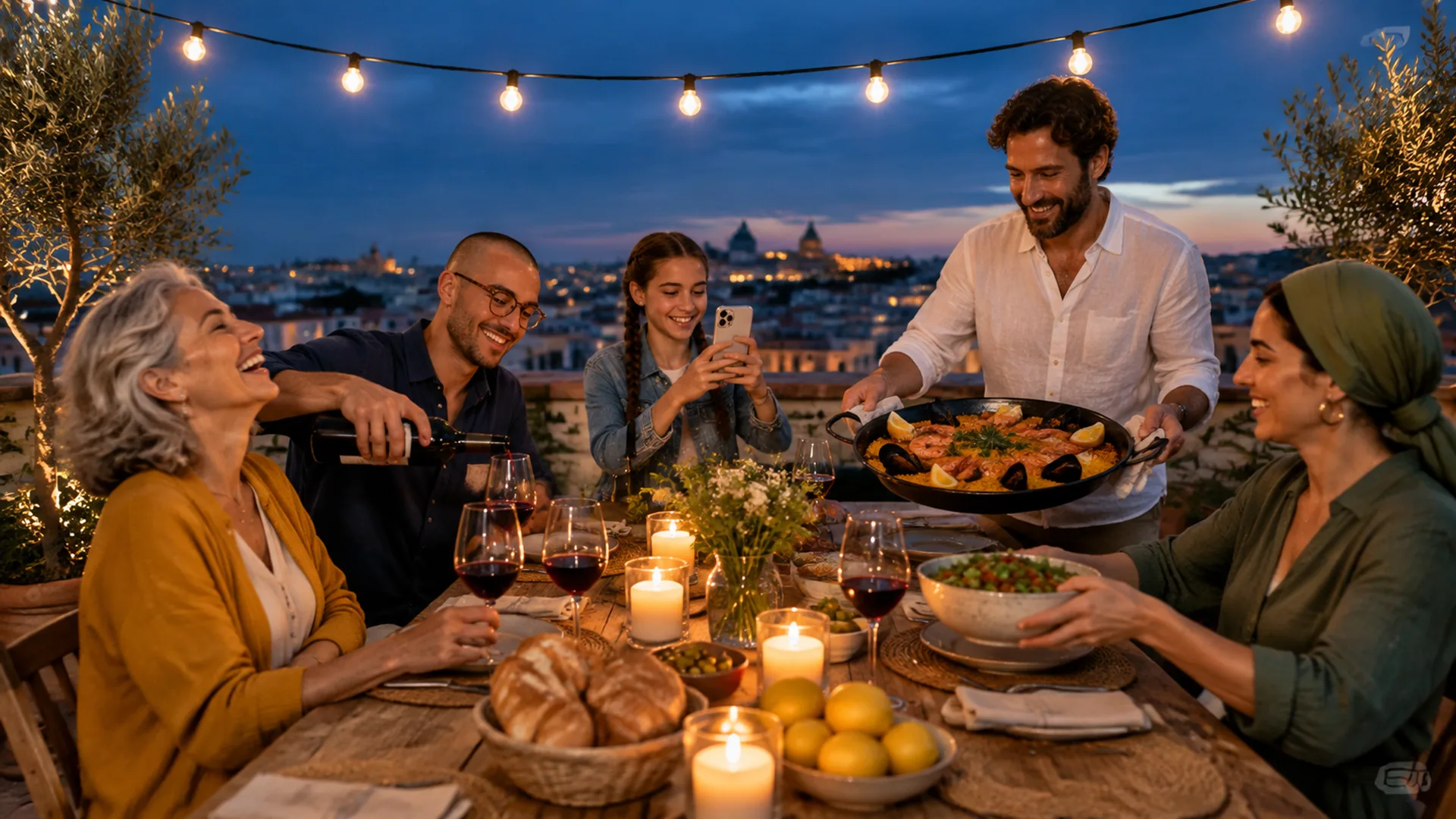
The same identity details for the second person, kept separate instead of blended into the first.
The beach or studio, clothing direction, light, background, shared pose and natural contact between the pair.
Both faces, hands, shoulders, hair edges and any contact between the two people. Extra figures should not appear.
01
The prompt treats the first upload and second upload as separate identities and explicitly says not to swap, merge or average them.
02
The AI couple photo generator asks for exactly two people and no extra limbs, which is important when one shared scene starts from two separate portraits.
03
The beach and studio presets include their own light direction, background and contact so the pair feels photographed together rather than collaged.
01
Use one clear photo of each person, not a photo that already contains both. Keep each face large enough for the AI couple photo generator to read identity details.
02
Choose the beach sunset or formal studio, then select a square, wide or vertical frame for a profile, card or story post.
03
Make sure each person still looks like their own reference and that no third figure appears. Each run costs 8 credits and returns one image.


Browse all
One product snapshot into a clean studio shot
One pet photo into a polished portrait
One photo into a professional headshot
Turn photo heads into pumpkins
See clothes on your own photo
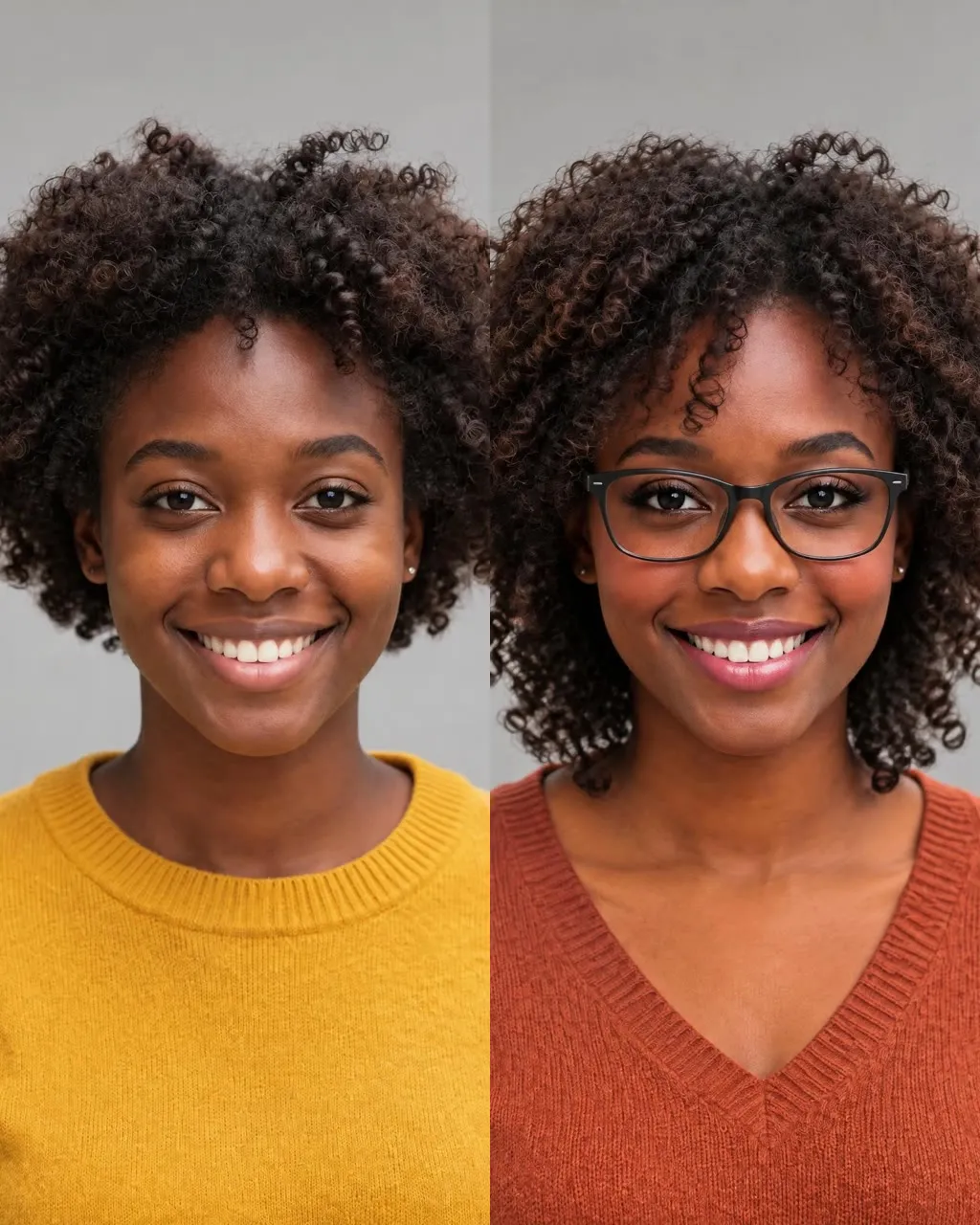
One selfie into a new haircut, glasses, colors, beard or makeup
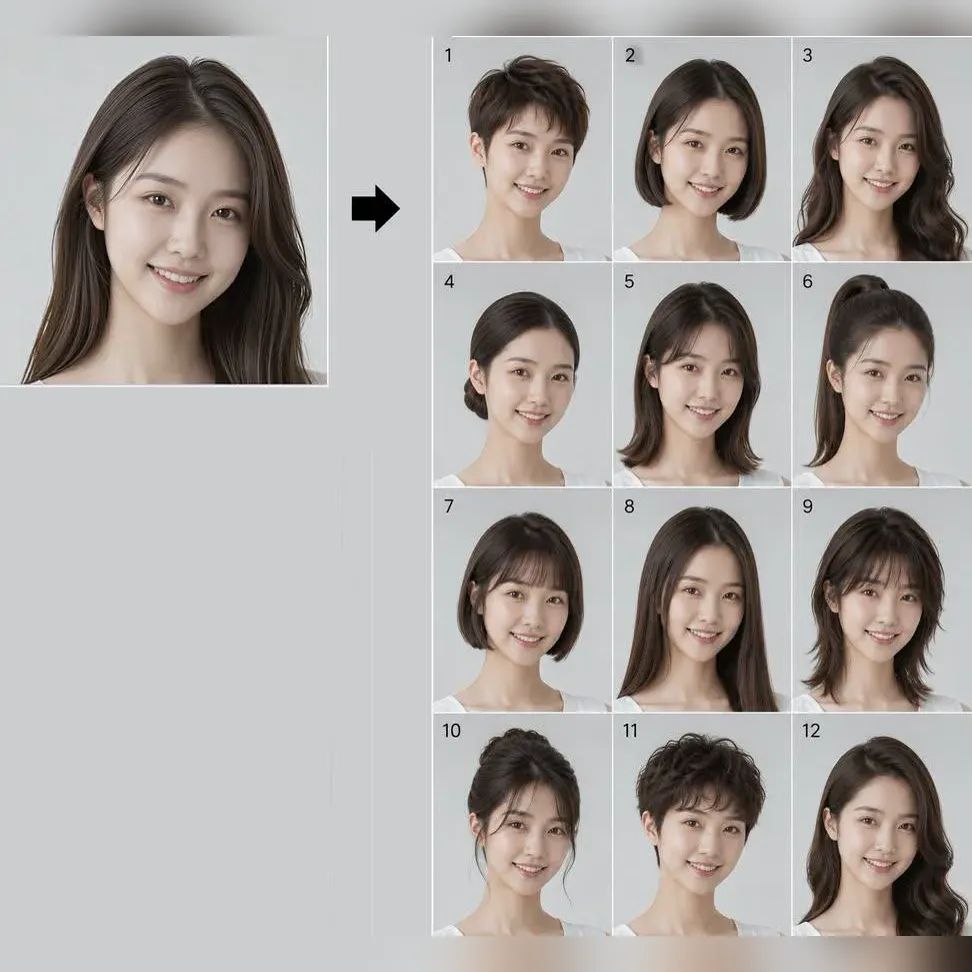
Try 34 haircuts and hair colors on your own photo

One photo into a Halloween costume photo
One photo into a bald, buzz-cut or bald-with-beard look
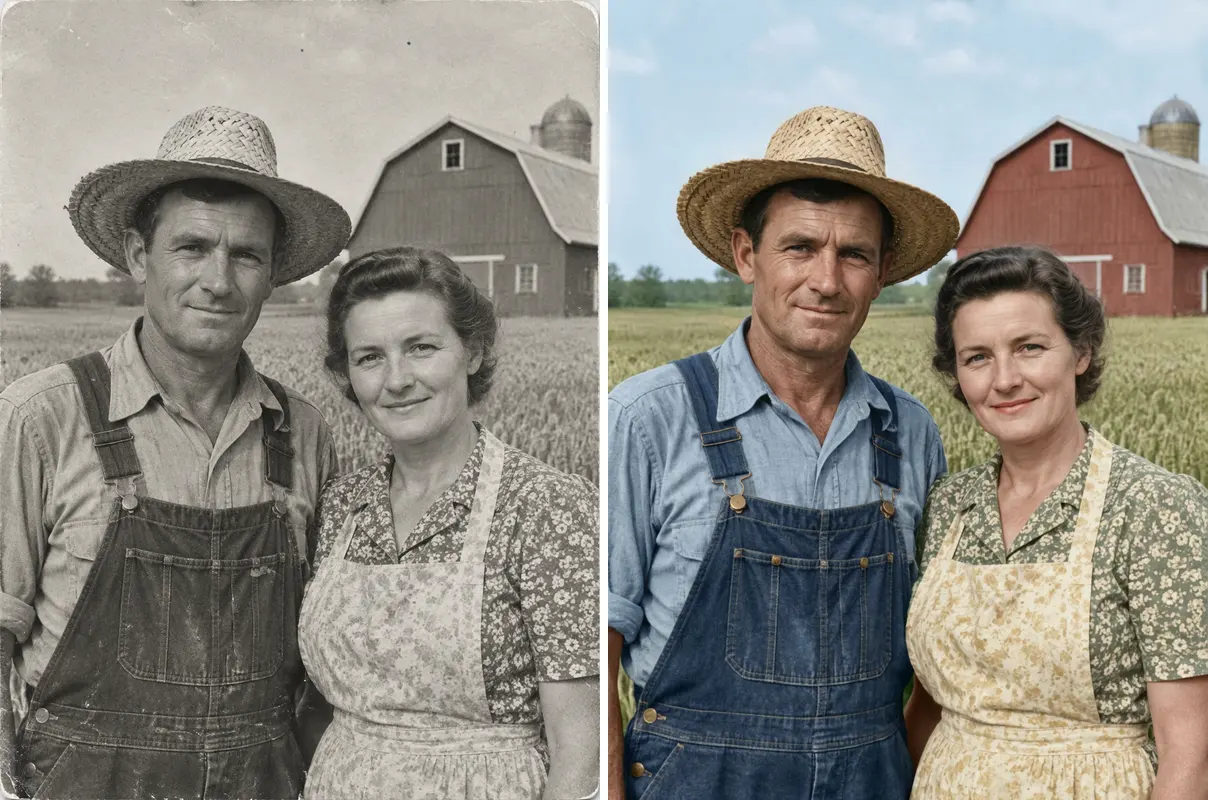
One old photo repaired, sharpened or colorized
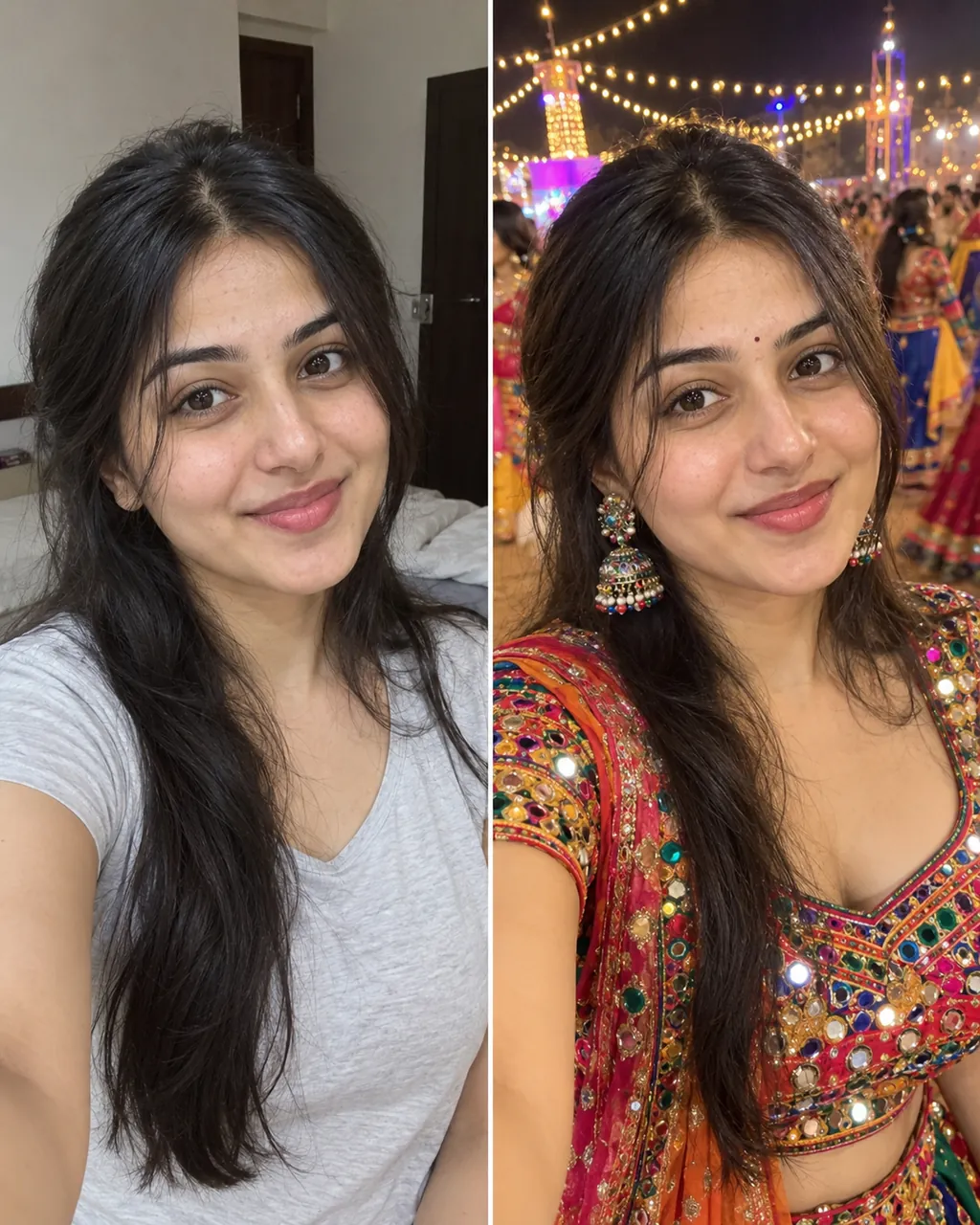
One selfie into a trending Instagram photo edit
Check a photo against official ID rules
How two uploads, identity and credits work.
Create Our Couple PortraitIt uses one reference photo for each person and creates a shared portrait scene around them. The tool keeps the two identities separate and asks the model not to swap, merge or average the faces. The beach and studio presets change the light and background, but both keep the same two-person identity lock.
The tool expects one person per upload. A photo with two people in one slot makes it harder to tell which face belongs to which reference, so use two separate clear portraits instead. Separate portraits also make it easier to match each reference with the correct person in the final scene.
The prompt locks both faces, ages, skin tones, hair and body proportions, but two-person generation is more difficult than a single portrait. Check each person against their own source photo before sharing. Look at the eyes, nose, hairline and face shape against each source photo, not just the overall pose.
One image costs 8 credits even when you upload two reference photos. New accounts receive 8 starter credits once per device and network, which covers one AI couple photo generator image. A second run costs another 8 credits, so download and review the first result at full size before generating again.
Yes. The beach sunset scene uses golden-hour light and coordinated coats, while the formal studio uses an ivory backdrop and black evening outfits. Both return one 1K image. Both scenes return a 1K image, and the prompt keeps exactly two people in the frame; choose the setting that matches the light in your source photos.
No, the prompt asks for exactly two people and explicitly forbids a third person. If an extra figure appears, generate again with simpler source photos. A simpler source photo with one clear face per upload makes a third-person artifact easier to spot, and you should regenerate if an extra figure appears.
The scene prompt tries to match the light and perspective, but very different source lighting can still cause a visible mismatch. Choose portraits with soft, even light and a similar camera angle for the cleanest result.
Yes. Download the image and open it in MiniMax H3 for a small blink, natural smile or slight head turn. Keep the movement gentle so both identities remain stable.
The AI trend guide explains source photos, identity checks and social publishing. It also shows how an AI couple photo generator fits with the other portrait tools.
One Shared Portrait Out
Make a natural couple image with this AI couple photo generator.
Create Our Couple Portrait8 credits | 2 photos | 1K image
Two Photos In
Create Our Couple Portrait