Short drama and web series creators
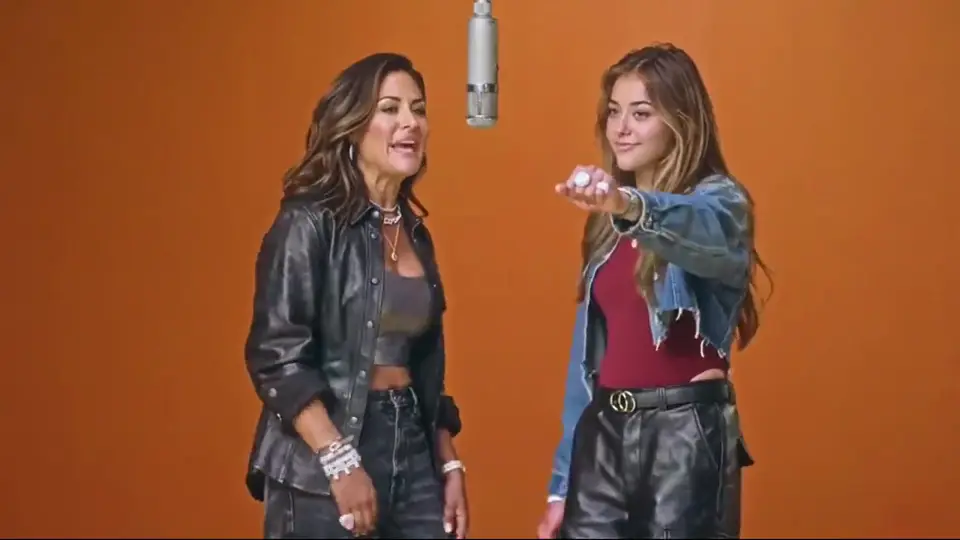
Thirty-second takes and saved characters let you shoot a whole scene with the same cast, then the next scene with the same faces.
Kling 4.0 is Kuaishou’s newest video model: one take up to 30 seconds, up to 10 keyframes to plot the story, and 15 reference files to lock characters and products. Write a scene and generate a Kling 4 video in your browser.
Select video duration
Select resolution
Select aspect ratio

Browse all
CAPABILITIES
Feature 01
Kling 4.0 renders a single take of 3 to 30 seconds. Kling 3 stopped at 15, so anything longer had to be two clips cut together, and the seam usually showed in the face, the light or the camera path. With Kling 4 the whole shot comes out of one pass: the character keeps the same face from the first frame to the last, the lighting holds, and a slow push-in can run the full half minute without a restart. Thirty seconds is the length of a classic TV spot, a complete product walkthrough or a short scene with a beginning, a middle and an end. Plan the take like a real shot: where the camera starts, what changes in the middle, and what the final frame should hold. For most social ads 10 to 20 seconds is plenty; reach for the full 30 when the story needs the room.
Feature 02
Kling 3 gave you a first frame and a last frame. Kling 4.0 accepts up to 10 keyframes, plus separate start and end frame control, so you can pin the moments that matter and let the model animate everything in between. Upload a storyboard of stills, put them in order, and Kling 4 moves the camera and the characters from one beat to the next. This is the feature that turns a prompt into a directed sequence: the hero enters on frame one, turns on frame four, picks up the product on frame seven and looks into the lens on frame ten. Keep neighbouring keyframes close in pose and framing so the transitions stay smooth, and describe the motion between them in the prompt.
Feature 03
Kling 4.0 takes up to 15 reference files in one request: up to 10 images, up to 5 video clips with a combined length of 30 seconds, up to 7 saved characters or objects, and a voice sample. That is how you keep the same actor, the same outfit and the same product across every shot of a campaign. Load the product from three angles, the model’s face, the logo and a clip of the camera move you want, then describe the scene. Kling 4 treats the references as the source of truth for identity and uses the prompt for action. For brand work, save your hero product and your main character once and reuse them in every Kling 4 video.
Feature 04
The full Kling 4.0 model outputs 720p, 1080p or 4K, and Kuaishou lists 10-bit HDR as its next addition. HDR matters most in scenes with a wide range of light: neon signs at night, a window behind a subject, sunlight on chrome. In 8-bit video those highlights clip to flat white and the shadows band; 10-bit keeps the gradient. Choose 4K when the clip is going on a large display, into an edit that will be cropped, or into a product page where people zoom. For quick drafts and social previews, 720p renders faster and costs less. Kling 4.0 Flash, the lighter version, is 720p only with standard dynamic range.
Feature 05
Kling 4.0 generates the soundtrack in the same pass as the picture: stereo ambience, sound effects and spoken lines. Lip sync is tighter than in Kling 3, and you can ask for a specific accent, so a British shop owner sounds British and a Texan rancher sounds Texan. Put dialogue in quotes, name the speaker and the accent, and describe the room so the reverb fits. Stereo placement follows the camera: a car passing left to right moves across the speakers. For ads with voice-over, keep lines short and one idea per sentence; Kling 4 times the mouth to each word, so fewer words means cleaner delivery.
Feature 06
Kling 4.0 adds a 21:9 cinema aspect ratio next to 16:9, 9:16 and 1:1, and accepts prompts up to 8,000 tokens. The long prompt window means you can write a real shot list: timing for each beat, the lens, the lighting, what every character wears and says, and the sound under it all, without trimming. The widescreen frame suits trailers, music videos and establishing shots where the landscape carries the mood. Kuaishou has also announced video extension up to two minutes as a coming feature, which will let you continue a Kling 4 take instead of starting over.
PROMPT EXAMPLES
Prompt
0-8s: slow drone push toward a lighthouse on a cliff at dawn, waves breaking below. 8-20s: inside, a keeper in a wool sweater climbs the spiral stairs, lantern in hand. 20-30s: at the top he lights the lamp and the beam sweeps across the sea. Wind, gulls, the creak of the stairs.
Prompt
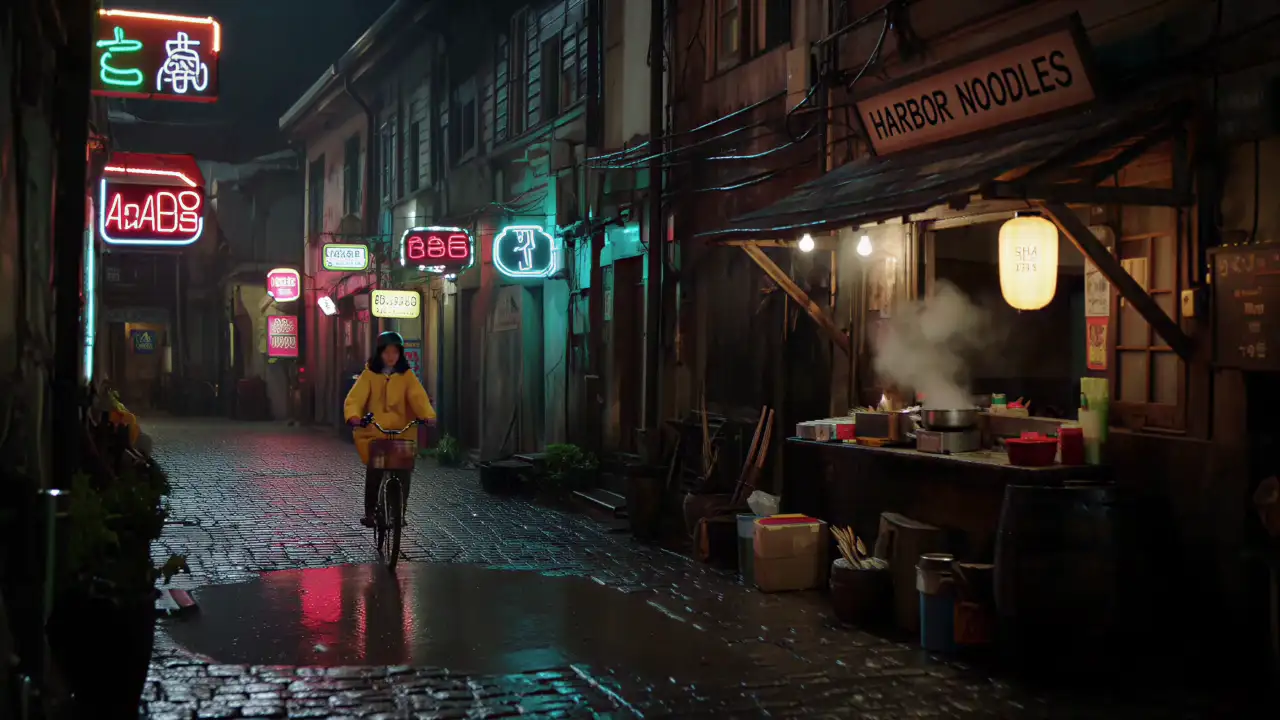
Keyframe story, 10 frames: a girl finds a paper boat on a rainy street, carries it home, dries it by the heater, draws a face on it, and sets it sailing in the bath. Keep her yellow raincoat and the boat identical in every frame.
Prompt
Medium shot, a London bakery at 7 a.m. The owner, a woman in her fifties with a flour-dusted apron, slides a tray of croissants onto the counter and says in a warm British accent: "First batch is always the best one." Oven hum, a bell on the door.
Prompt
21:9 widescreen, golden hour, a lone rider on horseback crosses a vast salt flat toward distant mountains, the camera tracking alongside at a low angle, dust trailing in the light. Hooves, wind, a low cello note.
USE CASES
Thirty-second takes and saved characters let you shoot a whole scene with the same cast, then the next scene with the same faces.
Load the product, the logo and the model once, and Kling 4 keeps them identical across every cut of a campaign.
Try this use case →Turn product photos into a 30-second walkthrough with close-ups and a 4K finish for the product page.
Try this use case →Lip-synced lines with a chosen accent make talking-head explainers and character dialogue without a recording session.
21:9 widescreen and stereo sound give trailers and music videos a cinema frame straight out of the model.
Draft openings fast, then render the ones that work in 9:16 for Reels, Shorts and TikTok.
PROS AND CONS
VERSIONS
Switch for length, keyframes and references. Stay on Kling 3 for short clips you already know how to prompt.
Kling 4.0 doubles the longest single take. Anything between 15 and 30 seconds no longer needs to be cut from two clips.
Kling 3 anchors the first and last frame. Kling 4 lets you pin up to ten moments in between, which is the difference between a shot and a sequence.
Images, clips, saved subjects and a voice sample in one request keep a character and a product the same from shot to shot.
OUR TAKE
The two numbers that matter are 30 seconds and 10 keyframes. If your idea fits in one 15-second shot with a clear start and end, Kling 3 already does it. If it needs a longer take, several planned beats or the same character across many shots, Kling 4 is the upgrade.
Flash tops out at 720p and 20 seconds with standard dynamic range. Use it to test an opening, a camera move or a line of dialogue quickly, then render the keeper on the full Kling 4.0 model.
Fifteen references with saved characters and objects means a product and a face can stay identical across a whole campaign. That consistency is harder to get from any single prompt, and it is where Kling 4 saves the most rework.
COMPARISON
| Feature | Kling 4.0 | Kling 4.0 Flash | Kling 3.0 |
|---|---|---|---|
| Longest single take | 30 s | 20 s | 15 s |
| Resolution | 720p, 1080p, 4K | 720p | 720p to 4K |
| Dynamic range | 10-bit HDR (coming soon) | 8-bit SDR | 8-bit SDR |
| Frame control | Up to 10 keyframes plus start and end frames | Start and end frames | Start and end frames |
| References | Up to 15: 10 images, 5 clips, 7 saved subjects, voice | Images | Up to 2 images |
| Audio | Stereo, lip sync, accent control | Stereo | Optional audio |
| Aspect ratios | 21:9, 16:9, 9:16, 1:1 | 16:9, 9:16, 1:1 | 16:9, 9:16, 1:1 |
| Best for | Long directed scenes and campaigns | Fast drafts and openings | Clips up to 15 seconds |
Specifications come from Kuaishou’s Kling 4.0 announcement of September 27, 2026. HDR and two-minute extension are listed by Kuaishou as coming soon.
Create a Kling 4.0 Video01
The generator at the top of this page already has Kling 4.0 selected. Signing up is free and adds 20 credits to your account, enough to try your first clip.
02
Describe the shot as a timeline, put dialogue in quotes and name the sounds you want. Attach images of your characters and products, then choose the length and aspect ratio.
03
Press generate. The Kling 4 video arrives in your feed with its soundtrack and downloads as an MP4. If one detail is off, change that part of the prompt instead of rewriting everything.
One balance, every model. Credits work across all 20 video models — no watermark, no tier-locked models, commercial use on every paid plan.
Save 30% billed annually
Flexible monthly subscription.
The lowest price to get started. Every model, a monthly budget to try things out.
$7.99/mo
Renews monthly, cancel anytime.
200 credits
≈ 0–10 videos, depending on the model
≈ 14–66 images, depending on the model
4.00¢ / credit
The cheapest way to start. Every model, a small monthly budget.
$12.99/mo
Renews monthly, cancel anytime.
400 credits
≈ 1–20 videos, depending on the model
≈ 28–133 images, depending on the model
3.25¢ / credit
Enough credits to try every model and finish a few clips each month.
$29.9/mo
Renews monthly, cancel anytime.
1,000 credits
≈ 3–50 videos, depending on the model
≈ 71–333 images, depending on the model
2.99¢ / credit
2 parallel tasks
Steady output for solo creators going pro — every model, a comfortable budget.
$49.9/mo
Renews monthly, cancel anytime.
2,000 credits
≈ 6–100 videos, depending on the model
≈ 142–666 images, depending on the model
2.50¢ / credit
3 parallel tasks
High-volume production for prolific creators and small teams.
$89.9/mo
Renews monthly, cancel anytime.
5,000 credits
≈ 15–250 videos, depending on the model
≈ 357–1666 images, depending on the model
1.80¢ / credit
5 parallel tasks
Pay yearly and save more.
Enough credits to try every model and finish a few clips each month.
$19.9/mo$29.9
Billed yearly at $238.8. Renews yearly, cancel anytime.
Save $120/yr vs monthly
12,000 credits
≈ 38–600 videos, depending on the model
≈ 857–4000 images, depending on the model
1.99¢ / credit
2 parallel tasks
Steady output for solo creators going pro — every model, a comfortable budget.
$34.9/mo$49.9
Billed yearly at $418.8. Renews yearly, cancel anytime.
Save $180/yr vs monthly
24,000 credits
≈ 76–1200 videos, depending on the model
≈ 1714–8000 images, depending on the model
1.75¢ / credit
3 parallel tasks
High-volume production for prolific creators and small teams.
$62.9/mo$89.9
Billed yearly at $754.8. Renews yearly, cancel anytime.
Save $324/yr vs monthly
60,000 credits
≈ 190–3000 videos, depending on the model
≈ 4285–20000 images, depending on the model
1.26¢ / credit
5 parallel tasks
Top up credits valid for 12 months.
One-time top-up — perfect for occasional needs.
$49.9
One-time purchase, valid 12 months.
1,000 credits
≈ 3–50 videos, depending on the model
≈ 71–333 images, depending on the model
4.99¢ / credit
Larger top-up with 20% bonus — best per-credit value for one-time buyers.
$198
One-time purchase, valid 12 months.
4,800 credits
≈ 15–240 videos, depending on the model
≈ 342–1600 images, depending on the model
4.13¢ / credit
5 parallel tasks
When Kling 4.0 arrived, what changed from Kling 3, and how to get the most out of it.
Create a Kling 4.0 VideoKuaishou announced Kling 4.0 on September 27, 2026, with the full model rolling out in October. The lighter Kling 4.0 Flash opened to top-tier Kling members on September 28.
The longest single take doubles from 15 to 30 seconds, frame control grows from a start and end frame to up to 10 keyframes, references grow from 2 images to 15 files including clips and saved subjects, and audio moves to stereo with tighter lip sync. Kling 4 also adds a 21:9 aspect ratio and 8,000-token prompts.
Kling 4.0 renders up to 30 seconds at up to 4K, with 10-bit HDR on the way. Kling 4.0 Flash renders up to 20 seconds at 720p in standard dynamic range. Flash is for fast drafts; the full model is for finals.
A single Kling 4.0 take runs from 3 to 30 seconds; Flash stops at 20. Kuaishou has also announced video extension up to two minutes as a coming feature.
No. 4K is a resolution and Kling 3 already offered it. Kling 4.0 is the new model version, which also outputs 4K.
On Ricebowl every Kling 4.0 video is paid with credits, and the price depends on length and resolution. New accounts get 20 free credits. See the pricing page for current credit packs.
Kuaishou has not opened a public Kling 4.0 API yet. You can generate Kling 4 videos on Ricebowl in the browser without writing any code.
Kuaishou’s own Kling app is available from the official Kling website and app stores. Ricebowl runs in the browser on desktop and mobile, so there is nothing to install.
Kling 4.0 suits anything that needs a longer take or a consistent cast: short drama scenes, product walkthroughs, ad campaigns with the same model in every cut, dialogue with lip sync, and widescreen trailers.
Write it as a timeline: what happens from 0 to 8 seconds, from 8 to 20, and so on. Name the lens and light, put dialogue in quotes with the speaker and accent, and list the sounds. Use references for identity and the prompt for action.
RELATED
MORE MODELS
Thirty-second takes, ten keyframes, fifteen references and stereo audio with lip sync, in your browser.
Create a Kling 4.0 VideoFREE SIGN-UP · 30-SECOND TAKES · 10 KEYFRAMES · 4K
Direct Longer Scenes
Create a Kling 4.0 Video