Kurzfilm- und Webserien-Creators
Dreißigsekündige Aufnahmen und gespeicherte Charaktere lassen Sie eine ganze Szene mit derselben Besetzung drehen, dann die nächste Szene mit denselben Gesichtern.
Kling 4.0 ist Kuaishous neuestes Videomodell: ein Take bis zu 30 Sekunden, bis zu 10 Keyframes für den Handlungsverlauf und 15 Referenzdateien, um Charaktere und Produkte festzulegen. Beschreibe eine Szene und generiere ein Kling 4 Video im Browser.
Videodauer auswählen
Auflösung auswählen
Seitenverhältnis auswählen
FUNKTIONEN
Funktion 01
Doppelt so lang wie Kling 3
Kling 4.0 rendert einen einzelnen Take von 3 bis 30 Sekunden. Kling 3 endete bei 15, sodass alles Längere aus zwei zusammengeschnittenen Clips bestehen musste, und die Nahtstelle zeigte sich meist im Gesicht, im Licht oder im Kamerapfad. Mit Kling 4 entsteht die ganze Aufnahme in einem Durchlauf: Der Charakter behält vom ersten bis zum letzten Frame dasselbe Gesicht, die Beleuchtung bleibt stabil, und ein langsamer Push-in kann die vollen halben Minuten laufen, ohne neu zu starten. Dreißig Sekunden entsprechen der Länge eines klassischen TV-Spots, eines vollständigen Produkt-Rundgangs oder einer kurzen Szene mit Anfang, Mitte und Ende. Plane den Take wie eine echte Aufnahme: wo die Kamera beginnt, was sich in der Mitte ändert und was das letzte Frame zeigen soll. Für die meisten Social-Ads reichen 10 bis 20 Sekunden; greife zu den vollen 30, wenn die Geschichte den Raum braucht.
Funktion 02
Die Geschichte Frame für Frame planen
Kling 3 gab dir ein erstes und ein letztes Frame. Kling 4.0 akzeptiert bis zu 10 Keyframes plus separate Steuerung von Start- und Endframe, sodass du die entscheidenden Momente festlegen und das Modell alles dazwischen animieren lassen kannst. Lade ein Storyboard aus Standbildern hoch, bringe sie in die richtige Reihenfolge, und Kling 4 bewegt Kamera und Charaktere von einem Beat zum nächsten. Diese Funktion macht aus einem Prompt eine inszenierte Sequenz: Der Held tritt in Frame eins auf, dreht sich in Frame vier, nimmt in Frame sieben das Produkt auf und blickt in Frame zehn in die Linse. Halte benachbarte Keyframes in Pose und Bildausschnitt nah beieinander, damit die Übergänge flüssig bleiben, und beschreibe die Bewegung dazwischen im Prompt.
Funktion 03
Bilder, Clips, gespeicherte Subjekte und Stimme
Kling 4.0 nimmt bis zu 15 Referenzdateien in einer Anfrage: bis zu 10 Bilder, bis zu 5 Videoclips mit einer Gesamtlänge von 30 Sekunden, bis zu 7 gespeicherte Charaktere oder Objekte und eine Stimmprobe. So bleibt derselbe Darsteller, dasselbe Outfit und dasselbe Produkt über jede Aufnahme einer Kampagne hinweg erhalten. Lade das Produkt aus drei Winkeln, das Gesicht des Models, das Logo und einen Clip der gewünschten Kamerabewegung, dann beschreibe die Szene. Kling 4 behandelt die Referenzen als verbindliche Quelle für die Identität und nutzt den Prompt für die Handlung. Für Markenarbeit speichere dein Hauptprodukt und deinen Hauptcharakter einmal und verwende sie in jedem Kling 4 Video erneut.
Feature 04
Details, die auf dem großen Bildschirm halten
Das vollständige Kling 4.0-Modell gibt 720p, 1080p oder 4K aus, und Kuaishou nennt 10-Bit-HDR als nächste Ergänzung. HDR zählt am meisten in Szenen mit großem Lichtumfang: Leuchtreklamen bei Nacht, ein Fenster hinter einer Person, Sonnenlicht auf Chrom. In 8-Bit-Video laufen diese Lichter zu flachem Weiß aus und die Schatten bilden Stufen; 10-Bit behält den Verlauf. Wähle 4K, wenn der Clip auf einem großen Display läuft, in einen Schnitt geht, der beschnitten wird, oder auf eine Produktseite, wo hineingezoomt wird. Für schnelle Entwürfe und Social-Previews rendert 720p schneller und kostet weniger. Kling 4.0 Flash, die leichtere Version, ist nur 720p mit Standard-Dynamic-Range.
Feature 05
Dialog, der zum Mund passt
Kling 4.0 erzeugt die Tonspur im selben Durchgang wie das Bild: Stereo-Atmosphäre, Soundeffekte und gesprochene Zeilen. Lip-Sync sitzt enger als in Kling 3, und du kannst einen bestimmten Akzent verlangen, sodass ein britischer Ladenbesitzer britisch klingt und ein texanischer Rancher texanisch. Setze Dialoge in Anführungszeichen, nenne Sprecher und Akzent und beschreibe den Raum, damit der Hall passt. Die Stereo-Platzierung folgt der Kamera: ein Auto, das von links nach rechts fährt, wandert über die Lautsprecher. Für Werbung mit Voice-over halte die Zeilen kurz und einen Gedanken pro Satz; Kling 4 stimmt den Mund auf jedes Wort ab, also bedeutet weniger Worte eine sauberere Lieferung.
Feature 06
Schreibe die ganze Shot-Liste
Kling 4.0 ergänzt ein 21:9-Kino-Seitenverhältnis neben 16:9, 9:16 und 1:1 und akzeptiert Prompts bis zu 8.000 Tokens. Das lange Prompt-Fenster bedeutet, dass du eine echte Shot-Liste schreiben kannst: Timing für jeden Beat, die Linse, das Licht, was jede Figur trägt und sagt, und den Ton darunter, ohne zu kürzen. Der Breitbildrahmen passt zu Trailern, Musikvideos und Establishing Shots, wo die Landschaft die Stimmung trägt. Kuaishou hat außerdem eine Videoverlängerung bis zu zwei Minuten als kommende Funktion angekündigt, mit der du eine Kling 4-Aufnahme fortsetzen kannst, statt neu zu beginnen.
PROMPT-BEISPIELE
Prompt
0-8s: langsamer Drohnenflug auf einen Leuchtturm auf einer Klippe im Morgengrauen zu, Wellen brechen darunter. 8-20s: drinnen steigt ein Wärter im Wollpullover die Wendeltreppe hinauf, Laterne in der Hand. 20-30s: oben zündet er die Lampe an und der Strahl fegt über das Meer. Wind, Möwen, das Knarren der Treppe.
Prompt
Keyframe-Story, 10 Frames: Ein Mädchen findet ein Papierboot auf einer regnerischen Straße, trägt es nach Hause, trocknet es am Heizkörper, malt ein Gesicht darauf und lässt es in der Badewanne segeln. Ihr gelber Regenmantel und das Boot bleiben in jedem Frame identisch.
Prompt
Halbnah, eine Londoner Bäckerei um 7 Uhr morgens. Die Besitzerin, eine Frau in ihren Fünfzigern mit mehlbestäubter Schürze, schiebt ein Tablett Croissants auf die Theke und sagt mit warmem britischem Akzent: "First batch is always the best one." Ofensummen, eine Glocke an der Tür.
Prompt
21:9 Breitbild, goldene Stunde, ein einzelner Reiter zu Pferd überquert eine weite Salzebene auf ferne Berge zu, die Kamera fährt in niedrigem Winkel daneben mit, Staub zieht im Licht. Hufe, Wind, ein tiefer Celloton.
ANWENDUNGSFÄLLE
Dreißigsekündige Aufnahmen und gespeicherte Charaktere lassen Sie eine ganze Szene mit derselben Besetzung drehen, dann die nächste Szene mit denselben Gesichtern.
Laden Sie das Produkt, das Logo und das Model einmal, und Kling 4 hält sie über jeden Schnitt einer Kampagne hinweg identisch.
Try this use case →Verwandeln Sie Produktfotos in einen 30-sekündigen Walkthrough mit Nahaufnahmen und 4K-Finish für die Produktseite.
Try this use case →Lippensynchrone Zeilen mit gewähltem Akzent ermöglichen Talking-Head-Erklärvideos und Charakterdialoge ohne Aufnahmesession.
21:9 Breitbild und Stereoton geben Trailern und Musikvideos einen Kinorahmen direkt aus dem Model.
Entwerfen Sie Eröffnungen schnell und rendern Sie dann die, die funktionieren, in 9:16 für Reels, Shorts und TikTok.
VOR- UND NACHTEILE
Was es gut macht und was noch auf dem Weg ist.
VERSIONEN
Wechseln Sie für Länge, Keyframes und Referenzen. Bleiben Sie bei Kling 3 für kurze Clips, bei denen Sie bereits wissen, wie man sie promptet.
Kling 4.0 verdoppelt die längste einzelne Aufnahme. Alles zwischen 15 und 30 Sekunden muss nicht mehr aus zwei Clips zusammengeschnitten werden.
Kling 3 verankert das erste und letzte Frame. Kling 4 lässt Sie bis zu zehn Momente dazwischen festlegen — das ist der Unterschied zwischen einer Einstellung und einer Sequenz.
Bilder, Clips, gespeicherte Subjekte und eine Stimmprobe in einer Anfrage halten eine Figur und ein Produkt von Einstellung zu Einstellung gleich.
UNSERE EINSCHÄTZUNG
Die zwei Zahlen, auf die es ankommt, sind 30 Sekunden und 10 Keyframes. Wenn deine Idee in eine 15-Sekunden-Einstellung mit klarem Anfang und Ende passt, leistet Kling 3 das bereits. Wenn sie eine längere Aufnahme, mehrere geplante Beats oder dieselbe Figur über viele Einstellungen hinweg braucht, ist Kling 4 das Upgrade.
Flash endet bei 720p und 20 Sekunden mit Standard-Dynamikumfang. Nutze es, um eine Eröffnung, eine Kamerabewegung oder eine Dialogzeile schnell zu testen, und rendere die finale Version dann mit dem vollständigen Kling 4.0-Modell.
Fünfzehn Referenzen mit gespeicherten Figuren und Objekten bedeuten, dass ein Produkt und ein Gesicht über eine ganze Kampagne hinweg identisch bleiben können. Diese Konsistenz ist mit einem einzelnen Prompt schwerer zu erreichen, und hier spart Kling 4 die meiste Nacharbeit.
VERGLEICH
| Funktion | Kling 4.0 | Kling 4.0 Flash | Kling 3.0 |
|---|---|---|---|
| Längste einzelne Aufnahme | 30 s | 20 s | 15 s |
| Auflösung | 720p, 1080p, 4K | 720p | 720p bis 4K |
| Dynamikumfang | 10-Bit-HDR (demnächst verfügbar) | 8-Bit-SDR | 8-Bit-SDR |
| Frame-Steuerung | Bis zu 10 Keyframes plus Start- und Endframe | Start- und Endframe | Start- und Endframe |
| Referenzen | Bis zu 15: 10 Bilder, 5 Clips, 7 gespeicherte Subjekte, Stimme | Bilder | Bis zu 2 Bilder |
| Audio | Stereo, Lip-Sync, Akzentsteuerung | Stereo | Optionales Audio |
| Seitenverhältnisse | 21:9, 16:9, 9:16, 1:1 | 16:9, 9:16, 1:1 | 16:9, 9:16, 1:1 |
| Am besten für | Lange inszenierte Szenen und Kampagnen | Schnelle Entwürfe und Eröffnungen | Clips bis zu 15 Sekunden |
Die Spezifikationen stammen aus Kuaishous Kling 4.0-Ankündigung vom 27. September 2026. HDR und die Zwei-Minuten-Verlängerung sind bei Kuaishou als demnächst verfügbar gelistet.
Ein Kling 4.0 Video erstellen01
Im Generator oben auf dieser Seite ist Kling 4.0 bereits ausgewählt. Die Registrierung ist kostenlos und schreibt deinem Konto 8 Credits gut – das reicht nicht für einen Kling 4.0 Clip; Credit-Pakete findest du auf der Preisseite.
02
Beschreibe die Aufnahme als Zeitachse, setze Dialoge in Anführungszeichen und benenne die gewünschten Geräusche. Füge Bilder deiner Charaktere und Produkte hinzu und wähle dann Länge und Seitenverhältnis.
03
Drücke auf Generieren. Das Kling 4 Video erscheint mit Soundtrack in deinem Feed und lässt sich als MP4 herunterladen. Wenn ein Detail nicht stimmt, ändere diesen Teil des Prompts, statt alles neu zu schreiben.
Ein Guthaben, alle Modelle. Credits gelten für alle 19 Videomodelle – ohne Wasserzeichen, ohne tarifgebundene Modelle, mit kommerzieller Nutzung in jedem bezahlten Tarif.
Jährlich zahlen und 30% sparen
Jährlich zahlen und mehr sparen.
Der günstigste Einstieg. Alle Modelle, ein kleines monatliches Budget.
12,99 $/Mon.
Erneuert sich monatlich, jederzeit kündbar.
400 Credits
≈ 1–20 Videos, je nach Modell
≈ 28–133 Bilder, je nach Modell
3.25¢ / Credit
Genug Credits, um jedes Modell auszuprobieren und monatlich einige Clips fertigzustellen.
29,9 $/Mon.
Erneuert sich monatlich, jederzeit kündbar.
1.000 Credits
≈ 3–50 Videos, je nach Modell
≈ 71–333 Bilder, je nach Modell
2.99¢ / Credit
2 parallele Tasks
Konstante Produktion für Solo-Creator auf dem Weg zum Profi — alle Modelle, komfortables Budget.
49,9 $/Mon.
Erneuert sich monatlich, jederzeit kündbar.
2.000 Credits
≈ 6–100 Videos, je nach Modell
≈ 142–666 Bilder, je nach Modell
2.50¢ / Credit
3 parallele Tasks
Produktion in großem Umfang für vielbeschäftigte Creator und kleine Teams.
89,9 $/Mon.
Erneuert sich monatlich, jederzeit kündbar.
5.000 Credits
≈ 15–250 Videos, je nach Modell
≈ 357–1666 Bilder, je nach Modell
1.80¢ / Credit
5 parallele Tasks
Flexible monatliche Abonnement.
Genug Credits, um jedes Modell auszuprobieren und monatlich einige Clips fertigzustellen.
19,9 $/Mon.29,9 $
Jährlich mit $238.8 abgerechnet. Erneuert sich jährlich, jederzeit kündbar.
Sparen Sie $120/Jahr gegenüber monatlich
12.000 Credits
≈ 38–600 Videos, je nach Modell
≈ 857–4000 Bilder, je nach Modell
1.99¢ / Credit
2 parallele Tasks
Konstante Produktion für Solo-Creator auf dem Weg zum Profi — alle Modelle, komfortables Budget.
34,9 $/Mon.49,9 $
Jährlich mit $418.8 abgerechnet. Erneuert sich jährlich, jederzeit kündbar.
Sparen Sie $180/Jahr gegenüber monatlich
24.000 Credits
≈ 76–1200 Videos, je nach Modell
≈ 1714–8000 Bilder, je nach Modell
1.75¢ / Credit
3 parallele Tasks
Produktion in großem Umfang für vielbeschäftigte Creator und kleine Teams.
62,9 $/Mon.89,9 $
Jährlich mit $754.8 abgerechnet. Erneuert sich jährlich, jederzeit kündbar.
Sparen Sie $324/Jahr gegenüber monatlich
60.000 Credits
≈ 190–3000 Videos, je nach Modell
≈ 4285–20000 Bilder, je nach Modell
1.26¢ / Credit
5 parallele Tasks
Guthaben für 12 Monate gültig aufladen.
Einmalige Aufladung für gelegentliche Bedürfnisse.
49,9 $
Einmaliger Kauf, gültig für 12 Monate.
1.000 Credits
≈ 3–50 Videos, je nach Modell
≈ 71–333 Bilder, je nach Modell
4.99¢ / Credit
Größere einmalige Aufladung mit besserem Stückpreis.
198 $
Einmaliger Kauf, gültig für 12 Monate.
4.800 Credits
≈ 15–240 Videos, je nach Modell
≈ 342–1600 Bilder, je nach Modell
4.13¢ / Credit
5 parallele Tasks
Browse all
Browse all
Make a puzzled restroom clip from one photo.
One photo, five music scenes
A toast, cake, or garden scene from one photo.
Put one photo behind the giant fish.
Make a birthday mishap video from one photo.
Animate one portrait in a selected scene.
Make a Valentine clip from one pet photo.
Turn one photo into a tiny-trike tumble.
Preview a pixie cut in a salon video
Cast two adults in a reference-based parody video.
Turn one photo into a midnight Christmas reveal.
Put your photo in the golf swing meme.
Put two pets in the green-band backfire scene.
Turn one adult photo into a playful park scene
Turn one portrait into a monochrome scene.
Turn one couple photo into a wedding dance
Make a giant pet city video
Put your photo in a holiday gift reveal.
Put your pet in a plush cage fight
Make the hallway outfit reveal
Make a rainy hotel scene with two photos.
Take the carriage step, gown reveal and snowy spin.
Turn one adult photo into a back-seat performance.
Make a holiday video from one pet photo.
Make a two-photo headphones video
Recreate the couch laugh and kiss
Make a salute-and-cry video from one photo
Turn one photo into a hotel arrival.
Make a New Year scene from one photo.
Turn one adult photo into a tiny cartoon driver.
Take the lead in a black-and-white montage.
Make a couple video in three rain scenes.
Put two people into the reference couple dance.
Lead the white-studio dance crew
Put your pet into the reference dance
Put your pet in a rap scene
Make a pet's holiday clip
Put yourself in a 15-second Santa scene
Turn one portrait into a short scene
Make a wedding scene from one couple photo.
Turn one portrait into a halo-to-horns video.
Turn one portrait into a short scene
Make a birthday scene from one photo
Make a 15-second photo tribute
Place one photo in a preset holiday scene.
Make a one-photo snack gag in a parked car.
Put your pet in the night pool-party dance.
Put your photo in the kitchen hand routine.
Make a glowing room dance clip from one photo.
Take the night car trend from one photo.
Make a portrait eye video
Make a pet birthday scene from one photo
Turn one car photo into a 15-second scene.
Make a 15-second product sale clip.
Make a 15-second birthday scene from one photo.
Make his birthday scene from one photo
Put one photo into a 15-second birthday scene.
Make a birthday scene from one photo.
Make a birthday scene from one photo.
Six one-photo birthday scenes
Make a Santa visit from one house photo
Make a 15-second pet scene from one photo.
Turn one portrait into a Christmas scene.
Make a birthday clip from one photo
Put one photo into a Santa scene.
Turn one photo into a cake scene
Make a tearful scene from one photo.
Turn one portrait into a liquid-style video
Put your pet in a royal dance or cozy scene.
Turn one photo into a street chase clip.
Turn one photo into a reference-led elf dance video.
Make a two-photo ukulele duet
Turn one portrait into a black sedan reveal.
Put one photo at the center of a crowd formation.
Turn one object photo into ASMR
A wordless portrait video from one photo
Animate one photo into a short dance clip
Turn one illustrated object photo into a short video.
Put your pet at the front of a kitten line.
Put your object in a blocky parkour scene.
Animate one object photo as a sketch.
Make a car fly from one photo.
Turn one portrait into a cartoon scene
Make a 15-second pet dance clip
Make a cash scene video from one photo.
Make a one-photo hair bounce video.
Make a couple height-reversal video from one photo.
Make a 15-second fantasy scene from one photo.
Make a 15-second ghost-bride video
Make a spooky reveal from one portrait.
Make a one-photo dance clip
Make a doorway gag from one photo
Make a C-Walk dance clip from one photo.
Turn one car photo into a 15-second reveal.
Make a birthday scene from one photo.
Turn one photo into a basketball clip
Make a party dance clip from one photo.
Turn one couple photo into a 15-second anniversary scene.
Make a pet dance beside a parked car.
Make a 15-second outfit scene from one photo.
Make a 15-second entrance video from one photo.
Make a pet dance clip from one photo
Make a 15-second New Year scene from one photo.
Make a New Year mountain video from one photo.
Make a 15-second New Year clip from one portrait.
Make a 15-second Santa scene from one photo.
Make a Christmas video from one photo.
Make a Santa list scene from one photo
Make a 15-second recap from one photo
Make a 15-second bottle scene from one photo.
Make a 15-second turkey dance clip from one photo.
Make a cafe meme video from one couple photo.
Make a 15-second elf scene
Two photos, four coffee scenes
Turn one photo into a 15-second walking video
Turn one photo into a rubbery kitchen gag.
Make a pet dance clip from one photo
Make a portrait break into laughter.
Turn one photo into a movie scene
Make a 15-second shocked reaction video from one photo.
Make a 15-second meme clip from one photo.
Make a scene from one photo
Two pets take the coffee shift
Couple spin and laugh meme video
Follow the reference dance from one photo.
Turn one couple photo into a reference-led dance clip.
Turn one couple photo into the hop routine.
Put your photo into the meme performance.
Make a hair transformation clip from one photo.
Animate one couple photo into a short vertical clip.
Put your pet in the pickup meme.
Put your photo in the scream meme
Turn one portrait into a startled video
Put your photo into the 15-second dance
Put your photo into the shush and bounce.
Turn one photo into a reference-led dance clip.
Put your photo into the forró dance.
Make a pet broccoli video from one photo.
Make a 15-second reveal from one couple photo.
Make a 15-second mecha video from one photo.
Make a couple-photo baby reveal
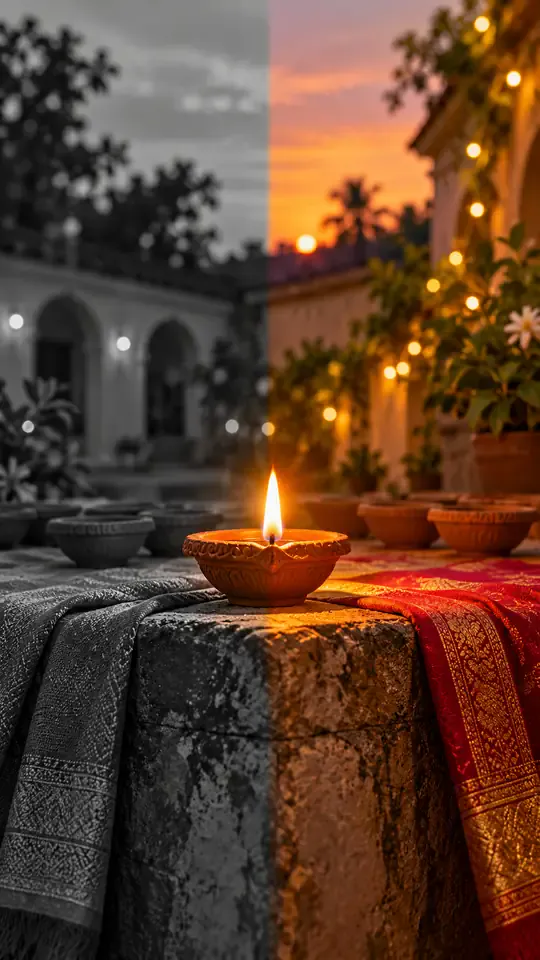
Turn one photo into a Diwali black-and-white to color reveal
Turn one photo into a midnight fridge raid clip
Turn one photo into the sit-to-recline reel
Turn two photos into a Your Dinner Is Ready clip
Turn two photos into the cliff plank prank
Put your photo in the lead spot of the schoolyard dance
Turn one photo into a convertible city-cruise clip
Put your photo in the party walk, bread bite and stare
Turn one or two photos into the slow mo dance entrance
Turn one photo into a walk-away fireball clip
Turn one photo into a living doll outfit change
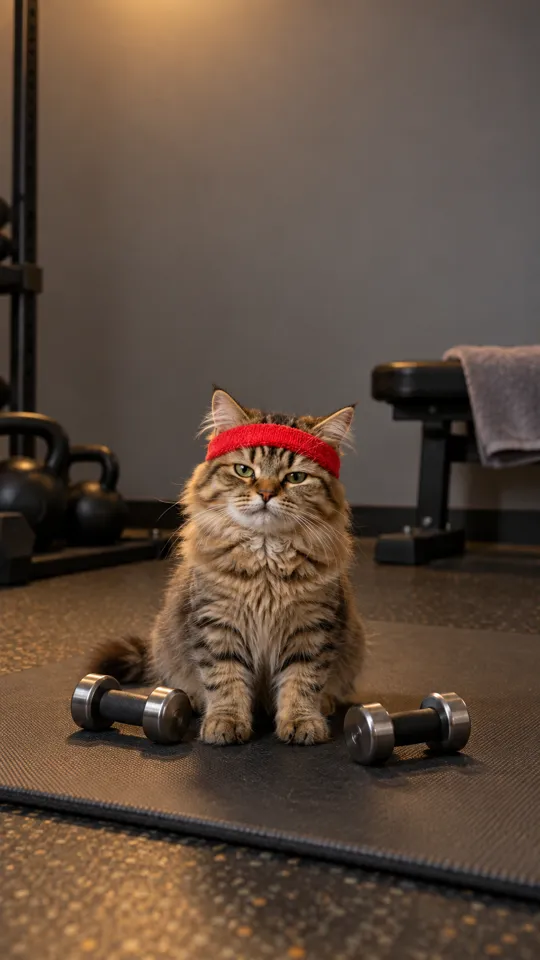
Turn your pet into a gym one-more-rep clip
Put your photo in the arms-up street routine
Put your photo in the two-pose dance meme
One photo, the singing car meme
Baby sips, sways and points from one photo
Two pets behind the counter, one pot and one mug
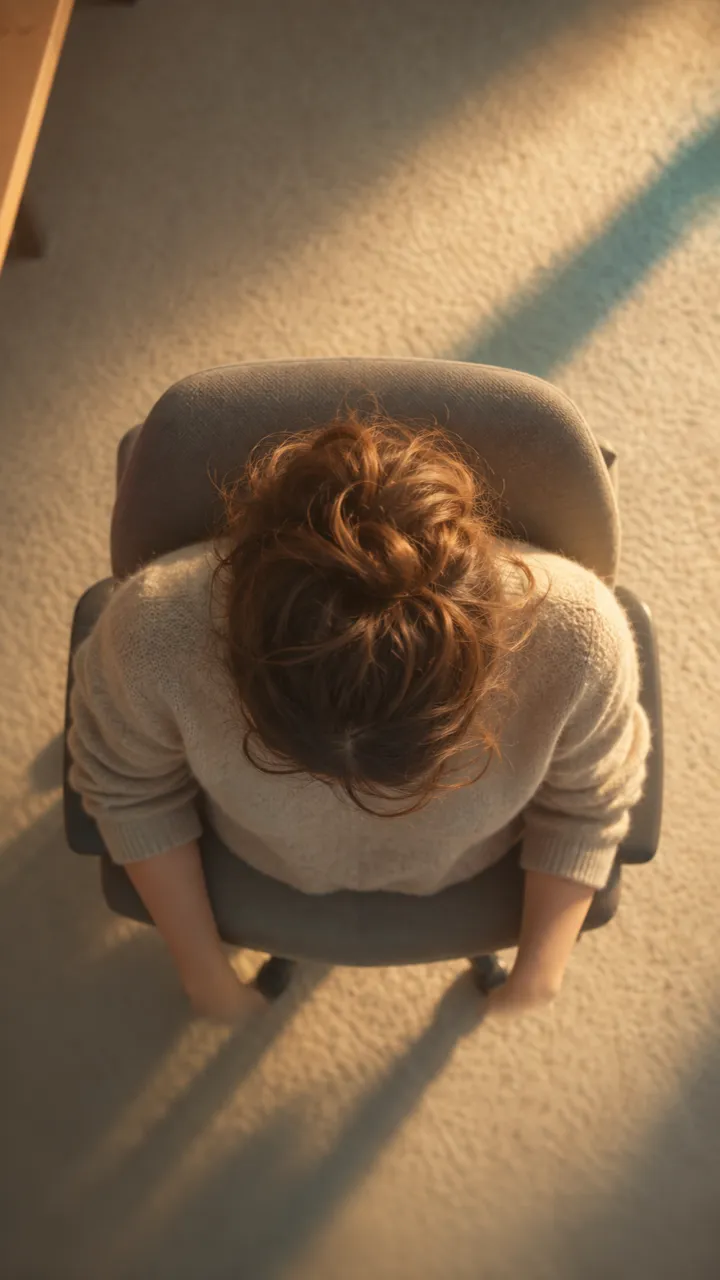
One photo into a slow overhead chair spin
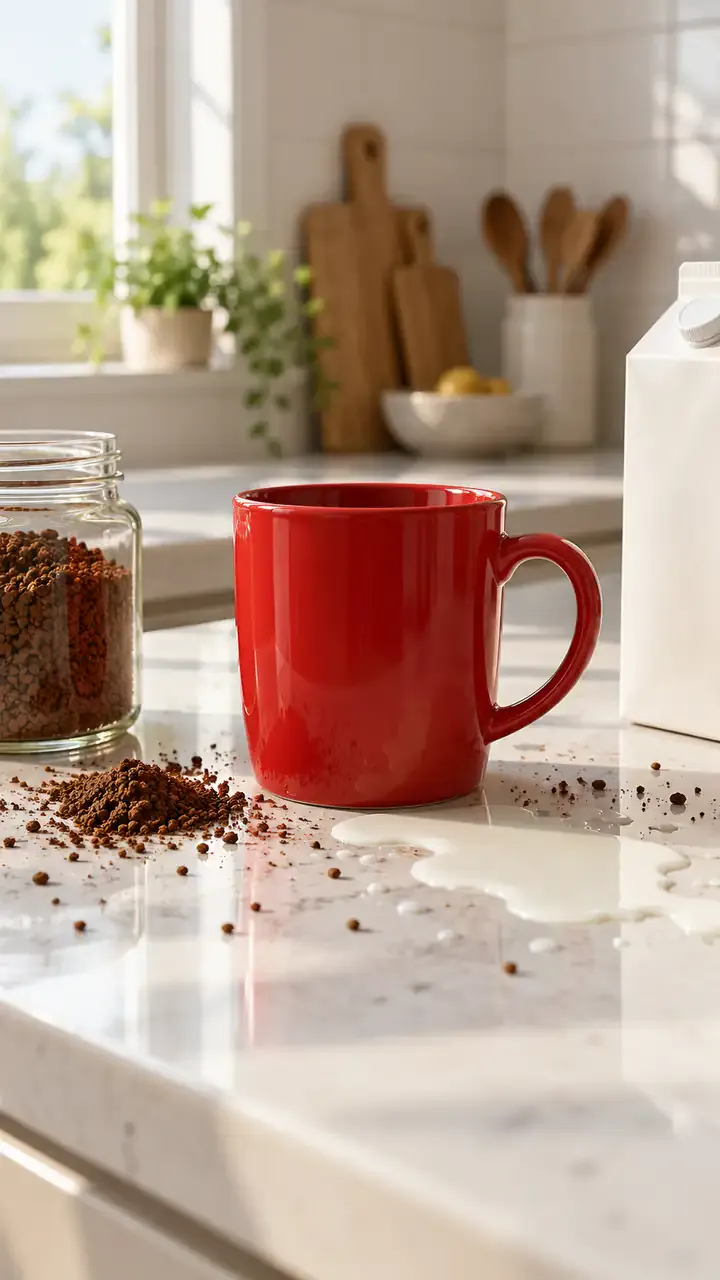
Two people, one spilled coffee, one straight face
Print your profile as a receipt clip

Turn one portrait into a moonrise first-bite clip
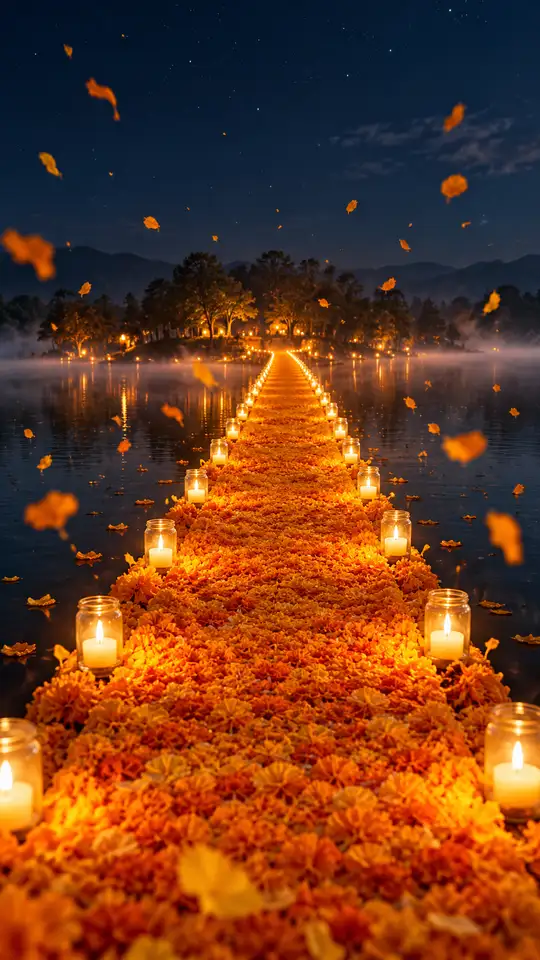
Turn one photo into a walk across a marigold bridge
Turn car photos into a moon-to-headlight night loop
You in a retro chocolate ad, one photo
Turn one pet photo into a barn full of dancing parrots
One photo into the tilting green-chair clip
Take the mic in front of the roar of a stadium crowd
One selfie into the lamp-lit slide-in clip
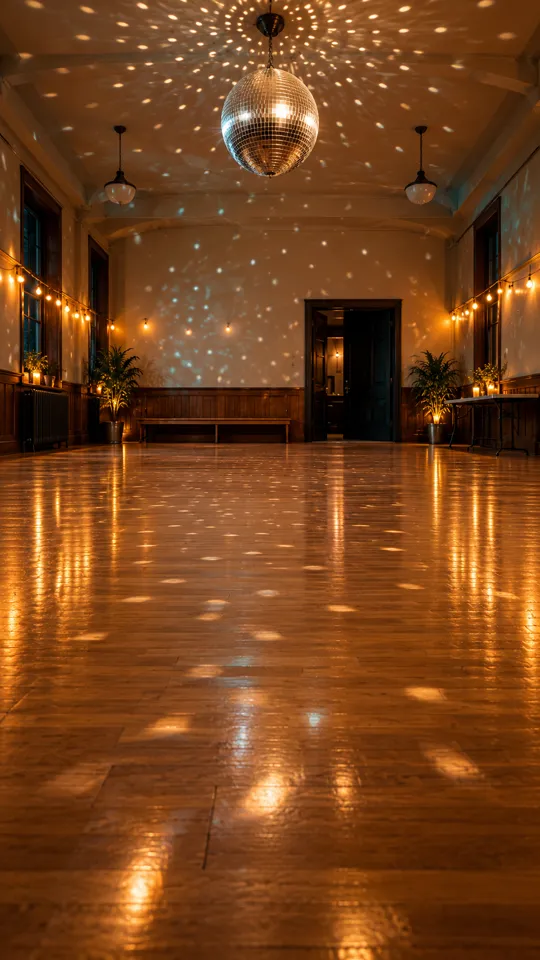
Turn one photo into the 15-second dance routine
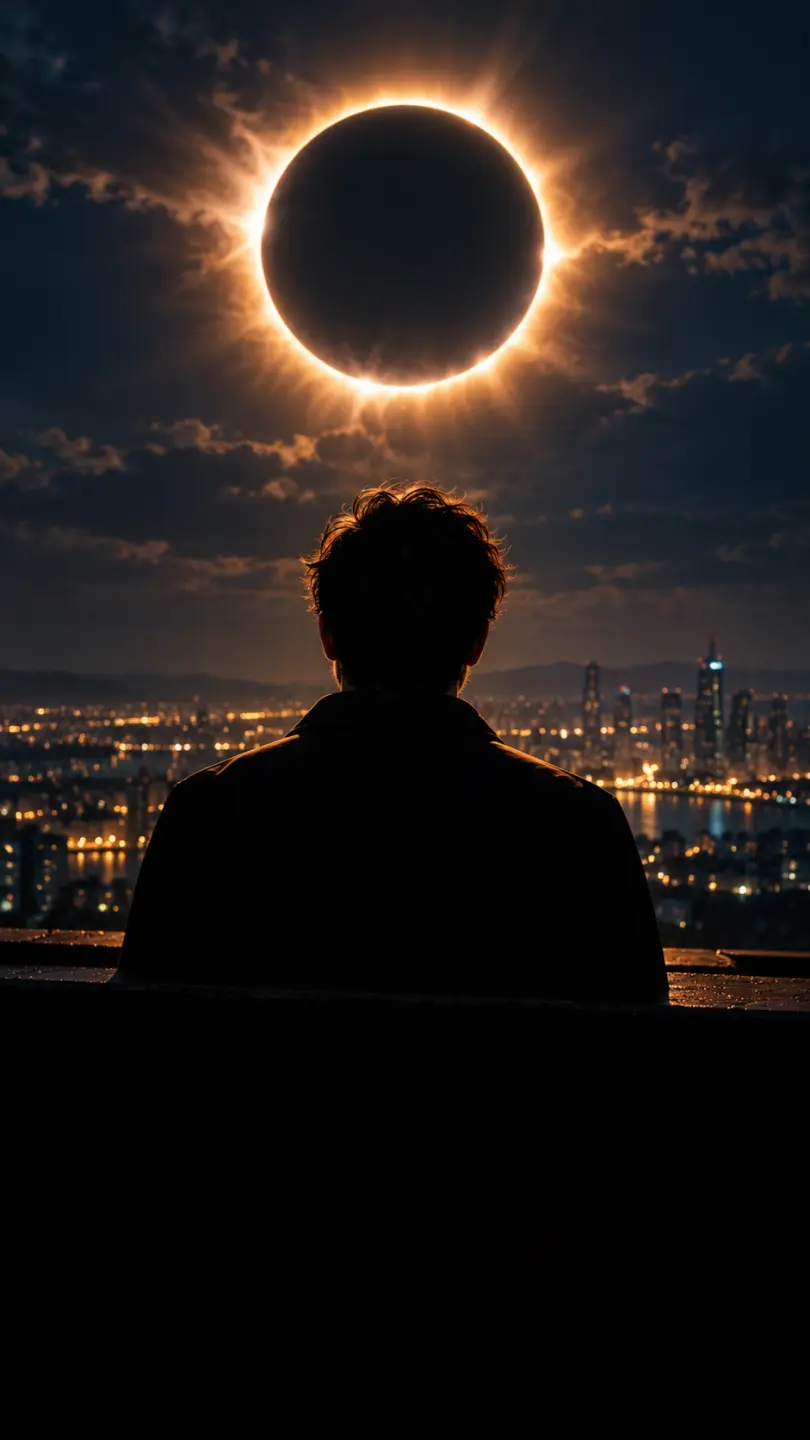
One photo into a dark eclipse music clip
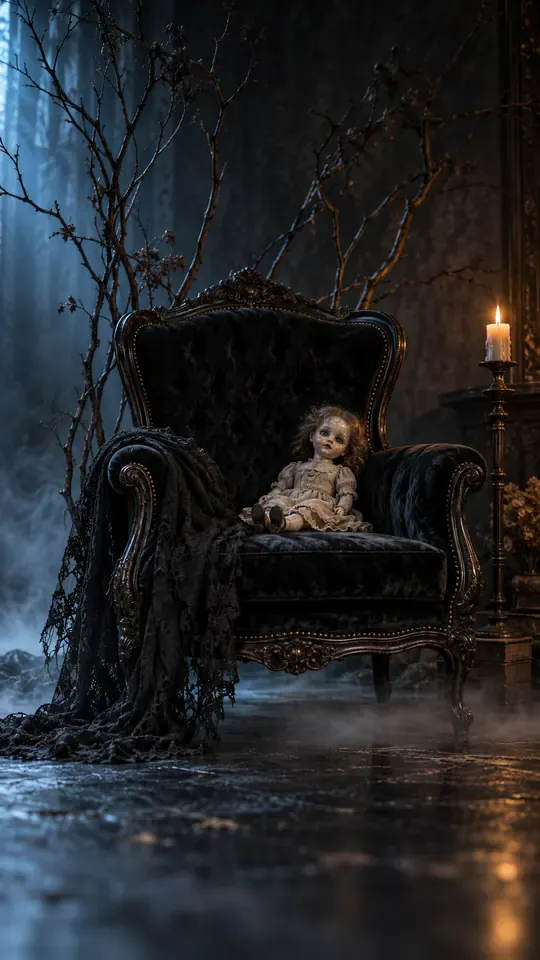
Turn one selfie into a gothic group-portrait clip
Turn two photos into the hide-and-reveal duet
One photo, a staged slap, then tears
Copy the angry dance with your photo
Turn one photo into the phone-flip hotel dance
Copy the full cover routine from one photo
Turn one photo into the salute and spin clip
Turn one photo into the Pick It Up bounce, arms-up and turn
Turn one photo into the cap-and-hood stare clip
Turn one photo into the Tarantino dance cover
Turn one photo into the routine clip
Dance on the platform from one photo
Turn two photos into the hoodie duo dance
Your dog or cat at a studio mic in headphones
Turn one photo into the fuzzy dream dance clip
Turn one photo into the sway clip from the feed
Toddler you, headphones on, at a studio mic
One baby photo, a mustached newborn clip
Grandma at her own party, from one photo
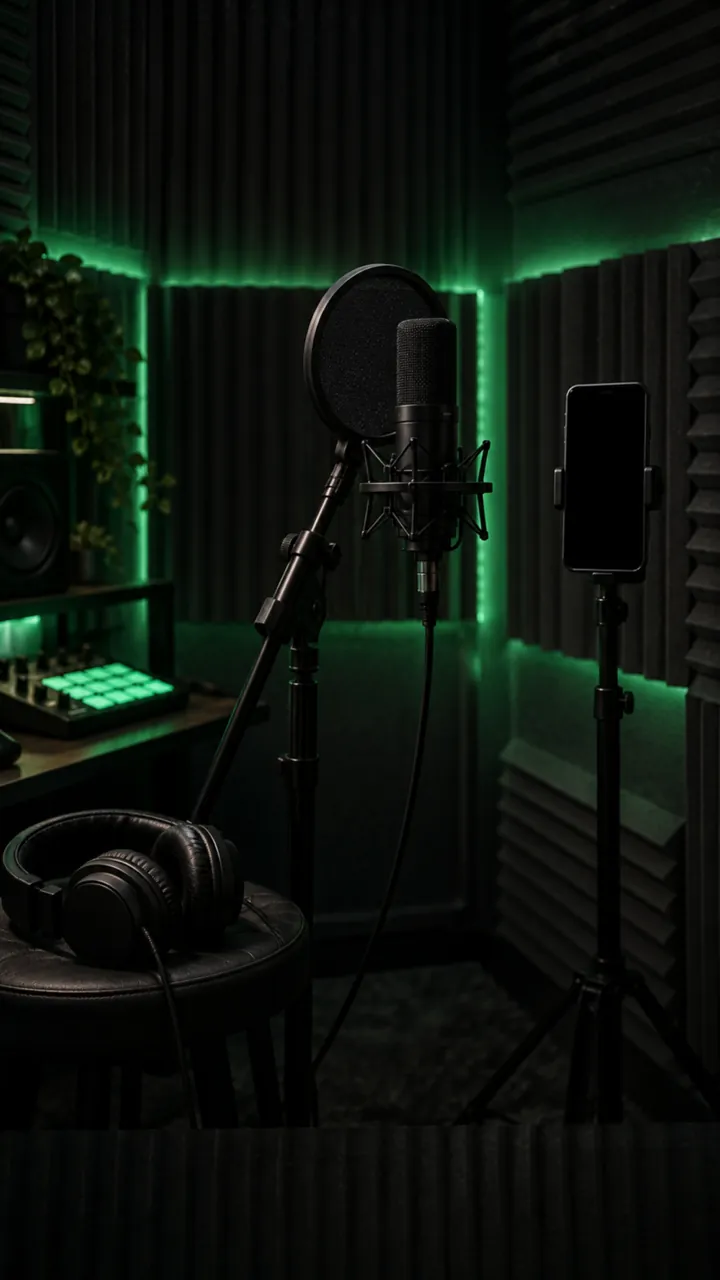
Turn one photo into a rap freestyle clip
Run up a golden stairway through the clouds into a hug with a loved one.
Turn one photo into the Rio charme dance
Turn one photo into the cash-toss video
Turn one photo into the caught-at-the-window clip
Turn two photos into the crying meme
Red eyes and a smirk from one photo
Make a short birthday greeting for Mom from one photo.
Sunglasses off, building on fire, from one photo
Your photo in a 15-second Christmas scene
Moonwalk-style dance from one photo
Your photo bouncing to a Jersey Club beat
Full glam on his photo, step by step
Mouth a love song from one photo
Shiny tears slide down your own selfie
Head bobs and bounces from one photo
Put your photo in the high-kick line
Make a miniature-to-full-size car reveal from one photo.
You screaming on a night rooftop from one photo
One photo, one pink Y2K dancer
One flash puts your photo in a balaclava
Your dog whimpers, then grins
A giant jet sweeps low over you at sunset
Turn one photo into the horse dance video
Turn one photo into their send-off clip
Turn one photo into the slide and arm-point routine
Turn one photo into the concert-stage lead
Turn one photo into the wooden guy's dance
Put one photo of you on the train, eyes shut, on the big note
Make your own cat stand up and clap for you
Your dog's birthday party from one photo
Your cat's birthday party from one photo
Turn into the turkey, or let your pet crash dinner
A video card with you at the dinner table
Line up, swim the arms and dive onto the mat
They threw stones, you build a castle from one photo
Turn one photo into a Christmas clip with Santa
Put the birthday person in a skydive or a lion-back cake ride
Walk your pet home to a candlelit altar
Karate-kick the bottles from one photo
One photo of someone you miss, one gentle 15-second clip
Turn one family photo into dancing Christmas elves
Walk up from the gala and lift the golden ball
Dunk over a defender, then the finger at the camera
Put you two in the kick meme
Do the arm throws and knee lift from one photo
Santa on your own room's night-camera footage
A slow deadpan head shake from one photo
Skeleton dance from one photo, Halloween beat
Do the footwork routine from one photo
Do the club routine from one photo
Street party or tavern dance from one photo
Dance in a white spaceship and wag a finger
Ride a giant pig across the red light
Your pet at the wheel, eyes shut, paw to the ear
Turn one selfie into half black goo and fangs
Kneel on a sunlit path with three haloed shadows beside yours
Rap to the camera in a packed night crowd
Turn one photo into you, rapping at the mic
Mask on, spin, suit up from one photo
Flick a heart at each name from one photo
Walk someone you miss home along a marigold path
Do the horse dance from one photo
One photo of you and your kid, suited up on a rooftop
A black hand, a wipe, a moon witch
Sheet on, shades on, pose and peek
Kick, pitch and leap in the storm
Swagger down the mansion hallway
Your pet takes the mic
Get caught on the big screen
Hold up the red sign and jump
Take the cash, then hit the walk
Walk out to a crowd of fans
A ghost rises right behind them
Walked out by two officers, unbothered
Lean in, arms out, point on the beat
Serious game face, then the toy car
Snap the moon, reveal the witch
Your pet as the dancing cat trio
Float past the red light on a broom
Nod to the bass at the blue wheel
Do the duo intro from two photos
Your baby, a serious face, one photo
The flash step dodge, one photo
Ask the phone how to get rich, hear the answer
Your cat or dog stands up and dances
Wide squat, tiptoes, one-leg freeze
Swagger down the park path, point at the lens
Cup your ears and let the stadium roar
Walk the carpet, stop for the flashes
Bedroom horns, panels shut, night street
Tiny workers wash your truck until it shines
Fake the rabona, leave the defender on the floor
Rocket thrusters fire, your car lifts off
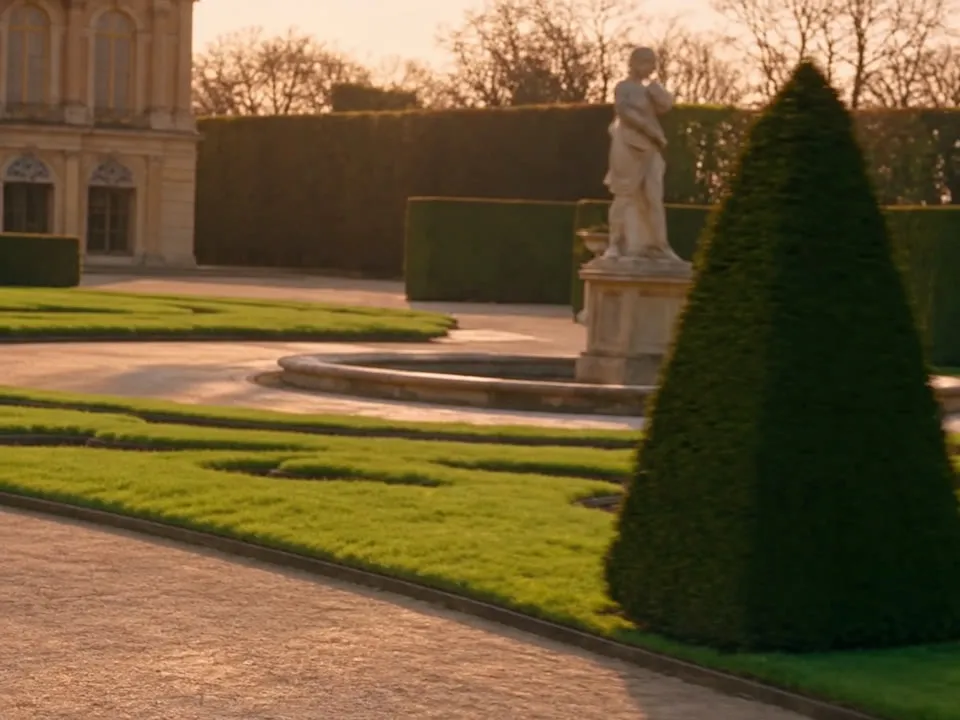
Set up a penny-farthing chase through a palace garden with a golden carriage.
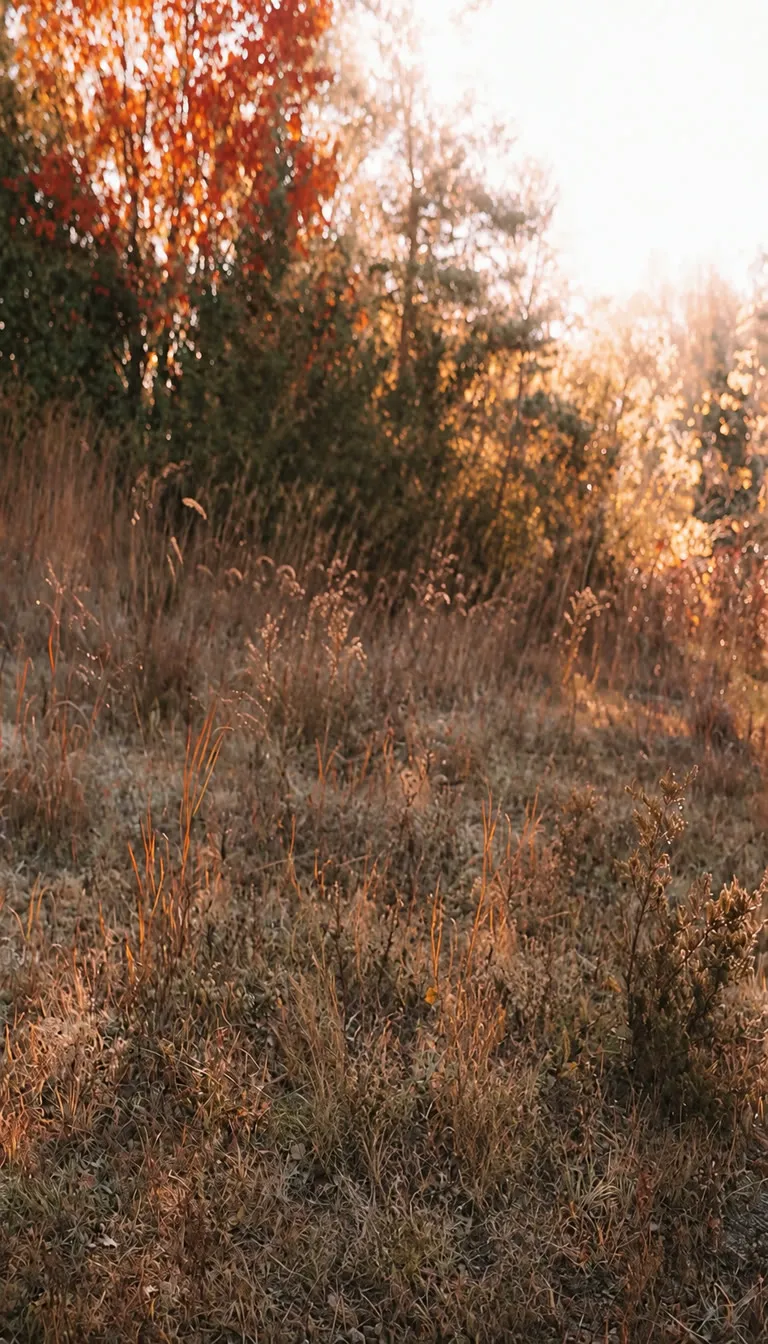
Create a two-person autumn field bounce and finger-point dance.
Turn your photo into the Ozil goal: dribble, strike, turn and celebrate.
Turn photos into phonk head bop trend videos in minutes.
One photo, a camera orbit around your subject
One or two photos into the vertical sidewalk singing clip
Chandelier party video from your selfie photos
Turn any photo into the tiptoe trend
Create scream-and-swap pet dance clips
Turn your selfie into an animatronic jumpscare
Make your photo lead the 1983 zombie dance in 9:16 vertical video.
Turn one adult photo into a trending 9:16 lip-sync clip in seconds.
Turn one group photo into a crew that steps in sync in 9:16 vertical video.
Turn your photo into a 1980s retro dance video with custom themes.
Pop the bottle from one photo and freeze it black and white.
Turn your photo into a Bulin 47 AI doorway clip.
Do the Layoo dance from one photo with two friends behind you.
Turn your photo into the viral lean, swing and low bounce, friend watching.
Black liquid rebuilds your car from its badge
Put your photo on the red stage doing the 2008 electro arm dance.
Sweep the 2 and 4 cards, reveal a car
Deadpan sway clip from one photo
Costume walk clip from one photo.
Make your pet or baby scold the camera
Make viral sneaky tiptoe videos from photos
Walk out with two officers
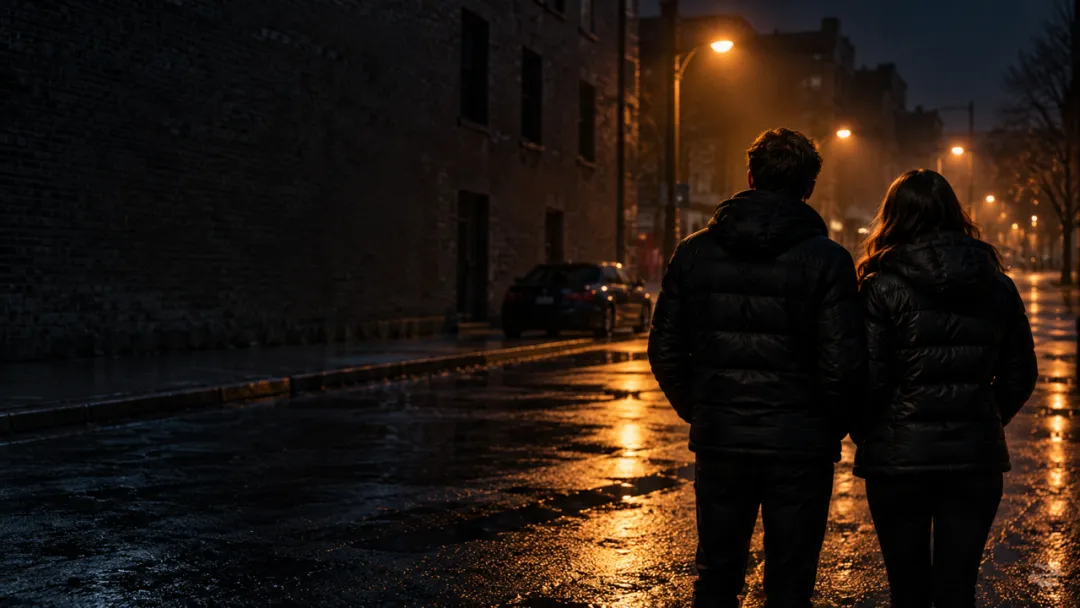
Two photos turned into a drill rap video clip.
Turn your pet into a tiny knight in a storm
Turn photos into the hop and knock dance
Switch wardrobe under spinning fan blades
Turn portrait photos into video
Make the viral video from two photos
Turn one pet photo into the stage meme
Dusk road-trip clip from your photos
You and a friend trading bars on one mic
Turn their photo into a funny birthday prank video
One photo zooms out to Earth, Moon or galaxy
Laser eyes, car jumps, hugs and more from one photo
Turn one photo into a video with copies of you
Hug the kid you were in a short video
Turn family photos into a short video clip.
Turn your photo into a cinematic video with effects
Share an imagined hug with someone who passed away
Turn one or two photos into a dance video
Two solo photos, one orange booth, one mic
Sit still while a car flies over you
Turn two photos into a hug video
Turn one or two photos into a gentle memorial clip
Make people in old photos smile, wave or hug
One or two photos into the zombie love story video
Two photos into the viral Hotel Lobby video
Was sich mit Kling 4.0 gegenüber Kling 3 geändert hat und wie du das Beste daraus holst.
Ein Kling 4.0 Video erstellenKuaishou hat Kling 4.0 am 27. September 2026 angekündigt, das vollständige Modell folgt im Oktober. Das leichtere Kling 4.0 Flash wurde am 28. September für Kling-Mitglieder der obersten Stufe geöffnet.
Die längste einzelne Aufnahme verdoppelt sich von 15 auf 30 Sekunden, die Frame-Steuerung wächst von einem Start- und Endframe auf bis zu 10 Keyframes, Referenzen wachsen von 2 Bildern auf 15 Dateien inklusive Clips und gespeicherten Subjekten, und Audio wechselt auf Stereo mit engerem Lip-Sync. Kling 4 fügt außerdem ein 21:9-Seitenverhältnis und Prompts mit 8.000 Tokens hinzu.
Kling 4.0 rendert bis zu 30 Sekunden in bis zu 4K, 10-Bit-HDR ist in Arbeit. Kling 4.0 Flash rendert bis zu 20 Sekunden in 720p mit Standard-Dynamic-Range. Flash ist für schnelle Entwürfe gedacht, das vollständige Modell für das Endergebnis.
Eine einzelne Kling 4.0 Aufnahme läuft von 3 bis 30 Sekunden; Flash endet bei 20. Kuaishou hat außerdem eine Videoverlängerung auf bis zu zwei Minuten als kommende Funktion angekündigt.
Nein. 4K ist eine Auflösung, und Kling 3 bot sie bereits. Kling 4.0 ist die neue Modellversion, die ebenfalls 4K ausgibt.
Auf Ricebowl wird jedes Kling 4.0 Video mit Credits bezahlt, und der Preis hängt von Länge und Auflösung ab. Neue Konten erhalten 8 kostenlose Credits, die für kein Video reichen. Aktuelle Credit-Pakete findest du auf der Pricing-Seite.
Kuaishou hat noch keine öffentliche Kling 4.0 API geöffnet. Du kannst Kling 4 Videos auf Ricebowl im Browser generieren, ohne Code zu schreiben.
Kuaishous eigene Kling App ist auf der offiziellen Kling Website und in App-Stores erhältlich. Ricebowl läuft im Browser auf Desktop und Mobilgerät, es gibt also nichts zu installieren.
Kling 4.0 eignet sich für alles, was eine längere Einstellung oder eine konsistente Besetzung braucht: Kurzdrama-Szenen, Produktvorführungen, Werbekampagnen mit demselben Model in jedem Schnitt, Dialoge mit Lip-Sync und Breitbild-Trailer.
Schreibe ihn als Zeitachse: was von 0 bis 8 Sekunden passiert, von 8 bis 20 und so weiter. Nenne Objektiv und Licht, setze Dialoge in Anführungszeichen mit Sprecher und Akzent und liste die Geräusche auf. Nutze Referenzen für die Identität und den Prompt für die Handlung.
VERWANDT
WEITERE MODELLE
mit Kling 4.0!
Dreißigsekündige Einstellungen, zehn Keyframes, fünfzehn Referenzen und Stereo-Audio mit Lip-Sync, in deinem Browser.
Ein Kling 4.0 Video erstellenKOSTENLOSE ANMELDUNG · 30-SEKUNDEN-EINSTELLUNGEN · 10 KEYFRAMES · 4K
Längere Szenen direkt
Ein Kling 4.0 Video erstellen