Sellers on Chinese and global marketplaces
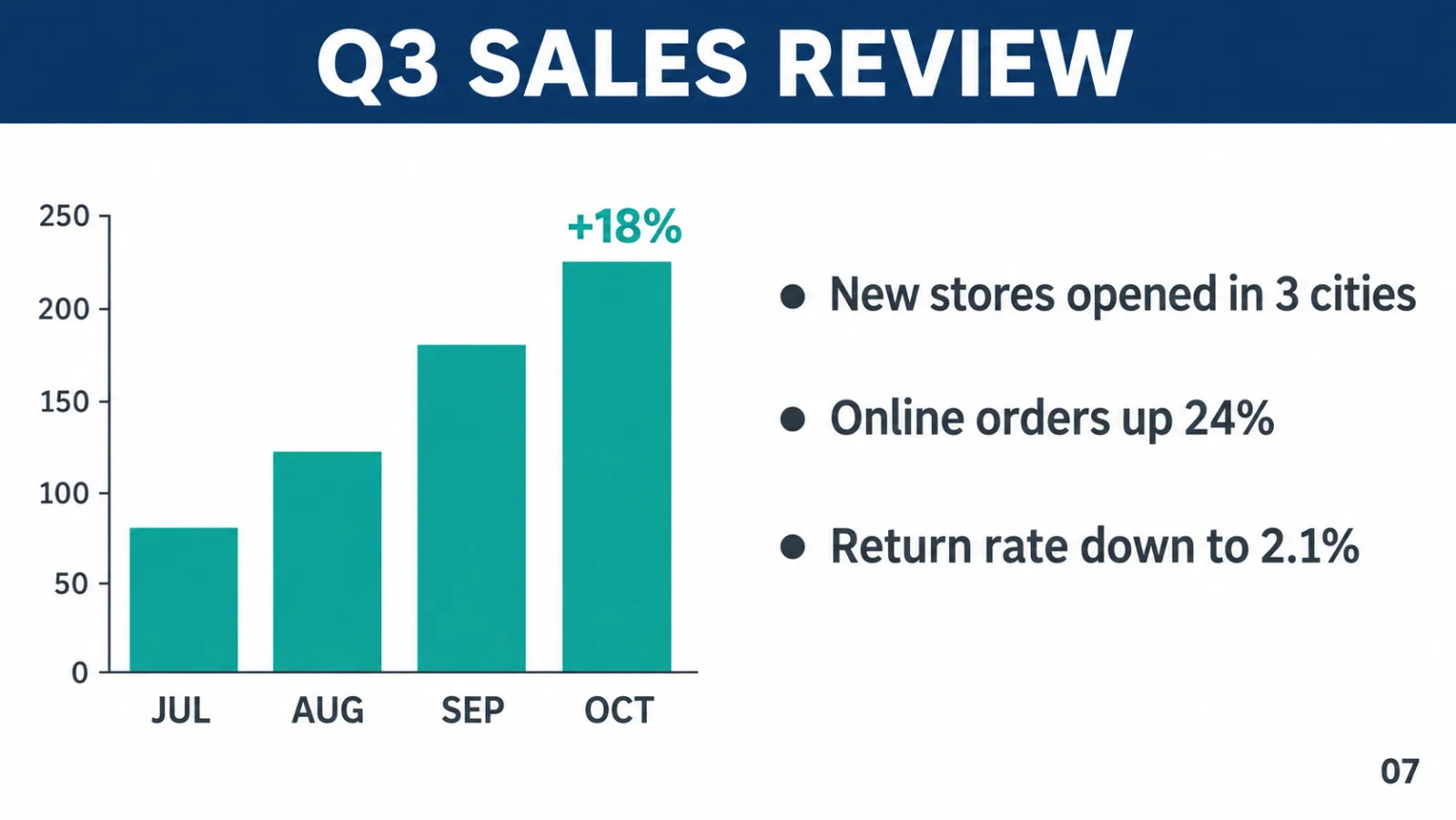
Qwen Image puts correct Chinese and English copy on product shots and banners, and edits the label text when a listing moves to a new market.
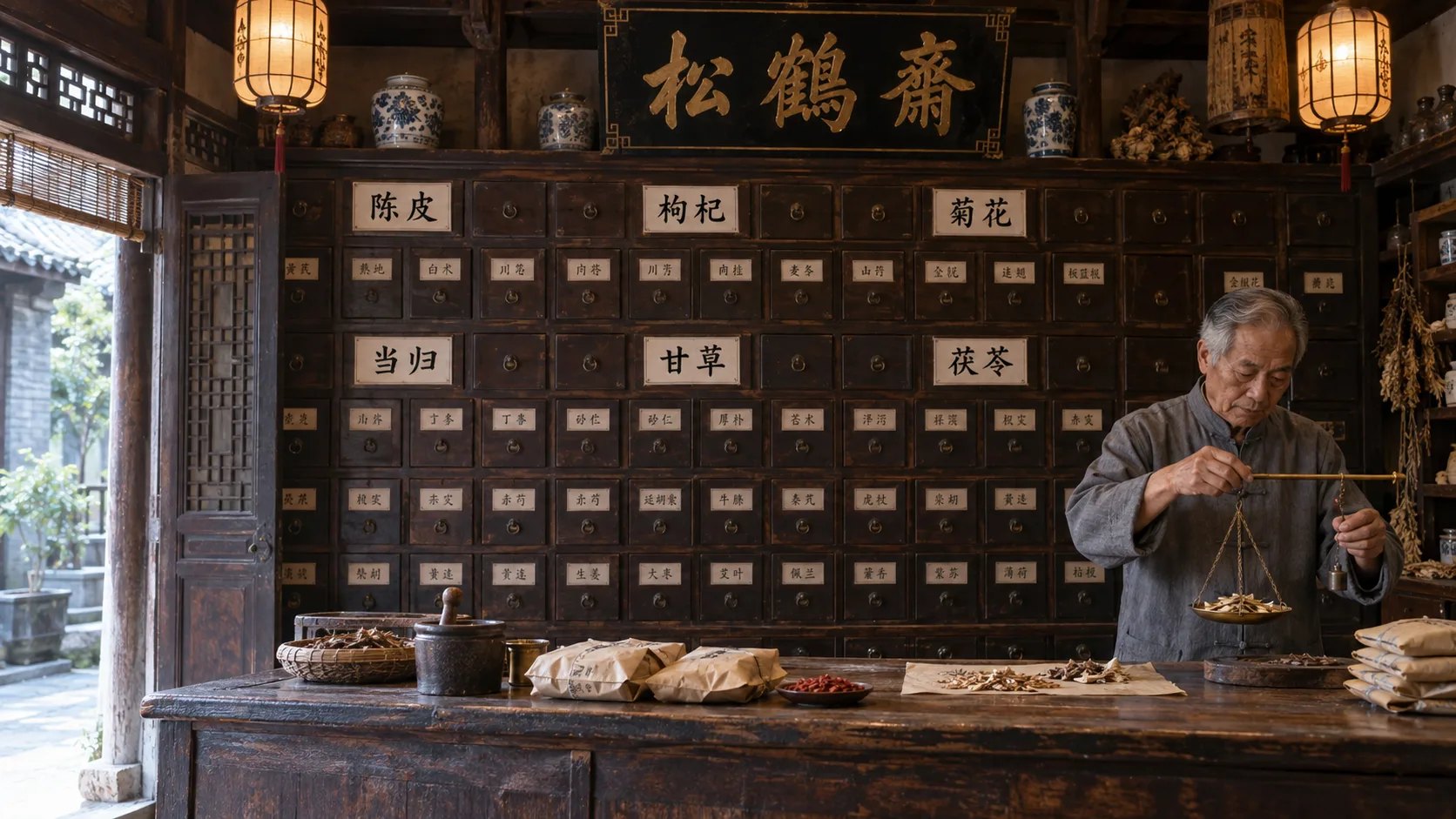
Alibaba's Qwen Image family in one workspace: 3.0 for everyday generation and edits at 5 credits, 3.0 Pro for dense layouts and multilingual text, 2.0 for fast native-2K work. New accounts get 20 free credits, and a Qwen Image 3.0 picture costs 5.



GALLERY

CAPABILITIES
Feature 01
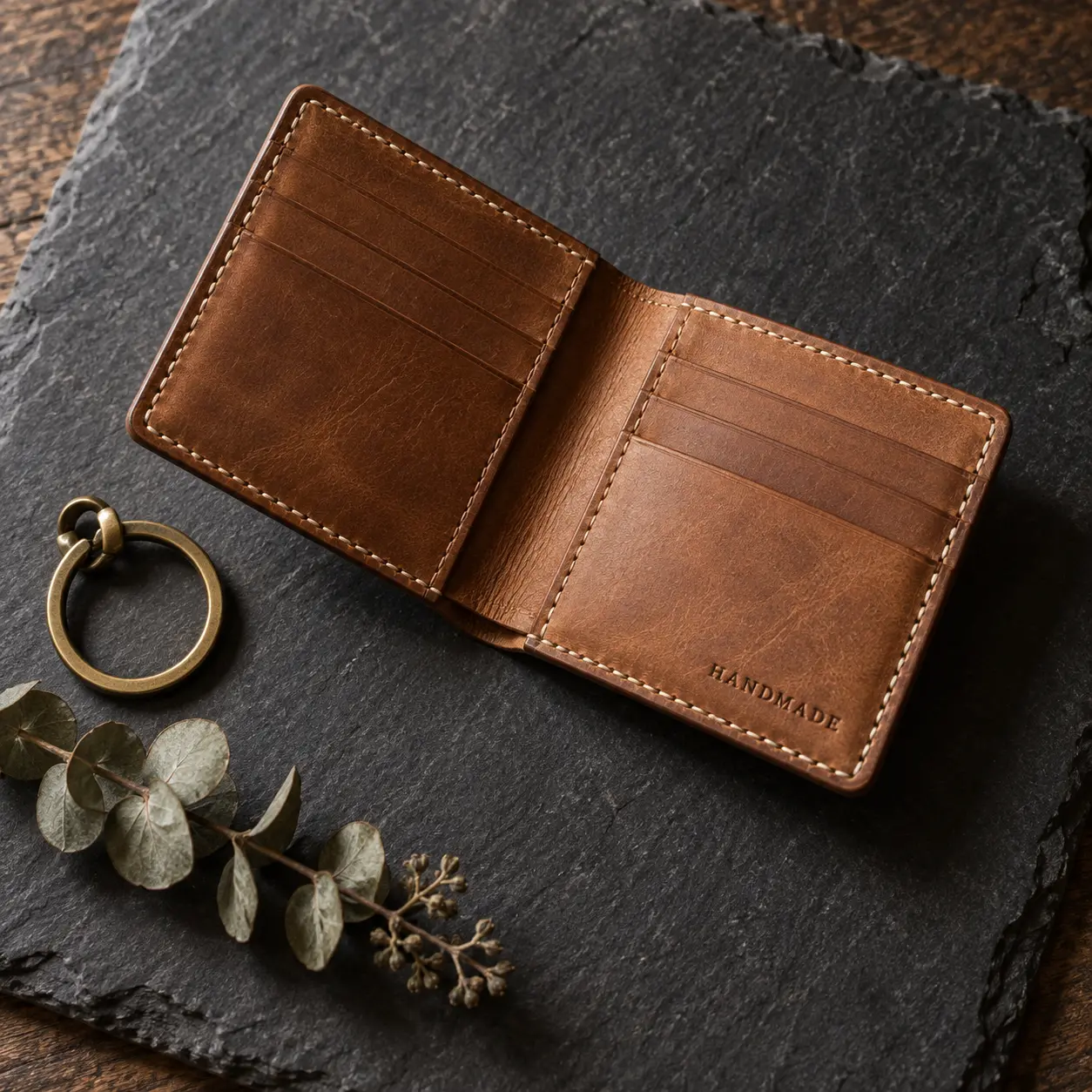
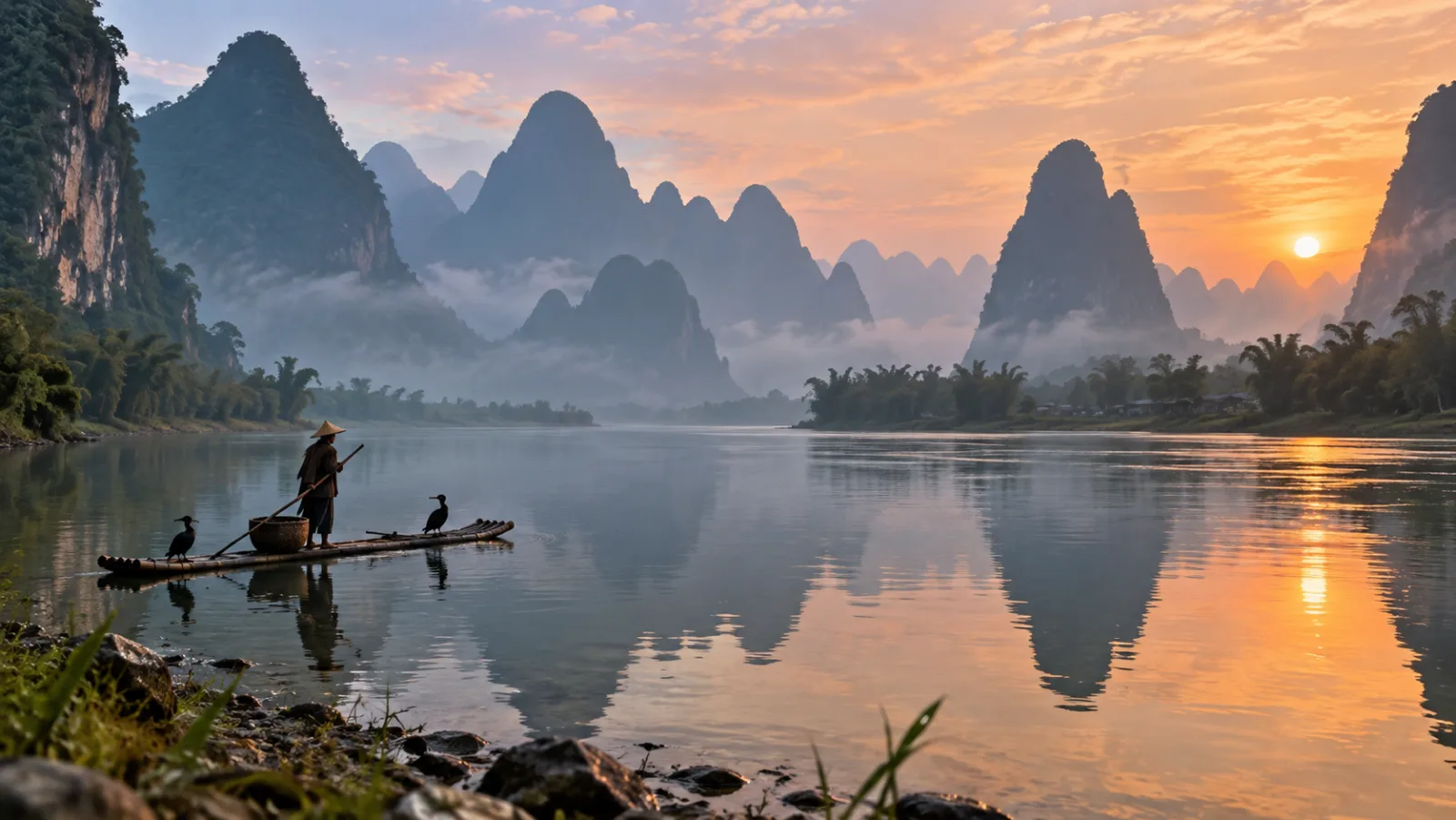
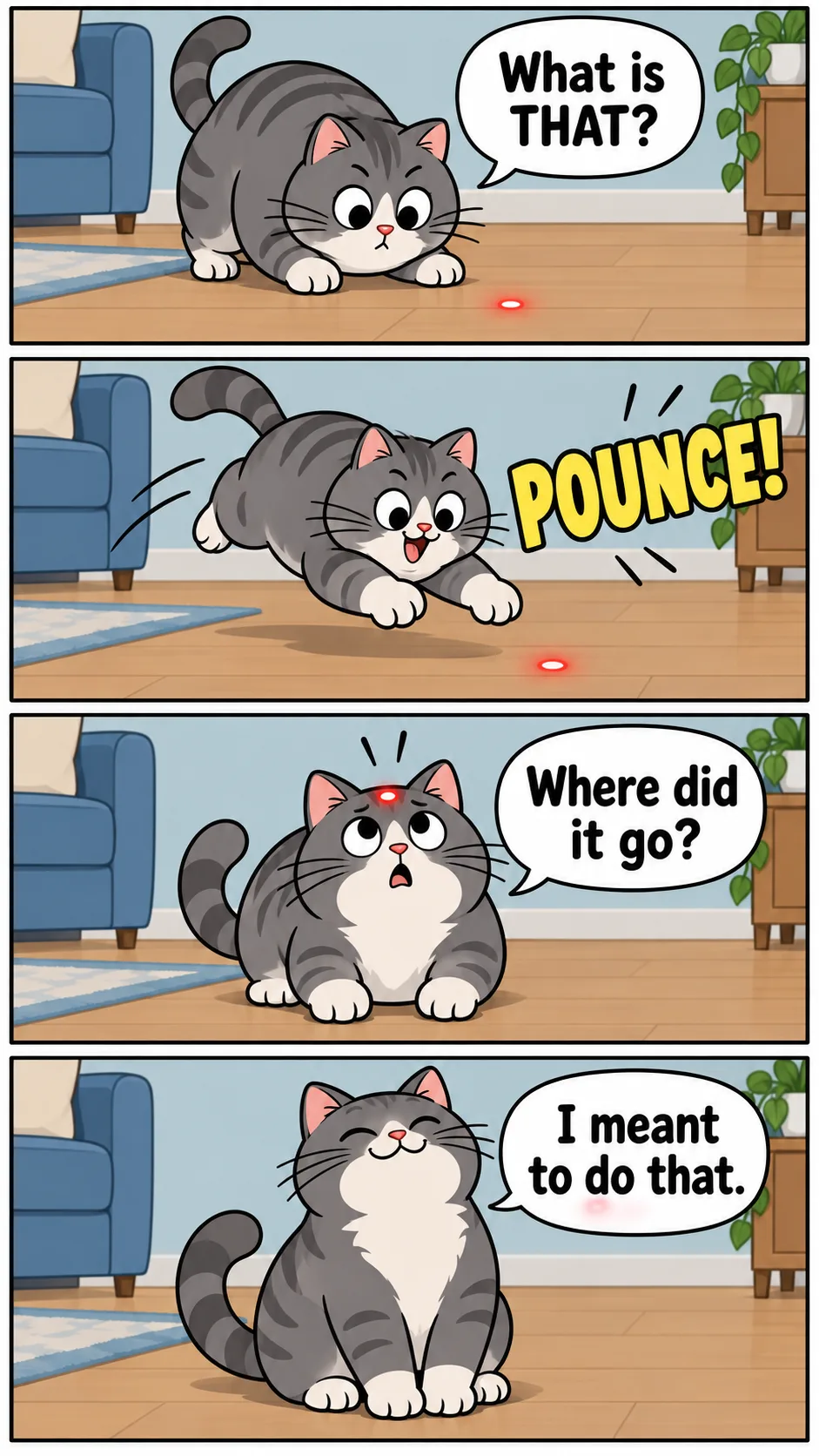
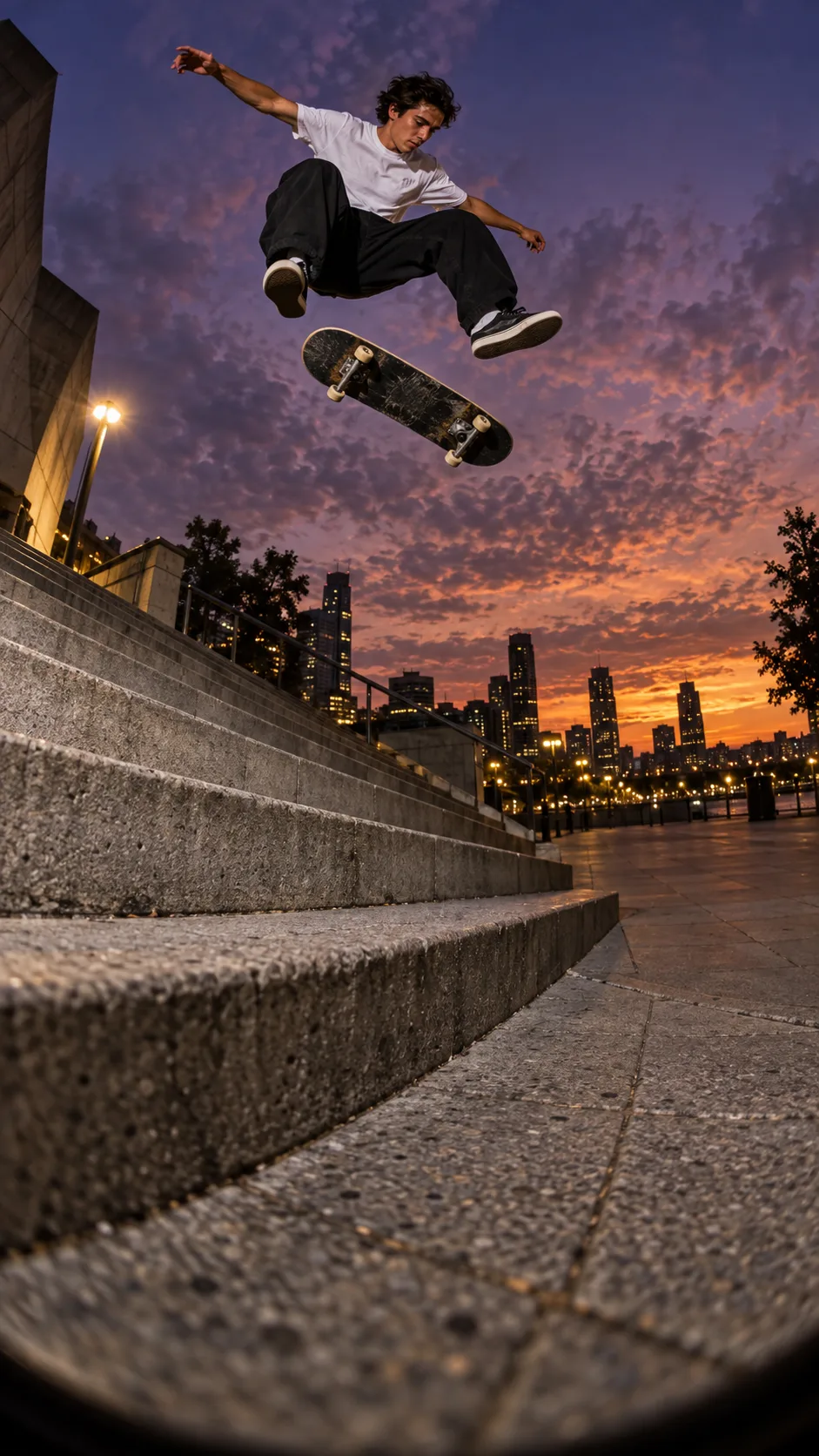
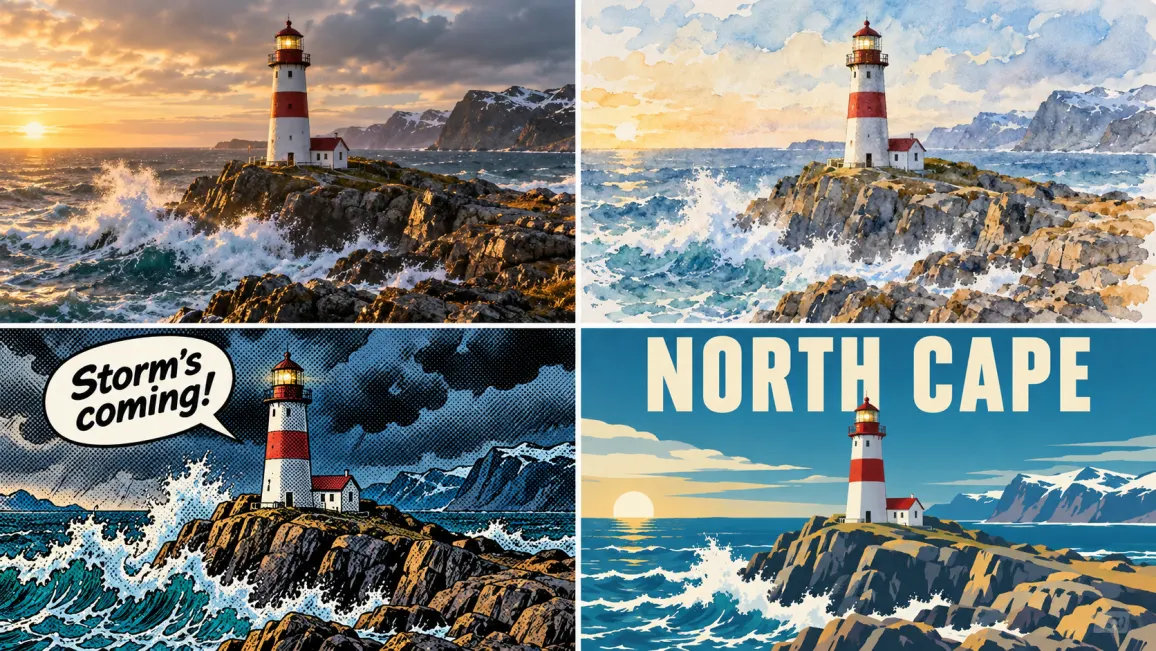
Qwen Image is the image generation line from Alibaba's Qwen team, the same group behind the Qwen language models. It started in August 2025 as an open-weight foundation model and has since moved through 2.0 to the current 3.0 generation. The family covers photoreal people, nature, and architecture, stylized illustration, comics, and design work such as posters and PPT-style slides. Describe the scene in English or Chinese, pick one of five aspect ratios, and the model returns a finished frame at 1K or 2K. Because it was trained with heavy emphasis on text and layout, even a plain photo prompt tends to come back with sensible composition and clean negative space for copy.
Feature 02
From the first release, the Qwen team named precise image editing as one of the two things the model does best. You upload a picture and describe the change: swap the background, add or remove an object, restyle the whole frame, or adjust a person's pose. The model keeps what you did not mention. Version 2.0 made generation and editing one unified workflow instead of two model paths, so the follow-up edit runs through the same system that drew the original. On Ricebowl, 3.0 and 3.0 Pro accept up to three reference images per request, and 2.0 accepts one.


Feature 03
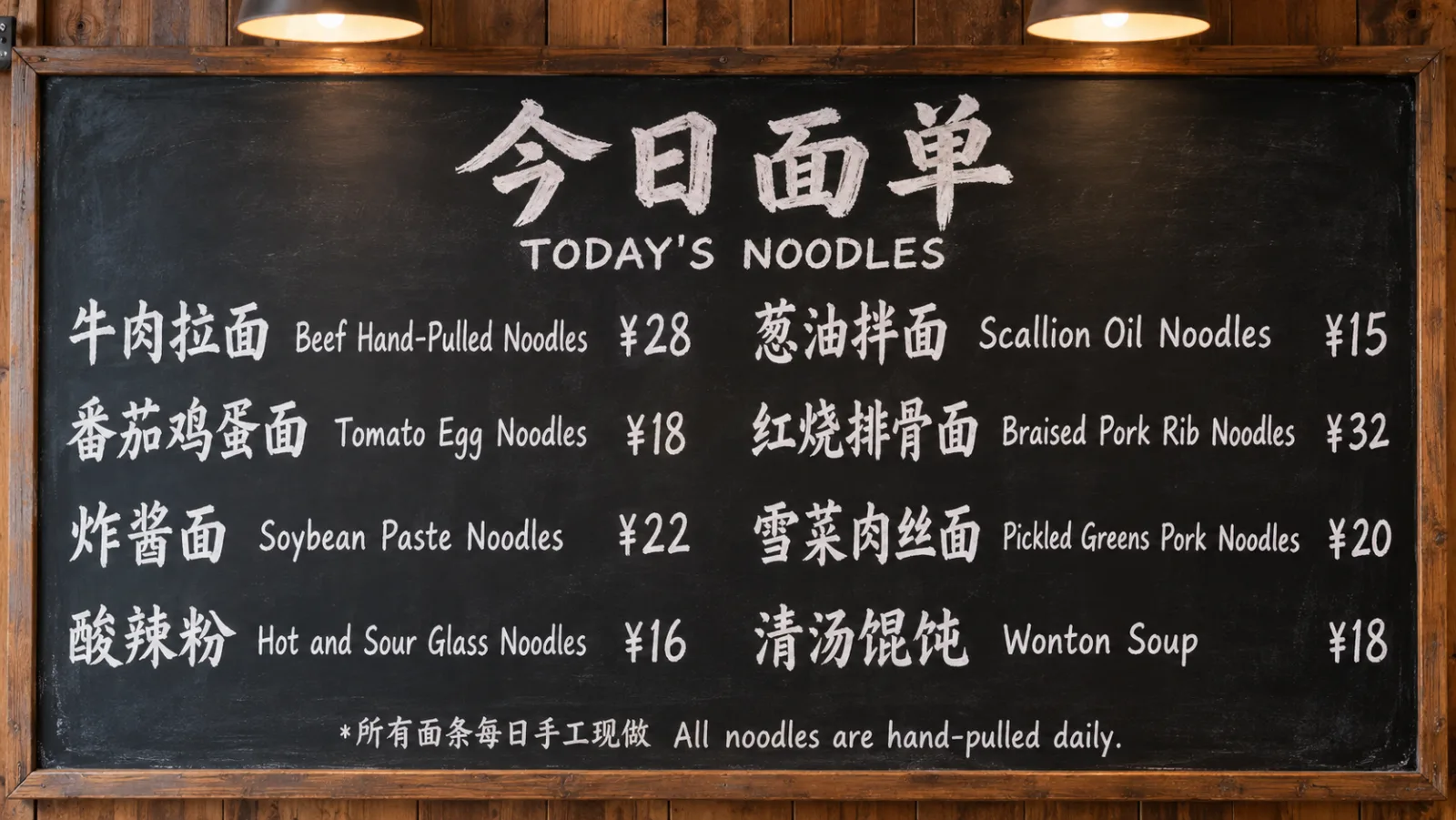
Text is where this family made its name. The original model card describes exceptional text rendering, especially for Chinese, with typography that sits inside the scene rather than floating on top of it. Version 3.0 pushes further: its API documentation says it can reproduce text as small as 10 pixels, and the 3.0 Pro listing adds native rendering across 12 languages. That makes it a strong pick for menus, packaging, storefront signs, infographics, exam papers, and newspaper-style layouts, anything where a misspelled word ruins the picture. Put the exact wording in quotes in your prompt.
Feature 04
Version 3.0 accepts prompts of up to about 4,500 tokens, long enough to specify every panel of a storyboard or every section of an infographic. It organizes many elements in one frame and follows layout instructions such as columns, headers, and callouts. The Qwen API also offers a prompt-extend option that rewrites short descriptions into richer ones, plus negative prompts for listing what must not appear; the Ricebowl generator currently takes a single prompt, so write the detail in yourself. On public AI Arena blind tests, the earlier 2.0 release ranked third on the text-to-image leaderboard with an Elo score of 1029, per its API listing.
Feature 05
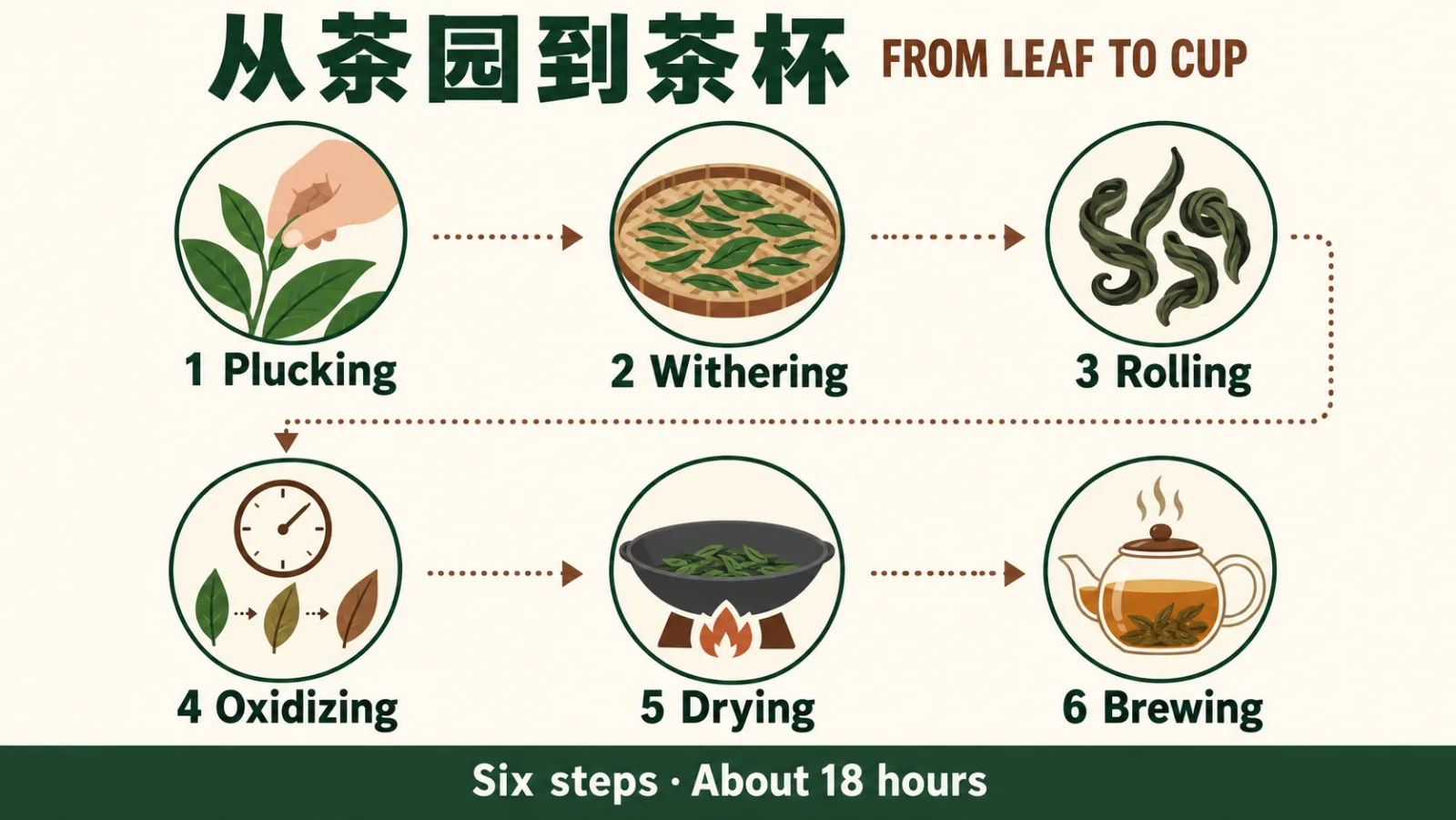
Editing an existing picture with Qwen Image is more reliable than generating from scratch and hoping. When the composition, the face, or the product is already right, an edit locks those in and changes only the part you name, while a fresh generation rerolls everything. Qwen Image Edit covers the tasks people actually need: change the background, update an object, adjust the style, and rewrite text inside the image, including correcting a typo on a sign. The 2.0 edit path runs on a lighter 7-billion-parameter architecture for quicker turnaround, and 3.0 Pro offers image-to-image at 1K or 2K.
PROMPT EXAMPLES
Prompt
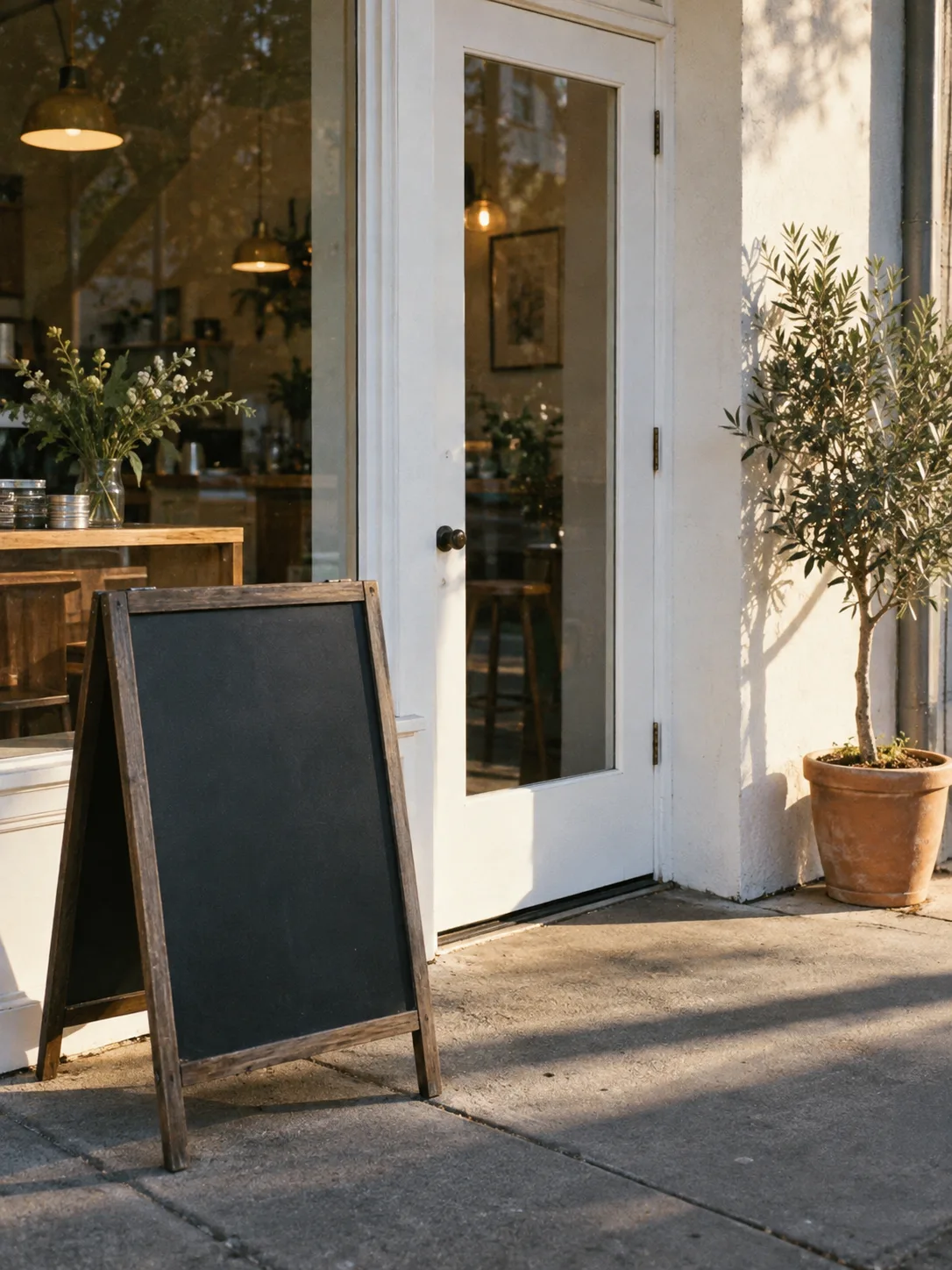
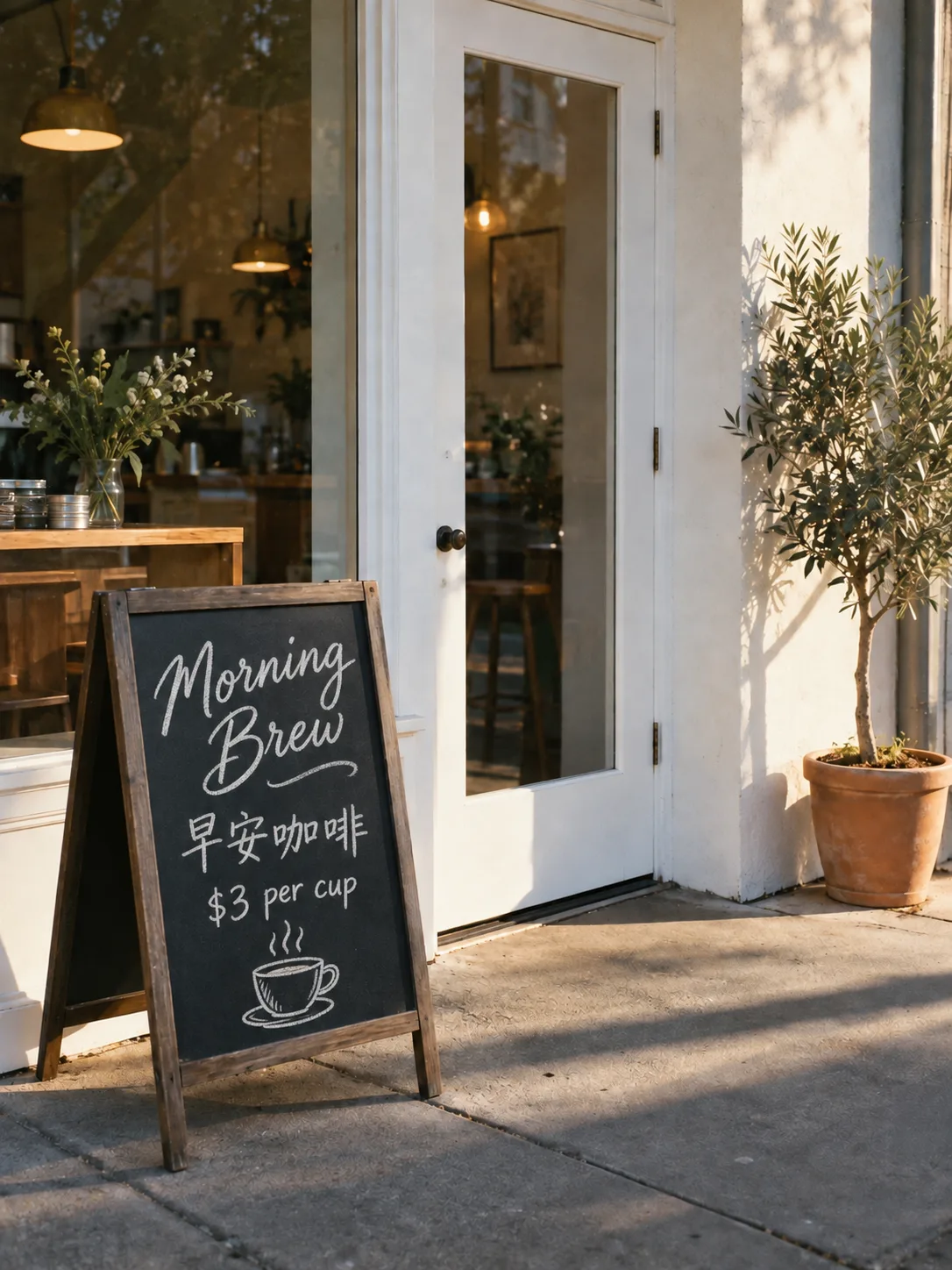
A coffee shop entrance with a chalkboard sign that reads "Morning Brew · 早安咖啡 · $3 per cup" in hand-lettered chalk, a potted olive tree beside the door, soft morning light, 35mm photo.
Reference
Result
Prompt
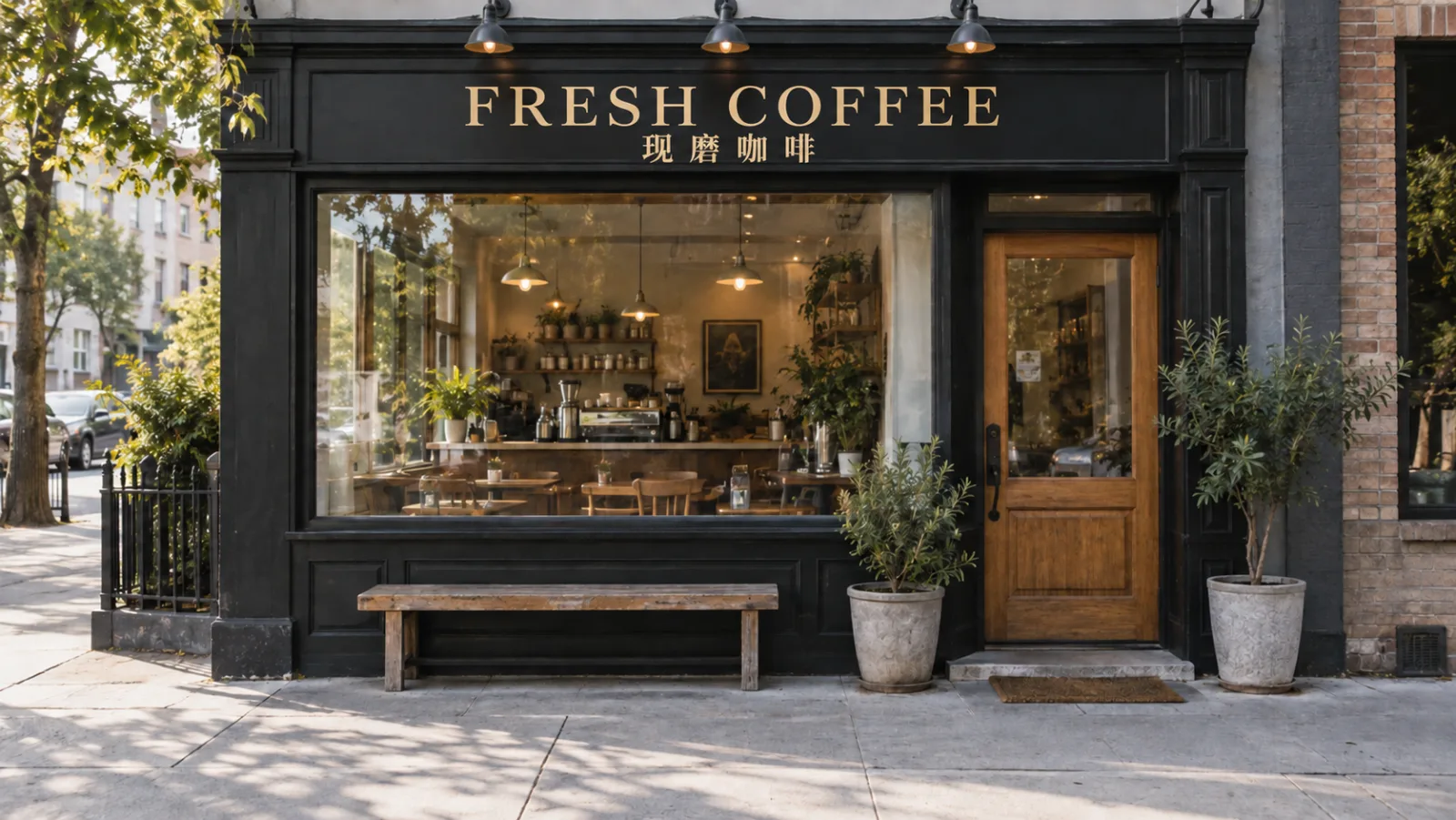
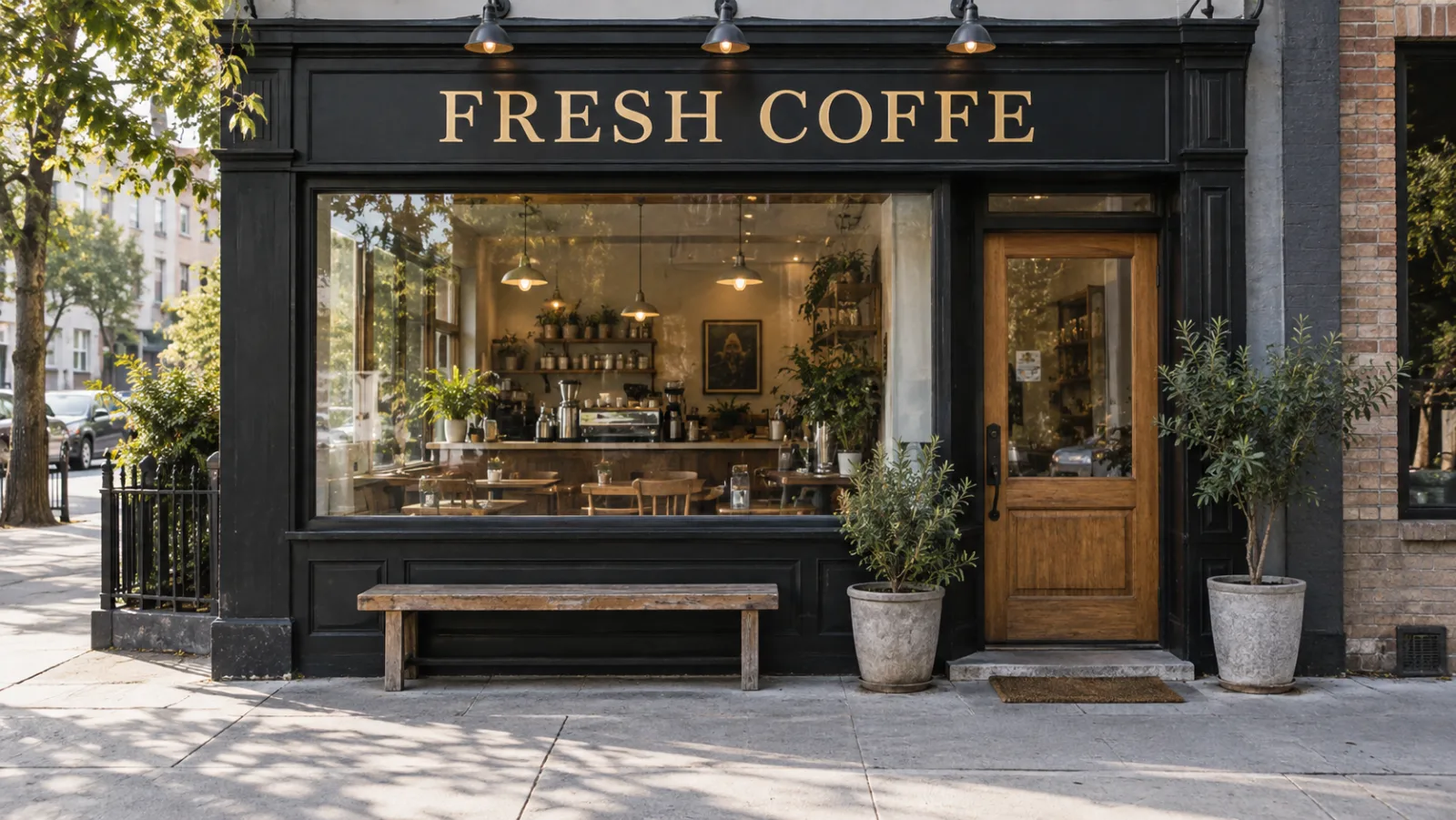
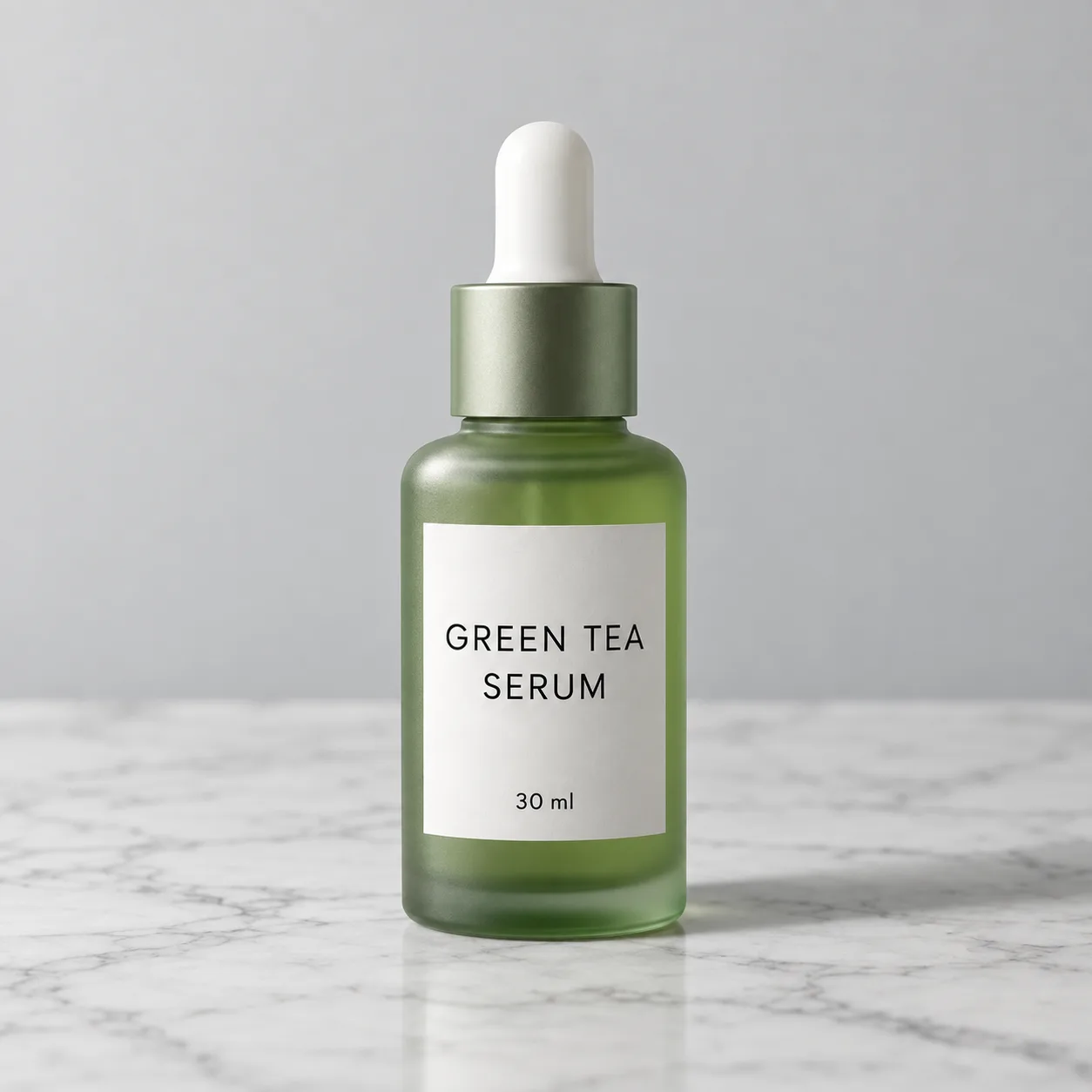
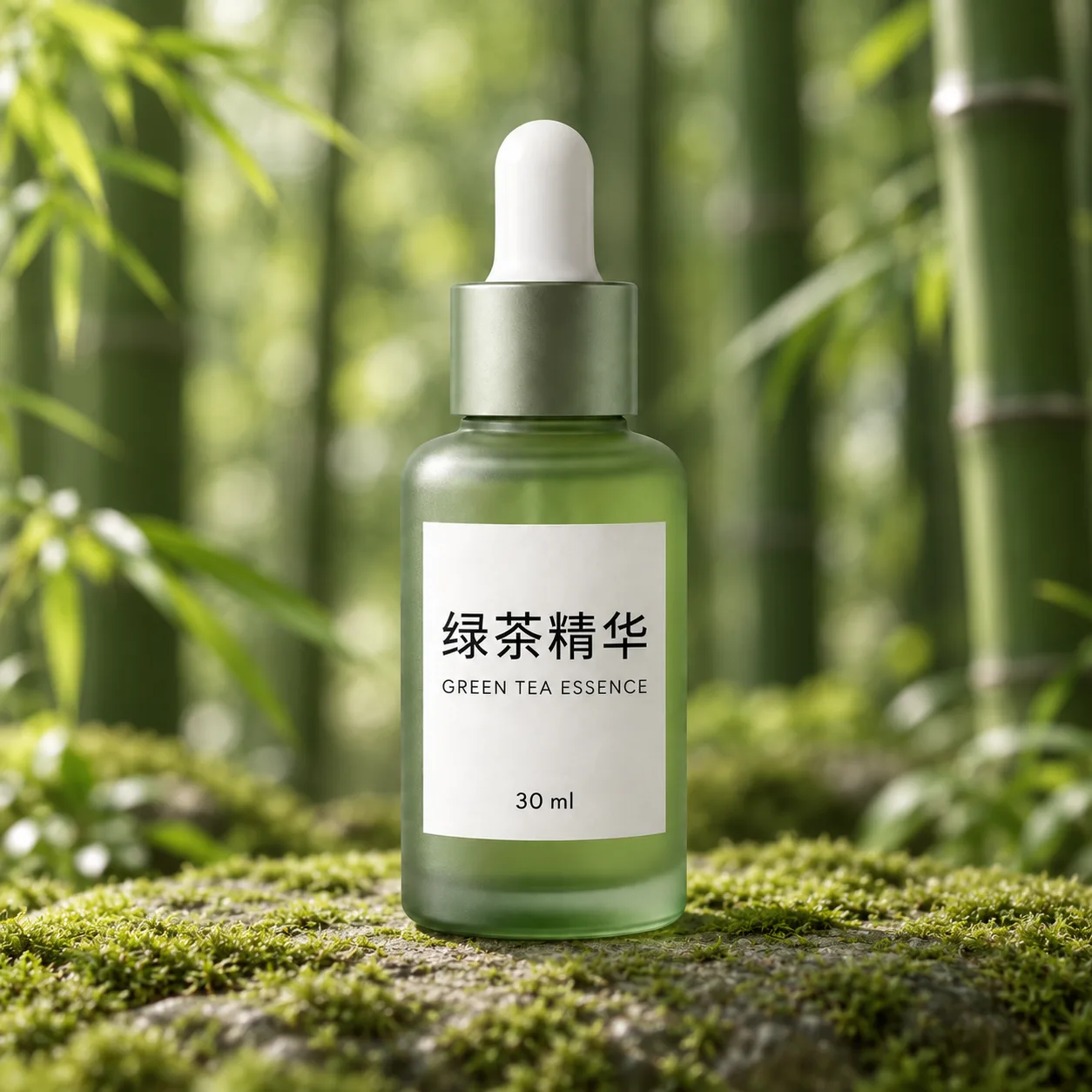
Keep the product and lighting. Replace the English label text with "绿茶精华 GREEN TEA ESSENCE", change the background to a bamboo forest, keep everything else unchanged.
Reference
Result
USE CASES
Qwen Image puts correct Chinese and English copy on product shots and banners, and edits the label text when a listing moves to a new market.
Long prompts and small readable text make it practical to generate worksheets, exam-style layouts, and labeled diagrams in one pass.
The 2.0 and 3.0 generations were built for text-heavy visuals such as PPT-style slides, posters, and comics with clear structure.
Natural-language edits handle background swaps, object removal, and pose tweaks without masks or layers.
The 3.0 Pro listing names game assets, realistic interfaces, and livestream scenes among its target uses.
WHAT USERS SAY
01
The most repeated praise is that Chinese characters come out correct, which many image models still get wrong.
02
People like that a text or background edit leaves faces and products alone instead of redrawing the whole image.
03
Version 3.0 is one of the cheapest current models on Ricebowl, so users iterate freely on layouts.
04
Three reference images per request is fewer than Seedream or FLUX.2 allow, so big multi-character sets go elsewhere.
WHICH ONE
Make 3.0 your default; Pro is only worth it for text-heavy pages. The Pro listing is where the 12-language rendering and information-dense layouts are described, so spend the extra credits when a poster or infographic is mostly words. Keep 2.0 for continuity with older work.
5 credits for text-to-image and 6 with an input image, 1K or 2K output, up to 3 reference images. The everyday choice for generation and edits.
7 credits at 1K and 13 at 2K, up to 3 reference images. Built for dense layouts, infographics, and native text across 12 languages.
6 credits, fast native-2K output, 1 reference image. Useful when you need to match work made with the earlier version.
WHAT SETS IT APART
01
Many models can draw text; fewer can change it afterward. Qwen Image lists in-image text editing as a core editing task, so you can fix a typo on a sign or translate a label without regenerating the picture.
02
The original Qwen Image weights are public under the Apache 2.0 license on Hugging Face and ModelScope, with a published technical report. The family you run here grew out of that open base.
OUR TAKE
Only when the image is mostly text. At 7 credits for 1K against 5 for standard 3.0, Pro pays off on infographics, multilingual posters, and newspaper-style layouts. For photos and simple graphics, standard 3.0 gives you the same look for less.
Yes, this is its strongest skill. The Qwen team built the model with exceptional text rendering, especially for Chinese, and version 3.0 renders text as small as 10 pixels. For images with Chinese copy it is a strong first pick; for a single English headline GPT Image 2 is the steadier choice, and for exact text placement Ideogram 4.
Qwen Image for edits that touch text or a single subject; Seedream for edits that combine many references. Qwen takes up to 3 reference images on Ricebowl, while Seedream 5.0 Lite takes up to 14.
COMPARISON
| Feature | Qwen Image 3.0 | Qwen Image 3.0 Pro | Seedream 5.0 Lite |
|---|---|---|---|
| Maker | Alibaba Qwen team | Alibaba Qwen team | ByteDance |
| Credits on Ricebowl | 5 (6 with input image) | 7 at 1K, 13 at 2K | 6 at any resolution |
| Output resolution | 1K / 2K | 1K / 2K | 2K / 3K / 4K |
| Reference images | Up to 3 | Up to 3 | Up to 14 |
| Aspect ratios | 5 | 5 | 8, including 21:9 |
| Text strength | Small text, strong Chinese | 12 languages, dense layouts | Dense multilingual text |
| Best for | Cheap text-aware images and edits | Infographics and text-heavy posters | Multi-reference sets and 4K |
Our pick: choose Qwen Image for Chinese copy, in-image text edits, and low-cost iteration. Choose Seedream when you need 4K or more than three references. Both are in the same Ricebowl model picker.
Try Qwen Image for Free01
The generator at the top of this page runs Qwen Image 3.0 by default. Switch to 3.0 Pro or 2.0 in the model picker. New accounts get 20 free credits on sign-up, enough for four 3.0 images at 5 credits each.
02
Describe the scene and put any on-image words in quotes, in English, Chinese, or another language. To edit, upload up to three reference images and say what to change.
03
Pick one of five aspect ratios and 1K or 2K. The Qwen Image result appears in the feed below and downloads straight from the card.
REVIEWS
What people who run Qwen Image on Ricebowl say about it.
 Zhang Min
The Chinese on my banners is finally right. I fix the English slogan by editing, not by regenerating.
Tmall store operator
 Grace Thompson
I describe a worksheet layout in one long prompt and get a clean page with readable labels.
High school teacher
 Lucas Moreau
The 3.0 Pro version handles slide-style infographics well, and the price lets me try a lot of layouts.
Presentation designer
 Nadia Rahman
Background swaps and object removal in plain words. No masks, and the face stays exactly the same.
Freelance retoucher
 Wang Hao
We make stream overlays with Chinese titles. Five credits an image means we can try twenty versions.
Livestream studio artist
One balance, every model. Credits work across all 20 video models — no watermark, no tier-locked models, commercial use on every paid plan.
Save 30% billed annually
Flexible monthly subscription.
The lowest price to get started. Every model, a monthly budget to try things out.
$7.99/mo
Renews monthly, cancel anytime.
200 credits
≈ 0–10 videos, depending on the model
≈ 14–66 images, depending on the model
4.00¢ / credit
The cheapest way to start. Every model, a small monthly budget.
$12.99/mo
Renews monthly, cancel anytime.
400 credits
≈ 1–20 videos, depending on the model
≈ 28–133 images, depending on the model
3.25¢ / credit
Enough credits to try every model and finish a few clips each month.
$29.9/mo
Renews monthly, cancel anytime.
1,000 credits
≈ 3–50 videos, depending on the model
≈ 71–333 images, depending on the model
2.99¢ / credit
2 parallel tasks
Steady output for solo creators going pro — every model, a comfortable budget.
$49.9/mo
Renews monthly, cancel anytime.
2,000 credits
≈ 6–100 videos, depending on the model
≈ 142–666 images, depending on the model
2.50¢ / credit
3 parallel tasks
High-volume production for prolific creators and small teams.
$89.9/mo
Renews monthly, cancel anytime.
5,000 credits
≈ 15–250 videos, depending on the model
≈ 357–1666 images, depending on the model
1.80¢ / credit
5 parallel tasks
Pay yearly and save more.
Enough credits to try every model and finish a few clips each month.
$19.9/mo$29.9
Billed yearly at $238.8. Renews yearly, cancel anytime.
Save $120/yr vs monthly
12,000 credits
≈ 38–600 videos, depending on the model
≈ 857–4000 images, depending on the model
1.99¢ / credit
2 parallel tasks
Steady output for solo creators going pro — every model, a comfortable budget.
$34.9/mo$49.9
Billed yearly at $418.8. Renews yearly, cancel anytime.
Save $180/yr vs monthly
24,000 credits
≈ 76–1200 videos, depending on the model
≈ 1714–8000 images, depending on the model
1.75¢ / credit
3 parallel tasks
High-volume production for prolific creators and small teams.
$62.9/mo$89.9
Billed yearly at $754.8. Renews yearly, cancel anytime.
Save $324/yr vs monthly
60,000 credits
≈ 190–3000 videos, depending on the model
≈ 4285–20000 images, depending on the model
1.26¢ / credit
5 parallel tasks
Top up credits valid for 12 months.
One-time top-up — perfect for occasional needs.
$49.9
One-time purchase, valid 12 months.
1,000 credits
≈ 3–50 videos, depending on the model
≈ 71–333 images, depending on the model
4.99¢ / credit
Larger top-up with 20% bonus — best per-credit value for one-time buyers.
$198
One-time purchase, valid 12 months.
4,800 credits
≈ 15–240 videos, depending on the model
≈ 342–1600 images, depending on the model
4.13¢ / credit
5 parallel tasks
Yes, you can start for free. Create a Ricebowl account and you get 20 free sign-up credits with no card required. After that, Qwen Image 3.0 costs 5 credits per image (6 with an input image), 3.0 Pro costs 7 at 1K or 13 at 2K, and 2.0 costs 6. The original open-weight Qwen Image is also free to download under Apache 2.0 if you run it yourself.
Qwen Image is Alibaba's family of image generation and editing models, built by the Qwen team. It is known for complex text rendering, especially Chinese, and precise natural-language editing. The current generation is 3.0, with a standard and a Pro version.
Use it when the picture has words in it or needs a careful edit. It renders small text legibly, handles Chinese characters reliably, follows long structured prompts, and lets you change text or objects inside an existing image. It is also among the cheapest current models on Ricebowl.
Both output 1K or 2K and take up to three references here. Pro is the tier described for native rendering across 12 languages and information-dense layouts such as newspapers and infographics, and it costs 7 or 13 credits against 5 for standard 3.0.
Yes. Upload a photo, describe the change, and the model swaps backgrounds, adds or removes objects, restyles the frame, or rewrites text inside it while keeping the rest. On Ricebowl, 3.0 and 3.0 Pro accept up to three reference images.
Fast enough to iterate in one sitting; the wait depends on the version and size you pick. Standard 3.0 at 1K is the quickest; 3.0 Pro at 2K with dense text takes longest. Results land in your feed, so you can keep writing the next prompt while it runs.
Prompts work in English and Chinese across the family. For text drawn inside the image, the 3.0 Pro listing names native rendering across 12 languages.
Ricebowl does not issue API keys; you use the models in the browser with credits. Third-party API platforms sell Qwen Image 3.0 access per image, and the original Qwen Image weights are open for self-hosting.
Right here on Ricebowl. The generator at the top of this page runs Qwen Image 3.0 in your browser for both generating and editing, with free sign-up credits, and you can compare it with Seedream, FLUX.2, and Z-Image Turbo on the same prompt.
RELATED
MORE MODELS
Readable text in Chinese and beyond, edits that keep what you like, and 5 credits per image on Ricebowl.
Try Qwen Image for Free20 FREE CREDITS ON SIGN-UP · FROM 5 CREDITS PER IMAGE · QWEN IMAGE 3.0 & PRO · 1K / 2K
Start Using Qwen Image
Try Qwen Image for Free