Social media managers
Turbo returns images fast enough to brainstorm live, and the consistent look keeps a week of posts on one visual identity.
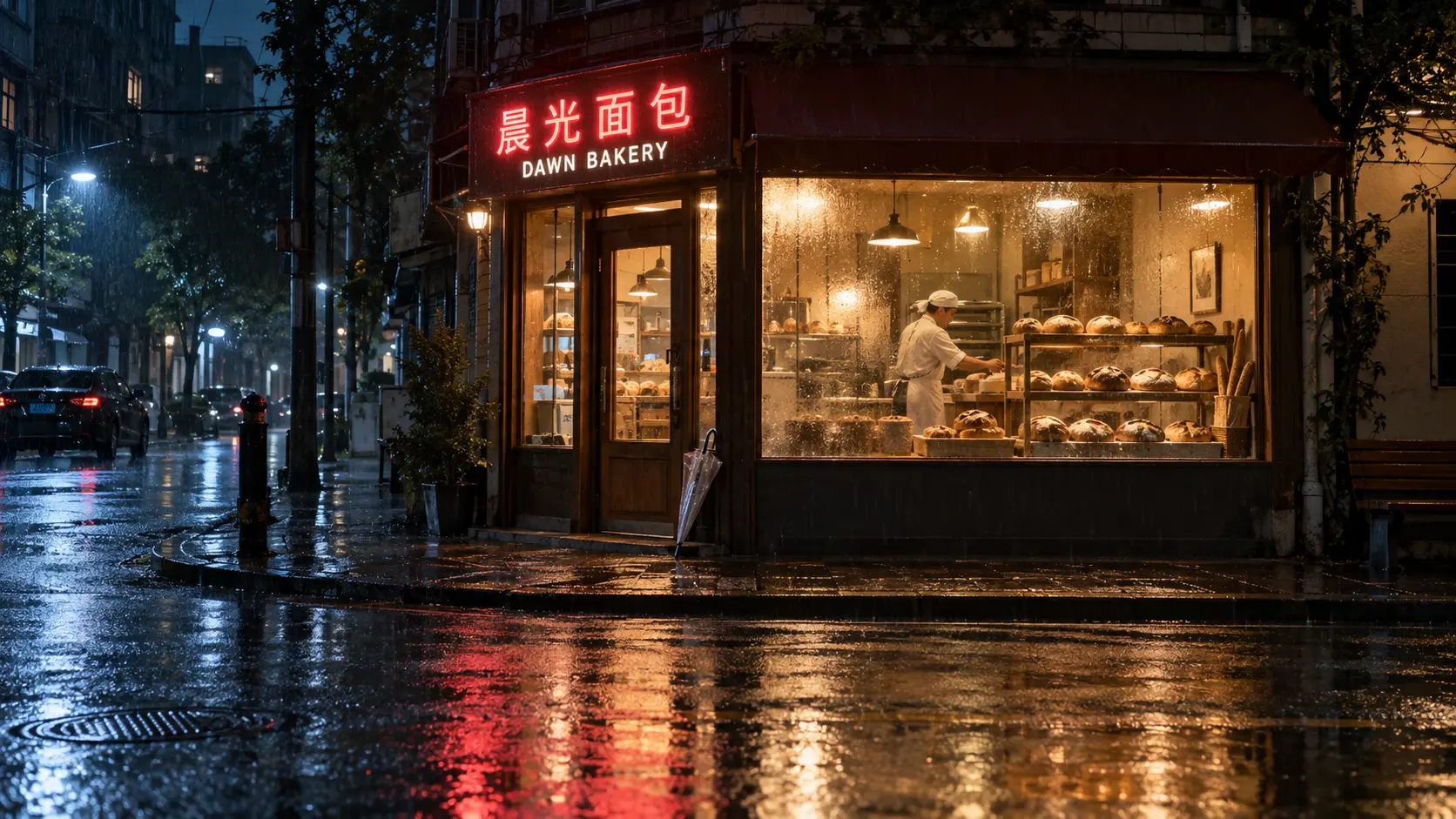
Z-Image Turbo is Alibaba's 8-step distilled image model: photoreal frames and crisp English or Chinese text in a few seconds, at a flat 5 credits per image. Run it in your browser, no GPU needed. New accounts get 20 free credits.



GALLERY

Feature 01
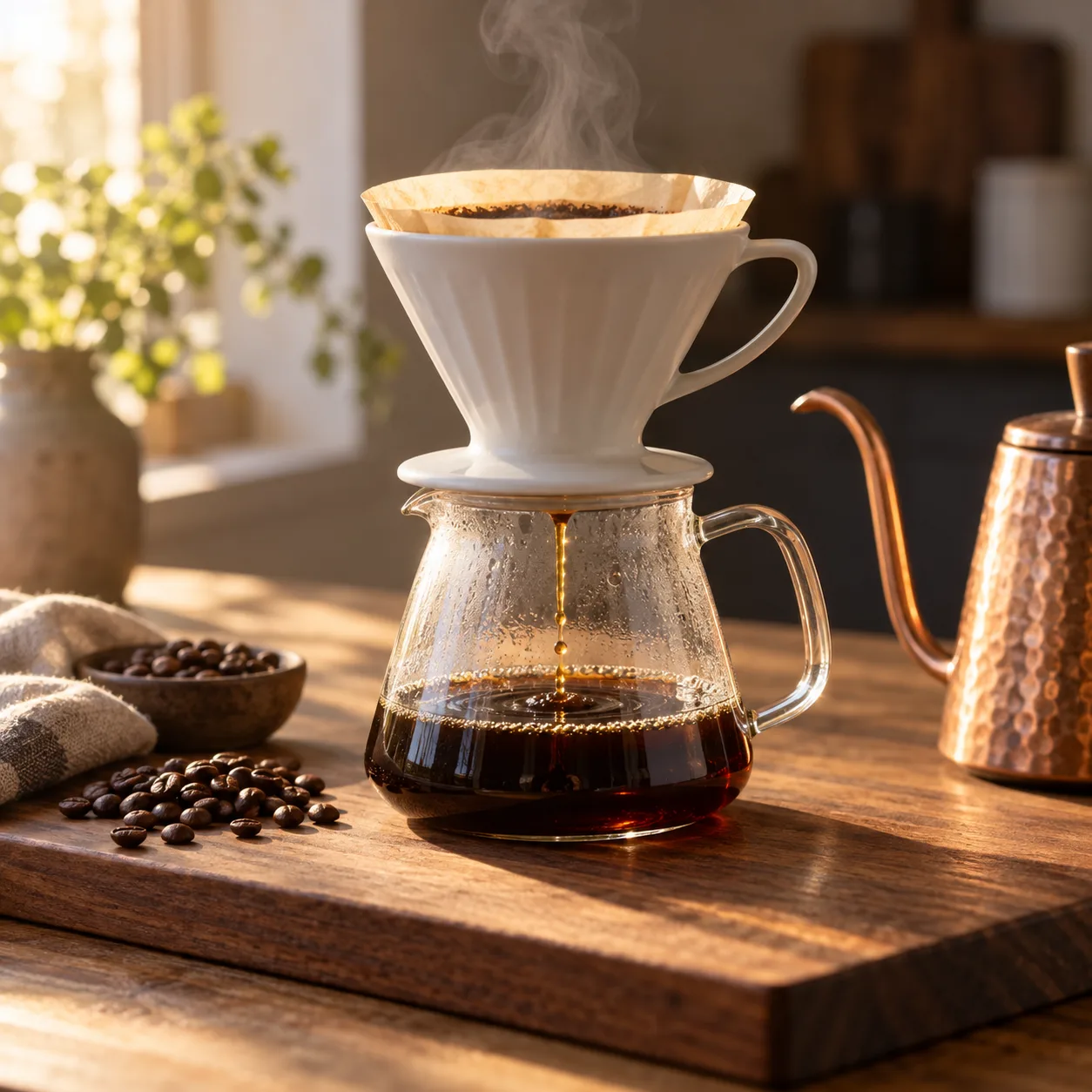
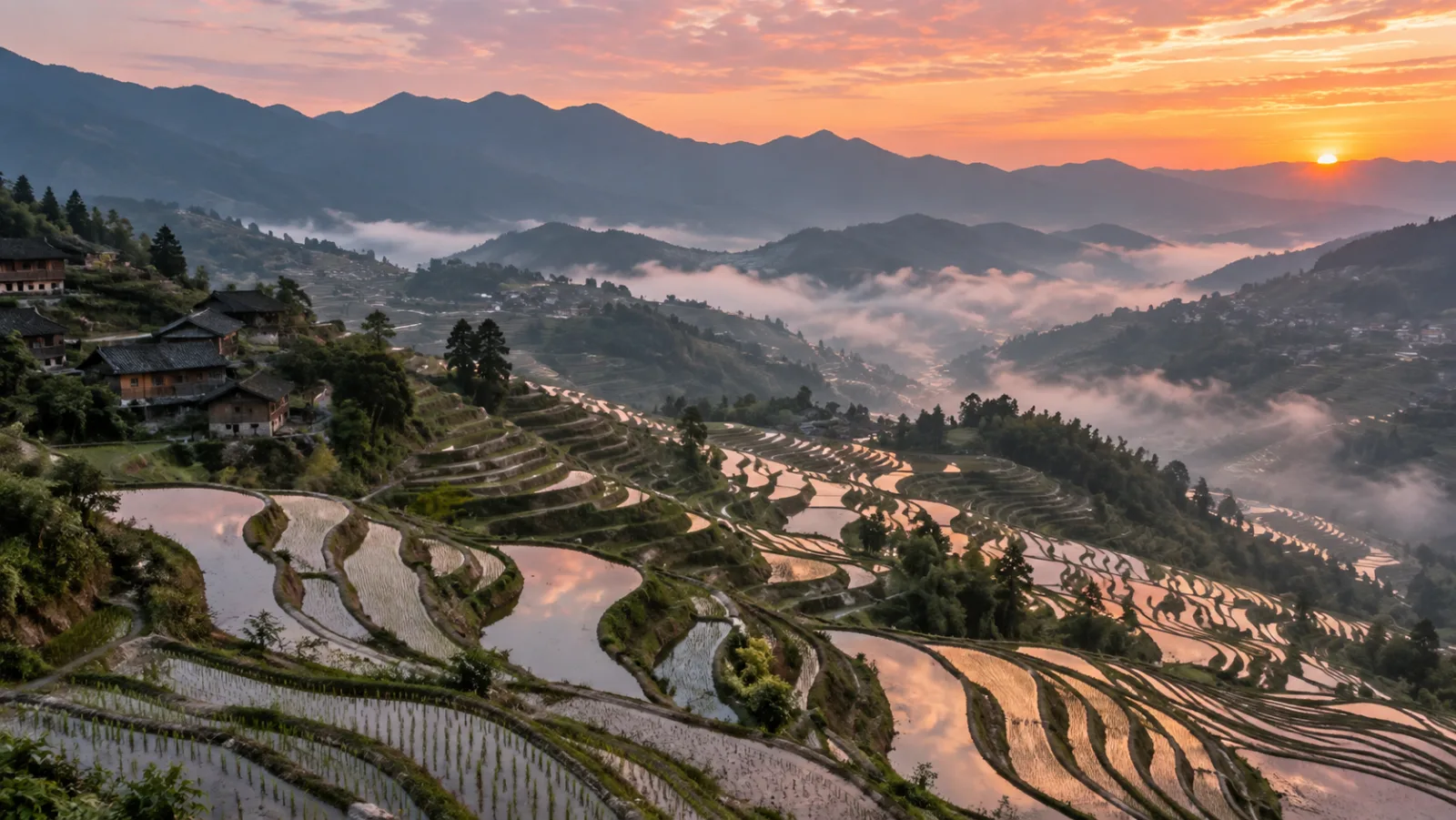
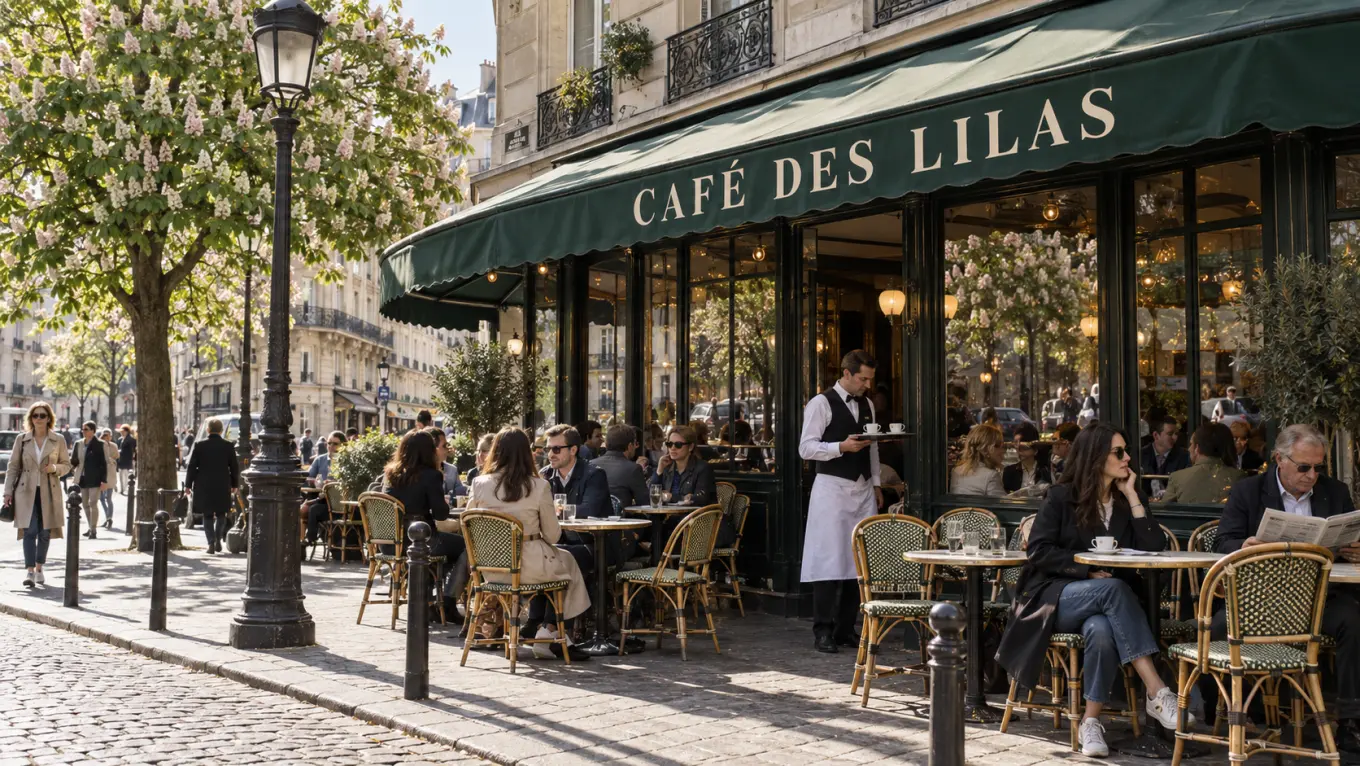
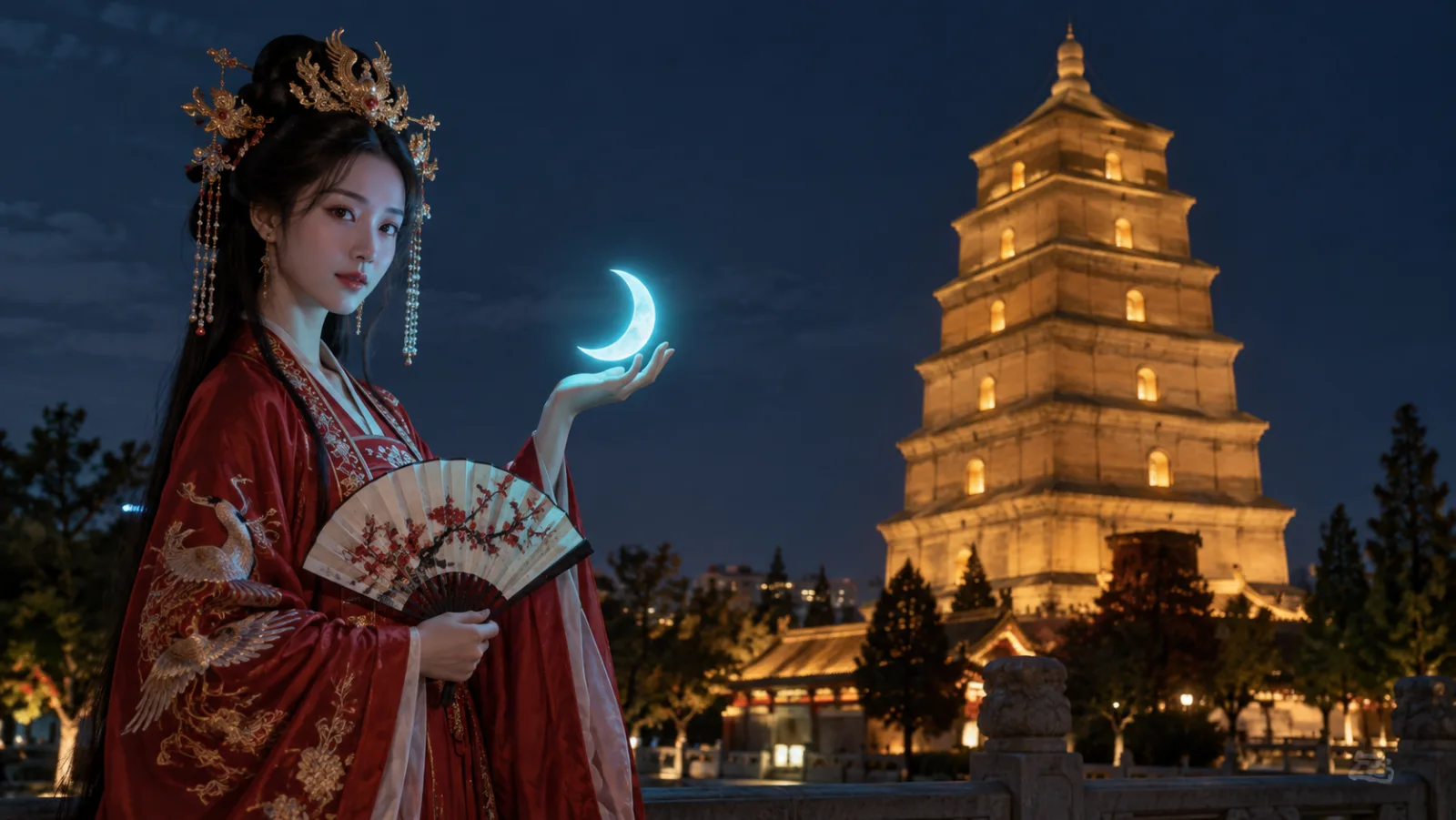
The model does not only paint the words in your prompt; it fills in what those words imply. The model carries a lot of world knowledge, and Tongyi-MAI's own pipeline adds a Prompt Enhancer on top, so a prompt that names the Giant Wild Goose Pagoda in Xi'an, a Hanfu embroidery style, or a Paris cafe terrace in spring gets the right architecture, costume detail, and light without a paragraph of description. The effect is fewer rerolls: a short prompt already lands close to the picture in your head. The model also keeps the small real-world logic right, such as reflections that match their source and shadows that fall away from the lamp.
Feature 02
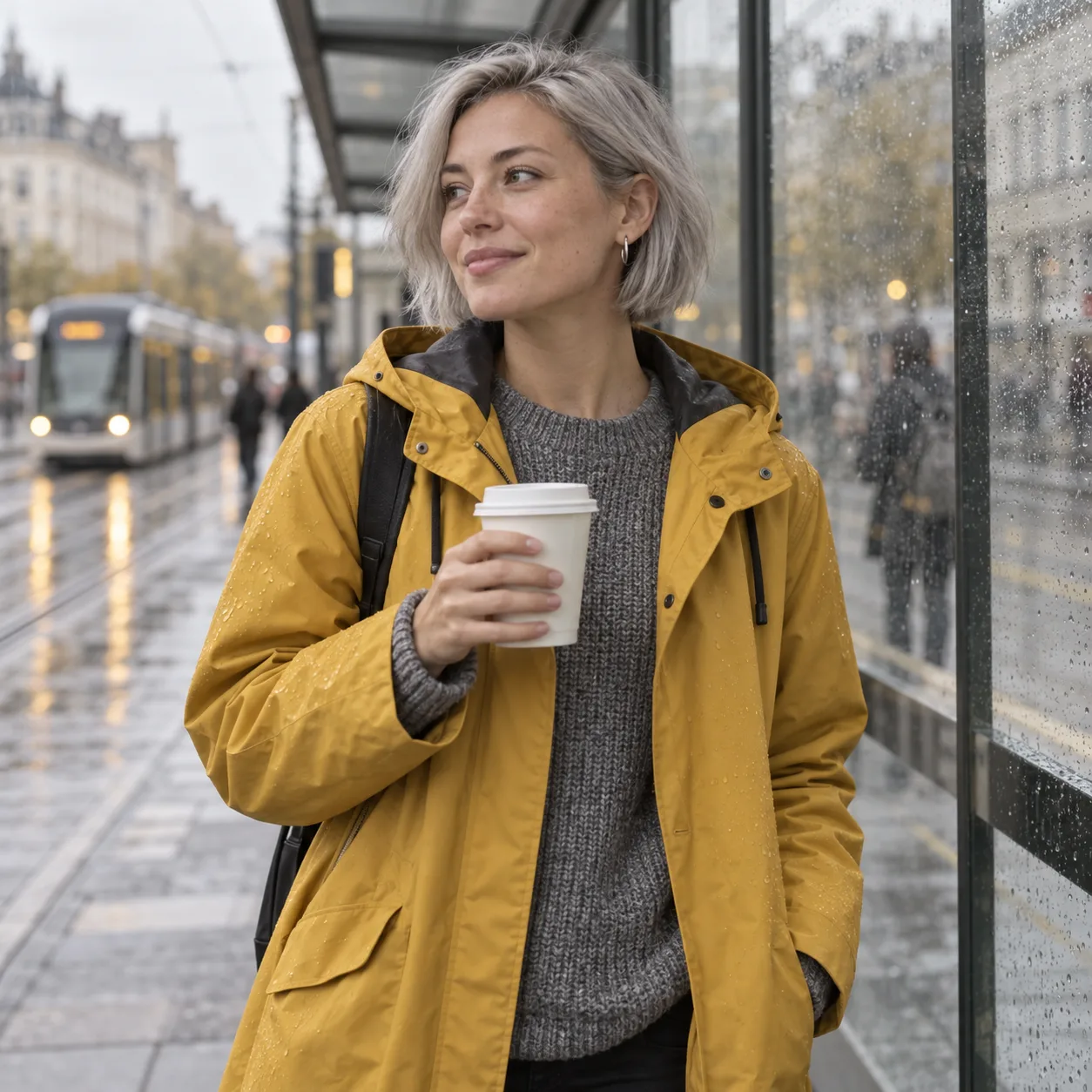
Reinforcement learning pushes Turbo toward one polished answer per prompt. Tongyi-MAI's own model table rates Turbo's visual quality as Very High and its diversity as Low, which sounds like a weakness until you need a set: run the same prompt ten times and the lighting, palette, and styling stay on brand instead of wandering. That makes Turbo the model to reach for when a campaign needs twenty tiles in one look, or when a character description should come back recognizably the same each time. When you want variety, change the prompt, not the seed.
Feature 03
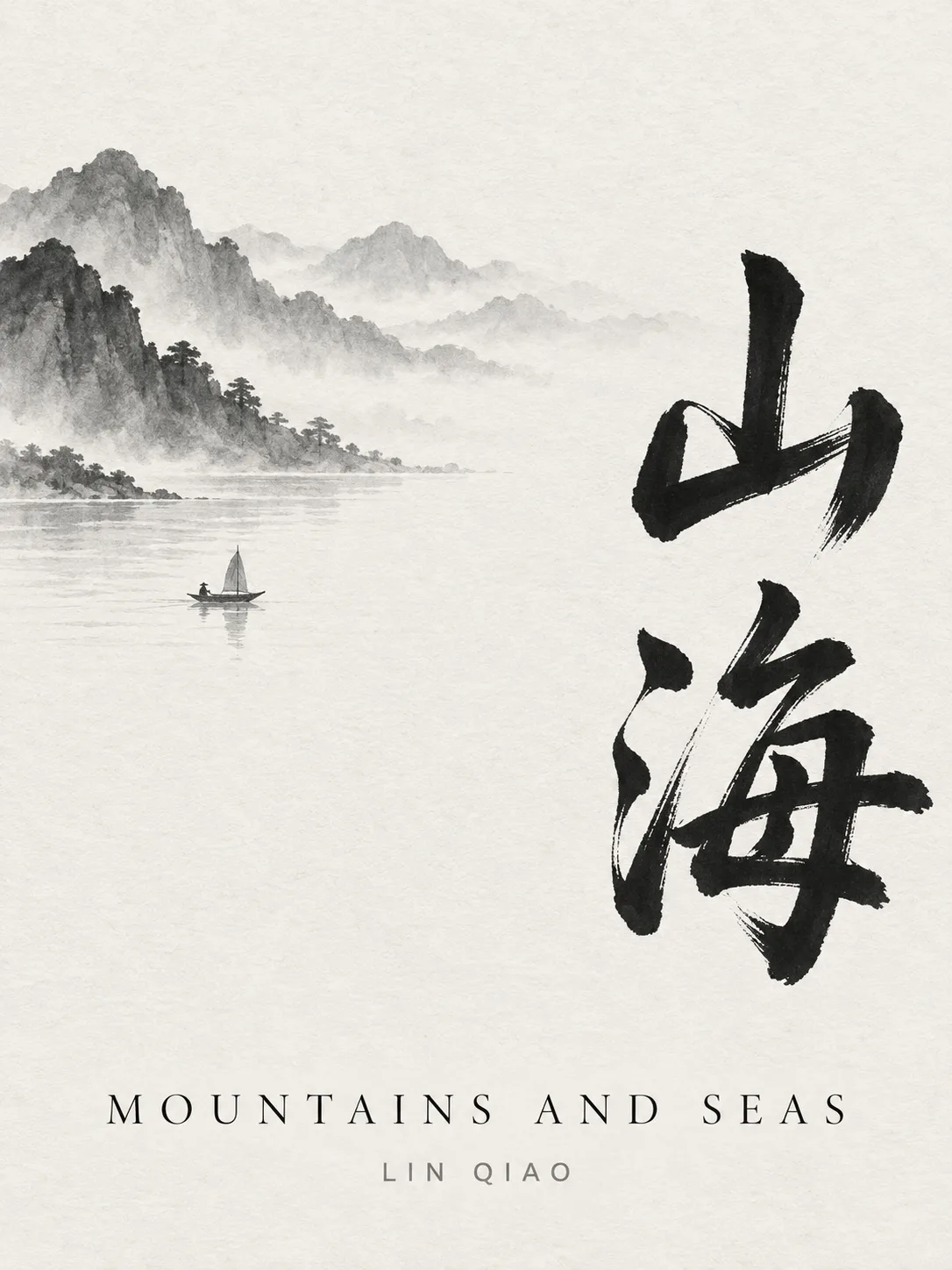
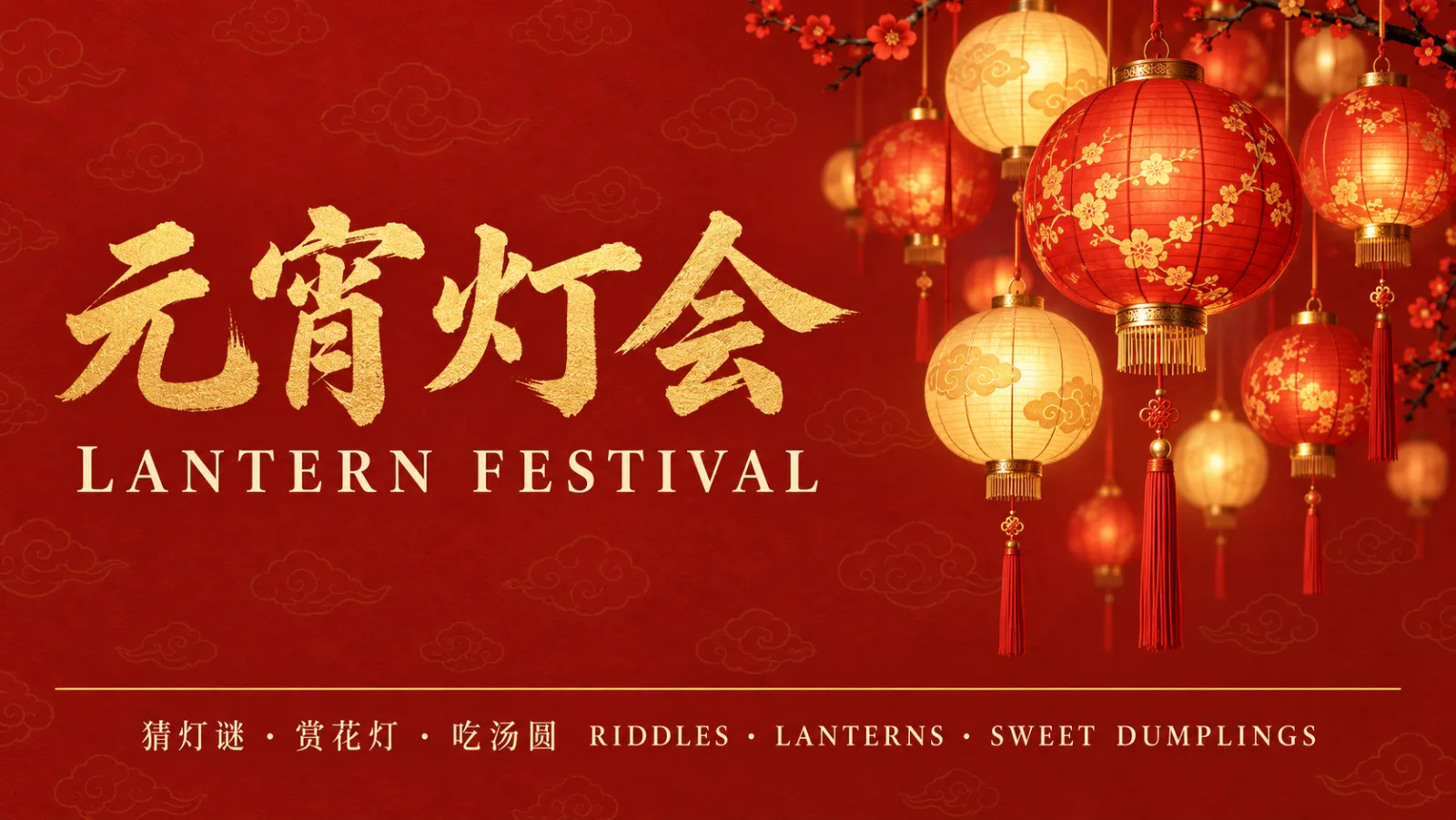
Accurate bilingual text rendering is one of the three headline skills Tongyi-MAI lists for it, next to photorealism and instruction following. Put the words in quotes and the model sets them on signs, posters, packaging, and screens, in English, in Chinese, or both on one image. Complex Chinese characters are where many image models garble strokes; this one keeps them legible. That is useful for shops selling into China and for anyone making a bilingual menu, a lantern-festival poster, or a product label with both scripts. Prompts themselves can be written in either language.
Feature 04
Fast models usually pay for speed with obedience. Turbo closes that gap with DMDR, Tongyi-MAI's method that combines distribution matching distillation with reinforcement learning after training, aimed at better semantic alignment and richer detail in few-step generation. In practice Turbo holds multi-part prompts: the woman in red Hanfu, the phoenix headdress, the folding fan, the neon lamp above her palm, and the pagoda behind her all appear where you asked. On Alibaba AI Arena's human-preference leaderboard, Tongyi-MAI reports Turbo as state of the art among open-source models.
Feature 05
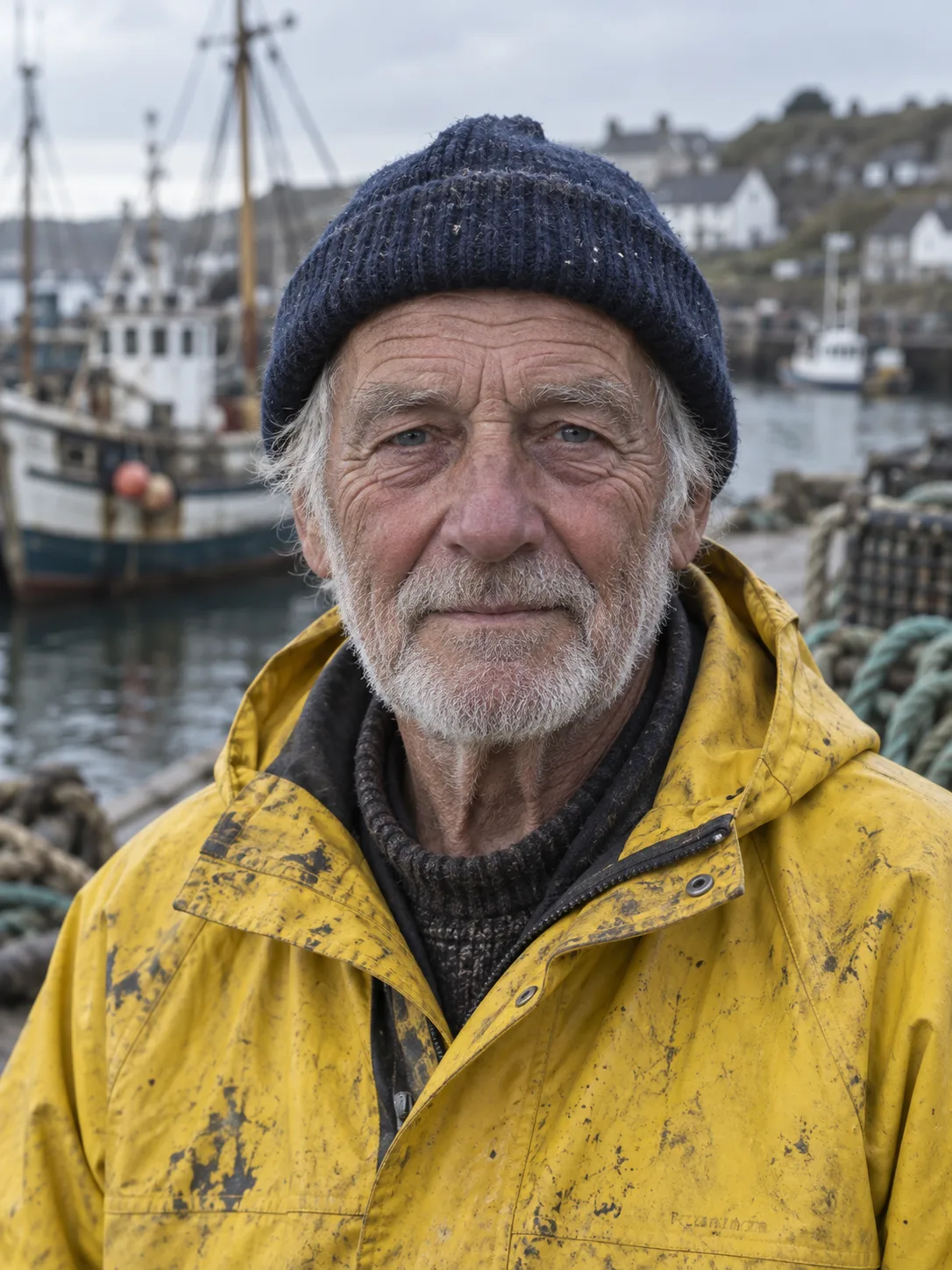
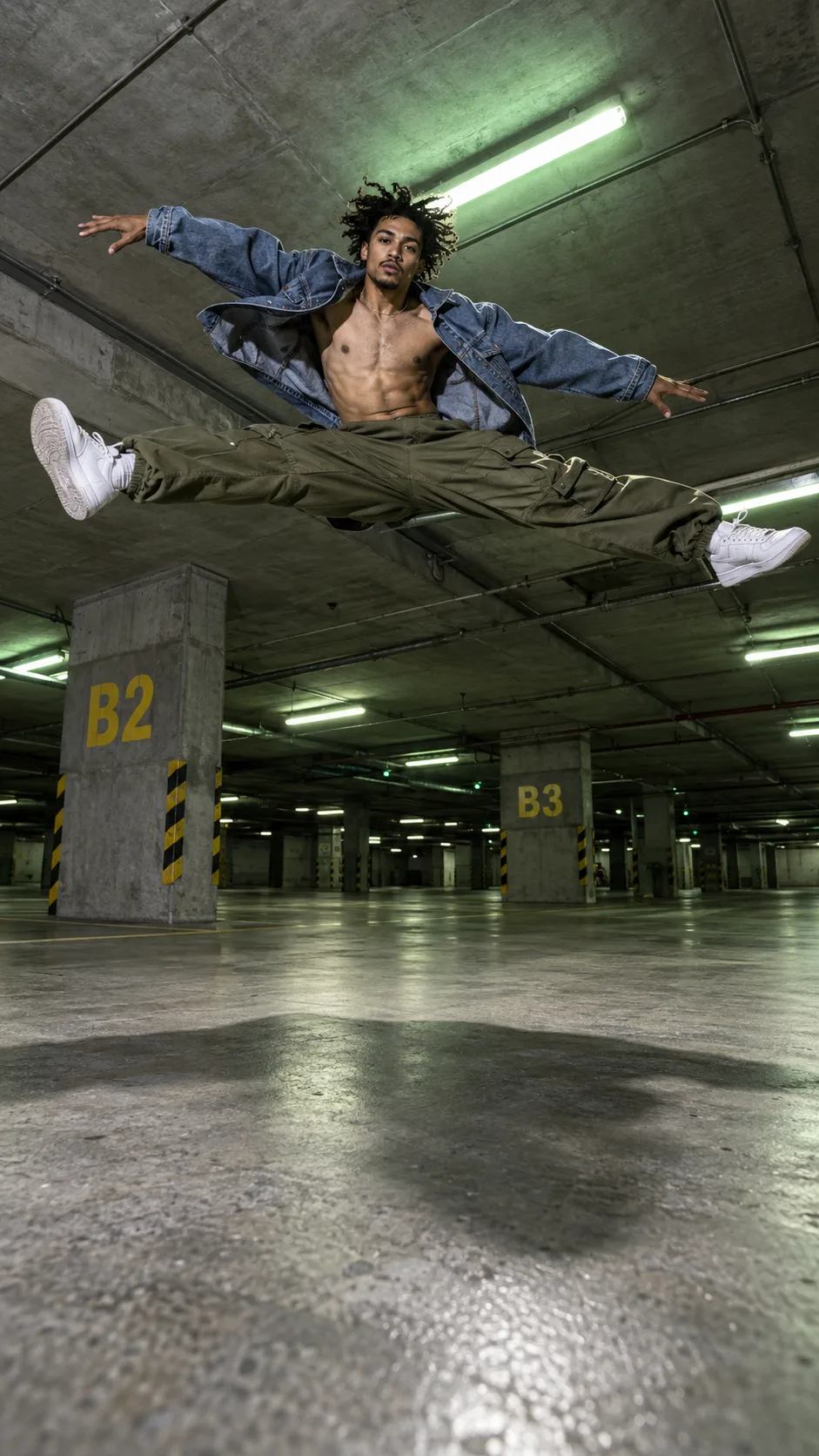
Photorealism is the first capability Tongyi-MAI shows for the model: skin texture, fabric weave, and natural light that pass for a real photo. On Ricebowl you pick one of five frames before generating, 1:1 for feeds and marketplaces, 16:9 for banners and thumbnails, 9:16 for stories, and 4:3 or 3:4 for product pages. Every image costs the same 5 credits, so choosing the right frame never changes the price. For print work that needs 4K, switch to Seedream 5.0 Lite in the same model picker.

PROMPT EXAMPLES
Prompt
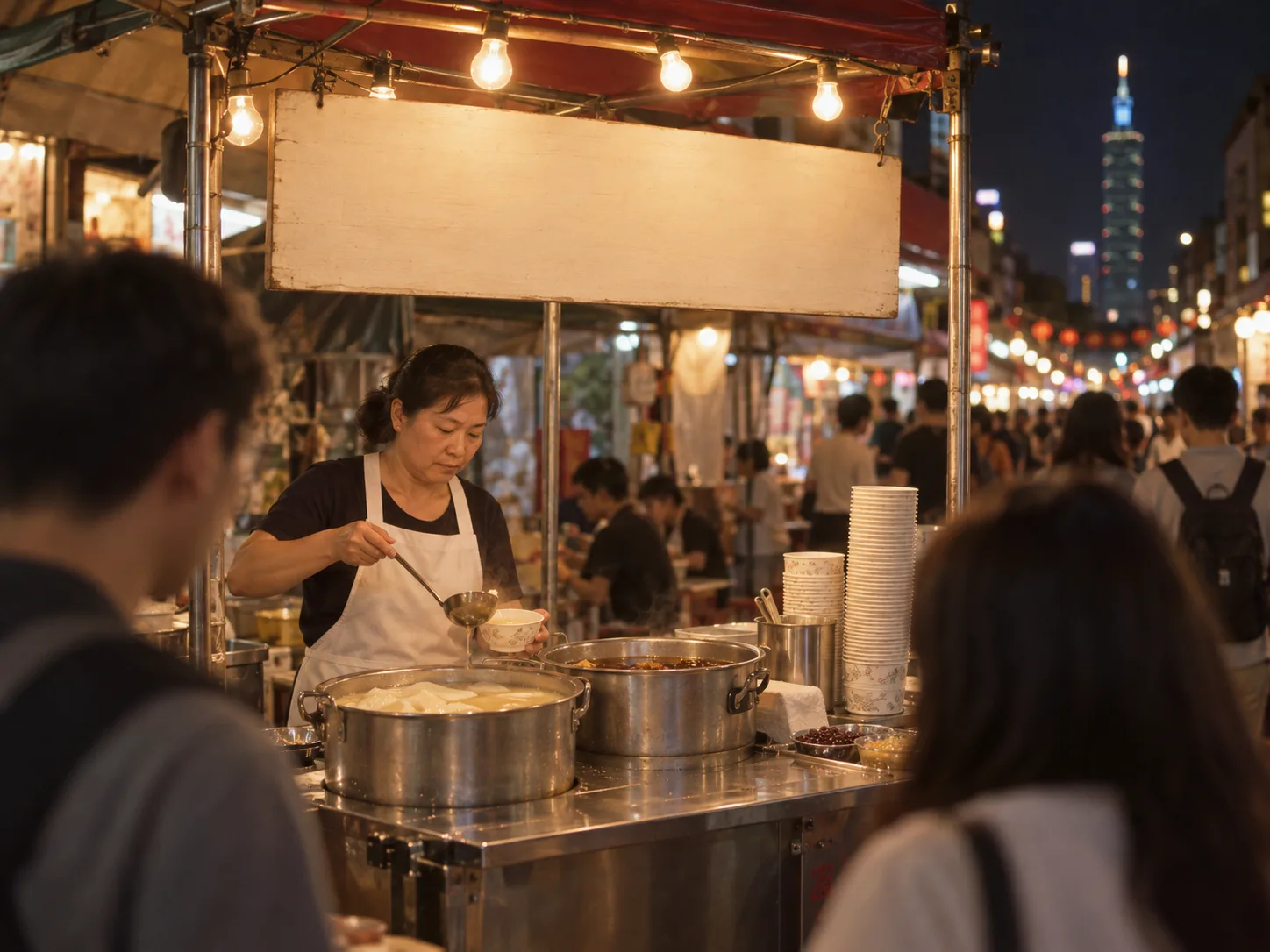
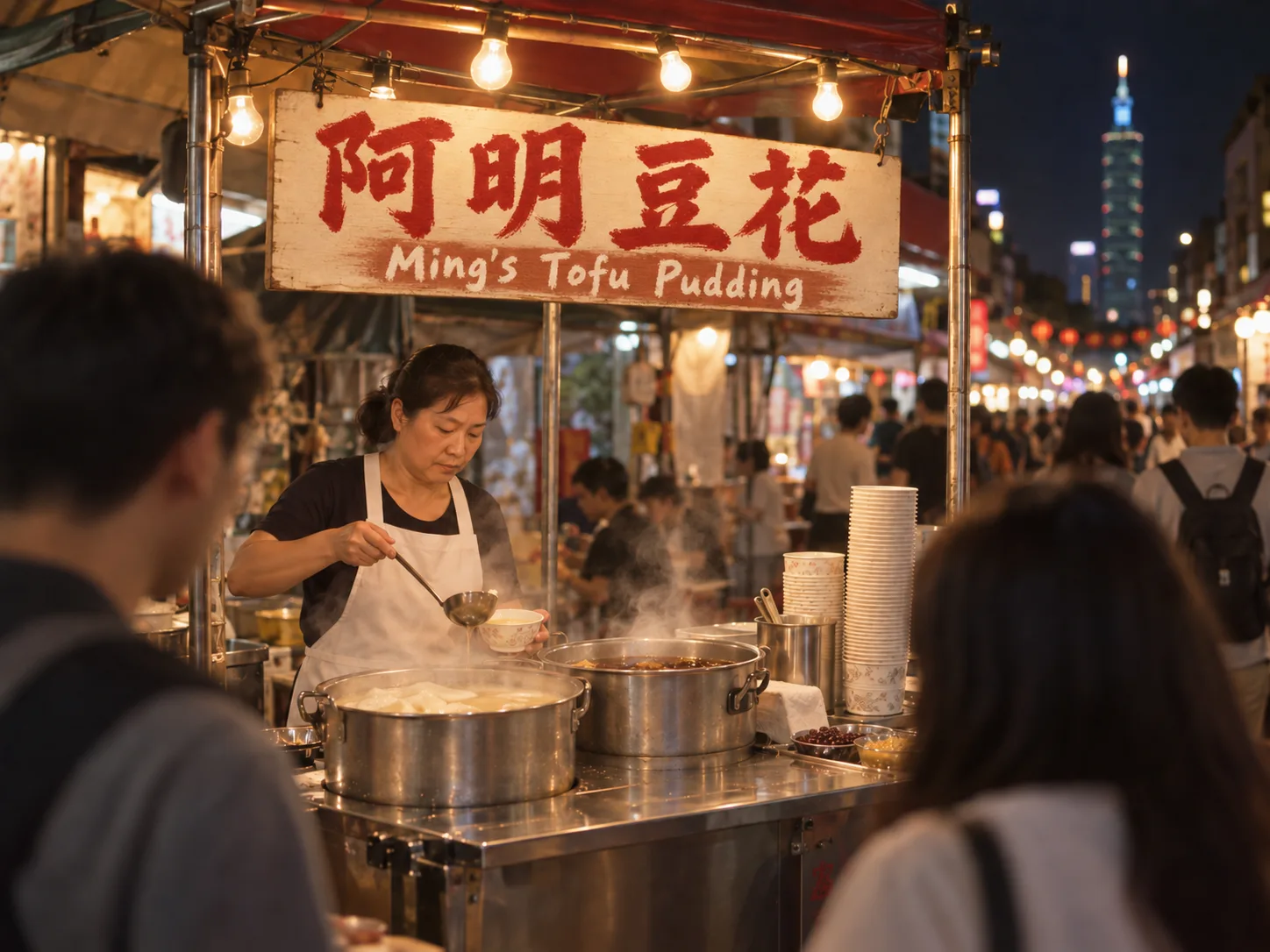
Night market street in Taipei, a food stall with a hand-painted sign reading "阿明豆花 Ming's Tofu Pudding", steam rising from pots, warm tungsten bulbs, shallow depth of field, shot on 35mm film.
Reference
Result
Prompt
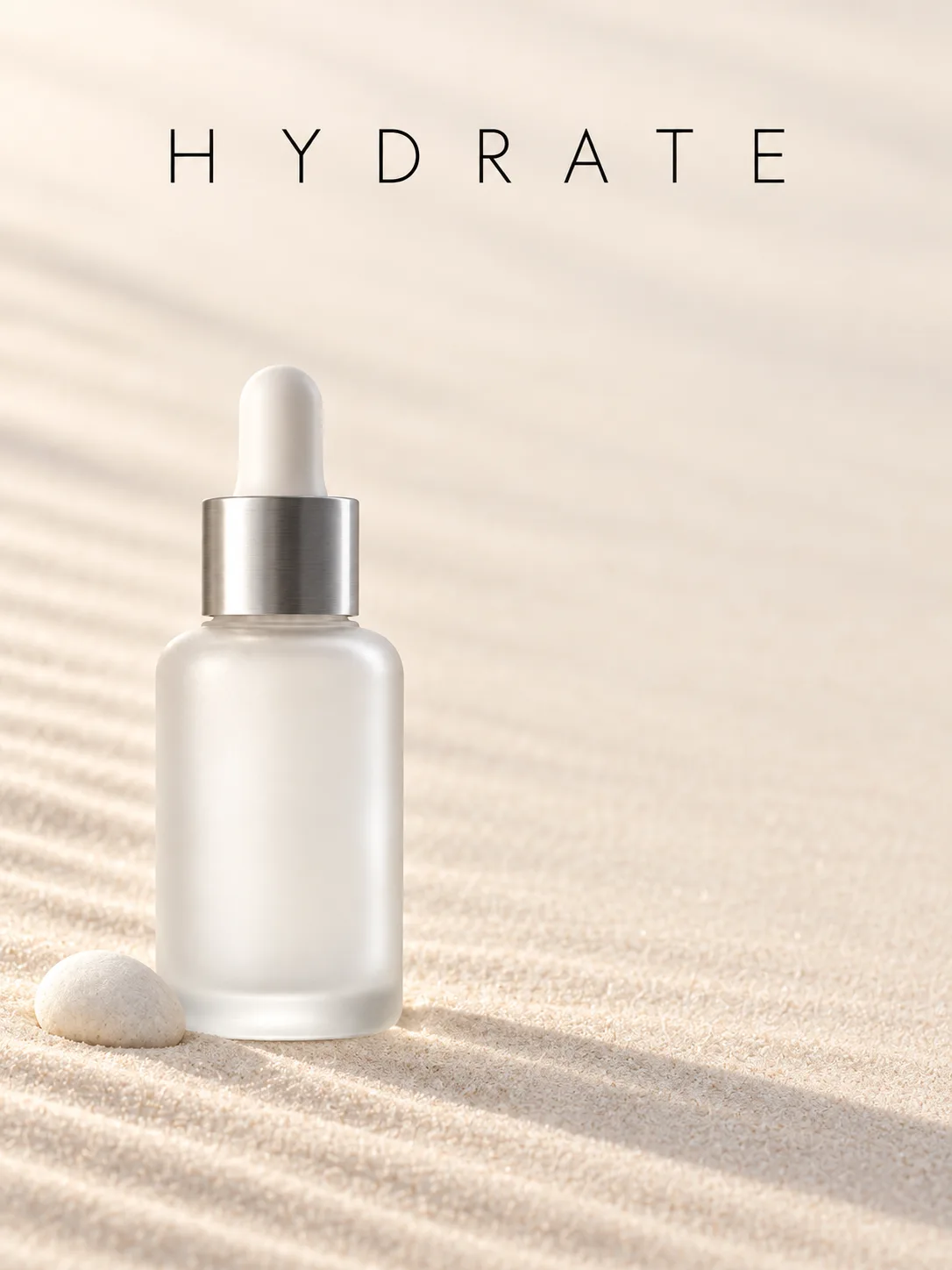
Minimal skincare ad, a frosted glass bottle on pale sand, soft morning shadow, headline "HYDRATE" in thin sans-serif at the top, clean negative space for copy.
Reference
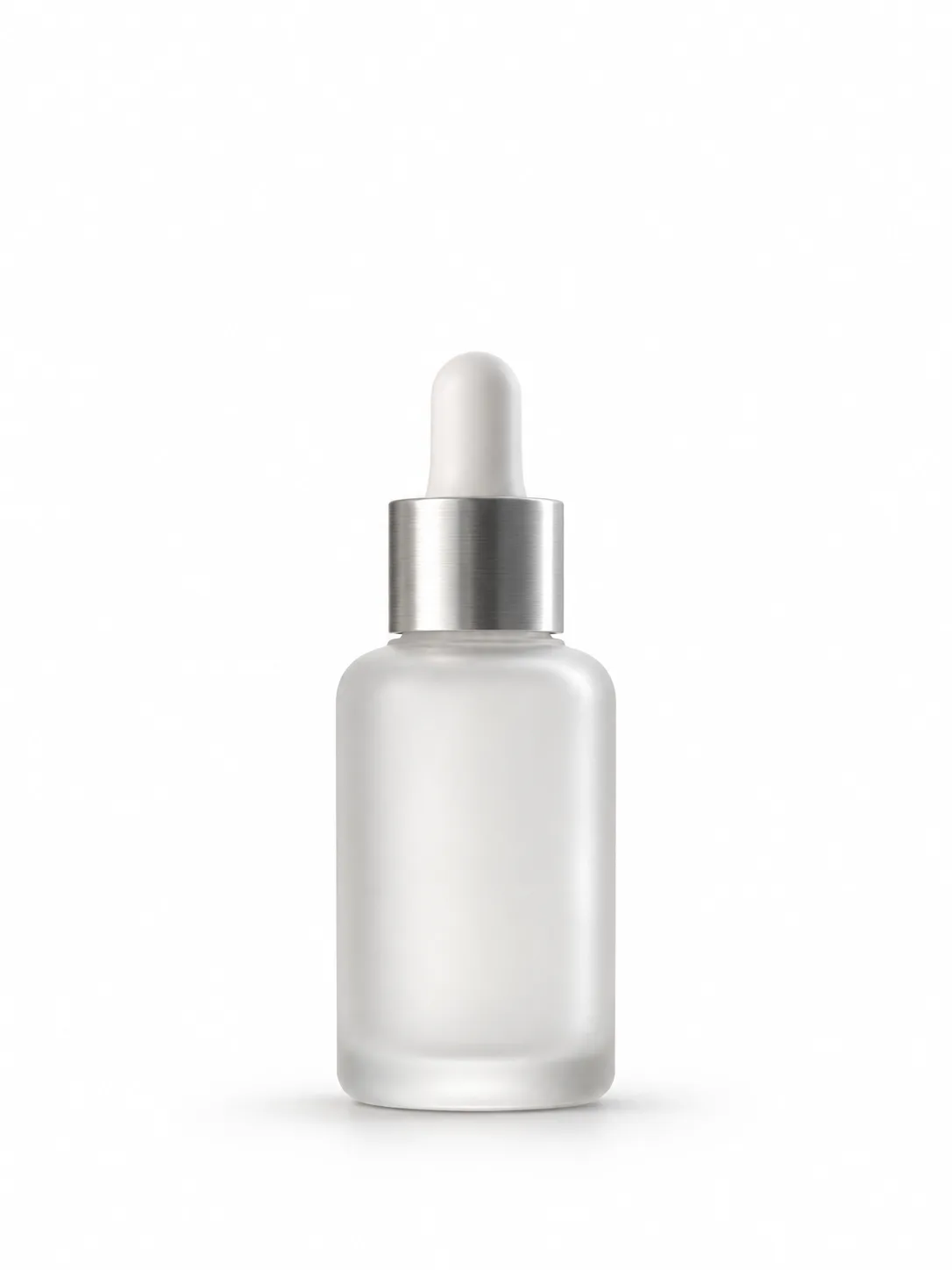
Result
USE CASES
Turbo returns images fast enough to brainstorm live, and the consistent look keeps a week of posts on one visual identity.
Bilingual text rendering puts English and Chinese on the same banner or label, so one listing image works on two marketplaces.
Cheap, quick drafts at 5 credits make it a mood-board engine. Iterate on composition here, then finish the chosen idea on a slower model.
People who read that Turbo fits in 16GB of VRAM but own a laptop use Ricebowl to get the same model with no install.
The model is Apache 2.0. Teams test prompts on Ricebowl first, then decide whether a local deployment is worth the setup.
WHAT USERS SAY
01
Eight steps instead of dozens is the first thing people mention. Drafts arrive before you finish reading the prompt back.
02
At 6B parameters, Turbo is a fraction of the 32B FLUX.2 [dev] checkpoint, yet portraits and product shots hold up side by side.
03
Users making bilingual signage call out that Chinese characters come back correct, not as near-miss glyphs.
04
The flip side of consistency: rerolling the same prompt gives similar images. Rewrite the prompt when you want something new.
WHICH ONE
Tongyi-MAI ships the model in two main forms. Turbo is the distilled one built for speed; the base Z-Image is the undistilled checkpoint that Turbo was distilled from. Ricebowl runs Turbo.
8-step distillation with no classifier-free guidance, tuned with reinforcement learning for very high visual quality. Fast, consistent, and the version running on Ricebowl at 5 credits per image.
Around 50 steps, slower, with more variety per prompt and support for negative prompts. It is the checkpoint meant for fine-tuning. Editing lives in the separate Z-Image-Edit variant.
WHAT SETS IT APART
01
You do not need ComfyUI or a graphics card to use it. Locally, the model wants a 16GB VRAM GPU and a diffusers setup; on Ricebowl it runs in a browser tab on any laptop or phone, and the result is in your feed seconds later.
02
Pick Turbo for speed and FLUX.2 for detail and editing. It is a 6B model that finishes in 8 steps; the open FLUX.2 [dev] checkpoint is 32B. FLUX.2 Pro on Ricebowl adds up to 8 reference images and photo editing, which Turbo does not offer here.
03
Tongyi-MAI releases Turbo under the Apache 2.0 license, one of the most permissive licenses in open-source AI. The weights are public on Hugging Face and ModelScope, so anything you learn here carries over to your own deployment.
OUR TAKE
Fast photoreal drafts and bilingual text. Use it for portraits, product shots, and English-plus-Chinese signage; those are the three skills its makers lead with. Do not use it for photo edits on Ricebowl, where it is text-to-image only.
Z-Image Turbo. It runs 8 function evaluations, and Tongyi-MAI reports sub-second latency on H800 GPUs. FLUX.2 [dev] is more than five times larger at 32B parameters, and FLUX.2 Flex's own examples use 6 to 50 steps.
Online, unless you already own a 16GB GPU and generate thousands of images. At 5 credits per image on Ricebowl, the cost of a suitable graphics card buys a very large number of images, with no drivers or updates to manage.
COMPARISON
| Feature | Z-Image Turbo | FLUX.2 Pro | Qwen Image 3.0 |
|---|---|---|---|
| Maker | Alibaba Tongyi-MAI | Black Forest Labs | Alibaba Qwen team |
| Credits on Ricebowl | 5 per image | 5 at 1K, 7 at 2K | 5 per image |
| Sampling steps | 8 | Set by provider | Set by provider |
| Reference images on Ricebowl | None, text-to-image only | Up to 8 | Up to 3 |
| Photo editing on Ricebowl | No | Yes | Yes |
| Text rendering strength | English and Chinese | Complex typography | Complex text, especially Chinese |
| Open weights | Yes, Apache 2.0 (6B) | Family has FLUX.2 [dev], 32B | Qwen-Image is Apache 2.0 |
| Best for | Fast photoreal drafts | Detail and multi-reference edits | Text-heavy layouts and edits |
Our pick: start with Z-Image Turbo when you need a clean image quickly from text alone. Move to FLUX.2 Pro when the job involves reference photos, and to Qwen Image when dense Chinese text or in-image text edits matter most.
Try Z-Image Turbo for Free01
The generator at the top of this page already runs Z-Image Turbo. Create a free account: it comes with 20 credits, and every image costs 5.
02
Describe the subject, setting, light, and camera. Put any words that must appear on the image in quotes, in English or Chinese.
03
Choose 1:1, 16:9, 9:16, 4:3, or 3:4 and press generate. Your Z-Image Turbo image appears in the feed below and downloads in one click.
REVIEWS
What people who run Z-Image Turbo on Ricebowl say about it.
 Chen Yu
One banner, English and Chinese headline, both spelled right. I used to fix the Chinese by hand every time.
Cross-border seller
 Laura Fischer
I brainstorm a week of posts in one sitting. At 5 credits an image I stop worrying about rerolls.
Social media manager
 Ryan Mitchell
Z-Image Turbo is my mood-board machine. Quick, realistic, and the look stays consistent across a set.
Indie game art director
 Aiko Tanaka
My laptop has no real GPU. Here I get the model everyone on Reddit talks about without installing anything.
Illustrator on a laptop
 Samuel Adeyemi
We tested our prompt set on Ricebowl before deciding to self-host. It saved us a week of setup.
ML engineer
One balance, every model. Credits work across all 20 video models — no watermark, no tier-locked models, commercial use on every paid plan.
Save 30% billed annually
Flexible monthly subscription.
The lowest price to get started. Every model, a monthly budget to try things out.
$7.99/mo
Renews monthly, cancel anytime.
200 credits
≈ 0–10 videos, depending on the model
≈ 14–66 images, depending on the model
4.00¢ / credit
The cheapest way to start. Every model, a small monthly budget.
$12.99/mo
Renews monthly, cancel anytime.
400 credits
≈ 1–20 videos, depending on the model
≈ 28–133 images, depending on the model
3.25¢ / credit
Enough credits to try every model and finish a few clips each month.
$29.9/mo
Renews monthly, cancel anytime.
1,000 credits
≈ 3–50 videos, depending on the model
≈ 71–333 images, depending on the model
2.99¢ / credit
2 parallel tasks
Steady output for solo creators going pro — every model, a comfortable budget.
$49.9/mo
Renews monthly, cancel anytime.
2,000 credits
≈ 6–100 videos, depending on the model
≈ 142–666 images, depending on the model
2.50¢ / credit
3 parallel tasks
High-volume production for prolific creators and small teams.
$89.9/mo
Renews monthly, cancel anytime.
5,000 credits
≈ 15–250 videos, depending on the model
≈ 357–1666 images, depending on the model
1.80¢ / credit
5 parallel tasks
Pay yearly and save more.
Enough credits to try every model and finish a few clips each month.
$19.9/mo$29.9
Billed yearly at $238.8. Renews yearly, cancel anytime.
Save $120/yr vs monthly
12,000 credits
≈ 38–600 videos, depending on the model
≈ 857–4000 images, depending on the model
1.99¢ / credit
2 parallel tasks
Steady output for solo creators going pro — every model, a comfortable budget.
$34.9/mo$49.9
Billed yearly at $418.8. Renews yearly, cancel anytime.
Save $180/yr vs monthly
24,000 credits
≈ 76–1200 videos, depending on the model
≈ 1714–8000 images, depending on the model
1.75¢ / credit
3 parallel tasks
High-volume production for prolific creators and small teams.
$62.9/mo$89.9
Billed yearly at $754.8. Renews yearly, cancel anytime.
Save $324/yr vs monthly
60,000 credits
≈ 190–3000 videos, depending on the model
≈ 4285–20000 images, depending on the model
1.26¢ / credit
5 parallel tasks
Top up credits valid for 12 months.
One-time top-up — perfect for occasional needs.
$49.9
One-time purchase, valid 12 months.
1,000 credits
≈ 3–50 videos, depending on the model
≈ 71–333 images, depending on the model
4.99¢ / credit
Larger top-up with 20% bonus — best per-credit value for one-time buyers.
$198
One-time purchase, valid 12 months.
4,800 credits
≈ 15–240 videos, depending on the model
≈ 342–1600 images, depending on the model
4.13¢ / credit
5 parallel tasks
Yes. Sign up on Ricebowl and you get 20 free credits, enough for four images, no card needed. After that each image costs a flat 5 credits. The open weights are also free to download under Apache 2.0 if you have your own 16GB GPU.
Z-Image Turbo is a 6-billion-parameter text-to-image model that generates in 8 steps. It is a distilled version of Z-Image built on a single-stream diffusion transformer, and it focuses on photorealism, bilingual English and Chinese text, and instruction following.
Tongyi-MAI, a lab inside Alibaba's Tongyi group. The Chinese project name is 造相. The same company's Qwen team makes Qwen Image, which is also on Ricebowl.
Yes. Tongyi-MAI publishes the 6B weights under the Apache 2.0 license on Hugging Face and ModelScope, so you can run it locally with diffusers or ComfyUI if you have a GPU with about 16GB of VRAM. On Ricebowl it runs in the browser instead, with no install and no graphics card.
None on Ricebowl. Z-Image Turbo runs here as text-to-image only, so every image starts from your prompt. For reference-guided work, switch to FLUX.2 Pro (up to 8 images) or Seedream 5.0 Lite (up to 14) in the model picker.
Not on Ricebowl. Tongyi-MAI lists editing under separate Z-Image-Edit and Z-Image-Omni-Base checkpoints, not under Turbo. To edit a photo here, use FLUX.2, Seedream, or Qwen Image.
Five on Ricebowl: 1:1, 16:9, 9:16, 4:3, and 3:4. All cost the same 5 credits.
Turbo. It is a 6B model running 8 steps, while the open FLUX.2 [dev] checkpoint is 32B. FLUX.2 wins on reference-based editing; Z-Image Turbo wins on time to first image.
For drafts, mood boards, and social graphics, yes: the text is legible and the realism is high. For final print layouts that need 4K or precise edits, finish on Seedream or FLUX.2.
Right here on Ricebowl. The generator at the top of this page runs Z-Image Turbo in your browser with no ComfyUI, no GPU, and no API key, and you can compare it with FLUX.2, Qwen Image, and Seedream on the same prompt.
RELATED
MORE MODELS
Eight steps, photoreal results, English and Chinese text, and no GPU to buy.
Try Z-Image Turbo for Free20 FREE CREDITS ON SIGN-UP · 5 CREDITS PER IMAGE · 8-STEP GENERATION · BILINGUAL TEXT
Start Using Z-Image Turbo AI Image Model
Try Z-Image Turbo for Free