Product and e-commerce teams
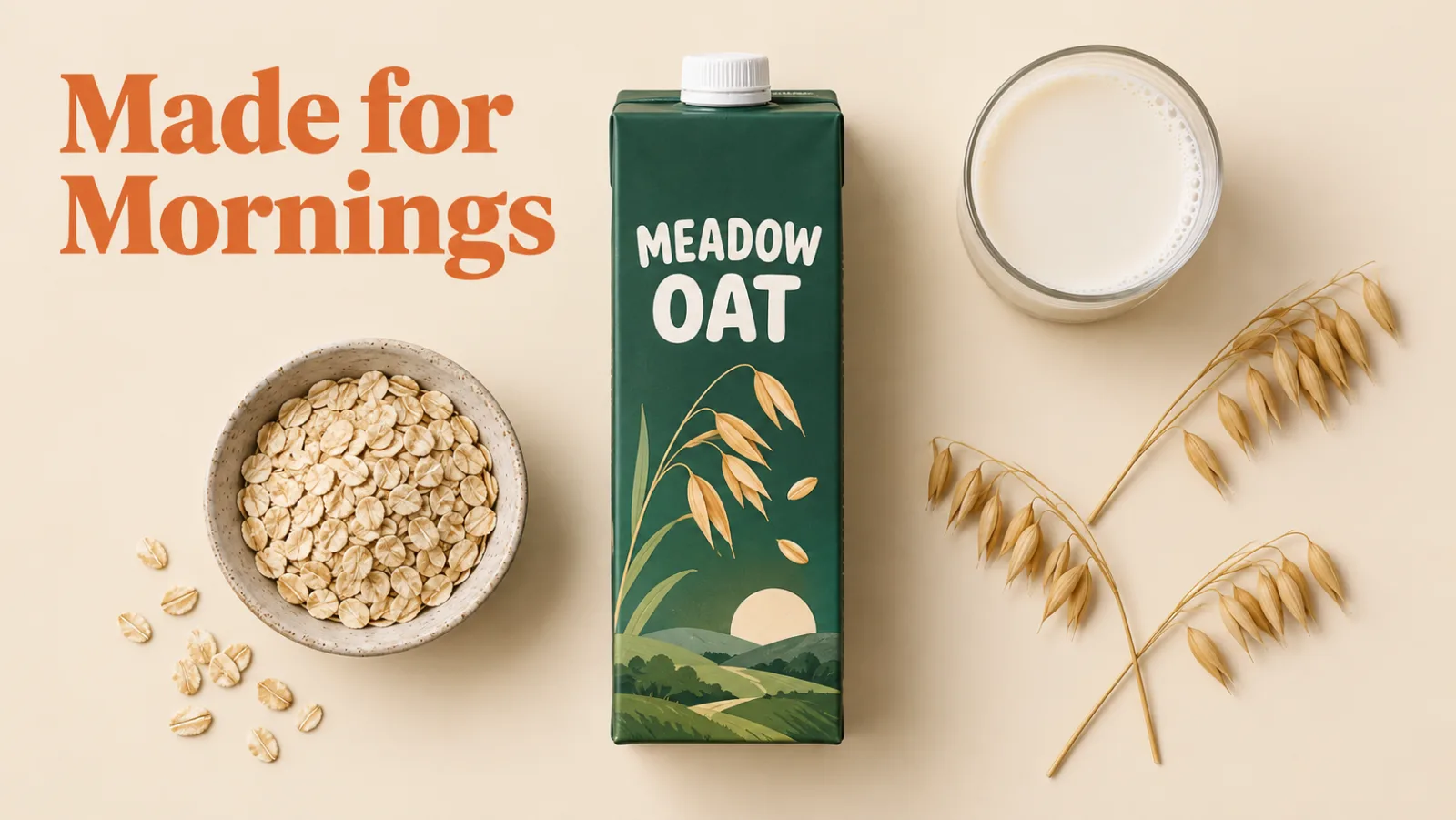
Flux AI keeps packaging, logos, and label text consistent across references, so one product photo becomes a set of lifestyle scenes, seasonal banners, and marketplace images in the same session.

Flux AI by Black Forest Labs, running FLUX.2 Pro and FLUX.2 Flex in your browser. Photoreal renders, readable text, and edits that keep your product or character intact. New accounts get 20 free credits, and a 1K Flux AI image on FLUX.2 Pro costs 5.



GALLERY

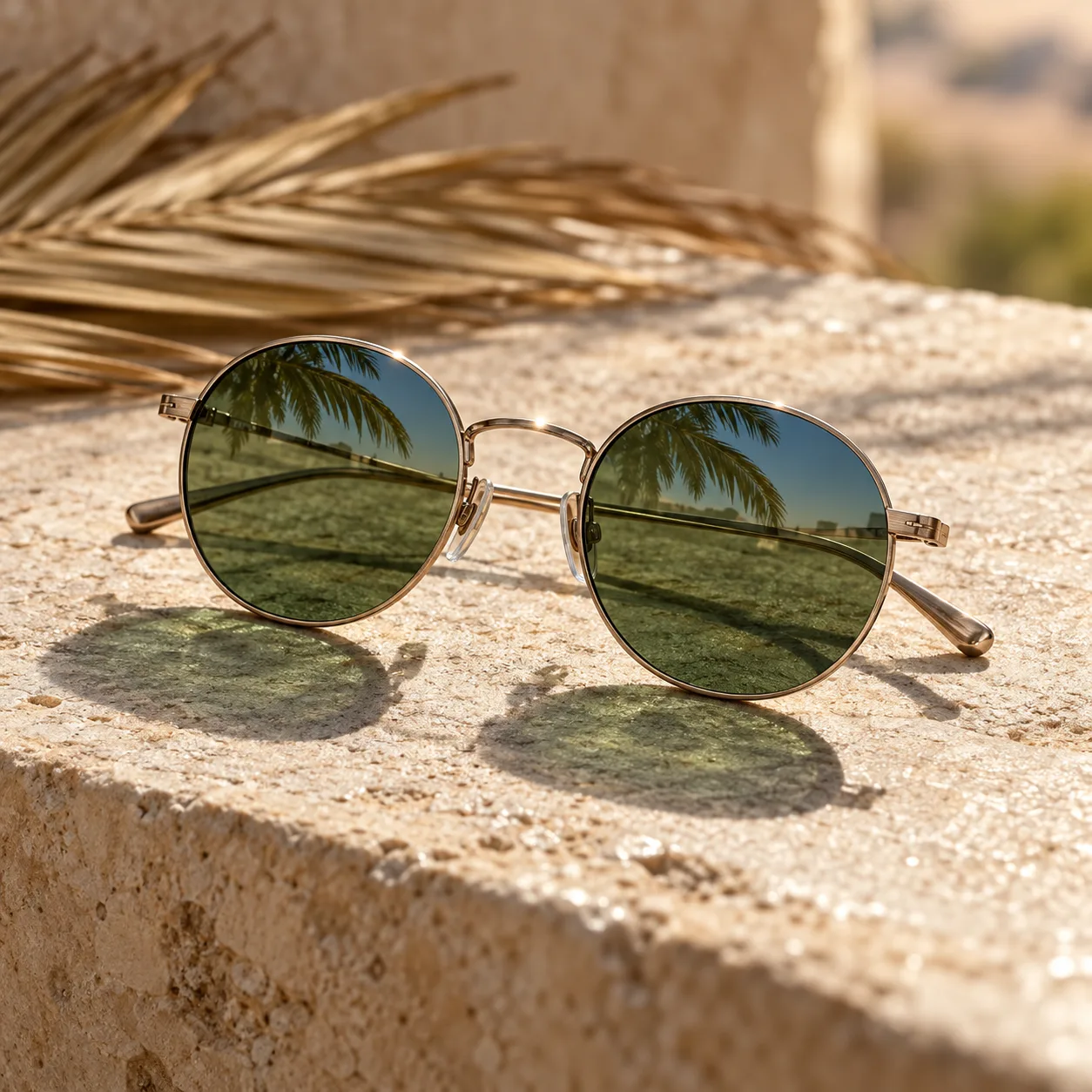


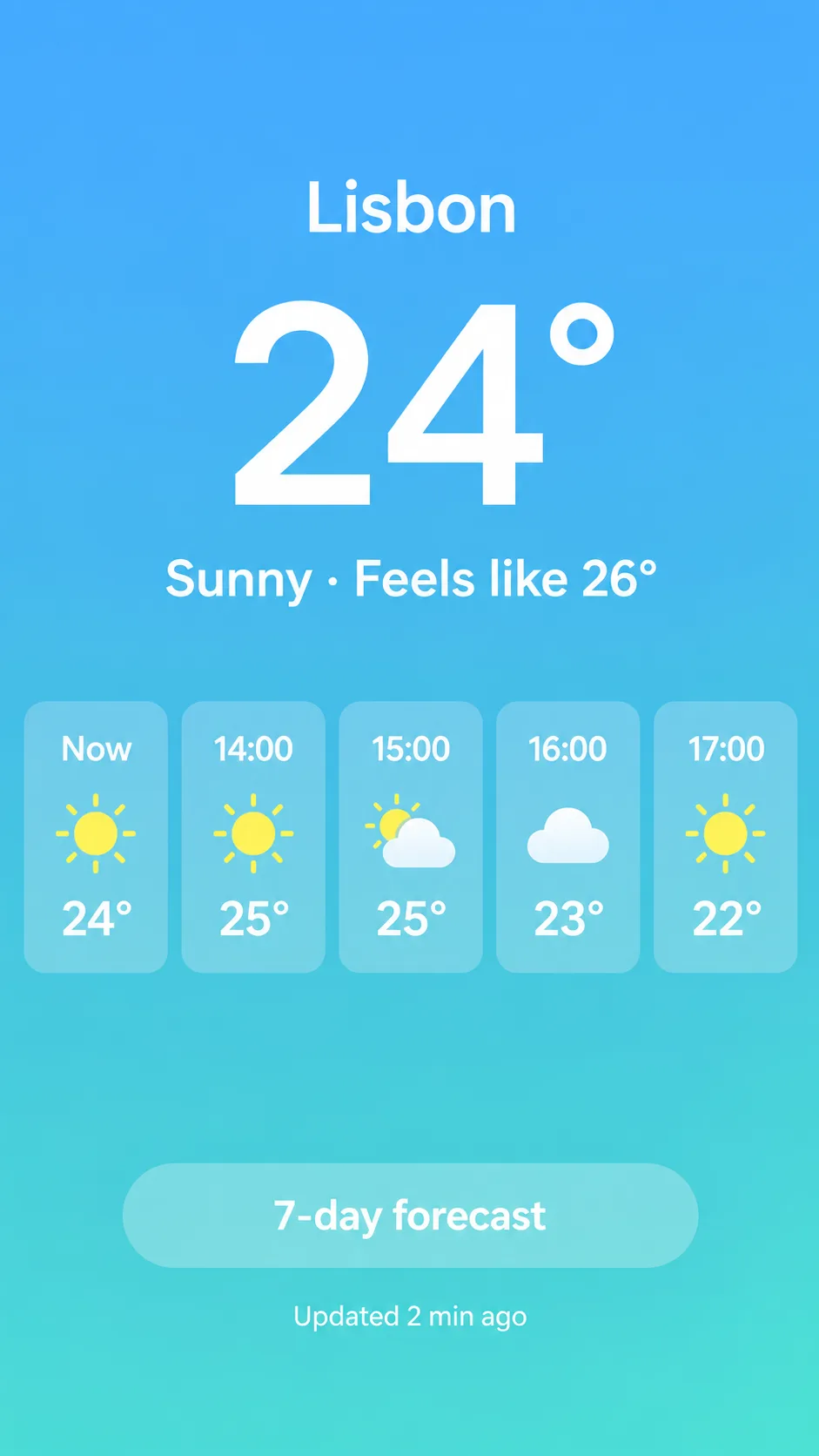
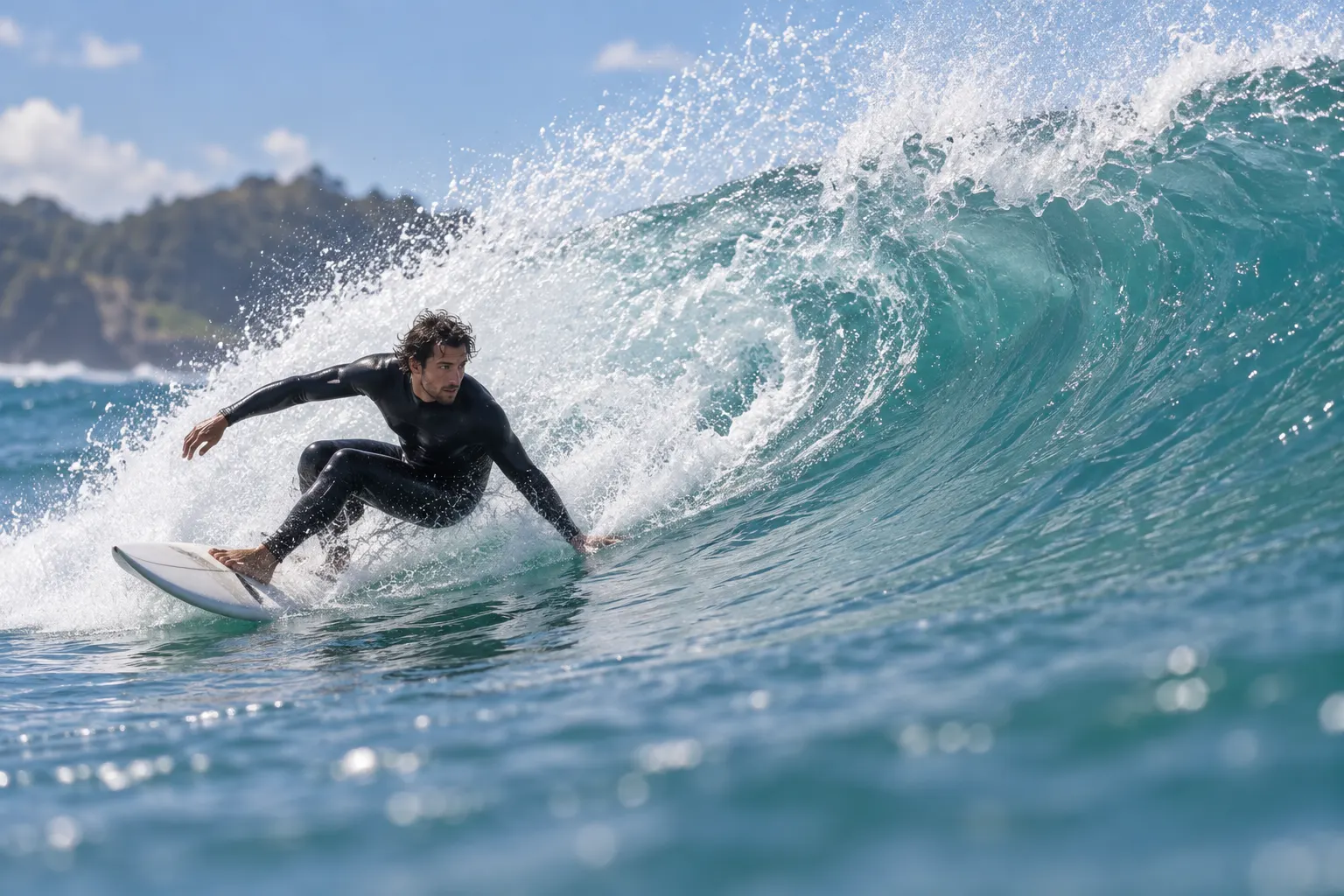
CAPABILITIES
Feature 01
Flux AI is the image model family from Black Forest Labs, the team behind FLUX.1 [dev], which the company calls the most popular open image model in the world. Its current generation, FLUX.2, pairs a 24-billion-parameter Mistral vision-language model with a rectified flow transformer. In practice, the Flux AI models work out what a scene should look like before they draw it: light falls from the right side, reflections match the room, and hands hold objects the way hands do. Type a prompt of up to 5,000 characters and Flux AI renders it as a photoreal image, a clean illustration, or a text-heavy layout. The same model also edits: upload a photo and describe the change.

Feature 02
Black Forest Labs ships FLUX.2 in several variants. FLUX.2 [pro] is the managed flagship: top prompt adherence and visual fidelity, generated fast and at low cost. FLUX.2 [flex] is the variant BFL tunes for small text and fine detail; on BFL's API it also exposes step count and guidance scale. FLUX.2 [dev] is a 32-billion-parameter open-weight checkpoint for people who run models locally, and FLUX.2 [klein] is a smaller Apache 2.0 model. Ricebowl runs the two hosted Flux AI variants, Pro and Flex, side by side in the model picker, so you can send one prompt to both and compare.
Feature 03
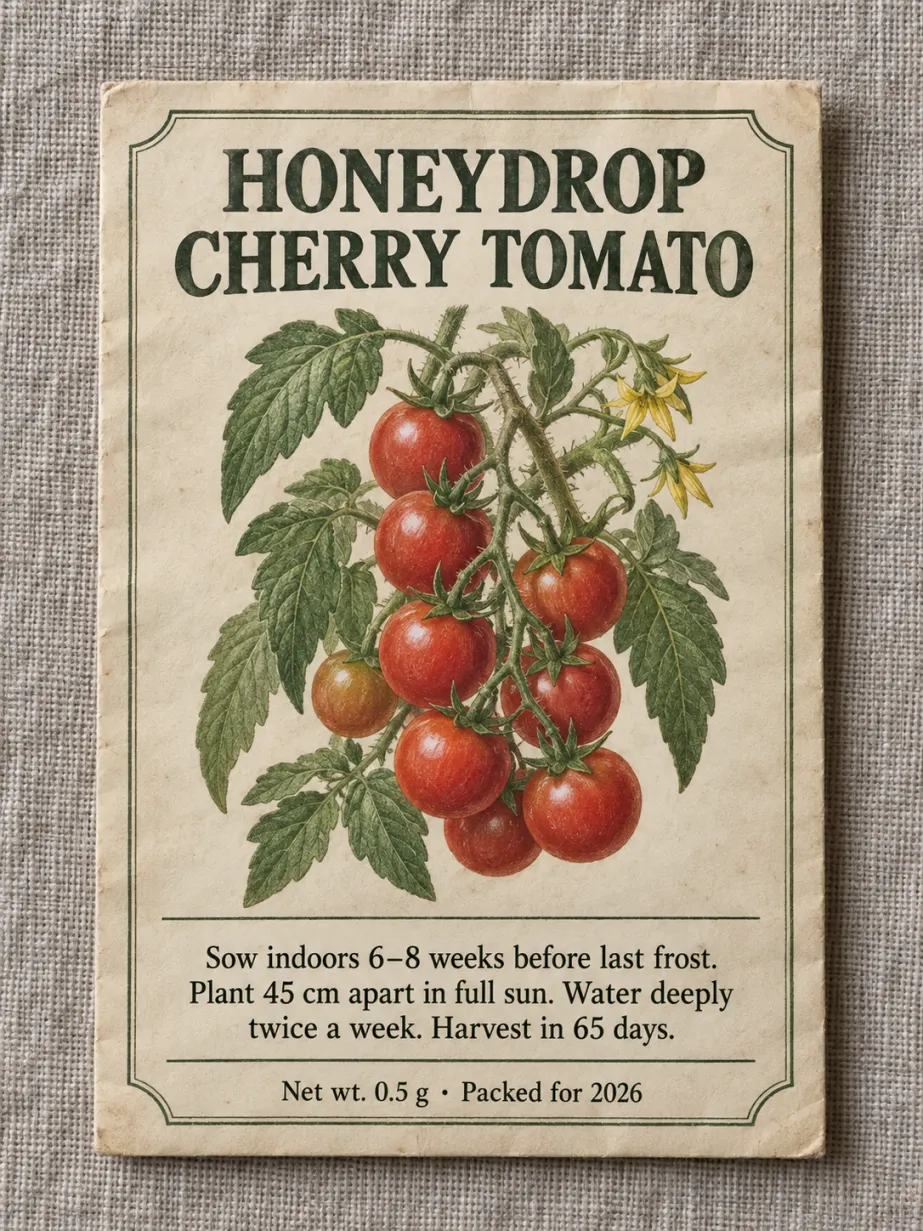
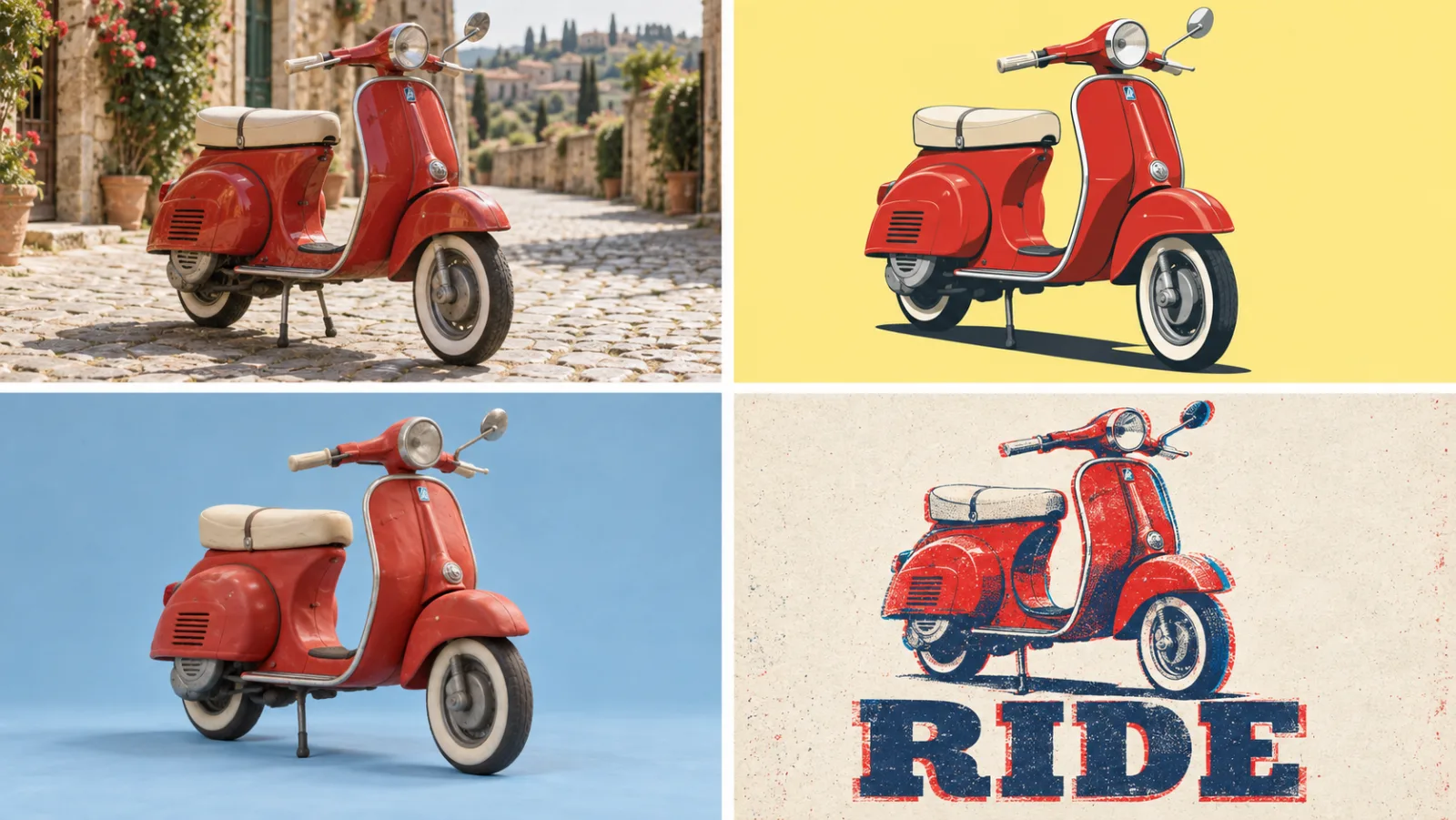
Flux AI is not locked to one look. Black Forest Labs lists photoreal product shots, visualizations, infographics with complex typography, memes, and UI mockups among the outputs FLUX.2 handles in production. Name a camera, a lens, a film stock, or an art movement and Flux AI follows it; ask for flat vector shapes and it drops the photographic grain. Style also transfers from references: upload a mood image and Flux AI carries its palette and texture into a new subject. The one style it does not chase is heavy painterly abstraction, where it tends to stay a little too clean.
Feature 04
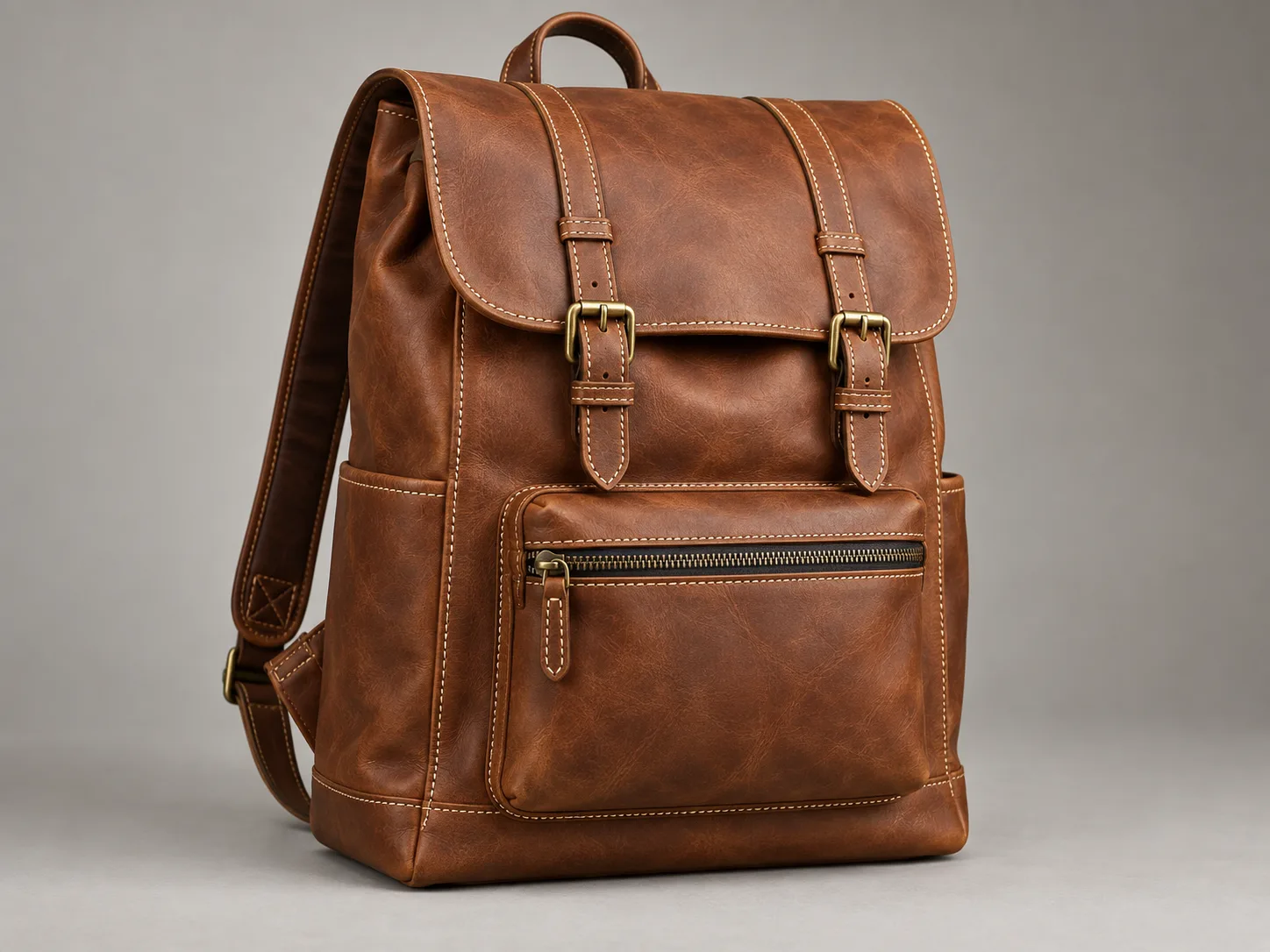
FLUX.2 generates and edits at up to 4 megapixels according to Black Forest Labs. On Ricebowl you choose 1K or 2K output for both Flux AI variants, across seven aspect ratios: 1:1, 4:3, 3:4, 16:9, 9:16, 3:2, and 2:3. When you edit an uploaded photo, an Auto ratio keeps the frame of your original. The detail holds up at full size: BFL rebuilt the FLUX.2 latent space from scratch for sharper textures, so a 2K product shot from Flux AI goes straight onto a store page without an upscaling pass.
Feature 05
With Flux AI you get more handles than a single prompt box. FLUX.2 can combine up to 10 reference images into one output, and Ricebowl accepts up to 8 per request, enough for a character, a product, a logo, and a background plate at once. Prompts can be structured: BFL's guide supports JSON-style prompts that list subject, lighting, and camera as separate fields, and hex codes for brand colors. BFL's API also exposes a steps setting on Flex, and BFL's own examples compare 6, 20, and 50 steps for typography; the Ricebowl generator runs Flex at its default settings. Together these make Flux AI a tool you can steer, not a slot machine.
PROMPT EXAMPLES
Prompt
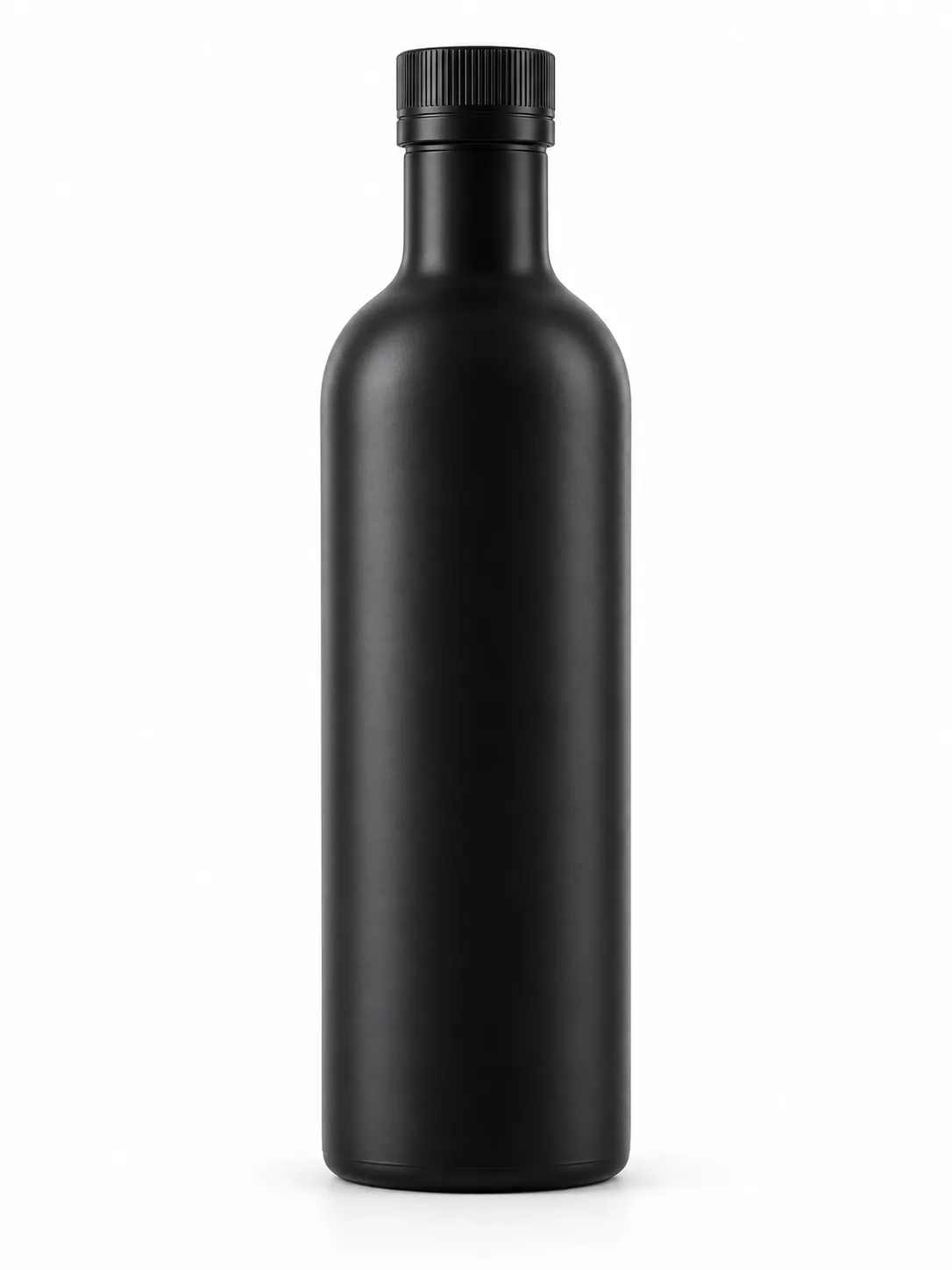
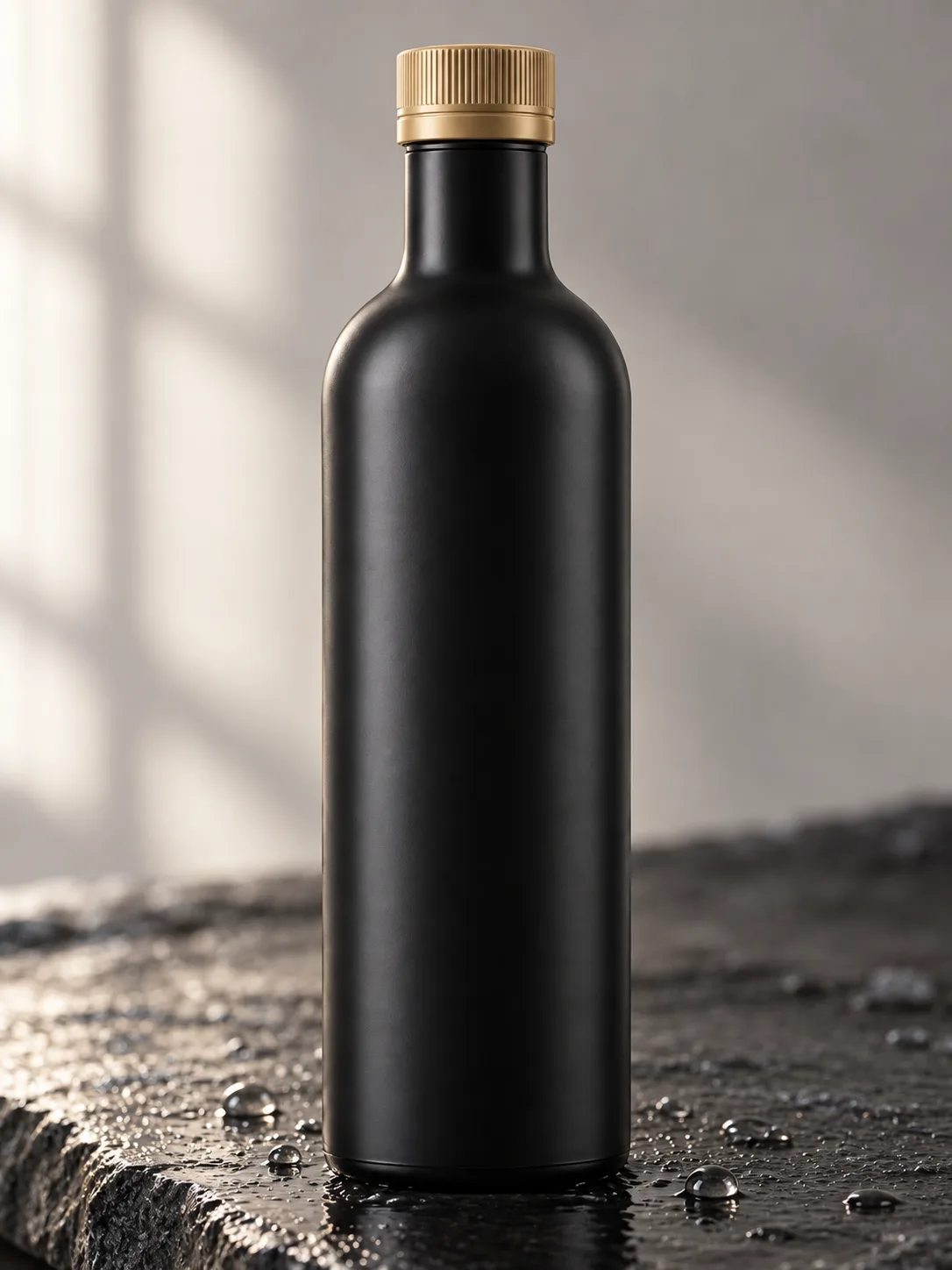
Studio product shot of the matte black bottle from the reference on a slab of wet slate, soft window light from the left, shallow depth of field, 85mm lens, brand color #C8A26B on the cap.
Reference
Result
Prompt
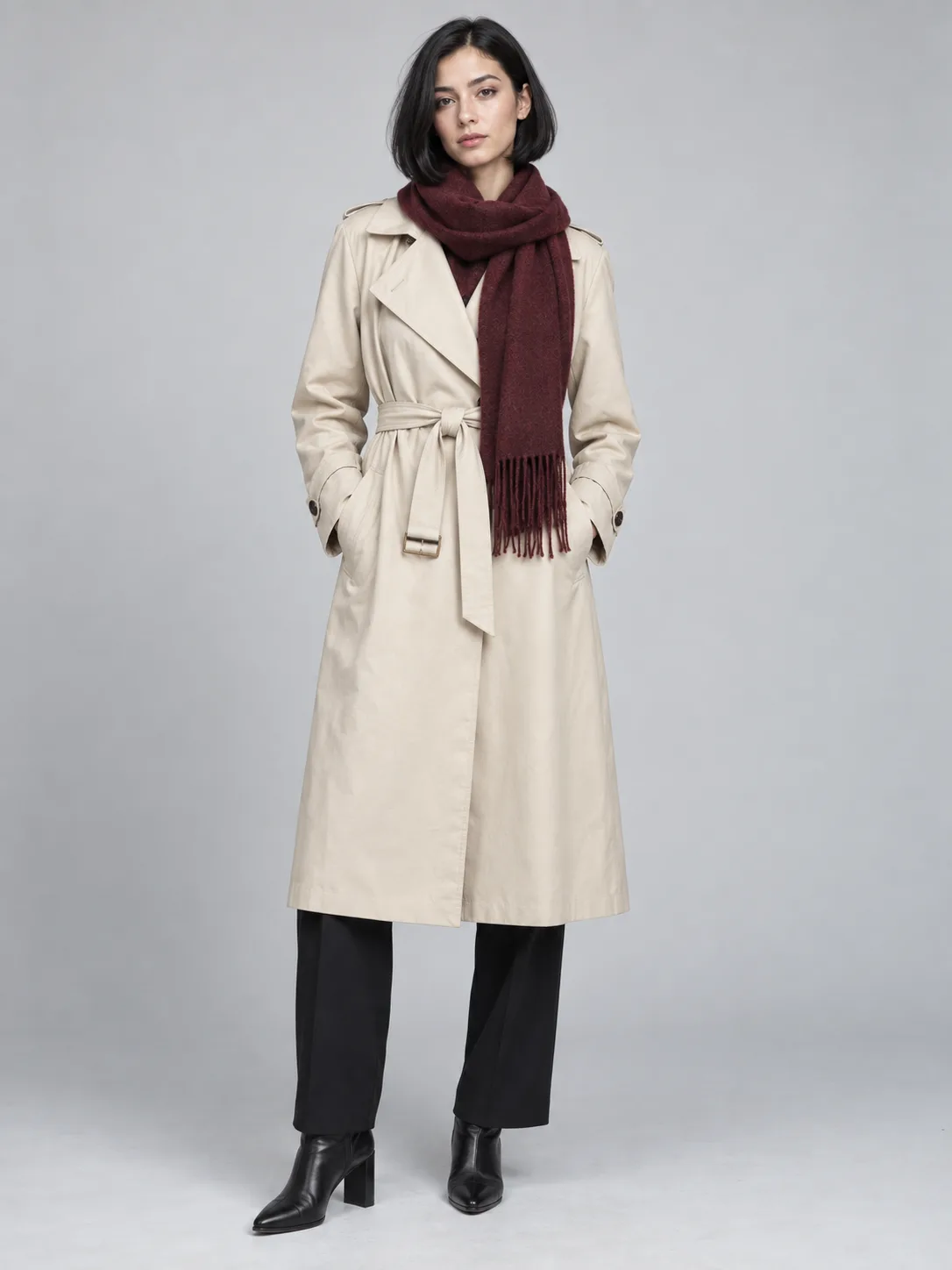
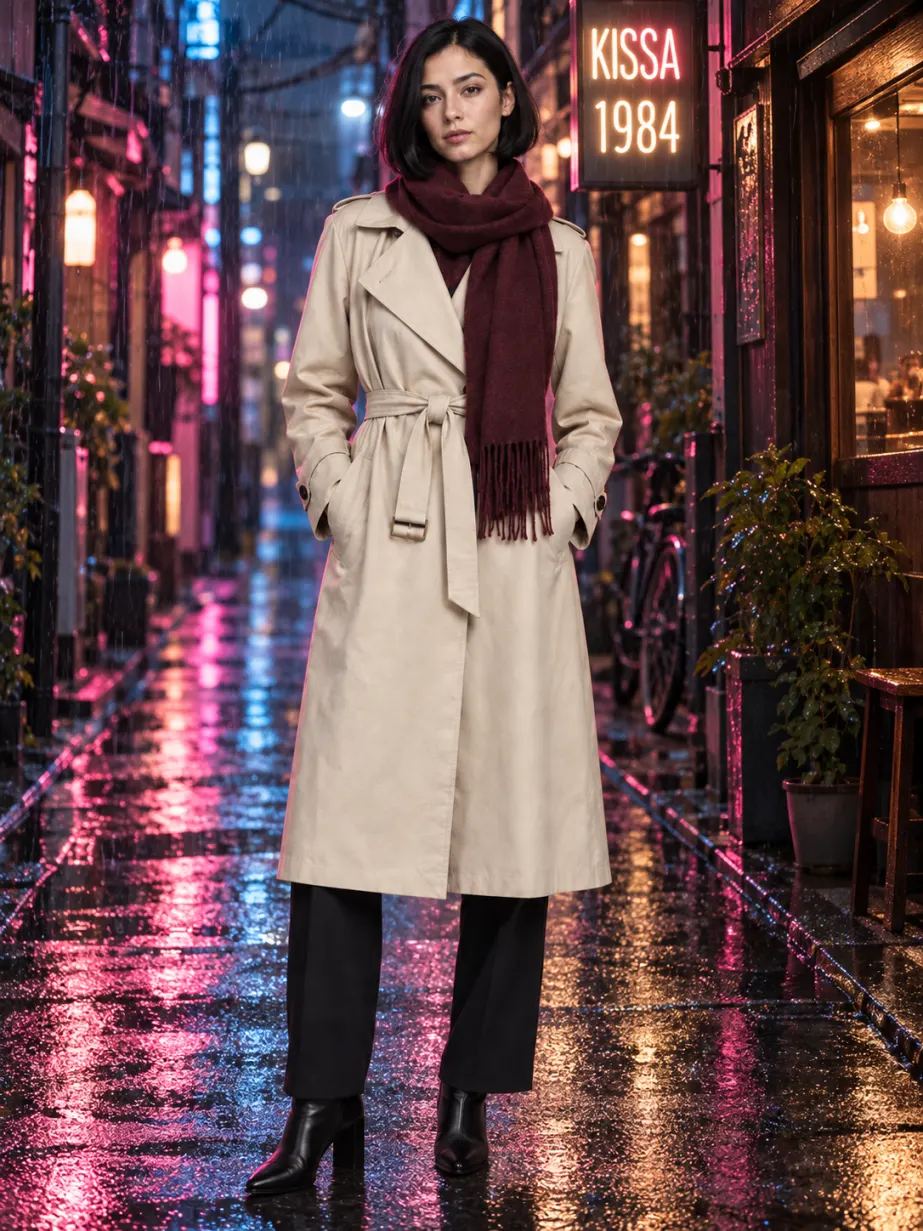
Keep the model's face and outfit. Move her to a rainy Tokyo street at night, neon signs reflected in puddles, add a shop sign that reads "KISSA 1984" above her head.
Reference
Result
USE CASES
Flux AI keeps packaging, logos, and label text consistent across references, so one product photo becomes a set of lifestyle scenes, seasonal banners, and marketplace images in the same session.
Hex color codes and structured prompts let designers hold a brand palette while testing ten layouts. Flux AI renders the headline text legibly, so drafts can go to review without mock copy.
Photographers use Flux AI to extend backgrounds, relight a set, or preview a location before a shoot. The photoreal output blends with real camera files.
BFL lists UI mockups among FLUX.2's reliable outputs. Designers generate app screens and landing-page hero art with readable labels in a few prompts.
People who ran FLUX.1 [dev] in ComfyUI use Flux AI on Ricebowl when they want FLUX.2 quality without a 32-billion-parameter download or a high-memory GPU.
WHAT USERS SAY
01
The first thing people mention about Flux AI is skin, fabric, and metal that look photographed rather than rendered.
02
Posters, menus, and interface labels come out spelled correctly far more often than with older open models, which matches BFL's claim about production-ready typography.
03
Most users settle on FLUX.2 Pro for daily work and open Flex only for jobs where small text or fine detail must be perfect.
04
Flux AI rewards specific camera, light, and material words. Vague prompts get a competent but generic image.
WHICH ONE
FLUX.1 is outdated; start every new project on FLUX.2. Black Forest Labs lists what changed: references grew to 10 images, output reached 4 megapixels, typography became production-ready, prompt adherence and world knowledge improved, and editing moved into the same model instead of the separate FLUX.1 Kontext. The only reason to stay on FLUX.1 [dev] is a local pipeline or fine-tune you already built on it.
A latent space rebuilt from scratch, up to 10 reference images at the model level (8 per request on Ricebowl), and editing and generation in the same model. FLUX.2 Pro and FLUX.2 Flex both run here.
Ricebowl does not run it. The reason to keep it is a local pipeline or fine-tune already built on the open FLUX.1 [dev] weights, which you self-host.
WHAT SETS IT APART
01
Choose Pro for reliability and Flex when small text matters. Pro is BFL's no-compromise speed and quality default, and on Ricebowl it costs 5 credits at 1K. Flex is the variant BFL tunes for small text and fine detail, but it costs nearly three times as much, 14 credits at 1K. Draft on Pro and move the final typography pass to Flex.
02
Black Forest Labs publishes open weights next to its API, so the Flux AI you run here belongs to a family that researchers can inspect and developers can run themselves. BFL calls FLUX.1 [dev] the most popular open image model in the world.
OUR TAKE
Detail and price, not a different model personality. Flex is the variant BFL tunes for small text and fine detail; Pro is the fast, reliable default and costs 5 credits at 1K against 14 for Flex. For 9 out of 10 images, Pro is the right call.
Use Flux AI for photoreal products, portraits, architecture, and layouts with text; that is where BFL tuned it. Pick a more painterly model for loose, abstract art, because Flux AI keeps edges and lighting clean even when you ask it not to.
Flux AI for edits that must keep a product or character identical across many references; BFL built FLUX.2 around multi-reference consistency. Nano Banana 2 for edits that need reasoning about the scene, since it plans the layout before it renders. Both are one click apart in the Ricebowl model picker.
COMPARISON
| Feature | FLUX.2 Pro | FLUX.2 Flex | Midjourney |
|---|---|---|---|
| Maker | Black Forest Labs | Black Forest Labs | Midjourney |
| How you pay | Credits per image, no subscription required | Credits per image, no subscription required | Monthly or yearly subscription only |
| Entry price | 5 credits per 1K image on Ricebowl | 14 credits per 1K image on Ricebowl | $10 per month (Basic plan) |
| Official API | Yes, BFL API | Yes, BFL API | None; its terms ban automated access |
| Open weights in the family | Yes, FLUX.2 [dev] and [klein] | Yes, FLUX.2 [dev] and [klein] | No |
| Reference images | Up to 8 on Ricebowl | Up to 8 on Ricebowl | Style and character references |
| Best for | Photoreal products and legible text | Fine typography and tuned detail | Stylized, artistic imagery |
Our pick: choose Flux AI when you want to pay per image with no subscription, need an API, or care most about photorealism and readable text. Choose Midjourney if you already pay for it and mostly make stylized art.
Try Flux AI for Free01
The generator at the top of this page is already set to FLUX.2 Pro. Switch to FLUX.2 Flex in the model picker for small text and fine detail. New accounts get 20 free credits on sign-up, and a 1K FLUX.2 Pro image costs 5.
02
Name the subject, setting, light, lens, and any words that must appear in quotes. To edit, upload up to 8 reference images and say what to keep and what to change.
03
Choose 1K or 2K and one of seven aspect ratios, then generate. Your Flux AI image appears in the feed below, ready to download.
REVIEWS
What people who run Flux AI on Ricebowl say about it.
 Daniel Okafor
I shot my candle once on a kitchen table. Flux AI turned it into six lifestyle scenes and the label text stayed exactly right.
Shopify store owner
 Hannah Lindqvist
Passing hex codes in the prompt keeps every draft on palette. That alone saves me a round of color fixes.
Brand designer
 Marco Bellini
The light in FLUX.2 renders behaves like real light. Clients cannot tell the previews from my test shots.
Architecture photographer
 Priya Raman
I mock up app screens with Flux AI and the button labels are actually readable. Flex is worth it for the final pass.
Product designer
 Tom Keller
I ran FLUX.1 locally for a year. Getting FLUX.2 Pro in a browser at 5 credits beat buying a bigger GPU.
Former ComfyUI user
One balance, every model. Credits work across all 20 video models — no watermark, no tier-locked models, commercial use on every paid plan.
Save 30% billed annually
Flexible monthly subscription.
The lowest price to get started. Every model, a monthly budget to try things out.
$7.99/mo
Renews monthly, cancel anytime.
200 credits
≈ 0–10 videos, depending on the model
≈ 14–66 images, depending on the model
4.00¢ / credit
The cheapest way to start. Every model, a small monthly budget.
$12.99/mo
Renews monthly, cancel anytime.
400 credits
≈ 1–20 videos, depending on the model
≈ 28–133 images, depending on the model
3.25¢ / credit
Enough credits to try every model and finish a few clips each month.
$29.9/mo
Renews monthly, cancel anytime.
1,000 credits
≈ 3–50 videos, depending on the model
≈ 71–333 images, depending on the model
2.99¢ / credit
2 parallel tasks
Steady output for solo creators going pro — every model, a comfortable budget.
$49.9/mo
Renews monthly, cancel anytime.
2,000 credits
≈ 6–100 videos, depending on the model
≈ 142–666 images, depending on the model
2.50¢ / credit
3 parallel tasks
High-volume production for prolific creators and small teams.
$89.9/mo
Renews monthly, cancel anytime.
5,000 credits
≈ 15–250 videos, depending on the model
≈ 357–1666 images, depending on the model
1.80¢ / credit
5 parallel tasks
Pay yearly and save more.
Enough credits to try every model and finish a few clips each month.
$19.9/mo$29.9
Billed yearly at $238.8. Renews yearly, cancel anytime.
Save $120/yr vs monthly
12,000 credits
≈ 38–600 videos, depending on the model
≈ 857–4000 images, depending on the model
1.99¢ / credit
2 parallel tasks
Steady output for solo creators going pro — every model, a comfortable budget.
$34.9/mo$49.9
Billed yearly at $418.8. Renews yearly, cancel anytime.
Save $180/yr vs monthly
24,000 credits
≈ 76–1200 videos, depending on the model
≈ 1714–8000 images, depending on the model
1.75¢ / credit
3 parallel tasks
High-volume production for prolific creators and small teams.
$62.9/mo$89.9
Billed yearly at $754.8. Renews yearly, cancel anytime.
Save $324/yr vs monthly
60,000 credits
≈ 190–3000 videos, depending on the model
≈ 4285–20000 images, depending on the model
1.26¢ / credit
5 parallel tasks
Top up credits valid for 12 months.
One-time top-up — perfect for occasional needs.
$49.9
One-time purchase, valid 12 months.
1,000 credits
≈ 3–50 videos, depending on the model
≈ 71–333 images, depending on the model
4.99¢ / credit
Larger top-up with 20% bonus — best per-credit value for one-time buyers.
$198
One-time purchase, valid 12 months.
4,800 credits
≈ 15–240 videos, depending on the model
≈ 342–1600 images, depending on the model
4.13¢ / credit
5 parallel tasks
Yes, you can try Flux AI free on Ricebowl. Sign up and you get 20 free credits with no card needed, enough for four 1K images on FLUX.2 Pro. After that, FLUX.2 Pro costs 5 credits at 1K or 7 at 2K, and FLUX.2 Flex costs 14 or 24. The open-weight FLUX.1 [dev] and FLUX.2 [dev] checkpoints are free to download but need your own GPU and are licensed for non-commercial use.
Flux AI, written FLUX by its maker, is a family of image generation models from Black Forest Labs, a lab founded in 2024 by researchers behind some of the most popular open image models. The family includes the FLUX.1 generation, its editing model FLUX.1 Kontext, and the current FLUX.2 generation.
FLUX.2 is the second Flux AI generation, released in November 2025. It couples a 24B vision-language model with a flow transformer, supports up to 10 reference images, outputs up to 4 megapixels, and handles text-to-image and editing in one model. Variants are Pro, Flex, Dev, and Klein.
Yes. Image generation is what Flux AI is built for. It turns a text prompt into a photograph, illustration, poster, or UI mockup, and it can also generate a new image from reference photos you upload.
Yes. Every FLUX.2 variant edits from text and references in the same model. Upload a photo, describe what to change, and Flux AI rewrites that part while keeping the rest. On Ricebowl you can add up to 8 reference images per edit.
Pro for most work: it is fast, reliable, and costs 5 credits at 1K. Flex when small text or fine detail must be perfect, since it is the variant BFL tunes for that; it costs 14 credits at 1K.
Black Forest Labs rates FLUX.2 at up to 4 megapixels. On Ricebowl both Flux AI variants output 1K or 2K, in seven aspect ratios from 16:9 to 9:16, plus Auto to match an uploaded photo.
Yes, on every axis BFL measures: more references, higher resolution, better text, better prompt following, and built-in editing. FLUX.1 [dev], FLUX.1.1 [pro], and FLUX.1 Kontext still work, but new projects should start on FLUX.2.
Not on Ricebowl. Our acceptable use policy bans nudity, sexual content, and sexualized depictions of real people for every model, including Flux AI, and violations lead to account suspension. Self-hosted open weights follow Black Forest Labs' own usage policy.
The fastest way is right here. The generator at the top of this Ricebowl page runs FLUX.2 Pro in your browser with no install, no API key, and no subscription. Sign up, use your free credits, and compare Flux AI with Nano Banana 2, Seedream, or GPT Image 2 on the same prompt.
RELATED
MORE MODELS
FLUX.2 Pro and Flex in one place: photoreal detail, readable text, and edits that keep what matters.
Try Flux AI for Free20 FREE CREDITS ON SIGN-UP · 5 CREDITS PER 1K FLUX.2 PRO IMAGE · UP TO 8 REFERENCES · NO SUBSCRIPTION
Try Flux AI Image Generator Free
Try Flux AI for Free