Logo and brand designers
Ideogram's Design style mode targets clean, vector-style marks, so designers use Ideogram to explore dozens of badge, wordmark, and emblem directions before refining one by hand.
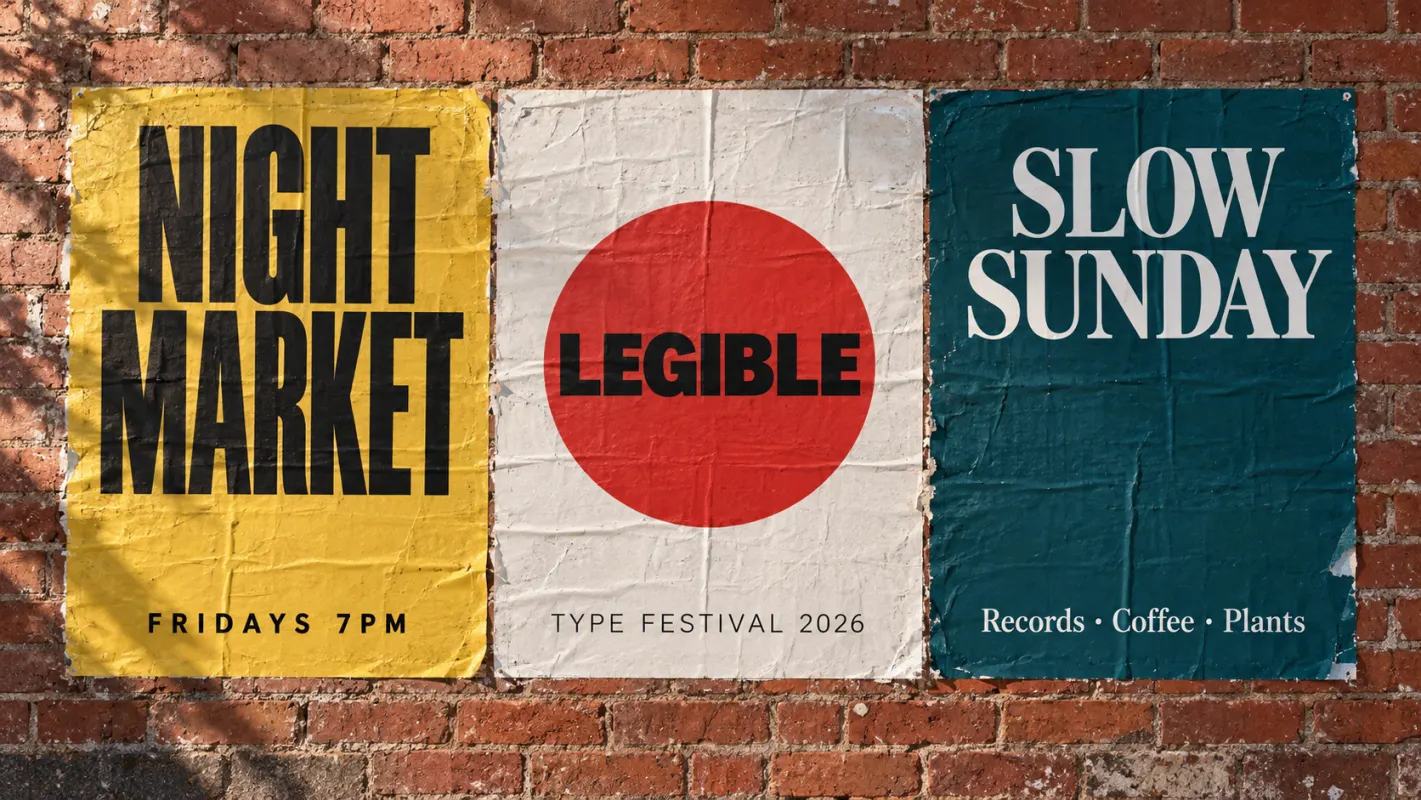
Ideogram is the image model known for getting text right on posters, logos, and T-shirts. Ideogram is not live on Ricebowl yet: the generator above runs GPT Image 2.5, so use it for the same kind of text-in-image work in the meantime. Sign-up credits cover your first image.



GALLERY


CAPABILITIES
Feature 01
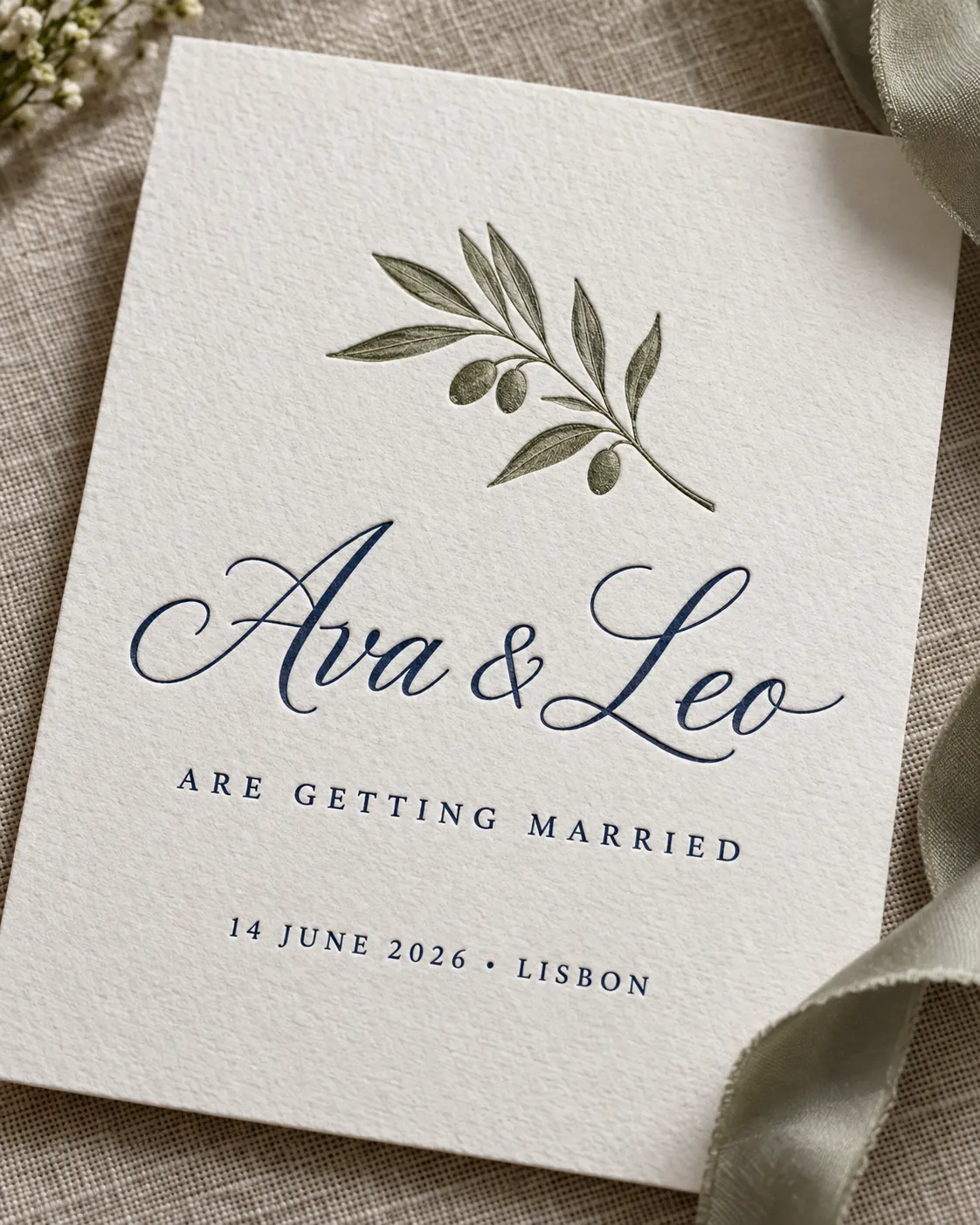
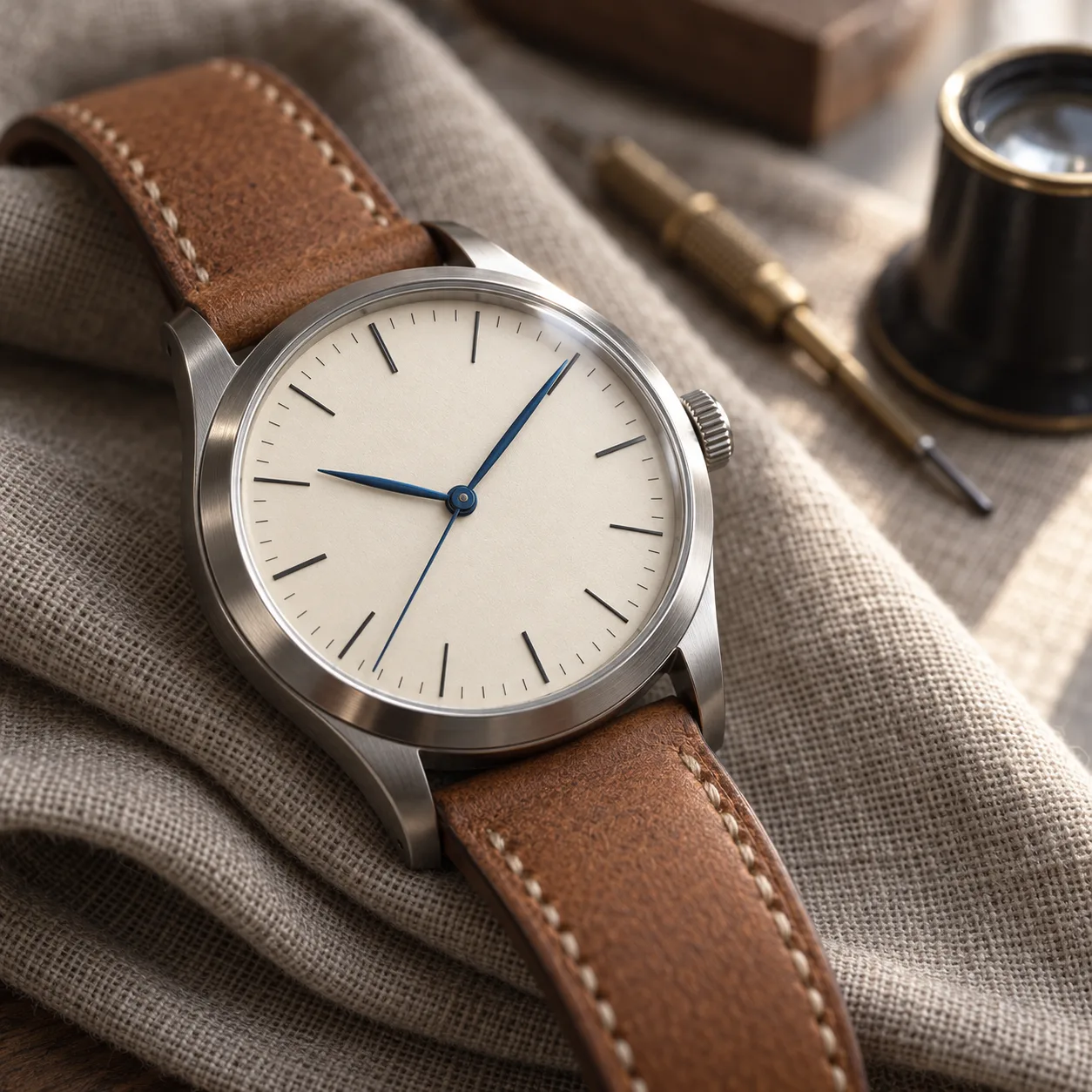
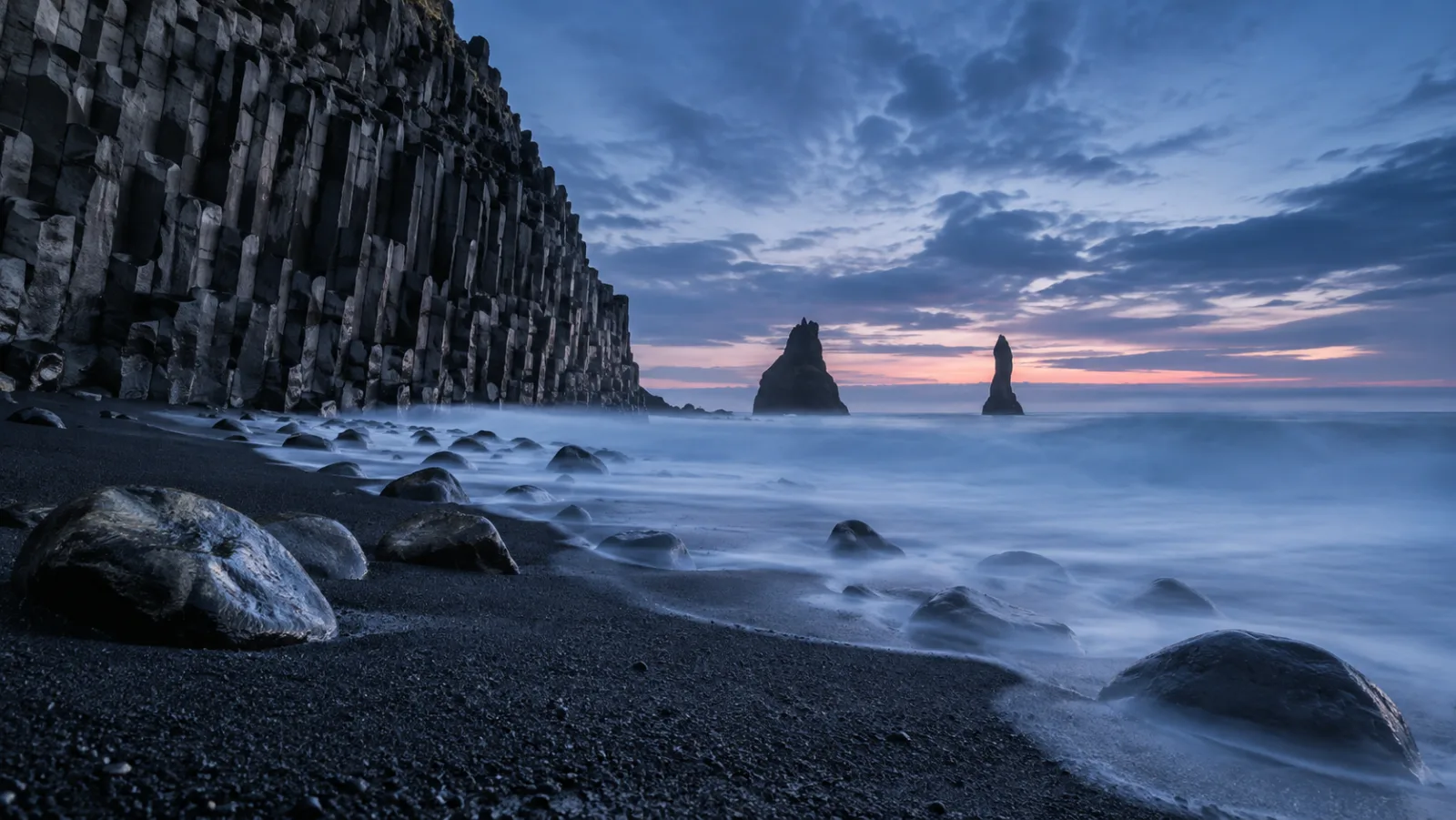
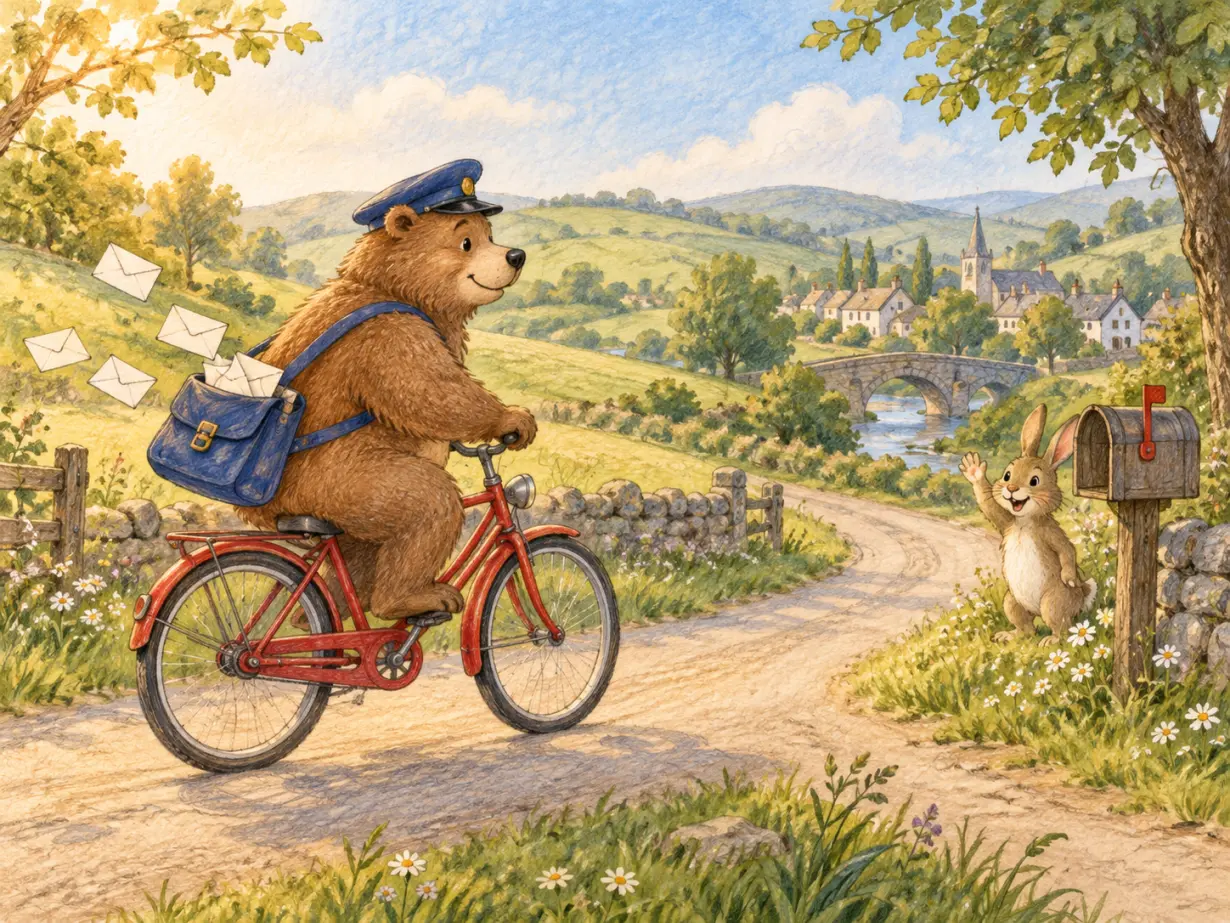
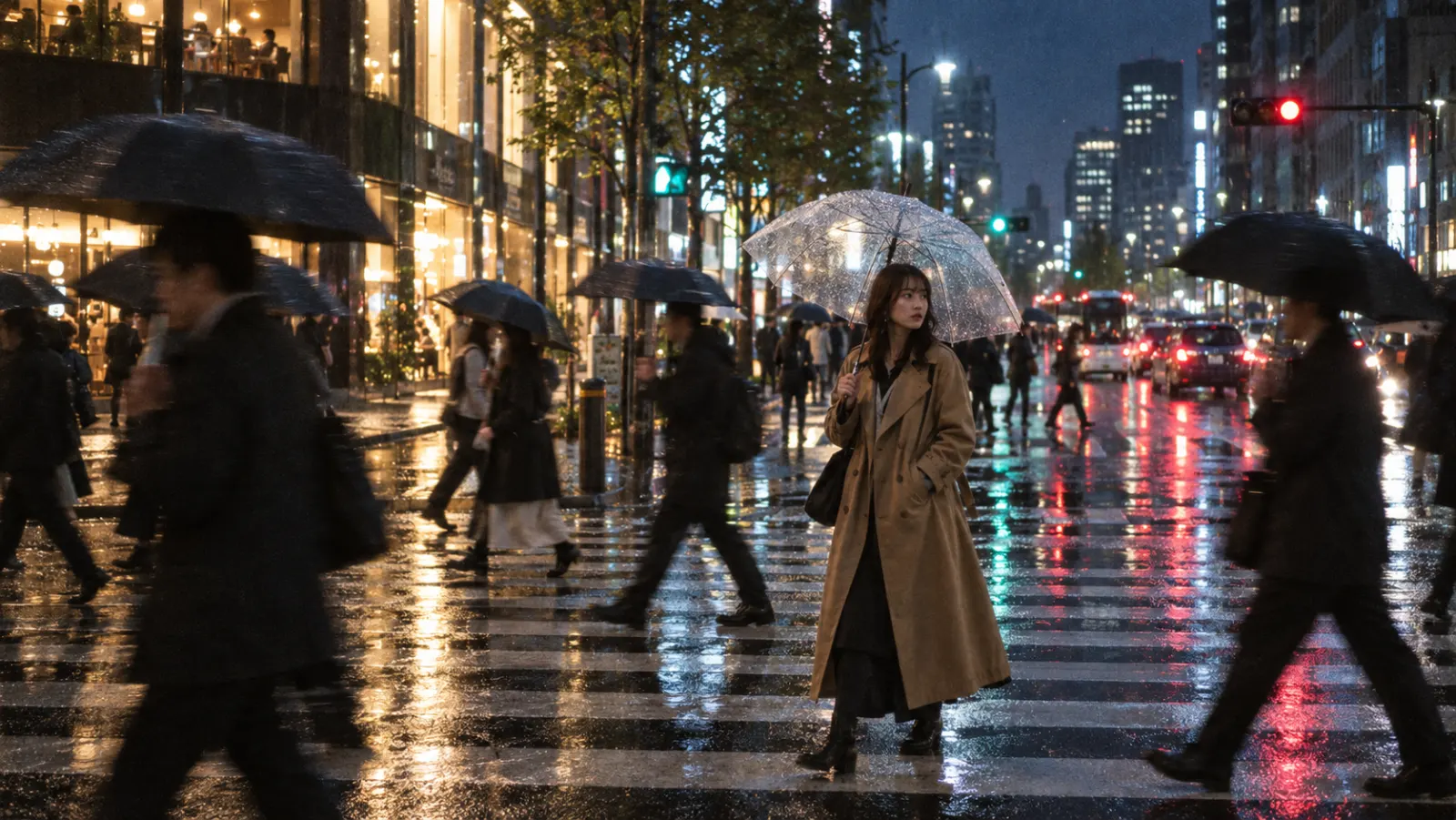
Ideogram built its name on typography, but its models also produce lifelike photography. In the Ideogram app, the Realistic style mode is tuned for authentic colors, textures, and lighting, and the Ideogram 4 release collage spans portraits, product shots, and street photography next to posters. Ideogram 4 is a foundation model trained from scratch rather than a fine-tune of another lab's model, and it renders at native 2K. On Ideogram's own blind benchmark, rated by professional graphic designers across design and photography, Ideogram 4 placed second overall. The model is available in the Ideogram web app, the iOS app, the Ideogram API, and as open weights.
Feature 02
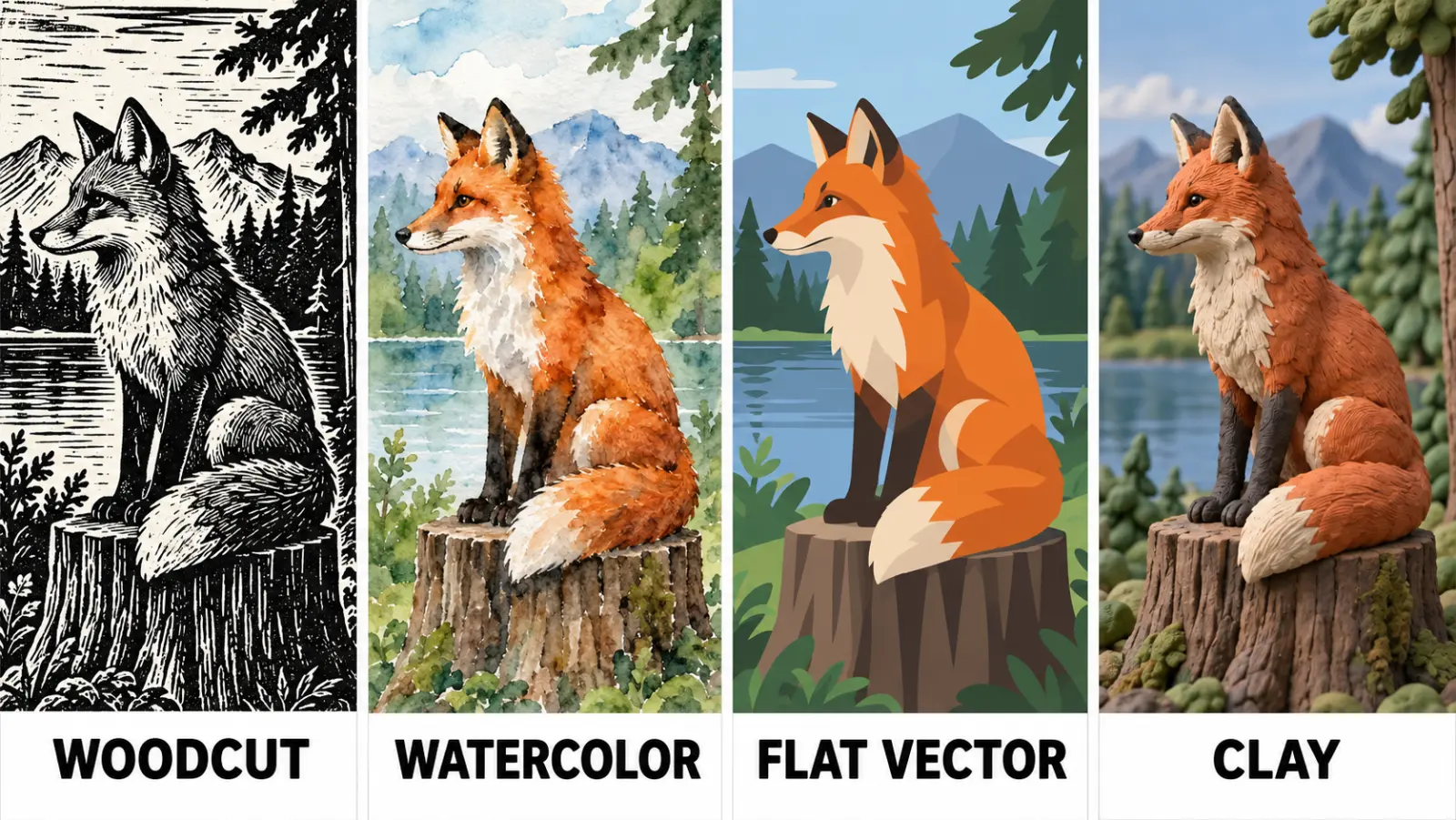
Ideogram gives you several ways to steer the look. The style mode picker offers Auto, General, Realistic, and Design, where Design targets clean, vector-style logos and posters. A curated library of preset styles restyles the same prompt as a woodcut, a watercolor, or a flat illustration, and Ideogram's own docs demonstrate the idea with American Gothic redrawn in several presets. For a house style, upload up to three reference images and save them as a custom style that you can reuse on every project. Magic Prompt can also expand a short idea into a detailed description before the image is drawn.
Feature 03
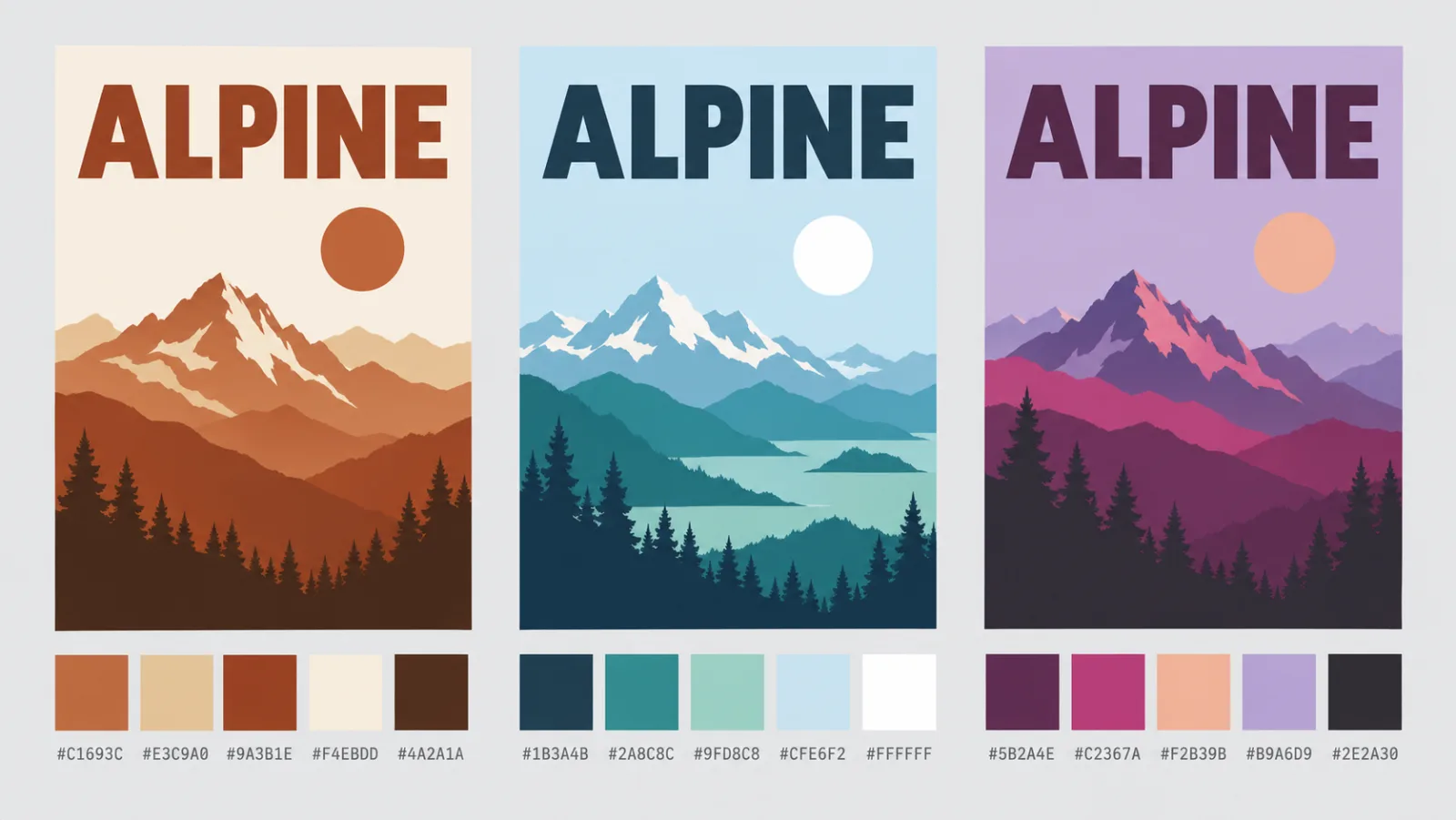
Color Palette is an Ideogram setting available to every user: choose a preset palette and the whole generation leans toward that tone. Ideogram describes it as a creative direction tool rather than exact color matching, and it works best combined with color words in the prompt. Plus plan subscribers and above can build a custom palette of up to five colors by picking them or typing hex values, which is how designers keep a brand's colors across a campaign. Ideogram 4 adds explicit color-palette controls to its structured JSON prompts, along with bounding boxes that place text and objects exactly where you want them.
PROMPT EXAMPLES
Prompt
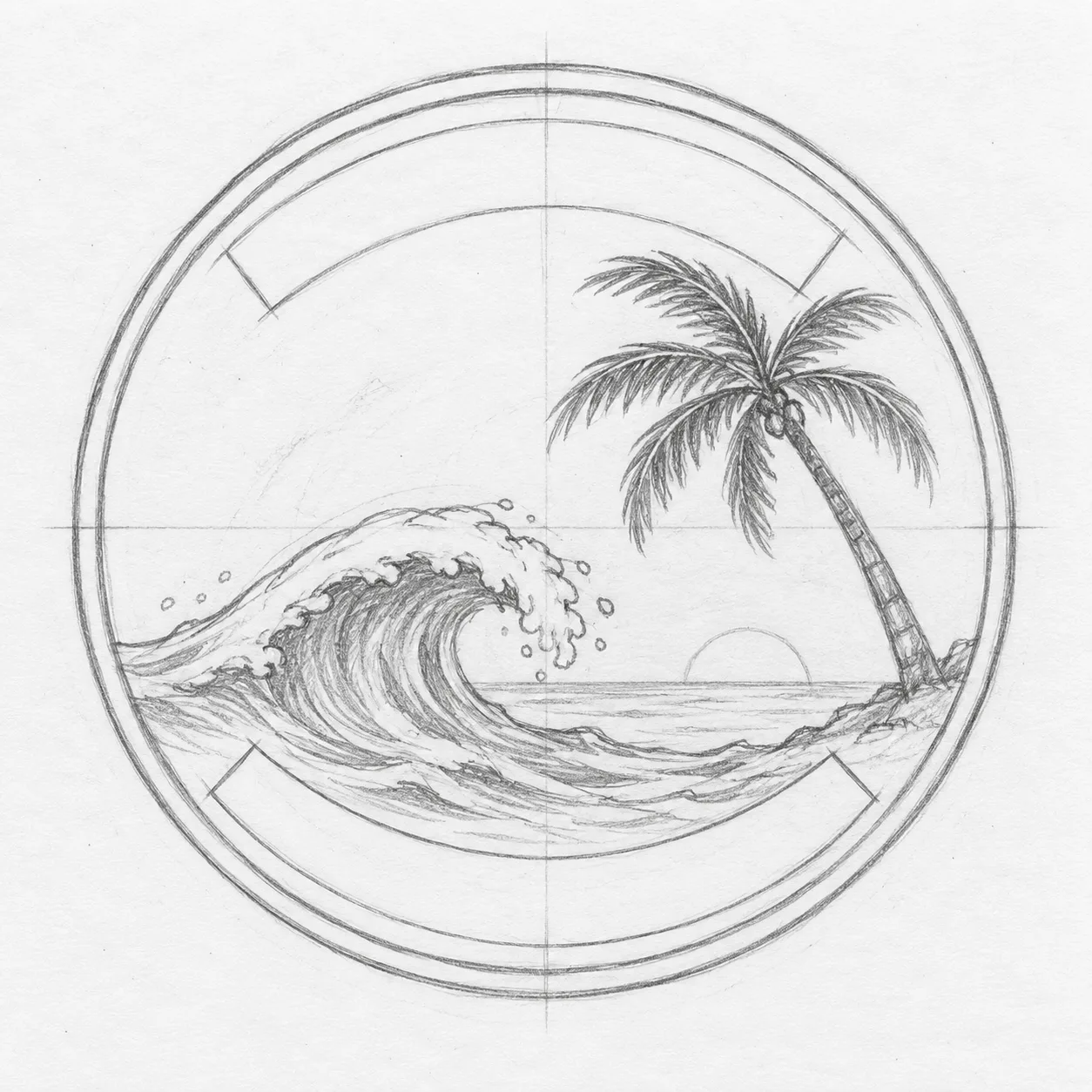
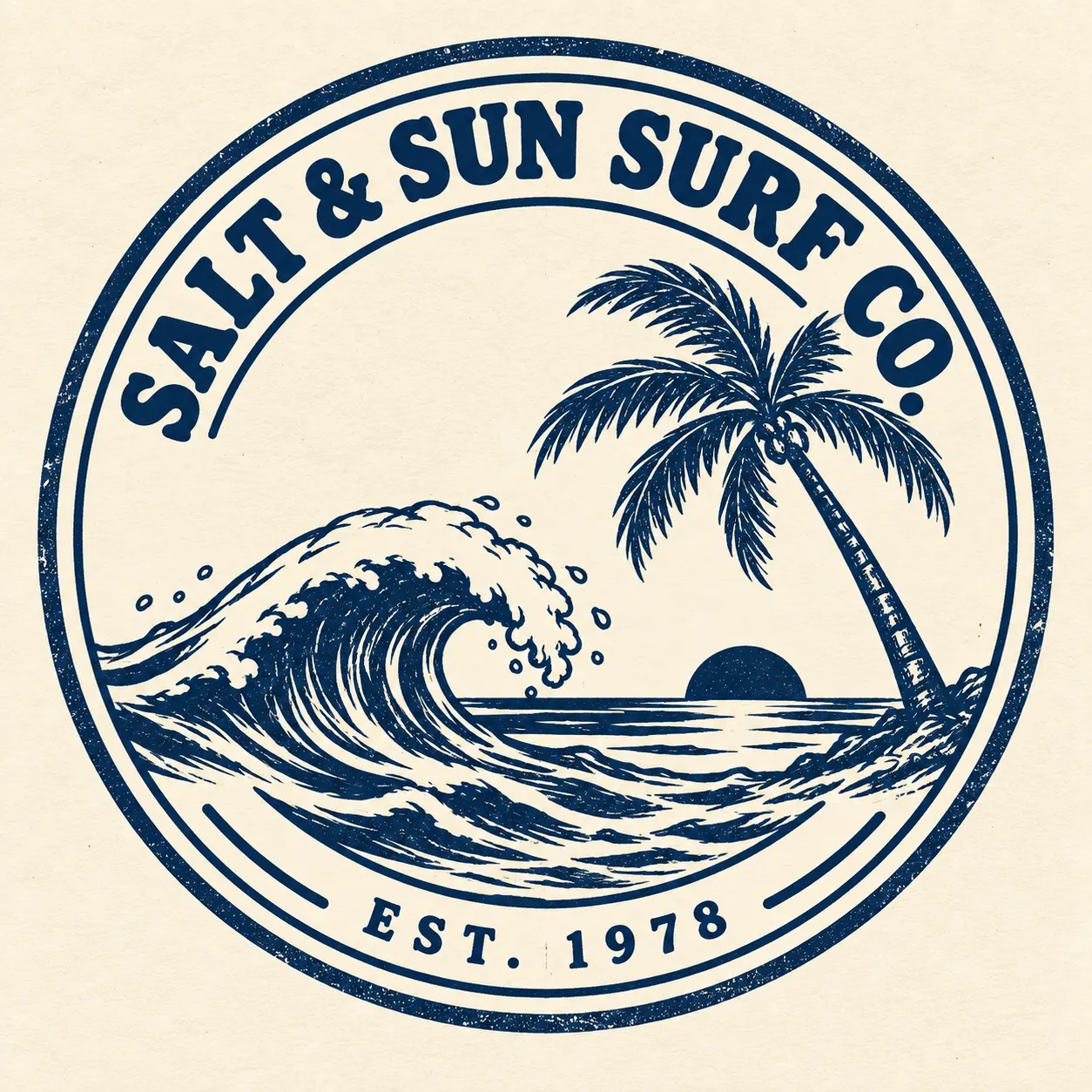
Retro surf shop logo, a round badge with a wave and palm tree, the words "SALT & SUN SURF CO." arched across the top and "EST. 1978" at the bottom, two-color screen print style, cream and navy.
Reference
Result
Prompt
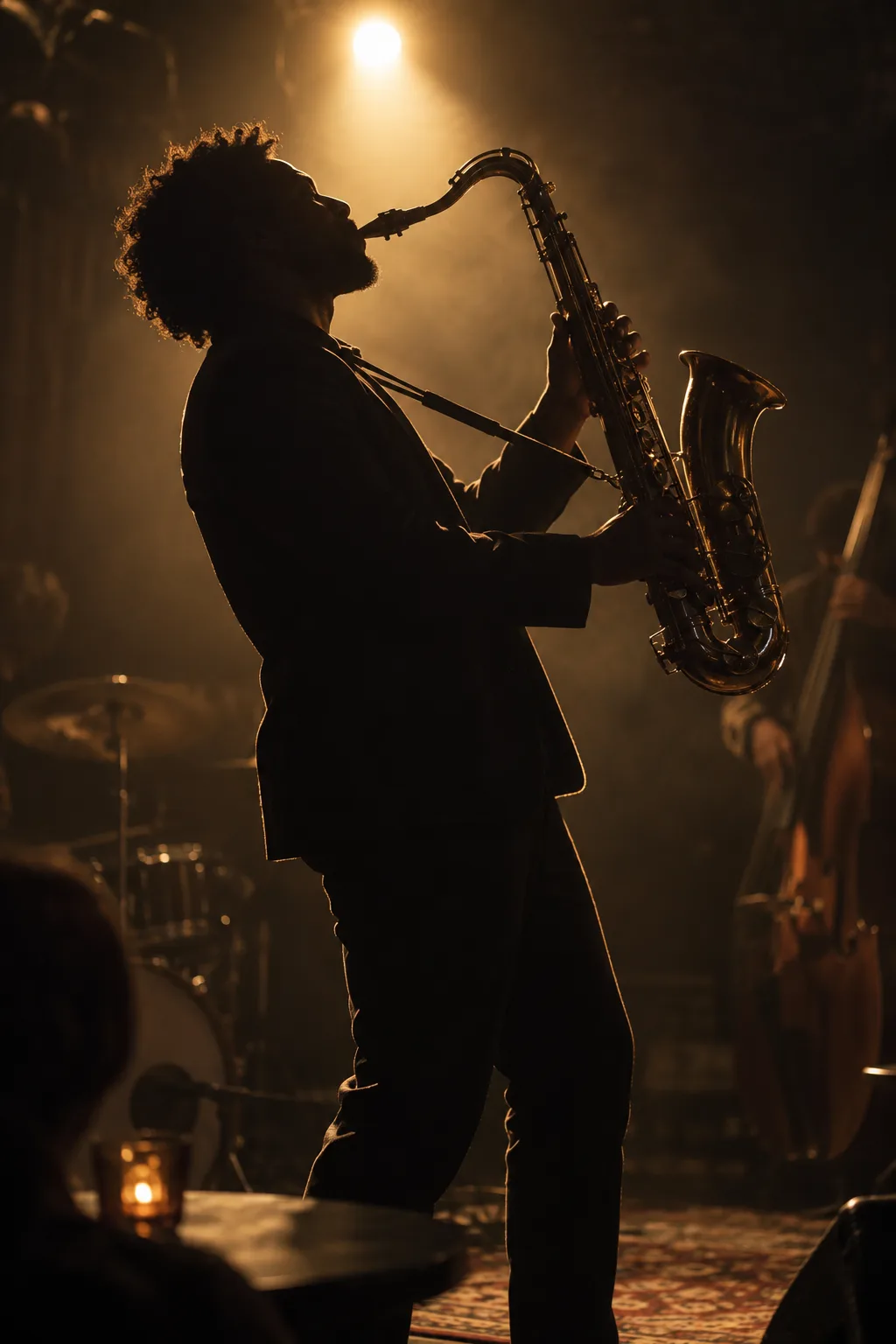
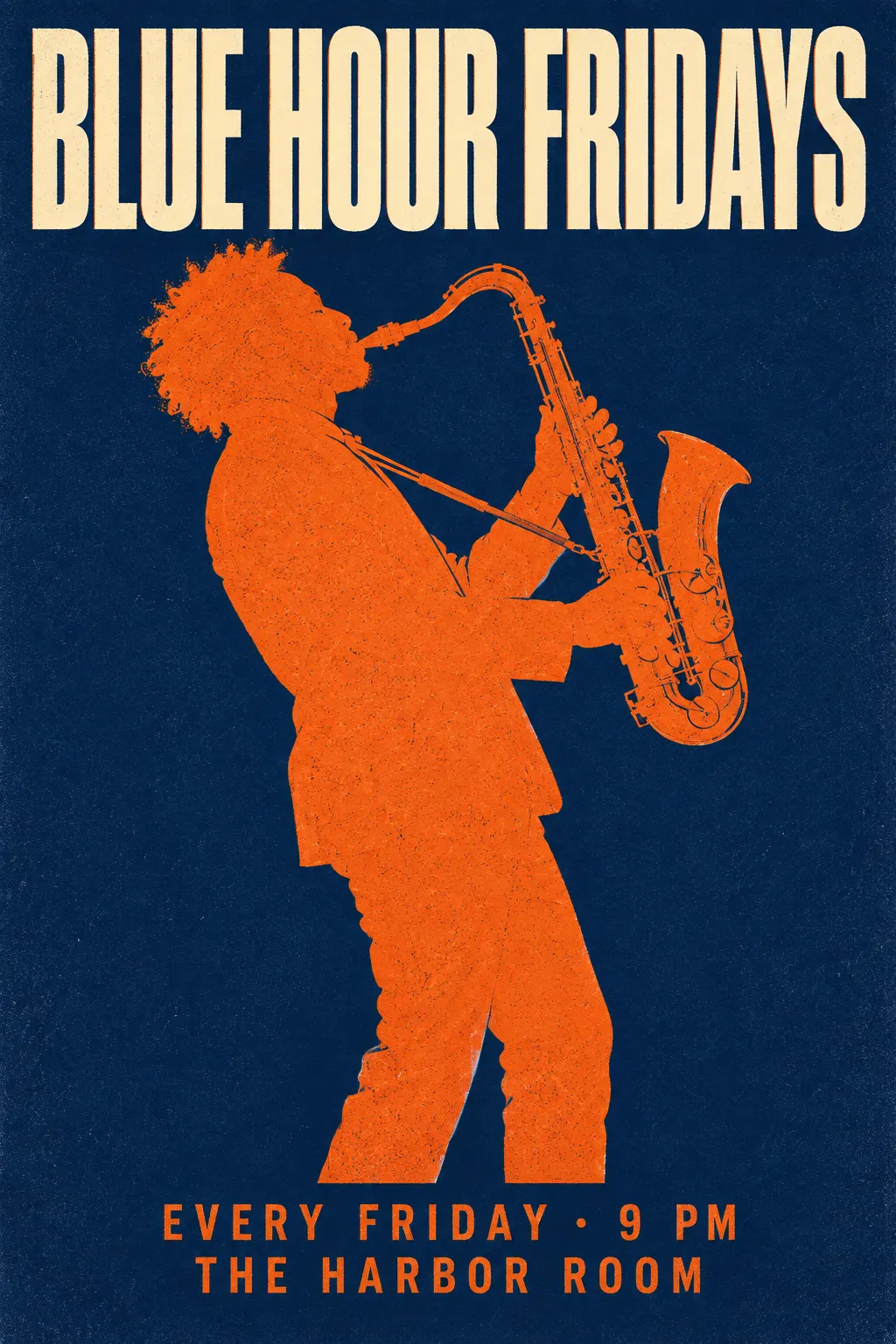
Concert poster for a jazz night, bold condensed headline "BLUE NOTE FRIDAYS", a saxophone silhouette in orange on deep blue, date and venue in small caps at the bottom, risograph texture.
Reference
Result
USE CASES
Ideogram's Design style mode targets clean, vector-style marks, so designers use Ideogram to explore dozens of badge, wordmark, and emblem directions before refining one by hand.
Readable headlines and dates are the whole point of a poster. Ideogram became popular because it sets that text correctly in the first draft.
Ideogram's docs list print-on-demand artwork among Ideogram 4.0's target uses, and its background remover turns a design into a clean graphic for merch.
Custom palettes and saved styles keep a campaign's color and look consistent across every Ideogram post and banner.
Ideogram 4 ships as open weights at 9.3B parameters under a non-commercial license, so developers can study and prototype with it locally.
WHAT USERS SAY
01
In a blind typography test by ten Contra designers, Ideogram 4 was picked first 47.9% of the time, ahead of Nano Banana 2 at 30.0%.
02
Asked whether they would use the output in real client work, the same Contra panel rated Ideogram 4 highest at 3.55 out of 5.
03
Private generation is a paid-plan feature at Ideogram, which users on the free tier often discover after posting client work.
04
Priority credits, slow credits, and top-ups follow different rules, and reference or edit tools always use priority credits on paid plans.
VERSIONS
Neither: start new projects on Ideogram 4.0. If your account only shows the older pair, 3.0 beats 2.0.
Ideogram's own docs call 4.0 the current model for prompt fidelity, clear in-image text, reliable editing, and native transparency.
Kept as an earlier option. If your account has not moved to 4.0 yet, pick 3.0 over the 2.x models.
Ideogram lists them as the older, faster 2.x models, still available as earlier options.
WHAT SETS IT APART
01
Most image labs added text rendering later. Ideogram put it at the center from the start, and at 9.3B parameters Ideogram 4 reports the best text rendering of any open-weight model it benchmarked, ahead of Qwen-Image (20B) and FLUX.2 [dev] (32B).
02
Ideogram 4's structured JSON prompts accept bounding boxes and color palettes, and Ideogram reports it scores better than all closed-source models on the 7Bench layout-control benchmark.
OUR TAKE
It depends on the text. For a single headline or a label, GPT Image 2: Ideogram's own designer-rated blind benchmark ranks Ideogram 4 second overall, behind only GPT Image 2 at medium quality. For a poster with several blocks of copy, Nano Banana Pro, which Google positions as its best model for legible text up to a full paragraph. When every word has to sit at an exact position, Ideogram 4 and its bounding-box prompts.
Posters, logos, and print designs where text placement matters. Its bounding-box JSON prompts and its lead on the 7Bench layout benchmark make Ideogram the model to use when every word has a fixed spot on the page.
For testing prompts, yes; for client work, no. Free generations are not private, custom palettes need the Plus plan, and reference and edit tools run on slow credits in the free tier.
COMPARISON
| Feature | Ideogram 4.0 | GPT Image 2 on Ricebowl | GPT Image 2.5 Flare on Ricebowl |
|---|---|---|---|
| Maker | Ideogram | OpenAI | OpenAI |
| Where you use it | ideogram.ai, iOS app, API | Ricebowl workspace | The generator on this page |
| Price | Free plan plus paid plans, see ideogram.ai/pricing | 6 / 10 / 16 credits at 1K / 2K / 4K | From 3 credits at 1K |
| Max output | Native 2K | 4K | 4K |
| Designer-rated blind test (Ideogram's own) | #2 overall | #1 overall at medium quality | Not included |
| Color control | Preset and custom hex palettes | Colors described in the prompt | Colors described in the prompt |
| Open weights | Yes, 9.3B, non-commercial license | No | No |
| Best for | Layout-exact posters and logos | Headlines, labels, and 4K | Cheap text-in-image drafts |
Our pick: GPT Image 2 for single-line text such as headlines and labels, since even Ideogram's own benchmark puts it first; Nano Banana Pro for posters with several blocks of copy; Ideogram 4 when text has to sit at an exact position, or when you need palette presets or open weights. Ideogram is not on Ricebowl yet; the generator above runs GPT Image 2.5.
Try the Text-in-Image Generator01
Ideogram is not on Ricebowl yet. The generator at the top of this page runs GPT Image 2.5 Flare, which handles the same poster, logo, and T-shirt text work. Sign up and your free credits cover the first image.
02
Describe the layout and put every word that must appear in quotes, the same way you would prompt Ideogram. Name the font style and colors you want.
03
Choose 1K, 2K, or 4K and an aspect ratio, then generate. The result lands in the feed below, and we will switch this page to real Ideogram once it is connected.
REVIEWS
What people who came here for text-in-image work say about Ricebowl.
 Jake Sullivan
I came looking for Ideogram and ended up making my T-shirt slogans with GPT Image 2.5 here. The lettering came out clean.
Print-on-demand seller
 Mei Lin
Dates, venue, headline, all spelled right on the first try. I just tweak the layout afterwards.
Event poster designer
 Oliver Grant
I use it to rough out twenty badge ideas in an afternoon, then redraw the winner as vector.
Small-brand logo designer
 Fatima Al-Sayed
Having GPT Image 2, Qwen Image, and Seedream in one picker means I compare text quality side by side.
Social media lead
 Ben Carter
Our chalkboard menu graphic took five minutes. Customers thought we hired a sign painter.
Cafe owner
One balance, every model. Credits work across all 20 video models — no watermark, no tier-locked models, commercial use on every paid plan.
Save 30% billed annually
Flexible monthly subscription.
The lowest price to get started. Every model, a monthly budget to try things out.
$7.99/mo
Renews monthly, cancel anytime.
200 credits
≈ 0–10 videos, depending on the model
≈ 14–66 images, depending on the model
4.00¢ / credit
The cheapest way to start. Every model, a small monthly budget.
$12.99/mo
Renews monthly, cancel anytime.
400 credits
≈ 1–20 videos, depending on the model
≈ 28–133 images, depending on the model
3.25¢ / credit
Enough credits to try every model and finish a few clips each month.
$29.9/mo
Renews monthly, cancel anytime.
1,000 credits
≈ 3–50 videos, depending on the model
≈ 71–333 images, depending on the model
2.99¢ / credit
2 parallel tasks
Steady output for solo creators going pro — every model, a comfortable budget.
$49.9/mo
Renews monthly, cancel anytime.
2,000 credits
≈ 6–100 videos, depending on the model
≈ 142–666 images, depending on the model
2.50¢ / credit
3 parallel tasks
High-volume production for prolific creators and small teams.
$89.9/mo
Renews monthly, cancel anytime.
5,000 credits
≈ 15–250 videos, depending on the model
≈ 357–1666 images, depending on the model
1.80¢ / credit
5 parallel tasks
Pay yearly and save more.
Enough credits to try every model and finish a few clips each month.
$19.9/mo$29.9
Billed yearly at $238.8. Renews yearly, cancel anytime.
Save $120/yr vs monthly
12,000 credits
≈ 38–600 videos, depending on the model
≈ 857–4000 images, depending on the model
1.99¢ / credit
2 parallel tasks
Steady output for solo creators going pro — every model, a comfortable budget.
$34.9/mo$49.9
Billed yearly at $418.8. Renews yearly, cancel anytime.
Save $180/yr vs monthly
24,000 credits
≈ 76–1200 videos, depending on the model
≈ 1714–8000 images, depending on the model
1.75¢ / credit
3 parallel tasks
High-volume production for prolific creators and small teams.
$62.9/mo$89.9
Billed yearly at $754.8. Renews yearly, cancel anytime.
Save $324/yr vs monthly
60,000 credits
≈ 190–3000 videos, depending on the model
≈ 4285–20000 images, depending on the model
1.26¢ / credit
5 parallel tasks
Top up credits valid for 12 months.
One-time top-up — perfect for occasional needs.
$49.9
One-time purchase, valid 12 months.
1,000 credits
≈ 3–50 videos, depending on the model
≈ 71–333 images, depending on the model
4.99¢ / credit
Larger top-up with 20% bonus — best per-credit value for one-time buyers.
$198
One-time purchase, valid 12 months.
4,800 credits
≈ 15–240 videos, depending on the model
≈ 342–1600 images, depending on the model
4.13¢ / credit
5 parallel tasks
Ideogram offers a free plan at ideogram.ai with limited credits, plus paid plans for more capacity, private generation, and advanced tools; check ideogram.ai/pricing for current numbers. On Ricebowl, sign-up credits are free too, but they run GPT Image 2.5, not Ideogram.
Ideogram is an AI image generator and the company that builds it, pronounced "eye-dee-oh-gram". It is best known for rendering readable text inside images, which makes Ideogram popular for logos, posters, and merch designs.
Its own models. Ideogram 4.0 is the current one, a foundation model trained from scratch rather than fine-tuned from another lab's model. Earlier versions include Ideogram 3.0, 2a, 2.0, and 1.0.
Through the web app at ideogram.ai, the Ideogram iOS app, the Ideogram API at developer.ideogram.ai, or the open Ideogram 4 weights on Hugging Face for local, non-commercial use.
On ideogram.ai, type a prompt with the words you want in quotes, pick a style mode and palette, and generate. Ideogram is not live on Ricebowl yet: the generator on this page runs GPT Image 2.5, so any image you make here is a GPT Image 2.5 image, not an Ideogram one.
Yes, on Ideogram's free plan reference tools run on slow credits, so they work but take longer. On paid plans they always use priority credits. Custom styles accept up to three reference images.
Yes, it is a mainstream web service with a published privacy policy and terms. The main thing to know is that private generation is a paid feature, so do not put confidential client work into free-plan prompts.
Yes. Besides the web app, Ideogram has an iOS app linked from its official docs, and it offers an API and an MCP connection for developers and agents.
For Ideogram outputs, Ideogram says it does not claim ownership of what you generate or restrict your rights in it, as long as you follow its terms. Images from the generator on this page are GPT Image 2.5 outputs and fall under Ricebowl's terms instead; the open Ideogram 4 weights carry a non-commercial license.
For single-line text such as a headline, a label, or a wordmark, GPT Image 2: even Ideogram's own designer-rated benchmark ranks it above Ideogram 4 overall. For a poster with several paragraphs of copy, Nano Banana Pro. Both run on Ricebowl, and the generator at the top of this page already uses GPT Image 2.5, so you can make your first text-in-image design with the 20 free sign-up credits right now. Ideogram 4 itself stays the better tool only when text has to sit at exact positions.
RELATED
MORE MODELS
Ideogram is not on Ricebowl yet. The generator above runs GPT Image 2.5, so make the same kind of poster, logo, or T-shirt text with it for now.
Try the Text-in-Image Generator20 FREE CREDITS ON SIGN-UP · GPT IMAGE 2.5 FLARE FROM 3 CREDITS · 1K TO 4K · TEXT IN IMAGES
Try an Ideogram Alternative
Try the Text-in-Image Generator