Bigxthaplug Give It All AI Trend: You Take the Hanging Mic

The big entrance is the joke: you step under a hanging microphone in a glowing cinema lobby. Make the Bigxthaplug Give It All AI trend from one photo, with instrumental sound and no voice.

1Add your photo

Pick the Cinema Scene

2Quality & length768p · 15s · 9:1660 credits

No subscription · Ready in about 3 minutes · Not charged if it fails

Upload a photo of yourself or an adult who has agreed to appear in an AI-generated video.

From the Feed

Two Cinema Lobby Looks, One Hanging Mic

Both scene chips place the person from your photo beneath a hanging microphone in a theater lobby, creating the central setup for this hanging-mic video format. Cinema Mic starts with a packed movie theater lobby at night, chrome microphone, warm orange light and a lively crowd. Spotlight Moment uses a glowing lobby, warm neon framing and a softly blurred crowd. Choose the atmosphere that fits the joke you want to share.

Make My Mic Video

Three Steps

How to Make the Bigxthaplug Give It All AI Trend Video

  1. 1

    Choose a Lobby Scene

    Keep Cinema Mic selected for the packed theater and warm orange lighting, or switch to Spotlight Moment for neon framing and a softer crowd. These are the two available scene chips.

  2. 2

    Upload One Approved Photo

    Add one clear photo of yourself or an adult who agreed. Face the camera and use even light so the person is visible. The tool uses one person and one image for each clip.

  3. 3

    Generate and Share the Clip

    Press Make My Mic Video. MiniMax H3 creates a 15-second 9:16 video with environmental sound and instrumental music, but no human voice. Review the result, download it, and add any chosen song separately when posting.

Straight Answers

What This Mic Scene Gives You

The BigXthaPlug Give It All AI trend turns a single portrait into a staged cinema lobby moment. Here is what the generator does and where the limits are.

What You Get

  • Your photo becomes the central person beneath a hanging microphone in a cinema lobby, rather than a pasted face in unrelated footage.
  • Choose between Cinema Mic, with a packed lobby and chrome microphone, and Spotlight Moment, with warm neon and a softly blurred crowd.
  • The generated clip is 15 seconds, vertical 9:16, and includes environmental sound plus instrumental music.

Known Limits

  • The clip has no human voice or lyrics. Instrumental music and environmental sound are included, and you cannot upload your own song.
  • Each generation uses one photo of one person. This page does not support a second person or a group photo.
  • You must choose one of the two scene chips; you cannot type a custom lobby prompt or request another location here.
  • The output is 15 seconds in 9:16 format, so it is a short vertical performance scene rather than a longer music video.
Make My Mic Video

The Trend Explained

What Is the Bigxthaplug Give It All AI Trend?

The Bigxthaplug give it all ai trend is a photo-based video gag built around a person taking the stage beneath a hanging microphone in a cinema lobby. The visual setup is deliberately grand: warm theater lighting, a crowd behind the performer and a central mic that makes an ordinary portrait feel like a dramatic entrance. This page turns one uploaded photo into a new 15-second vertical scene. You choose between two lobby treatments, and MiniMax H3 generates the clip with environmental sound and instrumental music, without human vocals. A creator-posted example of the trend features a cartoon rabbit at the mic; it illustrates the visual premise and was not made by this tool.

One Photo Sets the Performer

Upload one photo of yourself or an adult who agreed to appear in the bigxthaplug give it all ai trend. The generator uses that image as the person in the scene, then places them beneath the microphone in the cinema lobby. Upload one clear, well-lit photo with the person’s face visible and facing the camera. This flow accepts one image and does not support adding a second person.
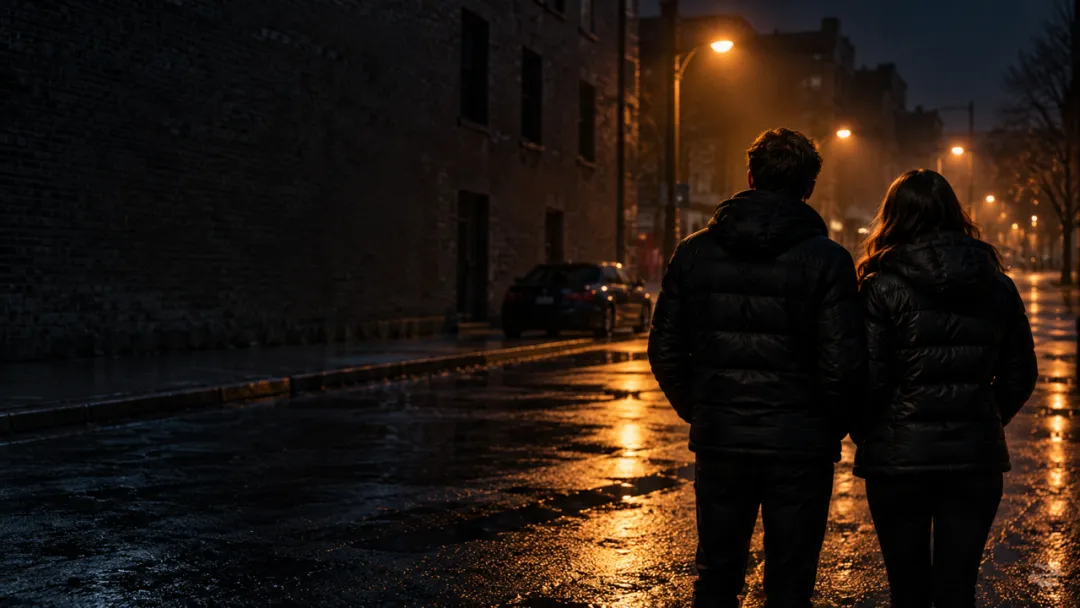
Choose Between Two Lobby Scenes

Cinema Mic is the first, default chip: a packed theater lobby at night, a chrome hanging microphone and warm orange light. Spotlight Moment keeps the hanging mic but frames the person with warm neon and a softly blurred crowd. The scene choice sets the background; you cannot enter a custom scene prompt.

Instrumental Sound, No Voice

The 15-second clip includes environmental sound and instrumental music. It does not include a human voice, lyrics or the original song, and you cannot upload a track of your own. The scene choice affects the lobby visuals, while the sound remains instrumental in either option. If you want a specific song, add it using the sound options on the service where you post.

More to try with your photo

Bigxthaplug Give It All AI Trend FAQ

Answers about the photo, scene choices, sound and finished clip.

Make My Mic Video
How do I make a bigxthaplug give it all ai trend video using my own photo?

Choose Cinema Mic or Spotlight Moment, upload one clear photo of yourself or a consenting adult, then press Make My Mic Video. MiniMax H3 creates a 15-second vertical cinema lobby scene with the person from the photo beneath a hanging microphone. The clip has instrumental music and environmental sound, but no human voice.

What is the Bigxthaplug Give It All AI trend?

It is a short AI video format that puts a person beneath a hanging microphone in a cinema lobby, with theater lighting and a crowd behind them. The humor comes from the oversized performance setup around a person who started as a single photo. This page offers two lobby scene choices and generates a 15-second vertical clip.

Which photo should I upload for the hanging mic rap video?

Use one clear, well-lit photo of yourself or an adult who agreed to appear, with the face visible and facing the camera. A simple portrait gives the generator a direct reference for the person in the scene. This page accepts one photo and does not support adding another person to the same clip.

What is the difference between Cinema Mic and Spotlight Moment?

Cinema Mic is the default scene and places the person in a packed movie theater lobby at night with warm orange light and a chrome hanging microphone. Spotlight Moment uses a glowing theater lobby, warm neon framing and a softly blurred crowd. Both scenes keep the person beneath a hanging mic, so the main difference is the background treatment. Choose Cinema Mic for the busier lobby or Spotlight Moment for its softer crowd.

Does the photo to rap video include the original song or vocals?

No. The generated clip includes environmental sound and instrumental music, but it has no human voice or lyrics and does not include the original song. You cannot upload your own track in this flow. The audio is instrumental across both scene choices, so the lobby selection does not change it. Add a song separately through the sound library on the platform where you share the video.

Can I write a custom prompt for the cinema lobby AI video?

No. This page uses two fixed scene chips, Cinema Mic and Spotlight Moment, and does not provide a custom prompt field. Choose the lobby look that suits your idea, upload one photo, and generate the video from that preset scene.

How long is the BigXthaPlug trend video, and what shape is it?

The generated clip is 15 seconds in vertical 9:16 format. It is designed as a short portrait video for sharing, with environmental sound and instrumental music. The output does not contain spoken or sung vocals.

Can I use someone else’s photo for an AI video from my photo?

You can use a photo of another adult only if they agreed to appear in an AI-generated video. Upload one person’s photo at a time, and make sure you have permission before generating or sharing the result. Avoid using a photo of someone who has not consented.

How much does one video cost, and where can I check the available plans?

One 15-second video costs 60 credits. You can also see the current one-time video packs and monthly options on the Pricing page before choosing how to pay.

What happens to my photo after I upload it?

Your photo is used as the reference for generating the video. Videos made without a subscription can appear in Ricebowl AI’s public Explore feed, so upload only a photo you are comfortable sharing under that condition and get the person’s consent first.

How do I make and share this AI trend safely?

Use a photo of yourself or an adult who has agreed, choose one of the two cinema scenes, and review the generated result before sharing. The clip contains no human voice, so add any song separately through the posting platform. For a practical overview of making and sharing AI trends, read the AI trend guide.

Explore More

More Photo-Based AI Videos

Plans and Credits

Music and Performance

Step Beneath the Hanging Mic in Your

Cinema Lobby Video

Make the Bigxthaplug give it all ai trend from one approved photo. Choose a lobby scene and create your 15-second instrumental clip.

Make My Mic Video

One photo • 15 seconds • 9:16 vertical • Instrumental sound

Step Beneath the Hanging Mic in Your

Make My Mic Video