Damon Salvatore AI Video: You, Red Eyes and the Smirk

Upload one photo of yourself and get a 15-second vertical vampire clip: a dark room, a pale face, eyes turning red and a slow smirk. Fan-style, built on your face, not the actor's.

1Adicione sua foto

Pick the Vampire Scene

2Qualidade e duração768p · 15s · 9:1660 credits

Sem assinatura · Pronto em cerca de 3 minutos · Não cobramos se falhar

Only upload photos of yourself or of adults who said yes.

From the Feed

Damon Salvatore AI Video Scenes to Start From

Every Damon Salvatore AI video on this page uses the same move in a different place: the red eyes smirk in a dark room, the church doors, a foggy night road, a neon rooftop in the rain and a candlelit mansion. Pick one, add one photo, and the person in it plays the vampire. These scenes are fan-style takes on the mood of the trend. They are new clips built on your face, not footage from any series.

Turn Me Into a Vampire

Three Steps

How to Make a Damon Salvatore AI Video

  1. 1

    Pick the Scene

    Start with Red Eyes Smirk for the classic look, or pick Church Entrance, Foggy Night Road, Neon Rooftop or Candlelit Mansion.

  2. 2

    Add One Clear Photo

    Upload one photo for your Damon Salvatore AI video, with your face toward the camera, in good light and without sunglasses. The price shows on the button before you press it.

  3. 3

    Download and Post

    Press Turn Me Into a Vampire. In a few minutes your Damon Salvatore AI video is ready to download as a vertical MP4.

Scene 01 · Church Entrance

The Doors Swing Open

Black blazer, candlelight, every head turns.

Heavy wooden doors swing open and you stand in the doorway in a black blazer, candlelight running down the aisle ahead. This is the Damon Salvatore church scene everyone knows, rebuilt around your photo. Pick Church Entrance and your Damon Salvatore AI video opens on the doorway, then the slow step inside and the look to camera.

  • Heavy doors swinging open
  • Candlelight down the aisle
  • Pick Church Entrance to use this scene

Scene 02 · Foggy Night Road

Leaning on the Car in the Fog

Pine trees, mist and headlights.

A black car on a foggy pine road at night, headlights cutting through the mist, and you leaning on the hood in a leather jacket. Pick Foggy Night Road for the moodiest Damon Salvatore AI video on the page. It suits a dark profile post, a Halloween teaser or a reply to the friend who said you could never pull it off.

  • A black car on a pine road
  • Headlights through the fog
  • Pick Foggy Night Road to use this scene

Straight Answers

A Damon Salvatore AI Video, Straight Answers

No template hunting and no prompt to copy. Here is what you get and what you don't.

What You Get

  • A new 9:16 vampire clip where the person in your photo is the vampire, not a face pasted onto someone else's footage.
  • Five scenes: Red Eyes Smirk, Church Entrance, Foggy Night Road, Neon Rooftop and Candlelit Mansion.
  • Room sound and a dark instrumental score built in, so the clip plays with sound when you post it.
  • The credit price on the button before you press it. One clip costs 60 credits.

Known Limits

  • This is a fan-made tool, not an official one. It is not tied to the show, and it uses your face, not the actor's.
  • The clip has no voice and no dialogue, and you cannot upload your own song. Add the trend sound when you post.
  • One photo per clip and five scenes to pick from. You cannot type your own scene here.
  • Every clip runs 15 seconds and costs credits, but you see the exact number before you start, and failed runs refund automatically.
Turn Me Into a Vampire

The Trend Explained

What Is the Damon Salvatore AI Video Trend?

The Damon Salvatore trend borrows a vampire mood: a black jacket, a pale face, eyes that turn red and a slow, smug smirk. The best-known version is the church scene, where the doors open and every head turns. A Damon Salvatore AI video makes that moment from one photo of you. You do not film, edit or copy a prompt. You pick a scene, upload a selfie, and the clip comes back with your face as the vampire. It is fan-style and unofficial, and it never uses the actor's face.

One Photo, Your Face

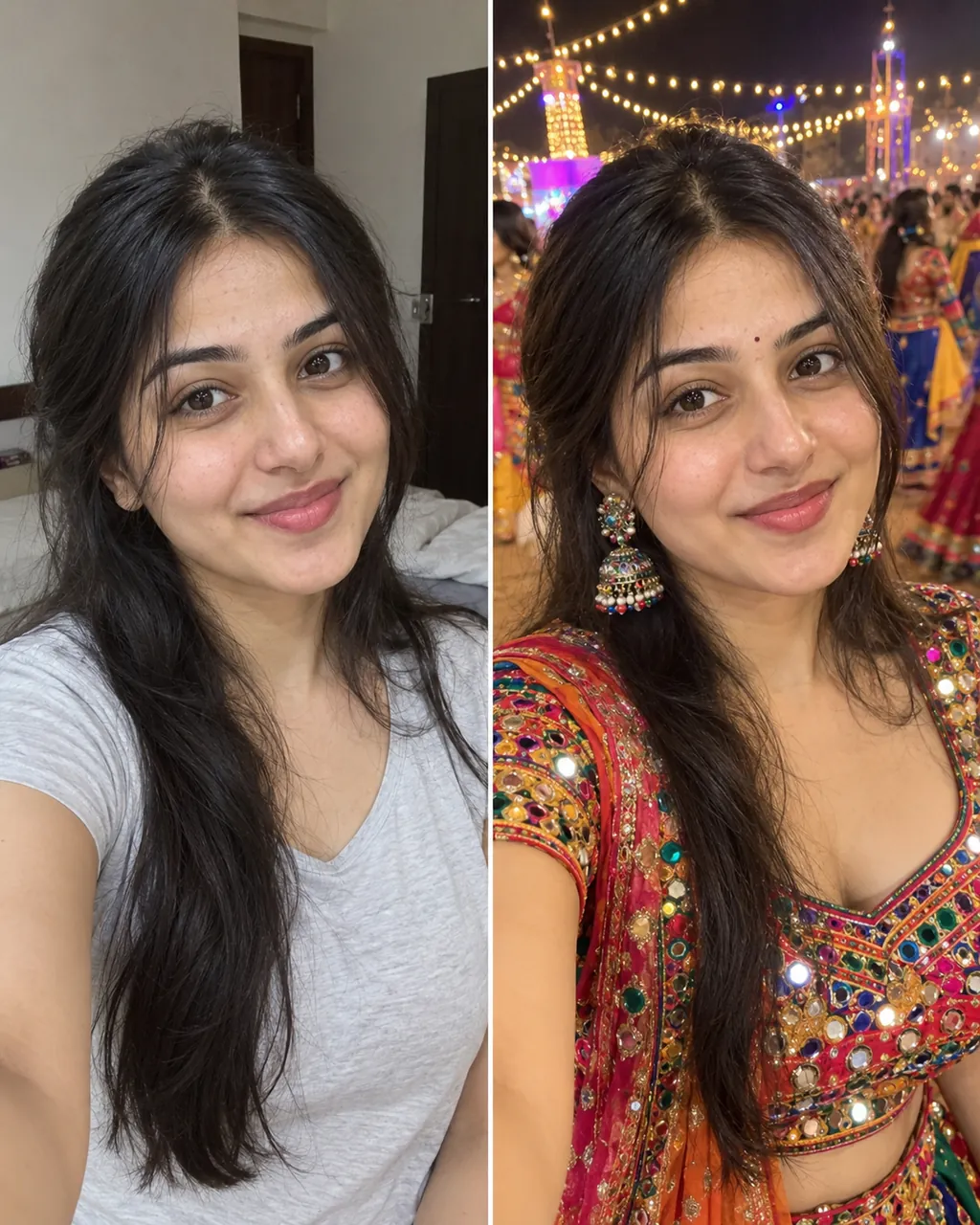
Send one clear photo of yourself or of an adult who said yes. Face toward the camera in good light works best. The tool keeps the face and hair and builds the jacket, the dark grade and the red eyes around them for your Damon Salvatore AI video.

Five Dark Scenes

Red Eyes Smirk is the default. Church Entrance, Foggy Night Road, Neon Rooftop and Candlelit Mansion change the place, the camera and the light, so one photo gives five different clips.

Sound Built In

Each Damon Salvatore AI video has room sound and a dark instrumental score, with no lyrics and no voice. Add the trend audio from your app's library when you post.

More to try with your photo

More AI video tools

Damon Salvatore AI Video FAQ

Quick answers about the trend, your photo, the sound and the cost.

Turn Me Into a Vampire
What AI tool turns one selfie into a Damon Salvatore AI video?

This one. Upload one clear selfie, pick a scene such as Red Eyes Smirk and press Turn Me Into a Vampire. Your Damon Salvatore AI video comes back in a few minutes as a 15-second vertical vampire clip with your face, red eyes and a slow smirk. You film nothing, and the price shows on the button first.

Can I try a Damon Salvatore AI video before I pay?

Yes, you can try the tool free to try. One 15-second clip costs 60 credits. You can buy credits, pick a monthly plan from $12.99 with 400 credits, or pay once for a video pack. If a run fails because of a system error, the credits come back automatically.

How much does a Damon Salvatore AI video cost?

One 15-second clip costs 60 credits. You can also pay once with no subscription: 1 video for $9.99, 3 videos for $19.99 or 5 videos for $29.99. The pricing page lists the monthly plans.

How can I make a video of myself walking into a church like Damon Salvatore?

Pick Church Entrance, upload one clear photo and press the button. The heavy doors swing open and you stand in the doorway in a black blazer, candlelight down the aisle. It is the Damon Salvatore church scene rebuilt around your face, not clipped from any show.

Which AI tool adds glowing red eyes to a video made from my photo?

The Red Eyes Smirk scene does exactly that. Your clip starts in a dark room under one warm lamp, head down and face pale. You look up, the eyes turn red and a slow smirk follows. It is the default scene, so it is ready as soon as you upload.

How do I make the Damon Salvatore night road clip with my own face?

Pick Foggy Night Road and upload one selfie. You lean on the hood of a black car on a foggy pine road, headlights cutting through the mist, in a black leather jacket. Keep your face toward the camera in the photo so the likeness holds through the fog.

Can AI make me look like Damon Salvatore from one selfie?

It keeps you as you and gives you his mood: the dark jacket, the pale low light, the red eyes and the smirk. The tool does not swap in the actor's face, and it is not an official product of any show. Your Damon Salvatore AI video is a fan-style clip of you as the vampire.

Is Ricebowl AI connected to the show, its character or its actor?

No. Ricebowl AI is an independent tool. It has no connection to the show, the character, the actor or the TV network that aired it. It only makes stylized videos from photos that you upload yourself.

What is the Damon Salvatore trend?

It is the short-video trend where people turn into the vampire from the famous scene: the church doors open, heads turn, the eyes go red and the smirk lands. A Damon Salvatore AI video is the one-photo version. You add a selfie and the clip makes you the one walking in.

Will the vampire in my Damon Salvatore AI video look like my photo?

Use one sharp, well-lit photo with your face toward the camera and nothing covering it. The tool keeps the face and hair through the whole Damon Salvatore AI video. Skip group photos, sunglasses and heavy filters.

Does the clip have sound or dialogue?

It has sound but no voice. You hear room tone, rain, wind or candle crackle under a dark instrumental score. Nobody speaks, and you cannot upload your own song. Add the trend sound from your app's library when you post your Damon Salvatore AI video.

How long is the clip?

Every clip is 15 seconds, vertical 9:16, at 768p. That is enough for the setup, the red eyes and the smirk to camera.

What happens to my photo after I upload it?

The photo is used only to build your video. Clips from this page are not listed in the public Explore feed by default. Only use photos of yourself or of adults who said yes.

What other dark AI videos can I make?

Try the Twilight baseball scene for the other vampire classic, or the AI Halloween costume page for a full costume look. The guide to AI video trends has caption and timing tips for your Damon Salvatore AI video.

Turn Your Selfie Into a

Damon Salvatore AI Video

One photo, one scene, one button. Red eyes and the smirk included.

Turn Me Into a Vampire

No watermark • 9:16 MP4 • Sound built in

Turn Your Selfie Into a

Turn Me Into a Vampire

