Happy Birthday Mom Video from One Photo

Upload one photo, choose a birthday scene, and make a 15-second vertical greeting with environmental sound and instrumental music. Pick from the available scenes and create a warm moment for your mom.

1أضف صورتك

Choose a Birthday Scene

2الجودة والمدة768p · 15s · 9:1660 credits

بدون اشتراك · جاهز خلال 3 دقائق تقريبًا · لا يتم الخصم إذا فشل

Only upload photos of yourself or adults who have agreed to be included.

From the Feed

Happy Birthday Mom Video Scenes to Choose From

A birthday greeting can be quiet, playful, or full of little details that feel familiar. Start with Cake and Flowers for a warm table scene, or choose one of the other birthday moments below. Each happy birthday mom video case uses the same simple idea: one photo takes the place of the person in a selected scene. Choose the scene that best fits the message you want to send. This personal birthday video turns a single image into a short moment you can share with her.

Make Her Birthday Video

Three Steps

How to Make a Happy Birthday Mom Video

  1. 1

    Upload One Photo

    Start with one clear photo of your mom, yourself, or another adult who has agreed to be included. Make sure the person is easy to see and that you have permission to use the image. This page uses one photo per video, so choose the picture you want the scene to build around. You can make a happy birthday mom video from one photo without preparing a set of images.

  2. 2

    Choose a Birthday Scene

    Cake and Flowers is selected first. You can keep it or choose Surprise and Roses, First Cake Slice, Small Cake Gift, or Birthday Dance. Each chip sets a different scene for your happy birthday mom video. You cannot enter a custom scene or upload a song, so pick the option that best matches your idea. This happy birthday mom video uses only the scene chips shown on the page.

  3. 3

    Make and Share the Clip

    Generate the 15-second vertical clip, then preview it before you share. The video includes environmental sound and instrumental music, without a human voice. Send it with your own written birthday note, or share it through a service that lets you add a separate track after download. Your happy birthday mom video is ready to serve as a quick greeting.

Scene 01 · Surprise and Roses

A Quiet Surprise with Roses

A little surprise, surrounded by roses.

A birthday greeting can feel tender without a big party. In this scene, your mom sits beside roses and a small cake in a cozy living room. The surprise-and-roses version of a happy birthday mom video keeps the moment simple: warm light, flowers in view, and her familiar face at the center. Choose this scene when you want the clip to feel like a quiet visit. It makes a thoughtful birthday greeting for mom when you want the roses to carry the feeling.

  • Roses beside a small birthday cake
  • A cozy living room setting
  • Choose Surprise and Roses for this scene

Scene 02 · First Cake Slice

Save Her the First Cake Slice

The first slice makes the moment.

Some birthday moments are about the first small taste, not a grand reveal. Your photo sets the person at a softly lit dining table with a frosted cake and a serving plate. This happy birthday mom video scene has a calm, homey feel that works for a private message or a family chat. Pick First Cake Slice when a shared dessert says enough. This personal birthday video keeps the cake and the person in your photo at the heart of the greeting.

  • Frosted cake and a serving plate
  • Soft light around the dining table
  • Choose First Cake Slice for this scene

Scene 03 · Small Cake Gift

Bring Her a Small Cake

A cake arrives with a little love.

A small cake offered by someone she loves can carry the whole greeting. In this scene, hands bring a chocolate birthday cake toward the person in your photo in a warmly lit living room. The happy birthday mom video feels close and personal, with the gift as the focus. Choose Small Cake Gift for a simple moment that feels made for her. The scene turns one photo into a one-photo birthday clip you can send with your own note.

  • A small chocolate birthday cake
  • A warm living room setting
  • Choose Small Cake Gift for this scene

Scene 04 · Birthday Dance

Celebrate with a Birthday Dance

A festive room and a reason to move.

If your mom likes a brighter celebration, choose a festive living room with gold number balloons and a simple cake on the side table. This scene gives your happy birthday mom video a more upbeat look while keeping the person in your photo at the center. Pick Birthday Dance for a cheerful birthday clip with a festive party setting. It is a one-photo birthday clip with a party setting, ready to share as a quick greeting.

  • Gold number balloons in the room
  • A simple cake on the side table
  • Choose Birthday Dance to use this scene

Straight Answers

A Happy Birthday Mom Video with Clear Limits

A clear idea of what the clip can do, and what to expect before you make one.

What You Get

  • Make a personal-looking birthday moment from one photo without filming your mom or arranging a real scene.
  • Choose among five specific birthday scenes, with Cake and Flowers selected by default for a warm first look.
  • Get a 15-second vertical clip with environmental sound and instrumental music included, ready to share as a short greeting.
  • Keep the process focused: upload one permitted photo, pick a scene chip, and generate the happy birthday mom video.

Known Limits

  • There is no human voice in the clip, and you cannot upload your own song. You still get environmental sound and instrumental music, so the greeting has audio; add a separate track later if your sharing app supports it.
  • Each generation uses one photo. That is enough to make a short scene around your mom, but it will not create a multi-photo slideshow or put several relatives into the same clip.
  • You must choose one of the five scene chips. You cannot type a custom setting, so select the closest fit: flowers, roses, cake slice, cake gift, or birthday dance.
  • The video is always 15 seconds in vertical 9:16. Think of this happy birthday mom video as a quick greeting to share on a phone, rather than a long birthday montage.
Make Her Birthday Video

The Trend Explained

What Is a Happy Birthday Mom Video?

A happy birthday mom video here is a short, personal birthday scene built from one photo. You choose a scene chip, then the generator creates a 15-second vertical clip around the person in your image. The default scene places a cake and flowers in a warmly lit dining room. Other options offer roses, a first cake slice, a small cake gift, or a festive dance setting. Each output includes environmental sound and instrumental music, but no human voice. You cannot upload a custom song or write a new scene on this page. Pick a photo of yourself or an adult who has agreed to be included, then choose the birthday moment that feels right for your greeting. It is a birthday video from one photo with a scene you select. This happy birthday mom video gives you a simple way to turn one permitted photo into a greeting.

One Photo for Her Birthday Scene

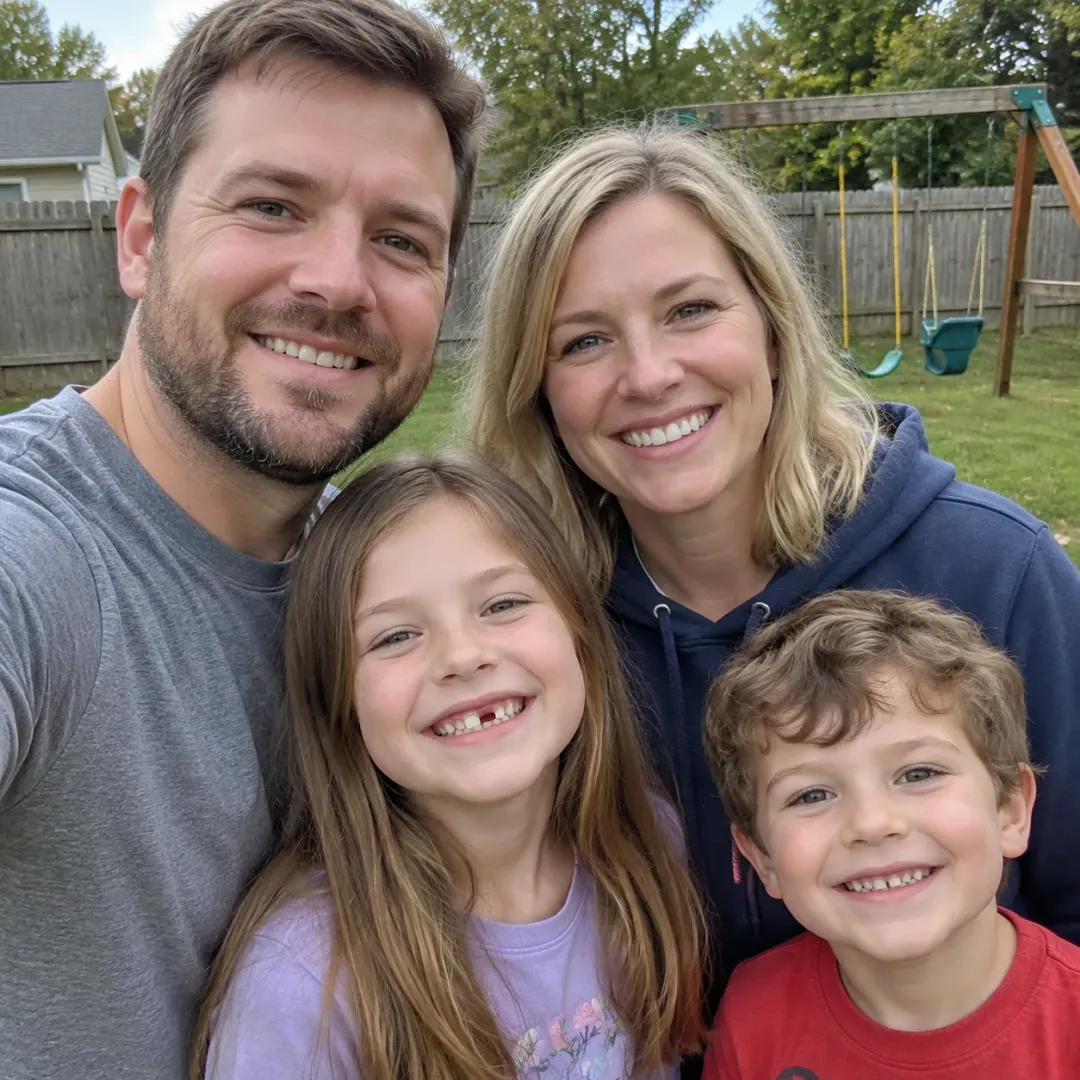
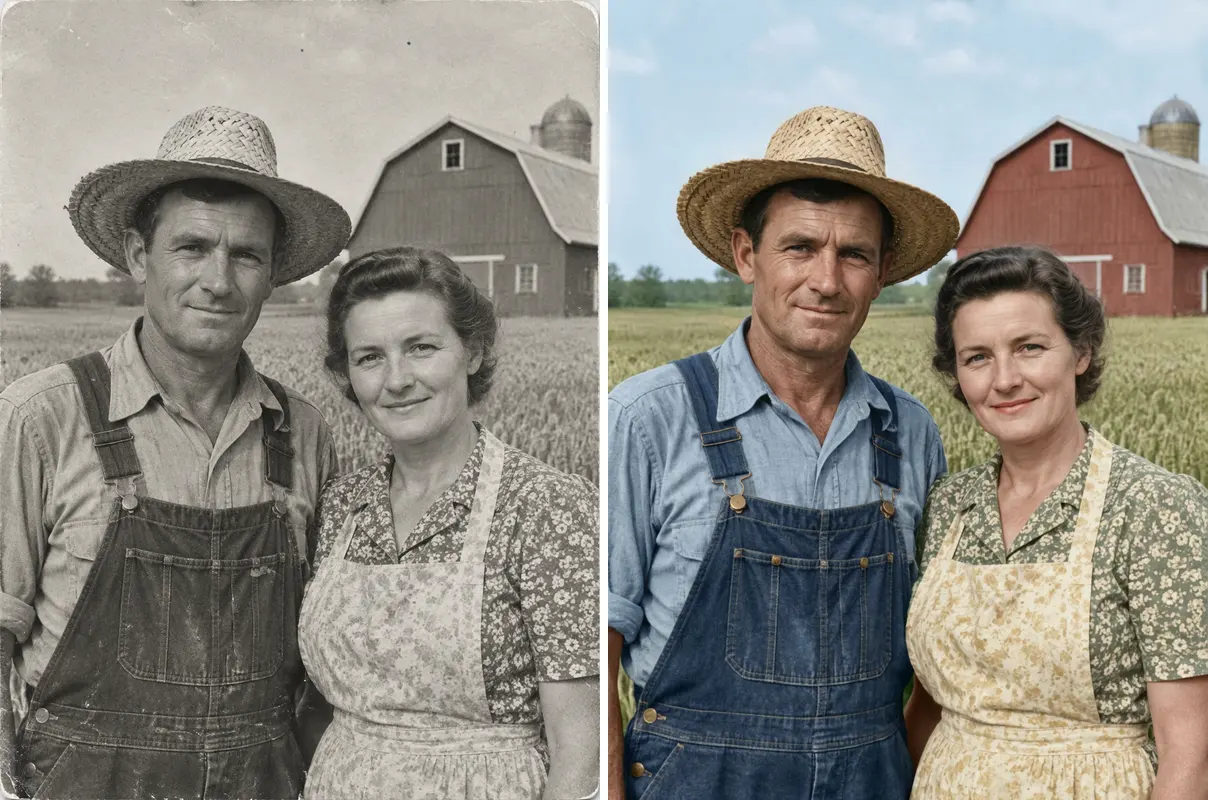
Use one photo for each generation. A clear image makes it easier to recognize the person in the finished clip. Choose a photo you have permission to use, and check that the face is visible. This happy birthday mom video is designed around one person in one image, so it does not combine a family album or several people into a slideshow. You can animate a mom's photo into one selected birthday moment, with the scene chip guiding the setting.
Choose from Five Birthday Scenes

Select a scene chip to set the moment. Cake and Flowers starts selected, followed by Surprise and Roses, First Cake Slice, Small Cake Gift, and Birthday Dance. The scene is chosen from the available options; this page does not accept a custom-written scene. Make another version by picking a different chip and generating a separate clip. Every happy birthday mom video follows one of these five scene choices.

Sound Is Built In

The generated clip is 15 seconds, vertical 9:16, and includes environmental sound plus instrumental music. It has no human voice, and you cannot add a song during generation. That keeps the happy birthday mom video ready to play as a short greeting. If you want a particular track, add it later with a separate sharing or editing tool. The birthday greeting for mom can still feel personal when you pair the clip with your own written note.

More to try with your photo

More AI video tools

Happy Birthday Mom Video FAQ

Quick answers about the photo, scene, sound, timing, and cost before you make her greeting.

Make Her Birthday Video
How do I make a happy birthday mom video from one photo?

Upload one clear photo of your mom, choose one of the birthday scenes, and generate the clip. The happy birthday mom video is a 15-second vertical greeting made from that single photo. You do not need to film her or edit a timeline. Check the scene names first, then choose the one that feels most like her. It is a simple birthday video from one photo, with a selected scene setting the moment.

What is a happy birthday mom video made with this tool?

This page makes a short birthday scene from one photo and a scene chip you select. The output is a 15-second 9:16 video with environmental sound and instrumental music. It has no spoken words or singing. You can send the result as a personal greeting, then write your own birthday message alongside it. The finished birthday video from one photo is a quick greeting rather than a slideshow or a long family montage.

Can I write my own scene for the birthday clip?

No. Choose from the available scene chips: Cake and Flowers, Surprise and Roses, First Cake Slice, Small Cake Gift, or Birthday Dance. Each chip sets a different moment in this happy birthday mom video. Cake and Flowers is selected by default. You can make another version by selecting a different scene before generating. You cannot write a custom scene for this happy birthday mom video.

Can I add my own song or a spoken birthday message?

The clip includes environmental sound and instrumental music, with no human voice. You cannot upload your own song to this generator. If you want a specific track, add it later in the app where you share the video, if that app offers its own music tools. The generated clip itself remains a short, sound-enabled birthday moment. This is a happy birthday mom video with built-in sound, not a spoken greeting.

How many photos can I use for one video?

The tool uses one photo for each generation. Choose a clear picture where your mom is easy to see, ideally with her face unobstructed. You cannot combine several photos into a slideshow on this page. If you want a different look, keep the same photo and try another scene chip to make a separate happy birthday mom video. Each happy birthday mom video starts from one image.

How long is the birthday video, and what shape is it?

Each happy birthday mom video is 15 seconds long and uses a vertical 9:16 frame. That shape suits phone screens and is easy to share in a family chat. The length is fixed on this page, so plan to use the clip as a quick greeting or a small birthday surprise rather than a full family montage. The birthday video from one photo stays short and ready for a phone screen.

How much does one birthday video cost?

One 15-second clip costs 60 credits. You can also choose a one-time pack: $9.99 for one clip, $19.99 for three, or $29.99 for five. A monthly plan starts at $12.99 and includes 400 credits. The displayed price and credit amount help you choose before generating.

Can I make a free happy birthday mom video?

A new account may be able to try generation with available starter credits. This happy birthday mom video is not described as unlimited or free on this page; the cost is shown in credits or through an available purchase option. Check the button and pricing details before generating so you know which option applies to your account. A birthday greeting for mom can be made once you have the credits needed for a generation.

Whose photo can I upload for the video?

Use a photo of yourself or an adult who has agreed to be included. A birthday greeting is personal, so make sure the person is comfortable with you using their image. Avoid uploading a photo of someone who has not given permission. The same rule applies if you share the finished happy birthday mom video with family or post it elsewhere. You can make a happy birthday mom video with your own photo or with an adult’s photo when they agree.

Where can I learn how to make and share an AI trend video?

Videos made without a subscription may appear in the public Explore feed. Keep that in mind when choosing a photo, and only use an image you have permission to share. Read the guide for more help making and sharing a trend video. This happy birthday mom video guide covers the steps for making and sharing a birthday greeting.

Explore More

More Ways to Make a Personal Video

Turn One Photo into a

Happy Birthday Mom Video

Choose a birthday scene, add one photo, and make a short greeting for your mom.

Make Her Birthday Video

One photo • 15 seconds • 9:16 video with sound

Turn One Photo into a

Make Her Birthday Video


