Photo to Video AI — Upload One Photo, Pick a Template, Get a Video or Image
Ricebowl runs in your browser so you can use photo to video AI without writing a prompt or learning editing tools. You get a vertical 9:16 video or an image from your single upload.
Browse templatesPhoto to Video AI Templates for Every Photo
Browse 51 templates here, with 41 that make a video and 10 that make an image.
Trends and memes
Zombie AI Trend
One or two photos into the zombie love story video
Car Jump AI Video
Sit still while a car flies over you
Funny Birthday Video
Turn their photo into a funny birthday prank video
AI Video of Yourself
Turn your photo into a cinematic video with effects
Raindance AI Trend
One or two photos into the vertical sidewalk singing clip
Burning Bridges Video
Chandelier party video from your selfie photos
Alors On Danse AI Meme
Make the viral video from two photos
Venom Car AI Video
Black liquid rebuilds your car from its badge
Unforgettable Car AI Video
Sweep the 2 and 4 cards, reveal a car
Camera tricks and dances
Earth Zoom Out AI
One photo zooms out to Earth, Moon or galaxy
AI Video Effects
Laser eyes, car jumps, hugs and more from one photo
AI Clone Video
Turn one photo into a video with copies of you
Gas Station Dance
Dusk road-trip clip from your photos
Jawn Dance AI
Deadpan sway clip from one photo
Ramalama Halloween Video
Costume walk clip from one photo.
Rumpelstiltskin Meme Generator
Turn any photo into the tiptoe trend
Put a Ring on It Dog
Turn one pet photo into the stage meme
Toc Toc Dance
Turn photos into the hop and knock dance
Ceiling Fan Outfit AI
Switch wardrobe under spinning fan blades
Smalltown Boy AI
Create scream-and-swap pet dance clips
Bad Times AI Video
Make your pet or baby scold the camera
Tip Toeing in My Jordans AI
Make viral sneaky tiptoe videos from photos
AI Arrest Video
Walk out with two officers
Bulin 47 AI Video
Turn your photo into a Bulin 47 AI doorway clip.
Knight Cat AI
Turn your pet into a tiny knight in a storm
Layoo AI Dance
Do the Layoo dance from one photo with two friends behind you.
Wipe Me Down AI Dance
Turn your photo into the viral lean, swing and low bounce, friend watching.
Tecktonik Dance AI
Put your photo on the red stage doing the 2008 electro arm dance.
FNAF Jumpscare AI
Turn your selfie into an animatronic jumpscare
Thriller Dance AI Video
Make your photo lead the 1983 zombie dance in 9:16 vertical video.
Portrait styles

AI Halloween Costume
One photo into a Halloween costume photo
AI Bald Filter
One photo into a bald, buzz-cut or bald-with-beard look
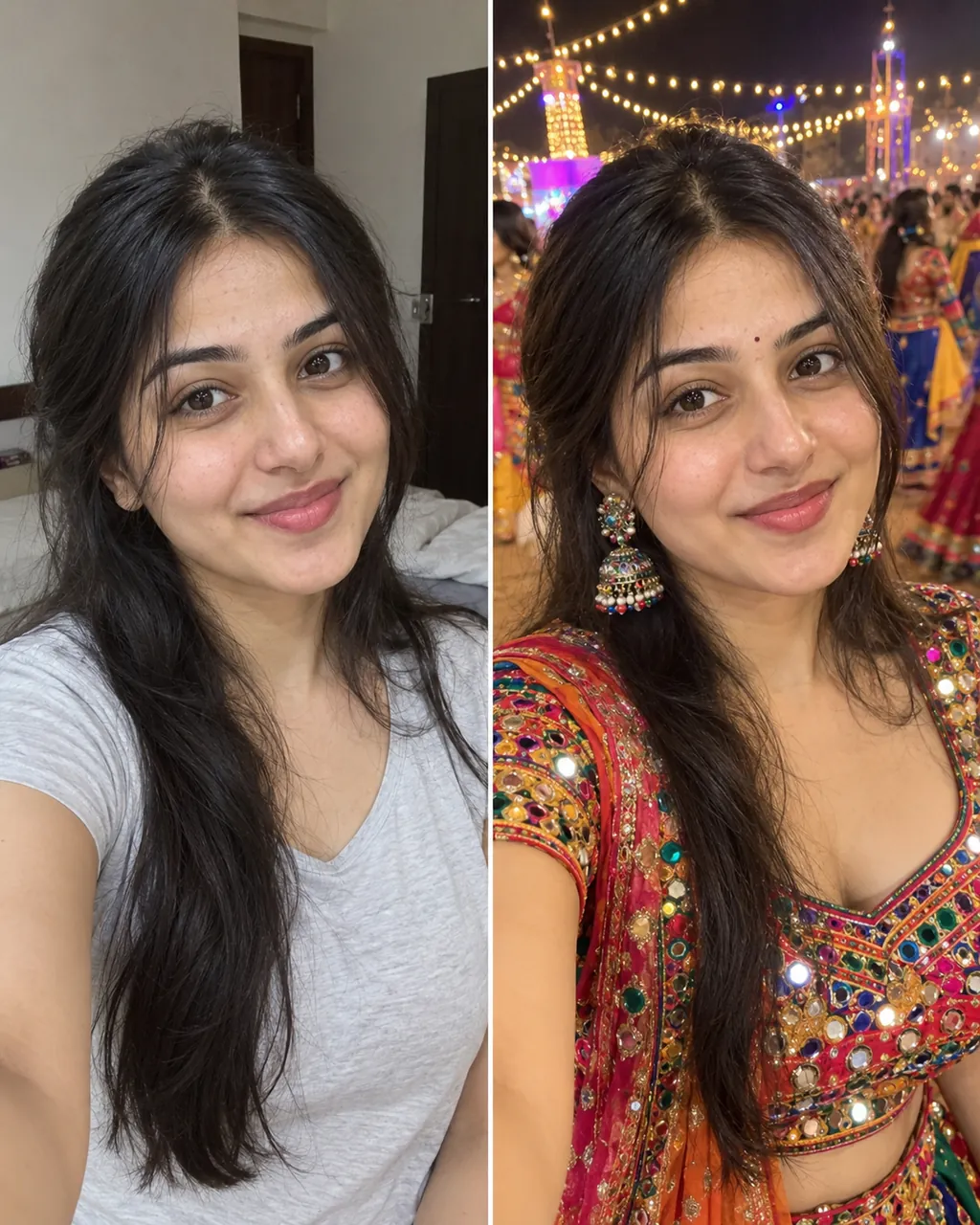
Vikas Editing AI
One selfie into a trending Instagram photo edit
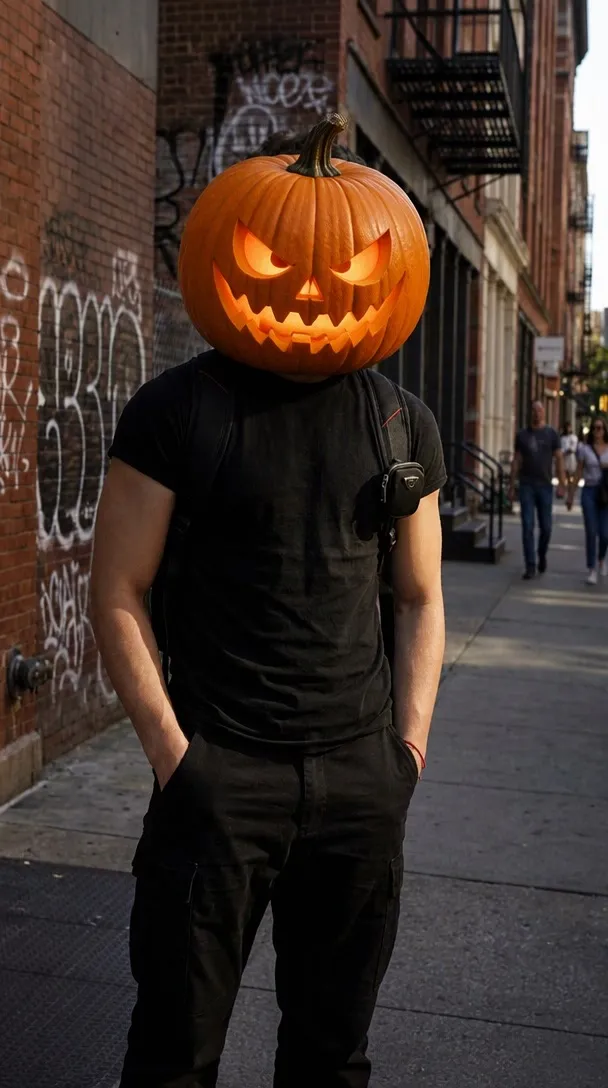
Pumpkin Head AI
Turn photo heads into pumpkins
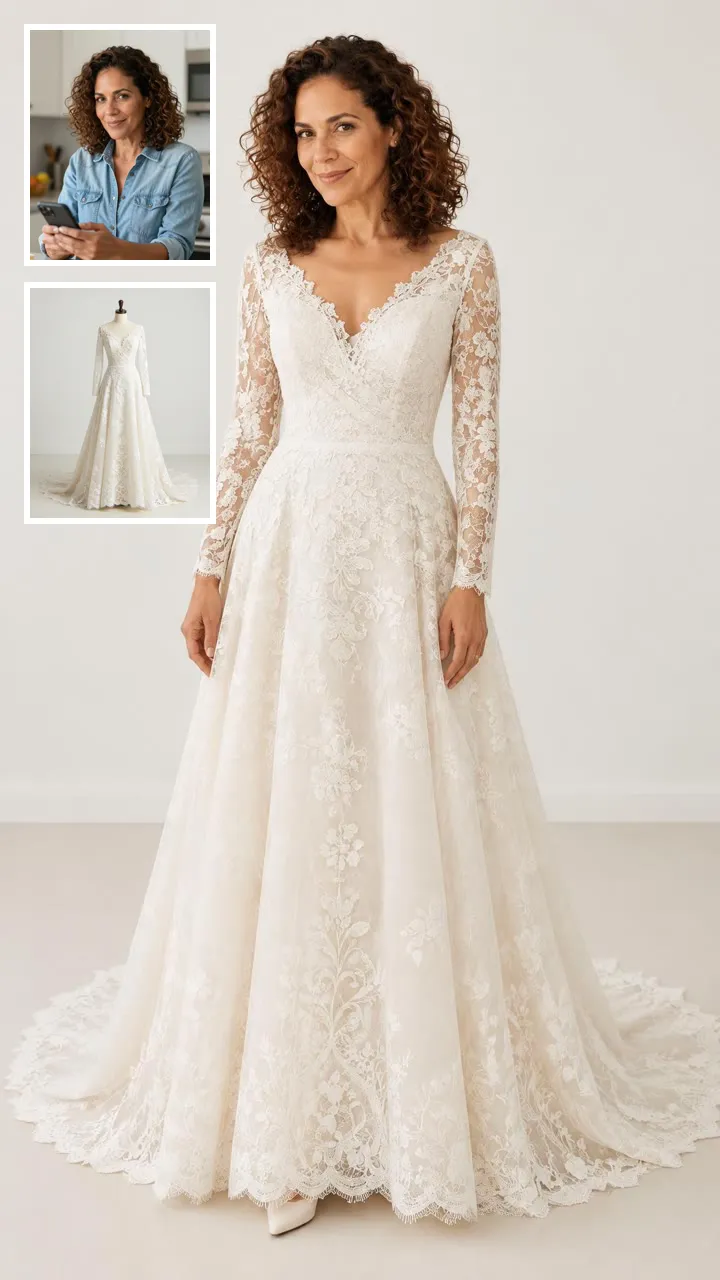
AI Virtual Try-On
See clothes on your own photo
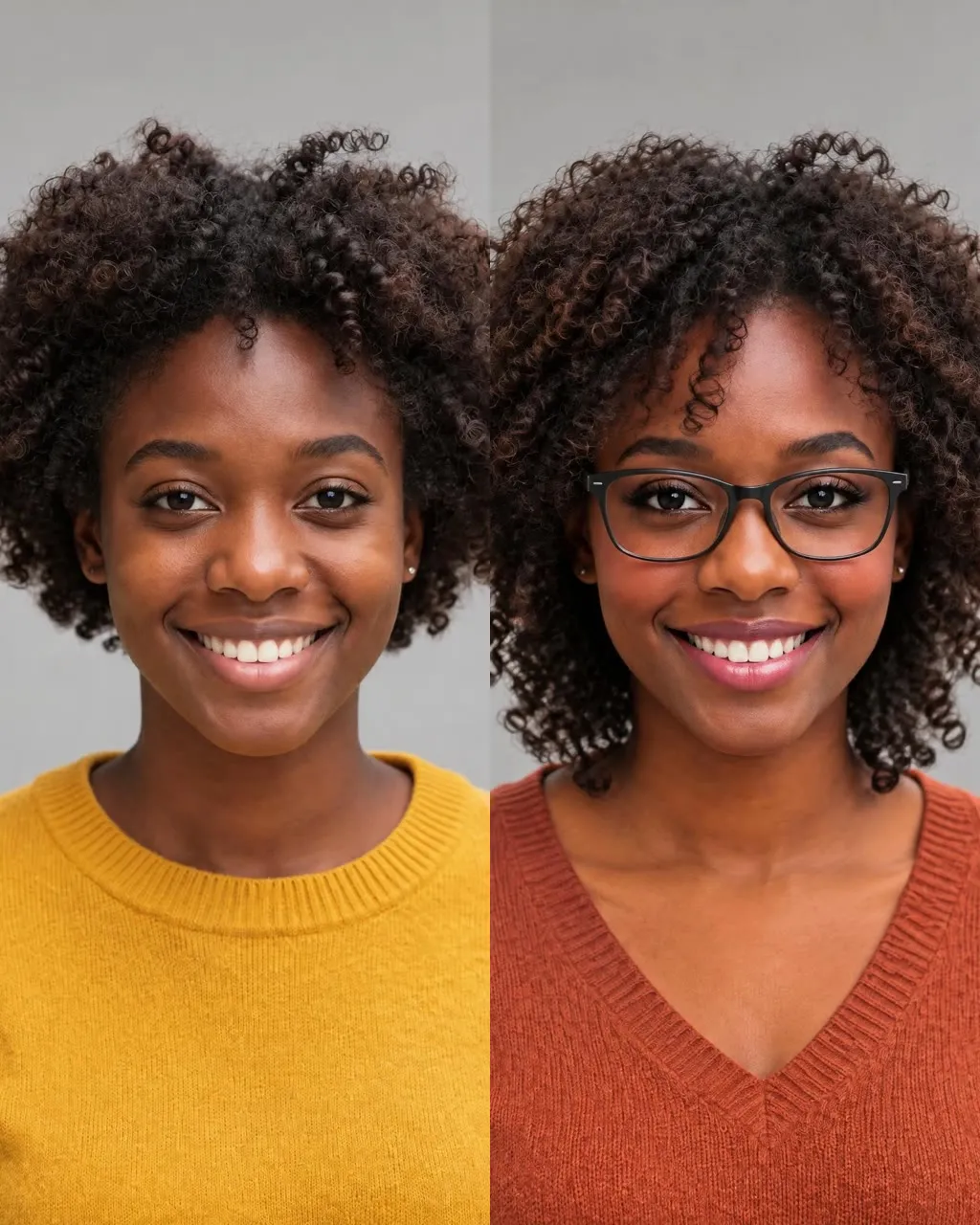
AI Glow Up
One selfie into a new haircut, glasses, colors, beard or makeup
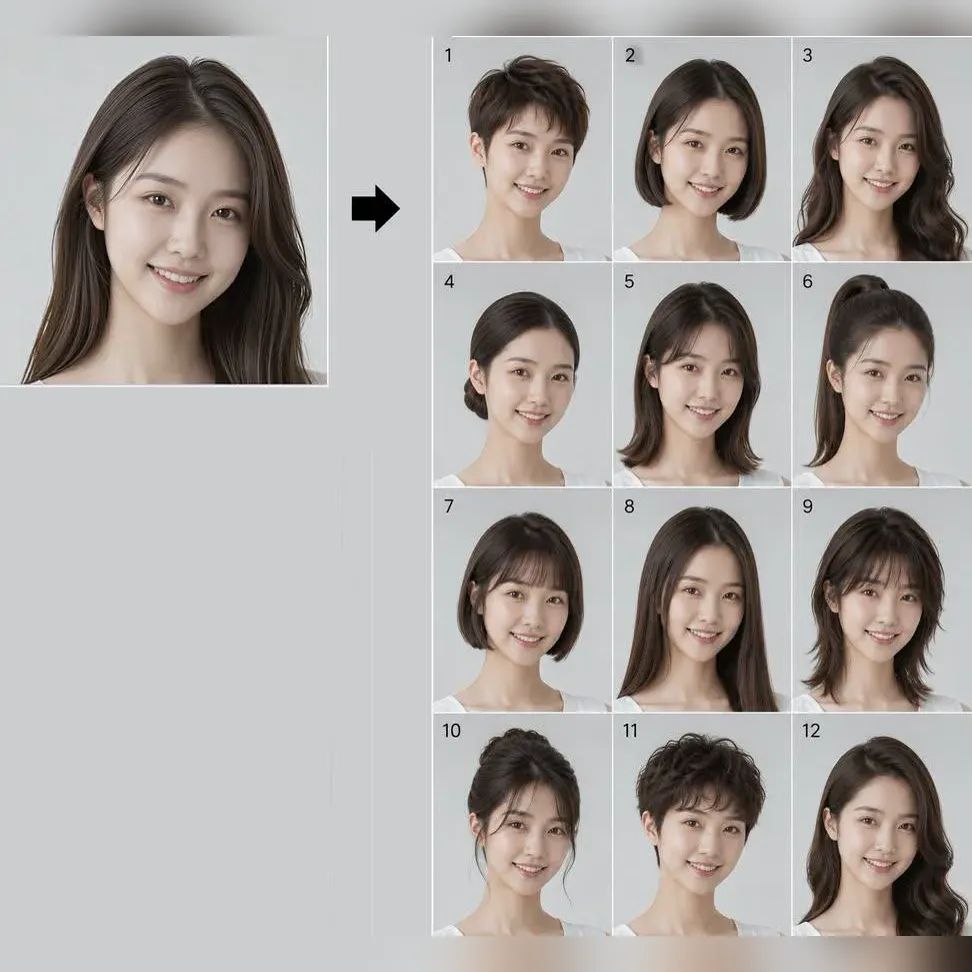
What Hairstyle Suits Me
Try 34 haircuts and hair colors on your own photo
Passport Photo Maker
Check a photo against official ID rules
Two people and hugs
AI Hug Generator
Turn two photos into a hug video
Hug Your Younger Self
Hug the kid you were in a short video
AI Hug Deceased Loved One
Share an imagined hug with someone who passed away

AI Baby Generator
Two parent photos into one imagined baby photo
Family and memories
AI Tribute Video
Turn one or two photos into a gentle memorial clip
Animate Old Photos
Make people in old photos smile, wave or hug
AI Family Video
Turn family photos into a short video clip.
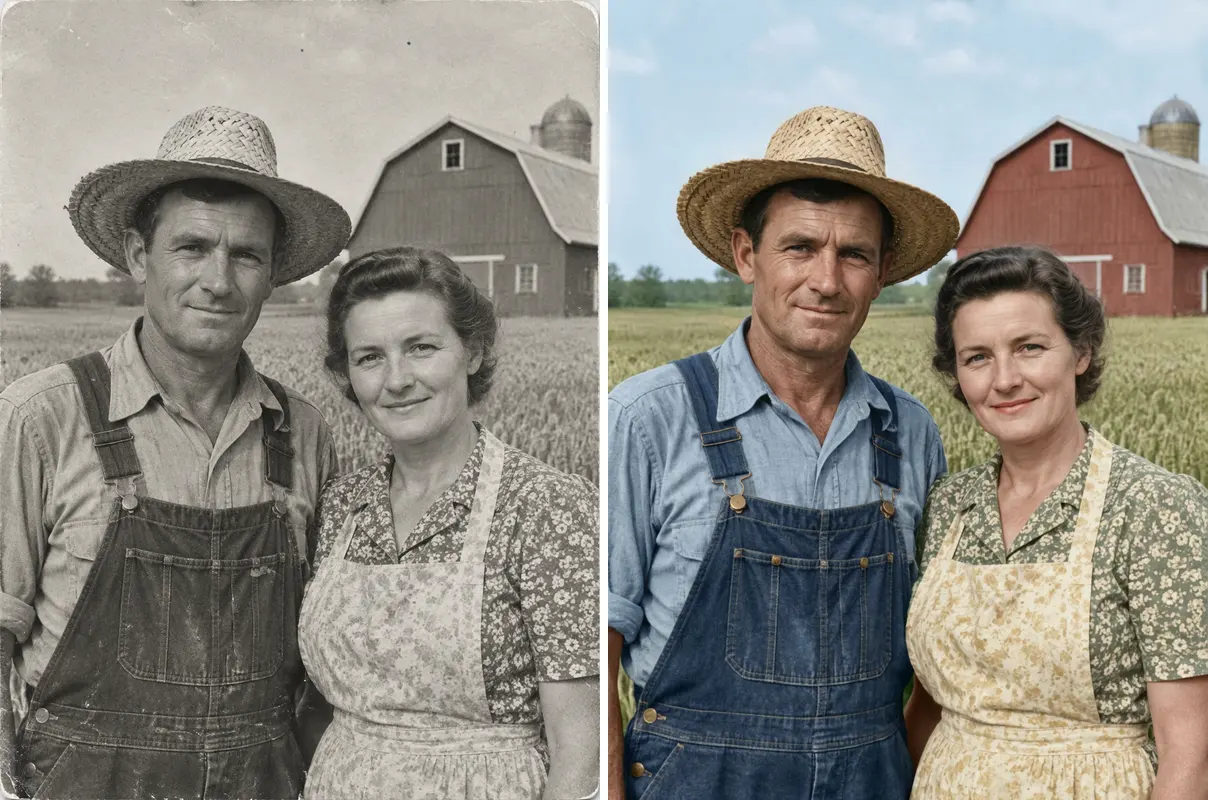
Restore Old Photos
One old photo repaired, sharpened or colorized
Song, rap and dance
Hotel Lobby AI
Two photos into the viral Hotel Lobby video
Migos AI
Two solo photos, one orange booth, one mic
AI Rap Duo
You and a friend trading bars on one mic
AI Dance Generator
Turn one or two photos into a dance video
King Von Back Again AI
Two photos turned into a drill rap video clip.
How Photo to Video AI Works
- 1
Pick a template
Browse this page and choose your favorite template card. Clicking the card opens that template's page.
- 2
Upload and generate
Upload one photo on the template page, or two photos for two-person templates. Hit generate to run the photo to video AI workflow.
- 3
Download your file
Download your finished 5- or 10-second MP4 video without a watermark. Image templates deliver your finished picture directly.
Which Template Should You Pick?
For trending social posts
Check Trends and memes. These video formats are made for short-form clips based on current social media formats.
For dance and camera movement
Check Camera tricks and dances. These video options bring rhythm, motion, and dynamic angles to a single shot.
For a new image look
Check Portrait styles. These options produce a still image that gives your subject a completely different appearance rather than a video.
For hugs and two people
Check Two people and hugs. These setups pair two subjects together in the same scene.
For family moments
Check Family and memories. These templates are designed around shared group scenes and older personal pictures.
Photo to Video AI vs. Standard Video Editors
Standard editing software requires timelines, keyframes, manual cuts, and software downloads on your computer. With photo to video AI, you pick a template, upload one picture, and the system creates the clip in your browser without any manual editing. You do not need to write prompts or master complex AI video tools to get a finished result.
Using image to video AI this way has set boundaries compared to full studio suites. The template decides the motion style, so you cannot adjust movements scene by scene or turn off the background music that comes with most video templates. The people in the clips do not talk, and these systems do not include lip-sync capabilities.
Pricing also works differently than standard subscription apps because credits are used per generation. A 5-second video costs 20 credits and a 10-second video costs 40 credits; each template shows its own price on its own page, and some templates cost more. New accounts get 8 credits, which is not enough for a video, while paid monthly plans start at $7.99 for 200 credits, and failed generations are refunded.
Photo to Video AI FAQ
What is photo to video AI?
Photo to video AI is browser software that creates animated video clips from a single still picture. Instead of setting manual keyframes or learning video software, you select pre-made AI video templates and upload your photo. The system applies the template motion and produces a ready-to-watch vertical video clip.
How do I turn one photo into a video with AI?
To turn one photo into a video with photo to video AI, select any card on this page and open its dedicated page. Upload your image, check the credit balance, and click the button to generate your file. Once processing finishes, you can download the 9:16 vertical MP4 video directly to your phone or computer.
Is Ricebowl's photo to video AI free?
Ricebowl is not fully free. New accounts receive 8 credits once per device and network, which is not enough for one video. A 5-second video costs 20 credits and a 10-second video costs 40 credits, though some templates cost more. Paid monthly plans start at $7.99 for 200 credits, failed generations are refunded, and videos made without a subscription appear on the public Explore page.
How many photos do I need to upload to make a video?
Most templates need just 1 photo to run our photo to video AI system. Two-person options, such as the hug templates and the baby generator, require 2 photos uploaded together. You do not need to upload multiple angles, sequences, or extra files to generate your finished clip.
How long does it take to generate a video from a single photo?
You need to be logged in before you generate with photo to video AI. In our own tests, most videos are ready in under a minute. When the site is busy, processing can take a few minutes for the completed vertical video file to finish and appear for download.
Do I need video editing skills to use these templates?
You do not need any video editing skills to run photo to video AI tools here. There are no video timelines, layer controls, or keyframe settings to configure, and you never have to write an AI text prompt. The template handles the motion automatically once you add your picture.
What's the difference between the video templates and the image templates?
The video templates take your picture and create an MP4 motion clip using photo to video AI. The 10 image templates output a still photo rather than an animation. For instance, the passport photo template checks your photo against official passport photo rules without producing video movement.
Can I use the videos and images I generate commercially?
Paid plans include commercial use for the files you produce with photo to video AI. If you generate without a subscription, your videos appear publicly on the Explore page. For any project, commercial or personal, you may only use photos you have the right to use, such as your own or from someone who agreed.
Can I make a video with someone else's photo?
You may only use photos you have the legal right to use with our photo to video AI. This means you must upload your own pictures or images from someone who agreed to let you use their photo. Do not upload photos of other people without explicit permission.
What does a generated video look like (length, shape, sound)?
Each video created by photo to video AI comes as a vertical 9:16 MP4 file lasting either 5 or 10 seconds. You can download the completed file without a watermark. Most video templates come with background music with no switch to turn it off, and the people do not talk or lip-sync.
Start Making Videos with Photo to Video AI
Select one of our templates, add your picture, and create your vertical clip today.
Pick a template