Keep On Steppin AI Trend: What It Is and How to Make It
Published October 14, 2026
TL;DR
The keep on steppin ai trend turns a static group photo into a synchronized walking line dance. You can create your own clip using the keep on steppin ai dance video generator on ricebowl.ai. This guide breaks down what the original routine looks like, how the generator sets up your photos, and what each option costs. It answers every common question so you can decide if the format fits your crew.
What Is the Keep On Steppin AI Trend?
The keep on steppin ai trend is an AI line-dance video trend where an entire group steps in sync toward the camera. A crew of friends, coworkers, a sports team, or even pets lines up shoulder to shoulder across the screen. They march forward in a straight line, perform step-touches, do heel taps, and complete a quarter turn. Near the end of the sequence, the camera drops down low, and everyone stomps once together in unison.
The movement is based on a line dance that has been around for years, set to a hip-hop song. The online sensation recreates that exact synchronized sequence from a still picture. Instead of learning choreography in real life, users feed a portrait into the engine and watch everyone walk in lockstep. The line moves as one unit from the first beat to the final stomp. That playful blend of retro movement and modern generation powers the viral keep on steppin ai trend across every feed.
Not the Same as a Dance Tutorial
A standard line dance tutorial teaches human dancers how to move their feet step by step. This line dance trend does not teach you how to dance. It generates a finished dance video from a still image.
It is also distinct from other motion styles found across the web. A thriller dance AI video turns subjects into zombies, while an electro-style Tecktonik dance AI clip focuses on fast, chaotic arm movements. General options in a broader AI dance generator library often focus on solo performers. This specific routine focuses strictly on forward group progression, foot taps, and a synchronized floor stomp.
Who Is in the Line: One Photo or Two
You can build the line using two upload modes, depending on what pictures you have on hand.
Option A takes 1 group photo. Everyone pictured inside that single picture joins the line and dances together. This setup works well for team pictures, family reunions, party shots, or group portraits where people already stand side by side.
Option B lets you upload 2 photos, featuring one person each. The system takes both subjects and places them side by side in a single frame. This format is useful for long-distance friends, couples who do not share a clean full-body photo, or coworkers working remotely in different cities. Output files run for 5 or 10 seconds in a vertical 9:16 frame at 768p MP4 resolution. Each clip renders as one continuous shot without a visible watermark.
Nine Settings, Nine Different Looks
Choosing the right backdrop helps anchor the scene and gives your clip a distinct atmosphere. Explore these distinct aesthetic backgrounds to discover how adaptable the keep on steppin ai trend looks in practice.
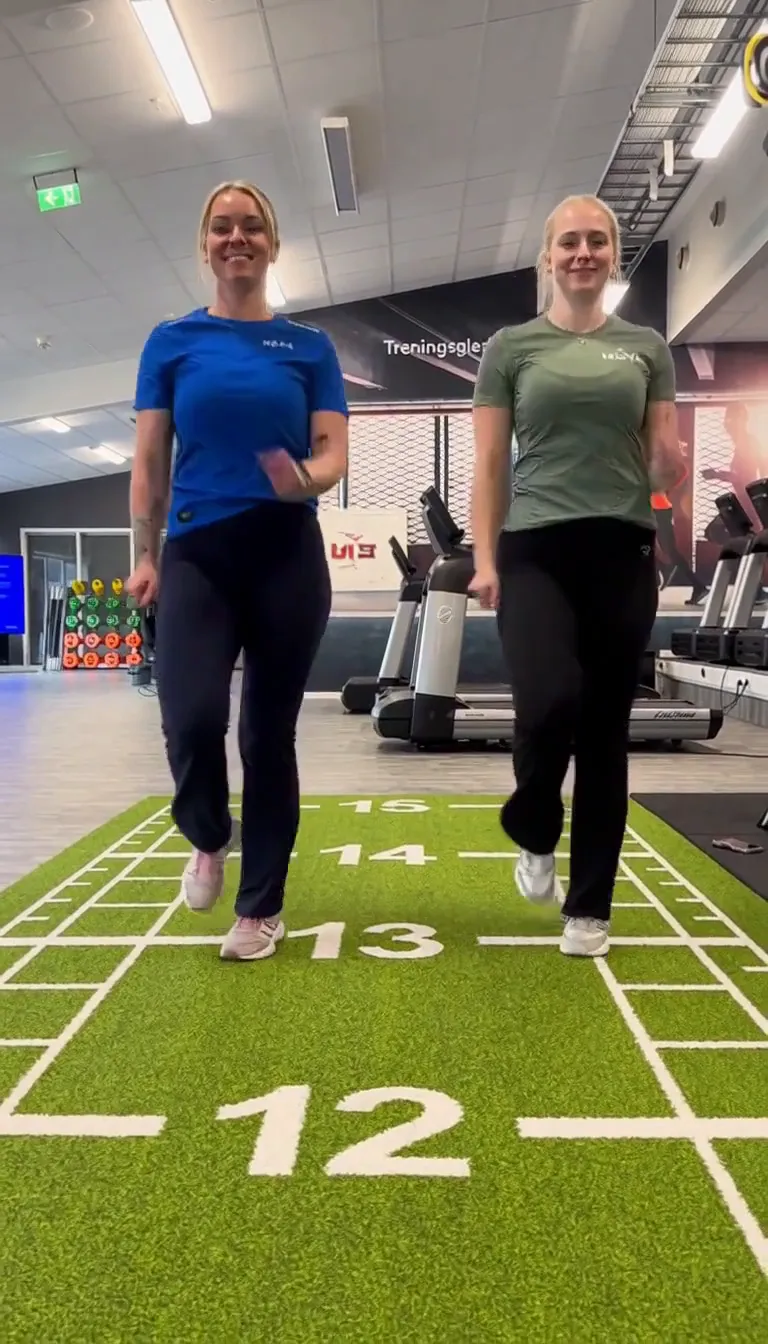
The gym turf lane setting suits sports teams, workout partners, and personal training groups. The green turf and lane markers create straight perspective lines that highlight forward stepping.
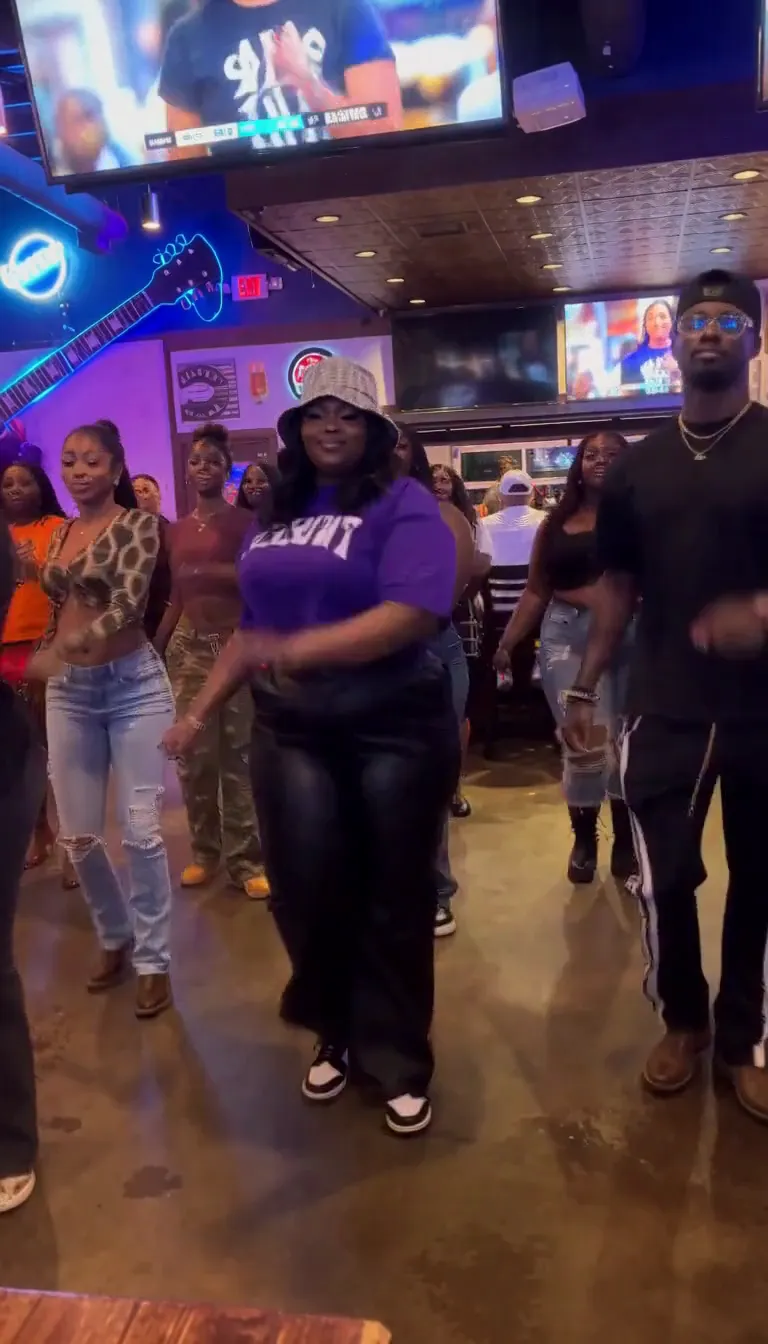
The pub dance floor setting fits friend groups, weekend party crews, and alumni meetups. The warm interior lighting and casual venue match a night out with friends.
The car park summer setting offers wide open space with bright natural lighting. It suits summer friend groups, car enthusiasts, and casual street-style portraits.
The school yard setting works for student clubs, classmates, and intramural sports groups. The open pavement and schoolyard fences give the clip an energetic campus backdrop.
The backyard party setting fits family gatherings, weekend barbecues, and informal summer get-togethers. If you have an AI family video project in mind, this relaxed lawn setting keeps the tone warm and domestic.
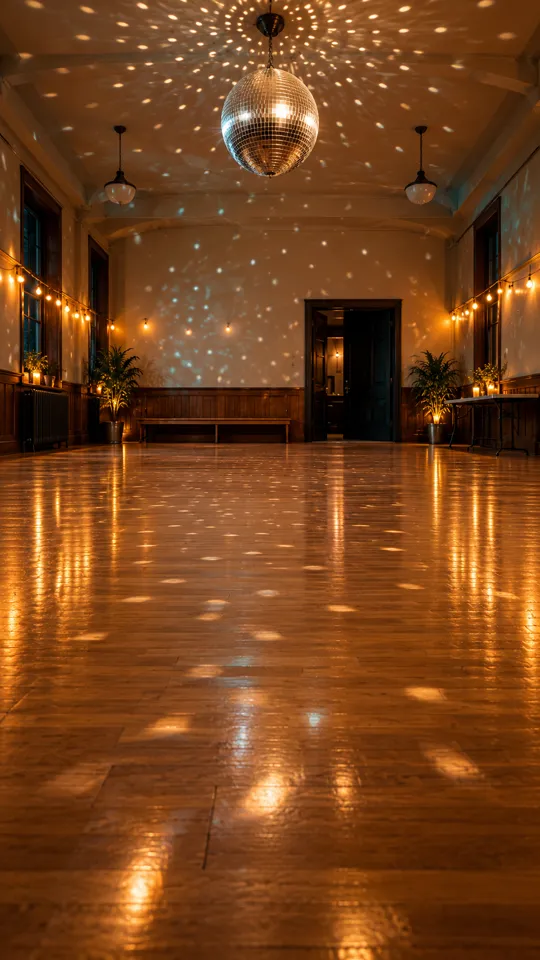
The wedding dance floor setting works for bridal parties, groomsmen, and reception guests. It features indoor reception lighting and open parquet flooring tailored for dressed-up crews.
The office hallway setting suits corporate teams, remote departments, and startup founders. It places coworkers between clean walls and office doors for a lighthearted workplace clip.
The team win setting works for athletic clubs, tournament winners, and esports squads. The celebratory backdrop gives athletic groups a space to mark a tournament victory.
The pets row setting is tailored for animals standing shoulder to shoulder. If you enjoy making a dog dance AI video, this animal-friendly backdrop aligns multiple pets along a single line so their paws hit the floor in rhythm.
Photo Tips for a Clean Result
To help the generator render the routine cleanly, prepare your source image before starting. Getting great motion in the keep on steppin ai trend begins with clear, full-body reference photos that capture defined poses.
- Ensure everyone’s face is visible and front-facing so features register accurately.
- Use photos with even, balanced lighting rather than heavy backlighting or deep facial shadows.
- Make sure nobody is covering faces or standing directly in front of another person.
- Select photos where subjects appear at a similar scale rather than one person standing far behind the others.
- Avoid heavy accessories like big sunglasses, hats pulled low, or face masks that conceal core facial landmarks.
How to Make the Keep On Steppin AI Trend in 3 Steps
- First, upload your group photo as a single group shot, or select two separate portrait photos.
- Next, select 1 of the 9 background environments and choose an export length of 5 or 10 seconds.
- Finally, generate the animation and download your 768p vertical MP4 file once processing finishes.
When you make your own group dance clip, the system animates all subjects in a single pass. You can review the finished movement before sharing it with your friends.
Real Versions People Are Posting
Creators are posting different variations of the routine across video platforms. For this guide we collected 4 clips of the trend shared online; 2 of them have no sound in the original post.
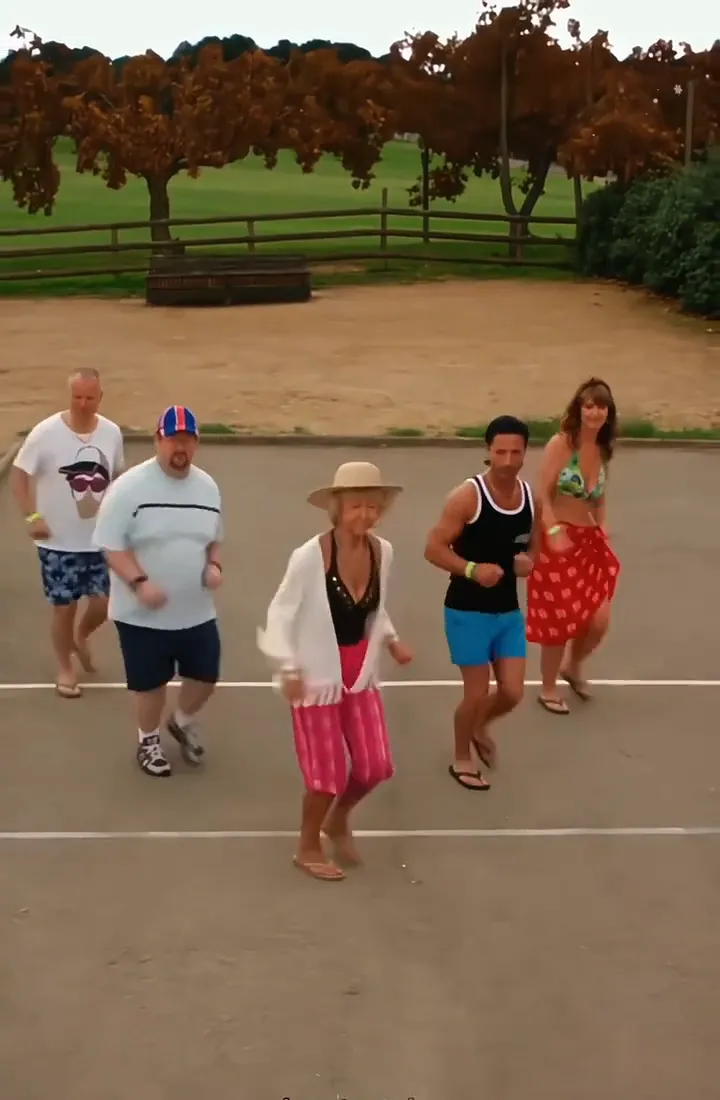
The video by TikTok @louise13002 features a crew in summer clothes crossing a car park in sync. It works well because the open outdoor space gives the group clear separation against the asphalt background. The even outdoor lighting keeps every subject distinct as they move forward.
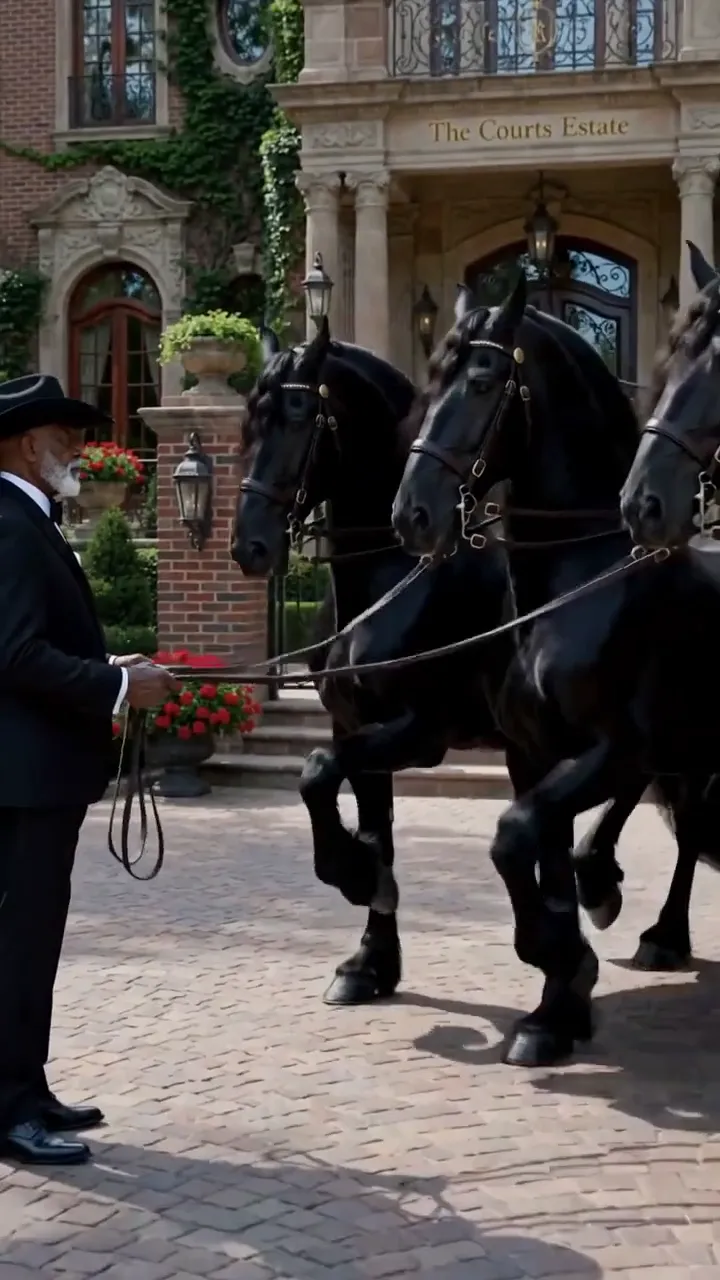
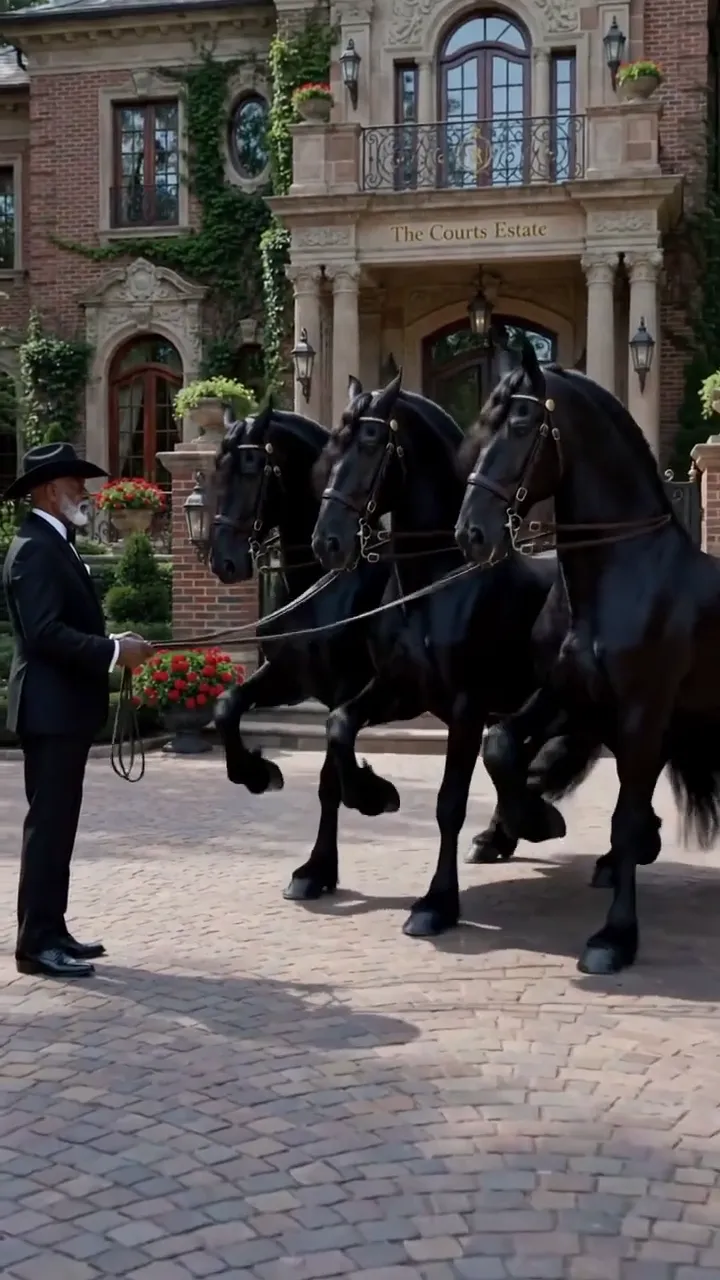
The video by TikTok @ivorycourts shows a row of black horses high-stepping up a driveway. It succeeds because the subjects share uniform spacing and alignment as they march toward the viewer. The repetition across identical animals emphasizes the sharp footwork of the routine.
Why There Is No Celebrity Version
The tool only uses photos you upload yourself. You should use photos of your own friends or people who said yes to having their picture used. We do not provide photos of famous people, and there is no pre-made celebrity roster in the app. The generator is built for your own personal memories, team photos, and creative projects.
Keep On Steppin AI Trend Tools Compared
Only one other site offers a dedicated page for this routine. That alternate site charges 430 credits for a 480p 12-second clip and 925 credits for a 720p clip, as observed on October 14, 2026. In comparison, ricebowl.ai produces a 768p MP4 in 5 seconds for 20 credits or 10 seconds for 40 credits. New accounts can try it free, though a single render requires at least 20 credits. Paid packages include 1 video for $9.99, 3 videos for $19.99, or 5 videos for $29.99. Other general photo-dance tools exist, but they are not built for this specific routine and require you to supply a reference dance video.
| Tool | Photos | Length | Price | Song included | Refund on fail | Read on |
|---|---|---|---|---|---|---|
| Ricebowl | 1 group photo, or 2 photos with one person each | 5 s or 10 s, 9:16, 768p | 20 credits per 5 s clip, 40 per 10 s clip; or pay once: 1 video $9.99, 3 videos $19.99, 5 videos $29.99; Free to try for new accounts | No, an original groove; add the song in the app you post from | Not stated | 2026-10-14 |
| Dedicated trend generator on another site | 1 group photo | 12 s, 9:16 | 430 credits per clip at 480p, 925 at 720p | No, add music when you post | Not stated | 2026-10-14 |
| General photo dance tools | 1 photo plus a reference dance video | Not stated | Not stated | Not stated | Not stated | 2026-10-14 |
The table above outlines the key differences in resolution, credit requirements, and output options between available services.
Prompts You Can Copy
If you want to customize your generation instructions, paste these text prompts into the prompt field:
A 10-second synchronized group line dance in vertical 9:16 format, one continuous take. The people in reference image 1 step in sync directly toward the camera in a straight line, perform step-touches, execute heel taps, make a quarter turn, and finish with a low-angle camera drop and a single coordinated stomp on a gym turf lane.A 5-second synchronized line dance in vertical 9:16 format, one continuous take. The person in reference image 1 and the person in reference image 2 stand side by side, stepping forward in sync toward the camera with step-touches and heel taps on an office hallway floor.Both prompts use clear spatial instructions, reference the source image positions directly, and describe the footwork without unnecessary adjectives.
Before You Post
Always get consent from every person in the photos before you render or publish a clip. Respect your friends, coworkers, or family members by confirming they are comfortable appearing in an animated format.
When you export your file, it contains an original upbeat groove that is entirely instrumental, rather than the original song. If you want your post to match the sound circulating on social feeds, add the original song directly inside the social media app where you share the clip.
Review your finished video to ensure the timing matches your expectations. If you need adjustments, you can return to the keep on steppin ai dance video creation screen and try a different background setting or alternate image framing.
FAQ
Is the keep on steppin ai trend free to make?
No, it is not free to produce. New accounts can try it free, but a 5-second video needs 20 credits.
What song is in the keep on steppin ai trend?
The exported file includes an original upbeat instrumental groove rather than licensed music. To match the online routine, search for the original song inside your preferred social media app and overlay it before posting.
Can pets do the keep on steppin ai trend?
Yes, animals can be featured using the dedicated pet layout. Upload a photo showing your pets lined up side by side, and the generator will apply the stepping sequence to their poses.
How many people can be in the photo?
You can upload 1 group photo with multiple people or 2 photos showing one person each. When using a single group picture, everyone captured in the frame joins the synchronized line.
How long is the video?
You can generate a video that runs for 5 seconds or 10 seconds. Both options export as a vertical 9:16 MP4 file at 768p resolution without visible watermarks.
Do I need a template?
No, you do not need an external dance template or reference recording. The tool applies the choreography automatically to the subjects in your uploaded pictures.
Sources
- TikTok @louise13002, car park crew clip, read 2026-10-14
- TikTok @ivorycourts, horse row clip, read 2026-10-14
- Price page of a competing generator, read 2026-10-14
- Ricebowl AI pricing, read 2026-10-14