Add two portraits
Give the speaker and the cheerer one photo each.
Bring two people together in a golden autumn field where one speaks to the beat and the other cheers alongside. Upload two photos and keep the scene chip. For this heavenly reunion ai video, clear starting photos help both faces stay easy to follow.
Include only people who have agreed to appear in the clip.
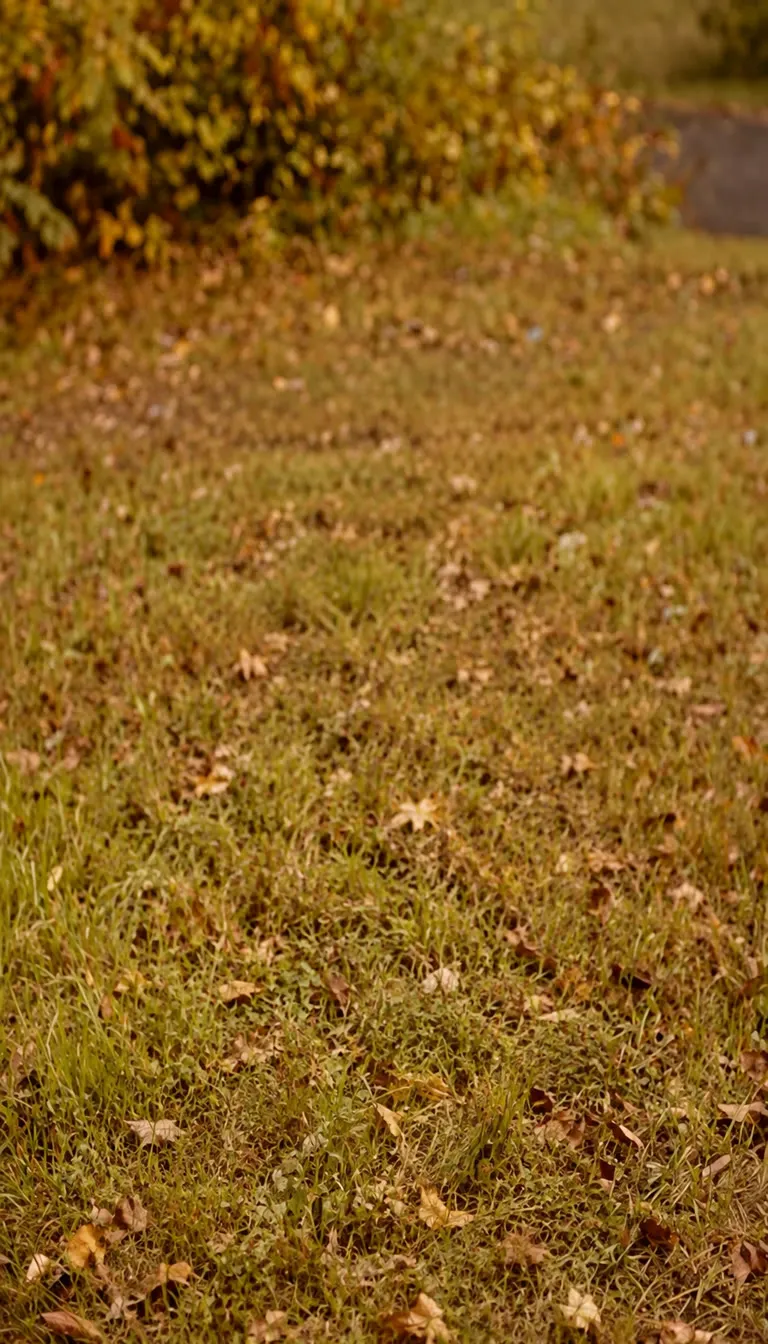
Photo Scene
A heavenly reunion ai video puts two people into a golden-hour autumn field: an open grassy clearing covered with fallen leaves, with green and golden foliage glowing behind it. In this heavenly reunion ai video, one person stands in the center, looks into the camera, and speaks to a steady beat with open-palm gestures, while the second person stands right beside them, nodding, clapping, and cheering along. The clip closes on a relaxed, warm smile as the handheld camera pushes in gently. Upload one clear photo for each person, keep the autumn field scene chip, and select a clip length. The page does not claim to know how the two people are related; it simply describes a warm meeting outdoors. Choose one clear portrait for each person. Separate images help the scene tell the two identities apart: the first photo becomes the person who leads the beat, and the second becomes the friend who cheers beside them. Similar lighting and camera distance make it easier to place both people in the same field. The autumn field sets the mood. Warm sunlight, soft depth of field, and leaves underfoot give a heavenly reunion ai video a calm, hopeful feel. Simple clothing colors stand out well against the orange and green background. Use images where faces are visible and not hidden by sunglasses, hats, or deep shadow. A natural, open expression works well because the lead person looks straight into the camera for most of the clip. When reviewing a result, check that both faces stay recognizable from the first beat to the closing smile, that the cheering person stays beside the lead, and that nobody is cropped during the slow push-in. Only use a photo with permission from the person shown. A generated reunion is an imagined scene, not evidence that a meeting happened. This heavenly reunion ai video idea is different from a hug animation or a stairway scene: the autumn field, the spoken beat, and the cheering partner are what define it.
Choose PhotosPhoto Tips
Faces carry this clip, so sharp, evenly lit portraits matter. Check these points before you make your heavenly reunion ai video.
Scene Outline
Add a portrait for each person, keep the autumn field chip, pick a length, then generate. The scene prompt is already built in.
Give the speaker and the cheerer one photo each.
The golden autumn field is already chosen.
The scene is pre-written, so you only choose a length.
01
Choose a portrait of the person who leads the beat.
02
Choose a portrait of the person who claps beside them.
03
Set how long the clip runs and keep the vertical frame.
04
Press Continue and the pre-written scene takes over.
יתרה אחת, כל המודלים. הקרדיטים עובדים בכל 20 מודלי הווידאו — בלי סימן מים, בלי מודלים נעולים לפי מסלול, ושימוש מסחרי בכל מסלול בתשלום.
חסכו 30% בתשלום שנתי
שלם שנתי וחסוך יותר.
המחיר הנמוך ביותר להתחלה. כל המודלים, תקציב חודשי לניסיון.
7.99 $/חודש
מתחדש מדי חודש, ניתן לבטל בכל עת.
200 Credits
≈ 0–10 סרטונים, תלוי במודל
≈ 14–66 תמונות, תלוי במודל
4.00¢ / קרדיט
הדרך הזולה ביותר להתחיל. כל המודלים, תקציב חודשי קטן.
12.99 $/חודש
מתחדש מדי חודש, ניתן לבטל בכל עת.
400 Credits
≈ 1–20 סרטונים, תלוי במודל
≈ 28–133 תמונות, תלוי במודל
3.25¢ / קרדיט
מספיק קרדיטים כדי לנסות כל מודל ולסיים כמה סרטונים בכל חודש.
29.9 $/חודש
מתחדש מדי חודש, ניתן לבטל בכל עת.
1,000 Credits
≈ 3–50 סרטונים, תלוי במודל
≈ 71–333 תמונות, תלוי במודל
2.99¢ / קרדיט
2 משימות במקביל
תפוקה יציבה ליוצרים עצמאיים שעוברים למקצועי — כל המודלים ותקציב נוח.
49.9 $/חודש
מתחדש מדי חודש, ניתן לבטל בכל עת.
2,000 Credits
≈ 6–100 סרטונים, תלוי במודל
≈ 142–666 תמונות, תלוי במודל
2.50¢ / קרדיט
3 משימות במקביל
הפקה בהיקף גדול ליוצרים פוריים ולצוותים קטנים.
89.9 $/חודש
מתחדש מדי חודש, ניתן לבטל בכל עת.
5,000 Credits
≈ 15–250 סרטונים, תלוי במודל
≈ 357–1666 תמונות, תלוי במודל
1.80¢ / קרדיט
5 משימות במקביל
מנוי חודשי גמיש.
מספיק קרדיטים כדי לנסות כל מודל ולסיים כמה סרטונים בכל חודש.
19.9 $/חודש29.9 $
מחויב שנתי ב-$238.8. מתחדש שנתי, ניתן לבטל בכל עת.
חסוך $120/שנה לעומת חודשי
12,000 Credits
≈ 38–600 סרטונים, תלוי במודל
≈ 857–4000 תמונות, תלוי במודל
1.99¢ / קרדיט
2 משימות במקביל
תפוקה יציבה ליוצרים עצמאיים שעוברים למקצועי — כל המודלים ותקציב נוח.
34.9 $/חודש49.9 $
מחויב שנתי ב-$418.8. מתחדש שנתי, ניתן לבטל בכל עת.
חסוך $180/שנה לעומת חודשי
24,000 Credits
≈ 76–1200 סרטונים, תלוי במודל
≈ 1714–8000 תמונות, תלוי במודל
1.75¢ / קרדיט
3 משימות במקביל
הפקה בהיקף גדול ליוצרים פוריים ולצוותים קטנים.
62.9 $/חודש89.9 $
מחויב שנתי ב-$754.8. מתחדש שנתי, ניתן לבטל בכל עת.
חסוך $324/שנה לעומת חודשי
60,000 Credits
≈ 190–3000 סרטונים, תלוי במודל
≈ 4285–20000 תמונות, תלוי במודל
1.26¢ / קרדיט
5 משימות במקביל
הטען קרדיטים תקפים ל-12 חודשים.
טעינה חד פעמית לצרכים מזדמנים.
49.9 $
רכישה חד פעמית, תקף ל-12 חודשים.
1,000 Credits
≈ 3–50 סרטונים, תלוי במודל
≈ 71–333 תמונות, תלוי במודל
4.99¢ / קרדיט
טעינה חד פעמית גדולה יותר עם מחיר יחידה טוב יותר.
198 $
רכישה חד פעמית, תקף ל-12 חודשים.
4,800 Credits
≈ 15–240 סרטונים, תלוי במודל
≈ 342–1600 תמונות, תלוי במודל
4.13¢ / קרדיט
5 משימות במקביל


Browse all

Set up a penny-farthing chase through a palace garden with a golden carriage.
Your partner turns zombie, then a warm memory
A loved one turns zombie, hugs you, then a warm memory
Turn photos into phonk head bop trend videos in minutes.
One photo, a camera orbit around your subject
One or two photos into the vertical sidewalk singing clip
Chandelier party video from your selfie photos
Turn any photo into the tiptoe trend
Create scream-and-swap pet dance clips
Turn your selfie into an animatronic jumpscare
Make your photo lead the 1983 zombie dance in 9:16 vertical video.
Turn one adult photo into a trending 9:16 lip-sync clip in seconds.
Turn one group photo into a crew that steps in sync in 9:16 vertical video.
Turn your photo into a 1980s retro dance video with custom themes.
Pop the bottle from one photo and freeze it black and white.
Turn your photo into a Bulin 47 AI doorway clip.
Do the Layoo dance from one photo with two friends behind you.
Turn your photo into the viral lean, swing and low bounce, friend watching.
Black liquid rebuilds your car from its badge
Put your photo on the red stage doing the 2008 electro arm dance.
Sweep the 2 and 4 cards, reveal a car
Deadpan sway clip from one photo
Costume walk clip from one photo.
Make your pet or baby scold the camera
Make viral sneaky tiptoe videos from photos
Walk out with two officers
Two photos turned into a drill rap video clip.
Turn your pet into a tiny knight in a storm
Turn photos into the hop and knock dance
Switch wardrobe under spinning fan blades
Turn portrait photos into video
Make the viral video from two photos
Turn one pet photo into the stage meme
Dusk road-trip clip from your photos
You and a friend trading bars on one mic
Turn their photo into a funny birthday prank video
One photo zooms out to Earth, Moon or galaxy
Laser eyes, car jumps, hugs and more from one photo
Hug the kid you were in a short video
Turn family photos into a short video clip.
Turn your photo into a cinematic video with effects
Share an imagined hug with someone who passed away
Turn one or two photos into a dance video
Two solo photos, one orange booth, one mic
Sit still while a car flies over you
Turn two photos into a hug video
Turn one or two photos into a gentle memorial clip
Make people in old photos smile, wave or hug
One or two photos into the zombie love story video
Two photos into the viral Hotel Lobby video
A heavenly reunion ai video is a two-photo scene in a golden autumn field where one person speaks to a steady beat while the other cheers and claps beside them.
Add a portrait for each person, keep the autumn field chip selected, and pick a clip length. For more photo-to-video ideas, read the AI trend guide.
No. The scene is an open autumn field in golden-hour light. The two people stand side by side, one speaking to the beat and one cheering, and the clip ends on warm smiles instead of an embrace.
No. The heavenly reunion ai video is set in an autumn field with a speak-and-cheer routine, and it is distinct from hug-page concepts.
Yes. The page is designed for two reference photos. One clear person per photo helps the heavenly reunion ai video keep both people recognizable.
Yes. The page already carries the scene prompt. You add two photos and choose how long the clip runs.
Explore More
Video
Bring two people together in a golden autumn field for a spoken-beat, cheering reunion clip.
ContinuePHOTO SCENE
Prepare Your
Choose Photos