AI Family Trends
Updated 2026-11-05
Family trends are the videos people make for the people they love: a birthday message, a tribute to someone who is gone, an old photo brought back to life. Our AI family trends animate one photo of a family member without needing a video of them.
Each template below is grouped by the moment it is for. Pick the occasion first, then the template: a birthday, a memorial, a baby photo or a reunion with your younger self.
Browse 21 templatesAll AI Family Trends templates
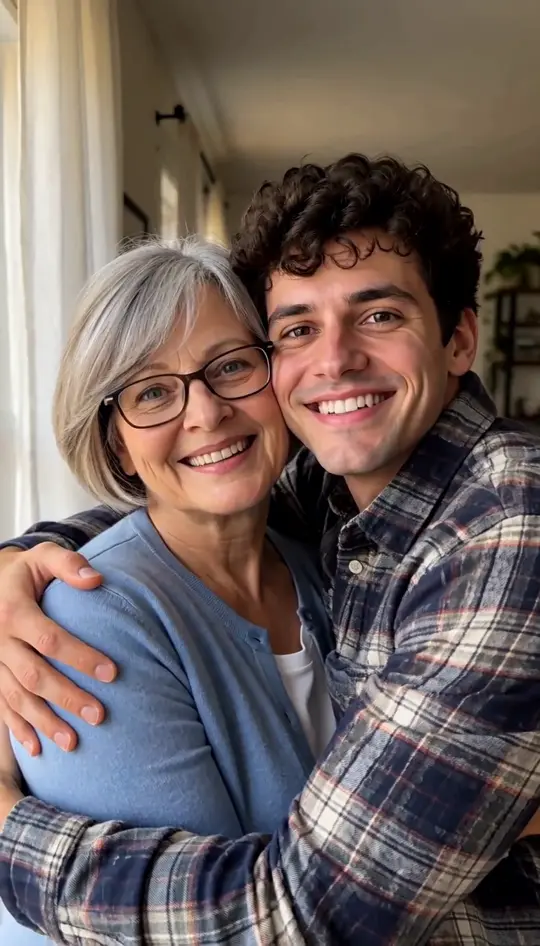
AI Tribute Video
Turn one or two photos into a gentle memorial clip
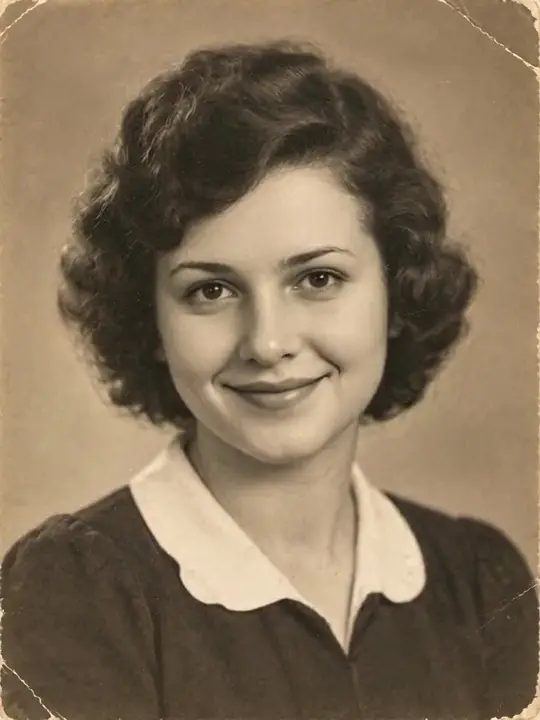
Animate Old Photos
Make people in old photos smile, wave or hug
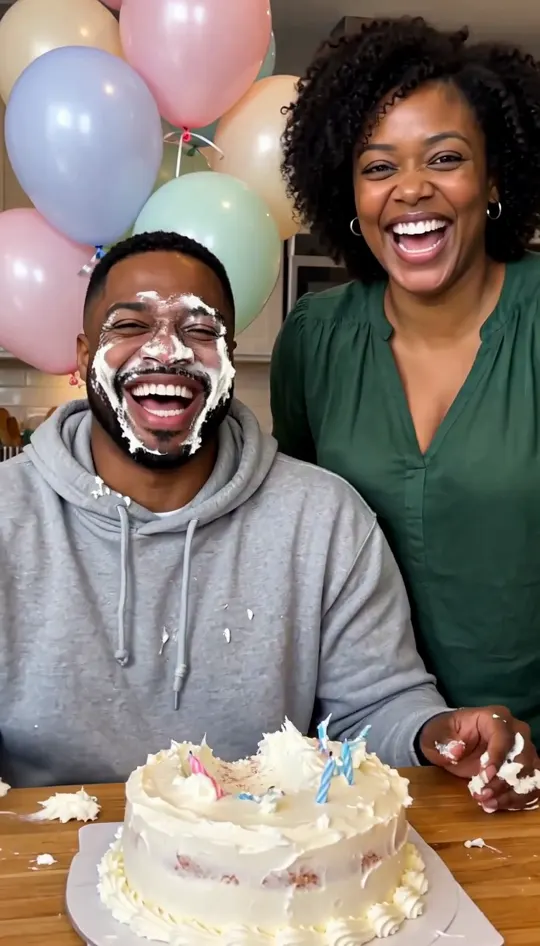
Funny Birthday Video
Turn their photo into a funny birthday prank video
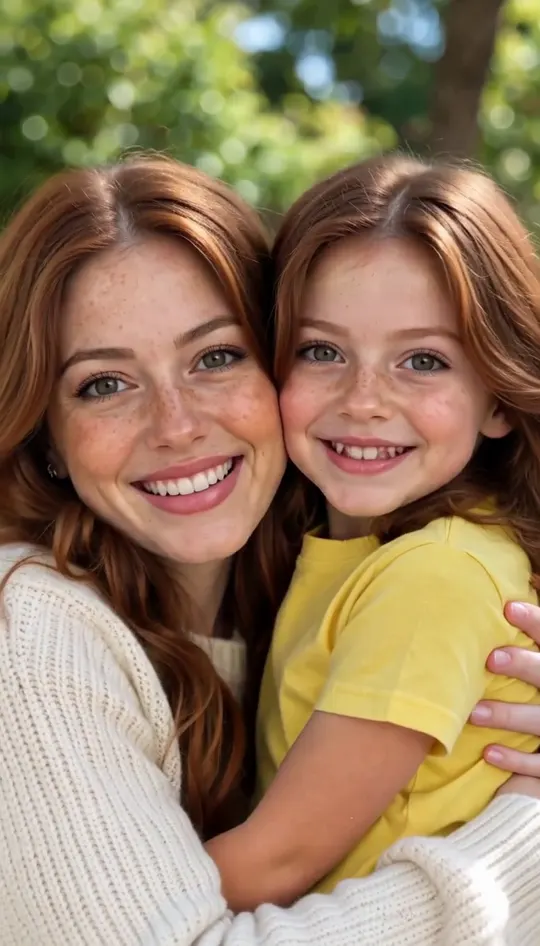
Hug Your Younger Self
Hug the kid you were in a short video
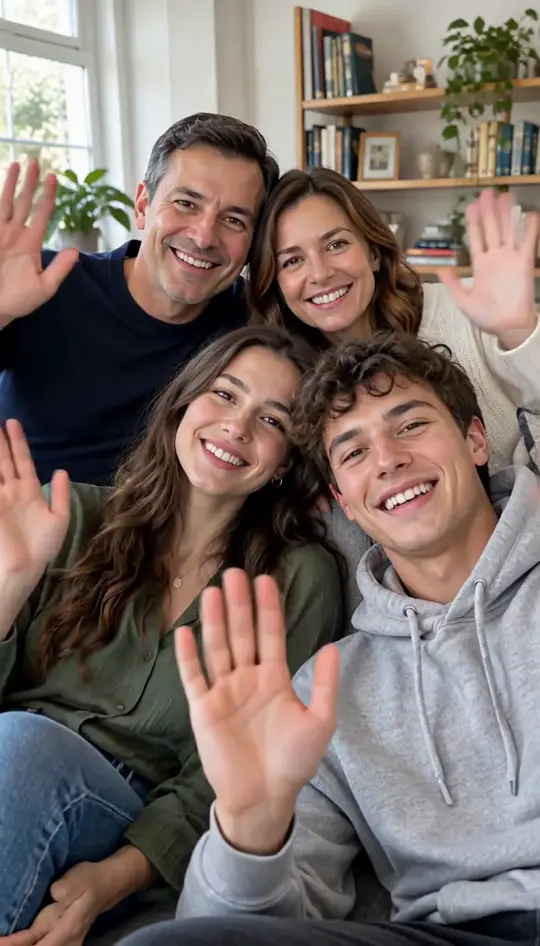
AI Family Video
Turn family photos into a short video clip.
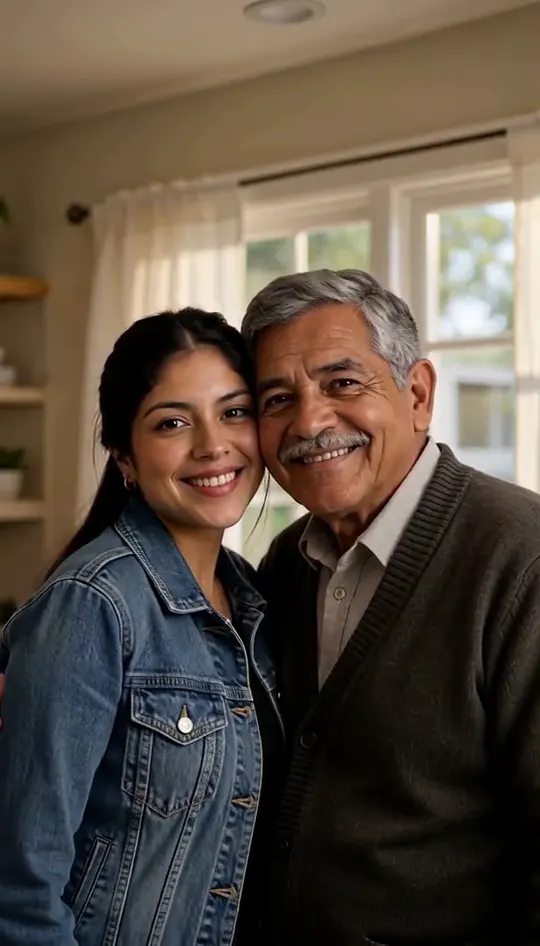
AI Hug Deceased Loved One
Share an imagined hug with someone who passed away
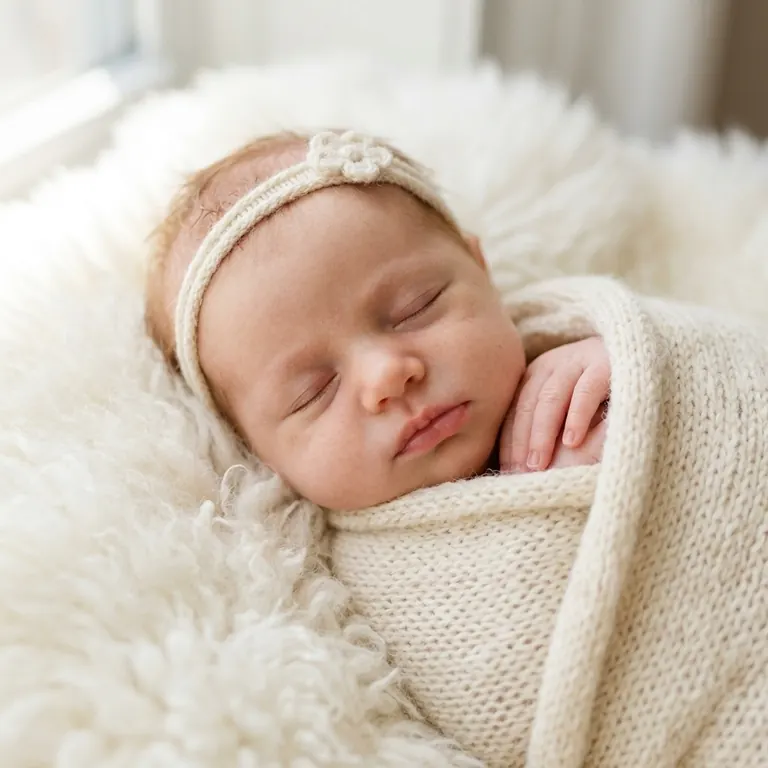
AI Baby Generator
Two parent photos into one imagined baby photo
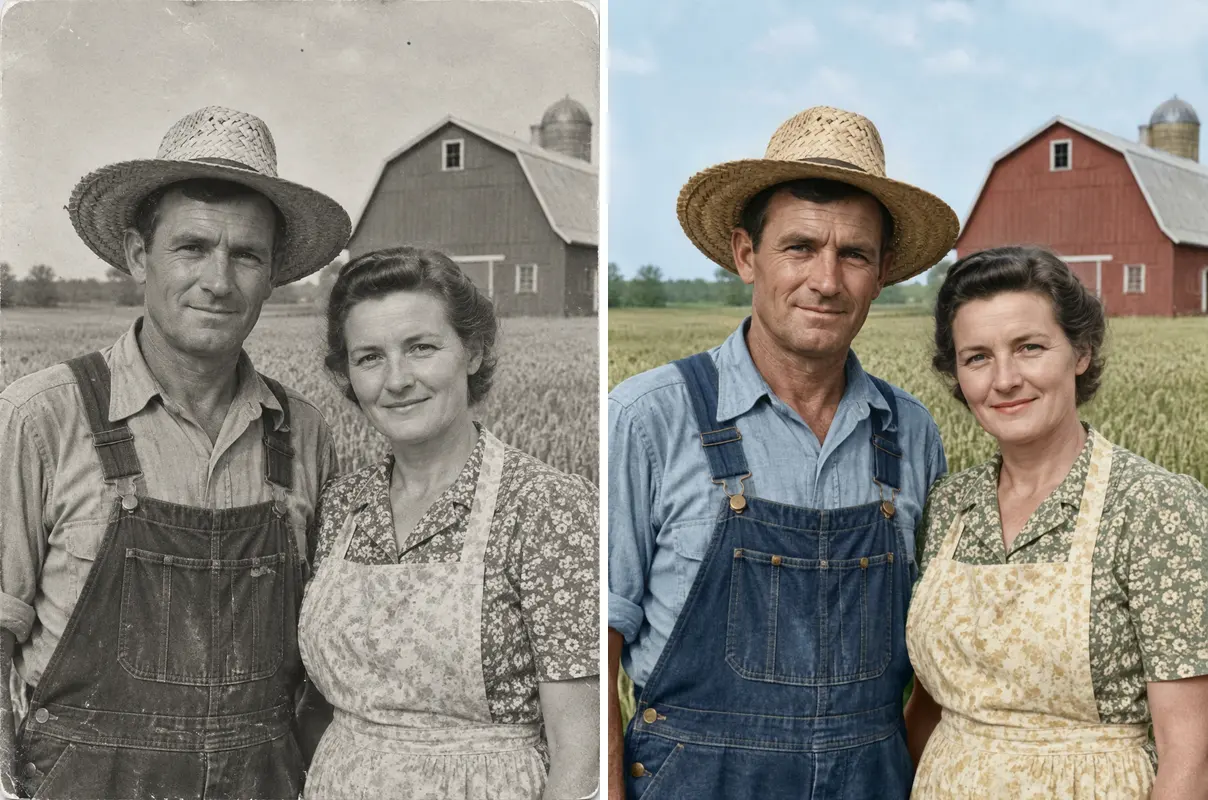
Restore Old Photos
One old photo repaired, sharpened or colorized
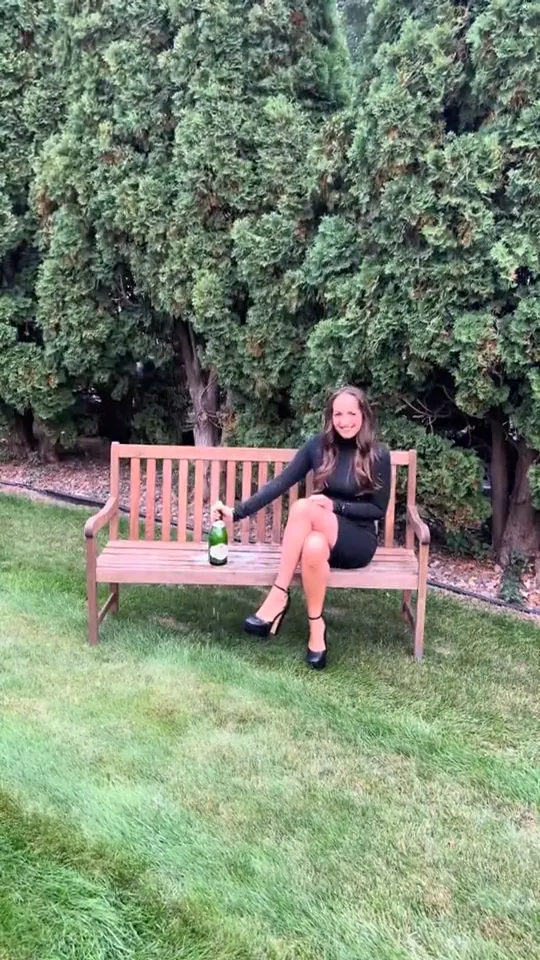
Birthday Champagne AI Video
Pop the bottle from one photo and freeze it black and white.
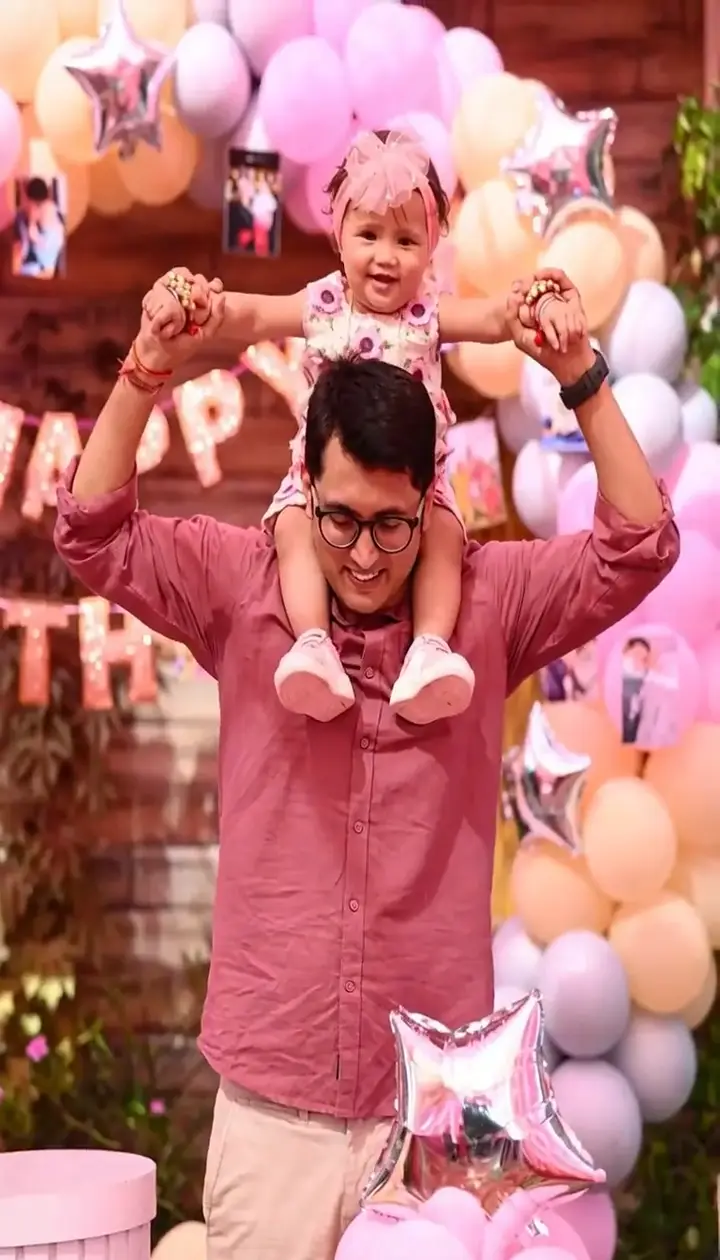
Heavenly Reunion AI Video
Run up a golden stairway through the clouds into a hug with a loved one.
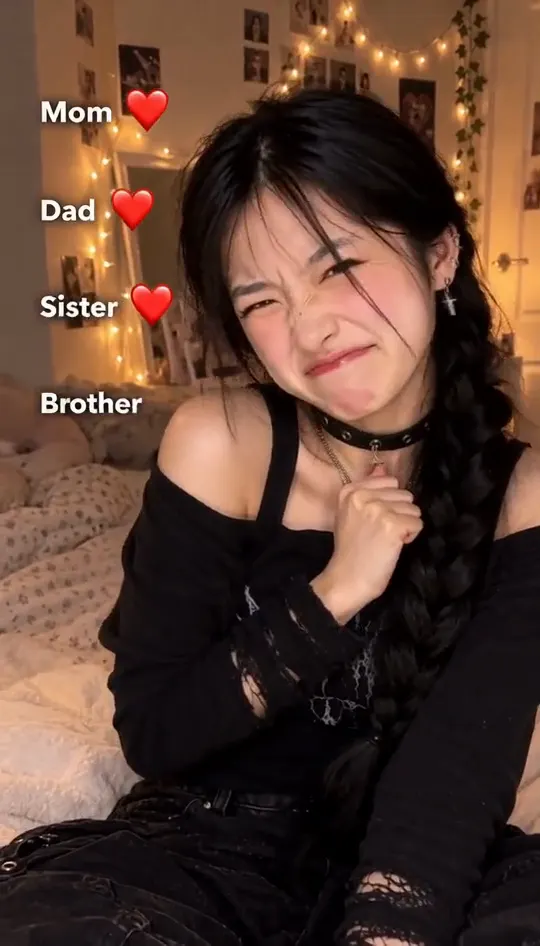
Mom Dad Sister Brother Trend
Flick a heart at each name from one photo
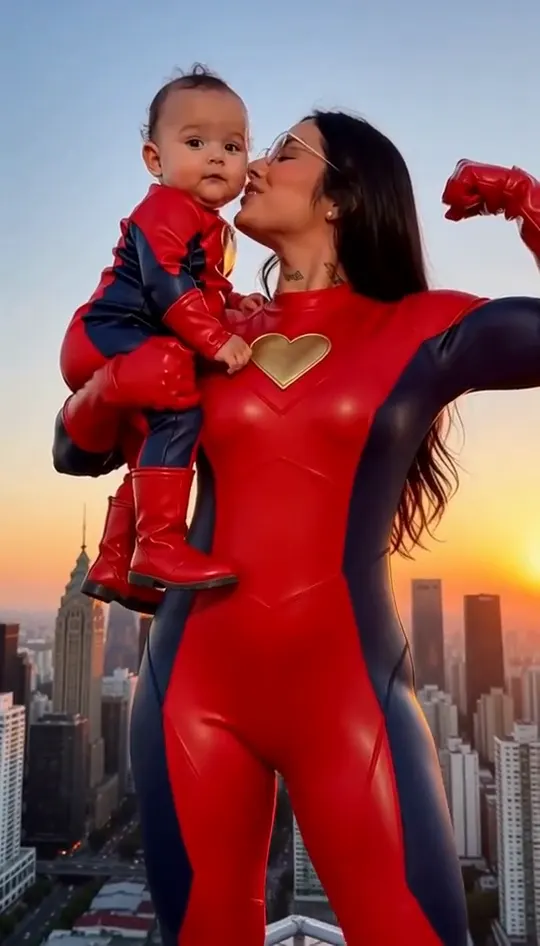
Spiderman Mom and Son Trend
One photo of you and your kid, suited up on a rooftop
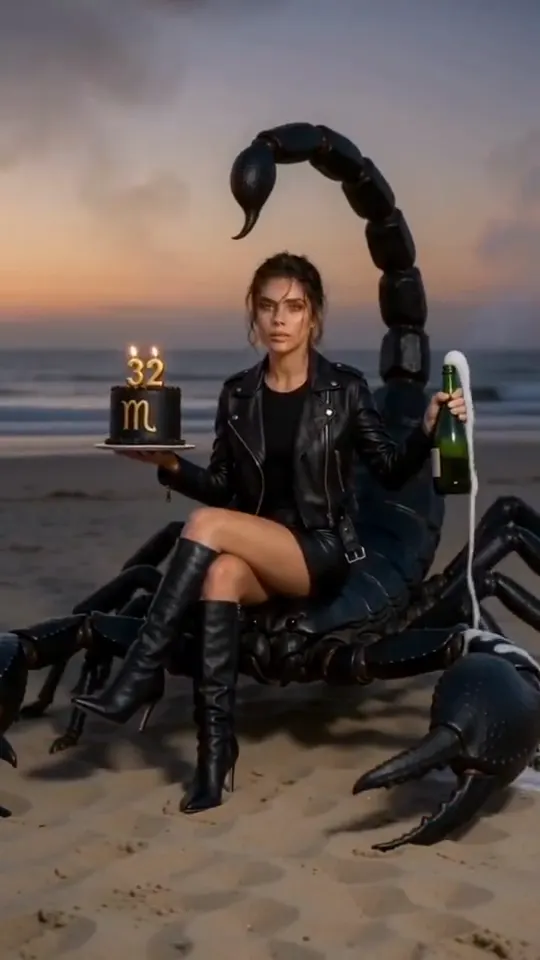
AI Birthday Video Generator
Put the birthday person in a skydive or a lion-back cake ride
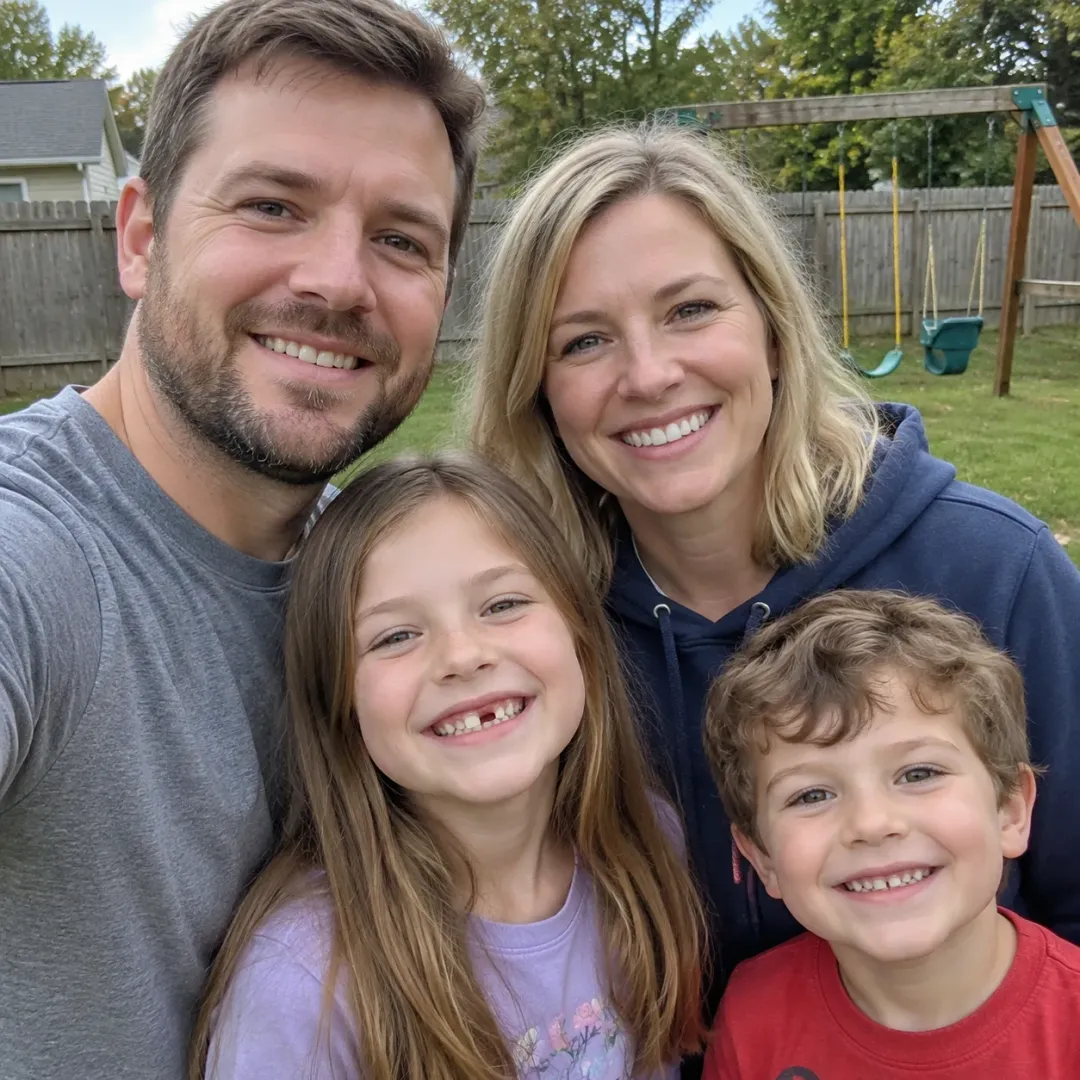
AI Family Photo Generator
One family photo into a new family photoshoot
AI Memorial Video Generator
One photo of someone you miss, one gentle 15-second clip
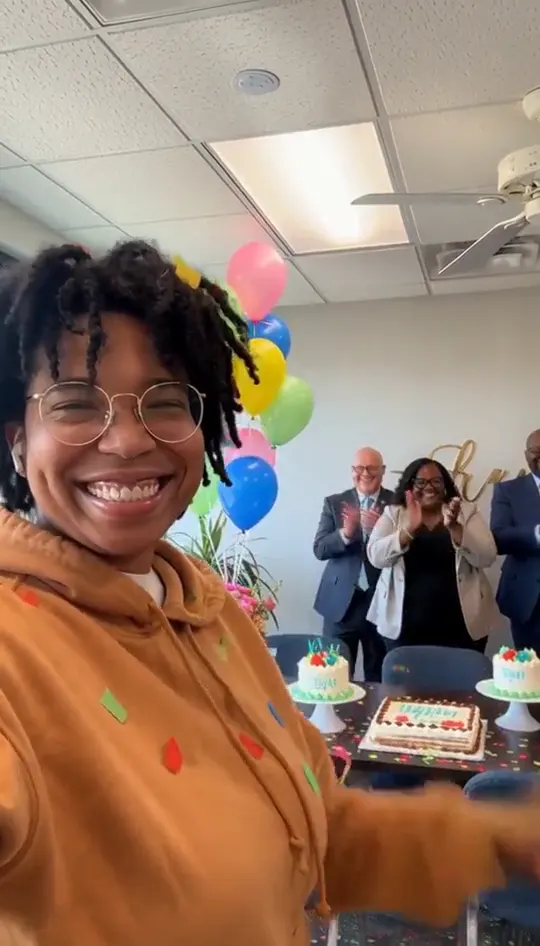
AI Retirement Video
Turn one photo into their send-off clip
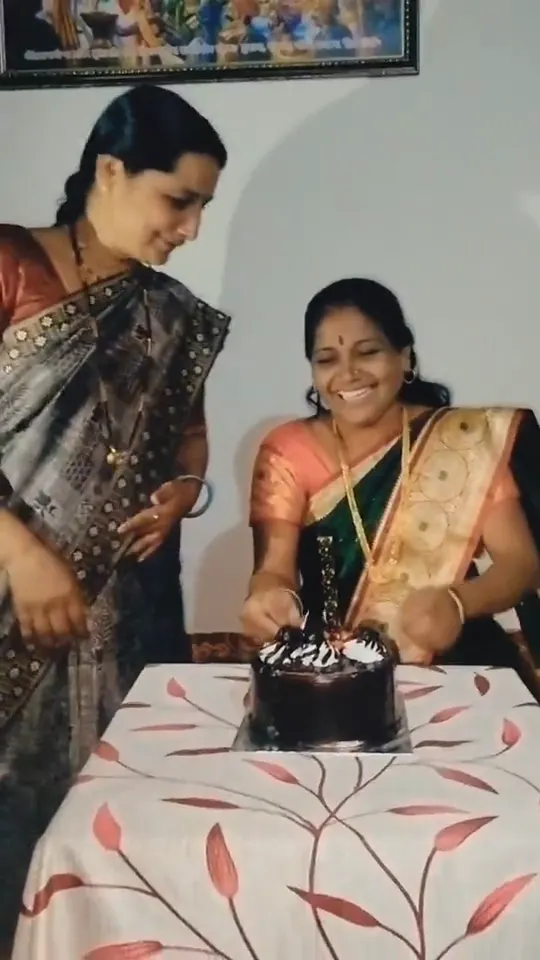
Happy Birthday Mom Video
Make a short birthday greeting for Mom from one photo.
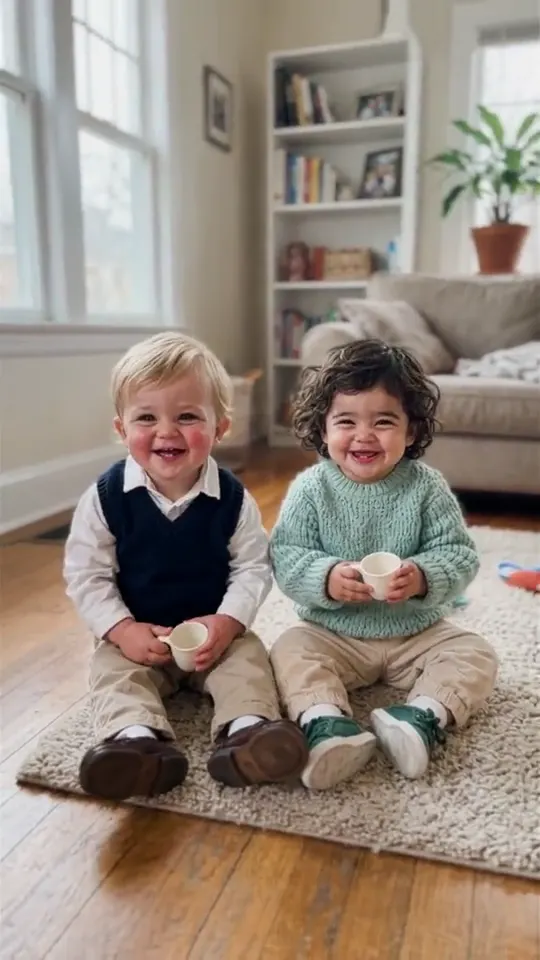
Bonito Bonito AI Baby Dance
Baby sips, sways and points from one photo
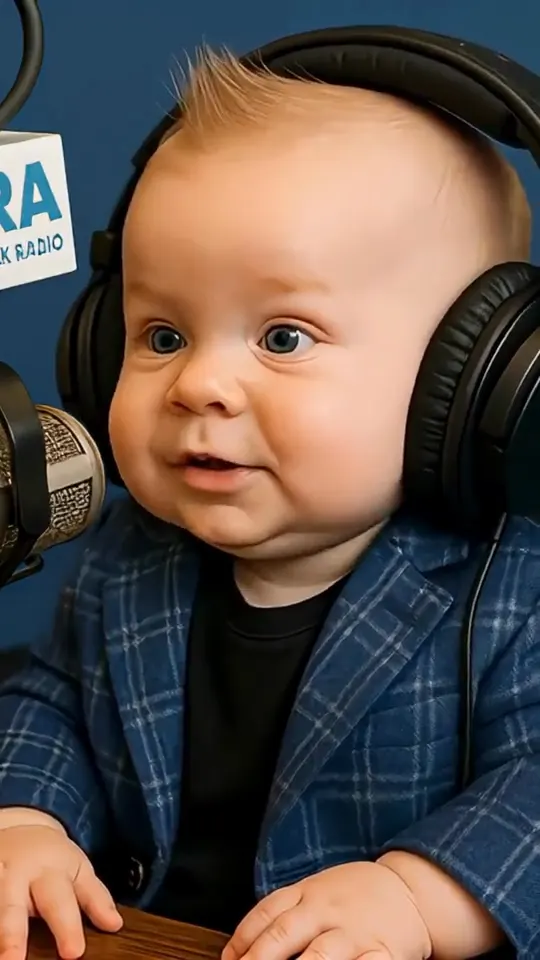
AI Baby Podcast
Toddler you, headphones on, at a studio mic
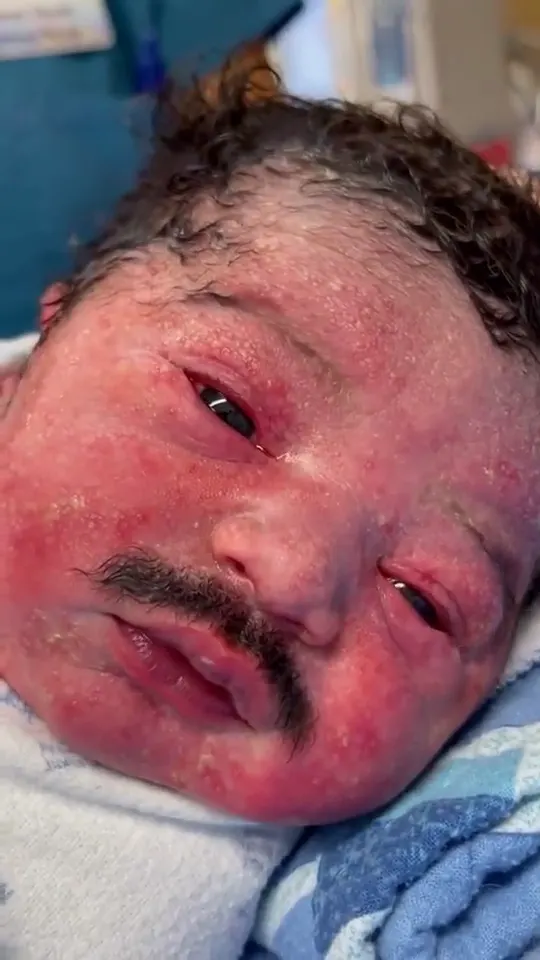
Baby Born With Mustache
One baby photo, a mustached newborn clip
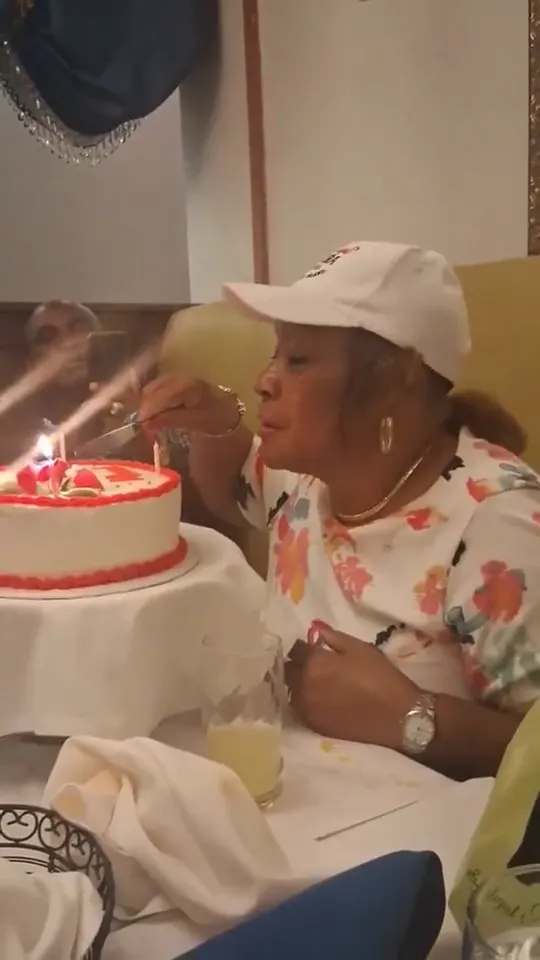
Happy Birthday Grandma Video
Grandma at her own party, from one photo
Pick the occasion first
Memorial and tribute templates work with one clear portrait. Birthday templates suit a cheerful, shareable clip, and old-photo templates need a scan where the face is clearly visible.
How to make a clip in three steps
- 1. Pick a template from the list above and open its page.
- 2. Upload the photo the template asks for. Use a clear, front-facing shot with even light. Couple and group templates need one clear photo per person.
- 3. Wait for the render, check the clip, then download it. Keep the audio on when you post, because each clip is built around its original sound.
Each clip is rendered from your photo and the template's reference, so the result depends on the photo you upload. If the first render misses, try a different photo angle before you switch templates. Every template is free to try.
Photo tips for better results
- Use a sharp photo with your face in the upper third of the frame.
- Even daylight or soft indoor light gives a cleaner result than a harsh flash.
- A plain background keeps the edges clean when a template swaps the scene.
- Take off sunglasses and keep hands away from the face unless the template calls for them.
AI Family Trends: questions
How do AI family trends work?
Upload one photo of the person, choose a template and the tool animates the scene around them. The clip comes back as a short video you can save or send.
How long are the clips?
Clips follow the length of the reference video. Only references longer than 15 seconds are cut down to 15 seconds.
Can I use an old photo?
Yes. Old-photo templates work with a scan, and a sharp, well-lit scan gives the best motion.
Is a memorial clip private?
Clips are made from the photo you upload and you decide who gets the file.
Which of these AI family trends should I make for a birthday?
A birthday template with a cheerful scene is the most common choice, and it works with a recent portrait.