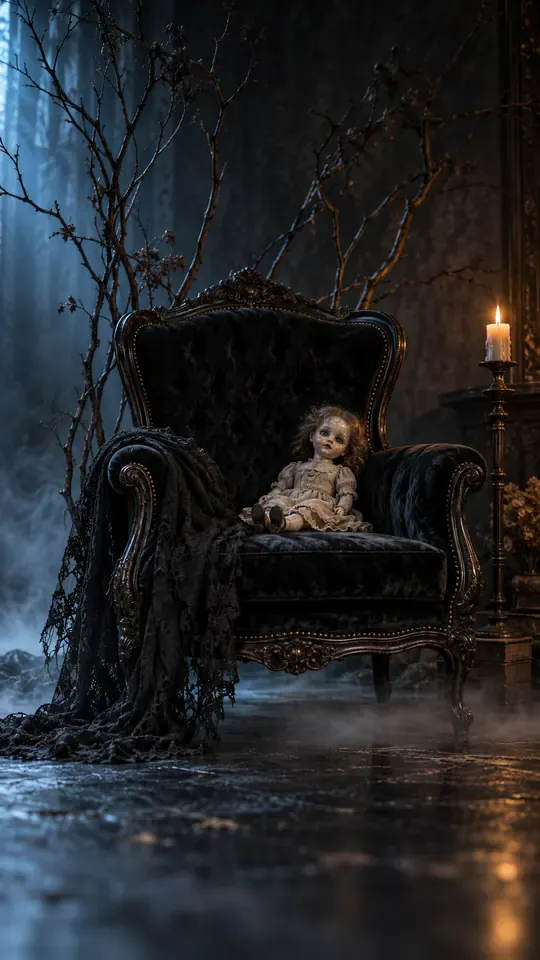
Tim Burton Girls AI: Your Selfie, Four Gothic Women, One Covered Gaze

Upload one selfie and this tim burton girls ai tool seats that person in a low black chair in a dark studio, then fills the frame behind with four pale gothic women, one in black lace, one in dark velvet, one with porcelain skin and one with silver hair, and has the nearest one cover both eyes with both hands. From the same photo you can pick a still covered-eye take, a slow reveal where the hands slide down to the shoulders, or a candlelit version with mist along the floor. It comes back as 15 seconds of vertical 9:16 video at 768p, downloadable as an MP4, with one photo as the whole input for the tim burton girls ai clip: no prompt to write, no cast to book and nobody else on set.

1Ajoutez votre photo

Ending

2Qualité et durée768p · 15s · 9:1660 credits

Sans abonnement · Prêt en environ 3 minutes · Aucun frais en cas d'échec

Only upload a photo of yourself, or of an adult who said yes. The four women, the studio and the hands are generated from that one photo.

What It Looks Like

What a Tim Burton Girls AI Photo Looks Like Animated

A tim burton girls ai photo here is built from one selfie, and the composition is fixed on purpose. One person sits on a low black chair, framed from head to knees, hands resting on the knees, facing the lens. Four women stand close behind: black lace on one side, dark velvet on the other, a porcelain-pale face with fine cracks in the paint, silver hair over a charcoal dress. The woman in the middle leans in and lays both hands over the eyes of the seated person, so the nose, mouth and jaw stay visible and the face is still readable. Everything else is quiet: a plain black backdrop, cool light from one side, a faint rim along the shoulders and a little mist near the floor. Every take a tim burton girls ai tool returns keeps that arrangement, which is why the trend is recognisable in a single thumbnail and why there is nothing to configure except the ending.

Create My Gothic Clip

Three Steps

How the Tim Burton Girls AI Video Is Made

  1. 1

    Pick One Selfie

    Choose a photo of one adult where the face is clear, evenly lit and not hidden by sunglasses, a cap or a hand. Chest-up or half-body framing works best, because the finished frame crops at the knees and the hair and shoulders are what stay visible. The tim burton girls ai tool keeps that face, hair, skin tone and outfit for all 15 seconds, so a photo you already like is the safest pick.

  2. 2

    Choose The Ending

    Pick Eyes Covered for the signature take, Slow Reveal to have the hands slide down onto the shoulders and the face turn to the lens, or Candlelit for a warm flicker and mist along the floor. The chair, the four women and the light stay the same in all three, so the choice only changes what happens in the last few seconds.

  3. 3

    Create, Watch, Download

    Press create and leave the tab open for a few minutes. Watch the tim burton girls ai result once at phone size: check that the hands sit on the eyes and not across the mouth, that all four women are in frame, and that the face still looks like the person in the photo. Then download the MP4, add the trending sound where you post, and mark the clip as AI-generated.

Honest Limits

What This Gothic Group Portrait Can and Cannot Do

You do not need a studio, four costumes or a photographer to make a tim burton girls ai clip. Here is what comes back from one selfie, and where the tool stops.

What You Get

  • One upload: the chair, the backdrop, the four women and the hands are already staged inside the prompt, so nothing has to be shot at home.
  • A 15-second vertical 9:16 MP4 at 768p, downloaded without a watermark.
  • The face, hair, skin tone and outfit stay locked to your photo, so the seated person is recognisably you and not a look-alike.
  • Three endings on the same frame: hands staying over the eyes, a slow reveal onto the shoulders, or a candlelit version with warm flicker and mist.
  • An instrumental track in the file, so the clip has sound the moment it lands on your phone.

Known Limits

  • One person only. This tim burton girls ai page has no second upload slot and no way to put a friend in the chair next to you.
  • The output is fixed at 15 seconds and vertical 9:16, so a shorter cut means trimming in an editor afterwards.
  • The four women are original gothic characters, not faces from any film, and the tool cannot be pointed at a specific cast.
  • Hands are the hardest thing a video model draws: a run can still bend a finger or blur the hand over the eyes, which is why the still, covered-eye take is the safest of the three.
Create My Gothic Clip

Why It Works

Why Gothic Girls Behind You Reads Instantly

Take the frame apart and there are only two things to look at: a face in the centre and a row of pale faces behind it, with one pair of hands linking them. That is a composition people already know from painted portraits, so the eye does not need a caption. It also explains why the trend travelled as a still photo before anyone animated it, and why a tim burton girls ai clip can keep the camera almost still and still hold attention for 15 seconds. The tim burton girls ai tool spends its work on the arrangement and the light, not on camera tricks: one chair, one backdrop, one cool key light, four figures at slightly different heights so no two heads line up.

The Eyes Covered Portrait Does the Work

Covering the eyes removes the one feature people check first, and that is exactly why the frame stops a scroll. The lower face still reads, the hands give the shot a second focal point, and the pose suggests a group that is keeping the seated person in place rather than posing with that person. A tim burton girls ai eyes covered portrait built from a plain selfie keeps the seated face unchanged, so the covered version and the reveal version clearly show the same person.
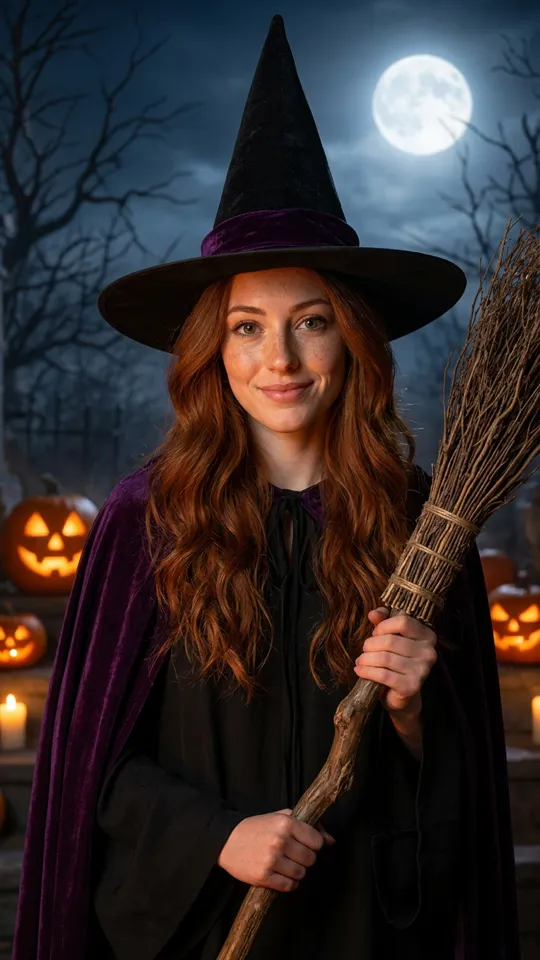
Four Faces, One Gaze

The four women are not a crowd; they are a line. Black lace, dark velvet, porcelain and silver hair give four different textures at the same height, and only the middle figure touches the seated person. The other three look straight at the lens, which points every face in the frame at the viewer and makes the seated person feel surrounded rather than styled. Keep the arrangement and the tim burton girls ai shot works even in a still.

Stillness Sells the Unease

Nothing in the covered-eye take needs to move except breathing, lace and mist. A slow push-in over a nearly static frame reads as a living photograph, and the lack of cuts keeps all five faces in the same place, so the eye can keep checking them. A fast cut or a whip pan would turn the same set into a cheap jump-scare clip and lose the storybook mood that makes the tim burton girls ai trend work in the first place.

More to try with your photo

Tim Burton Girls AI Questions

Straight answers about the selfie, the four women, the hands and the price of a clip.

Create My Gothic Clip
What is the tim burton girls ai trend?

It is a gothic group-portrait trend: one person sits in front, four pale figures stand close behind, and the nearest figure covers the seated person's eyes with both hands. Online the same look also travels as gothic girls behind you. This page builds that arrangement from your own selfie and animates it for 15 seconds, so there is no filter, no preset app and no editing timeline to learn.

How can I make a tim burton girls ai video from one selfie?

Upload one clear photo of an adult, pick an ending and press create. The tool seats the person from the photo in a low black chair in a dark studio, adds four gothic women behind and puts both hands over the eyes, then keeps the camera on a slow push-in. One photo is the entire input: nothing is typed, no reference clip is uploaded and nothing needs to be filmed at home.

Can I add hands covering my eyes to my own photo?

Yes, that pose is the default. The hands are generated as part of the scene and placed over the eyes of the person in the photo, with the nose, mouth and jaw left visible. The hands belong to the woman standing directly behind the chair, so the gesture reads as a group holding the seated person in frame rather than a sticker pasted on top of a face.

Which photo should I upload?

A front-facing photo of one adult, with open eyes, visible hair and soft even light. Sunglasses, a cap pulled low or a heavy beauty filter all cost likeness, and other people in the shot can confuse which face belongs to the seated person. The photo does not need to be tall or professionally lit, because the tim burton girls ai studio and the four women are generated around it.

Why are there four women in the frame?

A tim burton girls ai frame needs a line, not a crowd. Four figures give four textures behind the chair, black lace, dark velvet, porcelain-pale skin and silver hair over a charcoal dress, and only the middle one touches the seated person. The other three look at the lens, which pushes every face in the frame toward the viewer and makes the centre of the shot feel surrounded.

Is this an official Tim Burton filter?

No. This page is an independent tool with its own written prompt. It is not affiliated with Tim Burton, any film studio or any platform, and no film characters or actors are used. The four women are original gothic characters with no names, and the style is a general dark storybook look with pale skin, black lace, muted colour and cool light.

Will the faces and hands stay clean?

The tim burton girls ai prompt locks the face, hair, skin tone and outfit to your photo and states exactly five people, natural hands and no extra limbs, and most runs come back clean. Hands are still the hardest thing a video model draws, so check the frame over the eyes before you post. If a hand bends or a finger blurs, the covered-eye take is the safest ending, and a second run usually fixes it.

How long is the clip, and can I change the shape?

Every tim burton girls ai run is 15 seconds in vertical 9:16 at 768p. Length and shape are fixed, so the file drops straight into a reel, a story or a short without cropping. If you want a shorter version for a two-part post, trim the last few seconds in an editor after download and keep the reveal for the second clip.

Does the clip include the trending sound?

No. The tim burton girls ai download carries a generated instrumental track, a slow music-box melody over low strings and a steady pulse, with no vocals and no lyrics, and there is no audio upload on this page. Add the trending sound from the app you post in, mute the built-in track if you prefer, and mark the clip as AI-generated while you are there.

How much does one gothic clip cost, and what else should I check?

One 15-second clip costs 60 credits, the exact price shows on the button before you press it, and a run that fails because of a system error returns the credits automatically. Before posting, check that the photo is yours or the other adult said yes and that the clip is marked as AI-generated. Our guide to AI video trends covers captions, timing and the two-part post in more detail.

Related

More Photo-to-Video Trends

Take a Seat in the

Tim Burton Girls AI Portrait

One selfie, one chair and four figures behind you. Pick the covered-eye take or the slow reveal, and the tim burton girls ai generator sends back 15 seconds of vertical video with an instrumental track in a few minutes.

Create My Gothic Clip

15 seconds · 9:16 · From 60 credits

Take a Seat in the

Create My Gothic Clip