AI Halloween Trends
Updated 2026-11-05
Halloween is the season when one spooky clip gets shared the most. Our AI Halloween trends turn a single photo into a short scary or funny scene: zombies, ghosts, pumpkin heads and jump scares.
Each template below is built for a specific look. Some add makeup and costume, some send you into a haunted scene, and some are pranks you can send to friends before the party.
Browse 13 templatesAll AI Halloween Trends templates
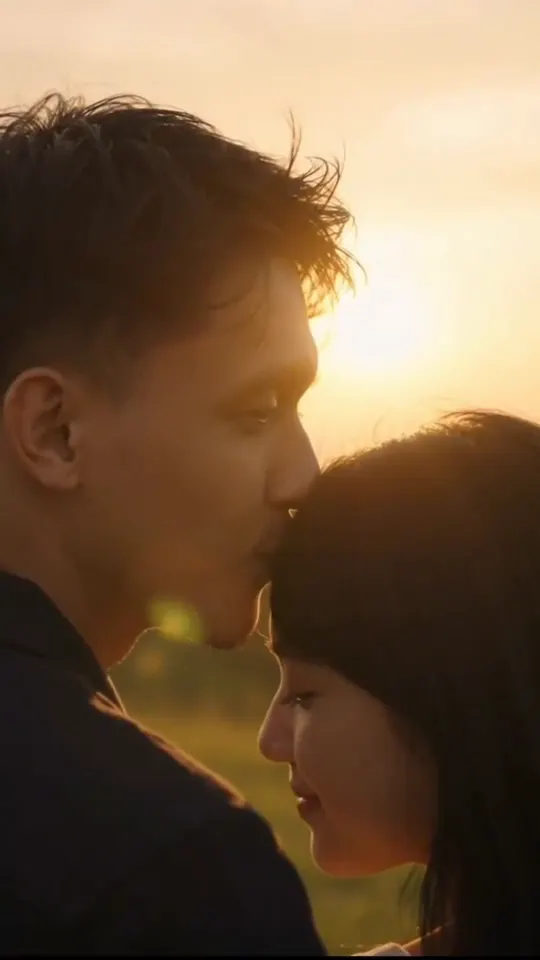
Zombie AI Trend
One or two photos into the zombie love story video
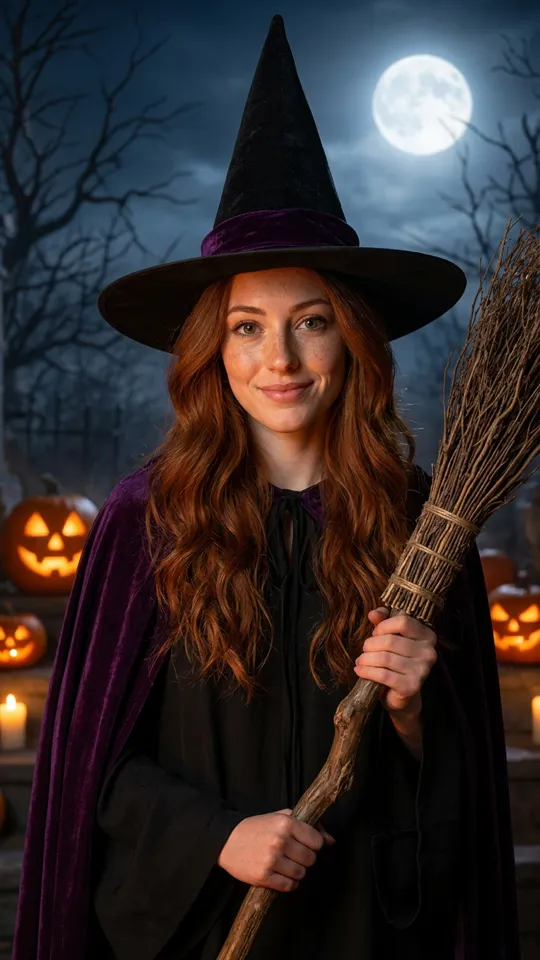
AI Halloween Costume
One photo into a Halloween costume photo
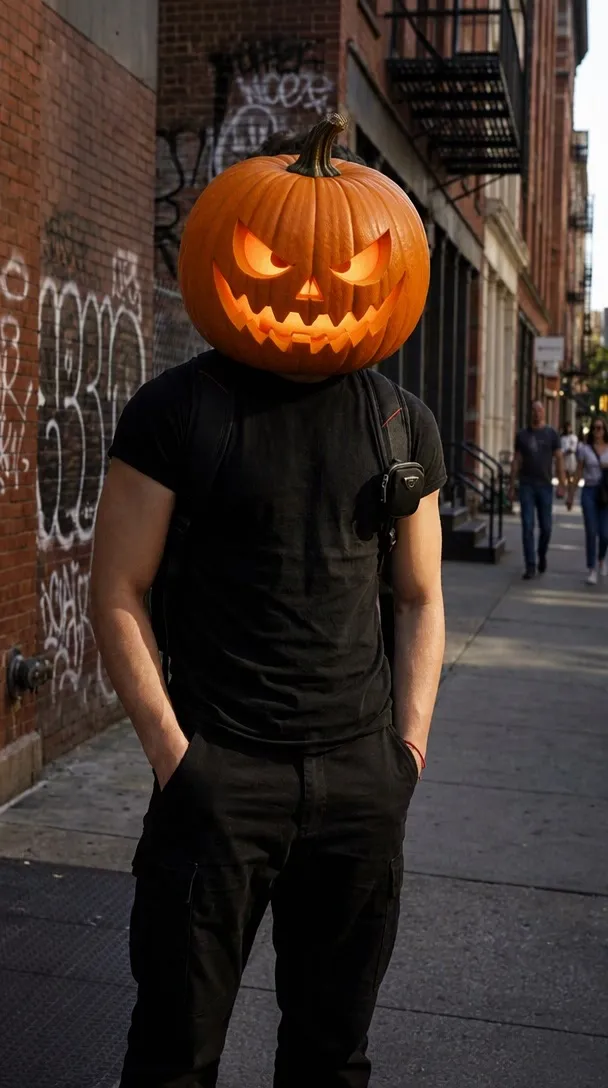
Pumpkin Head AI
Turn photo heads into pumpkins
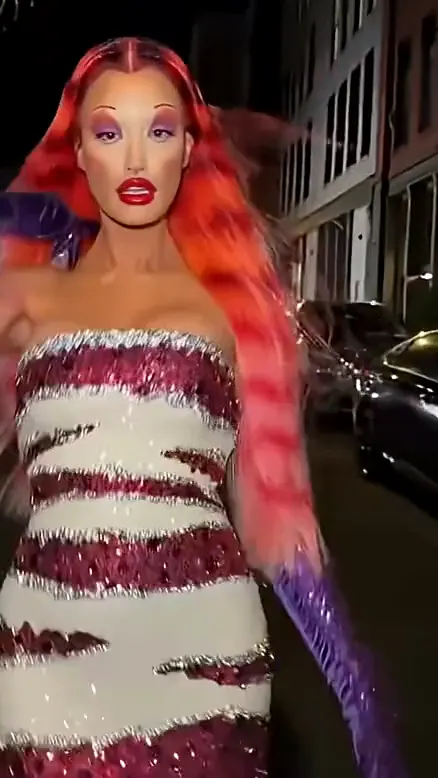
Ramalama Halloween Video
Costume walk clip from one photo.
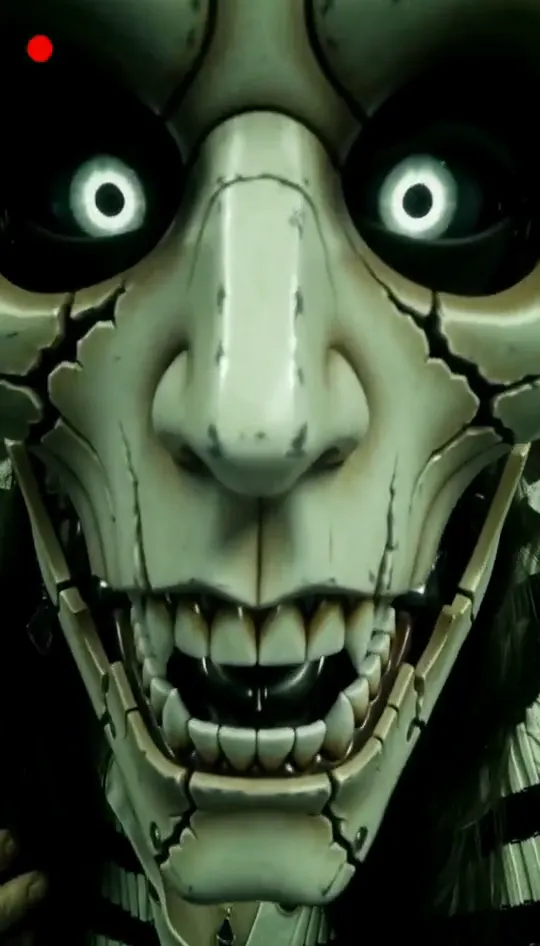
FNAF Jumpscare AI
Turn your selfie into an animatronic jumpscare
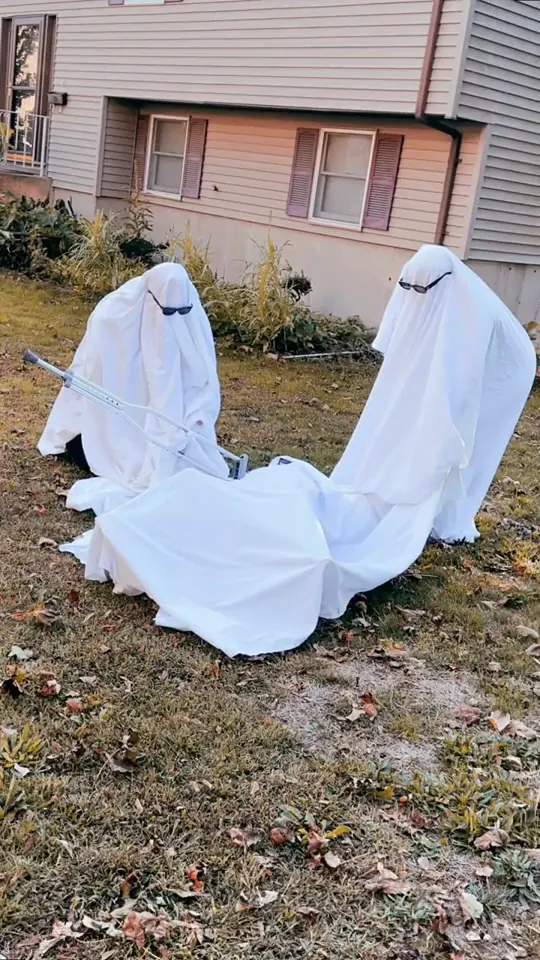
Ghost Photoshoot Trend AI Video
Sheet on, shades on, pose and peek
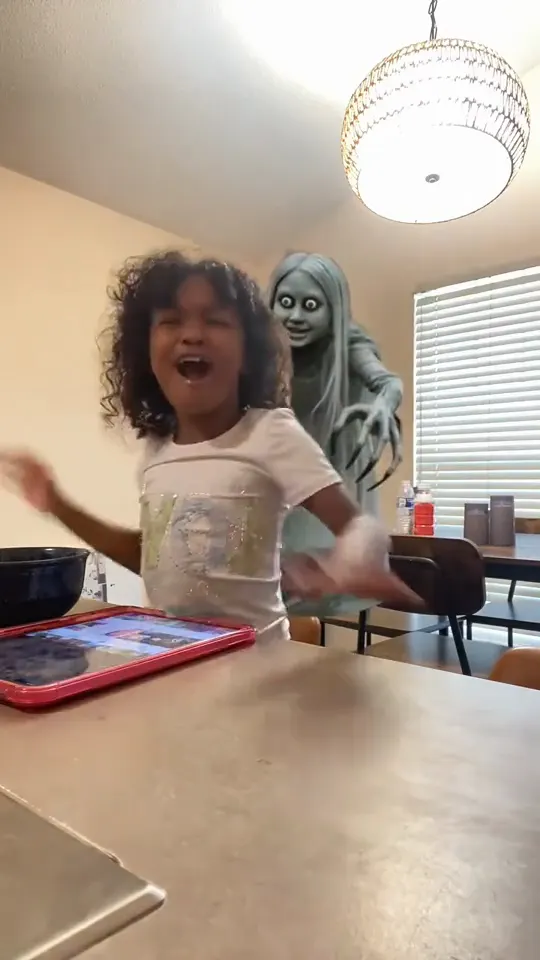
Ghost Filter Prank AI
A ghost rises right behind them
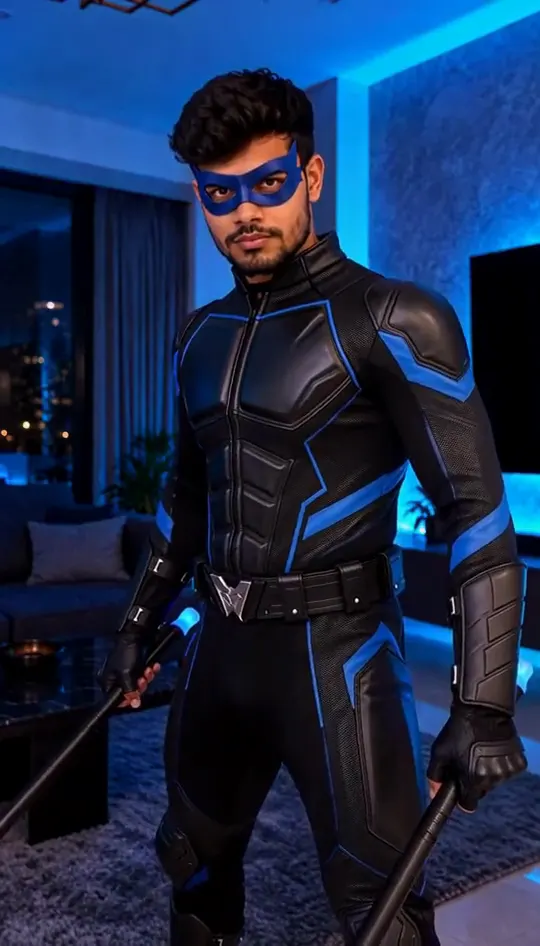
Nightwing AI Trend
Mask on, spin, suit up from one photo
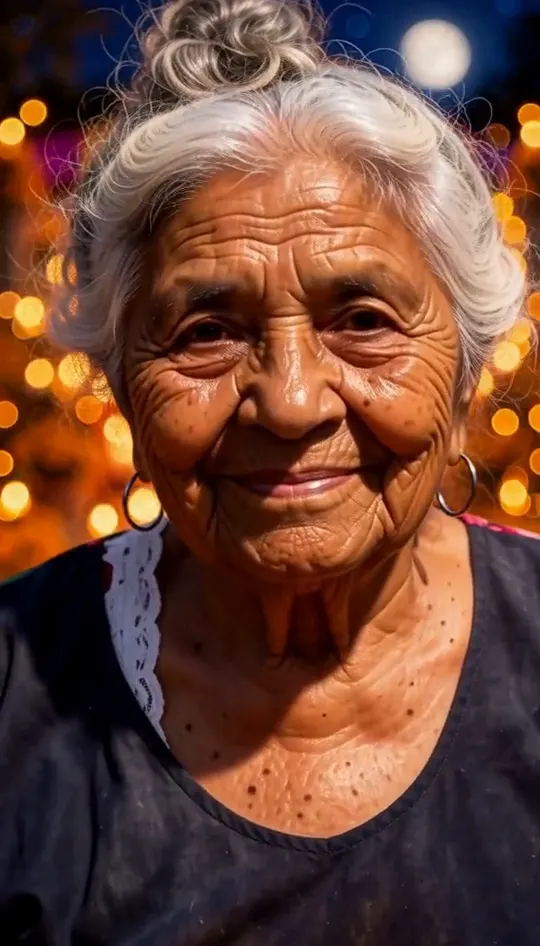
Day of the Dead AI Video
Walk someone you miss home along a marigold path
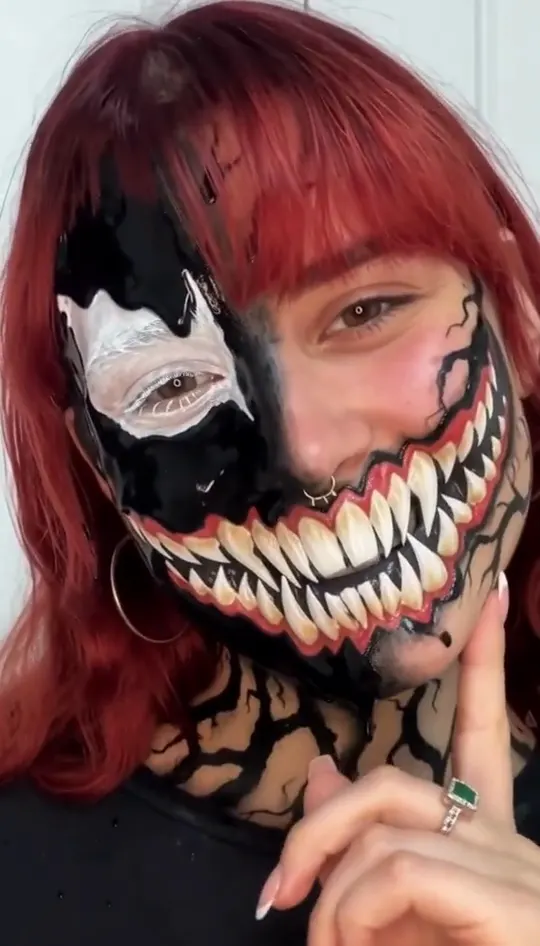
Venom Makeup Video
Turn one selfie into half black goo and fangs
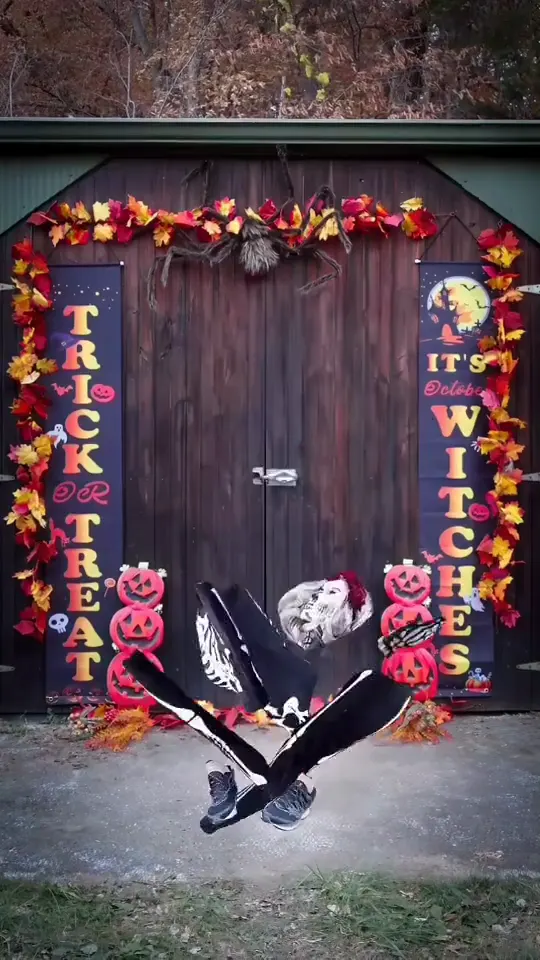
Spooky Scary Skeleton Dance
Skeleton dance from one photo, Halloween beat
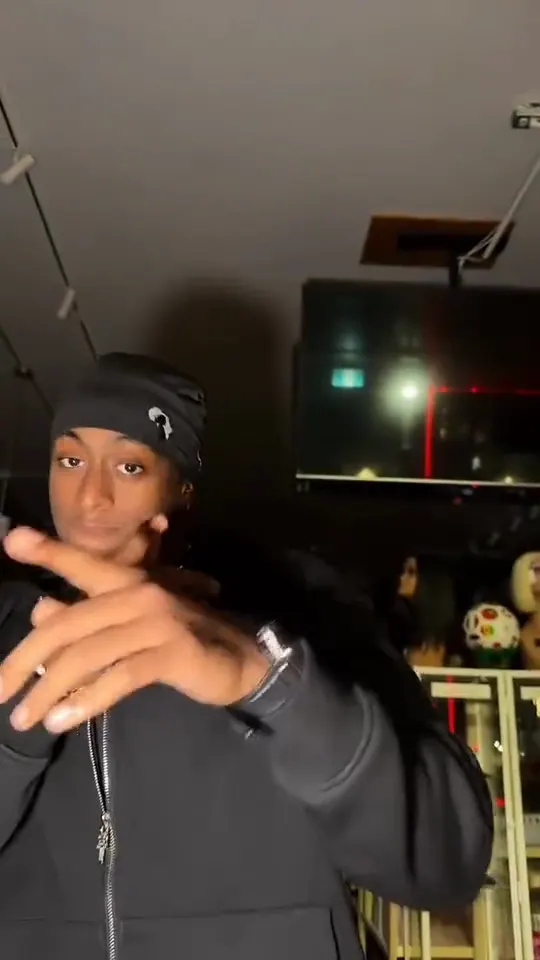
Skull Cap AI
Turn one photo into the cap-and-hood stare clip
Tim Burton Girls AI
Turn one selfie into a gothic group-portrait clip
Decide the look before the scene
Choose between a costume, a comedy prank or a full scary scene, then pick from that group. Prank templates work best with a clear face photo, and costume templates need the full head in frame.
How to make a clip in three steps
- 1. Pick a template from the list above and open its page.
- 2. Upload the photo the template asks for. Use a clear, front-facing shot with even light. Couple and group templates need one clear photo per person.
- 3. Wait for the render, check the clip, then download it. Keep the audio on when you post, because each clip is built around its original sound.
Each clip is rendered from your photo and the template's reference, so the result depends on the photo you upload. If the first render misses, try a different photo angle before you switch templates. Every template is free to try.
Photo tips for better results
- Use a sharp photo with your face in the upper third of the frame.
- Even daylight or soft indoor light gives a cleaner result than a harsh flash.
- A plain background keeps the edges clean when a template swaps the scene.
- Take off sunglasses and keep hands away from the face unless the template calls for them.
AI Halloween Trends: questions
How do AI Halloween trends work?
Upload one photo, choose a template and let the tool build the spooky scene around your face. You get a short video to download and share.
How long are the clips?
Clips follow the length of the reference video. Only references longer than 15 seconds are cut down to 15 seconds.
Does a costume template need a full-body photo?
Costume templates need the full head and shoulders in frame, and a full body only if the template shows one.
Can I make a zombie look from a pet photo?
Use a clear face of a person for the cleanest result; pet photos are better suited to the pet templates.
Which of these AI Halloween trends is best for a group post?
A prank template gets the most reactions, because the scene reveals itself in the last second.