AI Holiday Trends
Updated 2026-11-05
Holiday trends peak on the day itself, when people want a card or clip ready to post. Our AI holiday trends bring festive scenes to a photo of you or your family, from Christmas and Thanksgiving to Diwali.
The holiday templates below are grouped by occasion. Pick the holiday you are celebrating, check the scene, and make the clip a few days ahead so it is ready on the day.
Browse 10 templatesAll AI Holiday Trends templates

Diwali AI Transformation
Turn one photo into a Diwali black-and-white to color reveal
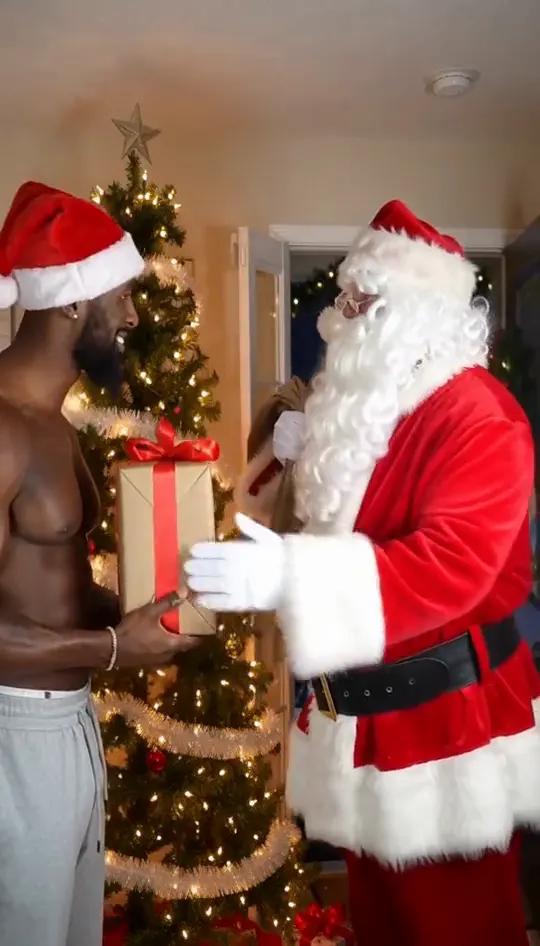
AI Christmas Video Generator
Turn one photo into a Christmas clip with Santa
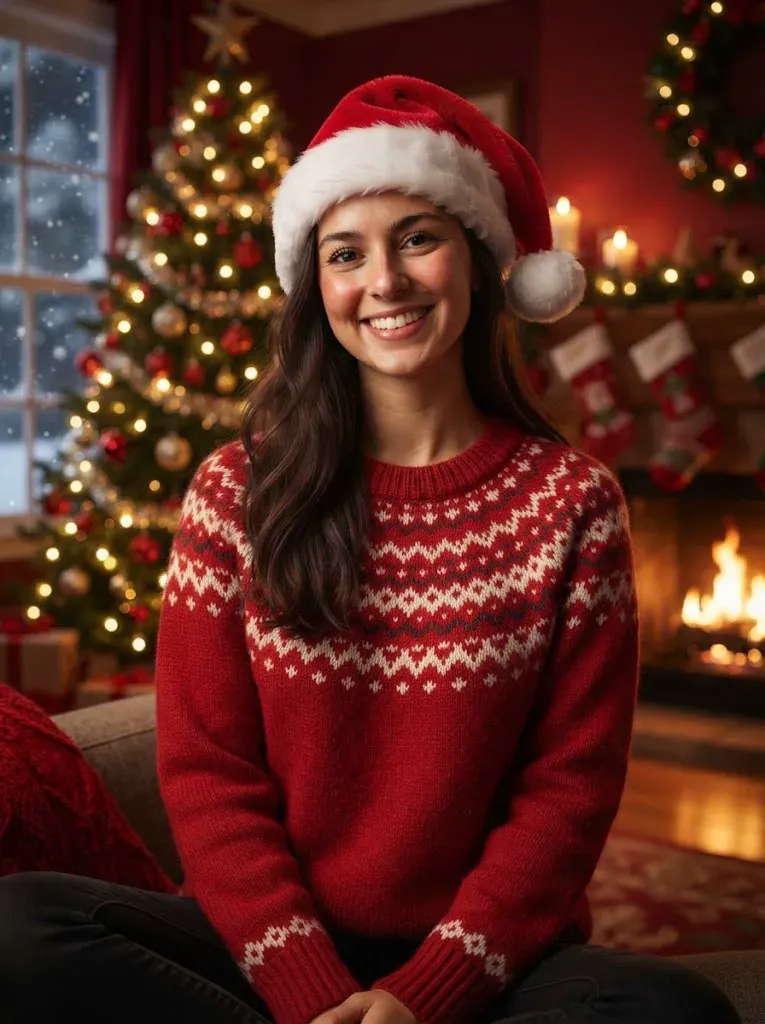
AI Christmas Card Generator
One photo into a festive Christmas card
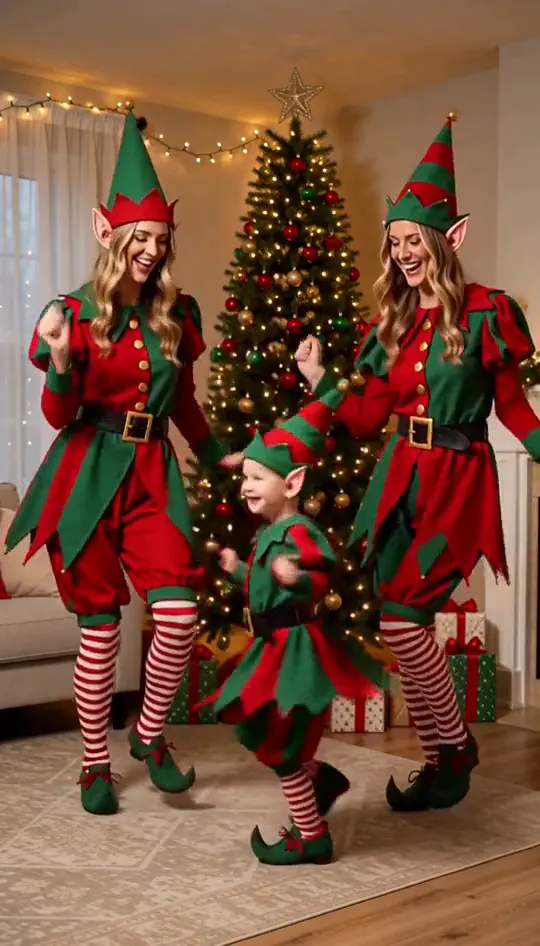
AI Elf Dance Video
Turn one family photo into dancing Christmas elves
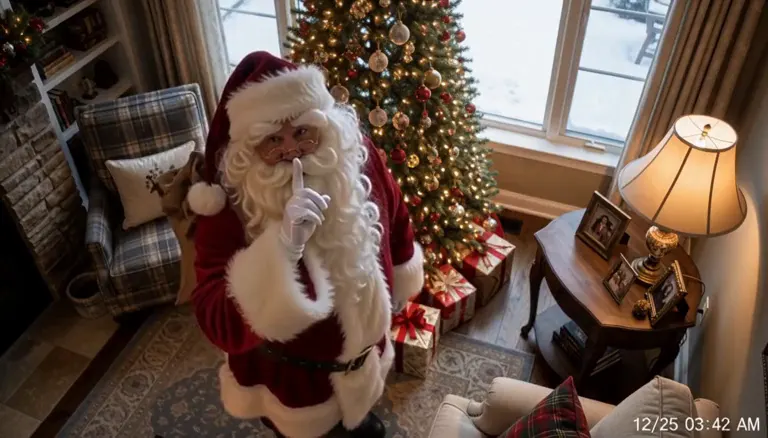
Santa Caught on Camera AI
Santa on your own room's night-camera footage
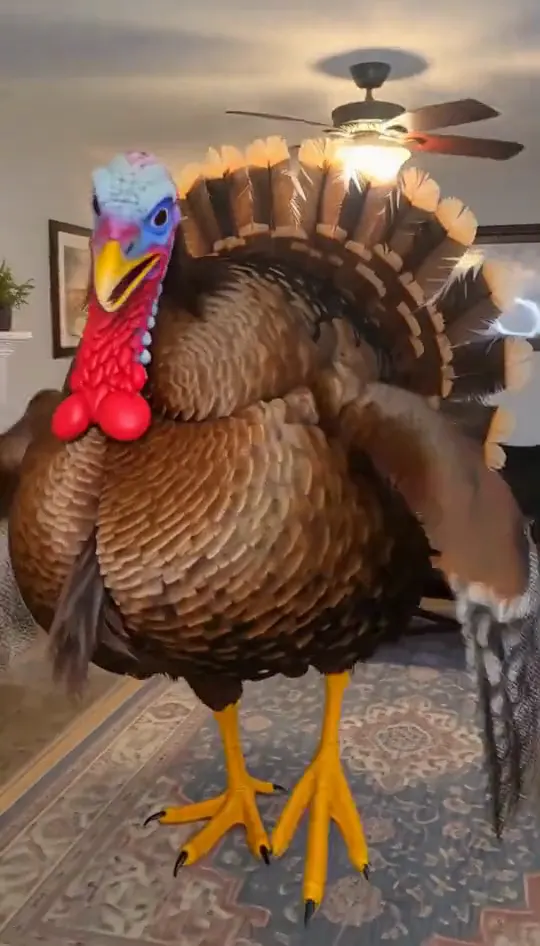
Funny Thanksgiving Video
Turn into the turkey, or let your pet crash dinner

Animated Thanksgiving Card
A video card with you at the dinner table
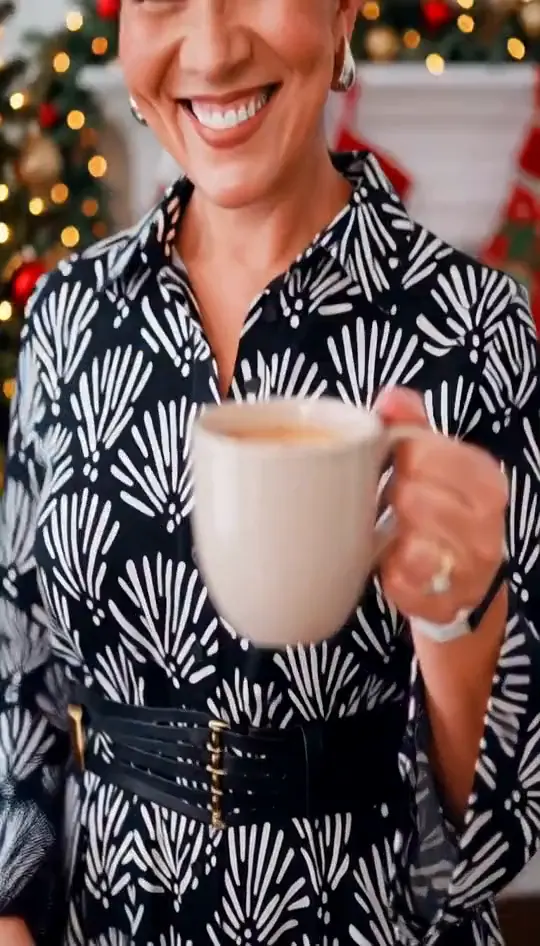
Animated Christmas Card
Your photo in a 15-second Christmas scene

Karwa Chauth AI Video
Turn one portrait into a moonrise first-bite clip

Marigold Bridge AI Video
Turn one photo into a walk across a marigold bridge
Make the clip before the day
Holiday clips work best as a greeting. Choose the template that matches the family photo you already have, and use a warm, well-lit picture for the best result.
How to make a clip in three steps
- 1. Pick a template from the list above and open its page.
- 2. Upload the photo the template asks for. Use a clear, front-facing shot with even light. Couple and group templates need one clear photo per person.
- 3. Wait for the render, check the clip, then download it. Keep the audio on when you post, because each clip is built around its original sound.
Each clip is rendered from your photo and the template's reference, so the result depends on the photo you upload. If the first render misses, try a different photo angle before you switch templates. Every template is free to try.
Photo tips for better results
- Use a sharp photo with your face in the upper third of the frame.
- Even daylight or soft indoor light gives a cleaner result than a harsh flash.
- A plain background keeps the edges clean when a template swaps the scene.
- Take off sunglasses and keep hands away from the face unless the template calls for them.
AI Holiday Trends: questions
How do AI holiday trends work?
Upload a photo, choose a festive template and the tool builds the holiday scene around your face. The result is a short clip for a card or a post.
How long are the clips?
Clips follow the length of the reference video. Only references longer than 15 seconds are cut down to 15 seconds.
Can I make a holiday clip for a family group?
Yes, with one clear photo per person, or one group photo where every face is visible.
Is there a holiday template for Diwali?
Yes. The Diwali template is in the holiday group below.
Which of these AI holiday trends suits a card?
The animated card templates suit a greeting, because the clip opens on the card and ends on the message.