AI Car Trends
Updated 2026-11-05
Car trends are about the shot: a jump over traffic, a flying ride, a toy turned real. Our AI car trends place your photo into a vehicle scene, so you can make a cinematic clip without a stunt team.
Browse all vehicle templates below. Some are driving scenes, some are stunts and some transform a toy or a model car into something life-sized.
Browse 13 templatesAll AI Car Trends templates
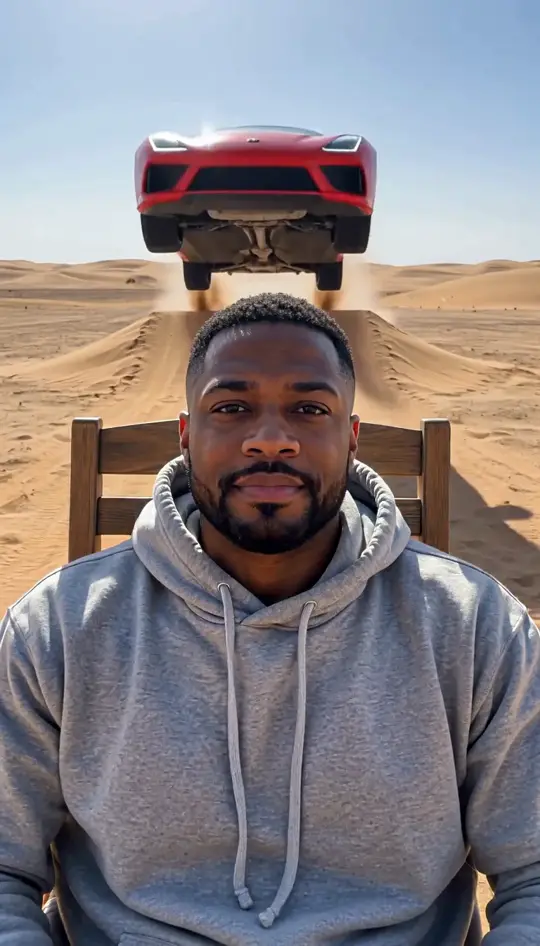
Car Jump AI Video
Sit still while a car flies over you
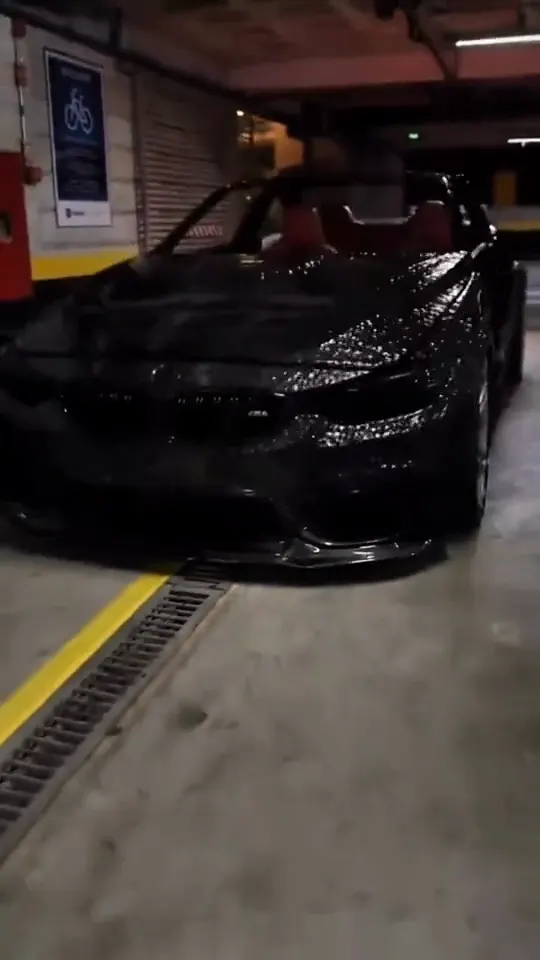
Venom Car AI Video
Black liquid rebuilds your car from its badge
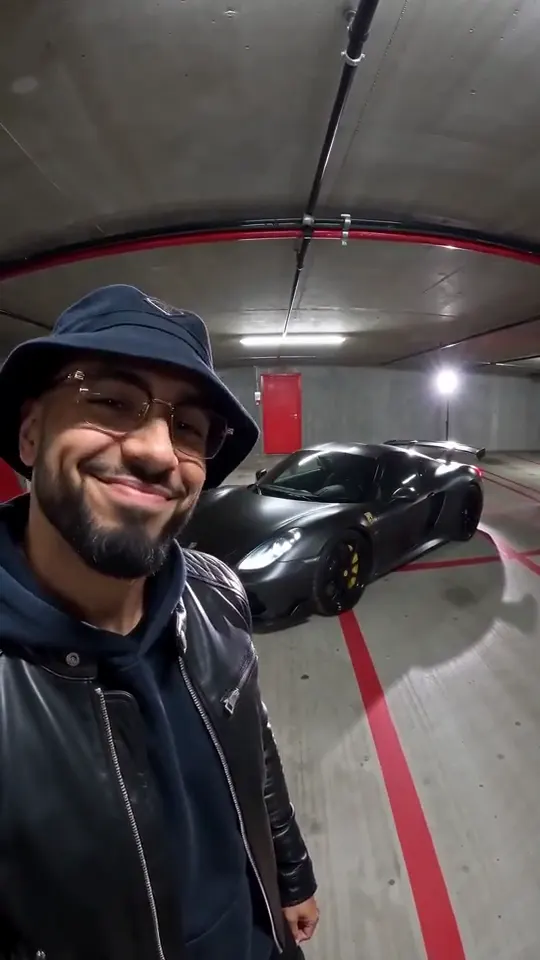
Unforgettable Car AI Video
Sweep the 2 and 4 cards, reveal a car
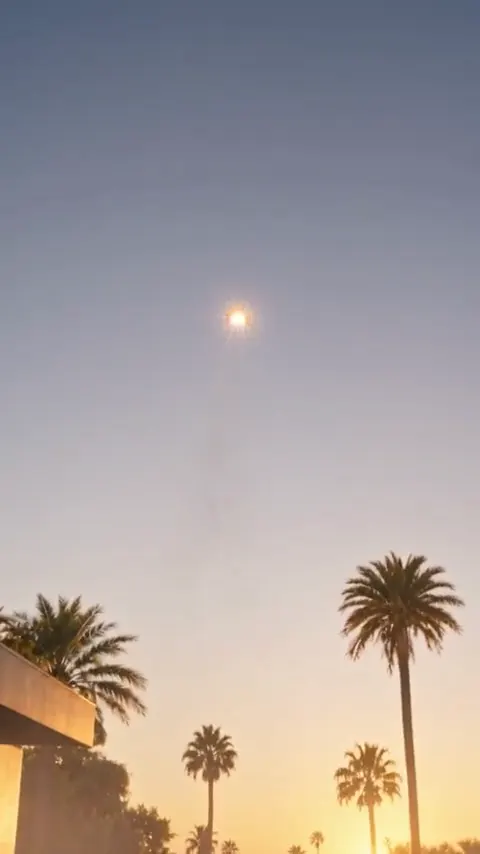
Flying Car AI Video
Rocket thrusters fire, your car lifts off
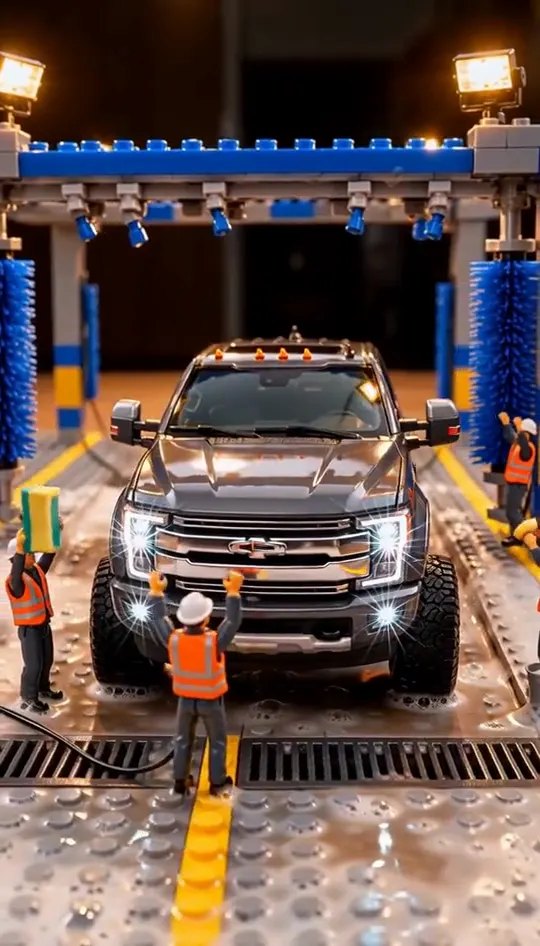
LEGO Truck Wash AI Video
Tiny workers wash your truck until it shines
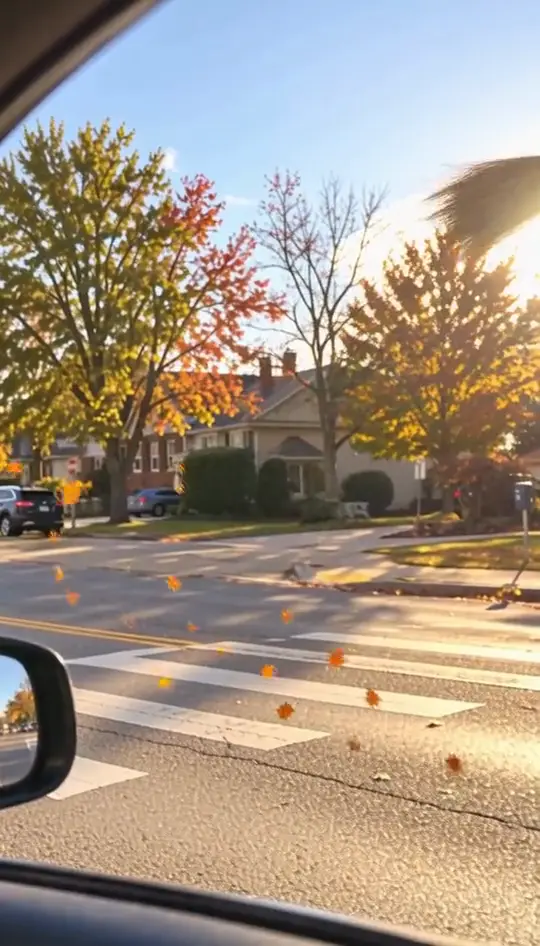
My Ride Is Here Broom Trend
Float past the red light on a broom
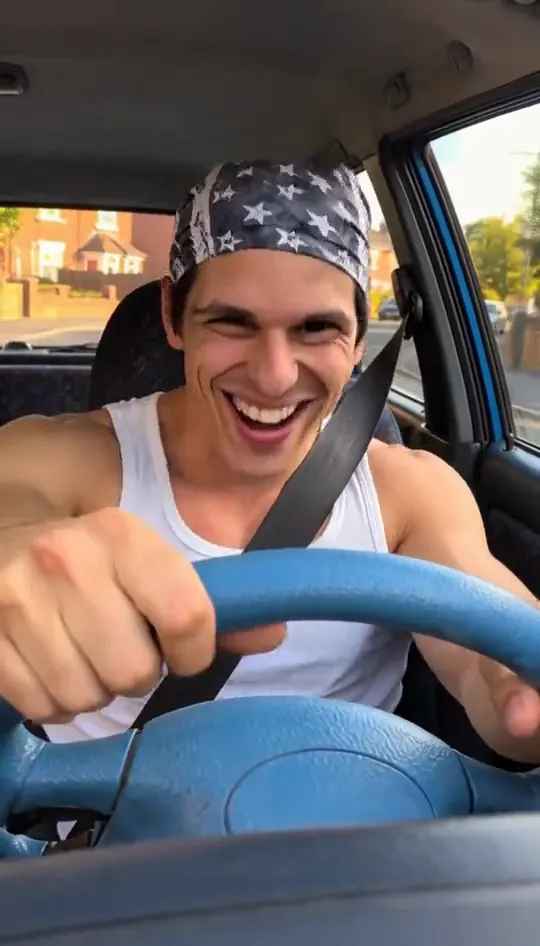
Ali G Driving Scene
Nod to the bass at the blue wheel
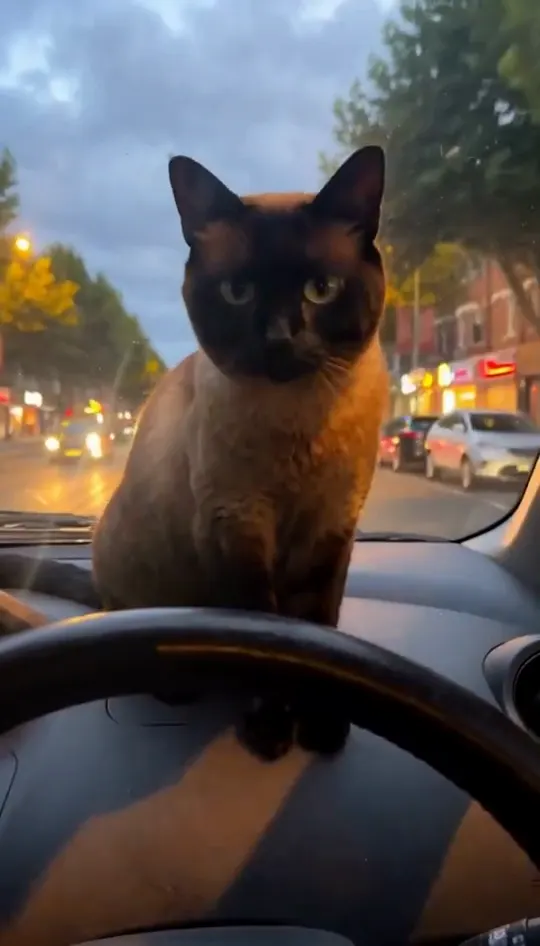
White Chicks Car Scene AI
Your pet at the wheel, eyes shut, paw to the ear
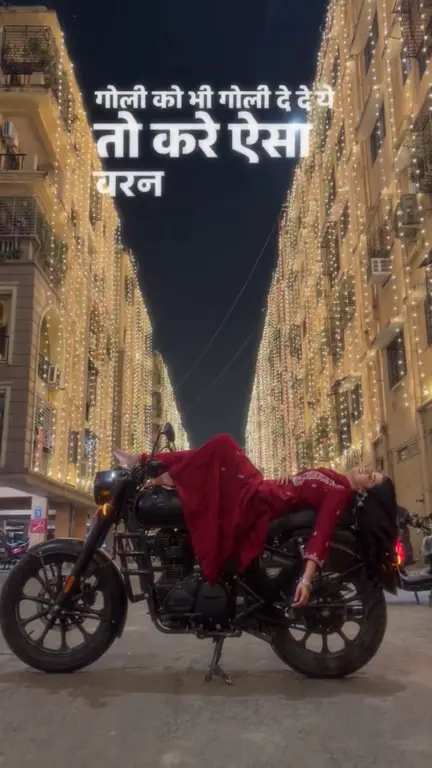
Bullet Bike AI
Turn one photo into the sit-to-recline reel
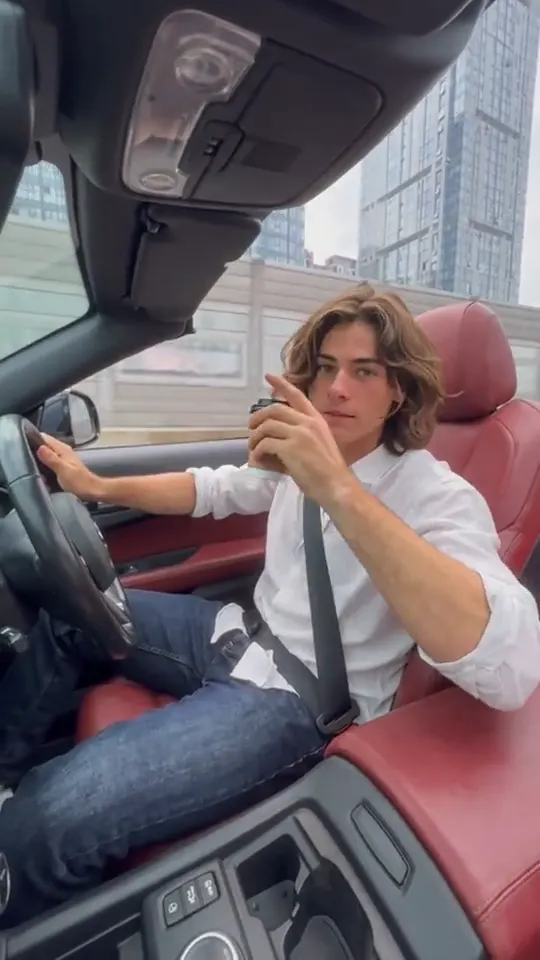
Convertible Coffee Drive AI
Turn one photo into a convertible city-cruise clip
Toy Car to Real Car
Make a miniature-to-full-size car reveal from one photo.

Airplane Flying Over Head
A giant jet sweeps low over you at sunset
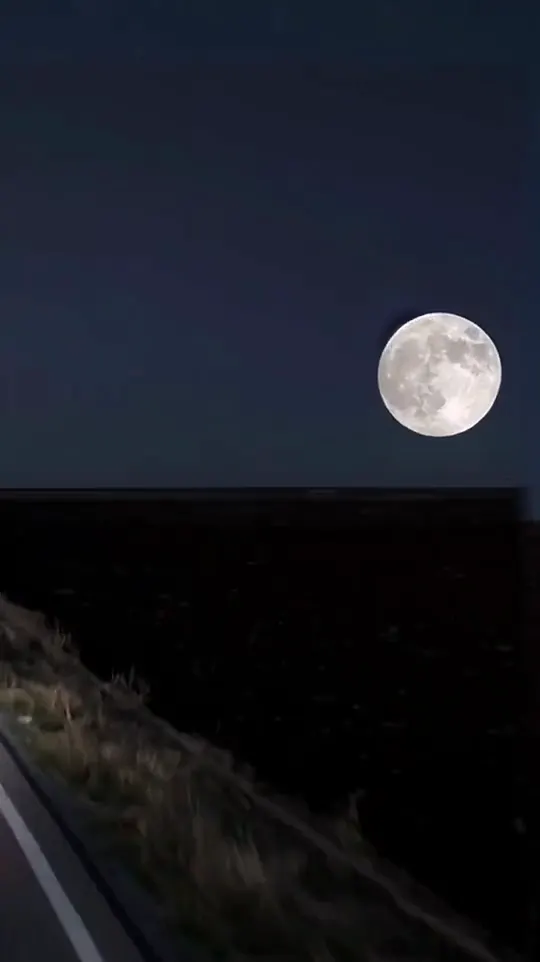
Moon Headlight Transition AI
Turn car photos into a moon-to-headlight night loop
Pick the vehicle first
Motorbikes, cars and planes each suit different templates. A driving shot works best with the face clearly visible, and a stunt template needs a photo where you sit or stand upright.
How to make a clip in three steps
- 1. Pick a template from the list above and open its page.
- 2. Upload the photo the template asks for. Use a clear, front-facing shot with even light. Couple and group templates need one clear photo per person.
- 3. Wait for the render, check the clip, then download it. Keep the audio on when you post, because each clip is built around its original sound.
Each clip is rendered from your photo and the template's reference, so the result depends on the photo you upload. If the first render misses, try a different photo angle before you switch templates. Every template is free to try.
Photo tips for better results
- Use a sharp photo with your face in the upper third of the frame.
- Even daylight or soft indoor light gives a cleaner result than a harsh flash.
- A plain background keeps the edges clean when a template swaps the scene.
- Take off sunglasses and keep hands away from the face unless the template calls for them.
AI Car Trends: questions
How do AI car trends work?
Upload a photo, pick a vehicle template and the tool places you into the scene with the motion of the original clip. The result is a short video.
How long are the clips?
Clips follow the length of the reference video. Only references longer than 15 seconds are cut down to 15 seconds.
Do I need a photo of a real car?
No. Your photo only needs your face and upper body; the vehicle comes from the template.
Can I turn a toy car into a real car?
Yes, the toy-to-real template takes a photo of a toy and turns it into a life-sized vehicle.
Which of these AI car trends is the most cinematic?
The car jump and flying car templates give the biggest visual payoff.