AI Face Filter Trends
Updated 2026-11-05
Face filter trends change one feature at a time or the whole look: a new hairstyle, a glow up, a bald filter or a dramatic makeover. Our AI face filter trends apply the effect to your own photo and keep your face recognizable.
Every face filter in the library is listed below. Filters differ in intensity, so start with a mild one if you want a result that still looks like you, then try a bigger change once you know the style.
Browse 12 templatesAll AI Face Filter Trends templates
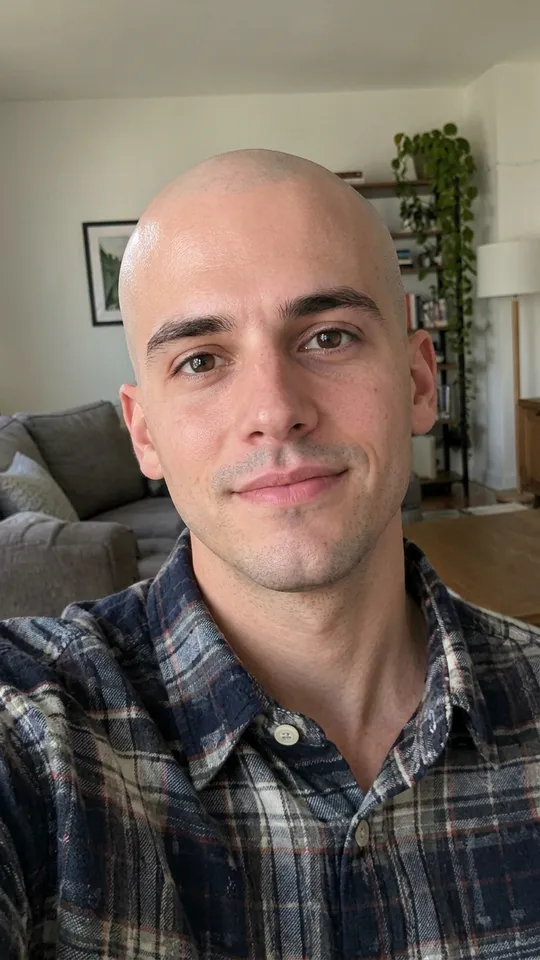
AI Bald Filter
One photo into a bald, buzz-cut or bald-with-beard look
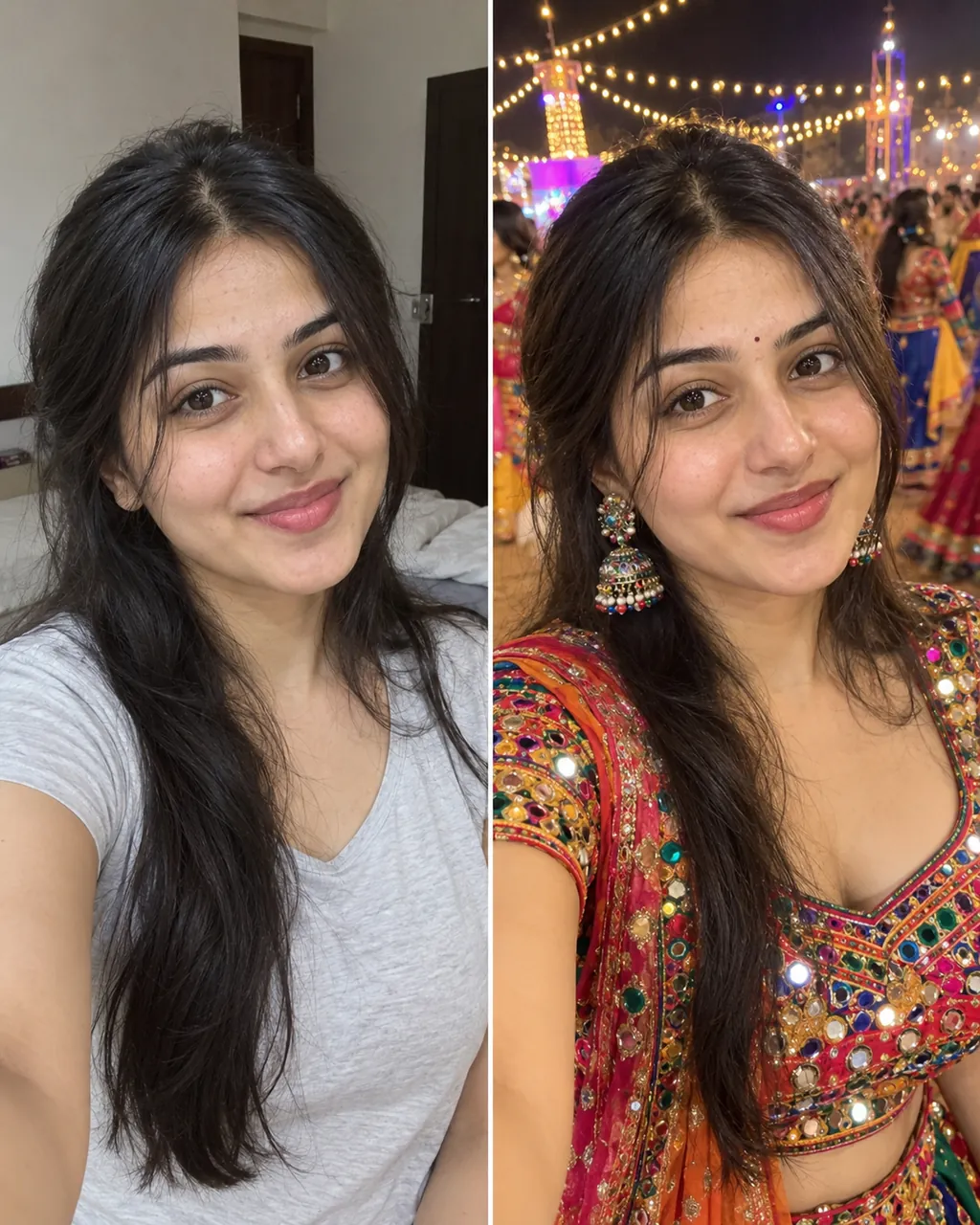
Vikas Editing AI
One selfie into a trending Instagram photo edit
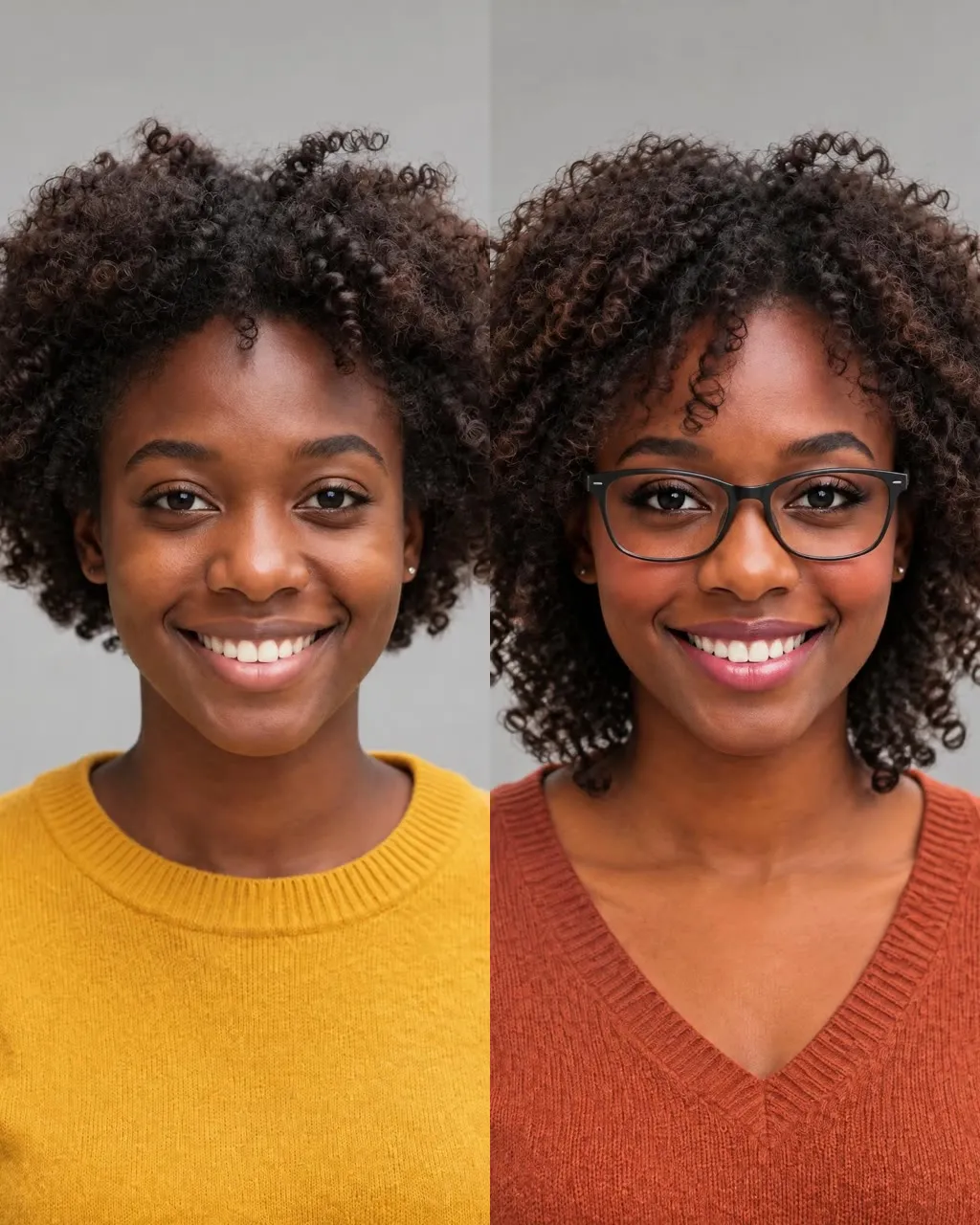
AI Glow Up
One selfie into a new haircut, glasses, colors, beard or makeup
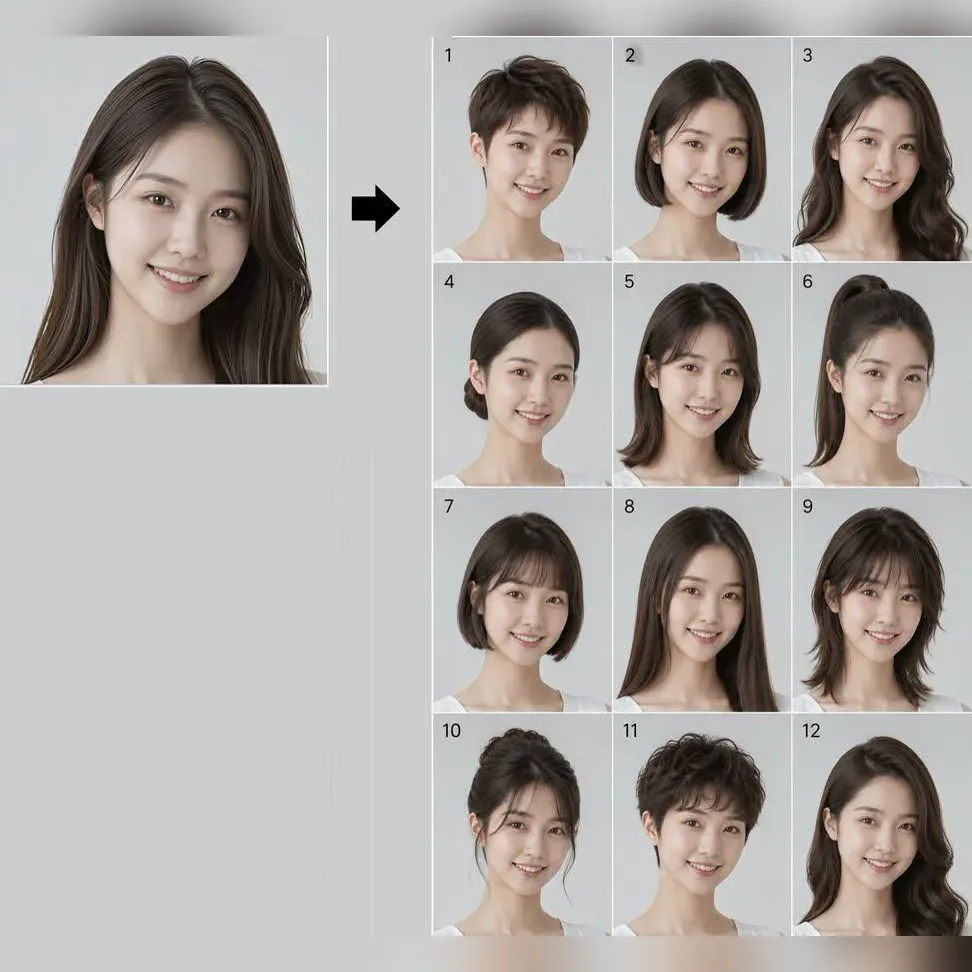
What Hairstyle Suits Me
Try 34 haircuts and hair colors on your own photo
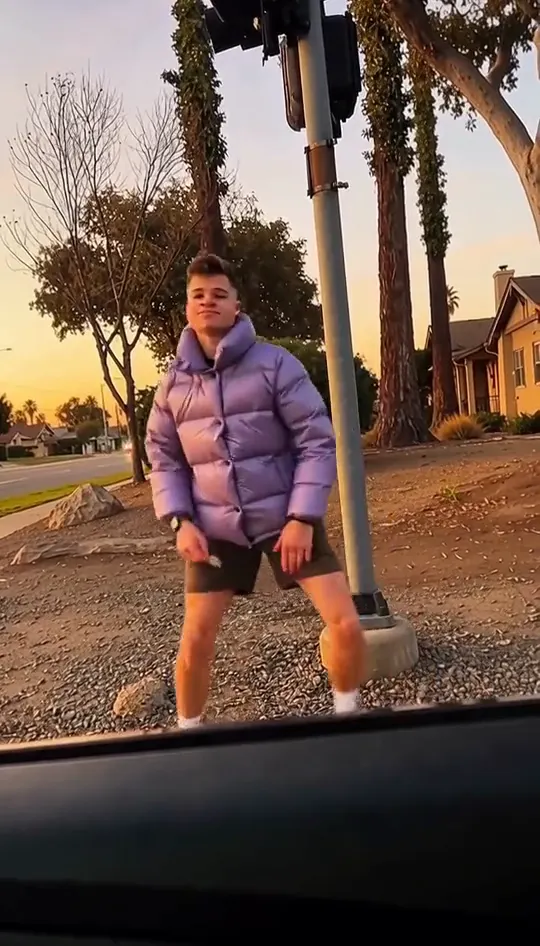
Plug Walk AI Filter
Take the cash, then hit the walk
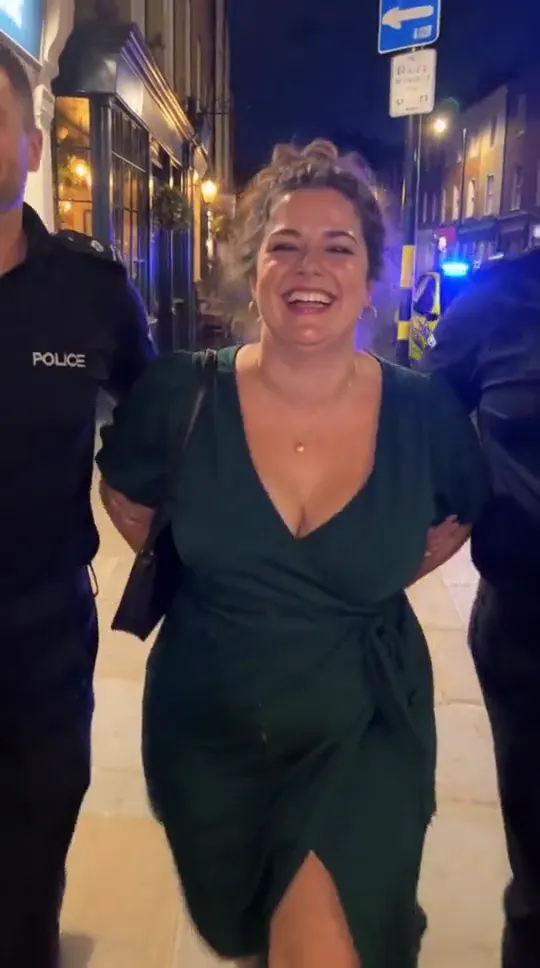
AI Arrest Filter
Walked out by two officers, unbothered
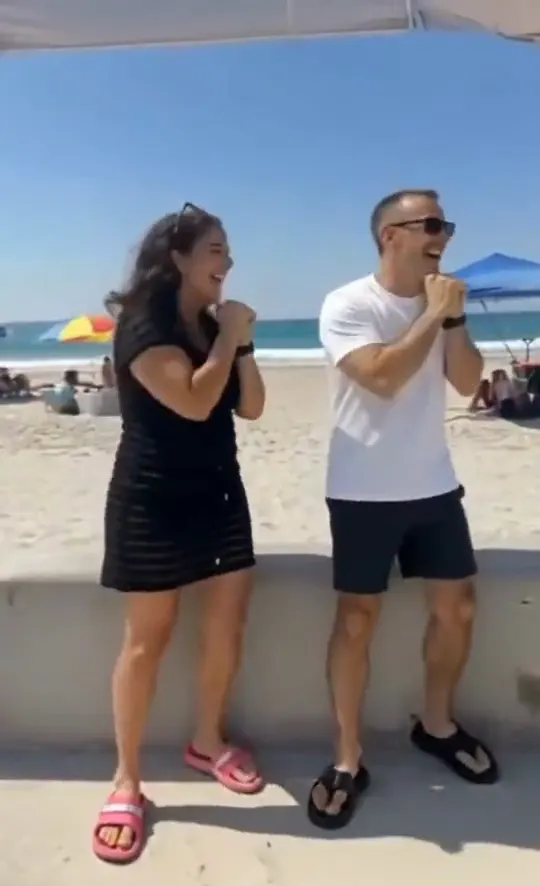
Chinaza Dynamic Filter AI Video
Lean in, arms out, point on the beat
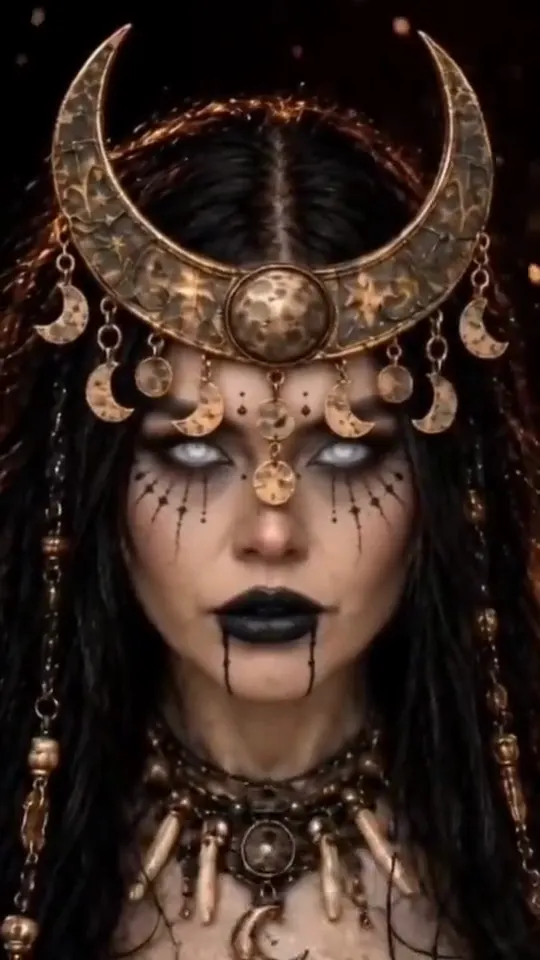
Enchantress Filter AI
A black hand, a wipe, a moon witch
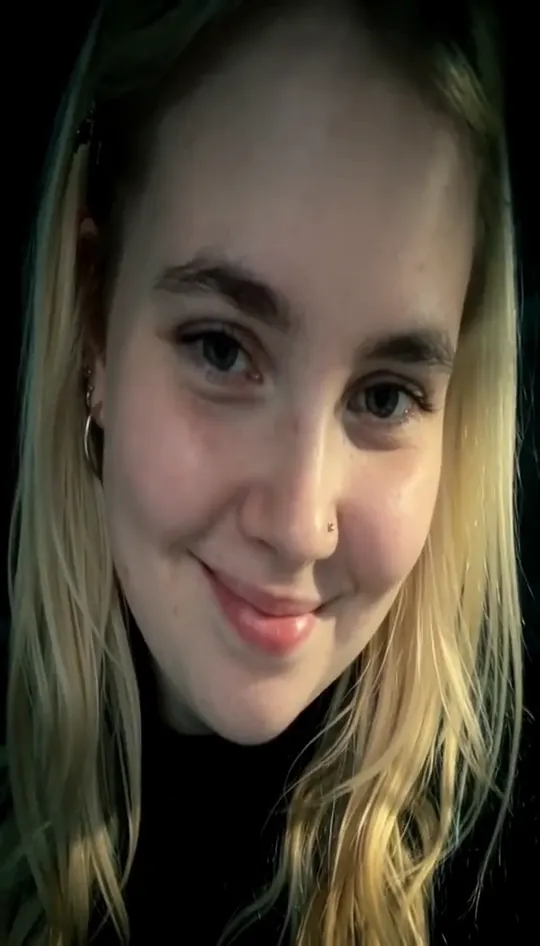
Damon Salvatore AI Video
Red eyes and a smirk from one photo
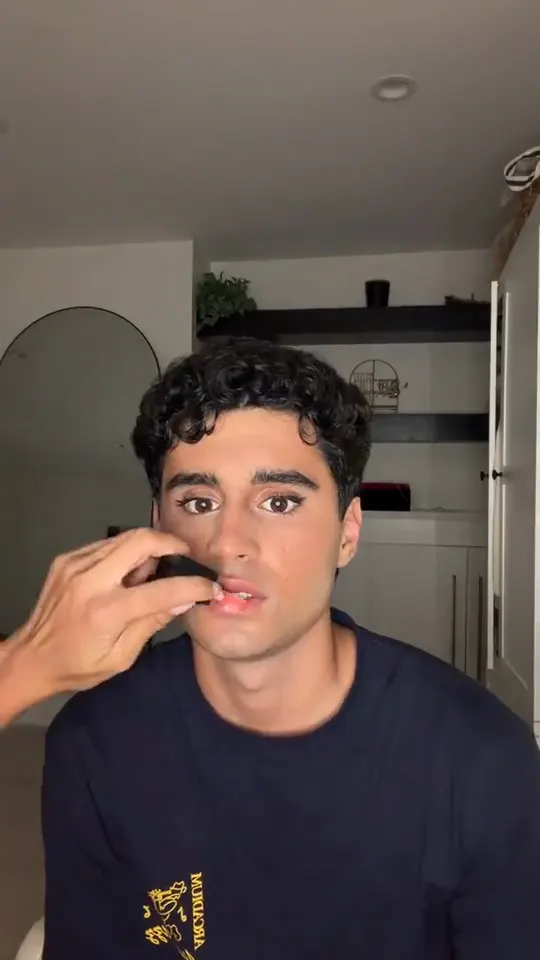
Boyfriend Makeup Prank
Full glam on his photo, step by step
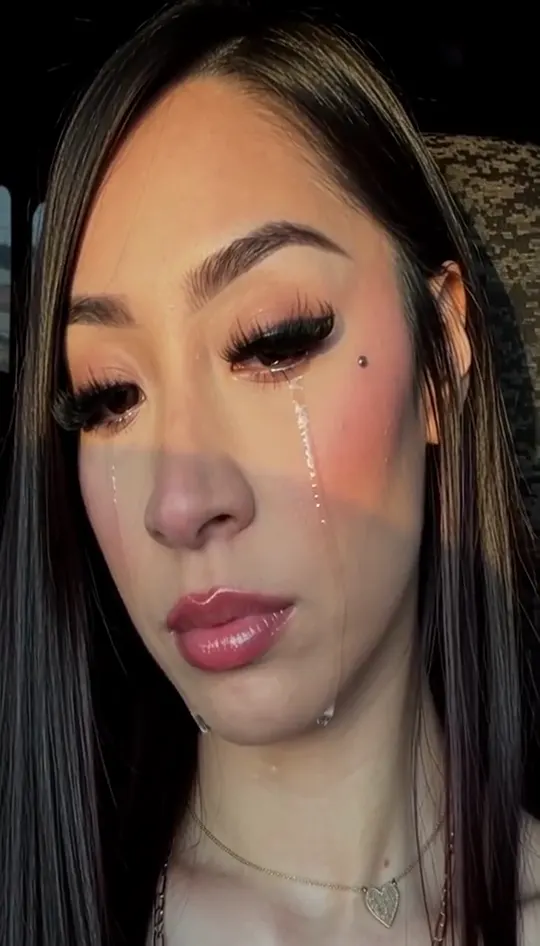
Tears Falling Down Filter
Shiny tears slide down your own selfie
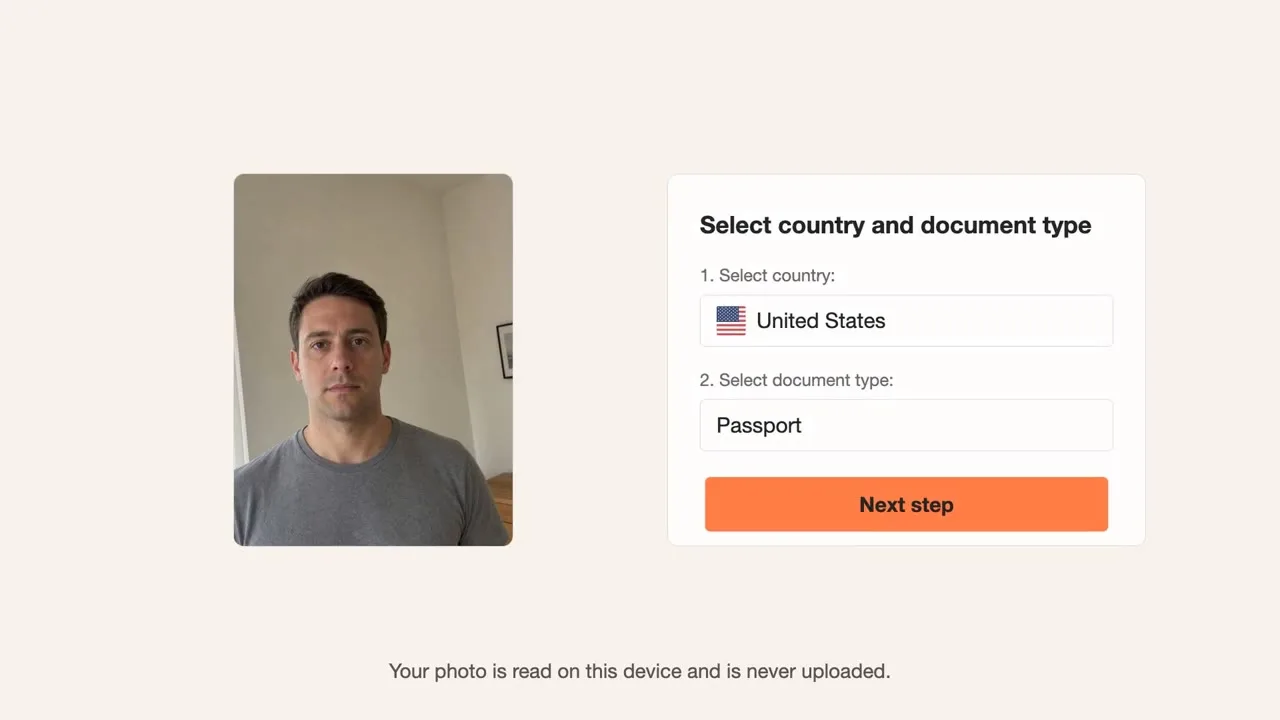
Passport Photo Maker
Check a photo against official ID rules
Start mild, then go bigger
Hairstyle and glow up filters keep most of your face. Makeover and transformation filters change more, so use a sharp, front-facing photo with even light for a cleaner result.
How to make a clip in three steps
- 1. Pick a template from the list above and open its page.
- 2. Upload the photo the template asks for. Use a clear, front-facing shot with even light. Couple and group templates need one clear photo per person.
- 3. Wait for the render, check the clip, then download it. Keep the audio on when you post, because each clip is built around its original sound.
Each clip is rendered from your photo and the template's reference, so the result depends on the photo you upload. If the first render misses, try a different photo angle before you switch templates. Every template is free to try.
Photo tips for better results
- Use a sharp photo with your face in the upper third of the frame.
- Even daylight or soft indoor light gives a cleaner result than a harsh flash.
- A plain background keeps the edges clean when a template swaps the scene.
- Take off sunglasses and keep hands away from the face unless the template calls for them.
AI Face Filter Trends: questions
How do AI face filter trends work?
Upload a photo, pick a filter and the tool applies the effect while keeping your face in place. You download the result as a short video.
How long are the clips?
Clips follow the length of the reference video. Only references longer than 15 seconds are cut down to 15 seconds.
Does the face filter need a front-facing photo?
Yes, a front-facing photo with the eyes visible gives the best match for most filters.
Will a face filter work on a selfie?
Selfies work when the face is sharp and the light is even, but a crop from a wider photo often looks better.
Which of these AI face filter trends looks most natural?
The hairstyle and glow up filters keep the most of your face, so they read as you.