AI Pet Trends
Updated 2026-11-05
Pet videos are some of the most shared clips on social media. Our AI pet trends turn a photo of your dog, cat or bird into a short performance, with your pet as the star of the clip.
Browse the pet templates below. Some are dances and performances, some are birthday messages, and some are memorial tributes that bring back a pet you miss.
Browse 15 templatesAll AI Pet Trends templates
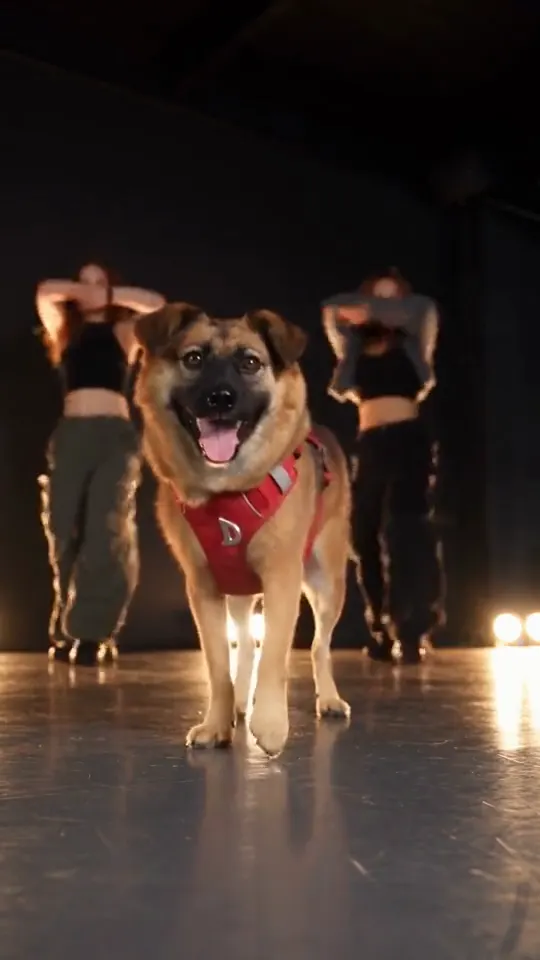
Put a Ring on It Dog
Turn one pet photo into the stage meme
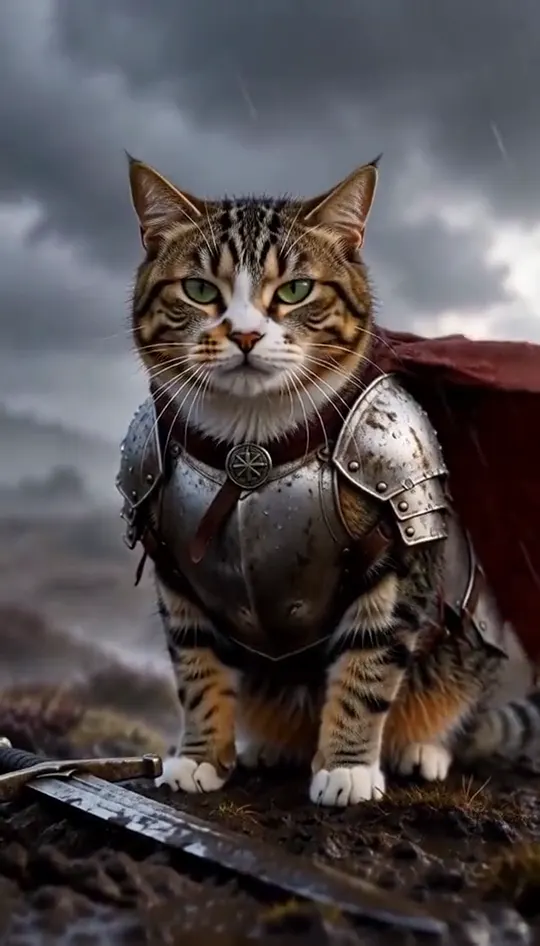
Knight Cat AI
Turn your pet into a tiny knight in a storm
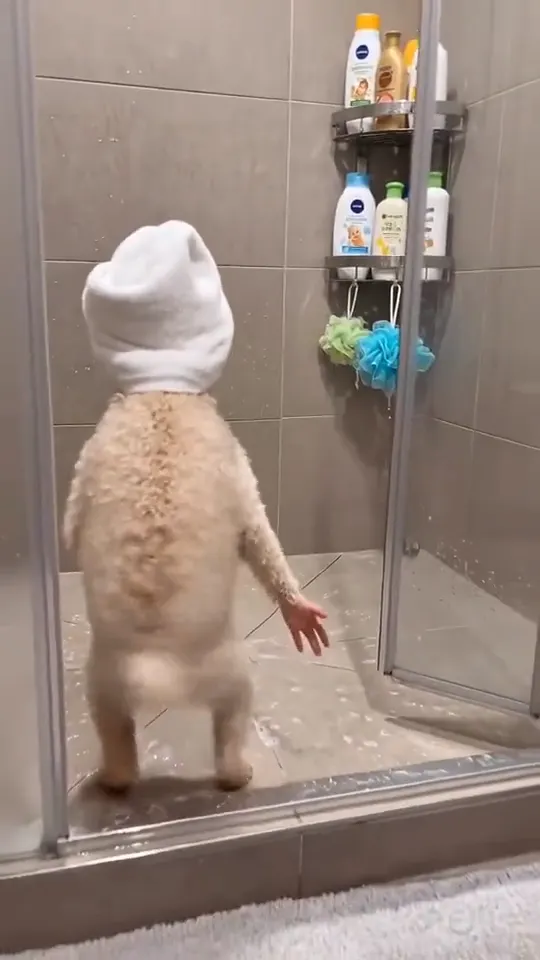
AI Pet Dance Generator
Your cat or dog stands up and dances
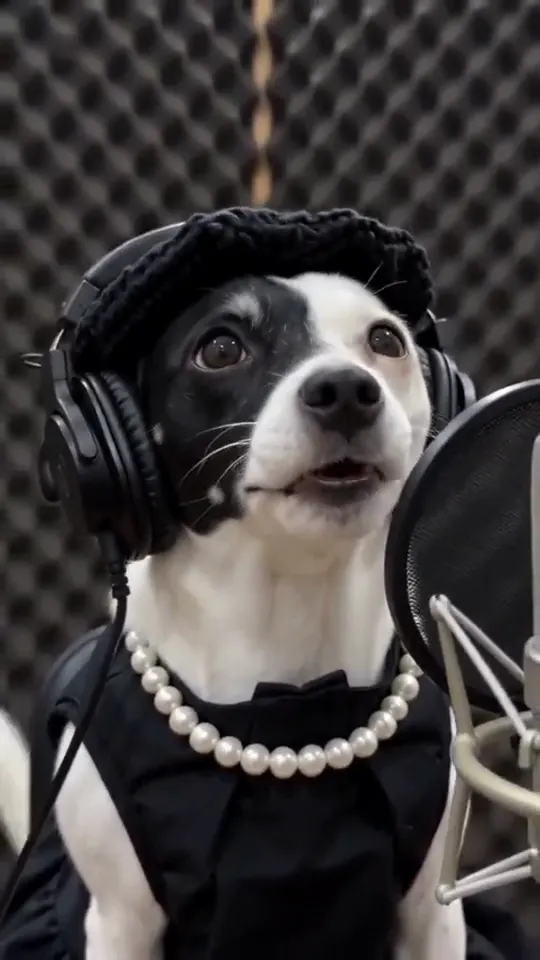
Singing Pets AI
Your pet takes the mic
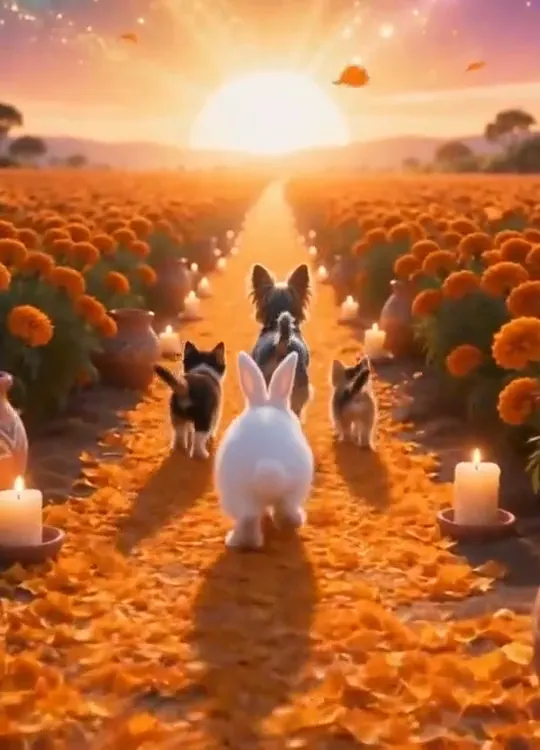
Pet Memorial AI Video
Walk your pet home to a candlelit altar
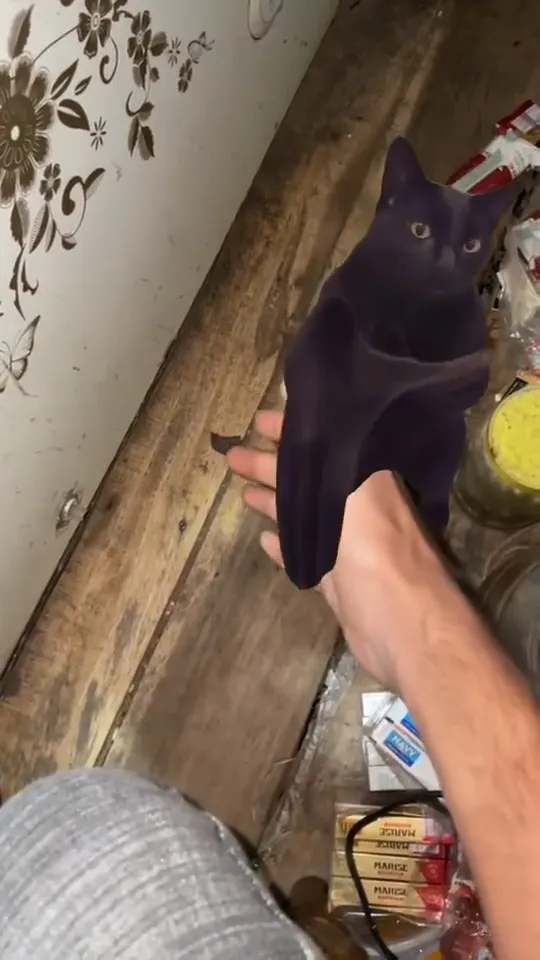
Clapping Cat Meme
Make your own cat stand up and clap for you

Gym Pet One More Rep AI
Turn your pet into a gym one-more-rep clip
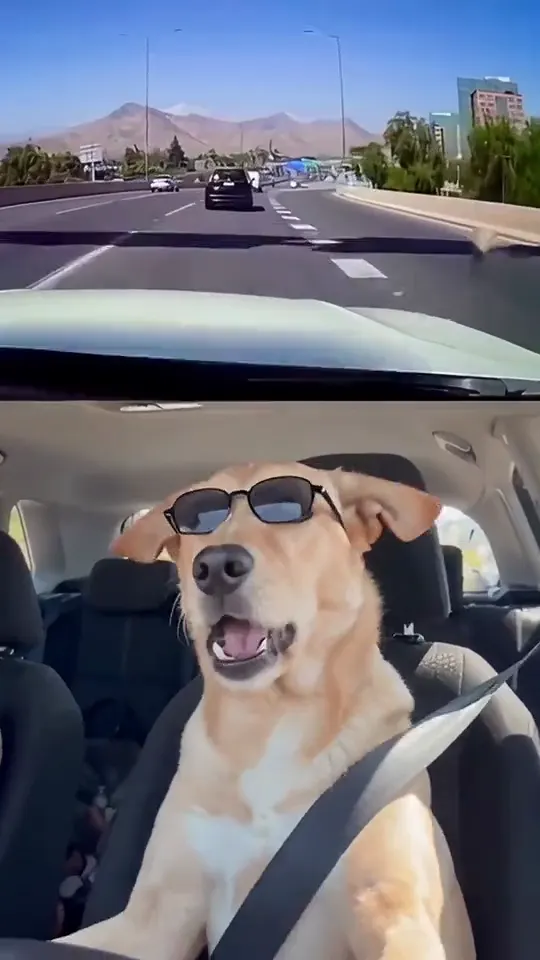
It's My Life Dog AI
One photo, the singing car meme
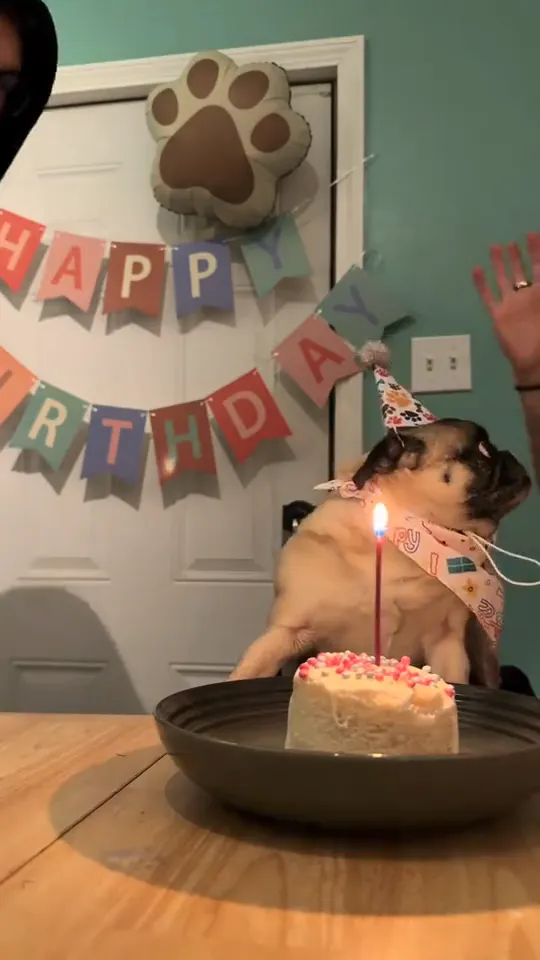
Happy Birthday Dog Video
Your dog's birthday party from one photo
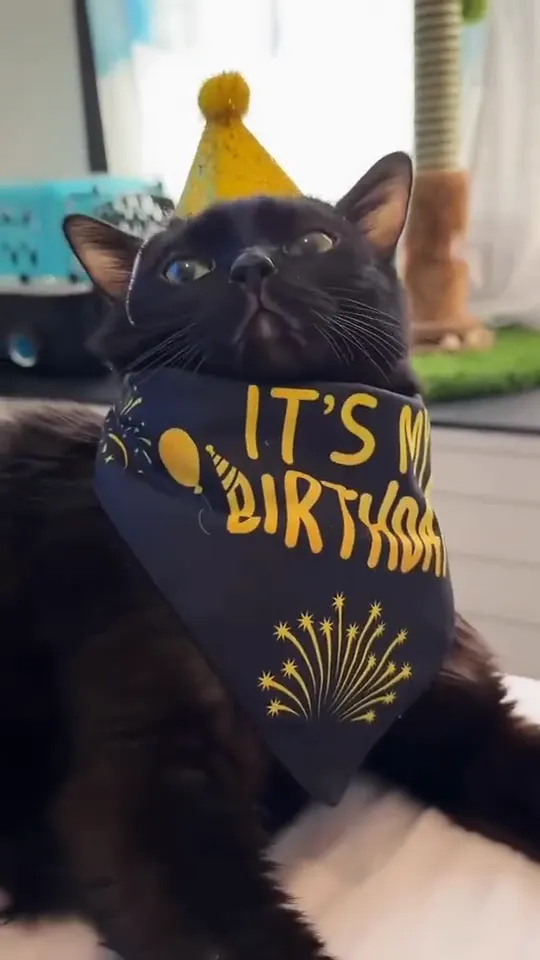
Happy Birthday Cat Video
Your cat's birthday party from one photo
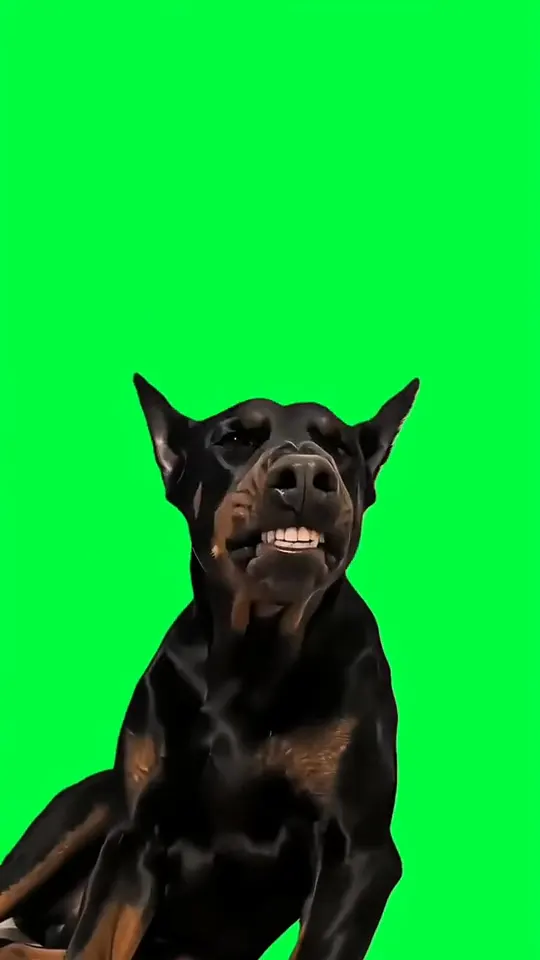
Whiny Dog AI Trend
Your dog whimpers, then grins
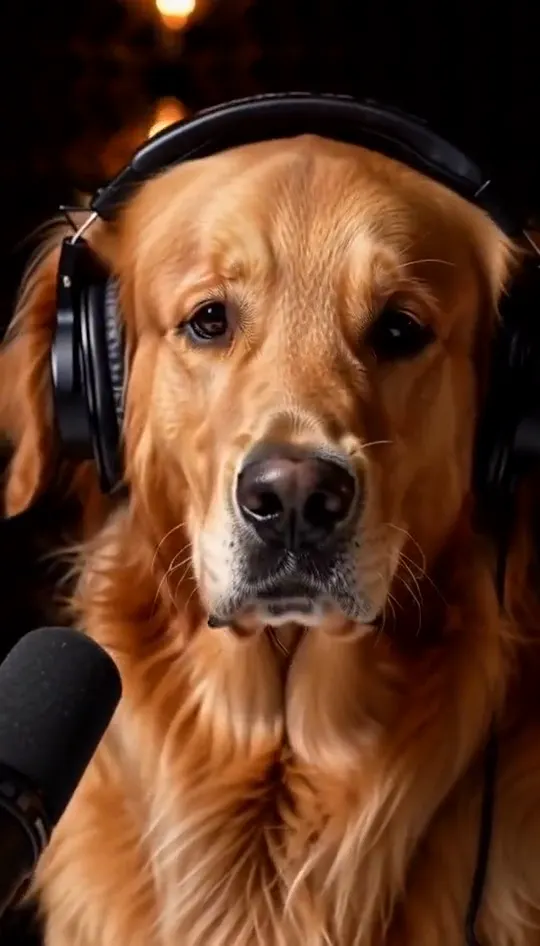
AI Pet Podcast
Your dog or cat at a studio mic in headphones
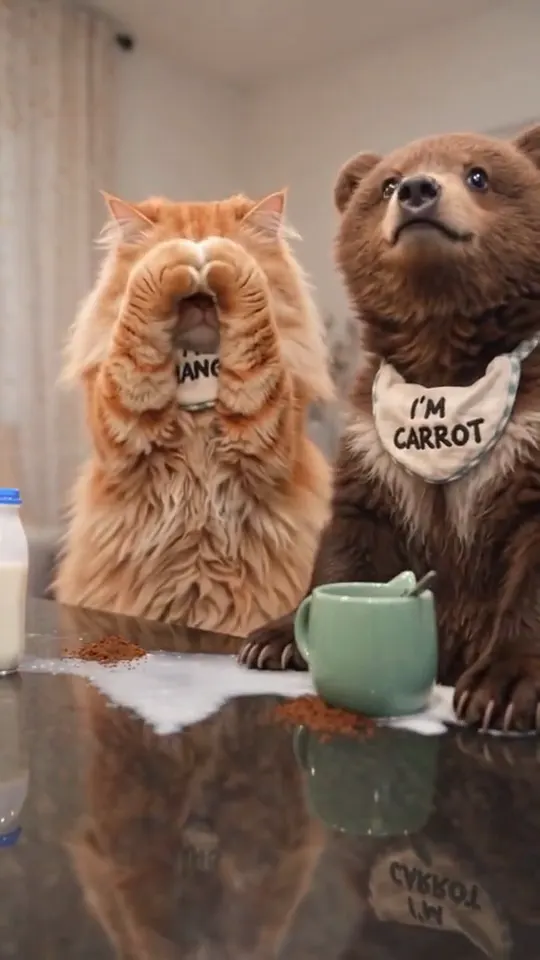
Cats Making Coffee AI
Two pets behind the counter, one pot and one mug

Birds of a Feather AI
One photo into a slow overhead chair spin
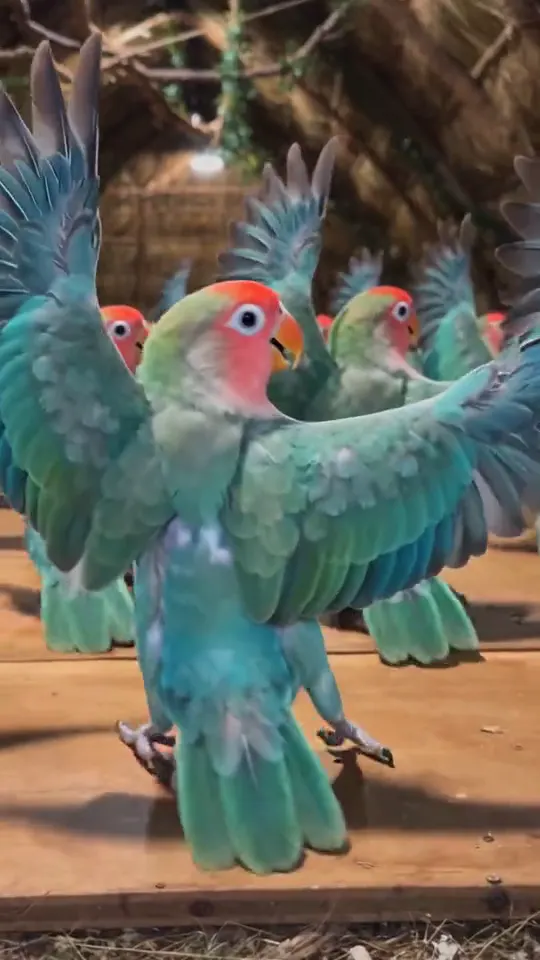
Parrot Dance AI Video
Turn one pet photo into a barn full of dancing parrots
Choose a photo with the pet facing the camera
A front-facing photo with the eyes visible gives the cleanest result. Birthday and memorial templates work well with a single pet, while dance and performance templates handle a playful, slightly tilted pose.
How to make a clip in three steps
- 1. Pick a template from the list above and open its page.
- 2. Upload the photo the template asks for. Use a clear, front-facing shot with even light. Couple and group templates need one clear photo per person.
- 3. Wait for the render, check the clip, then download it. Keep the audio on when you post, because each clip is built around its original sound.
Each clip is rendered from your photo and the template's reference, so the result depends on the photo you upload. If the first render misses, try a different photo angle before you switch templates. Every template is free to try.
Photo tips for better results
- Use a sharp photo with your face in the upper third of the frame.
- Even daylight or soft indoor light gives a cleaner result than a harsh flash.
- A plain background keeps the edges clean when a template swaps the scene.
- Take off sunglasses and keep hands away from the face unless the template calls for them.
AI Pet Trends: questions
How do AI pet trends work?
Upload a photo of your pet, pick a template and the tool animates the pet inside the scene. You get a short video to download.
How long are the clips?
Clips follow the length of the reference video. Only references longer than 15 seconds are cut down to 15 seconds.
Does the pet need to be a dog or a cat?
Most pet templates work with dogs and cats, and some are built for birds.
Can I make a memorial clip for a pet that has passed?
Yes. The memorial template works with one clear photo of the pet.
Which of these AI pet trends is the funniest?
The performance templates get the most reactions, especially the parrot and cat clips.