Take Me Home Dom Perignon: Tap the Beat, Then Drive Off

Take me home dom perignon puts you in the night car trend with one photo. MiniMax H3 follows the reference clip’s actions, camera angles, and timing in a 15-second vertical video with instrumental sound.

1Tambahkan foto Anda

2Kualitas & durasi480p · 15s · 9:16120 credits

Tanpa langganan · Siap dalam sekitar 3 menit · Tidak dikenakan biaya jika gagal

Use only your own photo or a photo of an adult who has agreed to it.

From the Feed

The Night Car Reference Clip

The reference clip shows a man beside a white coupe at a gas station after dark. He mouths the hook, taps the car in time with the beat, and drives away. This page uses that clip as the visual guide for the take me home dom perignon trend; there is no case gallery here. Your generated video follows its sequence, camera positions, and pacing, with the person in your photo taking the main role.

Make My Car Trend Video

Three Steps

How to Make a Take Me Home Dom Perignon Video

  1. 1

    Choose a Clear Person Photo

    Use one photo of yourself or an adult who has agreed to appear. Face the camera in clear light so the person is easy to see. The page has no scene chips or second photo slot.

  2. 2

    Upload and Generate

    Upload the photo and start the generation. MiniMax H3 follows the reference clip’s sequence, actions, camera positions, and timing. The video stays in the night car setting; you cannot write a different scene or upload your own song.

  3. 3

    Review and Share the Clip

    Check the finished 15-second vertical video before posting. It includes instrumental sound but no voice. Add a song separately in your social app if you want one, and use the platform’s AI media label when required.

Straight Answers

What This Car Trend Generator Does

The take me home dom perignon trend is specific: one night setting, a person beside a car, beat timed gestures, and a departure. Here is what the one photo workflow can and cannot change.

What You Get

  • One photo places you in the main role of the reference based car scene, without asking you to film beside a car or build an edit.
  • MiniMax H3 uses the reference clip to guide the actions, camera positions, and rhythm, including the taps that land on the beat.
  • The result is a 15-second video in vertical 9:16 format, ready to view on a phone screen.
  • Instrumental sound is included, so the clip has a soundtrack without pretending to contain the original singer’s voice.

Known Limits

  • The clip has no human voice, and you cannot upload your own song. Add any vocal track separately through the social app where you post.
  • The scene follows the reference clip. You cannot set a different location, car, camera sequence, or custom action on this page.
  • Each generation uses one photo, so this workflow does not add a second person from another image.
  • The reference includes a night car setting and a drive away. The generated video follows that scene rather than letting you choose a different ending.
Make My Car Trend Video

The Trend Explained

What Is the Take Me Home Dom Perignon Car Trend?

Take me home dom perignon refers here to a short night car video built around the hook in the reference reel. In the supplied original, a man stands beside a white coupe at a gas station, mouths the line, taps the car on the beat, and drives off. The page recreates that visual format by using one uploaded person photo as the reference clip’s main subject. MiniMax H3 follows the source actions, camera positions, and rhythm to produce a 15-second vertical video. The sound is instrumental, with no voice, and the scene cannot be customized into a different setting.

The Reference Sets the Scene

The video follows the reference reel’s night gas station and car setup. The source clip shows a white coupe, a person beside it, beat timed taps, and a drive away. Your photo supplies the person; the reference supplies the scene and performance sequence. The generated result is a 15-second vertical video, so the setting and actions come from the reference while the uploaded photo determines who appears in the main role.
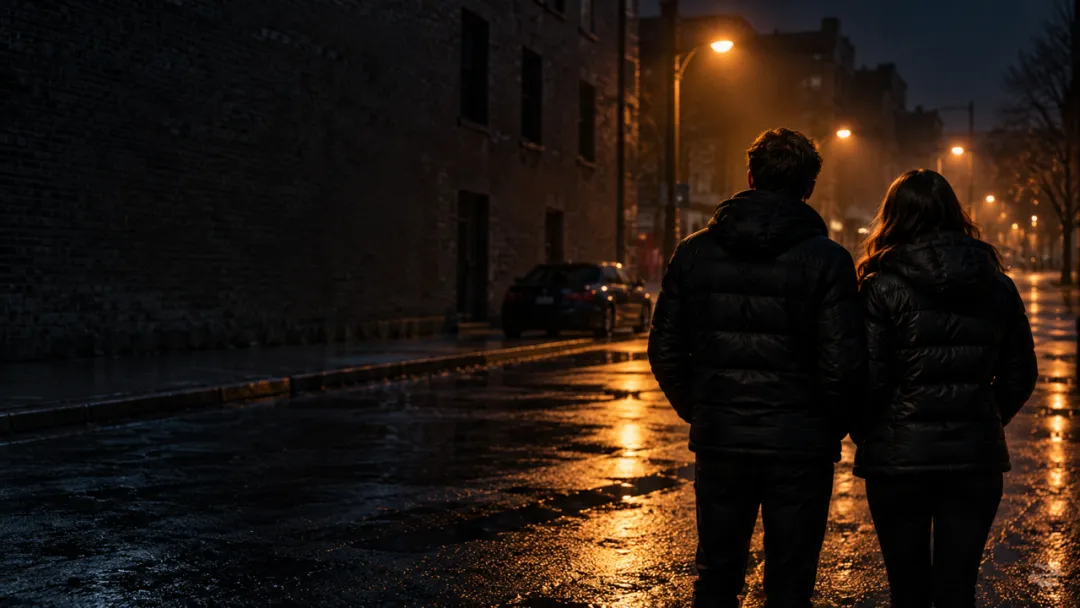
One Photo Replaces the Main Person

Upload one photo of yourself or a consenting adult. MiniMax H3 uses it to put that person in the reference guided video. A clear face turned toward the camera gives the model a visible subject to work from. A group photo adds people this single photo workflow is not designed to place, so choose a photo with one person. This is a one photo car video workflow, with the reference supplying the scene and performance sequence.

Instrumental Sound, No Voice

The generated clip includes instrumental sound, not vocals or a spoken performance. The tool does not accept a song upload. If you want a specific vocal track with your post, add it separately using the sound options in the platform where you share the video. The instrumental track stays with the generated scene, while the headlight tap video actions follow the reference clip’s timing and camera positions.

More to try with your photo

Take Me Home Dom Perignon FAQ

Answers about the photo, reference scene, sound, format, and sharing.

Make My Car Trend Video
What AI tool can make the Take Me Home Dom Perignon car video from a photo?

This page uses MiniMax H3 to place the person from one uploaded photo into the reference guided car video. The model follows the reference actions, camera positions, and timing to create a 15-second vertical clip with instrumental sound and no voice. The reference supplies the night car scene and performance sequence, while the uploaded photo supplies the person in the main role. You cannot choose a different setting or upload a song here.

How do I make the Take Me Home Dom Perignon video with my photo?

Upload one clear photo of yourself or a consenting adult, then start the generation. MiniMax H3 follows the reference clip’s night car scene, gestures, camera positions, and pacing to make the video; you do not choose a new setting or write a scene prompt. The process uses one photo to place the person in the reference, which supplies the car, action sequence, and visual setting.

Does the video include the original song or vocals?

No. The generated clip has instrumental sound and no human voice, and this page does not let you upload your own song. If you want a vocal track, add one separately through the sound library of the platform where you post.

Can I change the car, location, or actions in the Dom Perignon car trend?

No. The video follows the supplied reference, including its night car setting, beat timed actions, camera positions, and sequence. This page does not offer custom scenes, a different car, or controls for changing the choreography.

What photo should I upload for the night car video trend?

Upload one clear photo of yourself or an adult who has agreed to appear, with the face visible and facing the camera. Avoid group photos because the workflow uses one person photo to replace the reference clip’s main person.

How long and what shape is the generated clip?

Each generated clip is 15 seconds in vertical 9:16 format. That gives you a short phone shaped video that follows the reference’s scene and timing.

Can I put a friend in the video?

Yes, if the friend is an adult and has agreed to have their photo used. Upload one photo of that person; the page creates a clip with that person in the main role and does not add a second person from a separate image. The reference continues to determine the night setting, car, and actions, so the friend’s photo changes who appears in the scene rather than changing its setup.

Will my video appear publicly on Explore?

The supplied information does not specify whether generated videos appear publicly on Explore. Use only your own photo or a photo of an adult who has agreed to it.

Where can I find general guidance on posting an AI trend video?

The AI trend how-to guide covers general posting and timing guidance. This page’s generated clip follows the reference’s fixed night car sequence and includes instrumental sound without vocals.

Explore More

Explore More One Photo Videos

Put Your Photo in the

Take Me Home Dom Perignon Trend

This night car trend follows the reference scene with one photo, beat timed car actions, and instrumental sound. Upload a photo you have permission to use and make your vertical clip.

Make My Car Trend Video

One photo • 15 seconds • 9:16 vertical • Instrumental sound

Put Your Photo in the

Make My Car Trend Video