AI Scared Face Effect: The Calm Face Breaks Into a Gasp

The ai scared face effect turns one photo into a 15-second vertical reaction video. Pick a scene, and watch a calm face give way to a startled look.

1เพิ่มรูปของคุณ

Choose a Scene

2คุณภาพและความยาว768p · 15s · 9:1660 credits

ไม่ต้องสมัครสมาชิก · เสร็จในประมาณ 3 นาที · ไม่คิดเงินหากล้มเหลว

Only upload a photo of yourself or an adult who has agreed to its use.

From the Feed

One Scene, One Sudden Reaction

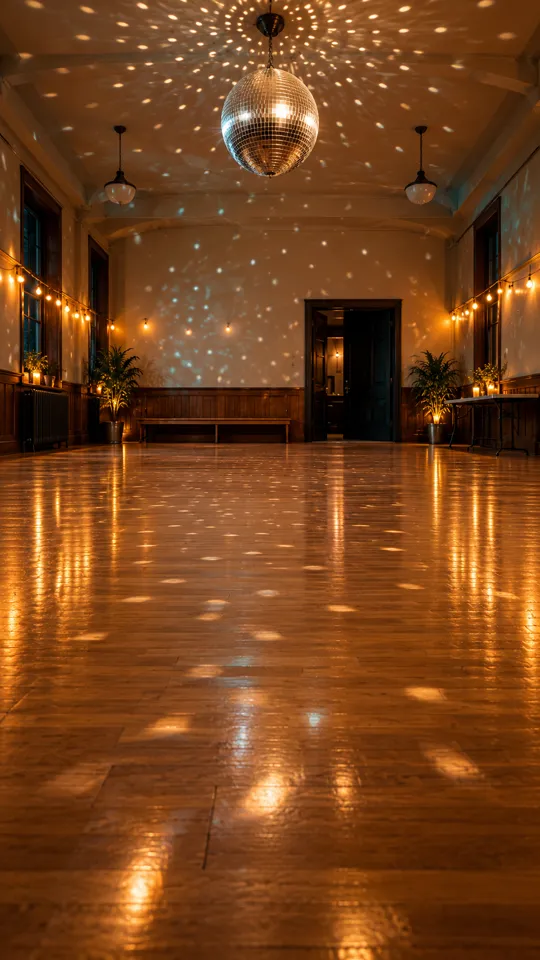
This page has one scene chip: Startled Surprise. It begins with the person from your photo in a plain room, wearing a grey T-shirt, with hands lowered and a relaxed expression. Choose the chip to make that setup the starting point for your reaction video. The shift from calm to startled gives the clip its punchline without asking you to write a prompt or build a scene.

Make My Scared Video

Three Steps

How to Make a Scared Face Video From a Photo

  1. 1

    Choose the Scene Chip

    Select Startled Surprise. It is the available scene and sets a relaxed expression, lowered hands, a plain room, and a person wearing a grey T-shirt.

  2. 2

    Upload One Photo

    Add one clear photo of yourself or an adult who has agreed to appear. Keep the face visible and facing the camera so the model can use the person as the reference for the 15-second clip. This process uses one photo for each clip and does not combine multiple people or reference images. Do not upload someone’s photo without their consent.

  3. 3

    Generate and Review the Video

    Start generation, then review the vertical result before sharing it. The video includes environmental sound and instrumental music without a human voice; add a separate track after downloading if you want one.

Scene 01 · Startled Surprise

The Split Second Before the Gasp

A relaxed face meets an unseen surprise.

Startled Surprise begins with the person from your photo standing in a plain room, wearing the same grey T-shirt, with hands lowered and a relaxed expression. The ai scared face effect turns that calm setup into a startled reaction, giving your clip a simple before-and-after beat. The camera stays on the person as the expression changes.

  • Relaxed expression at the start
  • Hands lowered in a plain room
  • Choose Startled Surprise for this reaction

Straight Answers

What This Scared Face Video Includes

The setup is simple: one photo, one scene choice, and a short video. Here is what the result can and cannot do, so you know what to expect before you generate.

What You Get

  • The ai scared face effect starts from one photo of a person and builds a 15-second vertical video around that person.
  • This page’s featured scene is Startled Surprise, with a relaxed expression and hands lowered at the beginning.
  • Environmental sound and instrumental music come with the video, so the clip has audio without needing a separate track.
  • The generation uses MiniMax H3; see the [MiniMax H3 model details](/m/minimax-h3) for model information.

Known Limits

  • The clip has no human voice, and you cannot upload your own song or audio track.
  • You can upload one photo per video; this page does not combine multiple people or reference photos.
  • You must choose from the scene chip provided here; you cannot type a custom scene on this page.
  • Each result is 15 seconds, and you cannot set a different duration here.
Make My Scared Video

The Trend Explained

What Is the AI Scared Face Effect?

The ai scared face effect is a photo-to-video reaction: you provide one person’s photo, choose a scene chip, and get a 15-second clip. This page’s chip is Startled Surprise, which begins with a relaxed expression and hands lowered in a plain room. The result includes environmental sound and instrumental music, but no human voice. It is a video effect rather than a still-image filter, so use it when you want a short reaction moment to share. The person in the source photo should be you or an adult who has agreed to be included.

One Photo Starts the Reaction

Upload one clear, front-facing photo of yourself or a consenting adult. The AI scared face effect uses that person as its visual reference, so keep the face visible and avoid shadows or objects that cover it. This photo-to-video process uses one image for each clip; it does not combine several people or reference photos. Only use an adult’s photo when they have agreed to appear in an AI-generated video.
Choose Startled Surprise

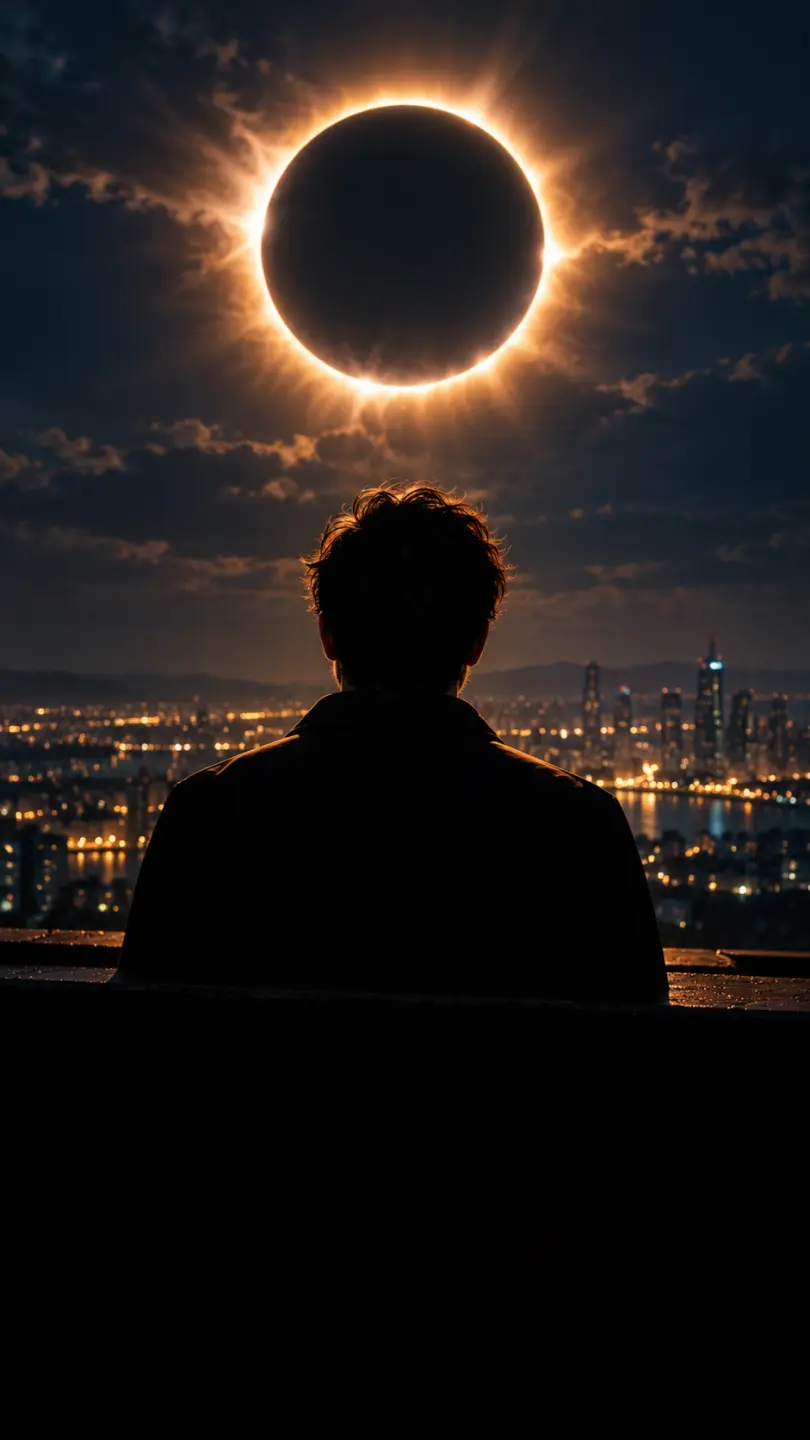
The Startled Surprise scene chip sets the starting setup: a relaxed person in a plain room, with hands lowered. You select this preset instead of entering a custom prompt, so the available direction is limited to the scene chip. The preset produces a startled reaction from this setup.

A Vertical Clip With Instrumental Sound

The output is a 15-second video with environmental sound and instrumental music. The clip has no human voice, and you cannot upload your own song during generation. If you want a particular track, add it separately after downloading the video. These sound limits apply to the result from this page’s single Startled Surprise scene.

More to try with your photo

AI Scared Face Effect FAQ

Answers about the photo, scene choice, video length, sound, and sharing.

Make My Scared Video
How do I make an AI scared face effect video from a photo?

Upload one clear photo of yourself or a consenting adult, choose Startled Surprise, and generate the clip. The result is a 15-second vertical video with environmental sound and instrumental music, but no human voice. To animate a selfie, use a front-facing image with the face visible; the scene chip determines the reaction setup.

What does the AI scared face effect make?

It turns one person’s photo into a short reaction video. The selected scene starts with a relaxed expression and hands lowered in a plain room, then the person appears startled.

Can I choose a different scared face scene?

This page offers one scene chip: Startled Surprise. You can select that preset, but you cannot type a custom scene or choose another reaction here.

What photo should I upload for a frightened reaction video?

Use one clear photo with the person’s face visible and facing the camera. Upload only your own photo or one belonging to an adult who has agreed to be included in the generated video.

How long is the scared face video, and what shape is it?

Each scared face video is 15 seconds long and uses a vertical format. This page does not offer another duration or video shape, so choose Startled Surprise if that setup fits the reaction you want. The generated clip includes environmental sound and instrumental music, with no human voice.

Does the clip include speech or let me add my own song?

No. The video has environmental sound and instrumental music, with no human voice, and you cannot upload your own song during generation. You can add a track separately when you post the downloaded clip.

Which model makes this AI fear reaction?

The page uses MiniMax H3 to generate the video from your photo and the selected scene chip. See the [MiniMax H3 model details](/m/minimax-h3) for information about the model.

Can I make an AI scared face effect with a photo of a friend?

You can use a friend’s photo only if your friend is an adult and has agreed to its use. The tool accepts one photo per clip and does not combine multiple reference photos. Choose a clear image with the person facing the camera; the scene chip supplies the reaction setup.

Where can I find pricing for AI video generation?

See the [pricing page](/pricing) for available plans and credit options. The generation interface shows the applicable credit amount before you start a video.

How do I make and share an AI trend video?

Choose Startled Surprise, upload one permitted photo, and generate the clip. Review the video before sharing it, and label it as AI-generated. For steps and sharing tips, see the AI trend how-to guide.

Explore More

More Photo-to-Video Effects

Make Your AI Scared Face Effect

Start With One Calm Photo

Upload one photo, choose Startled Surprise, and make a 15-second reaction video with environmental sound and instrumental music.

Make My Scared Video

One photo • 15 seconds

Make Your AI Scared Face Effect

Make My Scared Video