AI New Year Video: Your Photo at Midnight

Make an ai new year video from one photo: choose a scene and MiniMax H3 creates a 15-second vertical celebration with fireworks, ambient sound and instrumental music.

1เพิ่มรูปของคุณ

Choose a New Year Scene

2คุณภาพและความยาว768p · 15s · 9:1660 credits

ไม่ต้องสมัครสมาชิก · เสร็จในประมาณ 3 นาที · ไม่คิดเงินหากล้มเหลว

Use a photo of yourself or an adult who has given permission. Do not upload someone else's image without their consent.

From the Feed

Three New Year Scenes From One Photo

Each scene chip gives your photo a different New Year setting: Beach Fireworks uses moonlit water, Confetti Celebration adds a few drifting colors, and Elegant Toast sets the person among candlelight and red ribbons. Midnight Toast is the default scene shown first in the tool. Choose one chip before generation; this page does not take a written custom scene or combine several chips into one clip. Every result is a 15-second vertical video with ambient sound and instrumental music.

Create My Video

Three Steps

How to Make an AI New Year Video

  1. 1

    Choose a Scene Chip

    Keep Midnight Toast, the first and default option, or select Beach Fireworks, Confetti Celebration or Elegant Toast. Each chip sets a fixed scene for the person in your photo.

  2. 2

    Upload One Photo

    Add one clear photo of yourself or a consenting adult. Make sure the face is visible and well lit. This tool uses one person from one image and does not accept your own song.

  3. 3

    Create and Review the Clip

    Start generation with MiniMax H3, then review the 15-second vertical video with sound. Download it if the result suits your greeting; add a spoken message or chosen song separately when you post.

Scene 01 · Beach Fireworks

Fireworks Over Moonlit Water

A quiet beach, then the first lights in the sky.

Beach Fireworks places the person from your photo on a quiet shore at night. Moonlit water reflects distant fireworks as the scene opens, giving the greeting a calm start instead of a crowded party backdrop. Choose this chip when you want a New Year video from one photo that feels like a seaside midnight moment. The finished clip is 15 seconds in vertical 9:16 format, with ambient sound and instrumental music.

  • Quiet beach at night
  • Moonlight reflected on the water
  • Distant fireworks begin overhead

Scene 02 · Confetti Celebration

A Few Pieces of Confetti

Warm festive lights and a small burst of color.

Confetti Celebration puts the person beneath warm festive lights while a few colorful pieces drift through the air. The scene keeps the action simple, so the photo remains the focus while the confetti signals a celebration. Pick this chip for a portrait-style New Year greeting video with a festive setting and no crowded background. MiniMax H3 turns the single uploaded photo into a 15-second vertical clip with ambient sound and instrumental music.

  • Warm festive lights
  • A few colorful confetti pieces
  • One person from your uploaded photo

Scene 03 · Elegant Toast

Candlelight and Red Ribbons

An elegant party backdrop with fireworks beginning in the distance.

Elegant Toast places the person before an elegant party backdrop with red ribbons and candlelight. Distant fireworks begin to rise as the scene unfolds, giving the greeting a formal holiday feel. Choose this chip when you want a polished setting built from the available scene rather than a custom prompt. This ai new year video uses one photo, lasts 15 seconds and comes in vertical 9:16 format, with ambient sound and instrumental music but no human voice.

  • Red ribbons and candlelight
  • Elegant party backdrop
  • Distant fireworks beginning to rise

Straight Answers

What This New Year Video Includes

The tool turns one uploaded photo into a short scene with a defined format and sound. Here is what you can choose, and what stays fixed.

What You Get

  • One photo is the starting point, and the scene chips set the setting without asking you to write a prompt.
  • Four available scenes cover a midnight gathering, a beach, drifting confetti and an elegant toast backdrop.
  • MiniMax H3 creates a 15-second vertical 9:16 video with ambient sound and instrumental music.
  • The scene and format are stated before you generate, so you can decide whether the fixed setup fits your greeting.

Known Limits

  • The video has no human voice, dialogue or spoken countdown; it contains ambient sound and instrumental music.
  • You cannot upload your own song. Add a track separately in your posting app if you want specific music.
  • Each clip uses one photo and one person; this page does not combine several people or multiple photos.
  • You must choose one of the four scene chips. Custom written scenes are not available in this tool.
Create My Video

The Trend Explained

What Is an AI New Year Video From a Photo?

An AI New Year video here is a short generated scene built from one uploaded photo and one selected setting. MiniMax H3 places the person in a midnight celebration, on a moonlit beach, beneath drifting confetti or before an elegant party backdrop. The result lasts 15 seconds, uses a vertical 9:16 frame and includes ambient sound with instrumental music. It does not contain a human voice, and the tool does not accept your own song. This format suits a quick greeting or social post when you want a prepared visual scene without filming a party or editing several clips together.

One Photo, One Person

Upload a single photo showing yourself or an adult who has agreed to appear. The tool uses that image as the reference for the person in the generated scene. Choose a clear, well-lit image with the face visible; the page does not accept a second photo or build a group scene from multiple people.
Four Fixed Scene Chips

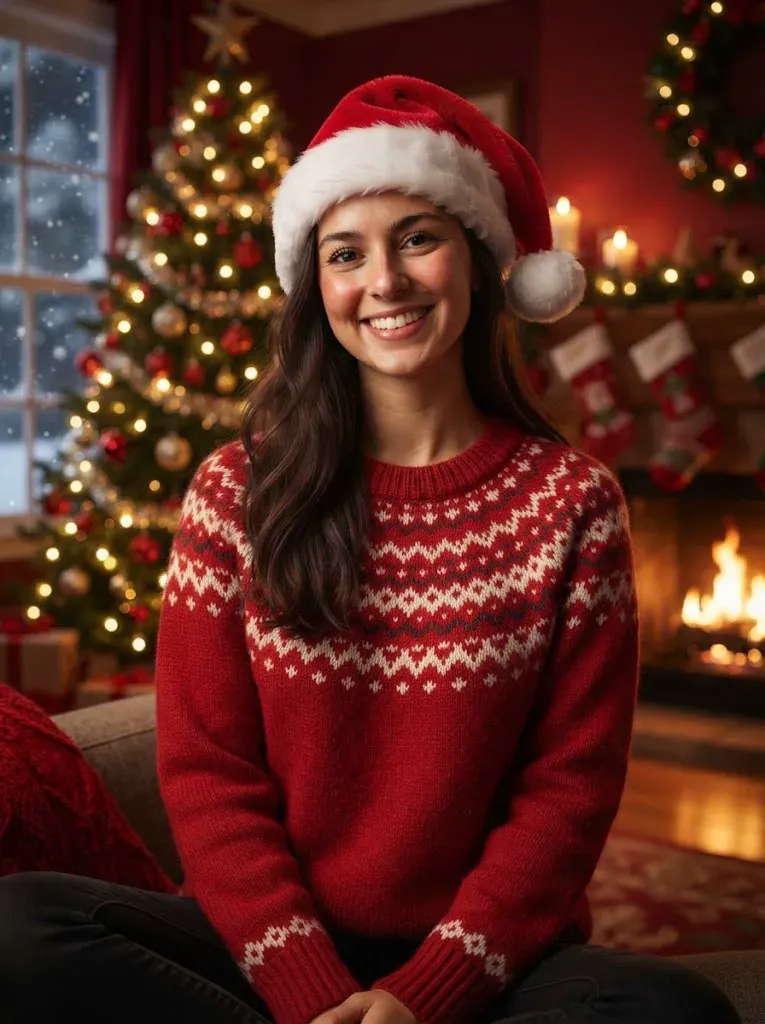
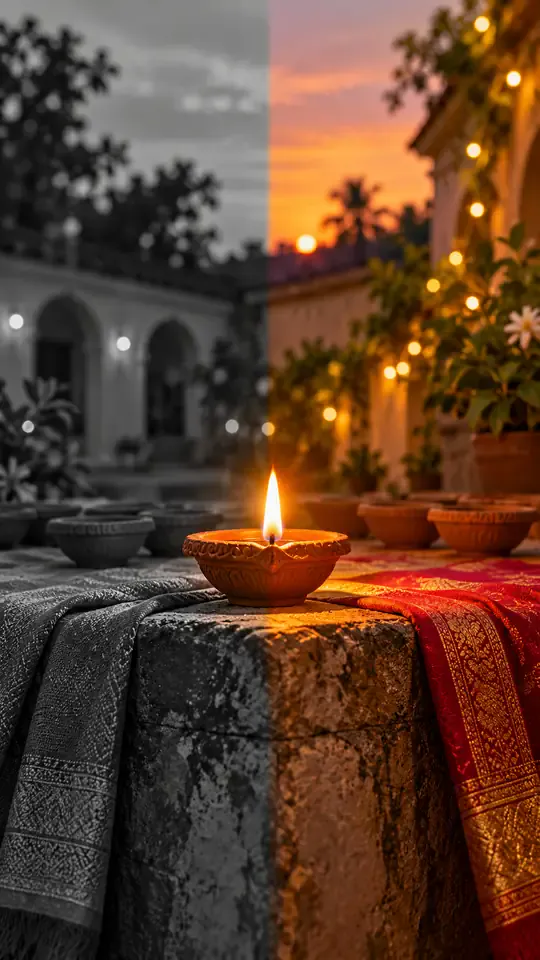
The choices are Midnight Toast, Beach Fireworks, Confetti Celebration and Elegant Toast. Midnight Toast appears first as the default. Select a different chip to change the setting; there is no free-text prompt field for inventing another location or action.

Instrumental Sound, No Voice

The 15-second clip includes ambient sound and instrumental music. It does not include a spoken greeting, lyrics or human voice, and you cannot upload a personal song during generation. Add your own greeting or music separately after downloading if your post needs it.

More to try with your photo

AI New Year Video FAQ

Direct answers about the photo, scene choices, video format, sound and sharing.

Create My Video
How do I make an AI New Year video from my photo?

Choose one of the four scene chips and upload one clear photo of yourself or a consenting adult. Start generation to create an AI New Year video that is 15 seconds long and vertical, using MiniMax H3, then review it before sharing. The tool supplies the scene, ambient sound and instrumental music; you do not need to film a celebration.

Can I create a New Year greeting video using my photo?

Yes. Upload one photo and choose Midnight Toast, Beach Fireworks, Confetti Celebration or Elegant Toast. The result is a 15-second vertical greeting scene with ambient sound and instrumental music, but it has no human voice or spoken message. Add your own greeting separately when you post if you want words.

What scenes can I choose for an AI video with fireworks?

There are four scene chips. Midnight Toast is the default festive gathering, Beach Fireworks places the person beside moonlit water, Confetti Celebration adds a few drifting confetti pieces, and Elegant Toast uses candlelight and red ribbons with distant fireworks. Choose one scene before generation; custom scenes are not available here.

Can I upload more than one photo or include friends?

No. Each clip uses one photo showing one person. The page does not combine multiple images or create a group from separate portraits, so use a photo of yourself or an adult who has agreed to appear. If you want several people in the video, this single-photo setup does not fit that request.

Does the video include a voice or let me add my own song?

No. The generated clip includes ambient sound and instrumental music, with no human voice, spoken greeting or lyrics. You cannot upload your own song during generation. After downloading, you can add a track or record a greeting in your editing or posting app.

How long and what shape is the New Year video?

Every result is 15 seconds long and uses a vertical 9:16 frame. The page uses MiniMax H3 to generate the selected scene from one photo. The duration and aspect ratio are fixed for this tool, so choose it when that short vertical format suits the place where you plan to share the clip.

Can I write my own New Year video prompt?

No. This page uses four selectable scene chips and does not provide a custom prompt box. Pick the closest available scene: a midnight gathering, a moonlit beach, drifting confetti or an elegant candlelit backdrop. The chip determines the setting for the generated clip.

Is this AI New Year video free?

Current credit requirements and available plans are listed on the [pricing page] before you decide how to pay. Check the page for the latest options; the credit requirement may depend on the video you create.

What should I check before sharing a video made from my photo?

Review the finished clip and make sure the person shown agreed to have their photo used. This tool generates a scene rather than documenting a real event, so label it as AI-generated when sharing if viewers might mistake it for real footage. The clip has no voice; add any greeting or music separately after downloading.

How do I make this New Year trend video and post it?

Upload one suitable photo, select a scene chip and generate the vertical clip. Review the result, then download it and add a caption or separate audio in the app where you plan to post. For broader guidance on preparing and sharing AI trend clips, see the [AI trend guide].

Explore More

More Photo Video Tools and Guides

Turn One Photo Into an

AI New Year Video

Choose a scene, upload one photo and create a 15-second vertical celebration with instrumental sound.

Create My Video

One photo • 15 seconds • 9:16 vertical

Turn One Photo Into an

Create My Video