AI Dance Trends
Updated 2026-11-05
Dance trends move fast, and most of them are built around one clip: a move, a beat and a camera angle. Our AI dance trends collection turns one photo of you into a dance video in the same style, so you can join the trend without learning the choreography.
Every template below is a finished dance format from our library. Pick the song or the move you already know, upload a clear face photo, and the tool keeps your face on the original rhythm.
Browse 45 templatesAll AI Dance Trends templates
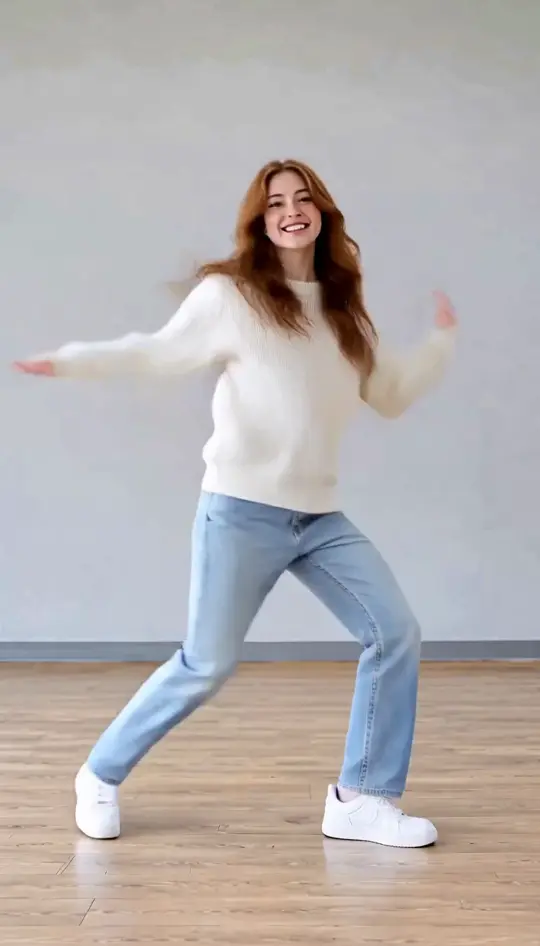
AI Dance Generator
Turn one or two photos into a dance video
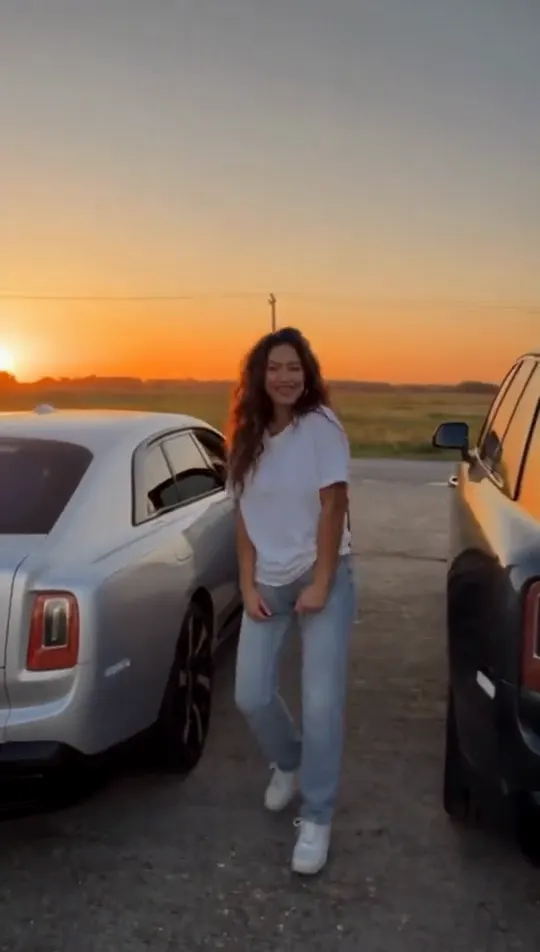
Gas Station Dance
Dusk road-trip clip from your photos
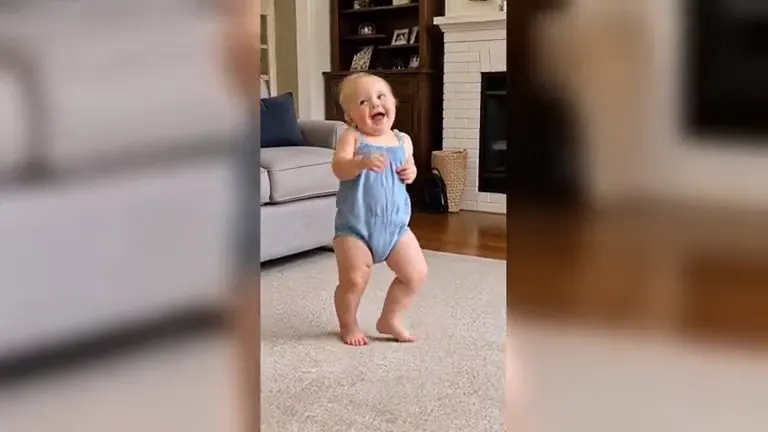
Jawn Dance AI
Deadpan sway clip from one photo
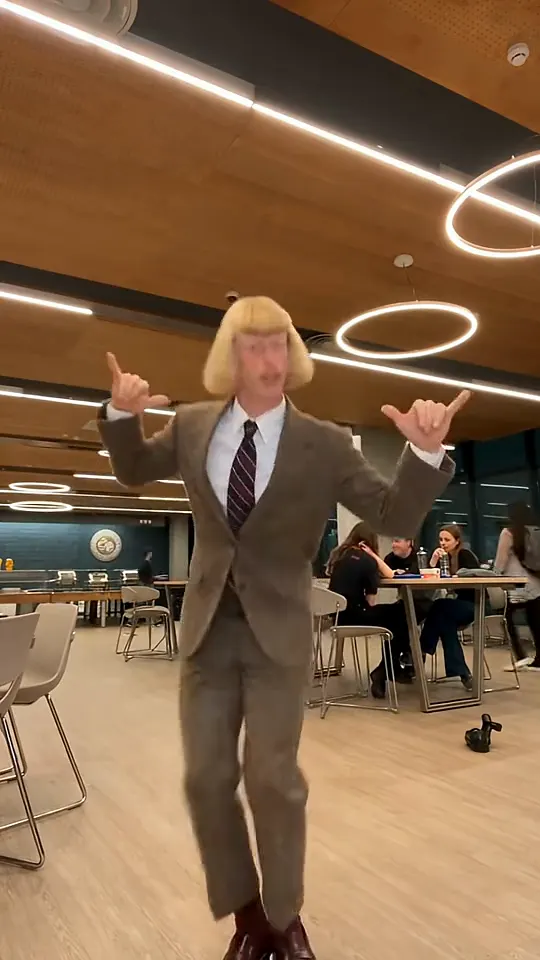
Toc Toc Dance
Turn photos into the hop and knock dance
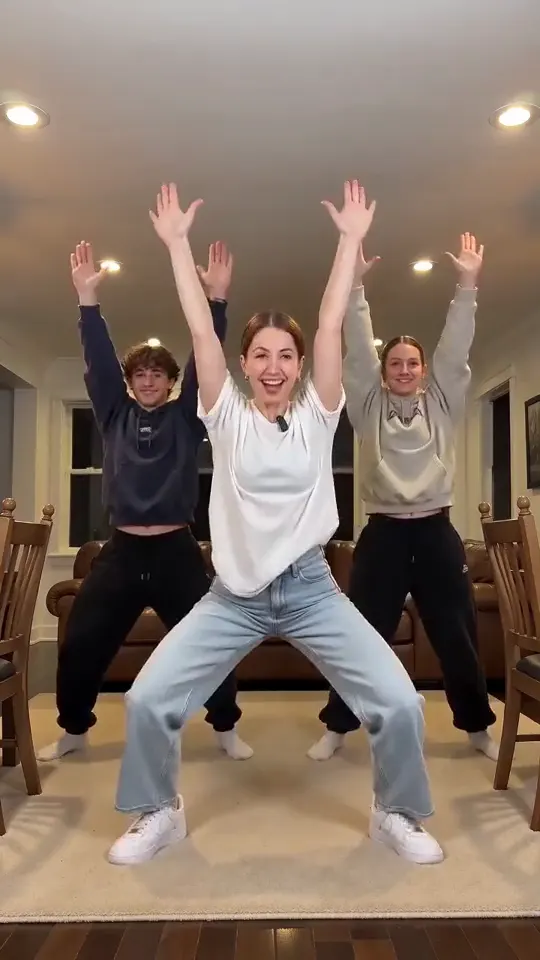
Layoo AI Dance
Do the Layoo dance from one photo with two friends behind you.
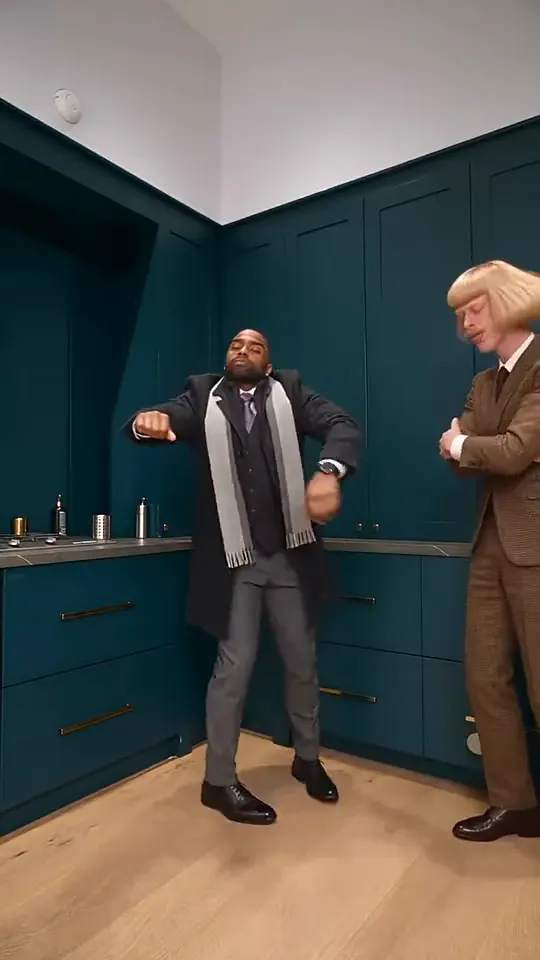
Wipe Me Down AI Dance
Turn your photo into the viral lean, swing and low bounce, friend watching.
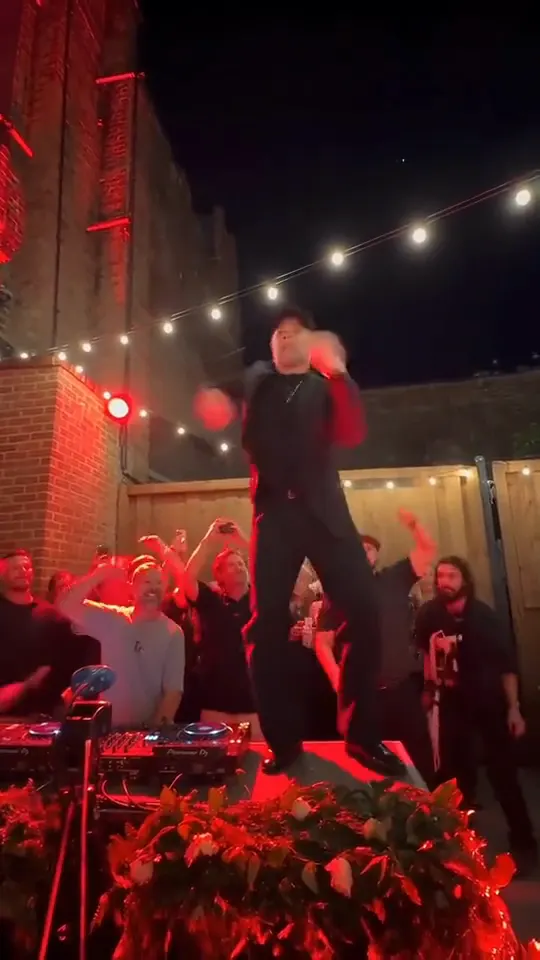
Tecktonik Dance AI
Put your photo on the red stage doing the 2008 electro arm dance.
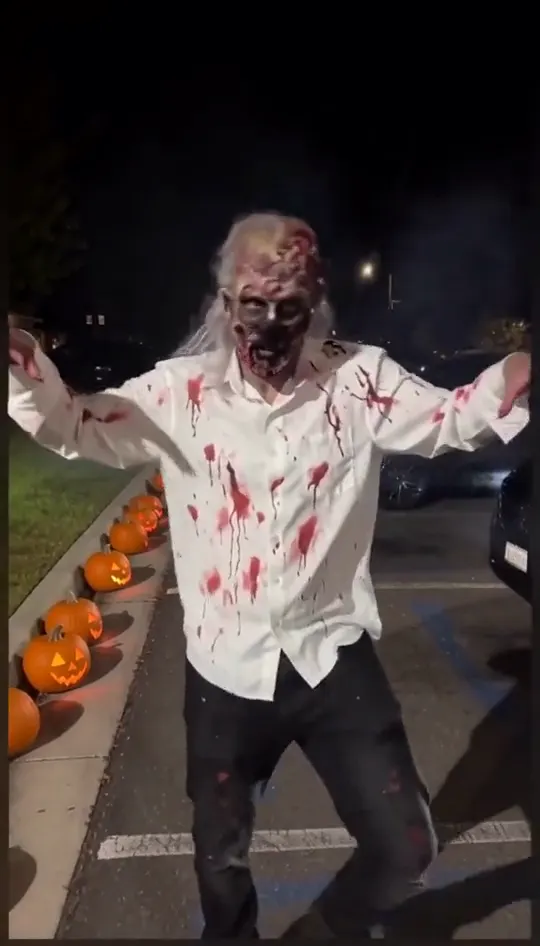
Thriller Dance AI Video
Make your photo lead the 1983 zombie dance in 9:16 vertical video.
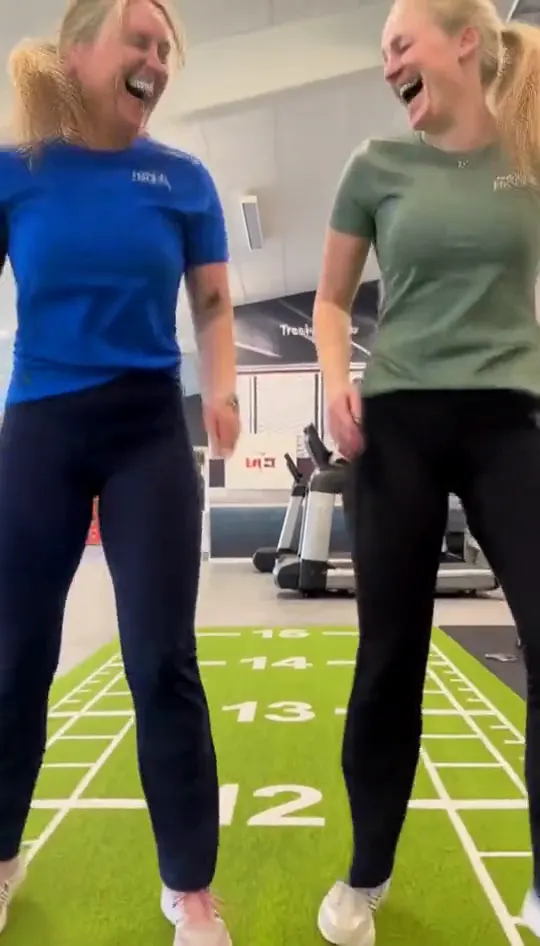
Keep On Steppin AI Dance Video
Turn one group photo into a crew that steps in sync in 9:16 vertical video.
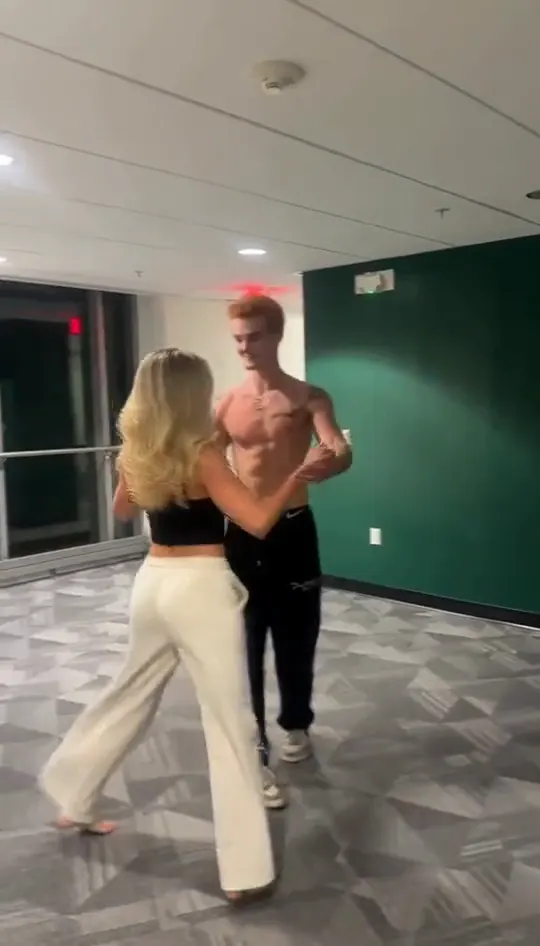
Dirty Dancing AI Video
Turn your photo into a 1980s retro dance video with custom themes.

Barbie AI Dance
Create a two-person autumn field bounce and finger-point dance.
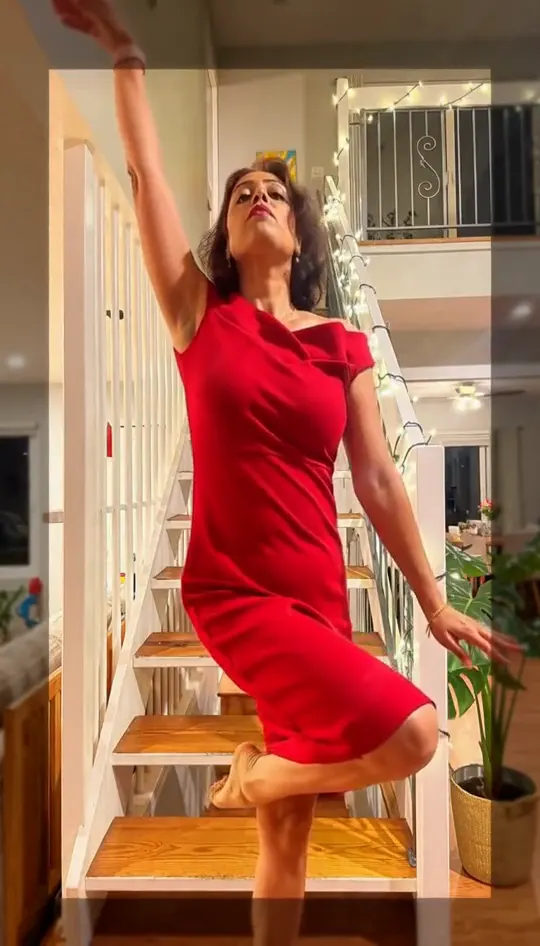
Susan Dell Dance AI
Wide squat, tiptoes, one-leg freeze
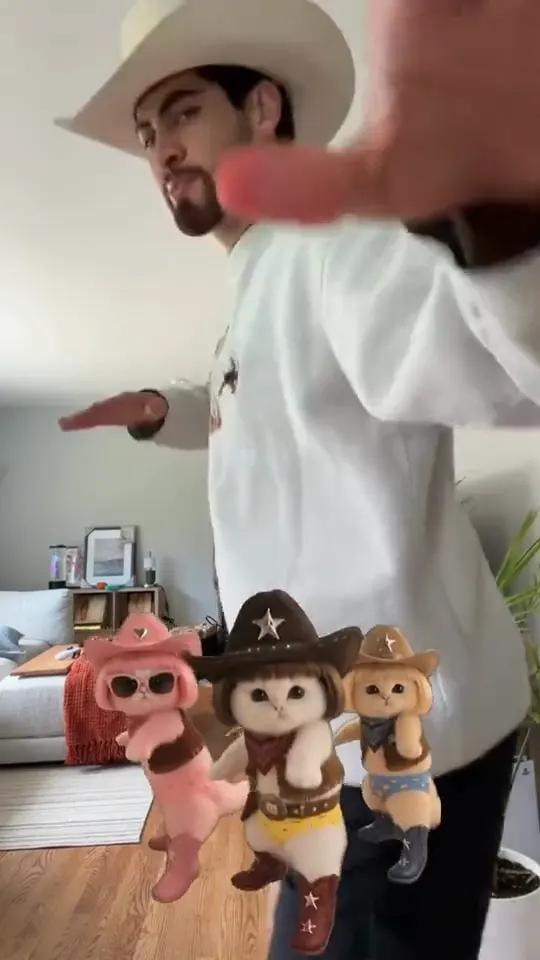
La Calabaza Dance
Your pet as the dancing cat trio
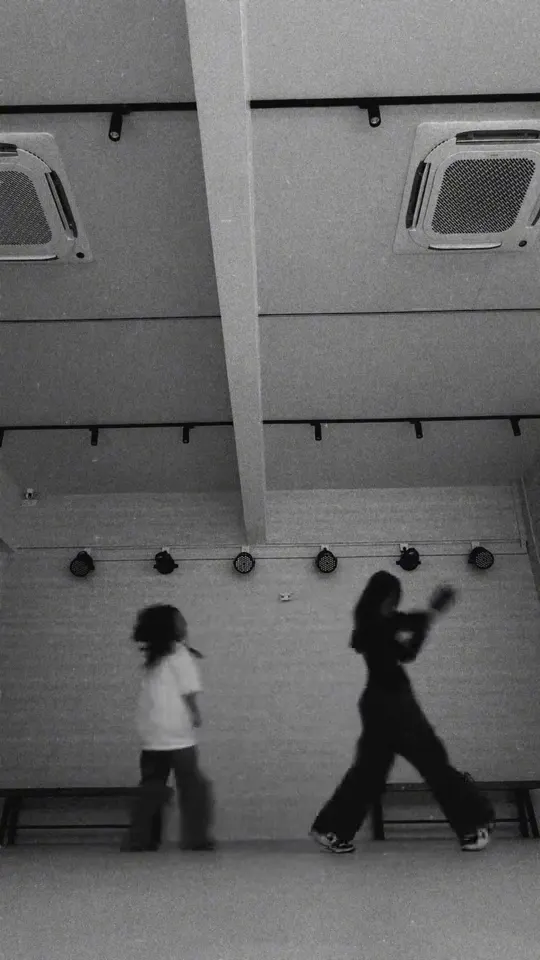
A2O LITE NEON Dance
Do the duo intro from two photos
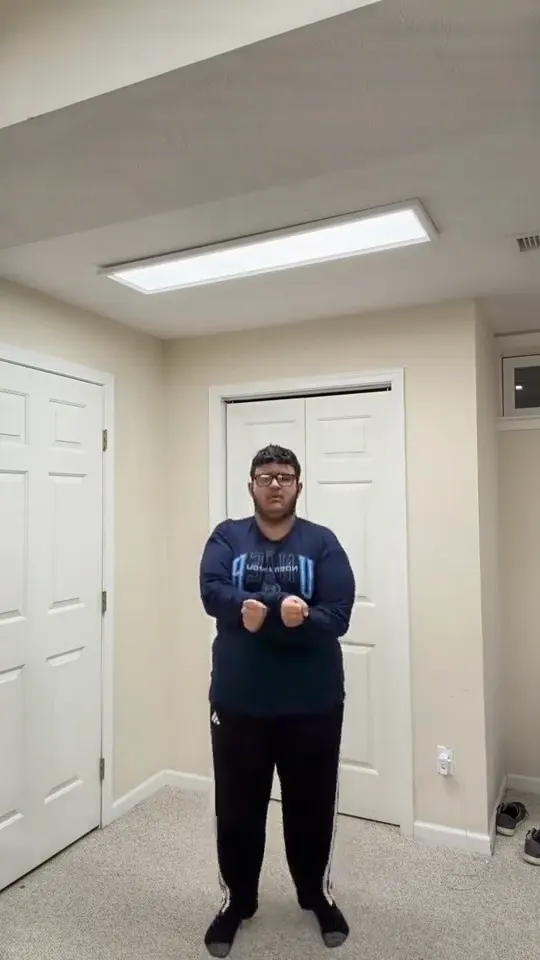
Gangnam Style AI Dance
Do the horse dance from one photo
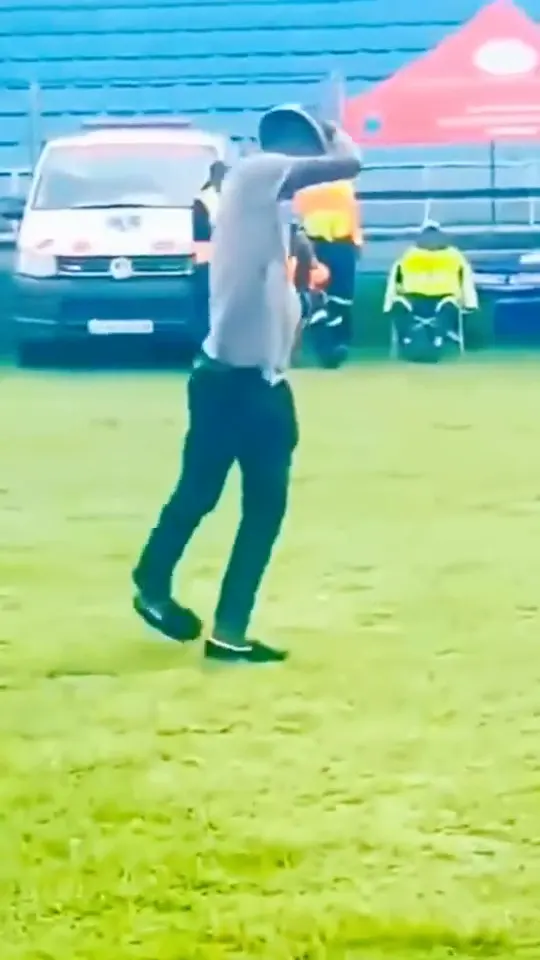
Ngifuna Wena Dance
Do the footwork routine from one photo
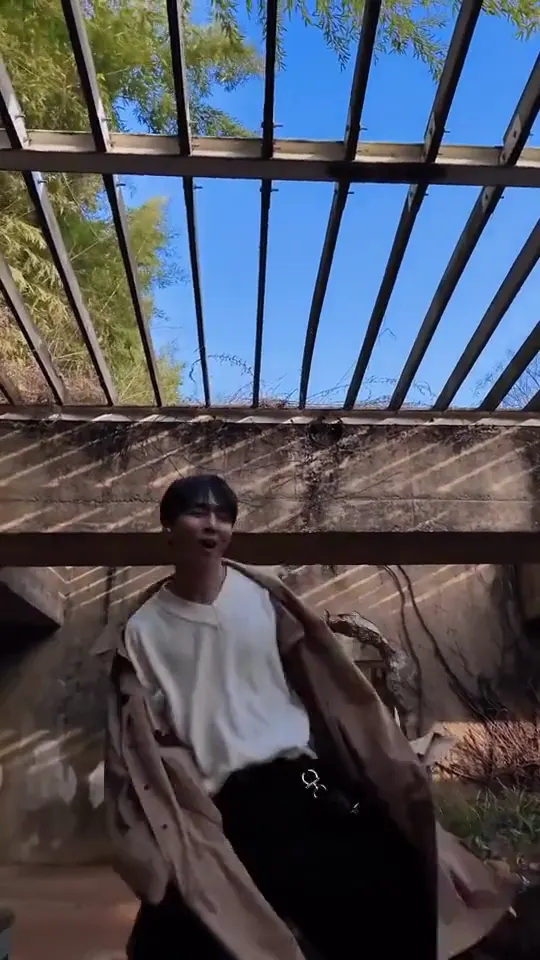
No Guidance Dance
Do the club routine from one photo
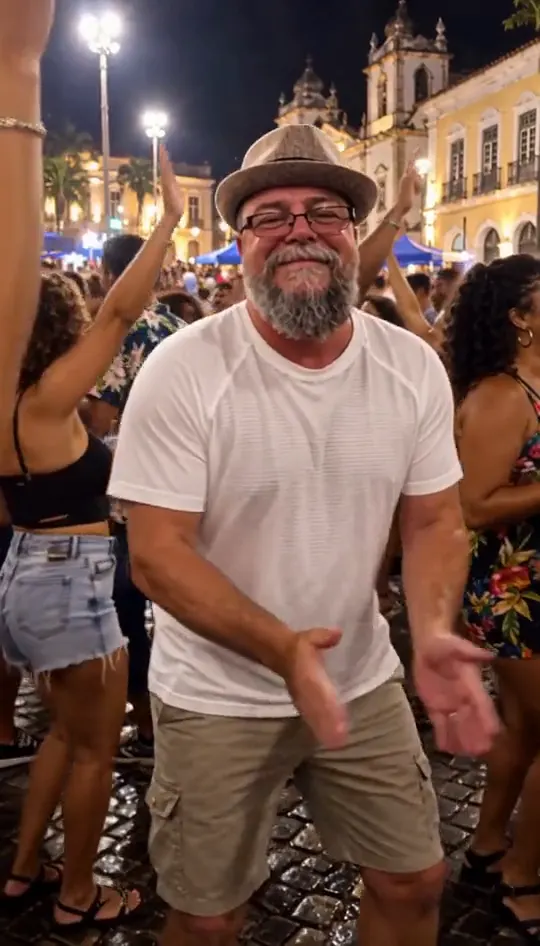
Van Damme AI Dance
Street party or tavern dance from one photo
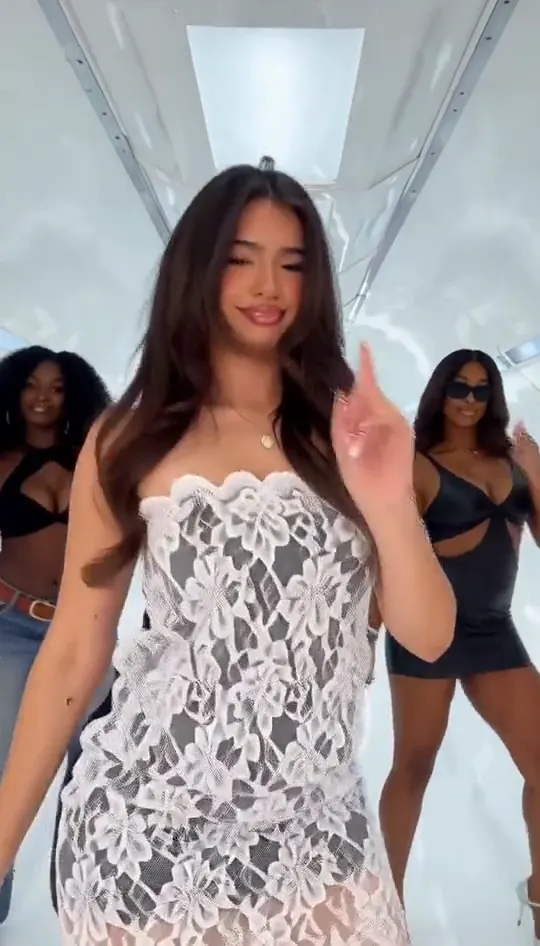
No Scrubs AI Dance
Dance in a white spaceship and wag a finger
Puerto Rican Mami AI Dance
Do the arm throws and knee lift from one photo

BTS Swim Dance AI
Line up, swim the arms and dive onto the mat
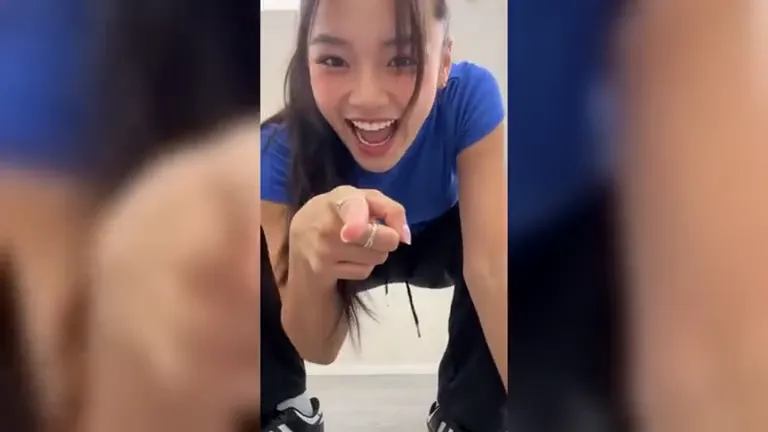
Gangnam Style AI
Turn one photo into the horse dance video
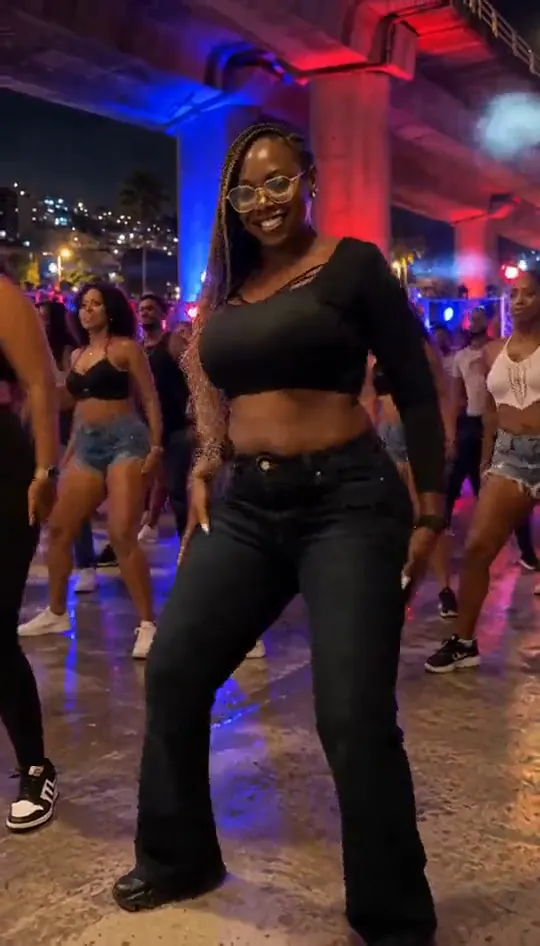
Baile Charme Dance
Turn one photo into the Rio charme dance
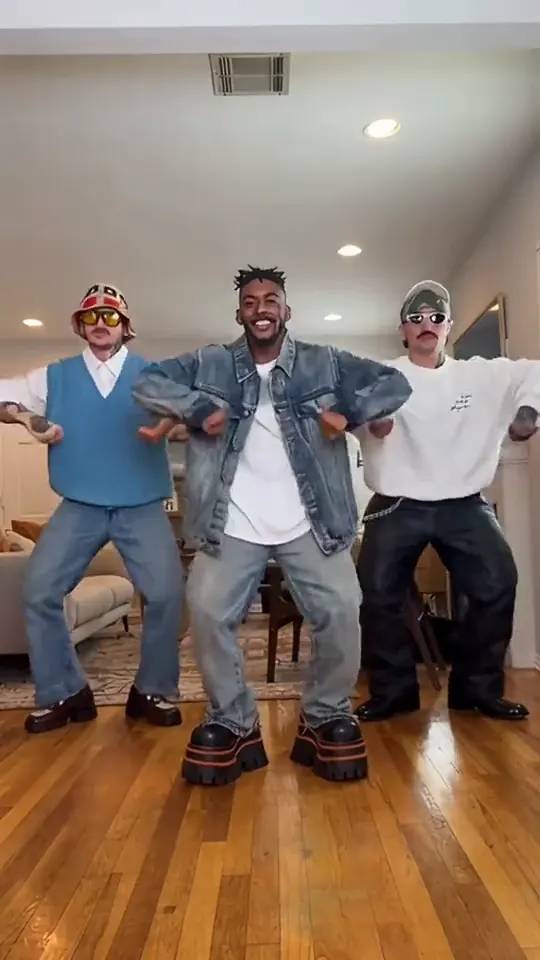
Can Can Dance AI
Put your photo in the high-kick line
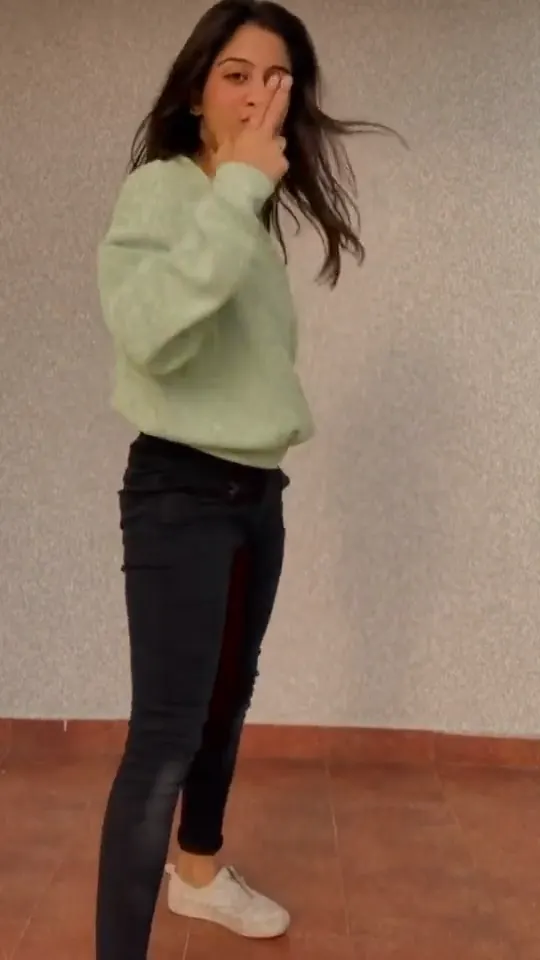
Uptown Funk AI Dance
Turn one photo into the slide and arm-point routine
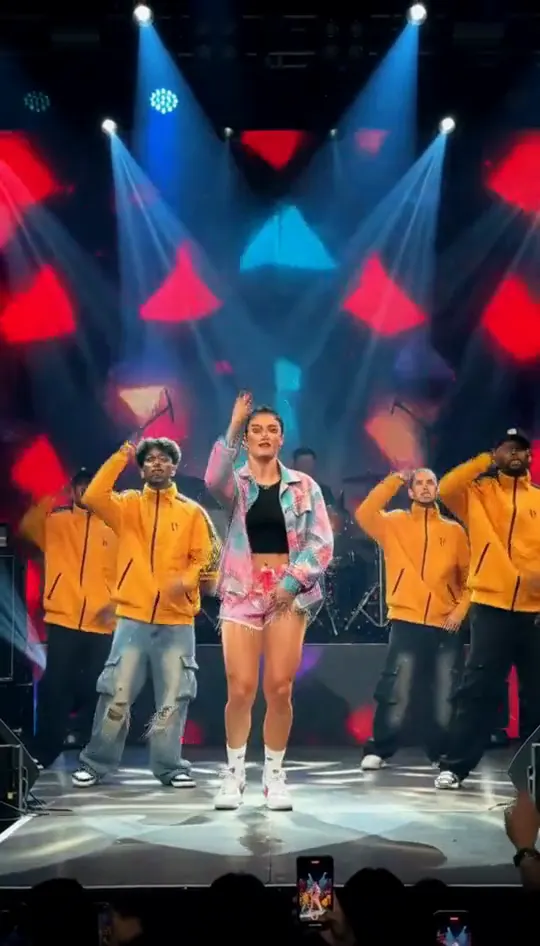
Talk Dirty Dance Trend
Turn one photo into the concert-stage lead
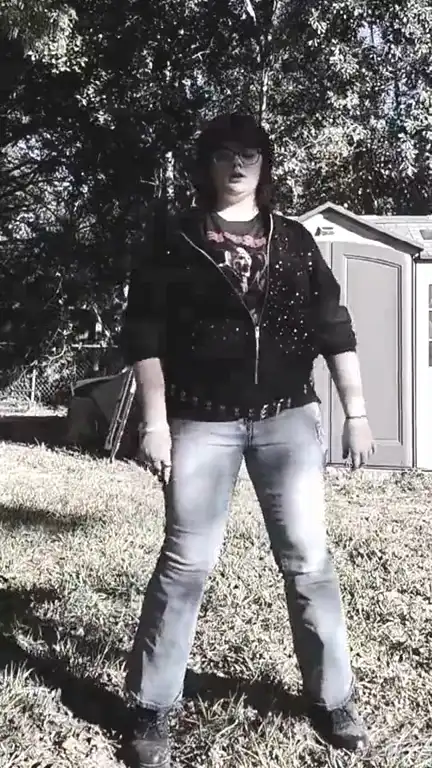
KDA Firestarter Dance
Copy the full cover routine from one photo
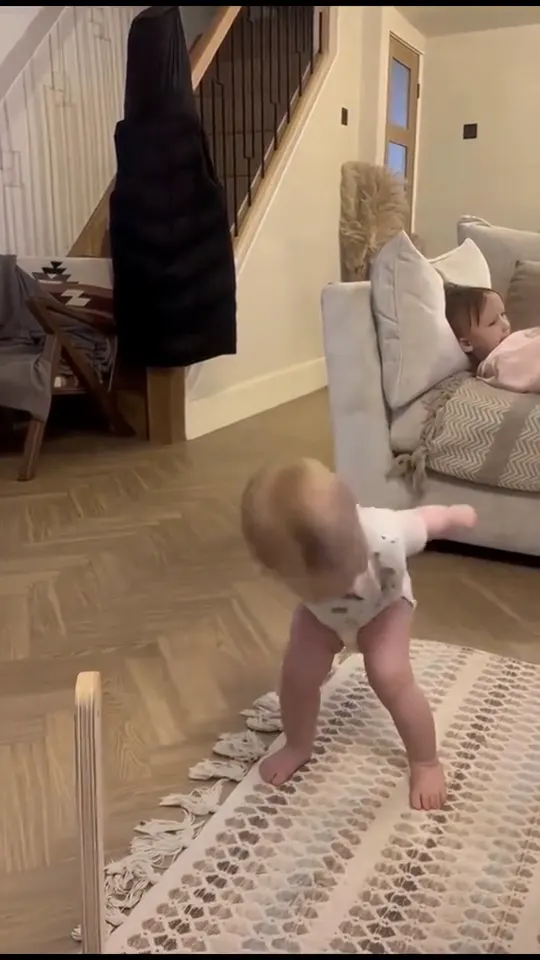
Lil T Jones Dance
Turn one photo into the salute and spin clip
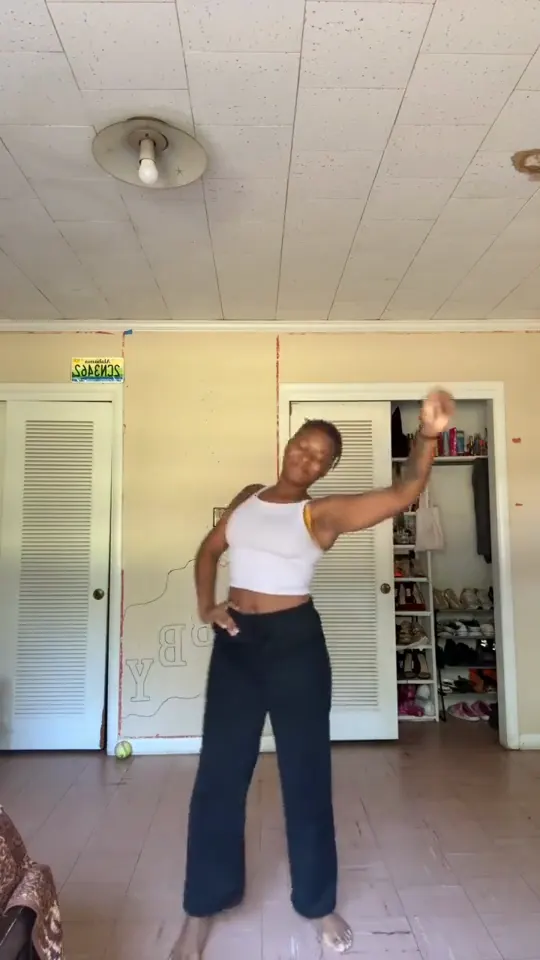
Pick It Up Dance
Turn one photo into the Pick It Up bounce, arms-up and turn
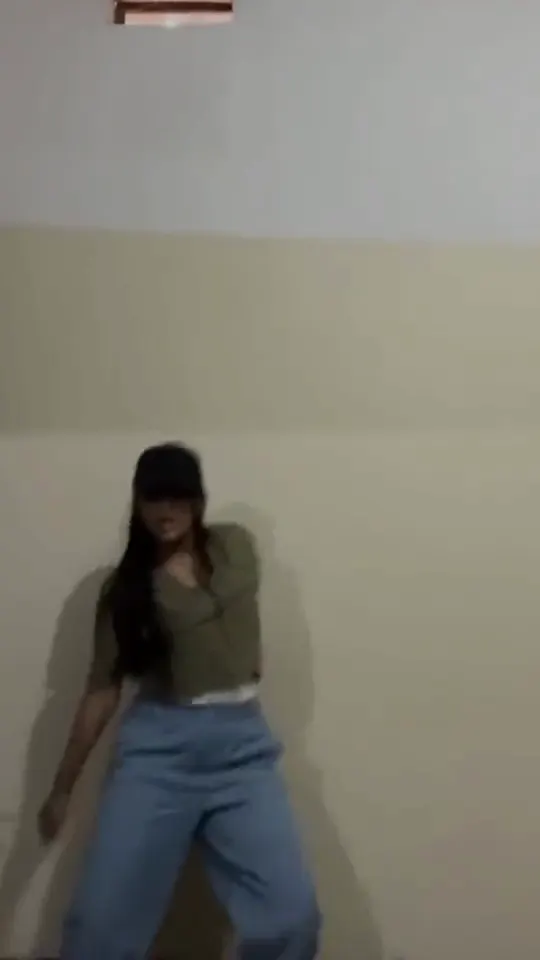
LISA Tarantino Dance
Turn one photo into the Tarantino dance cover
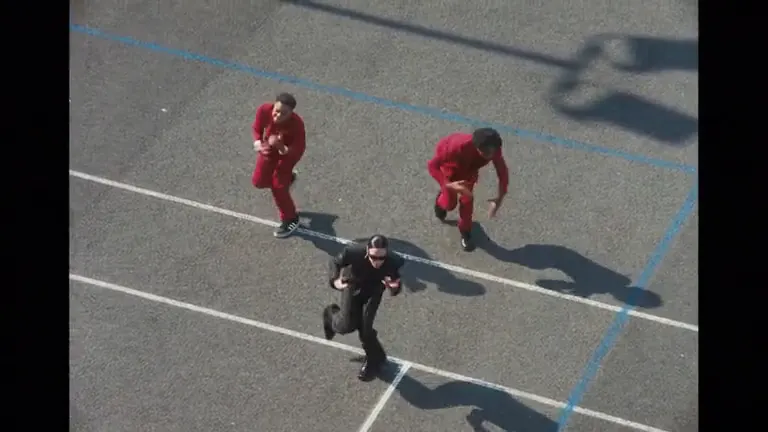
Lonyo AI Dance
Put your photo in the lead spot of the schoolyard dance
Mickey Mickey D's Dance
Turn one photo into the routine clip
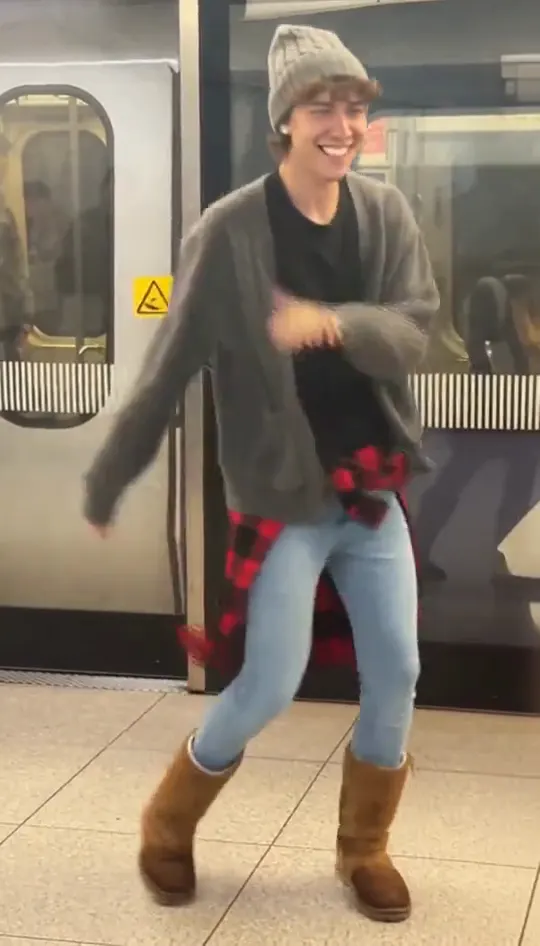
Missed Train Dance
Dance on the platform from one photo
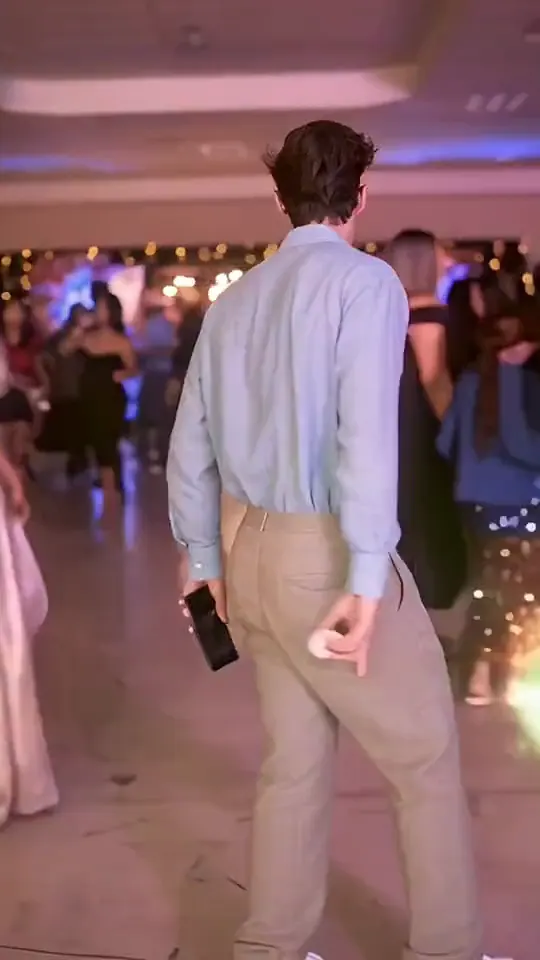
Dominican Papi AI Dance
Put your photo in the party walk, bread bite and stare
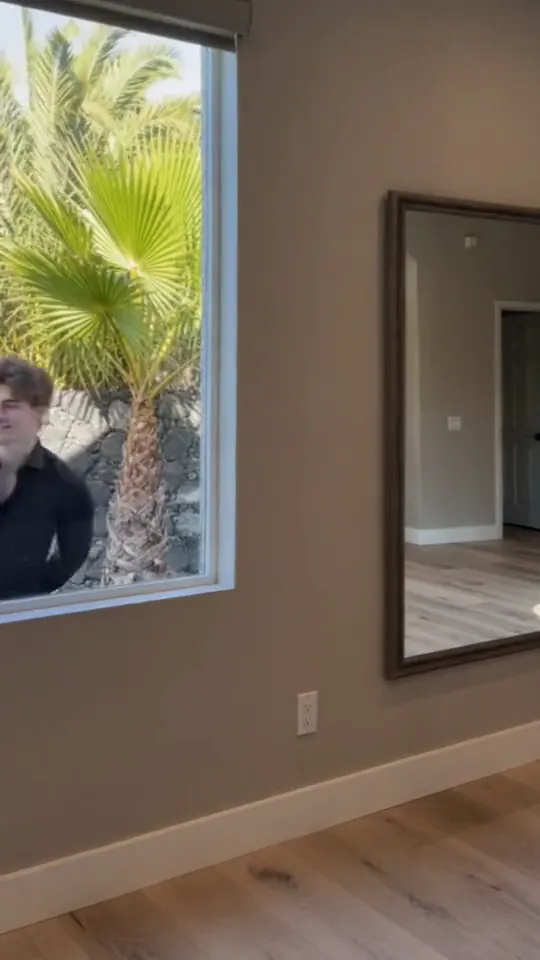
Pray For Me Slow Mo Dance AI
Turn one or two photos into the slow mo dance entrance
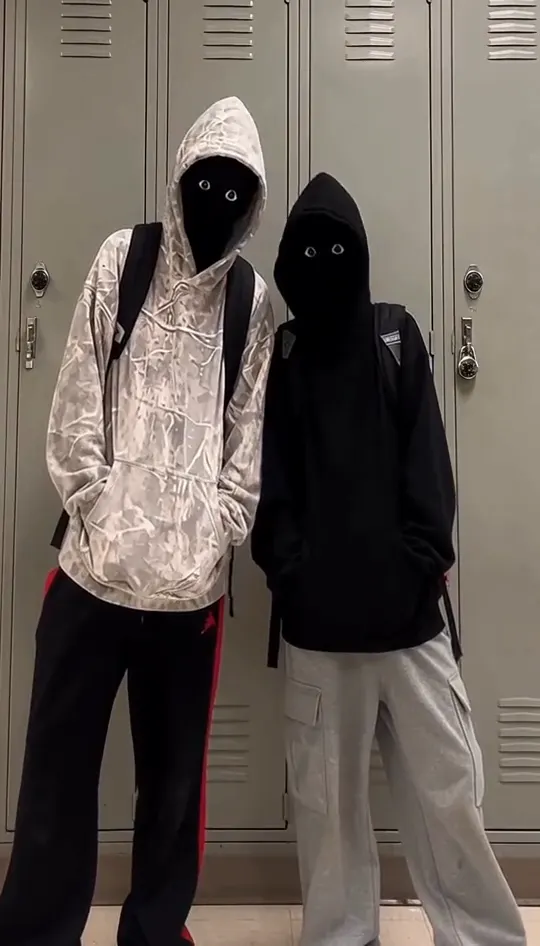
Spicy Chicken Sandwich School Dance
Turn two photos into the hoodie duo dance
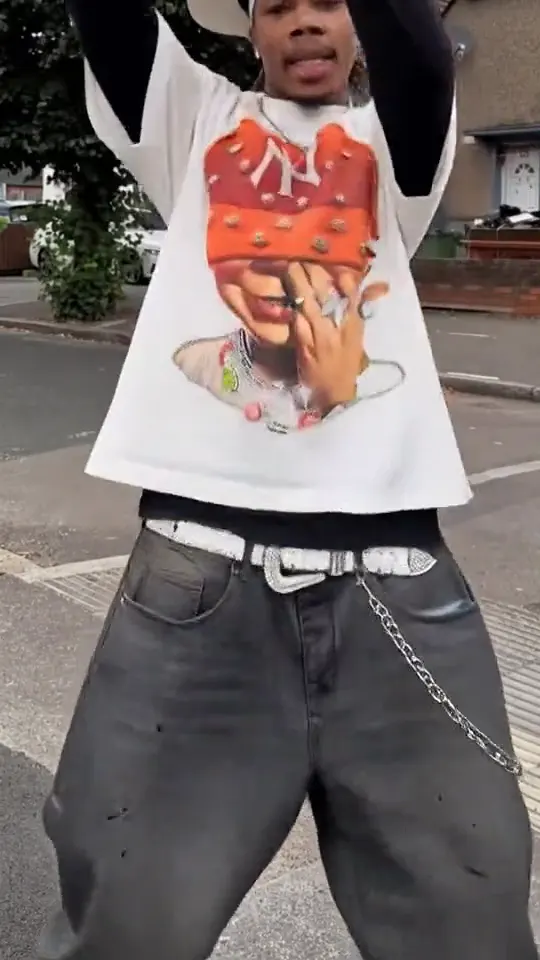
I'm Not Yo B No More AI Dance
Put your photo in the arms-up street routine
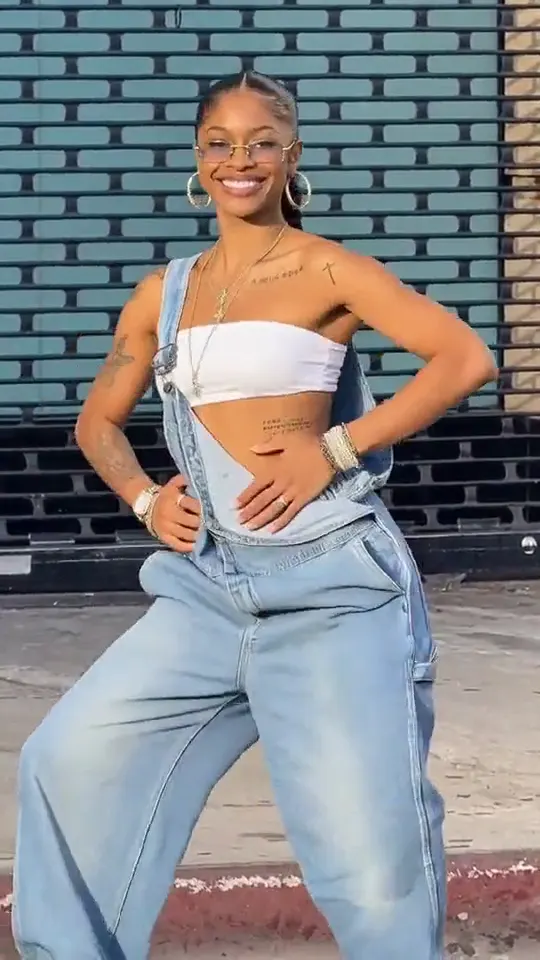
I'm So In Love AI Dance
Put your photo in the two-pose dance meme
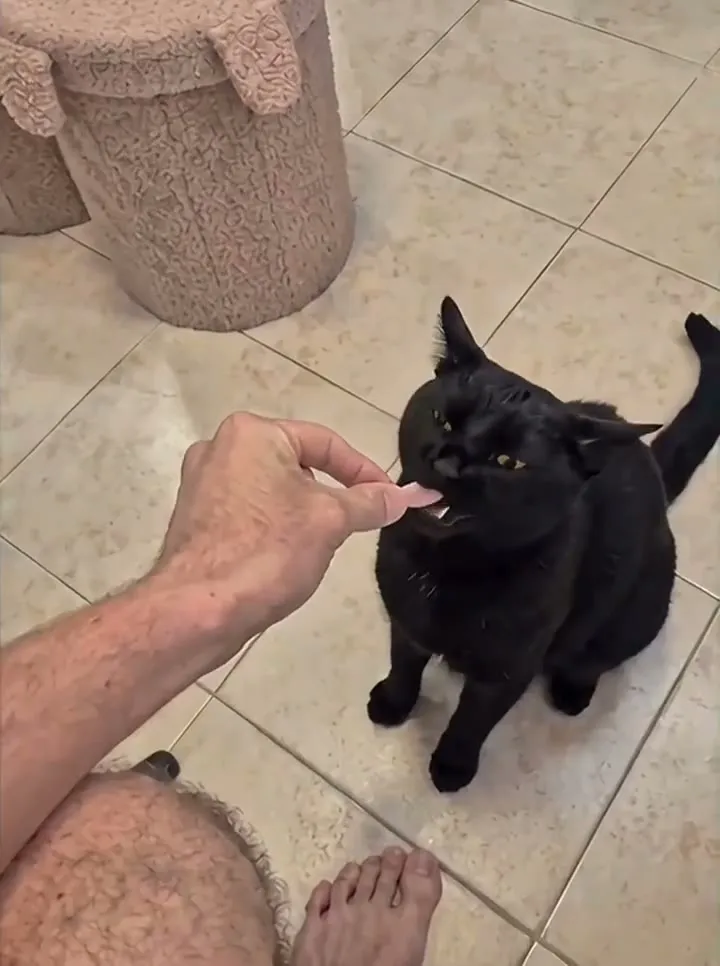
Toz Pembe AI Dance
One photo, one pink Y2K dancer
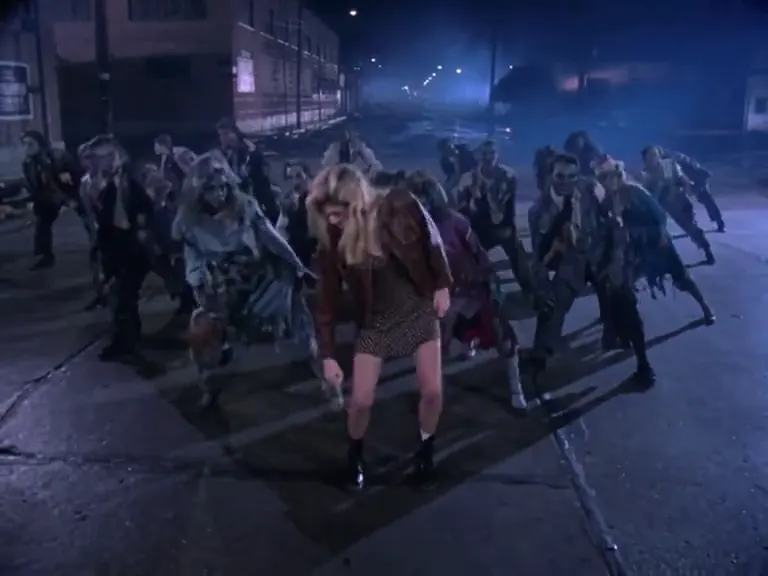
Michael Jackson AI Dance
Moonwalk-style dance from one photo
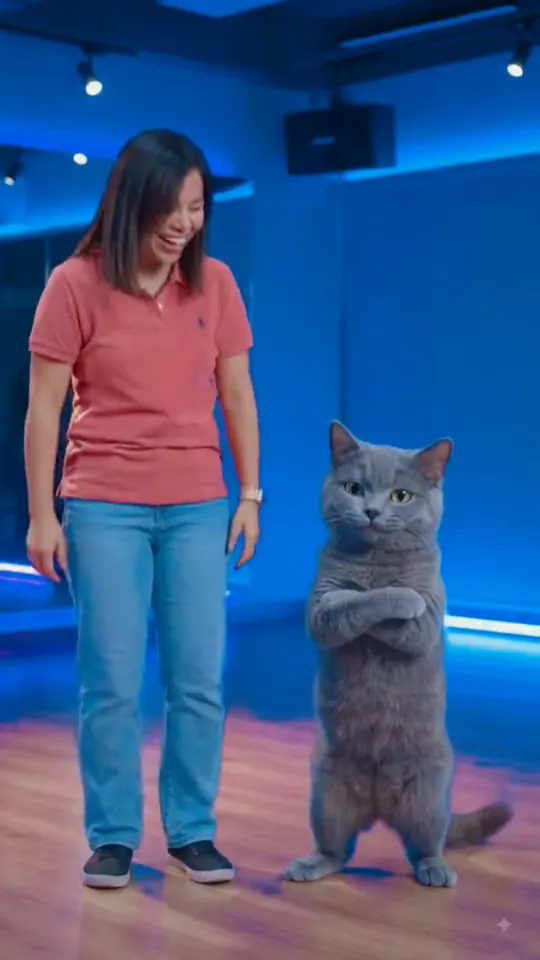
WYW My Sweetie Dance
Your photo bouncing to a Jersey Club beat
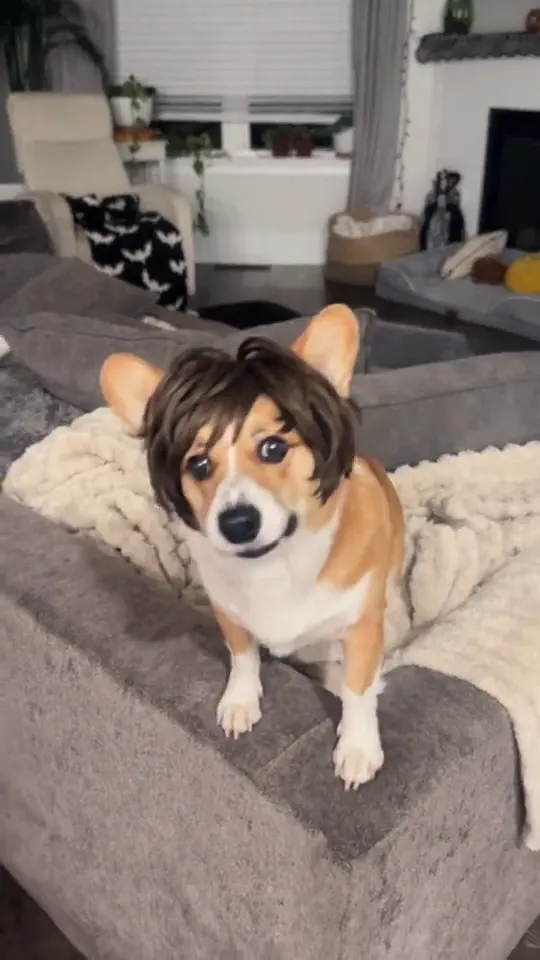
Thank You Baby AI Dance
Head bobs and bounces from one photo
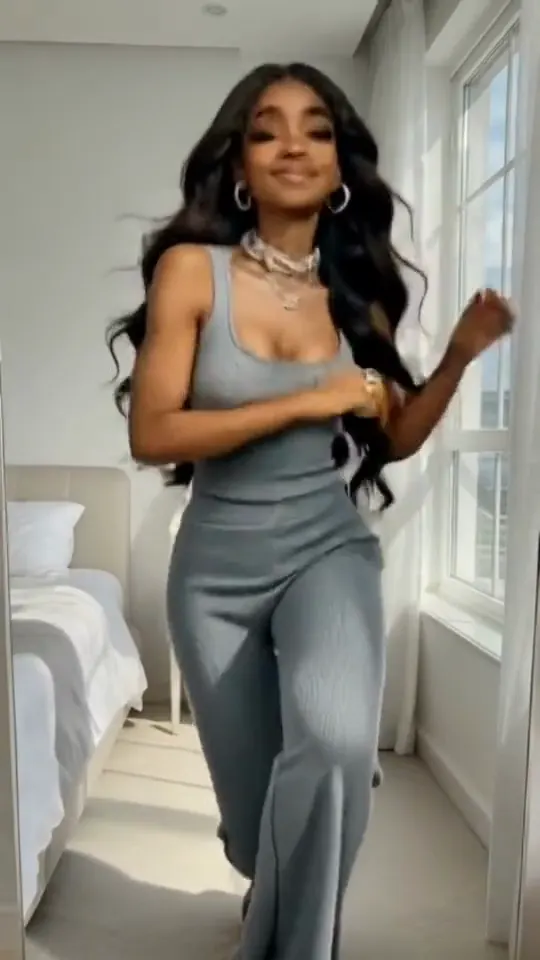
Fuzzy Dream Dance
Turn one photo into the fuzzy dream dance clip

Rasputin Dance AI
Turn one photo into the 15-second dance routine
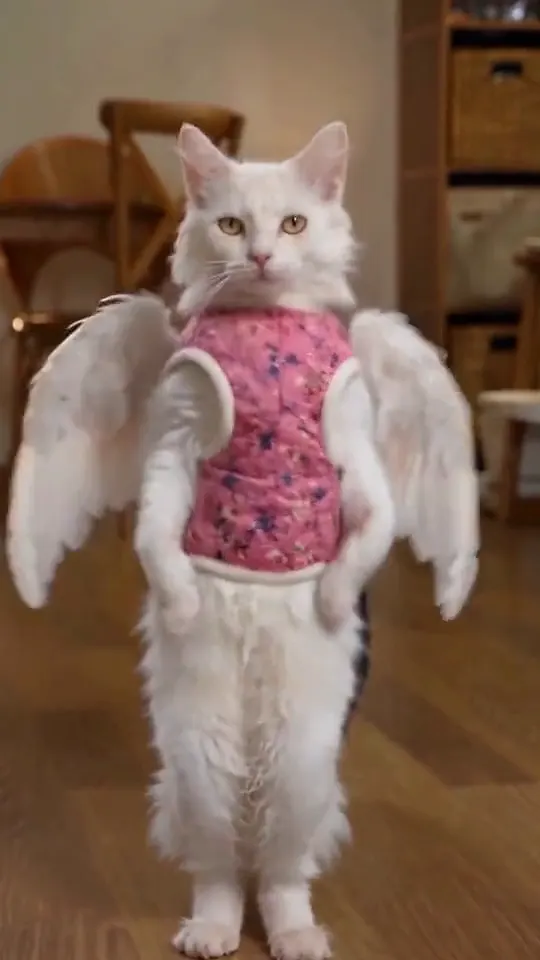
Vivaldi Dance AI
Turn two photos into the hide-and-reveal duet
Pick a dance by the move you recognize
Start with the AI dance trends move you already know from the original clip. Full-body templates need a photo that shows your whole body, while close-up templates work from a head-and-shoulders shot. If you are unsure, start with the top card in the list.
How to make a clip in three steps
- 1. Pick a template from the list above and open its page.
- 2. Upload the photo the template asks for. Use a clear, front-facing shot with even light. Couple and group templates need one clear photo per person.
- 3. Wait for the render, check the clip, then download it. Keep the audio on when you post, because each clip is built around its original sound.
Each clip is rendered from your photo and the template's reference, so the result depends on the photo you upload. If the first render misses, try a different photo angle before you switch templates. Every template is free to try.
Photo tips for better results
- Use a sharp photo with your face in the upper third of the frame.
- Even daylight or soft indoor light gives a cleaner result than a harsh flash.
- A plain background keeps the edges clean when a template swaps the scene.
- Take off sunglasses and keep hands away from the face unless the template calls for them.
AI Dance Trends: questions
How do AI dance trends work?
Upload one photo and pick a template. The tool animates your face and outfit to match the original dance, and the result comes back as a short video you can download.
How long are the clips?
Clips follow the length of the reference video. Only references longer than 15 seconds are cut down to 15 seconds.
Do I need to dance in the photo?
No. The photo only needs a clear face, and the template supplies the movement.
Does the dance keep its original song?
Yes. Each template keeps the audio track of its reference, so the beat matches the original dance.
Which of these AI dance trends should I try first?
Start with a dance you have already seen on TikTok or Reels, because you will recognize the timing right away.