Bring Photos To Life: The Couple Shares a Quiet Smile

Bring photos to life with one photo of you and your partner: choose a gentle scene, then get a 15-second vertical video with environmental sound and instrumental music, without spoken audio.

1사진 추가

Choose the Couple Scene

2화질 및 길이768p · 15s · 9:1660 credits

구독 없음 · 약 3분이면 완성 · 실패 시 결제되지 않음

Upload a photo of yourself or another adult who has agreed to its use. Do not upload someone else's image without permission.

From the Feed

Two Couple Scenes, One Starting Photo

This page offers two fixed scenes for a couple photo: Living Photo and Timeless Moment. Living Photo begins with the couple standing together in the original setting, clearly visible and warmly lit. Timeless Moment uses a softly lit, close pose with a quiet portrait mood. Both choices use one uploaded image and produce a 15-second, 9:16 video with environmental sound and instrumental music, without spoken voice.

Animate Our Photo

Three Steps

How to Make a Couple Photo Video

  1. 1

    Upload One Couple Photo

    Choose one photo showing you and your partner together. Use an image you have the right to share, and get the other adult's permission before uploading their likeness. Check that both faces are visible in the image.

  2. 2

    Choose a Scene Chip

    Keep Living Photo, the default, for a warmly lit pose in the original setting. Choose Timeless Moment for a close, softly illuminated portrait. The page only offers these two fixed scene choices.

  3. 3

    Generate and Review the Clip

    Select Animate Our Photo and wait for the 15-second, 9:16 video. Review the faces and movement before sharing. The clip has environmental sound and instrumental music without voice; add a separate song only after downloading if you want one.

Straight Answers

What This Couple Photo Video Can and Cannot Do

You get a short animated portrait built around one couple photo and a scene chip. Here are the practical limits before you upload.

What You Get

  • One photo of a couple is the only image input, so you can start without assembling a slideshow or editing multiple frames.
  • Two named scene choices are available: Living Photo and Timeless Moment. Living Photo is the first, default choice.
  • The result is a 15-second video in a vertical 9:16 format, ready to preview and share in a portrait layout.
  • Environmental sound and instrumental music come with the video, so the clip has audio without spoken words.

Known Limits

  • The clip has no human voice or dialogue, and you cannot upload your own song as its soundtrack.
  • Each generation uses one photo; you cannot combine separate portraits or add a second image on this page.
  • You must choose one of the two scene chips. There is no custom scene prompt field for this workflow.
  • A couple photo can be interpreted imperfectly by a video model, so facial details or small movements may not match your expectations in every result.
Animate Our Photo

The Trend Explained

What Does Bring Photos To Life Mean for a Couple Photo?

For a couple photo, bring photos to life means turning one still image into a short moving video while keeping the pair in the photographed setting. This page gives you two fixed treatments: Living Photo starts with the couple standing together, clearly visible and warmly lit; Timeless Moment places them close together in a softly illuminated portrait. Upload one photo, select a chip, and the generator creates a 15-second vertical 9:16 clip. The sound combines environmental audio and instrumental music. It contains no human voice, and you cannot supply a song. The result is a compact animated portrait, not a multi-photo montage or a recording of a real event. Use this workflow to bring photos to life when you want a couple portrait animated without combining multiple images.

One Photo Sets the Starting Scene

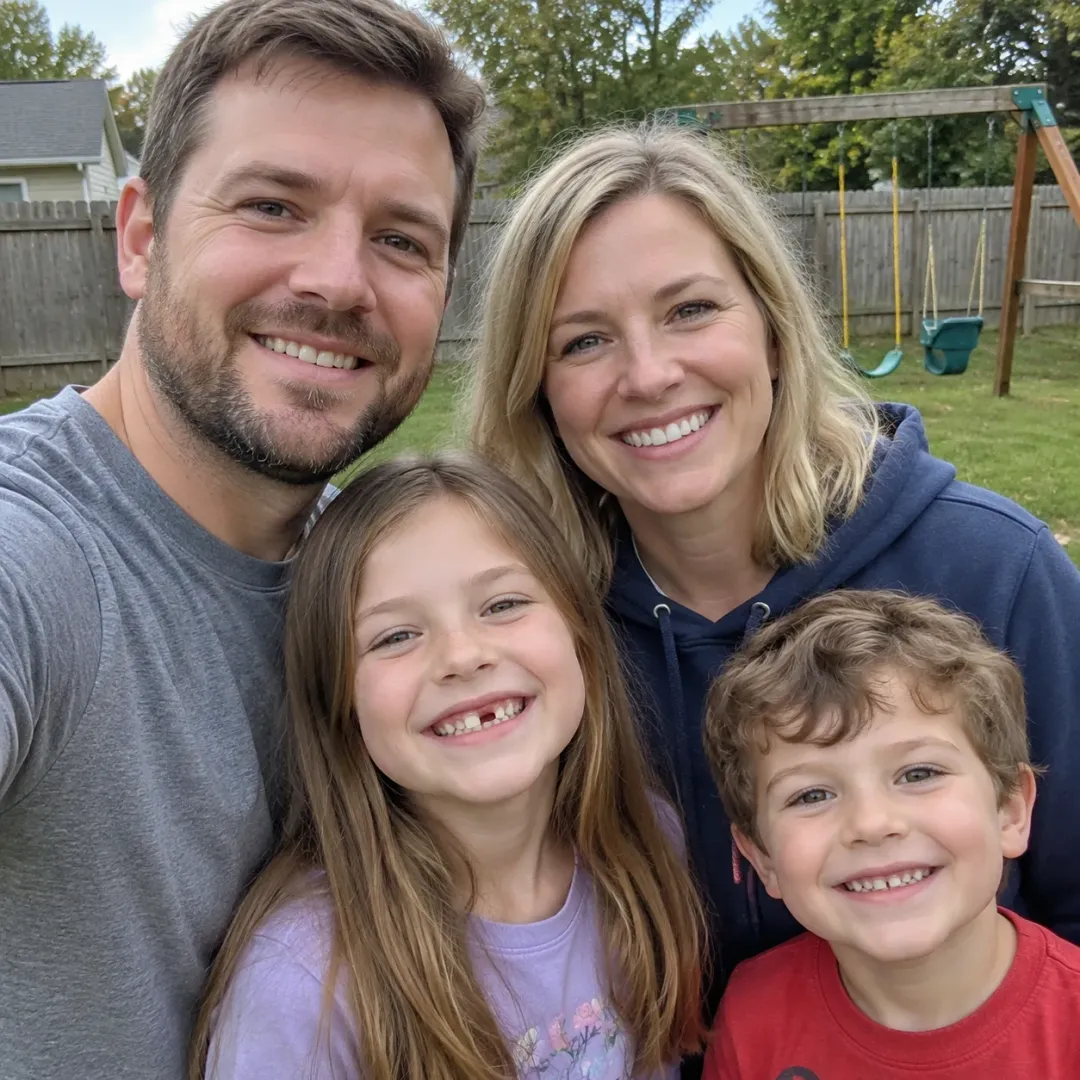
Upload one photo that shows both adults together. The selected image supplies the people and original setting for the generated clip. A clear image with both faces visible gives the model useful visual detail; this workflow does not accept a separate image for each person.

Two Chips Set the Mood

Living Photo is the first chip and the default. It starts with the couple together in the original setting, clearly visible and warmly lit. Timeless Moment uses a close pose and soft illumination for a quieter portrait feel. The scene choice is limited to these two options. Selecting a chip sets the treatment for the generated 15-second clip; there is no field for writing a custom scene prompt.

A Short Clip With Instrumental Audio

The output lasts 15 seconds and uses a 9:16 vertical frame. Environmental sound and instrumental music are included, but there are no spoken words or human voice. You cannot upload a personal track, so plan to add a separate platform sound after generation if you want a specific song. This makes the clip suitable for a portrait post while keeping the audio choices clear before you start.

More to try with your photo

Bring Photos To Life FAQ

Answers about couple photos, scene choices, sound, video length, privacy, and making your clip.

Animate Our Photo
How can I bring photos to life in a video of me and my partner hugging?

Neither Living Photo nor Timeless Moment is a hug option, so a hug is not guaranteed. Upload one photo of you and your partner, then choose one of the two fixed scenes for a 15-second vertical clip. The result includes instrumental music and environmental sound, without a human voice.

Can I bring photos to life by animating a couple photo naturally?

Natural movement is not guaranteed. The generator animates one couple photo using one of two fixed scene treatments: Living Photo starts with the couple standing together in the original setting, while Timeless Moment uses a close, softly lit portrait. Review the result before sharing because video generation can interpret details differently from the source image.

What does bring photos to life do to my couple picture?

It uses one uploaded couple picture as the visual starting point for a 15-second, 9:16 video. You choose Living Photo or Timeless Moment, and the selected scene guides the opening pose and mood. The finished clip has environmental sound and instrumental music, but no spoken voice.

How many photos can I upload for one video?

You can upload one photo for each video on this page. The photo should show the couple together; you cannot add separate portraits for each person or combine several images into a montage. Choose a picture where both faces are visible and use it only with the people’s permission. The single image supplies the starting setting and people for the 15-second vertical result.

What scenes can I choose for the couple video?

There are two scene choices: Living Photo and Timeless Moment. Living Photo is the default and starts with the couple standing together in the original setting, clearly visible and warmly lit. Timeless Moment starts with them close together in a softly illuminated portrait pose.

Does the generated video include voices or my own music?

No. The 15-second clip includes environmental sound and instrumental music, without human voice or spoken dialogue. You cannot upload your own song to the generator. If you want a specific track, add it separately after downloading, using the sharing platform's audio tools.

What size and length is the finished clip?

The output is a 15-second video in a vertical 9:16 aspect ratio. That portrait shape fits phone screens and vertical posts. The page provides the scene choice and single-photo workflow; it does not let you set a different duration or aspect ratio here.

Can I use a photo of my partner without asking?

Use a photo of yourself or an adult who has agreed to have their image used. Ask your partner before uploading a picture that shows them, especially if you plan to share the generated clip publicly. Do not use a child's image through this couple workflow. The page is designed for one photo showing two adults together, and both people should be comfortable with the image being animated.

Will the video look exactly like our photo?

The uploaded image provides the people and setting for the generated clip, but video generation can alter facial details, pose, or small visual features. Choose a clear photo with both faces visible, then inspect the result before sharing. The page does not promise an exact frame-by-frame match. The output is a 15-second vertical video, so check that the framing still works for both people. This is one way to bring photos to life while keeping expectations clear.

How do I make and share this AI trend video?

Generate the clip, review it, and follow the [AI trend video guide](/hub/how-to-do-the-ai-trend) for a broader walkthrough. The guide covers sharing considerations for AI trend videos.

Explore More

More Photo Video Tools and Plans

Turn One Couple Photo Into a

15-Second Video

Choose Living Photo or Timeless Moment and make a 15-second vertical clip with instrumental music and environmental sound.

Animate Our Photo

One photo • 15 seconds • 9:16 vertical

Turn One Couple Photo Into a

Animate Our Photo