AI Singing Video: Your Friend Takes the Spotlight

Make an AI singing video from one photo: put your friend beneath the spotlights, in the driver’s seat, or on a sunset roof. The 15-second vertical clip has instrumental music and ambient sound, with no vocals.

1사진 추가

Choose One of Five Scenes

2화질 및 길이768p · 15s · 9:1660 credits

구독 없음 · 약 3분이면 완성 · 실패 시 결제되지 않음

Upload only a photo of yourself or an adult who has agreed to be included.

From the Feed

Five Places to Put the Same Unexpected Performer

These five scenes give one portrait five different roles: a studio mic ballad performer, a concert headliner, a parked-car performer, a sunset rooftop star, or the host of a living-room concert. Each uses one photo and produces a 15-second vertical clip. The setting changes with the chip you choose; the audio stays instrumental with ambient sound and no vocals. Pick the scene that best fits the person’s sense of humor.

Create My Singing Video

Three Steps

How to Make an AI Singing Video From One Photo

  1. 1

    Choose a Scene Chip

    Select Studio Mic Ballad for a microphone scene, Spotlight Stage for concert lights, Car Sing Along for a parked-car selfie, Sunset Rooftop for a city-at-dusk scene, or Cozy Home Serenade for a lamp-lit living room. The chip sets the scene; custom prompts are not available here.

  2. 2

    Upload One Suitable Photo

    Add one clear photo of yourself or an adult who agreed to be included. Face the camera and use even light so the person is easy to see. This tool accepts one photo for one person, not a group or a second image.

  3. 3

    Generate and Review the Clip

    Create the 15-second, 9:16 video with MiniMax H3. It includes instrumental music and ambient sound, without vocals. Review the result before sharing so the person shown is comfortable with how you use the clip.

Scene 01 · Spotlight Stage

The Spotlight Finds Your Unexpected Headliner

One photo, center stage, serious concert lighting.

The person in your photo stands center stage beneath gold and blue spotlights, holding a wireless microphone against a dark concert backdrop. The contrast is the joke: an ordinary portrait gets the full headliner treatment. This scene is a visual performance, while the soundtrack stays instrumental and contains no human voice. The result is a music-themed animation from a portrait, with no sung audio or lyrics.

  • Gold and blue spotlights
  • Wireless microphone on a dark stage
  • Instrumental audio, with no vocals

Scene 02 · Car Sing Along

The Parked Car Becomes a Private Tour Bus

Afternoon light, phone held up, main-character energy.

Your photo appears in a parked car in warm afternoon sunlight, holding a phone at arm’s length while the car interior stays softly visible. The setup feels like a spontaneous sing-along caught between errands, even though the clip contains no singing voice. Pick this scene for a casual selfie music video or a friend who treats every red light like a stage.

  • Parked car in warm afternoon light
  • Phone held at arm’s length
  • Instrumental music with ambient sound

Scene 03 · Sunset Rooftop

A Rooftop Finale Before the Sun Goes Down

The skyline gets the dramatic last look.

The person from your photo stands on a rooftop terrace beneath an orange and pink sunset, with the city softly visible in the distance. The scene gives a simple portrait a grand-finale setting without adding a duet or another person. Its visual mood suggests a music video, while the generated audio remains instrumental, with no lyrics or vocals.

  • Orange and pink sunset sky
  • Rooftop terrace with a distant city
  • One person from one uploaded photo

Scene 04 · Cozy Home Serenade

The Living Room Gets a Very Personal Concert

A glowing lamp, a piano in the back, and one star.

Your photo becomes a seated scene in a cozy living room beside a softly glowing lamp, with a piano visible in the background. The intimate setting suits a playful dedication or a low-key greeting, while the generated clip still does not contain a sung serenade. Choose this chip when the joke works better as a living-room performance than a giant stage.

  • Cozy living room and glowing lamp
  • Piano visible in the background
  • Instrumental soundtrack, not a human voice

Straight Answers

The Performance Is Visual; the Sound Is Instrumental

This AI singing video turns a still portrait into a music-themed scene. Here is what the result includes, and where the word “singing” can set the wrong expectation.

What You Get

  • One uploaded photo becomes the person in a 15-second, 9:16 vertical scene.
  • Five selectable settings: Studio Mic Ballad, Spotlight Stage, Car Sing Along, Sunset Rooftop, and Cozy Home Serenade.
  • MiniMax H3 generates the clip with instrumental music and ambient sound included.
  • The joke comes from the contrast between an everyday photo and a full performance setting.

Known Limits

  • There is no human voice, singing, or lyrics in the generated clip; the audio is instrumental with ambient sound.
  • You cannot upload your own song or choose a custom track for the generation.
  • Each clip uses one photo and one person; you cannot add another person or combine photos.
  • The scene must come from the five available chips. You cannot describe a custom location, and each clip is 15 seconds.
Create My Singing Video

The Trend Explained

What Is an AI Singing Video When There Are No Vocals?

An AI singing video on this page is a short, music-themed scene generated from one photo. MiniMax H3 places the person in a selected setting and creates a 15-second vertical clip with instrumental music and ambient sound. Despite the name, the result does not include a singing voice, lyrics, or lip-sync to a supplied song. You choose from five fixed scenes: Studio Mic Ballad, a spotlight stage, a parked car, a sunset rooftop, or a cozy living room. That makes the result closer to a visual performance gag than a complete song video. Use it when the setting and the person’s unexpected transformation are the punchline.

One Portrait Becomes the Performer

Upload a single photo of one person. The generated scene uses that person as its subject, so a clear, front-facing image with even light is a sensible starting point. This photo singing video does not support a second portrait or a two-person duet.
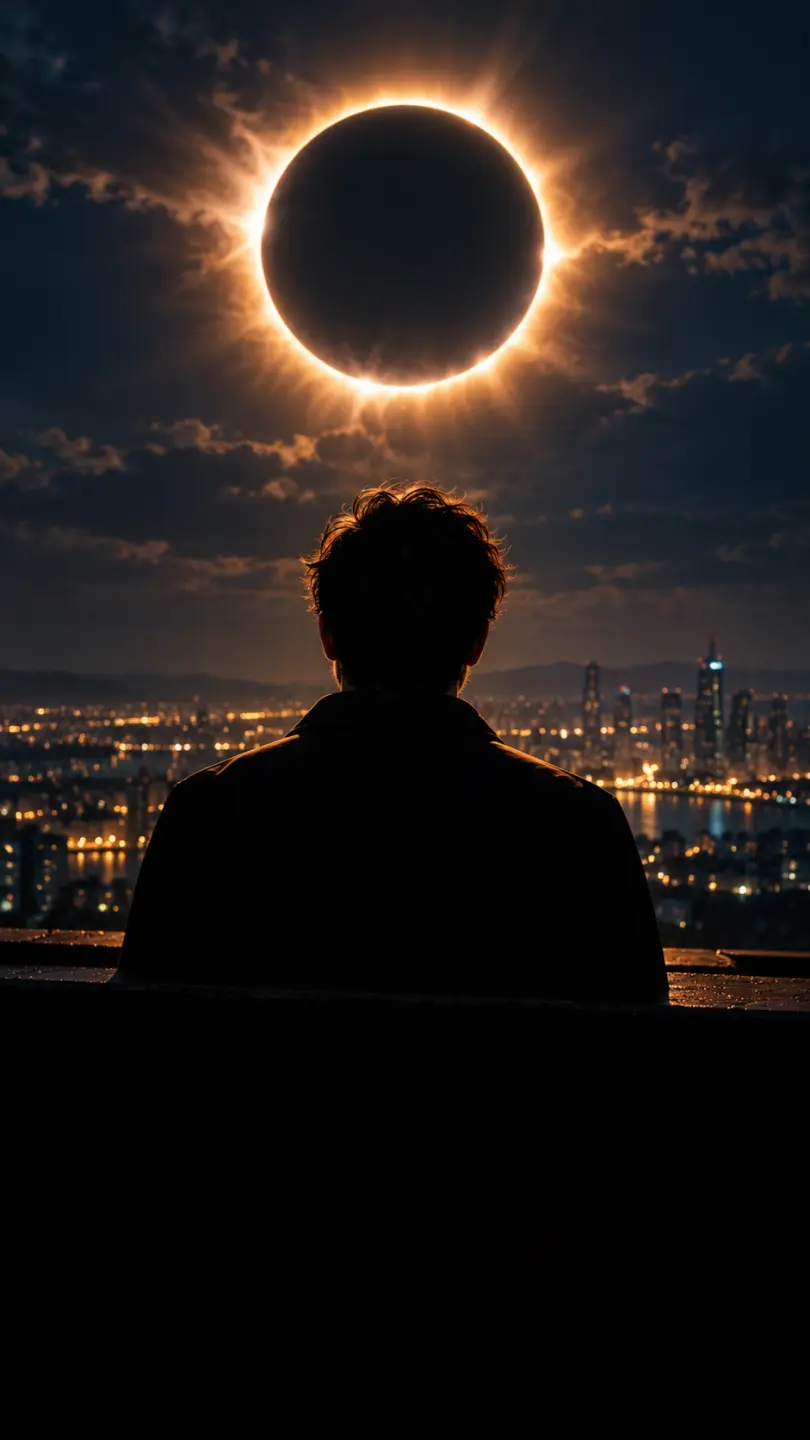
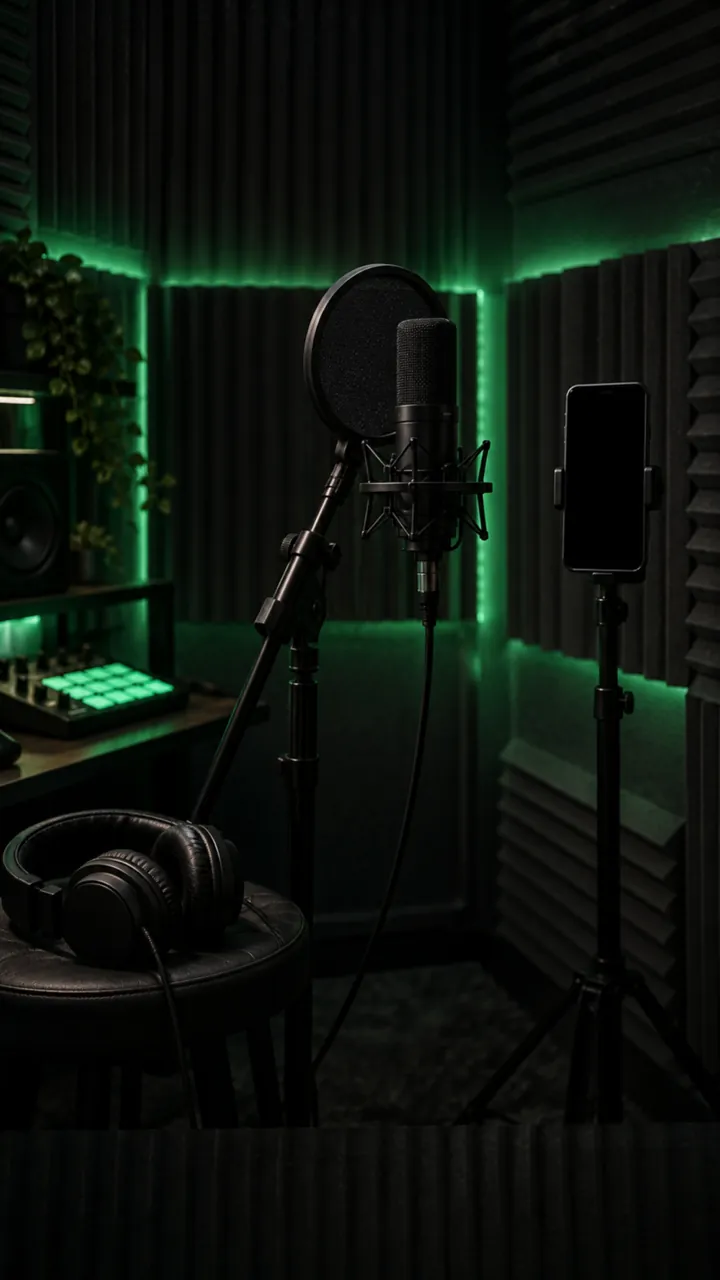
Five Fixed Scenes Set the Joke

Choose Studio Mic Ballad, Spotlight Stage, Car Sing Along, Sunset Rooftop, or Cozy Home Serenade. The chip sets the location and visual setup. You cannot type a different scene or ask for a custom song, so choose the setting that fits the person and the joke.

Instrumental Audio Comes With the Clip

The 15-second video includes instrumental music and ambient sound, but no human voice or lyrics. You cannot supply your own song. If you want a particular track, this generator cannot place it into the video; the result is a visual performance with instrumental music and ambient sound, but no vocals. This photo to singing video creates a music-themed scene rather than a vocal performance.

More to try with your photo

AI Singing Video FAQ

Straight answers about the photo, five scene choices, audio, clip length, and sharing.

Create My Singing Video
Can I upload my own song and a selfie to create an AI singing video?

No. This page accepts one photo and a scene chip, but it does not accept an uploaded song. MiniMax H3 creates a 15-second clip with instrumental music and ambient sound; the audio contains no human singing voice or lyrics.

Does the person actually sing in the generated video?

No. The clip creates a music-themed visual scene, but it has no human voice and no sung lyrics. The soundtrack is instrumental with ambient sound, so this photo singing video should not be treated as a vocal performance or a lip-sync result.

How many photos can I use for one clip?

Use one photo of one person for each clip. The page does not support a second photo, a group image as multiple performers, or a duet. Choose a clear portrait where the person’s face is visible and use a photo of yourself or an adult who agreed.

Which scenes can I choose for the video?

Choose one of five fixed scenes: Studio Mic Ballad, Spotlight Stage, Car Sing Along, Sunset Rooftop, or Cozy Home Serenade. Each chip sets a different location and visual setup around the uploaded person. You cannot enter a custom scene description.

How long is the AI singing video, and what shape is it?

Each clip is 15 seconds and uses a 9:16 vertical format. MiniMax H3 generates the video from one photo and one selected chip. The clip includes instrumental music and ambient sound, but it has no human voice or lyrics.

Can I make a photo sing a specific song?

No. You cannot upload or select a specific song for this generation, and the output does not contain singing. The built-in audio is instrumental music plus ambient sound. If the specific track matters to your idea, this tool does not provide that audio workflow.

What kind of photo should I upload?

Use one clear, well-lit photo that shows one person facing the camera. Avoid images where the face is obscured or hard to see. Only upload a photo of yourself or an adult who has agreed to appear in the generated clip.

Can I make a photo sing with this tool?

The tool turns a photo into a music-themed video scene, but it does not generate a singing voice, lyrics, or lip-sync to a song. You get a 15-second vertical clip with instrumental music and ambient sound. The term “AI singing video” describes the theme, not a vocal output. The scene comes from one of four fixed settings, so you cannot add a custom location.

Where can I find tips for making an AI singing video trend clip?

Read the guide to AI trends for practical tips on preparing and sharing a short clip. This AI singing video uses one photo, one of five fixed scenes, and a 15-second vertical format; the generated audio is instrumental and has no vocals.

Explore More

More Photo-Based Video Ideas

Give One Photo a Full

AI Singing Video Moment

Choose a scene and turn one photo into a 15-second AI singing video with instrumental music and ambient sound. There are no vocals or custom song uploads.

Create My Singing Video

One photo • 15 seconds • 9:16 vertical

Give One Photo a Full

Create My Singing Video