Birthday Video Message: A Birthday Toast Without Words

Make a birthday video message from one photo: choose a scene, then get a 15-second vertical clip with environmental sound and instrumental music. No voice, custom song upload, or typed scene prompt.

1เพิ่มรูปของคุณ

Choose a Birthday Scene

2คุณภาพและความยาว768p · 15s · 9:1660 credits

ไม่ต้องสมัครสมาชิก · เสร็จในประมาณ 3 นาที · ไม่คิดเงินหากล้มเหลว

Only upload a photo of yourself or an adult who has agreed to appear. Do not upload someone else's photo without their consent.

From the Feed

Five Birthday Scenes, Five Different Moods

Each scene turns the same single photo into a different birthday setting: Warm Birthday Wish, Proud Family Toast, Playful Party Surprise, Cozy Candle Wish, or Sunny Outdoor Celebration. Warm Birthday Wish is the first chip and the default selection. The scene list is fixed, so choose the setting that best fits the person and the way you plan to share the clip. All five options make a 15-second vertical video with environmental sound and instrumental music, without a spoken message.

Make Birthday Video

Three Steps

How to Make a Birthday Video Message

  1. 1

    Choose a Birthday Scene

    Select one of the five preset chips: Warm Birthday Wish, Proud Family Toast, Playful Party Surprise, Cozy Candle Wish, or Sunny Outdoor Celebration. Warm Birthday Wish is the first chip and the default selection. Pick the setting that suits the recipient before uploading your photo.

  2. 2

    Upload One Approved Photo

    Add one clear photo of yourself or an adult who has agreed to appear. Check the selected scene and the displayed generation cost before you start. You cannot add a second person, write a custom scene, or attach your own song.

  3. 3

    Generate and Share the Clip

    Press Make Birthday Video to create the 15-second vertical clip. Preview the environmental sound and instrumental music, then download it and share it with a written birthday note if you want to include words.

Scene 01 · Proud Family Toast

A Toast That Says Plenty Without Words

Raise a glass; let the look do the talking.

The person from your photo stands before a softly lit dark backdrop, holding a small glass at chest height with an affectionate, proud expression. This birthday video message has environmental sound and instrumental music, with no spoken toast. Choose this scene when the birthday person would appreciate a quiet family moment rather than a speech delivered on camera.

  • Dark, softly lit backdrop
  • Small glass held at chest height
  • Instrumental sound with no voice

Scene 02 · Playful Party Surprise

The Party Grin Before the Surprise

Balloons glow; the camera catches the grin.

The person from your photo stands in a cheerful party setting with softly glowing balloons and warm lights, facing the camera with a playful grin. The scene gives a birthday video message a celebratory look without adding spoken jokes or a scripted greeting. Pick it for a light, upbeat share with friends or family who know the person’s sense of humor.

  • Glowing balloons and warm lights
  • Playful look toward the camera
  • No spoken greeting or lyrics

Scene 03 · Cozy Candle Wish

Cake, Candlelight, and a Calm Smile

A small cake makes the quiet moment feel personal.

The person from your photo sits at a cozy table in warm candlelight, with a small birthday cake in the foreground and a calm smile toward the camera. The result suggests a birthday wish through the setting and expression; it does not speak a message aloud. Choose this scene for a softer birthday video message that feels suited to a close friend or relative.

  • Warm candlelit table
  • Small cake in the foreground
  • Calm expression toward the camera

Scene 04 · Sunny Outdoor Celebration

A Garden Celebration in Daylight

Flowers and sunshine set an easy, cheerful mood.

The person from your photo stands in a sunny garden with softly blurred flowers behind, facing the camera with an easy, cheerful expression. Environmental sound and instrumental music accompany the 15-second vertical clip; there is no voice track. This birthday video message scene fits a bright greeting for someone who prefers an outdoor feel to candles, balloons, or a formal toast.

  • Sunny garden setting
  • Softly blurred flowers
  • Instrumental music without speech

Straight Answers

What This Birthday Video Message Includes

The format is simple by design: one photo, one selected scene, and a short clip with sound. Check the limits before you start so the result matches what you expect.

What You Get

  • One photo gives the video a personal subject, while the selected scene supplies the birthday setting.
  • Five preset scenes cover Warm Birthday Wish, a toast, a party, a candlelit cake, and an outdoor garden celebration.
  • The finished clip is 15 seconds in a 9:16 vertical format, ready for a phone screen.
  • Environmental sound and instrumental music are included, so the video has audio without a spoken track.

Known Limits

  • The clip has no human voice and does not deliver a spoken birthday greeting.
  • You can upload one photo per clip; this page does not combine multiple people or pictures.
  • You must choose from the five preset scenes; you cannot type in a custom setting.
  • You cannot upload your own song, and the generated clip is limited to 15 seconds.
Make Birthday Video

The Trend Explained

What Is a Birthday Video Message Here?

Here, a birthday video message means a 15-second vertical scene built around one uploaded photo. You choose one preset setting, and MiniMax H3 generates the person in that scene with environmental sound and instrumental music. The clip does not contain a spoken wish, lyrics, or a voice track. Think of it as a visual birthday greeting: the toast, balloons, cake, or garden supplies the occasion, while you can add your own written caption when you share it. This workflow suits a quick, personal visual greeting when you do not need a talking portrait or a montage of family recordings.

One Photo Sets the Subject

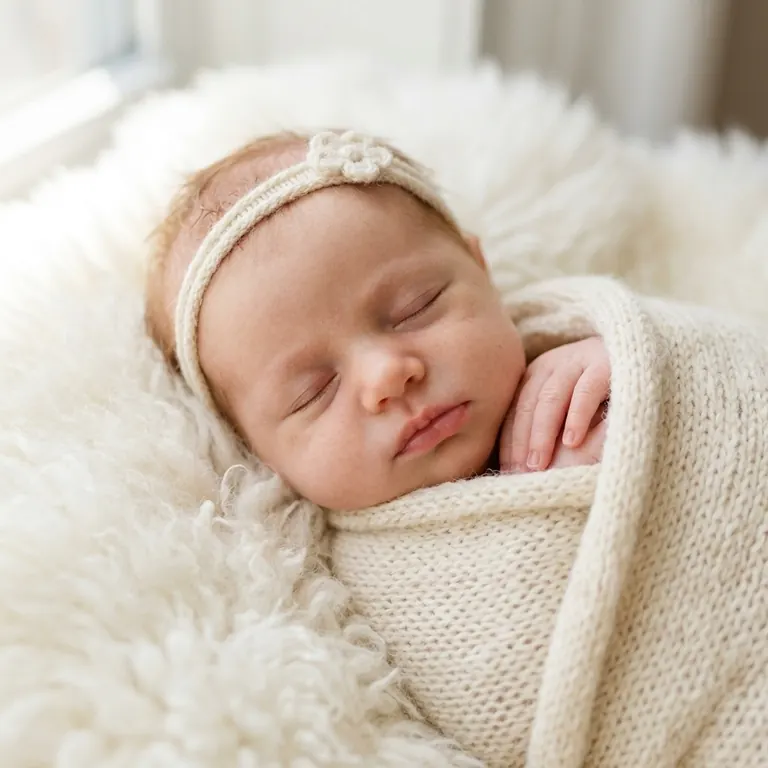
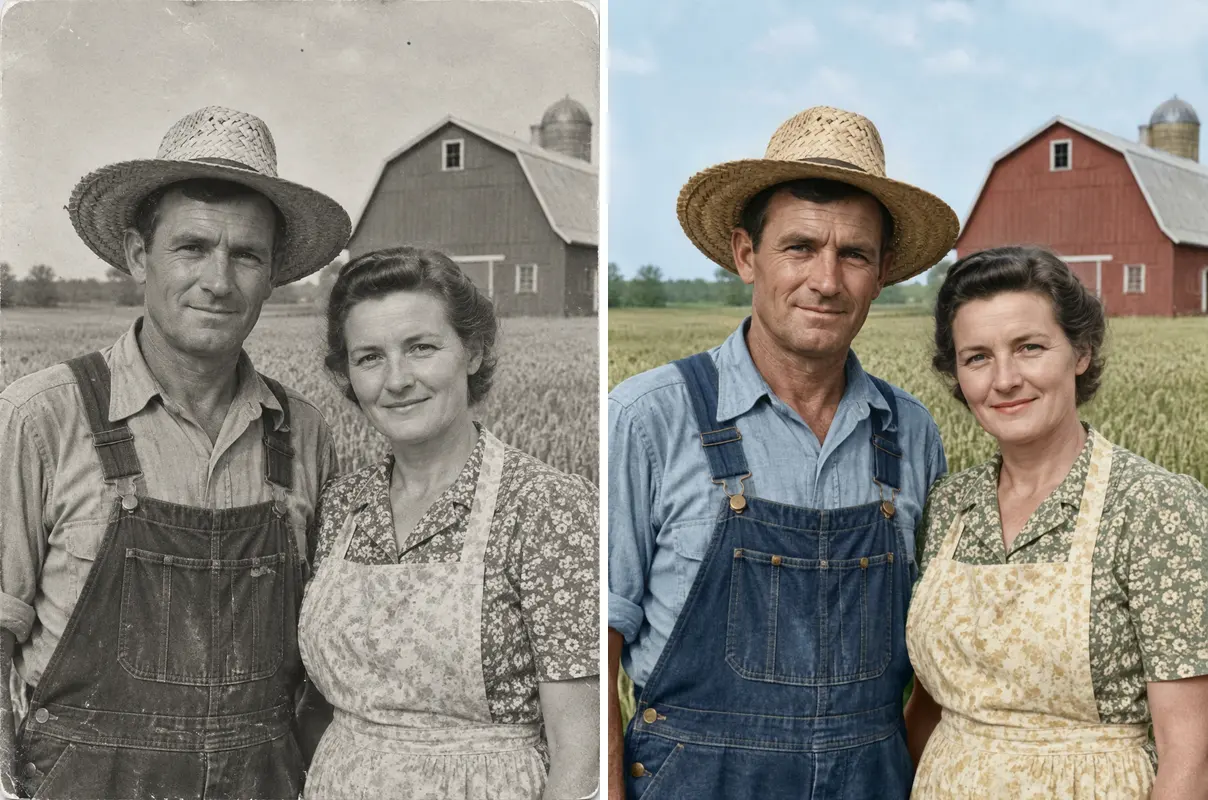
Upload one photo of yourself or an adult who has agreed to appear. The page uses that image as the reference for a single person in the generated scene. It does not accept a second image for another person, so choose a photo that suits the greeting you want to send. This single photo birthday video uses the selected setting to create a portrait birthday clip. A birthday greeting video or birthday video from a photo can work as a visual keepsake when you want the person and scene to carry the message.
Four Preset Scenes Set the Mood

Choose Warm Birthday Wish, Proud Family Toast, Playful Party Surprise, Cozy Candle Wish, or Sunny Outdoor Celebration. Warm Birthday Wish is the first chip and the default selection. Each preset describes a different setting and expression. You select from those chips rather than writing a custom scene, which keeps the choices clear before you generate.

Sound Is Instrumental, Not Speech

The 15-second clip includes environmental sound and instrumental music. It has no human voice, spoken wish, or lyrics, and you cannot add your own song in the generator. If you want words in the greeting, write them in a message or caption outside the video.

More to try with your photo

Birthday Video Message FAQ

Answers about the photo, scenes, sound, format, and what happens when you generate.

Make Birthday Video
How do I make a birthday video message from one photo?

Choose one of the five preset scenes, upload a photo of yourself or a consenting adult, and start generation. MiniMax H3 makes a 15-second vertical clip with environmental sound and instrumental music. The video has no spoken birthday wish, so add your own words in a separate message or caption if needed.

Can the person in the video say happy birthday?

No. This birthday video message has no human voice or spoken words. It uses environmental sound and instrumental music, so treat it as a visual greeting rather than a talking-photo message. You can write a separate caption or send a text alongside the video.

How many photos can I upload for one clip?

You can upload one photo for each clip. The workflow does not combine multiple portraits or create a group scene from separate photos. Choose one image of yourself or an adult who has agreed to appear, and select one of the available birthday settings.

Which scenes can I choose for a birthday video?

There are five preset scenes: Warm Birthday Wish, Proud Family Toast, Playful Party Surprise, Cozy Candle Wish, and Sunny Outdoor Celebration. Each uses a different birthday setting, from a glass raised against a dark backdrop to a garden with blurred flowers. Warm Birthday Wish is the first chip and the default selection. The scene options are fixed; you cannot enter a custom setting. The birthday toast video option gives the clip a celebratory setting, while the other presets offer party, cake, or garden scenes.

Can I add my own song to the birthday clip?

No. The generator provides environmental sound and instrumental music, and it does not let you upload your own song. The clip also has no lyrics or spoken audio. If you want a specific song, check the sharing platform’s audio tools after downloading and follow its rules for adding music.

How long and what shape is the finished video?

Each generated clip is 15 seconds in a 9:16 vertical format. That shape is made for viewing on a phone screen. The page generates a single short scene rather than a longer montage, so plan to share it as a brief visual greeting.

What photo should I use for this birthday video message?

Use one clear photo of yourself or an adult who has agreed to appear. A visible face and good lighting give the generator a clear reference for the person in the selected setting. Do not upload a photo of another adult without their consent, and avoid images you do not have permission to use.

How much does one 15-second birthday video cost?

One 15-second clip costs 60 credits. You can also choose a one-time pack: $9.99 for 1 clip, $19.99 for 3 clips, or $29.99 for 5 clips. The [pricing page](/pricing) lists current options and plan details.

Where can I learn how to make this AI birthday trend?

The [AI trend guide](/hub/how-to-do-the-ai-trend) explains a general process for preparing and sharing an AI video. For this birthday video message, the key choices are one approved photo and one preset scene; the generated clip remains 15 seconds and has instrumental audio without speech.

Explore More

More Birthday Video Ideas

Make a Personal

Birthday Video Message

Choose a scene and upload one approved photo to make a 15-second birthday video message with environmental sound and instrumental music, without a spoken track.

Make Birthday Video

15 seconds • 9:16 vertical • Instrumental sound

Make a Personal

Make Birthday Video